
HIPAA-Compliant AI Receptionists: What Law Firms Must Know
By Adom FrancisLast modified: September 2, 2025
Voted Top Call Center for 2024 by Forbes
Virtual Receptionists
Save time and money with our virtual receptionists.
AI Receptionist
AI-powered receptionist that answers, routes, and qualifies calls 24/7.
Enterprise Solutions
Solutions designed to scale with your organization’s needs.
Legal Services
Our virtual legal receptionists are experts in legal intake.
Last modified: September 2, 2025
AI receptionists can answer calls, collect basic intake details, schedule appointments, and route or escalate high-value calls — 24/7 and at lower marginal cost than a fully staffed desk. For law firms, those capabilities can mean faster contact with prospective clients, fewer missed opportunities, and reduced administrative burden for intake teams.
But audio and intake data created or handled by these systems can include protected health information (PHI) or other personally identifiable information (PII). When an AI system creates, receives, stores, or transmits ePHI on a covered entity’s behalf, HIPAA obligations apply. This guide explains practical steps firms should take before deploying an AI receptionist so you get efficiency without exposure.
TL;DR — Six Things To Know Right Now

If the AI system creates/handles ePHI, require a Business Associate Agreement (BAA).
Update your Security Risk Assessment (SRA) to include AI reception scenarios.
Limit collection to the minimum necessary data for the task.
Require vendor transparency about model training, retention, and subprocessors.
Treat telephone/audio transcripts as ePHI and secure them accordingly.
Keep a human-in-the-loop and clear escalation paths for sensitive calls.
HIPAA Rule / Concept | How It Applies To An AI Receptionist |
Privacy Rule | Limit use/disclosure of PHI; collect only what’s necessary for intake or scheduling. |
Security Rule | Apply administrative, physical, and technical safeguards to audio, transcripts, logs, and access controls. |
Business Associate Agreement (BAA) | Any vendor handling ePHI on your behalf must sign a BAA and accept breach notification responsibilities. |
Telephony & Audio | Call recordings and transcripts that can identify individuals are ePHI and must be secured and logged. |
Risk Assessment | Add AI-specific threats (model reuse, third-party updates, retention policies) to your SRA and reassess regularly. |
If your compliance team treats any system that records or transcribes calls as part of your ePHI estate, you’ll reduce the chance of missed obligations.
Ask these of every prospective vendor and save the answers in your procurement/compliance folder:
1. Will you sign a HIPAA-compliant BAA that names subprocessors and defines breach obligations?

2. Exactly which fields, audio, and metadata does your system ingest, store, transmit, or log? Can non-essential capture be disabled?
3. Where are audio and transcripts stored (region/country)? What are default retention windows and deletion procedures?
4. Do you use customer audio/transcripts to train or improve models? If so, what safeguards, anonymization, and opt-out mechanisms exist?
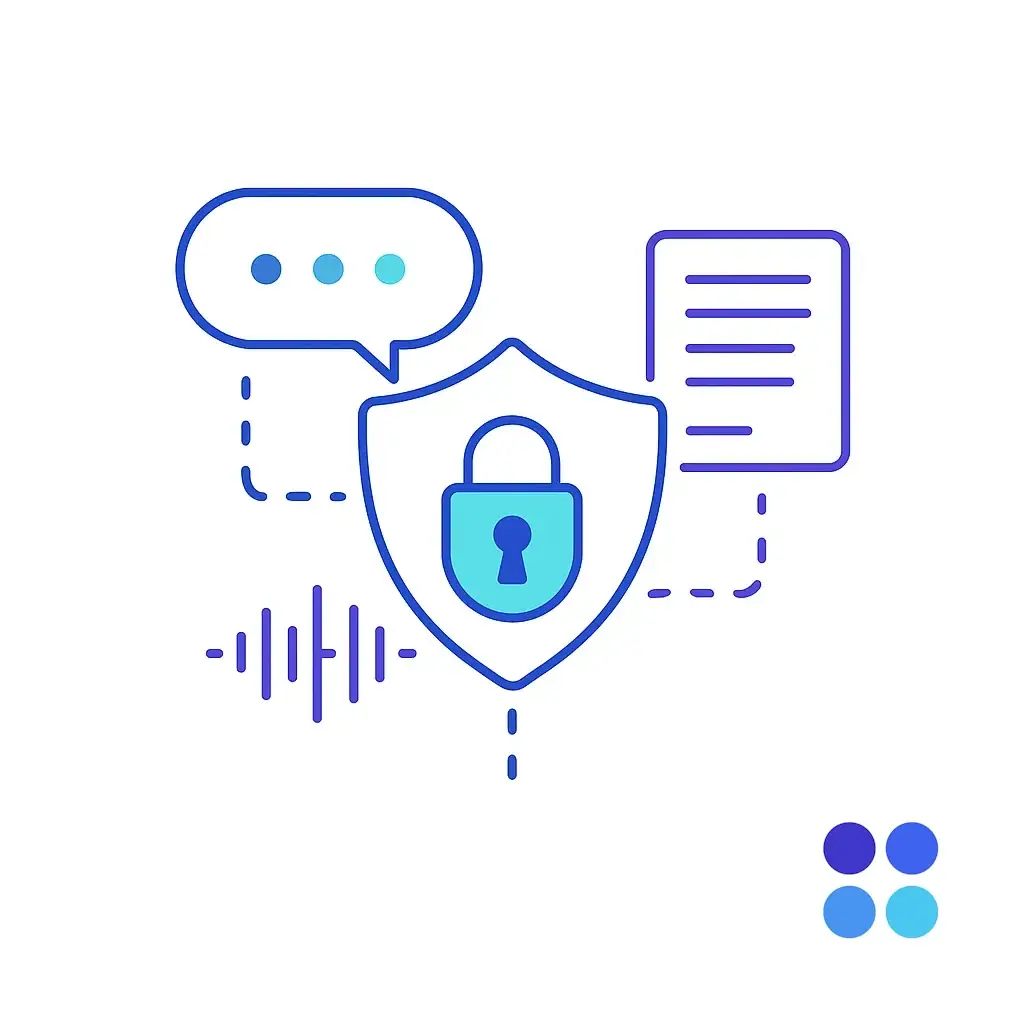
5. Is data encrypted in transit and at rest? Are MFA and RBAC available for administrative access?
6. Which events are logged (transcript access, export actions, admin changes), how long are logs retained, and can we export logs for audits?
7. What are your incident detection, notification, and remediation timelines? Will you provide forensic details on request?
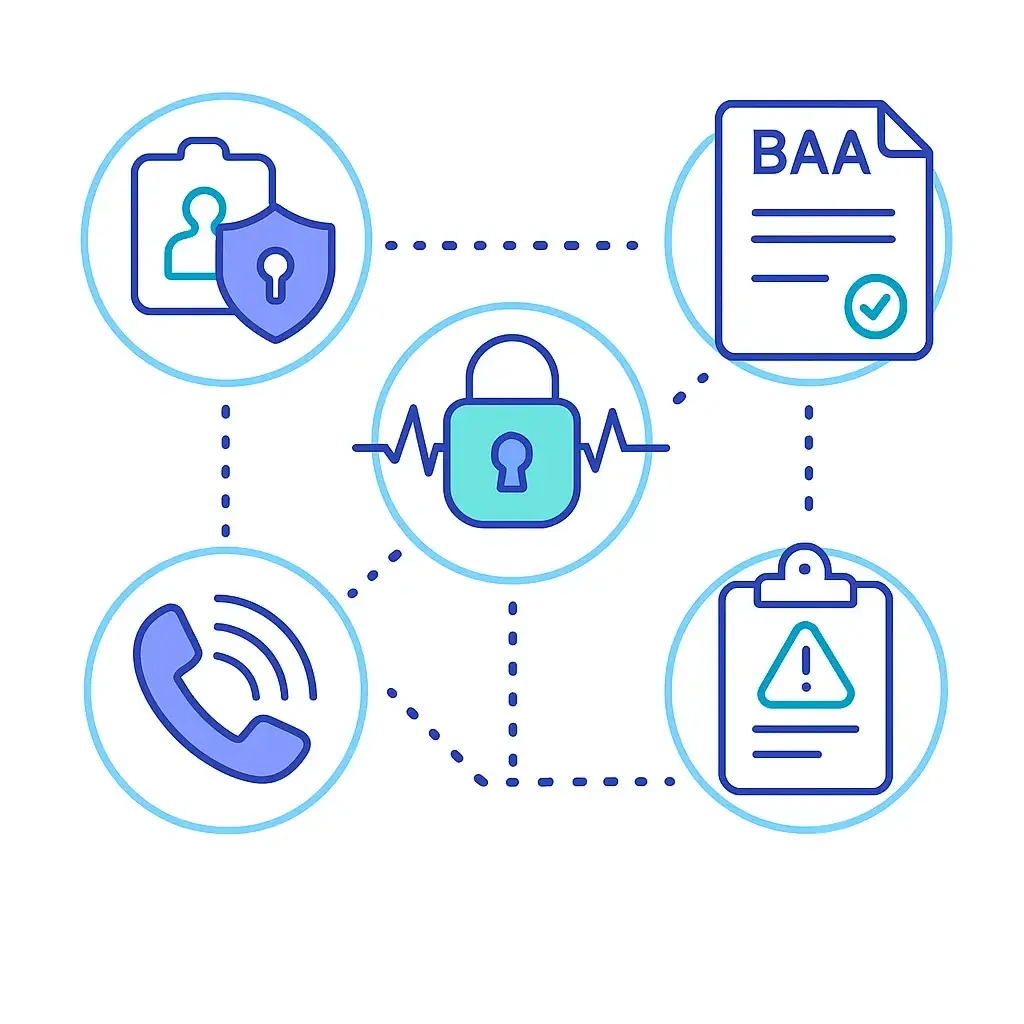
8. Who are your subprocessors (speech-to-text, cloud providers, analytics vendors)? Will they sign BAAs?
9. Do you provide third-party attestation (SOC 2, penetration test reports)? What is the cadence for re-testing and remediation?
10. Can we perform an audit or request third-party audit reports? What is the process and lead time?
Document vendor responses as part of the contract file and re-review them periodically.
Area | Must-Do Actions | Evidence To Keep |
Legal & Contracts | Execute BAA; confirm subprocessors and contractual breach timelines | Signed BAA, subprocessor list |
Risk Assessment | Update SRA to include AI receptionist use cases and mitigations | SRA report, meeting notes |
Call-Flow Mapping | Map every step where caller data can become PHI | PHI flow diagram |
Technical Controls | Enable encryption, MFA, RBAC; disable unnecessary logging | Config screenshots, vendor attestations |
Retention & Deletion | Establish retention windows and deletion workflows for audio/transcripts | Retention policy, deletion logs |
Human Oversight | Define human handoff points and escalation criteria | SOPs, flowcharts |
Training | Train staff on privacy, opt-outs, and incident reporting | Training logs, slide deck |
Monitoring | Schedule log reviews, model performance checks, vendor re-reviews | Audit schedule & reports |
Disclosure & Consent | Implement caller notification scripts and opt-out paths | Published scripts, call logs |
Breach Readiness | Integrate vendor into IR plan with contact list and SLA expectations | IR plan, vendor contact cards |
Do not flip the switch until legal, security, and operations have signed off on these items.
Use this sample as a template for mapping your own intake scripts. For every step, document (a) is PHI captured? (yes/no), (b) where it is stored, (c) who can access it, (d) retention period.

1. Answer & Greeting (AI): “Hello — how can I help?” — PHI risk: caller may volunteer health/legal details.
2. Identity Verification: name, DOB, phone — PHI: identifiers.
3. Intake Reason: case facts, symptoms, or legal issue — PHI: matter details.

4. Appointment Scheduling: date/time and service/attorney — PHI if appointment reveals sensitive service.
5. Handoff/Transfer: AI transfers call and shares collected details with staff — PHI transmitted internally.
6. Recording/Transcript Retention: stored for quality or triage — PHI stored on vendor system.
Action: For each intake script record the PHI elements, the storage location, access controls, and retention/deletion rules in a one-page PHI map.

Minimum Necessary Capture: configure prompts so the AI asks only what’s required for the immediate purpose.
Consent & Transparency: give callers a short disclosure and a clear option to reach a human.
Recording Policy: record only when necessary; mark recordings as ePHI; encrypt and restrict access.
Human-In-The-Loop: require staff availability for sensitive calls and enable staff to pause or halt data capture.

Deletion & Portability: provide procedures to delete stored audio/transcripts and log deletion events.
Least Privilege: restrict transcript access to roles that need it; use RBAC and MFA for admin access.
Training & Competency: ensure intake staff understand where PHI is stored and how to trigger deletion or escalate incidents.
Publish these policies internally and include them in onboarding/training.
Use short, plain-language scripts in IVR prompts and early AI interactions.
IVR / Pre-Pickup Script

“Hello — this call may be answered or assisted by an automated system to help with scheduling and basic intake. If you prefer to speak with a staff member, press 0. Do we have your permission to continue?”
Consent Confirmation

“Thank you. This call may be recorded for quality and scheduling purposes. You can request deletion of a recording by emailing privacy@[yourfirm].com.”
Human Escalation Prompt

“If at any time you’d like to speak with a live person, say ‘agent’ or press 0. If you share sensitive details and want them removed, say ‘delete’ and a staff member will assist.”
Keep scripts short and make the firm’s privacy page available for fuller details.
Add the AI receptionist to your formal Security Risk Assessment and include model artifacts, logs, admin actions, and training data in audit scope.
Run quarterly log reviews and at least annual vendor security re-assessments; increase cadence for critical vendors.
Require SOC 2 or third-party penetration testing evidence and maintain a remediation tracking log.
Conduct privacy impact assessments (PIAs) if the AI captures particularly sensitive categories or profiles callers in automated ways.
Contract Requirements For The BAA

Vendor must notify the covered entity of suspected compromises within a defined window (e.g., 24–72 hours) and provide forensic findings.
Vendor must assist with regulatory notifications, forensic investigation, and remediation steps.
Define SLAs for response and remediation times in the contract.
Internal Incident Handling

Contain and confirm impact (what PHI was affected).
Engage the vendor for forensic details and evidence.
Execute breach notification per HIPAA (if required) and notify OCR/affected parties.
Update the SRA, close gaps, and document lessons learned.
Record every incident with remediation evidence and follow-up actions.

Signing a generic Terms of Service instead of a proper BAA.
Assuming anonymized transcripts cannot be re-identified.
Allowing vendor reuse of PHI for model training without explicit contract language and opt-out.
Forgetting subprocessors (speech-to-text, cloud providers) when negotiating BAAs.
Neglecting operational readiness: staff must know how to stop capture, request deletions, and escalate.
Adopting an AI receptionist offers clear advantages — faster triage, 24/7 coverage, and reduced admin load — but those gains must be balanced with privacy, security, and operational controls. Firms and practices that plan, document, and enforce the right safeguards can confidently use AI to scale intake without sacrificing client confidentiality.

Experienced with both legal intake and healthcare/medical office call flows.
HIPAA-ready: we sign BAAs, apply Security Rule controls, and treat audio/transcripts as ePHI.
Hybrid model: configurable AI assistance plus trained live agents for sensitive or complex conversations.
Minimum-necessary capture: intake templates limited to required fields, with opt-outs and human override.

Retention & Deletion Controls: enforceable retention policies and secure deletion workflows.
24/7 Coverage & Bilingual Support: after-hours intake, live transfers, and Spanish-language agents.
Regular vendor audits and a documented incident response cadence.
Need / Concern | How Go Answer Helps |
BAA & Contracts | We sign HIPAA-compliant BAAs and disclose subprocessors. |
PHI Minimization | Intake templates limited to minimum necessary; escalate to humans when needed. |
Audio & Transcript Handling | Encrypted storage, RBAC, and configurable retention/deletion policies. |
Human-In-The-Loop | Agents can pause capture, escalate, or delete recordings on request. |
Audits & Evidence | Access to logs and security attestations for audits and compliance reviews. |
Vertical Experience | Agents trained in legal intake and healthcare appointment/triage flows. |

Request a HIPAA Intake Review today, and learn how Go Answer can keep your law firm compliant when handling cases involving PHI.
Go Answer provides HIPAA-aware answering and intake services built for law firms and medical practices — secure technology, documented processes, and live-agent escalation.

Learn why thousands of companies rely on Go Answer.
Try us risk-free for 14 days!
Enjoy our risk-free trial for 14 days or 200 minutes, whichever comes first.
Have more questions? Call us at 888-462-6793
Learn why thousands of companies rely on Go Answer.
Have more questions? Call us at 888-462-6793
If you would like to get in contact with a Go Answer representative please give us a call, chat or email.

Thanks for your interest!
A representative will be reaching out to you shortly.
Have more questions? call us on 888-462-6793
