
Red-Team Your Phones: Secret-Shopper Scripts That Expose Revenue Leaks
By Adom FrancisLast modified: August 26, 2025
Voted Top Call Center for 2024 by Forbes
Virtual Receptionists
Save time and money with our virtual receptionists.
AI Receptionist
AI-powered receptionist that answers, routes, and qualifies calls 24/7.
Enterprise Solutions
Solutions designed to scale with your organization’s needs.
Legal Services
Our virtual legal receptionists are experts in legal intake.
Last modified: August 26, 2025
Most business phone “leaks” aren’t dramatic — they’re tiny frictions: slow greets, no booking link, weak handoffs, missing consent lines. Run a monthly red-team of secret-shopper calls, score them with a weighted rubric, and convert your findings into one-page Micro-SOPs your team will actually use. Expect lift in booked appointments, after-hours conversions, and rescued leads.
Security teams red-team their systems to find blind spots before attackers do. You can do the same for intake and customer support: simulate real-world callers across dayparts (peak hours, lunch, after-hours, weekends) to stress-test speed, empathy, qualification, compliance, and conversion.
Typical “leaks” we see:

Rings to answer >3, unbranded greeting
Price questions that stall instead of booking
No Spanish-first path or warm transfer
After-hours voicemail with no auto-SMS rescue
Missing consent/disclaimer language in regulated flows
Success Criteria & Scope
Primary goals

Raise live-answer % and reduce rings-to-answer
Increase same-call bookings / scheduled next step
Improve data completeness & compliant phrasing
Channels to include

Phone (inbound + overflow/voicemail)
Callback and SMS follow-ups
Chat → call handoffs
Web form → callback rescues
Moments to test

Business hours, lunch rush, after-hours/weekends, holidays
Campaign launches and weather spikes (for home services)
Roles

Coordinator: plan, artifacts, reporting
Shoppers: internal/external (include bilingual)
QA Lead: rubric calibration, variance checks
Ops Owner: implements fixes and Micro-SOPs
Rules

Monthly light sweep; quarterly deep dive
Use test identities and numbers; collect minimum necessary data (no PHI/PII fishing)
Record calls (with proper consent) and keep transcripts + scorecards
Weighting keeps scores honest — even great empathy can’t save a call with no next step.
Speed to greet (10%) – rings to answer; warm, branded open
Empathy & tone (10%) – acknowledges emotion, plain language
Discovery (15%) – purpose, urgency, context, constraints
Qualification (15%) – who/what/when/where; value & priority
Compliance (10%) – consent, disclaimers, no unsafe promises
Solutioning (15%) – clear options; friction removed
Next step / CTA (15%) – book now or precise handoff
Data hygiene (10%) – accurate contacts; usable notes
Grab the Excel with pre-built formulas: Total Score and Pass/Fail gates are built in: [Download the Scorecard]
Each scenario includes a caller prompt, the “gold-standard” behaviors, red flags, and a quick win.

1. Price Shopper (Legal)
Prompt: “How much for a consultation? I’m comparing.”
Gold: empathize → position value → offer two times → book now → confirmation via SMS/email.
Red flags: price dump, no link, “email us.”
Quick win: book-first script + instant link text.
2. Distressed Patient (Healthcare)
Prompt: “Severe tooth pain since last night; new patient.”
Gold: no medical advice; nearest slot now; directions via SMS.
Compliance: minimum necessary info; care-setting disclaimer.
3. Spanish-First New Lead
Prompt: “Llamo para hacer una cita — ¿habla español?”
Gold: switch to Spanish or warm transfer ≤30s; if queue, send Spanish text-to-book link.
Quick win: bilingual greeting + routing flag.
4. Angry Repeat Caller
Prompt: “No one showed up yesterday.”
Gold: validate → own → 2 concrete options → time-box → booking or escalation with reference #.
Red flags: defensiveness, policy lectures.

5. After-Hours Emergency vs. Urgent-But-Non-Emergency
Prompt: “Water leak; contractor needed tonight.”
Gold: triage via decision tree; on-call dispatch or 7am slot; SMS ETA.
Quick win: on-call roster + after-hours tree.
6. Form Abandon Callback
Prompt: “I started a form and got busy.”
Gold: 2-touch rescue (call then SMS); one-tap booking; minimal data capture.
Metric: 24/48h rescue rate.
7. Insurance/Eligibility Maze
Prompt: “Do you take XYZ insurance?”
Gold: explain eligibility check; provisional booking; send prep list.
Red flags: “We don’t know” dead-end.
8. High-Value B2B Appointment
Prompt: “We need a 50-seat plan; can you meet Thurs?”
Gold: qualify budget/timeline; place a calendar hold now; send agenda.
Red flags: email ping-pong.

9. Regulatory Hotspot (Adverse Event/Complaint Route)
Prompt: “Medication caused side effects.”
Gold: read the approved triage line; collect minimum required fields; route; log case ID.
Red flags: clinical advice; speculative statements.
10. Voicemail Stress Test (Overflow)
Setup: force a >5 ring path to voicemail.
Gold: immediate auto-SMS with booking link + same-day callback within SLA.
Quick win: rewrite voicemail + enable auto-SMS.
Prefer a bigger library? Use the 20-scenario CSV to import directly into your QA tool.
[Download the Scenario Bank]
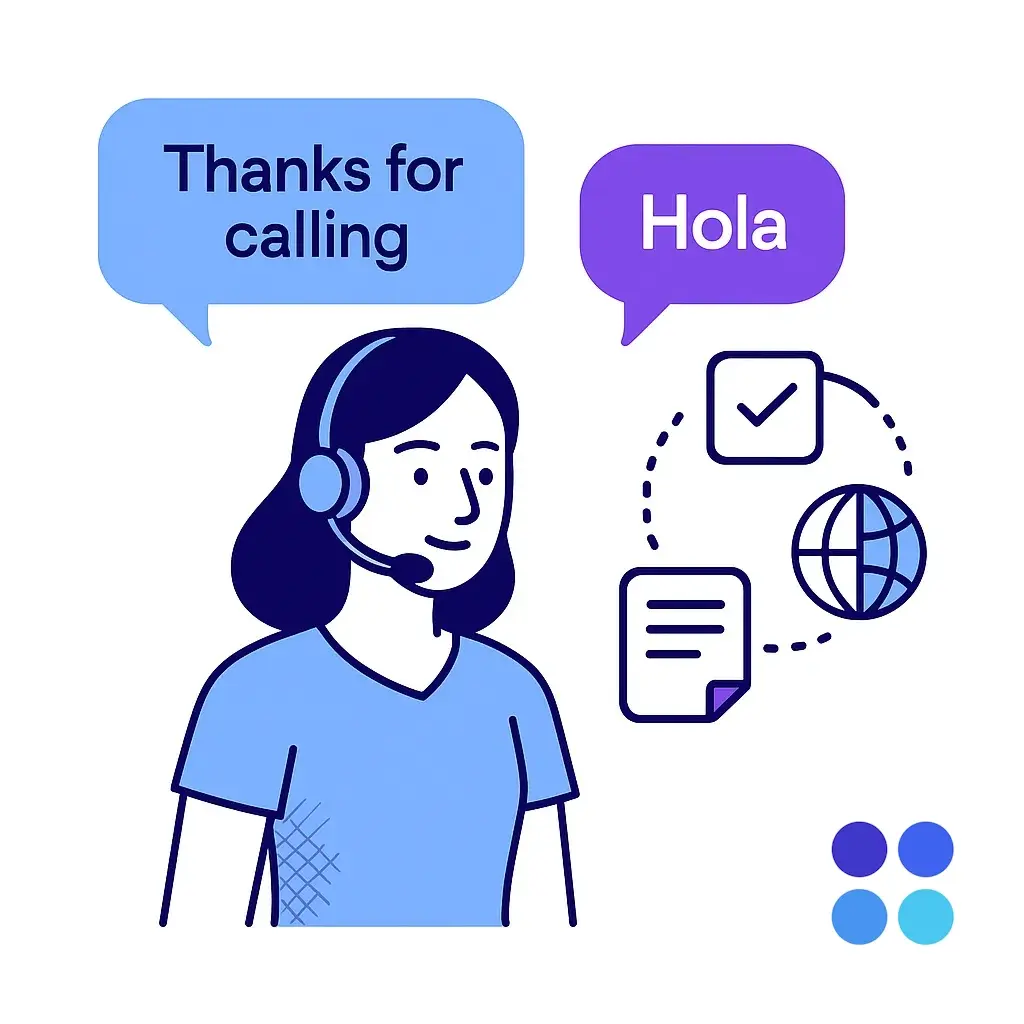
Branded greeting: “Thanks for calling [Brand], this is [Name]. How can I make this easier for you today?”
De-escalation: “You’re right to be frustrated — let’s fix this now. I can [option A] or [option B]. Which works?”
Book-first pivot: “Good news — we can get you on the calendar. I have [Time A] or [Time B] today. What’s best?”
Consent to text: “I can text your confirmation and directions. Is it okay if I send you SMS now?”
Spanish handoff: “Gracias por llamar a [Brand]. Hablo español. ¿Prefiere continuar en español?”
Grab the Bilingual & Core Script sheet:
[Download the Scripts]
A Micro-SOP is a one-page playbook the team can use today — no binders, no corporate wiki rabbit holes.
Template sections (keep it tight):

Situation & Goal (one line each)
Say This / Don’t Say This (verbatim)
Steps (max 5)
Edge Cases (one line)
QA Check + Metric
Start with the template and duplicate it per scenario:
[Download the Micro-SOP Template]

Weekly: review 10 clips; two shoppers re-score the same 2 calls; resolve >80% rubric variance.
Monthly: trend review — top 3 leaks and top 3 wins; retire fixed scenarios; add new ones.
Quarterly: deep dive; refresh scripts; targeted coaching with real clips.
Use this agenda to keep calibration sharp:
[Download the Calibration Agenda]
And don’t forget your quick Call Review Checklist:
[Download the Checklist]

Live-answer rate: +5–10 points
ASA / rings to answer: ≤3 rings at peak
Booked appointment rate: +15–25%
Rescue rate (24/48h): +20%
Data completeness: >95% critical fields
Compliance accuracy: 100% in flagged scenarios
The Excel scorecard calculates Total Score and Pass/Fail with gates (e.g., CTA ≥3/5, Compliance ≥3/5, and Total ≥70%). You can tweak thresholds on the sheet.

Days 1–2: pick 6 scenarios, finalize rubric, capture baselines
Days 3–5: run 12–18 mystery calls across dayparts; tag + score
Days 6–7: synthesize top leaks; draft 3 Micro-SOPs
Days 8–10: agent coaching; snippet updates; routing tweaks
Days 11–14: re-test same scenarios; publish before/after lift
Bilingual, 24/7 live answer that meets your playbook’s standards — so secrets shoppers get the same excellence as real customers.


Plug-and-play with your booking links and CRM; no extra headcount or complex change management.
Ready to turn your phones into a conversion engine?
Let’s set up your first 2-week red-team sprint and measure the lift. Book a free consultation and get started today.

Learn why thousands of companies rely on Go Answer.
Try us risk-free for 14 days!
Enjoy our risk-free trial for 14 days or 200 minutes, whichever comes first.
Have more questions? Call us at 888-462-6793
Learn why thousands of companies rely on Go Answer.
Have more questions? Call us at 888-462-6793
If you would like to get in contact with a Go Answer representative please give us a call, chat or email.

Thanks for your interest!
A representative will be reaching out to you shortly.
Have more questions? call us on 888-462-6793
