
CCaaS With Go Answer: Modern Customer Experience Without the Headaches
By Adom FrancisLast modified: September 16, 2025
Voted Top Call Center for 2024 by Forbes
Virtual Receptionists
Save time and money with our virtual receptionists.
AI Receptionist
AI-powered receptionist that answers, routes, and qualifies calls 24/7.
Enterprise Solutions
Solutions designed to scale with your organization’s needs.
Legal Services
Our virtual legal receptionists are experts in legal intake.
Last modified: September 16, 2025
Customers expect fast, friendly help on every channel — phone, text, chat, email, and social — without repeating themselves or waiting on hold. CCaaS (Contact Center as a Service) is how modern organizations deliver that level of experience without managing complex, on-premise systems. With Go Answer, you get the best of both worlds: a cloud contact center built for scale plus a proven service team that designs, staffs, and continuously improves your customer interactions.
Below, we’ll break down what CCaaS is, why it matters now, and how Go Answer implements it end-to-end so you can move from reactive call handling to a truly outcome-driven support operation.f
CCaaS is a cloud-based platform that powers every aspect of customer communications: routing, agent desktops, automations, self-service, reporting, and analytics — across voice and digital channels. Instead of buying hardware or cobbling together point tools, you subscribe to a scalable service that evolves as your needs change.

Where some providers sell software and leave the rest to you, Go Answer combines the technology, the people, and the playbooks. We design your flows, build your scripts, integrate your tools, staff the queues with trained agents, and continually optimize the operation against your business goals.
In short: CCaaS is the foundation; Go Answer is the engine that runs it.

1. Elastic Scale Without CapEx: Ramp up or down for seasonality, product launches, or campaigns — no hardware, no lengthy procurement.
2. Omnichannel By Default: Meet customers where they are — phone, SMS, email, chat, social messaging — while keeping the context unified.

3. Speed To Value: Launch in days or weeks, not quarters. Add new queues, languages, and workflows with configuration, not custom code.
4. Operational Visibility: Real-time dashboards and historical analytics expose bottlenecks, coachable moments, and revenue opportunities.

5. Security & Compliance: Enterprise-grade controls, role-based access, encryption in transit and at rest, and compliance-ready workflows.
6. Remote-Ready Workforce: Cloud desktops, QA tools, and WFM (workforce management) support distributed teams without losing quality.
Omnichannel Routing And Context

Voice, SMS, chat, email, and social messaging are all routed through one brain, so agents see the full history and customers never start from zero.
Skills-based and intent-based routing ensure the right person handles the right issue the first time.
Intelligent IVR And Conversational Flows

Simple inquiries resolve with guided IVR or chat flows. When a human touch is needed, customers glide to a live agent with the transcript and context intact — no repetition, no friction.
Agent Desktop Built For Productivity

Scripts, knowledge base, macros, and after-call wrap are all in one place. This reduces handle time and boosts consistency without sounding robotic.
CRM, Help Desk, And App Integrations
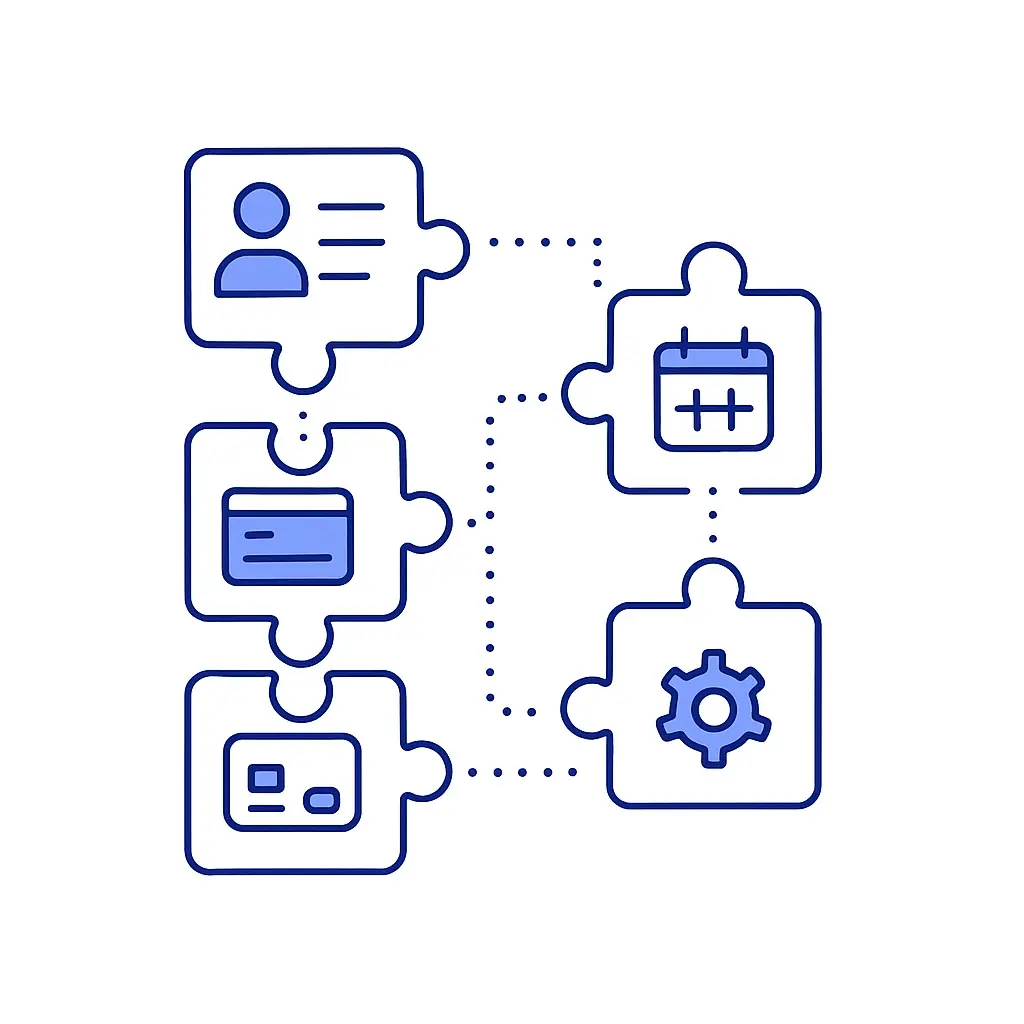
We connect to your systems — CRMs, ticketing platforms, payments, scheduling tools — so data updates and case creation happen automatically. That means cleaner records and fewer swivel-chair errors.
QA, Coaching, And Analytics
Scorecards, sentiment indicators, and searchable transcripts surface what’s working (and what isn’t). We use this data to coach agents, refine scripts, and optimize flows.
Security, Privacy, And Compliance

We apply strict access controls, audit logging, and encryption. For regulated use cases (e.g., healthcare), we implement compliance-ready procedures, including HIPAA-compliant call handling when required.
Bilingual And 24/7 Coverage

Round-the-clock availability with bilingual English/Spanish support ensures you never miss a lead or leave a customer hanging after hours.

Faster Response, Higher CSAT: Shorter wait times and first-contact resolution lift satisfaction and loyalty.
More Conversions: Lead capture and warm-transfer workflows ensure prospects reach the right specialist quickly.
Lower Cost To Serve: Self-service for simple tasks plus better routing for complex ones means fewer handoffs and rework.
Cleaner Data, Better Decisions: Integrated systems prevent duplicates and enable accurate reporting on volume, outcomes, and ROI.
Resilience: Cloud architecture plus distributed staffing keeps you operating during spikes or disruptions.
Qualify callers, capture case details, and schedule consultations.
Fast warm transfers for high-value leads.
Secure data handling and accurate documentation for your team.
Appointment setting, referral follow-up, and benefits verification.
After-hours triage protocols with escalation to on-call staff.
HIPAA-compliant call handling and documentation workflows.
Maintenance triage with smart decision trees (emergency vs. routine).
Outage updates via SMS and automated callbacks.
Vendor dispatch with confirmation loops.
Pre-sales questions answered via chat or SMS.
Order status, returns, and subscription changes without long holds.
Peak season surge coverage without long-term hiring.
Rapid lead capture and appointment booking from phone or chat.
Automated reminders and rescheduling flows.
Escalations for urgent jobs with geo-aware dispatch.
Tiered support queues with knowledge-base suggestions.
Incident communications and status updates across channels.
Usage and billing questions resolved without ticket ping-pong.

While legal, healthcare, property management, e-commerce, home services, and technology are some of the most common industries we support, Go Answer’s CCaaS solutions are built to scale and adapt to any business model or customer journey.
Whether you’re in finance, education, hospitality, manufacturing, or an emerging niche, our team can customize workflows, integrations, and communication protocols to fit your exact needs. With Go Answer, you’re never locked into a one-size-fits-all approach — your contact center experience is tailored to your industry, your customers, and your growth goals.
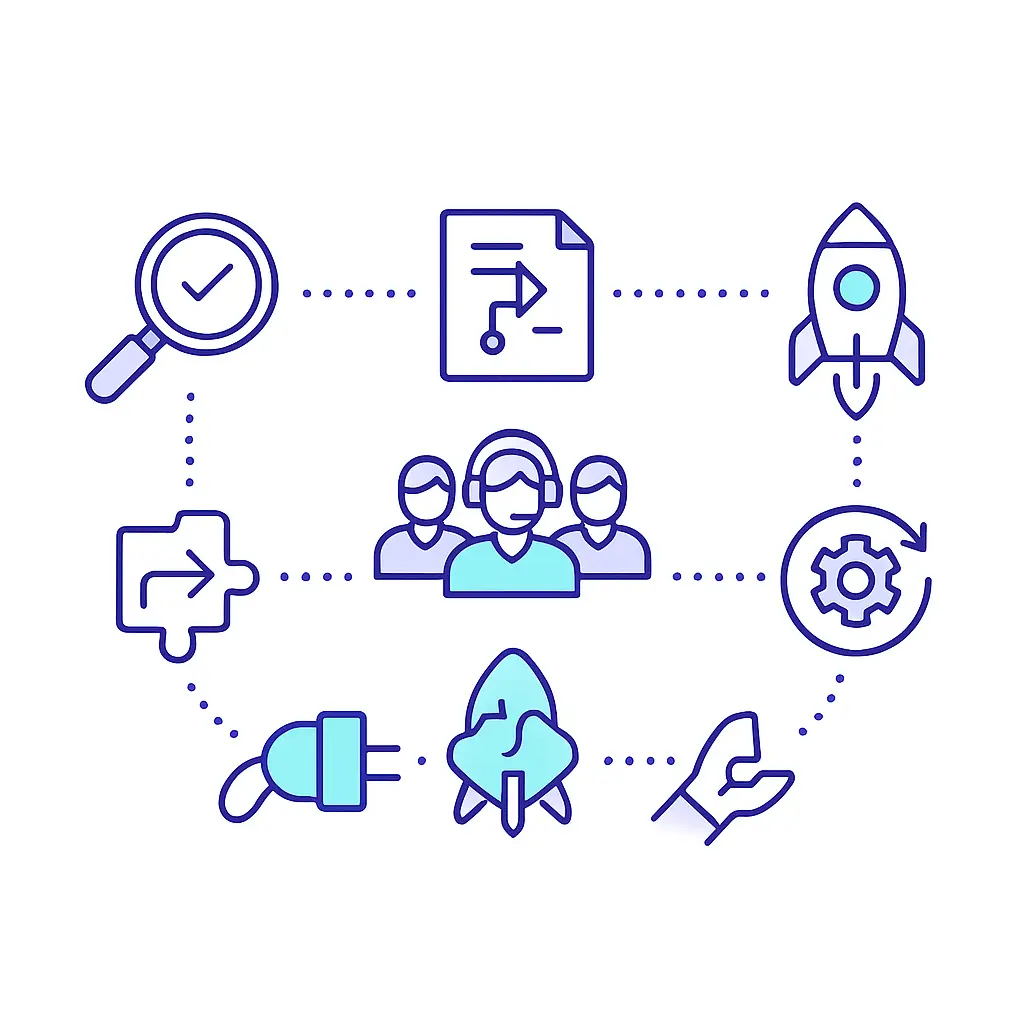
Rolling out a new contact center shouldn’t feel overwhelming. At Go Answer, we make implementation a guided, collaborative process — one that balances speed with care.
From defining goals to ongoing optimization, we break it into clear steps so you know exactly what’s happening, when, and why.
We align on business goals (fewer missed calls, higher conversion, faster response), define KPIs, and map your current tools and processes.
We build modular scripts, FAQs, and escalation trees — clear enough to drive consistency yet flexible enough to feel human.
We connect the contact center to your CRM, help desk, scheduling, or billing systems. Data syncs in real time, so your team never re-types details.
We assemble a dedicated team briefed on your brand voice, policies, and playbooks. Training includes mock calls, role-play, and tool mastery.
We launch in phases (e.g., after-hours first) to de-risk change. Supervisors monitor dashboards and whisper/barge features to coach in real time.
We inspect call drivers, QA scores, and handle times weekly. Then we tune prompts, scripts, and routing until results match your targets.

Speed To Answer (STA)
First Contact Resolution (FCR)
Average Handle Time (AHT)
Abandonment Rate
Service Level (e.g., 80/20)
Conversion Rate (Leads → Booked/Qualified)
CSAT/NPS
Cost Per Resolution
Pro tip: A simple ROI view starts with:
(Incremental conversions × average revenue or LTV) − (monthly CCaaS investment).
Because CCaaS influences both costs and revenue, we target improvements in both lines.
Crystal-clear audio, queue callbacks, and escalation tools reduce hang-ups and re-work.
Perfect for quick updates, confirmations, and simple triage — customers reply on their own time.
Convert high-intent visitors with fast, helpful answers and frictionless scheduling.
Organized queues, templates, and SLAs keep responses consistent and on time.
We meet customers where they already are, then capture outcomes in your systems of record.

Smart Intents: Identify reason for contact and route instantly.
Guided Self-Service: Simple requests resolve via IVR or chat flows (balance checks, appointment reminders, order status).
Assisted Agents: Knowledge suggestions and macros reduce handle time while maintaining empathy.
Callbacks And Triggers: Follow-ups and escalations happen automatically so nothing slips through the cracks.
Automation handles the repetitive tasks; Go Answer’s people handle the nuanced conversations that build trust.

Resilience: Cloud redundancy and continuity plans to maintain service.

Most organizations are surprised by how quickly they can move once the plan is clear.

Technology + Team: A modern cloud contact center paired with experienced agents and supervisors.
Speed + Safety: Fast deployment with strong controls and QA.
Integration-First: Your systems stay the source of truth; we update them in real time.
Outcome-Driven: We report on the metrics that matter and keep improving until you hit them.
Always-On, Always-Human: 24/7 coverage with people who treat your customers like their own.

Learn why thousands of companies rely on Go Answer.
Try us risk-free for 14 days!
Enjoy our risk-free trial for 14 days or 200 minutes, whichever comes first.
Have more questions? Call us at 888-462-6793
Learn why thousands of companies rely on Go Answer.
Have more questions? Call us at 888-462-6793
If you would like to get in contact with a Go Answer representative please give us a call, chat or email.

Thanks for your interest!
A representative will be reaching out to you shortly.
Have more questions? call us on 888-462-6793
