
Humans > Phone Trees in 2025: Why Live Receptionists Convert (and Where Smart AI Fits)
By Rob ReynoldsLast modified: November 25, 2025
Voted Top Call Center for 2024 by Forbes
Virtual Receptionists
Save time and money with our virtual receptionists.
AI Receptionist
AI-powered receptionist that answers, routes, and qualifies calls 24/7.
Enterprise Solutions
Solutions designed to scale with your organization’s needs.
Legal Services
Our virtual legal receptionists are experts in legal intake.
Last modified: November 25, 2025
Interactive voice response (IVR) systems and button‑based phone trees were built for efficiency, not for winning business. In 2025, that tradeoff is too costly. Buyers expect instant, frictionless, human help — especially when money or urgency is involved. And while AI has finally earned a seat at the table, its highest ROI comes when it augments a trained human, not when it replaces one.
If you lead revenue, service, or operations, here’s why live receptionists outperform phone trees, how to combine people and AI without creating chaos, and a practical way to model the ROI for a solution like Go Answer.
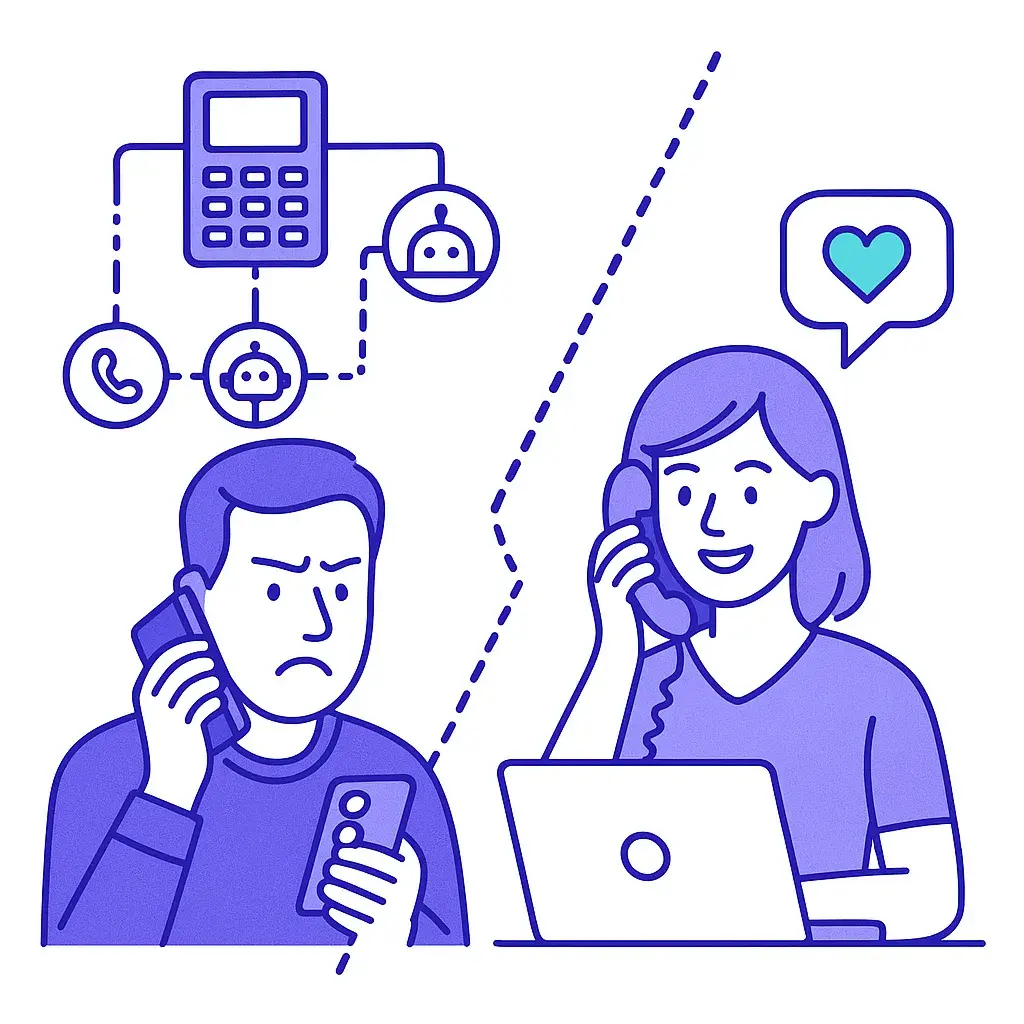
Customer patience shrank. With same‑day delivery and real‑time chat everywhere, callers equate waiting with indifference. The first seconds — how fast a human says hello — heavily shape trust.
Spam labeling got aggressive. Mobile carriers flag unknown numbers more often. When a prospect does call you, that call is precious. IVRs leak those calls through confusion and hang‑ups; humans salvage them.
AI got better — but not empathetic. LLMs can summarize calls, surface answers, and route intelligently. But when emotions, risk, or nuance enter the conversation, a calm, competent person still converts best.
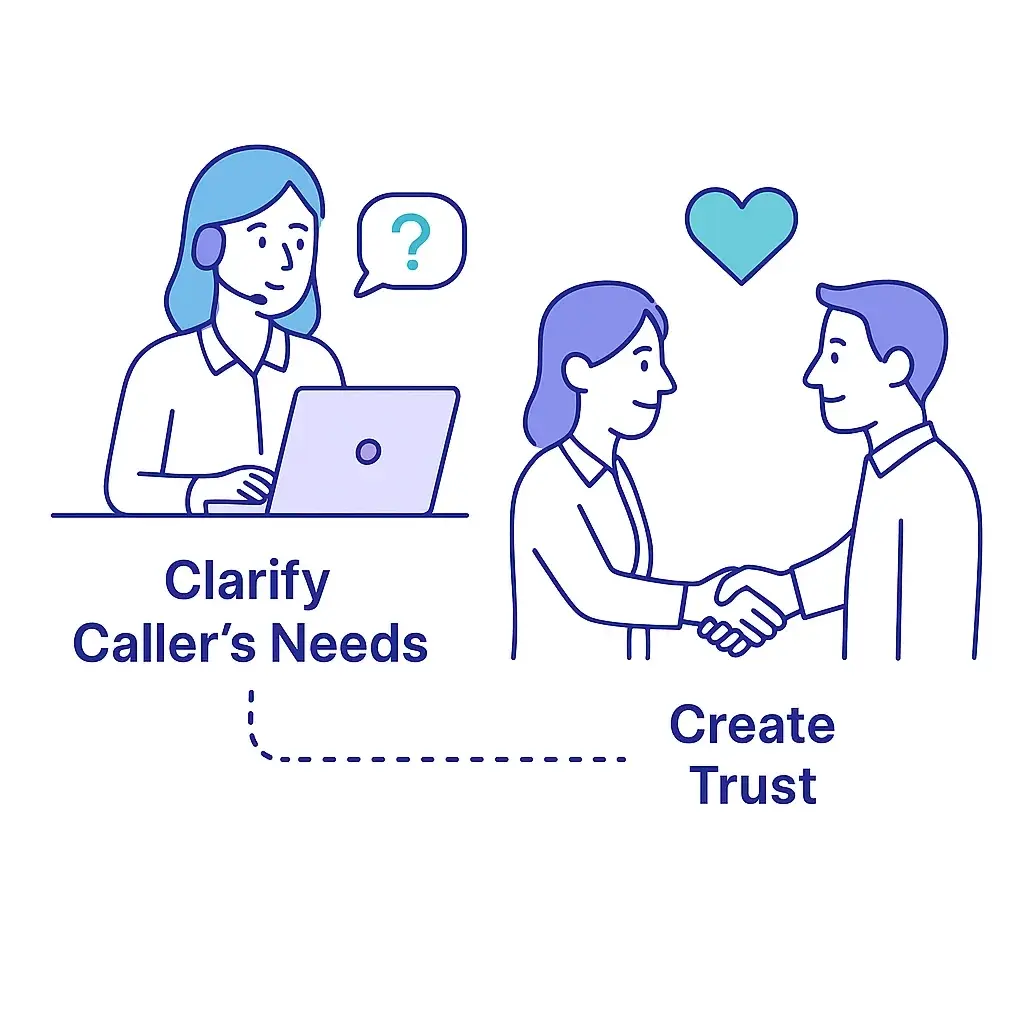
1) They resolve what the caller actually wants.
Callers almost never describe needs the way your phone menu expects. Humans clarify, reframe, and handle side questions without forcing a “press 3” detour. First‑contact resolution drives both conversion and satisfaction.
2) They create trust in seconds.
Tone, pace, and empathy make the difference between a tentative inquiry and a booked appointment. A receptionist can say, “Let me take care of that for you,” and own the outcome. Phone trees can’t reassure; they only route.
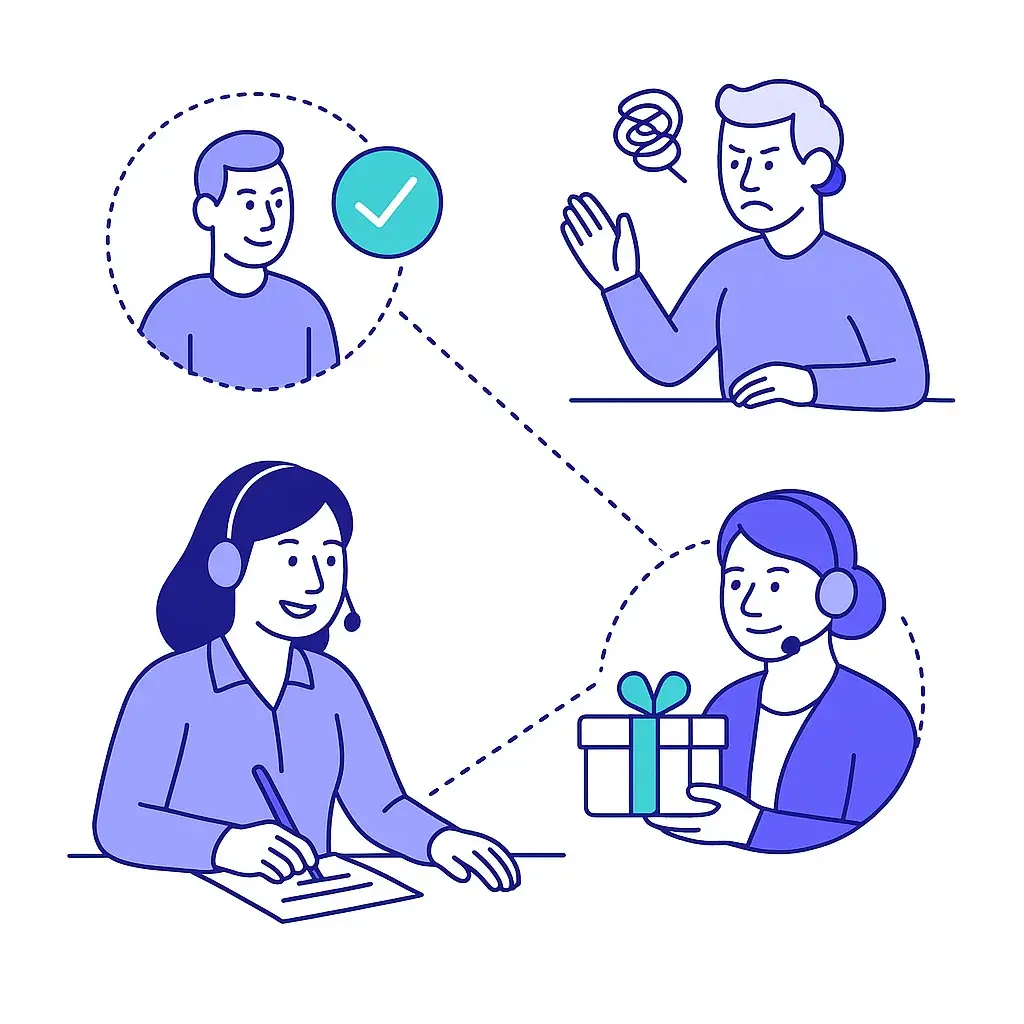
3) They qualify and prioritize intelligently.
A trained receptionist identifies urgent vs. routine, buyer vs. browser, and VIP vs. new lead — and escalates appropriately. Phone trees treat everyone the same.
4) They recover from friction.
Wrong department? Bad timing? Confused caller? A human can apologize, improvise, and keep the momentum. IVRs force restarts that spike abandonment.
5) They personalize and upsell without being pushy.
Humans remember context (“You mentioned a deadline — let’s book the earliest slot”) and can offer the next best step naturally.
Bottom line: Live receptionists reduce leakage at every micro‑step: answer speed → empathy → discovery → qualification → clear next step. That chain is conversion.
Think of AI as power tools for your human team and for your receptionist partner. Deployed correctly, AI makes the human faster, more consistent, and more available — not replaceable.
Smart intake and whisper notes. Before the receptionist says hello, AI can surface CRM history, open tickets, recent web activity, and priority flags (VIP, high‑risk, or high‑value) so the greeting and questions are on target.
Real‑time knowledge assist. AI can retrieve answers from your approved knowledge base (policies, pricing ranges, service areas) and present them to the receptionist, reducing hold time and guesswork.
Intent detection and routing. AI classifies intent from the caller’s first sentence and suggests escalation paths (e.g., “new sales inquiry” → on‑call closer; “emergency service” → field tech).
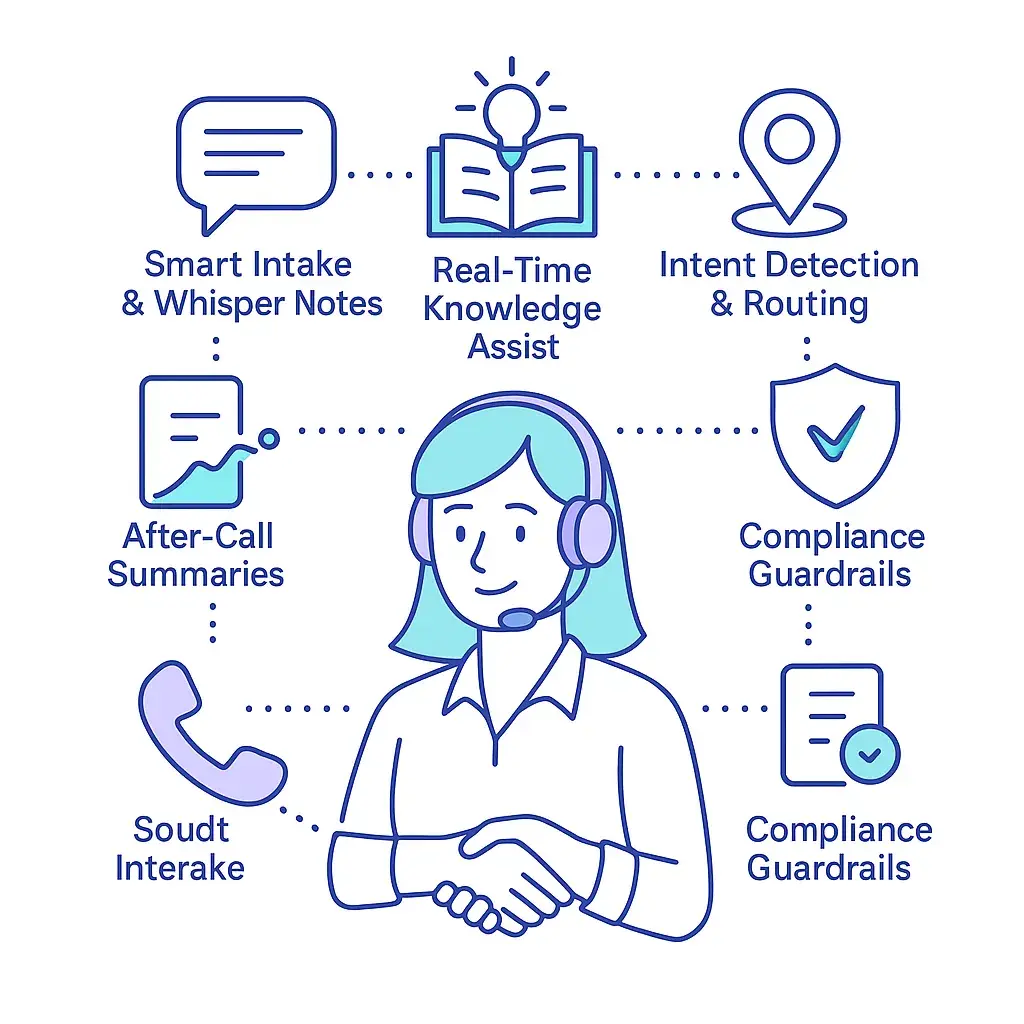
Compliance guardrails. AI can warn the receptionist if the caller is sharing credit card or health data and prompt safe handling steps (e.g., transfer to a secure payment portal).
After‑call summaries. Automatic dispositions, CRM notes, and follow‑up tasks keep your pipeline clean without manual typing.
Analytics you can act on. AI classifies outcomes (booked, qualified, unqualified, support), flags recurring objections, and highlights script steps correlated with success.
Important: Let AI inform and accelerate the human. Don’t give it the keys to empathy, pricing discretion, or final promises.
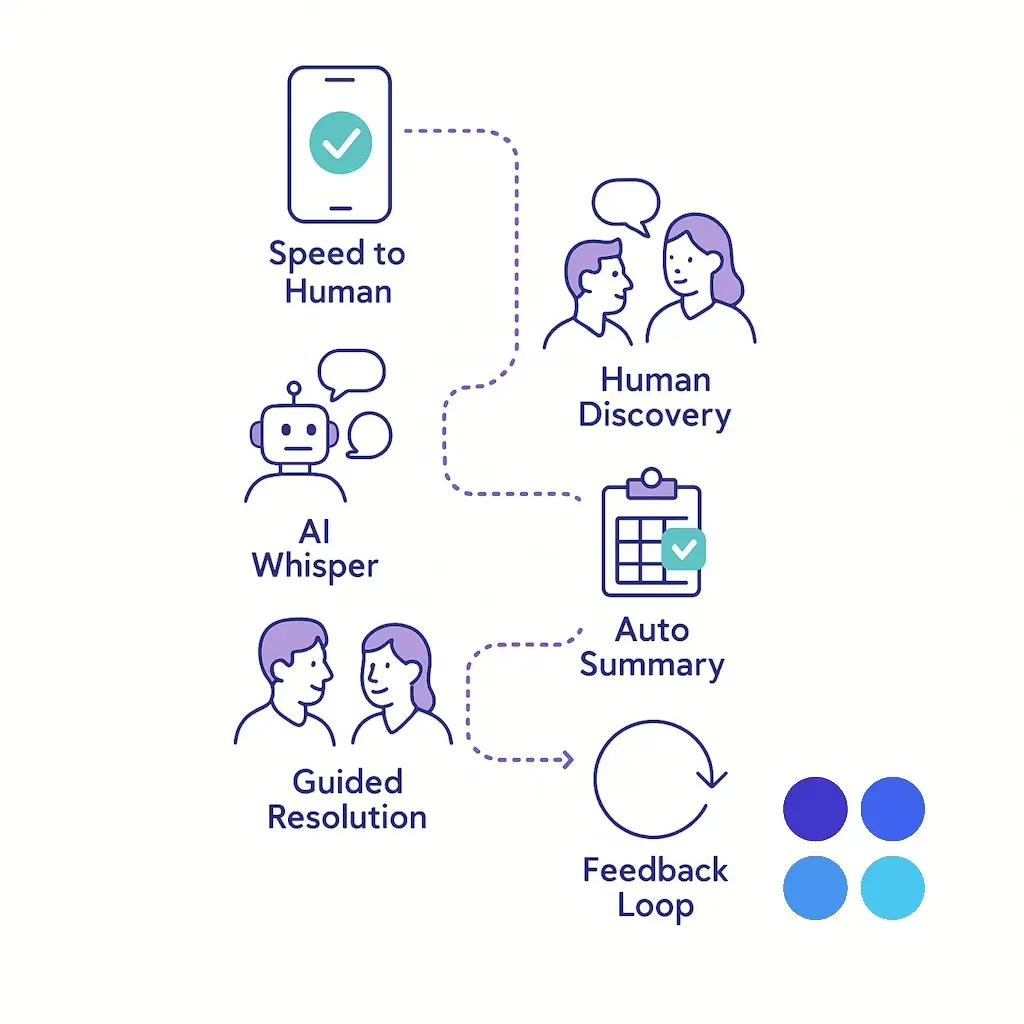
Speed‑to‑human: Calls ring to a live receptionist (in‑house team or Go Answer) with an 80/20 rule — 80% of calls answered within 20 seconds is a solid target.
AI whisper: The moment the call connects, the receptionist sees caller ID enrichment, recent touchpoints, and a suggested greeting.
Human discovery: A short, empathetic intake — “I can help with that” — and 2–4 targeted questions determine urgency and next step.
Guided resolution: AI fetches policy or scheduling rules; the human books, escalates, or sets a specific, time‑boxed follow‑up.
Auto‑summary + CRM sync: AI writes the note; the receptionist checks and saves. Disposition triggers an email/text confirmation to the caller (“You’re booked for Tuesday at 2 PM”).
Feedback loop: Analytics identify common failure points; scripts and knowledge are refined weekly.
This workflow preserves the human moment while using AI to remove friction and busywork.
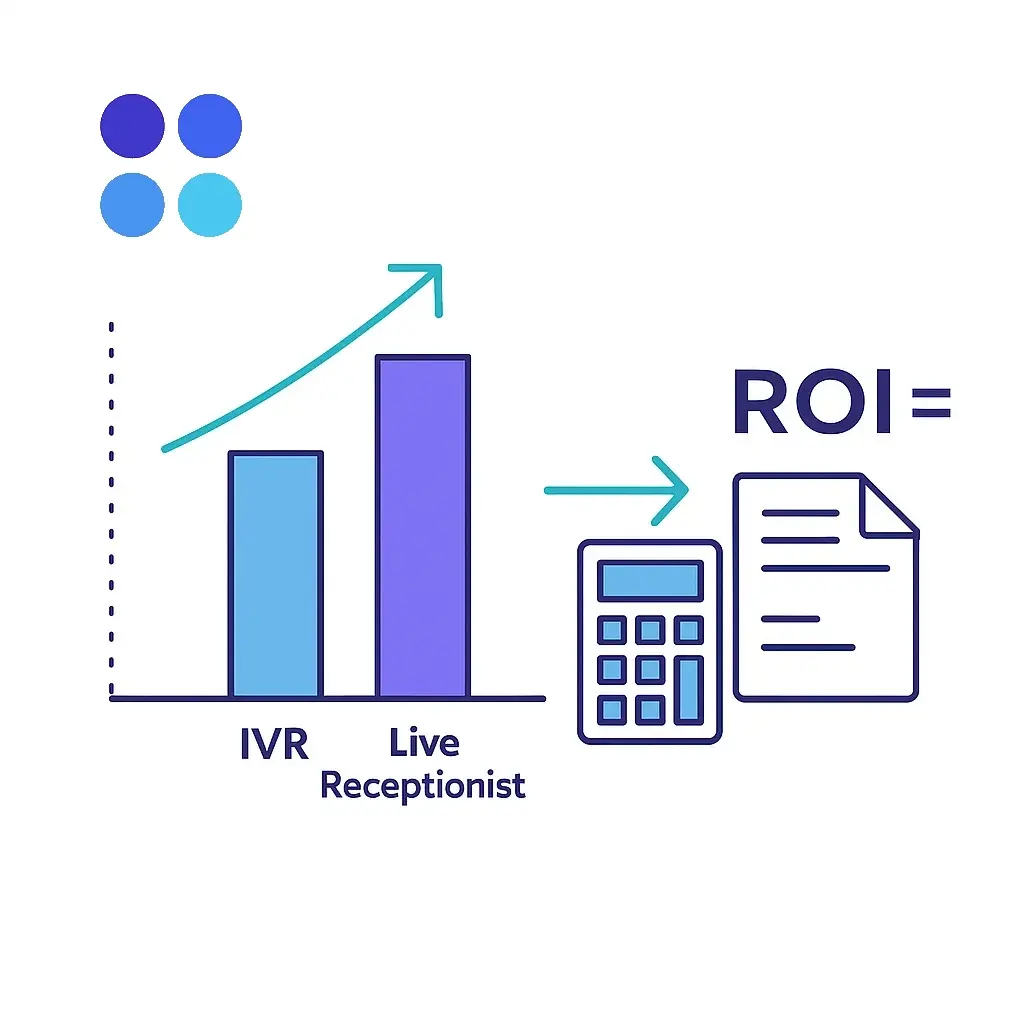
Use this framework to estimate the lift from moving callers to a live receptionist (with AI assist) versus a phone tree.
Inputs (example):
Monthly inbound calls: 300
Share that are sales opportunities: 20% → 60 leads
Average margin per new customer: $500
Conversion with IVR: 15% → 9 new customers
Conversion with live receptionist: 25% → 15 new customers
Receptionist service cost (e.g., Go Answer plan): $600/month (illustrative)
Lift: 15 − 9 = 6 additional customers × $500 = $3,000 incremental margin.
ROI: ($3,000 − $600) / $600 = 400% monthly.
Even if your assumptions are half as generous, the math still tends to favor live human coverage because the marginal value of one saved opportunity is high.
Tip: Re‑run this with your actual average order value, close rates, and call volumes. Also track abandonment rate (hang‑ups before a human answers). Cutting abandonment by even 5–10 points often pays for the entire program.
Scripts that sound like people.
Write greetings and questions at a 6th–8th grade reading level. Avoid jargon. Use short sentences and permission‑based language: “May I ask a quick question to get you to the right person?”
Qualification wickets.
Define 3–5 questions that decide urgency, fit, and next step. Example: location, timeline, budget range, current provider, best callback window.
Scheduling and escalation rules.
Codify when to book, when to warm transfer, and who’s on call for emergencies. Keep “who does what” accurate with one source of truth.
Knowledge base boundaries.
Clearly mark pricing ranges, guarantees, regions served, excluded services, and what must never be promised on a first call.
Compliance lines.
Decide how to handle PII, payment info, and regulated scenarios (e.g., HIPAA/PCI). Keep sensitive details out of voicemail and plain email.
CRM plumbing.
Turn on immediate sync of caller records, dispositions, and appointment details to your CRM or PSA. Automate post‑call emails and texts.
Service‑level goals.
Set targets for answer speed, abandonment, transfer success, and booked appointments. Review weekly; tune scripts monthly.
“People prefer self‑service.”
For simple tasks, yes — offer a texted payment link, a tracking URL, or a knowledge article. But for sales inquiries, high‑stakes support, or billing problems, most customers still want a human first. Meet them where conversion happens.
“AI is cheaper.”
Cheaper per interaction, expensive per lost customer. Use AI as an accelerator, not as a gatekeeper. When a qualified lead arrives, every second before a human says hello is risk.
“We already have a phone tree.”
Keep it — but make it a safety net, not the default. Use IVR only for opt‑in self‑service (e.g., “Press 2 to receive a text link to reschedule”) while sending most calls to a receptionist.
“We can do this in‑house.”
Maybe. But 24/7 coverage, hiring, training, QA, and schedule gaps add hidden costs. A partner like Go Answer provides trained receptionists, AI tooling, and consistency from day one.
Speed‑to‑human: % of calls answered by a person within X seconds.
Abandonment rate: % of calls that hang up before human contact.
Transfer success: % of warm transfers that connect on the first attempt.
First‑contact resolution: % of issues resolved or next step secured on the first call.
Booked appointments / opportunities created: The leading indicators that tie directly to revenue.
Conversion rate by source and time of day: Proves where extended coverage pays off.
CSAT or short post‑call thumbs‑up: A 1‑question SMS works.
QA scorecards: Sample calls weekly for empathy, compliance, and clarity.
Instrument these metrics from the start; otherwise you’re debating anecdotes.
Greeting:
“Thanks for calling [Your Company], this is [Name]. How can I help today?”
Discovery (pick 2–4):
“What’s the timeline you’re hoping for?”
“Which location are we helping with?”
“About how many [units/users/cases] are we discussing?”
“Have you worked with us before?”
Empathy + Ownership:
“I can take care of that. Here’s what I’ll do: [book / connect / schedule a callback] and send you a confirmation in the next few minutes.”
Close with next step:
“I’ve reserved Tuesday at 2:00 PM with Jordan. You’ll get a text and email now. Anything else I can take off your list today?”
Keep it short. Keep it confident. Always end with a clear next step.
In‑house gives you proximity and brand intimacy, but requires hiring, training, and covering nights/weekends. You’ll also need to build your own QA, tooling, and backups.
Partnering with Go Answer gives you 24/7 trained receptionists who follow your playbooks, plus AI‑assisted workflows (caller context, knowledge assist, post‑call summaries) and tight integrations with popular CRMs and scheduling tools. You bring the brand standards and escalation rules; Go Answer brings reliability, scale, and measurable outcomes.
A common model is hybrid: your team answers during core hours, and Go Answer covers overflow, lunch breaks, and after‑hours — using the same scripts, the same calendar, and the same CRM.
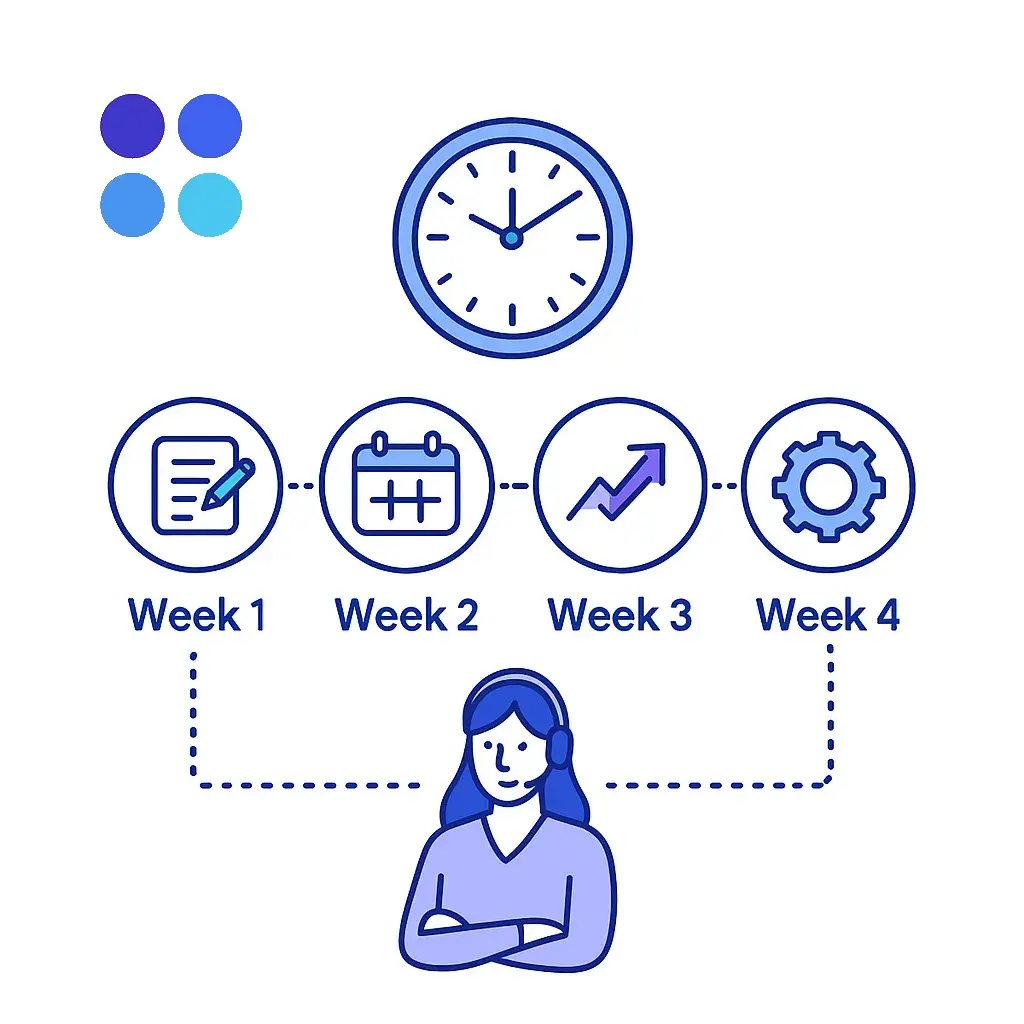
Week 1 – Design
Define call types, qualification questions, and escalation paths.
Connect calendars, CRM, and ticketing.
Write scripts and compliance guardrails.
Week 2 – Pilot
Route 20–30% of calls to the receptionist team.
Turn on AI summaries and knowledge assist.
Review daily; patch gaps quickly.
Week 3 – Expand
Shift to 60–80% coverage, including after‑hours.
Add SMS confirmations and email follow‑ups.
Launch a short post‑call CSAT.
Week 4 – Optimize
Compare conversion and abandonment to baseline.
Update scripts based on analytics and QA.
Lock SLAs and reporting cadence.
By day 30, you should see higher booked appointments, lower abandonment, and fewer internal interruptions.
Phone trees were built for an era when businesses optimized for internal efficiency. In 2025, the scarce resource is attention — yours and your customers’. Live receptionists convert because humans resolve ambiguity, build trust, and secure next steps in a way menus never will. Smart AI makes that human faster, more accurate, and more scalable. Together, they turn inbound calls into revenue and loyalty.
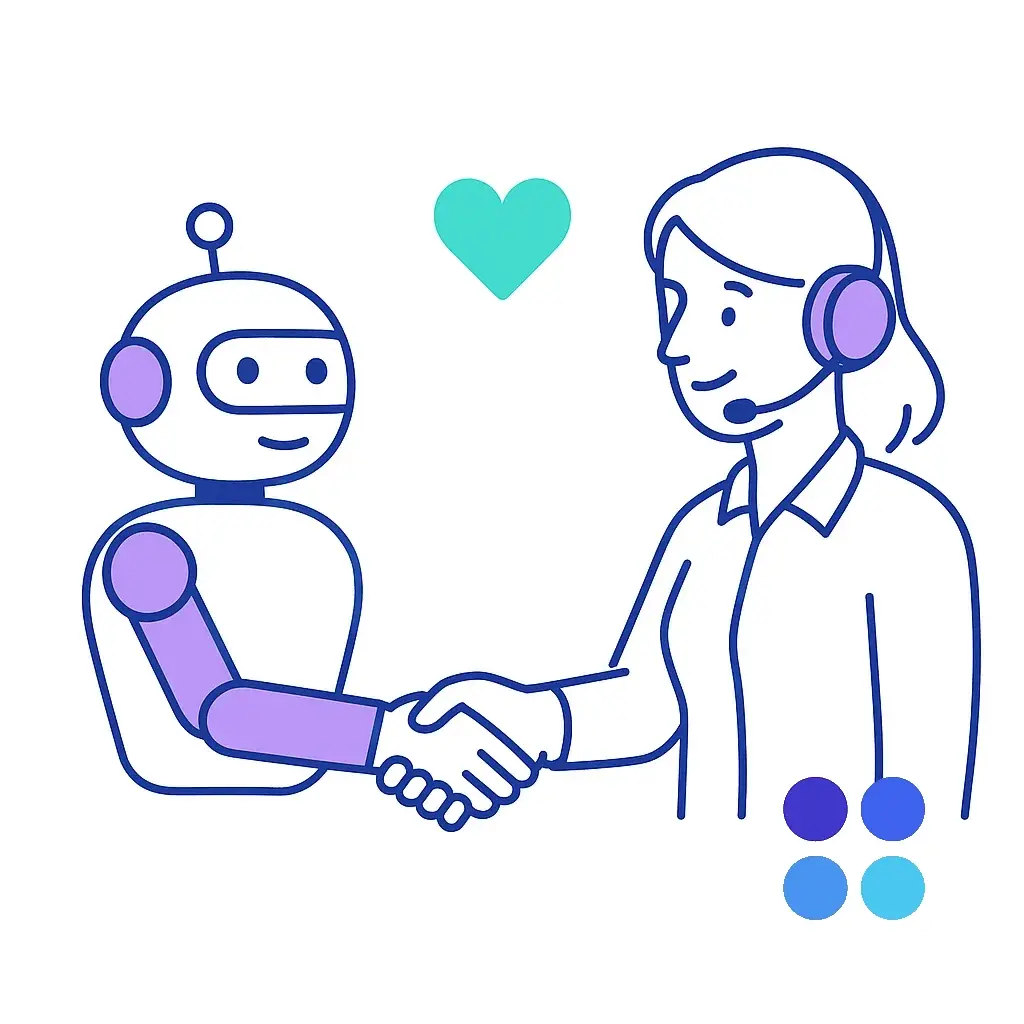
If you’re ready to stop leaking opportunities, pair humans first with AI assist, not the other way around. And if you want a partner that brings both to the table, Go Answer can launch a tailored receptionist program — with your scripts, your brand voice, and your systems — in days, not months.
Want help modeling your ROI or drafting scripts? Share your average call volume, close rate, and margin, and we’ll send back a customized projection and a ready‑to‑use call flow.

Learn why thousands of companies rely on Go Answer.
Try us risk-free for 14 days!
Enjoy our risk-free trial for 14 days or 200 minutes, whichever comes first.
Have more questions? Call us at 888-462-6793
Learn why thousands of companies rely on Go Answer.
Have more questions? Call us at 888-462-6793
If you would like to get in contact with a Go Answer representative please give us a call, chat or email.

Thanks for your interest!
A representative will be reaching out to you shortly.
Have more questions? call us on 888-462-6793
