
Stop the Back-and-Forth: First-Call Appointment Scheduling That Actually Sticks
By Adom FrancisLast modified: October 28, 2025
Voted Top Call Center for 2024 by Forbes
Virtual Receptionists
Save time and money with our virtual receptionists.
AI Receptionist
AI-powered receptionist that answers, routes, and qualifies calls 24/7.
Enterprise Solutions
Solutions designed to scale with your organization’s needs.
Legal Services
Our virtual legal receptionists are experts in legal intake.
Last modified: October 28, 2025
Prospects call because they’re ready to move. Shunting them to “we’ll text you a link” pushes that momentum into a different task — with plenty of chances to drop off. Live, on-call scheduling captures intent in the moment, sets expectations, and materially improves show-up rates without piling work on your team.
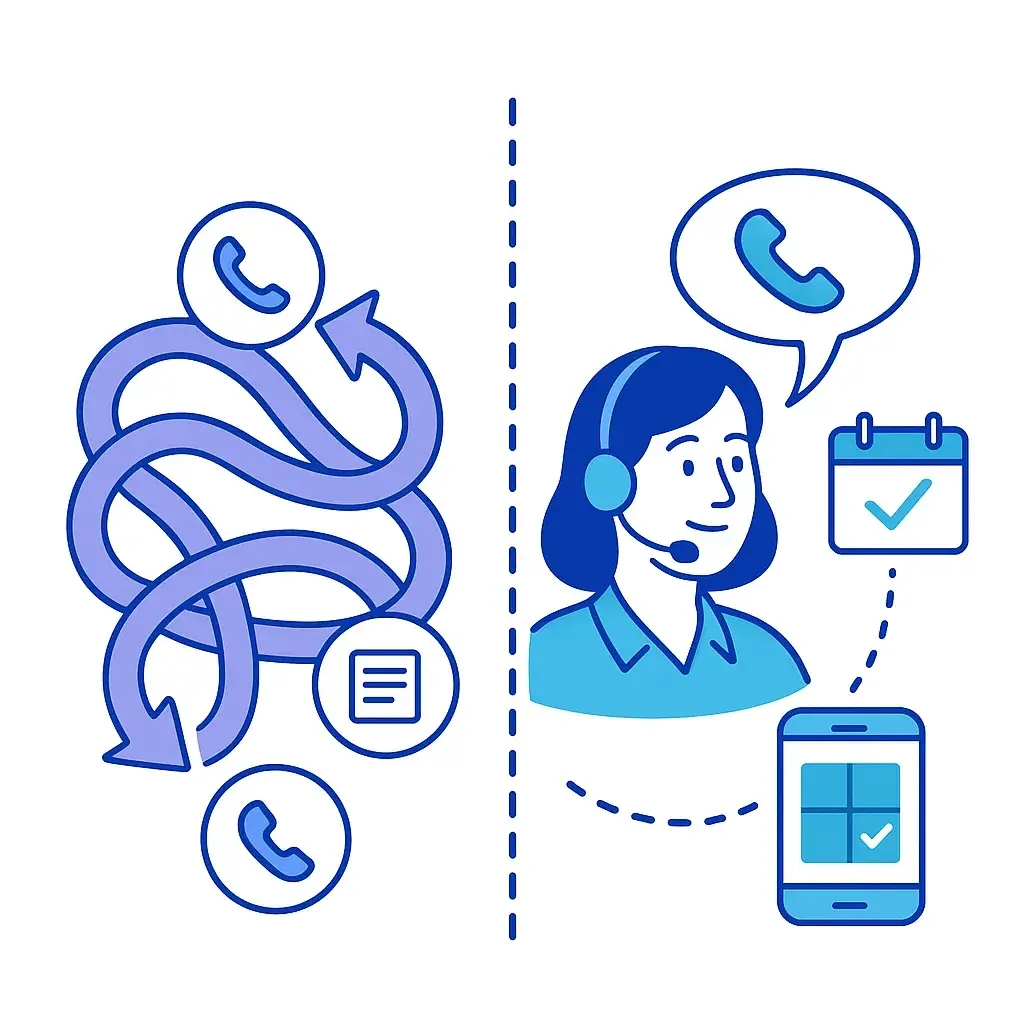
If you already use links, don’t toss them — use them strategically as a fallback. The win is a live-first, link-smart system that books in one conversation and makes it easy to confirm, prep, or reschedule later.
Quick take (in three beats)

Route fast: get callers to a scheduler in 30–60 seconds.
Offer choices: “today 4:30 or tomorrow 10:00?” reduces thinking friction.
Make it stick: read back details + send ICS + SMS/email + reminders (24h & 2h).
Dimension | “Text you a link” | Live, on-call booking |
Friction | Higher: app switching, form fill, interruptions | Lower: decide now, no context switch |
Conversion | Intent decays; abandoned forms common | Captures urgency in-moment |
Data quality | Partial/inaccurate fields | Guided intake = complete & clean |
Staffing | Light, but leaks pipeline | Offload to Go Answer 24/7/365 |
Experience | Transactional, self-serve | White-glove, reassurance |
Best use | Caller can’t finish, overflow, very low intent | High-intent, urgent, revenue appointments |
Bottom line: default to live for revenue/urgency; keep links as a personalized safety net.

Mini-triage (≤60s). Confirm who/what/where/urgency and any disqualifiers. This orients the call without derailing it.
Choice framing. “I can place you on the calendar right now — does later today or tomorrow morning work better?” Two options beat an open-ended “when works?”
Smart slotting. Apply your routing (round-robin/owner), buffers, travel time (trades), location/venue (law), and service area rules.
Commitment language. Read back date, time, format/location, who they’ll meet, and what happens next. Commitment out loud reduces no-shows.
Stickiness levers. Send the ICS + SMS/email immediately; schedule 24h and 2h reminders; include one-tap reschedule; attach prep (docs, directions, access notes).
Graceful fallback. If calendars are blocked or the caller can’t finish, create a tentative hold, send a pre-filled link, and auto-nudge if unused.
Goal: lock the consult now, capture essentials, set expectations.
Dialogue
Agent: “Thanks for calling [Firm Name] — you’ve reached [Agent]. I can get your free consultation scheduled right now so an attorney can review your situation. May I ask two quick questions to match you correctly?”
Caller: “Sure.”
Agent: “What’s the date of the incident? And was it auto, slip/fall, or something else? Have you seen a doctor yet?”
Caller: “Auto, last Friday. Yes, urgent care.”
Agent: “We can hold a consult for you. I have today at 4:30 PM or tomorrow at 10:00 AM — which is better?”
Caller: “Tomorrow 10.”
Agent: “Great — tomorrow at 10:00 AM, phone consult with Attorney [Name] at [caller number]. I’m sending your calendar invite and a short intake form now. Quick note: this call helps us evaluate your case — it doesn’t create an attorney-client relationship yet. You’ll also get a reschedule link if anything changes.”

Why it works (micro-notes):
Opens with immediate value (“schedule right now”).
Two options speed decisions.
Expectation language reduces misunderstandings and no-shows.
Goal: secure a window, confirm fees/prep, reduce “day-of” friction.
Dialogue
Agent: “We can dispatch a tech and get you on today’s route. What’s your zip code, please?”
Caller: “33432.”
Agent: “Thanks. Is it no AC or reduced cooling? Any leaks or unusual sounds?”
Caller: “No AC, loud buzzing.”
Agent: “Earliest window is 2–5 PM today, or 8–11 AM tomorrow — which do you prefer?”
Caller: “Tomorrow morning.”
Agent: “Perfect — tomorrow 8–11 AM. The diagnostic visit is $[X] and we apply it to repairs. Please ensure someone 18+ is home and pets are secured. You’ll receive a calendar invite now and a text ETA when the tech is en route. Need to reschedule? It’s one tap.”

Why it works:
Window + fee clarity reduces surprise.
Prep checklist avoids failed visits.
ETA text raises confidence and show-up.
Sometimes the caller can’t finish (“I’m driving”). That’s where a personalized link earns its keep.
Use this checklist to keep it tight:

Send a link pre-filled with name/phone/summary so they aren’t re-typing.
If unopened in 2 hours, auto-nudge with two time options (“Today 4:30 or tomorrow 10:00?”).
No live capacity? Place a priority hold on the next best slot and say so in the text.
Respect SMS consent and offer a phone-only pathway for accessibility.
Decision rule (drop-in):
IF caller_can_finish_now = true → live book
ELSE → send prefilled link + 2h nudge + callback if still unbooked
We’re platform-agnostic and use delegated/secure logins with least-privilege access and 2FA.

General scheduling: Calendly; Acuity (Squarespace Scheduling); Setmore; YouCanBook.me; Microsoft Bookings; Google Calendar appointments; Zoho Bookings; HubSpot Meetings.
Legal: Clio Grow/Manage; Lawmatics; MyCase; Smokeball; PracticePanther.
Trades/field service: ServiceTitan; Housecall Pro; Jobber; ServiceFusion; Workiz; ServiceM8.
Payments/holds: Stripe; Square links (collect consult fees or deposits).
Comms: Native reminders; Twilio-powered SMS; transactional email via Klaviyo/Mailchimp.
CRM/tickets: Salesforce; HubSpot; Zoho; Pipedrive; Zendesk; Freshdesk.
Have a proprietary portal? We’ll QA in a test environment, then go live.
You don’t need a months-long project. Treat it like a mini-rollout with three quick phases.

Phase 1 — Define (Day 0–1)
Services + durations, buffers, travel time
Routing rules (round-robin/owner, specialties, zip codes)
Availability (hours, after-hours policy, same-day cutoffs)

Phase 2 — Configure & QA (Day 2–3)
Intake fields (must-have vs nice-to-have)
Templates (confirmation, reminders, prep, directions/parking)
Access (logins, roles, 2FA) + 2 test bookings (law + trades)

Phase 3 — Launch & tune (Week 1)
24/7 coverage on scripts & routing
Weekly review of book rate, no-shows, AHT, and call recordings for script polish

Do read back the appointment and what happens next.
Do send ICS + SMS/email immediately.
Do use 24h + 2h reminders; add day-of ETA for field work.

Don’t force re-entry of intake to reschedule — use a one-tap link.
Don’t hide deposits/fees; small holds can reduce flakes without scaring good leads.
Don’t bury access instructions; ask for gate codes/parking upfront.
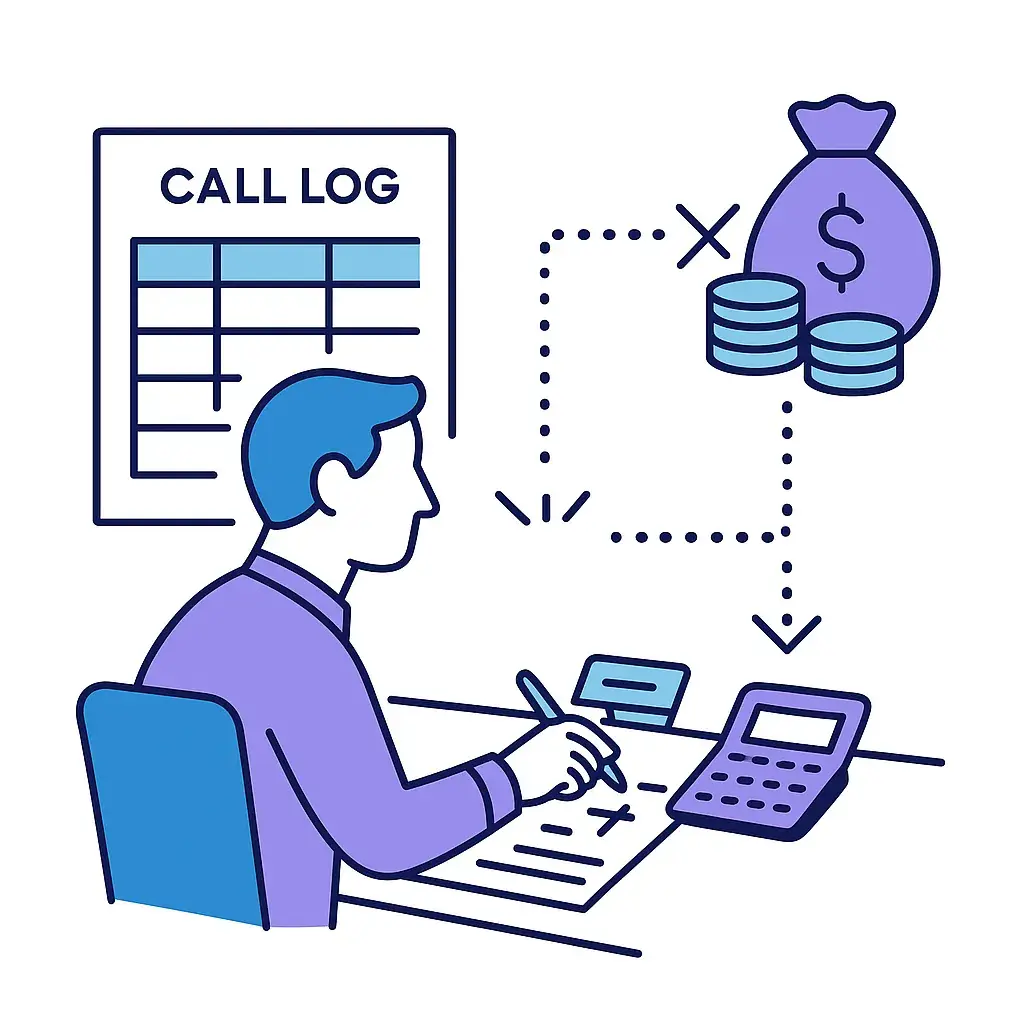
First-call book rate: % calls ending in a confirmed slot. Rising = your scripts/routing are working.
Time-to-appointment (median hours): Lower is better for conversion.
No-show rate & reschedule rate: Track by channel (phone vs link) and by service type.
Link completion rate: % of link-handoffs that complete within 24h; low = over-reliance on links or weak nudges.
AHT for booking calls: Time to triage + schedule; watch alongside book rate to balance speed and quality.
Downstream revenue: Booked→kept→converted (e.g., retained case or paid repair).

Live first for: high-intent inquiries, urgent matters, fee-bearing consults, dispatches.
Link smart for: truly time-constrained callers, after-hours overflow, or when calendars are temporarily blocked — but always personalized and pre-filled.

Hand us your script, scheduler access, and routing rules. Go Answer will book real appointments on the very first call, 24/7 — complete with confirmations, reminders, and clean CRM handoffs. If you like, we’ll start with a two-week pilot, tune the flow, and roll it out across teams and locations.
Let’s turn your next call into a confirmed appointment.

Learn why thousands of companies rely on Go Answer.
Try us risk-free for 14 days!
Enjoy our risk-free trial for 14 days or 200 minutes, whichever comes first.
Have more questions? Call us at 888-462-6793
Learn why thousands of companies rely on Go Answer.
Have more questions? Call us at 888-462-6793
If you would like to get in contact with a Go Answer representative please give us a call, chat or email.

Thanks for your interest!
A representative will be reaching out to you shortly.
Have more questions? call us on 888-462-6793
