
Mass Tort Intake Operations: Eligibility Screening, Documentation Standards, and Audit-Ready Workflows
By Matt O'HaverLast modified: May 19, 2026
Voted Top Call Center for 2024 by Forbes
Virtual Receptionists
Save time and money with our virtual receptionists.
AI Receptionist
AI-powered receptionist that answers, routes, and qualifies calls 24/7.
Enterprise Solutions
Solutions designed to scale with your organization’s needs.
Legal Services
Our virtual legal receptionists are experts in legal intake.
Last modified: May 19, 2026
Mass tort intake is not “just answering phones.” It is a high-velocity intake and triage system that has to capture accurate facts, apply evolving eligibility rules, protect sensitive information, and move qualified claimants to the next step without creating downstream rework.
This guide is for enterprise and multi-location service organizations that run intake at scale, especially legal intake-heavy firms (PI, mass tort, litigation support) and healthcare-adjacent practices that manage high-volume inbound interactions. You will learn how to design a mass tort intake workflow, build consistent eligibility screening logic, define intake documentation standards, and operate audit-ready workflows with measurable QA and reporting.
The goal is practical: reduce leakage, improve lead qualification for mass tort, and make intake compliance and auditing easier to prove. This is operational guidance, not legal advice, and your counsel should tailor it to your jurisdictions and matters.
Mass torts create a unique combination of volatility and volume. Criteria change, advertising sources vary in quality, and case teams need clean data fast to decide what to sign, what to escalate, and what to decline.
Intake breaks when teams rely on “tribal knowledge” rather than a documented litigation support intake process. The usual symptoms are inconsistent screening, incomplete records, unclear handoffs, and reporting that cannot answer basic questions like “Why was this lead declined?” or “Which criteria drove eligibility yield this week?”
Modern mass tort operations are being pushed toward higher control and higher speed at the same time. Three shifts matter most for intake leaders building durable workflows.
Confidentiality expectations are clearer even when nonlawyers handle first contact. If intake is performed by staff or outsourced teams, firms still have duties to protect information under rules like the ABA Model Rule 1.6 on confidentiality and to ensure appropriate oversight under frameworks like ABA Model Rule 5.3 on nonlawyer assistance.
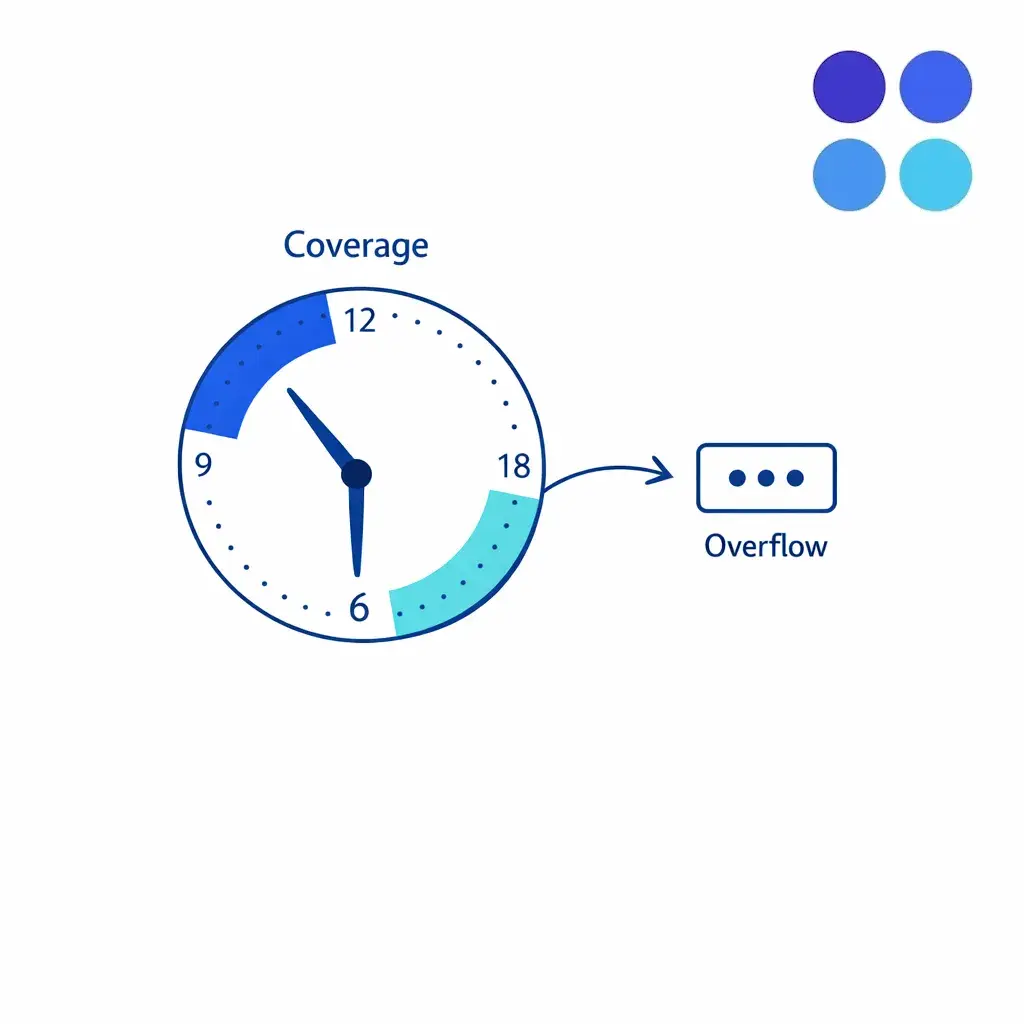
Security controls matter more in distributed and after-hours coverage. Access control, logging, and secure handling become operational requirements when intake spans shifts and locations, especially if your workflow touches PHI aligned with the HIPAA Security Rule.
Consent, opt-out, and contact preferences are now core intake data. Many mass tort campaigns depend on high-volume outbound follow-up, so your intake workflow must reliably capture consent and manage contact preferences in a way that aligns with consumer guidance like the FCC’s information on unwanted robocalls and texts.
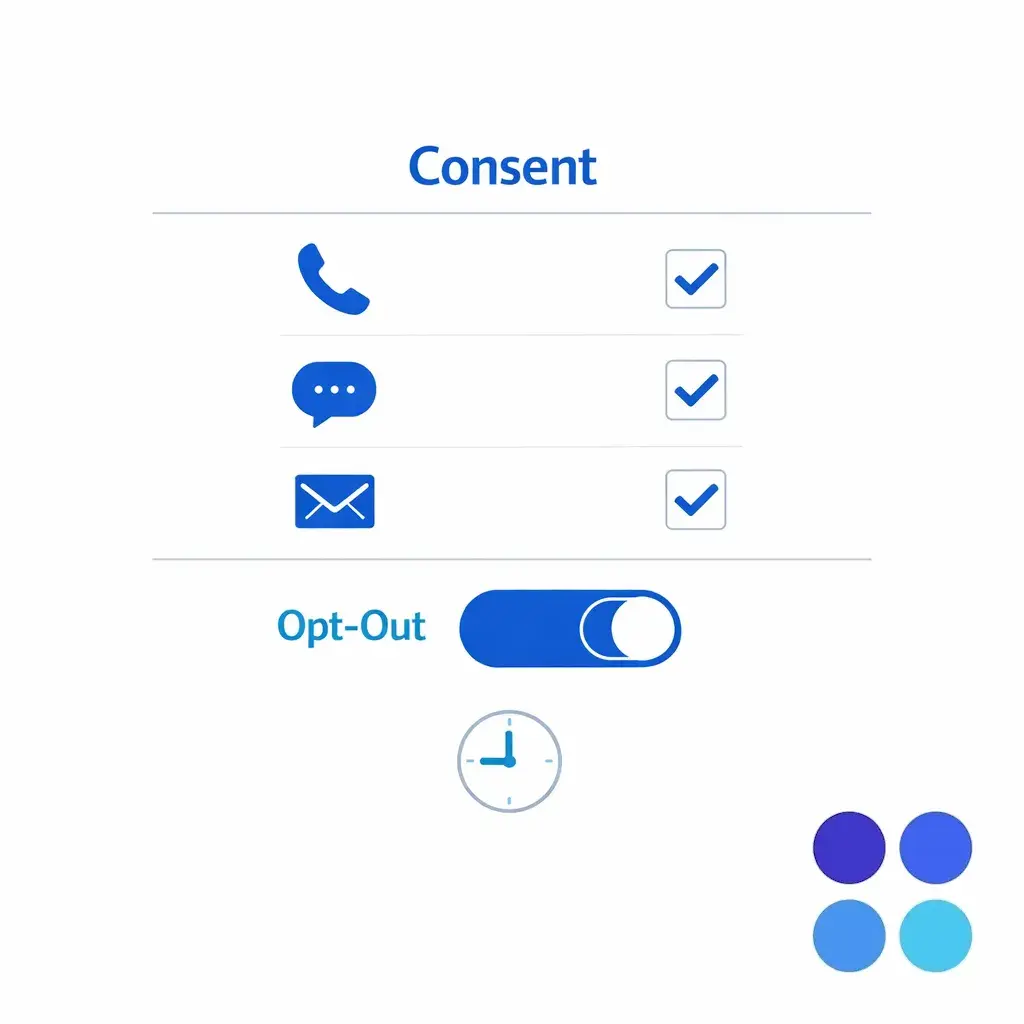
Capture consent as structured fields at intake — opt-in channels, opt-out flag, and a timestamp — so downstream outreach can be filtered, audited, and explained later without guesswork.
A scalable mass tort intake workflow has one job: take an inbound contact and produce a decision-ready record. That record must be complete enough to support eligibility, escalation, retainer next steps, and defensible reporting.
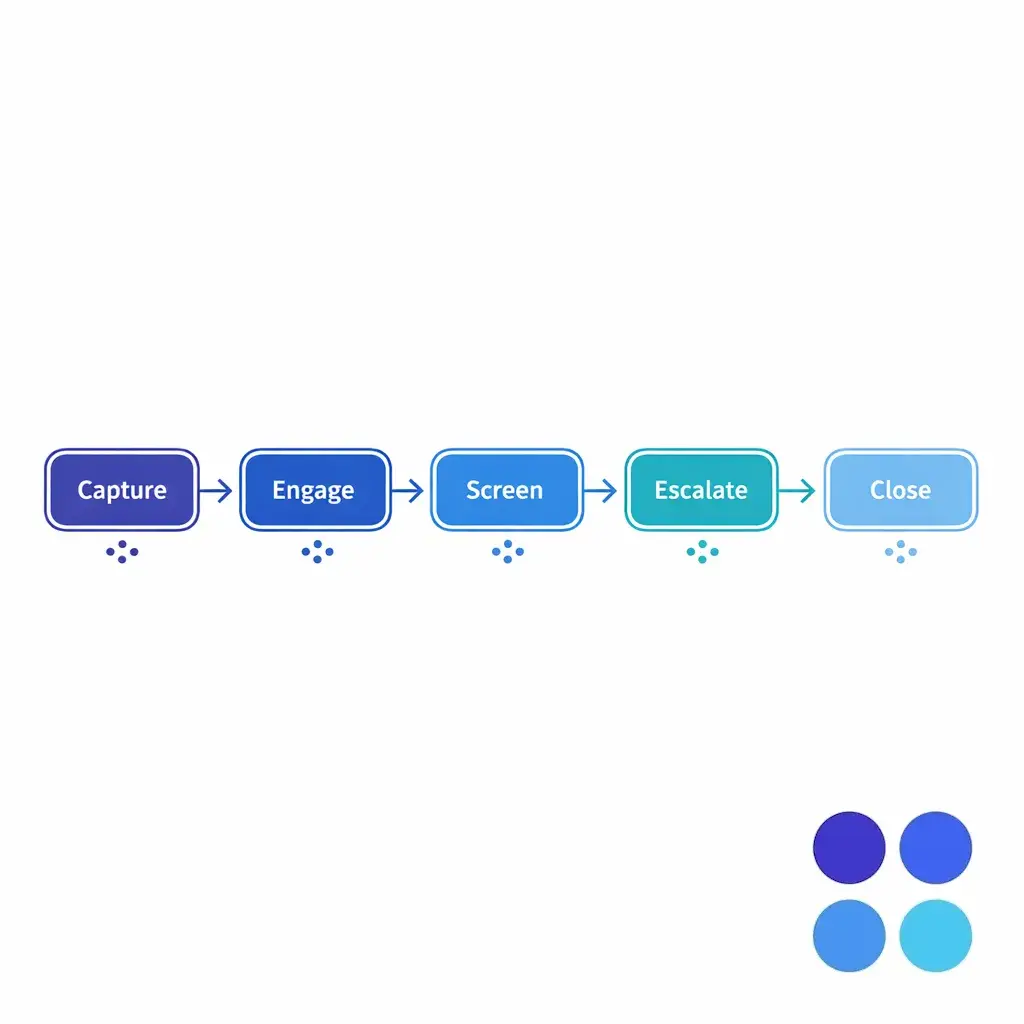
Most teams do better with a “single flow” that branches only when needed. The workflow below is deliberately simple so you can implement it across internal teams, overflow coverage, and after-hours intake without creating parallel processes.
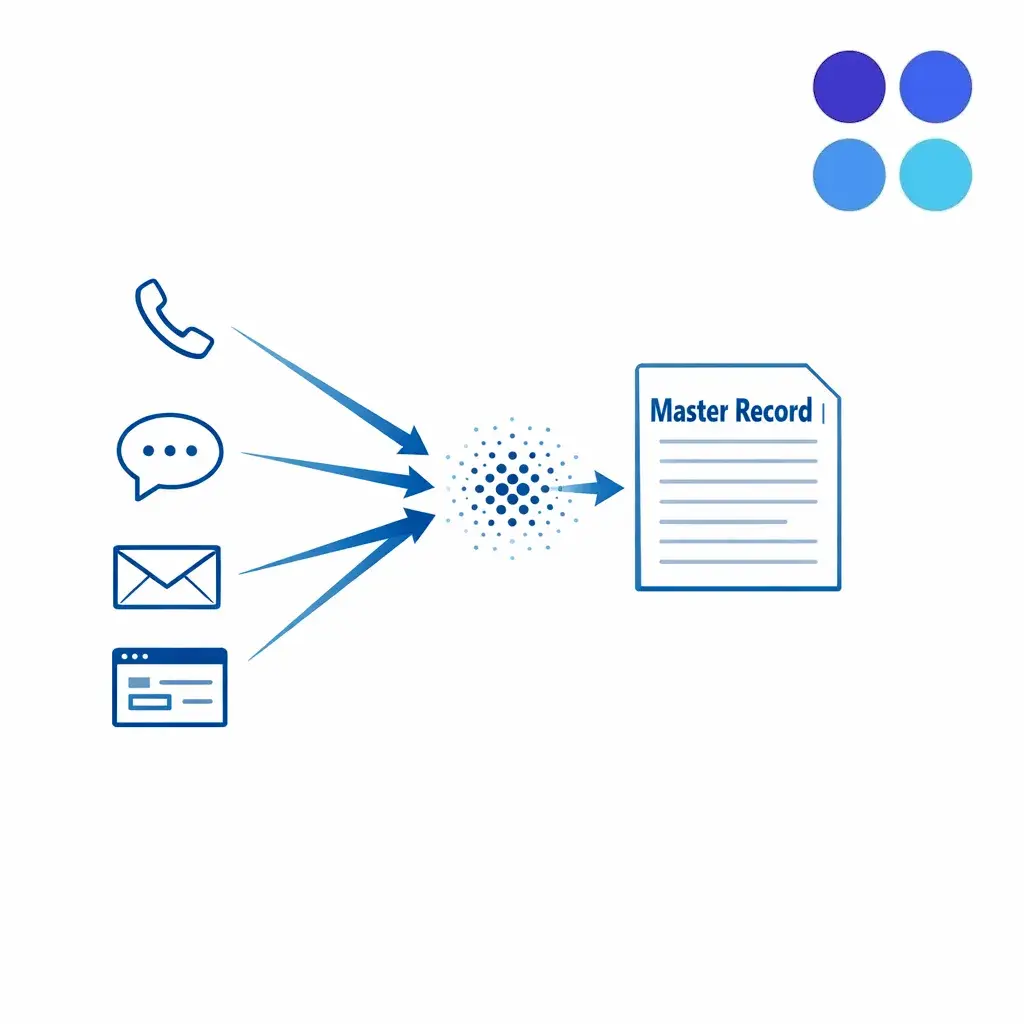
Speed to lead legal intake is not only about picking up quickly. It is about reducing friction so a qualified claimant can complete screening in one sitting, while ensuring your intake documentation standards remain consistent.
Operationally, that means: greet, confirm minimal identity, explain the purpose of the screening, and set expectations about next steps. Avoid “over-selling” the case; your intake should inform and triage, not provide legal advice.
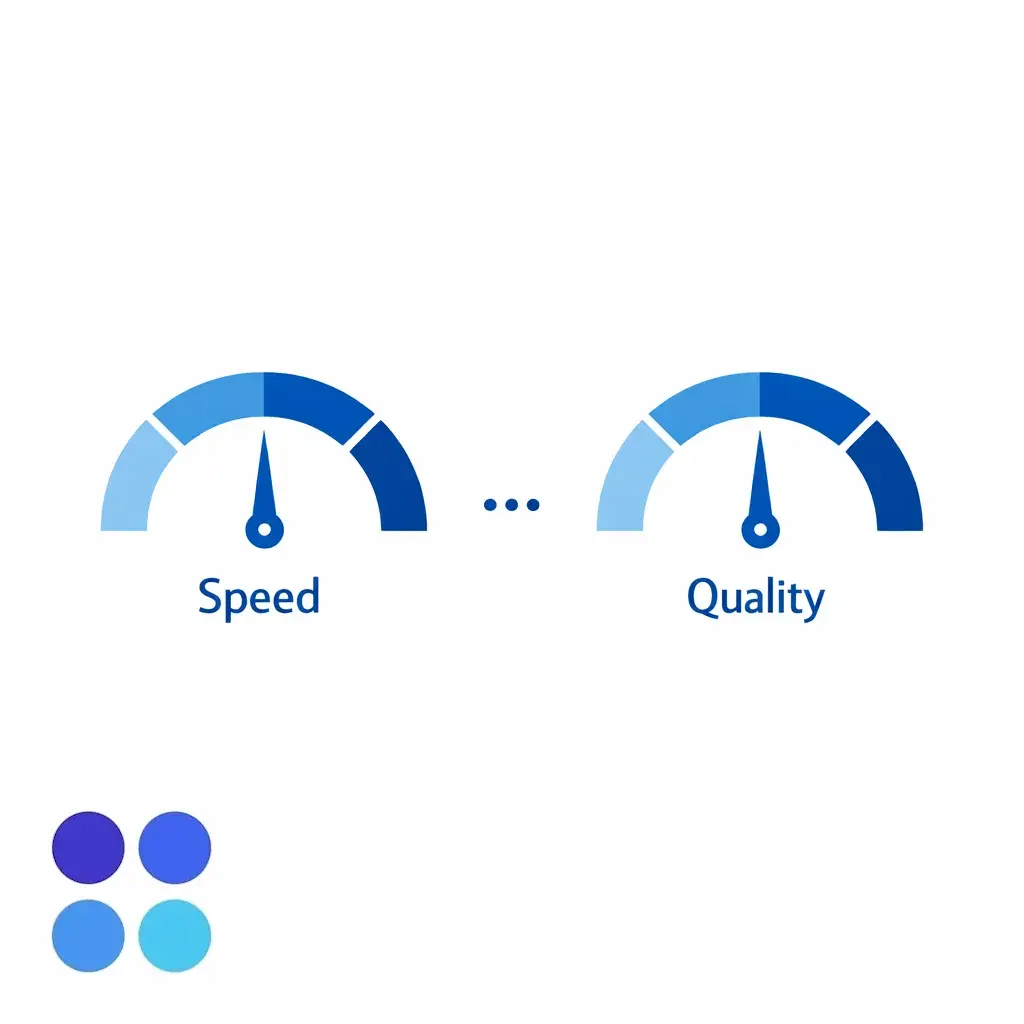
Track speed and quality as a paired metric. Picking up fast only matters if the resulting record is decision-ready; otherwise the savings show up as rework on the case team’s desk.
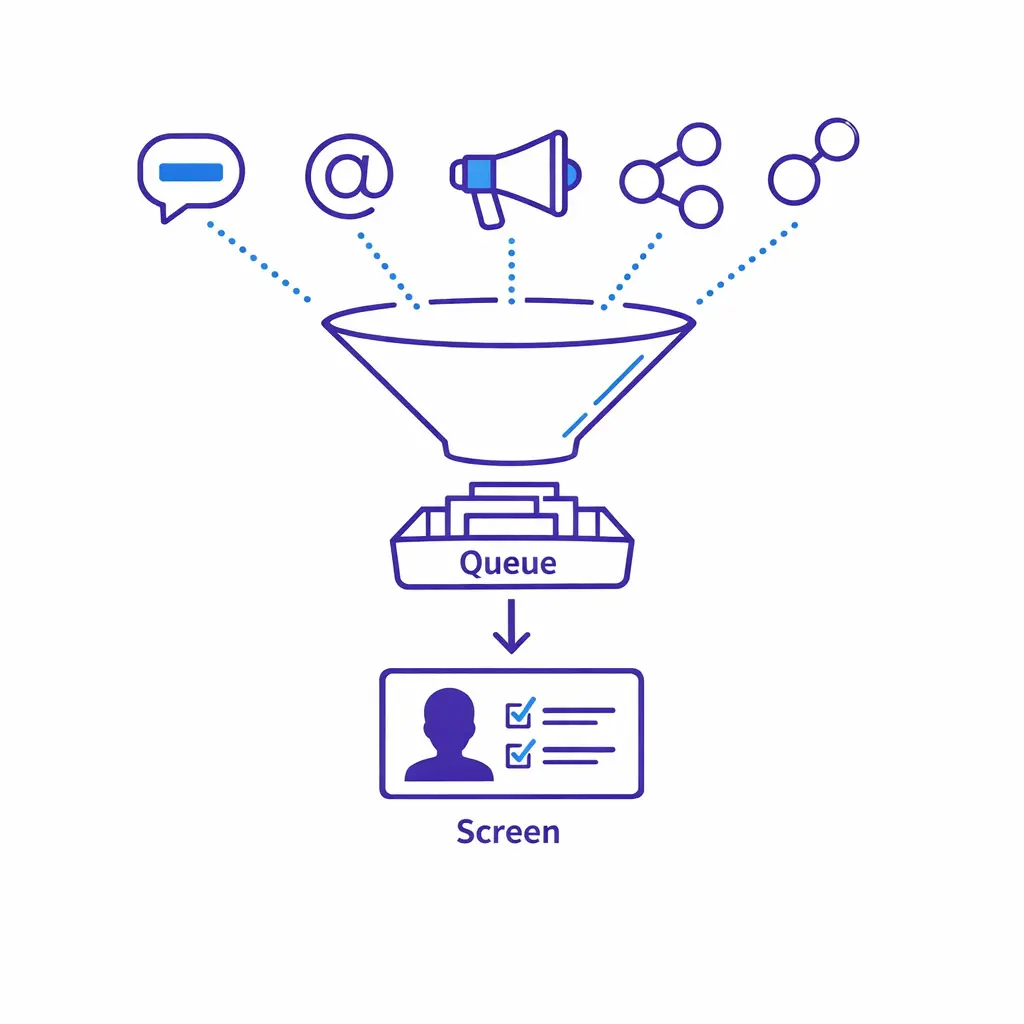
This is the core of lead qualification for mass tort. Your screen should be designed as a structured decision tree that produces one of three outcomes: eligible, potentially eligible (needs review), or ineligible.
Keep the first pass tight. The goal is to determine whether the person plausibly fits the matter criteria and whether the record is clean enough to move forward without repeated callbacks.
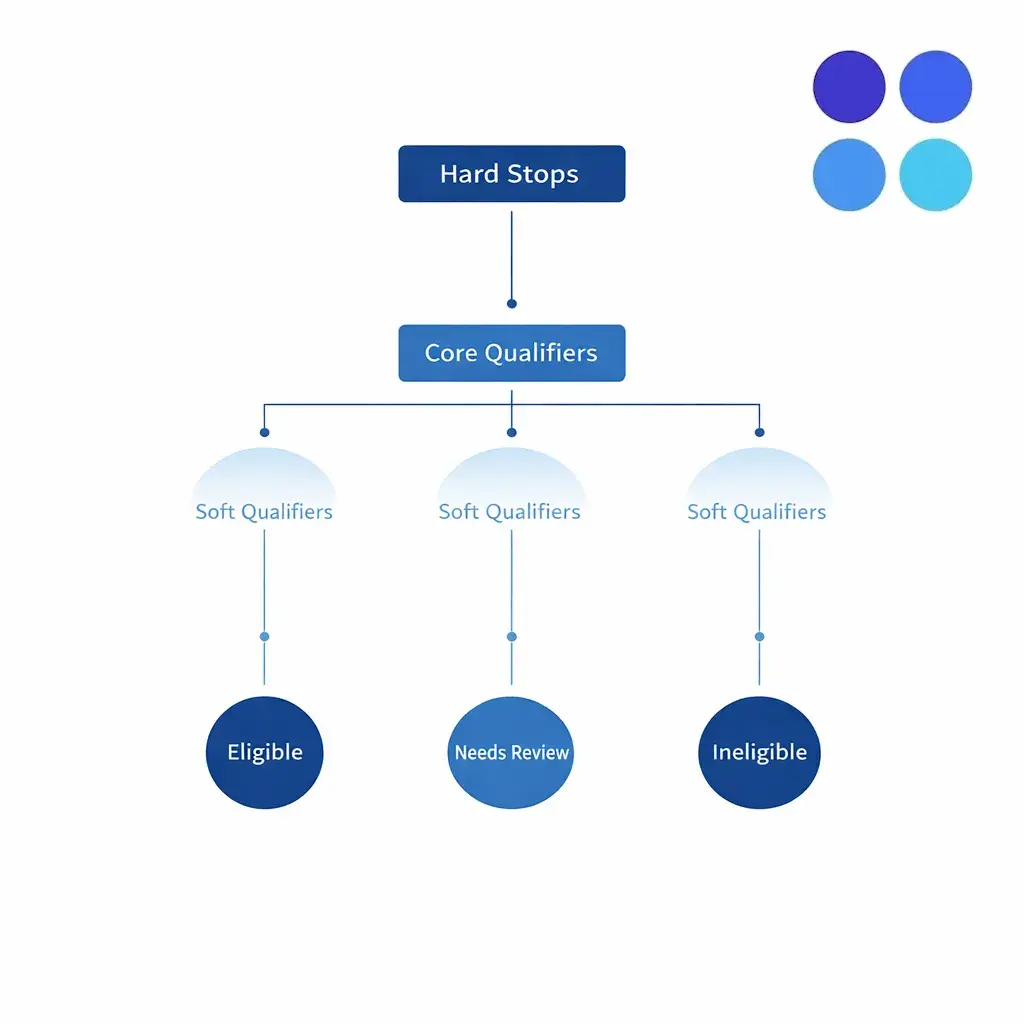
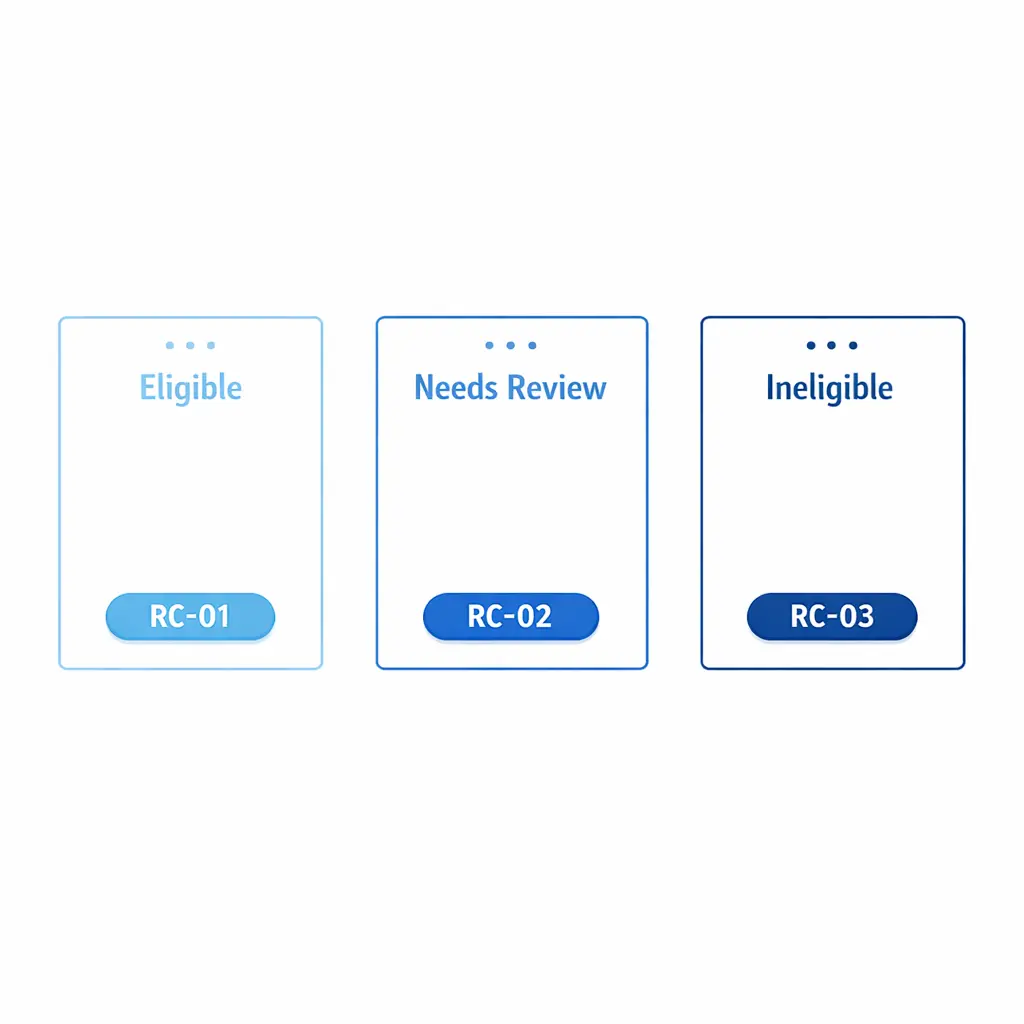
Design the screen so every contact ends in one of three clear outcomes — eligible, needs review, or ineligible — each tied to a reason code that downstream teams and audits can rely on.
Not every “edge case” belongs in standard intake. Build an intake escalation matrix that routes complex scenarios to the right owner quickly: attorney review, nurse reviewer, senior intake, conflicts, or compliance.
Escalation should be a workflow step with a reason code, not a vague instruction. That reason code becomes critical later for intake compliance and auditing.
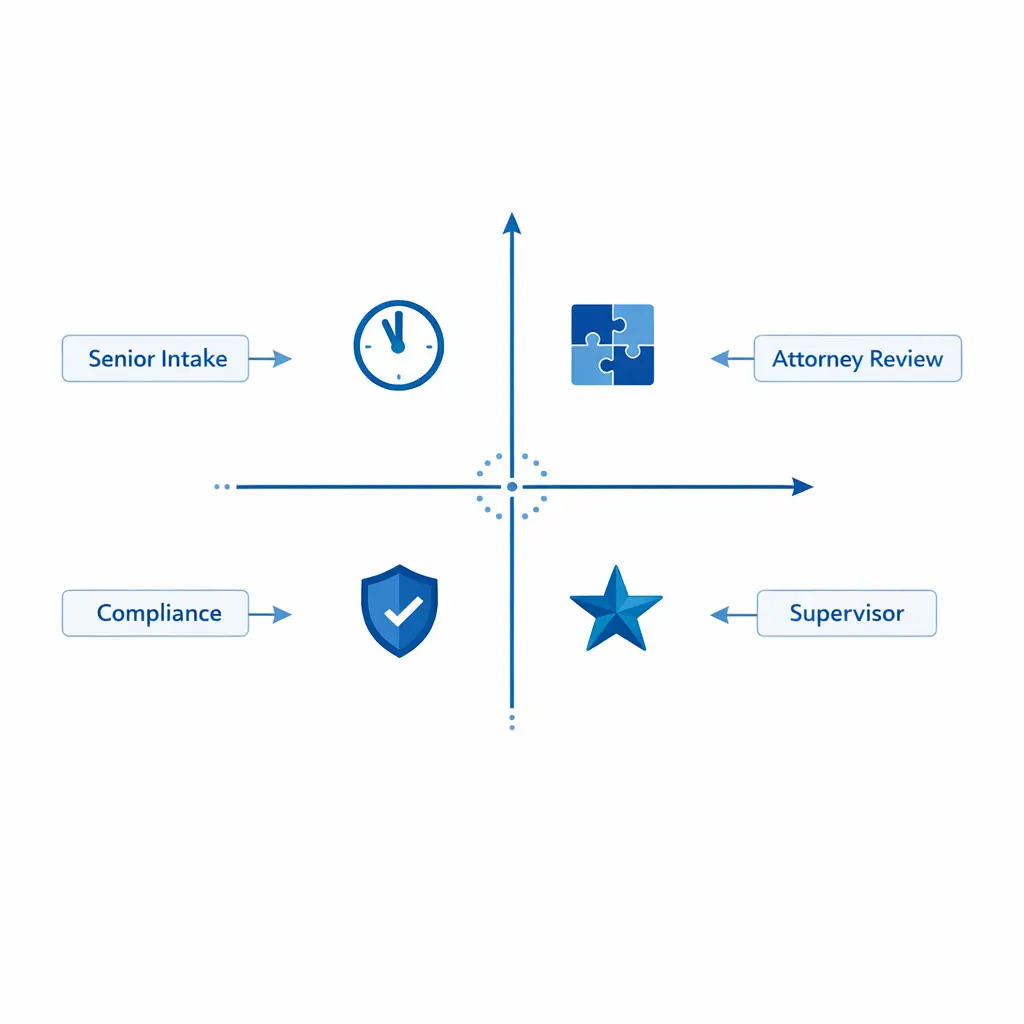
Treat escalation as a defined workflow step with a reason code, an owner, and a target response time — not a side note in the agent’s narrative. Reason codes are what makes the audit trail explainable later.
Close each contact with a structured recap: what you captured, what happens next, and what the claimant should expect. Then trigger the correct downstream tasks, such as e-sign packets, medical record request workflow initiation, or a scheduled attorney consult.
Do not leave “floating leads.” Every record should end in a defined status and owner with a timestamp and a reason.
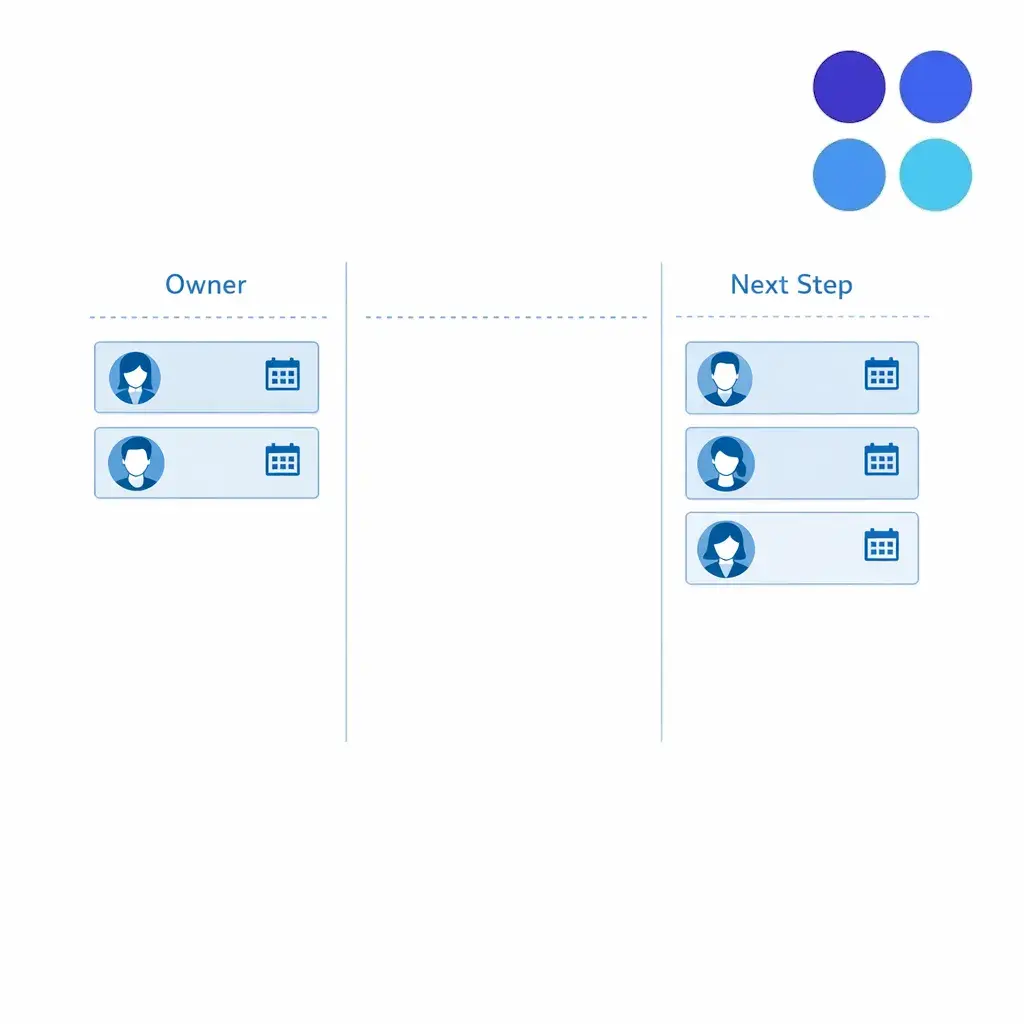
Every record needs a defined status, an owner, and a timestamped next step before it leaves intake. That single rule eliminates most of the “lost lead” reporting questions a case team will ever raise.
Eligibility screening logic should be explicit, versioned, and teachable. Your screen is only as strong as your ability to apply it consistently across agents, shifts, and channels.
Design screening around three layers: “hard stops” (automatic declines), “core qualifiers” (must-haves), and “soft qualifiers” (facts that improve case value or prioritization). This structure lets you keep your legal intake screening questions stable even as criteria changes occur.
Modular screens scale better than one long script. They let you reuse patterns across matters while swapping the matter-specific pieces as needed.
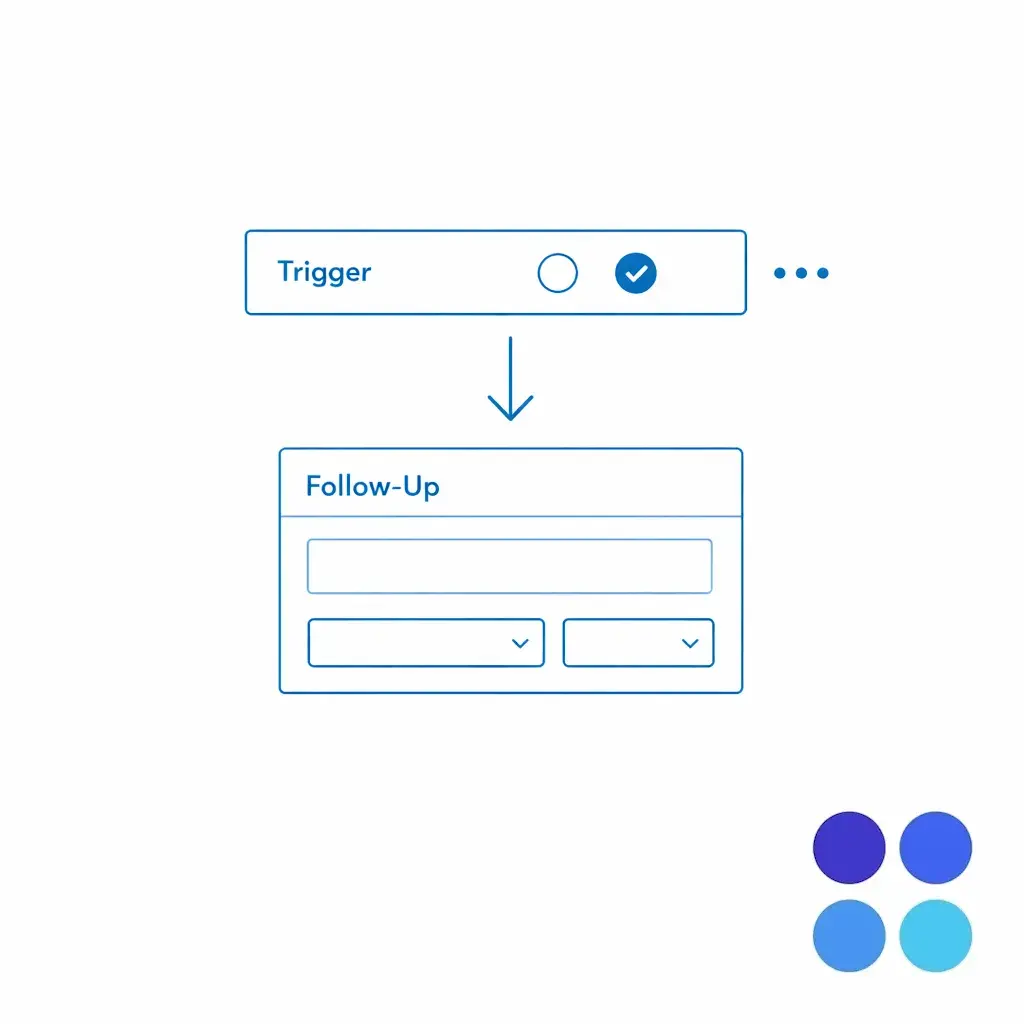
Use smart prompts and conditional questions so deeper detail only appears when a trigger answer requires it. The screen stays short for ineligible callers and fully comprehensive for qualified ones.
To reduce abandonment and improve completion rates, start with the smallest set of questions that can determine disposition. Save deeper fact gathering for qualified leads or escalations.
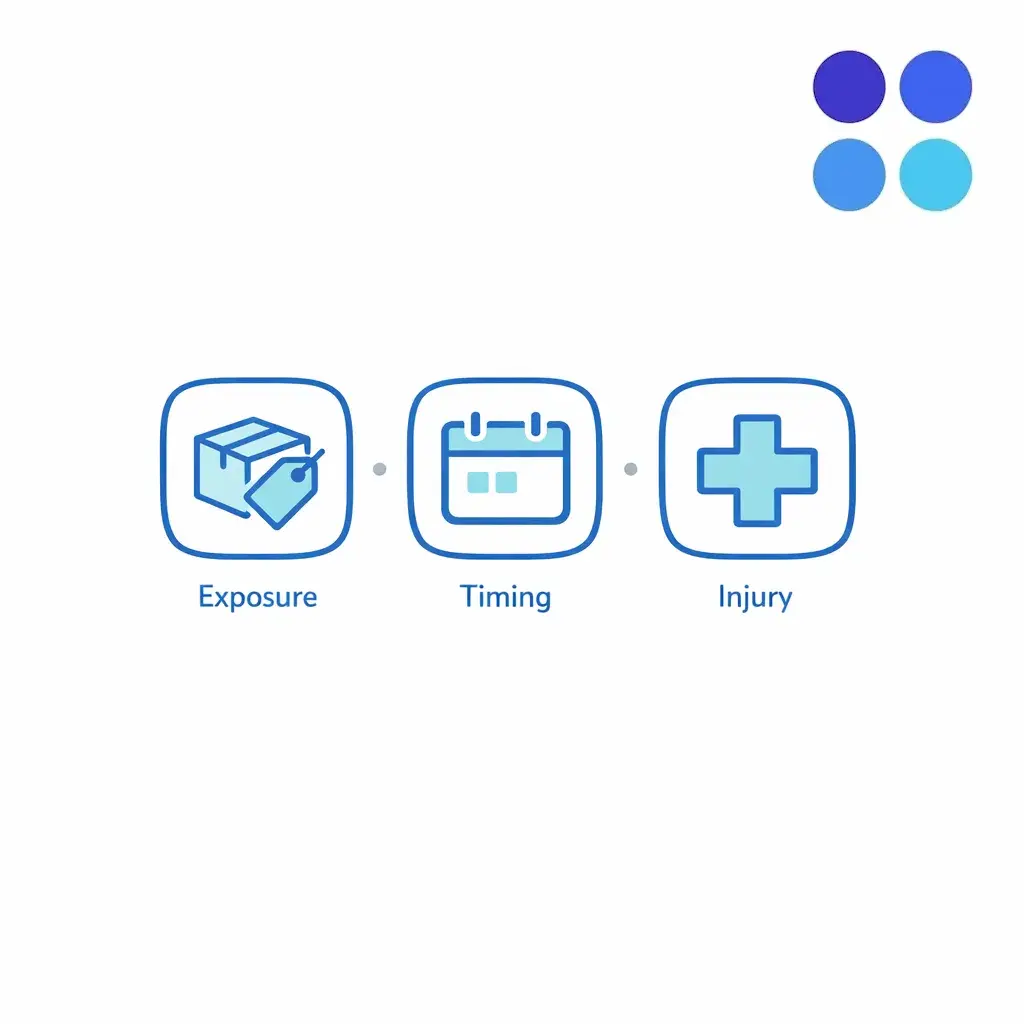
Agents should not have to improvise. Convert disqualifiers into explicit fields and reason codes so you can audit ineligibility decisions and tune criteria without retraining from scratch.
Mass tort criteria changes are inevitable. The operational failure happens when two agents are using two different screens on the same day.
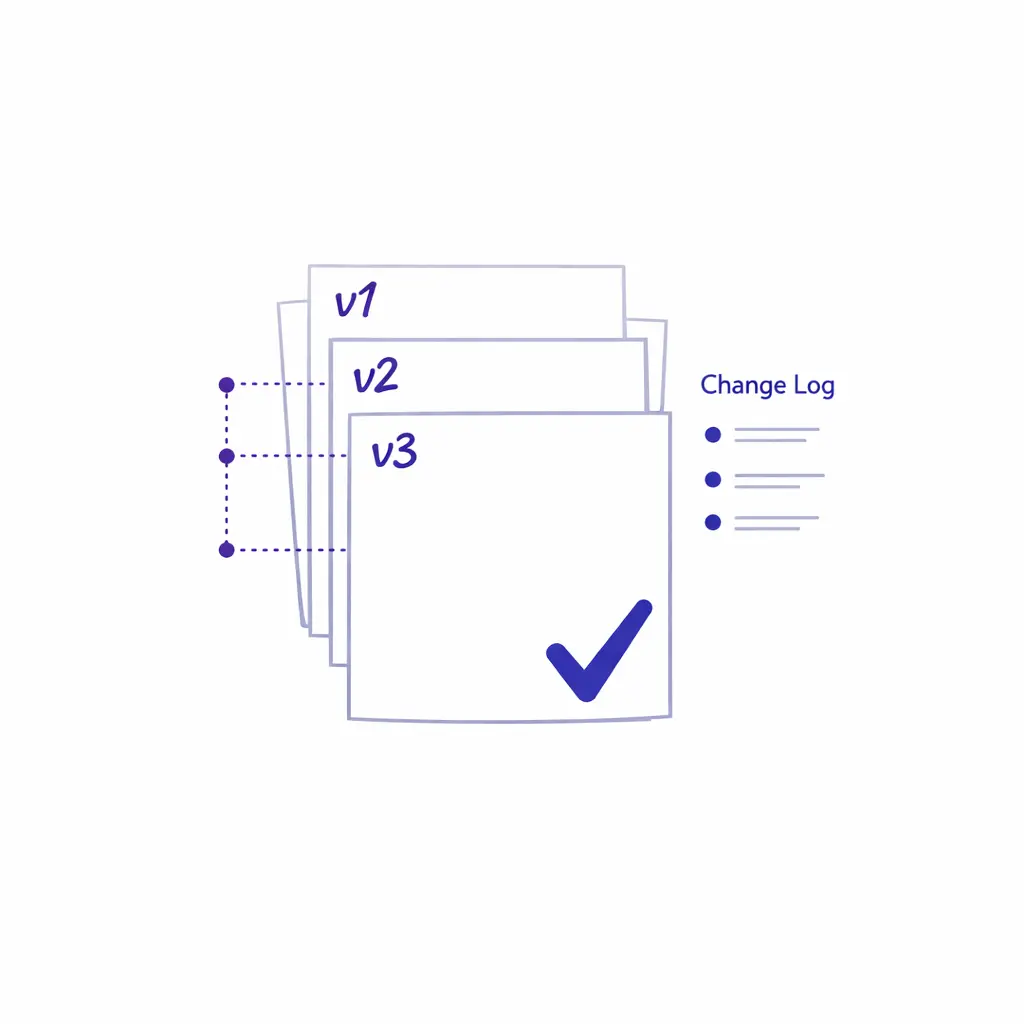
Maintain a single approved live version of every screen. Drafts and proposed changes live separately until trained and dated, so two agents on the same day are never running different criteria.
Intake documentation standards should be written so a reviewer can reconstruct what happened without listening to a call or guessing intent. The goal is defensible clarity: what the claimant said, what the agent asked, what criteria were applied, and what the next step was.
For law firms and litigation support teams, confidentiality is a baseline requirement, not a premium feature. Align your intake handling to professional duties like the ABA Model Rule 1.6 confidentiality framework, and ensure your processes for staff and vendors reflect oversight expectations like ABA Model Rule 5.3.
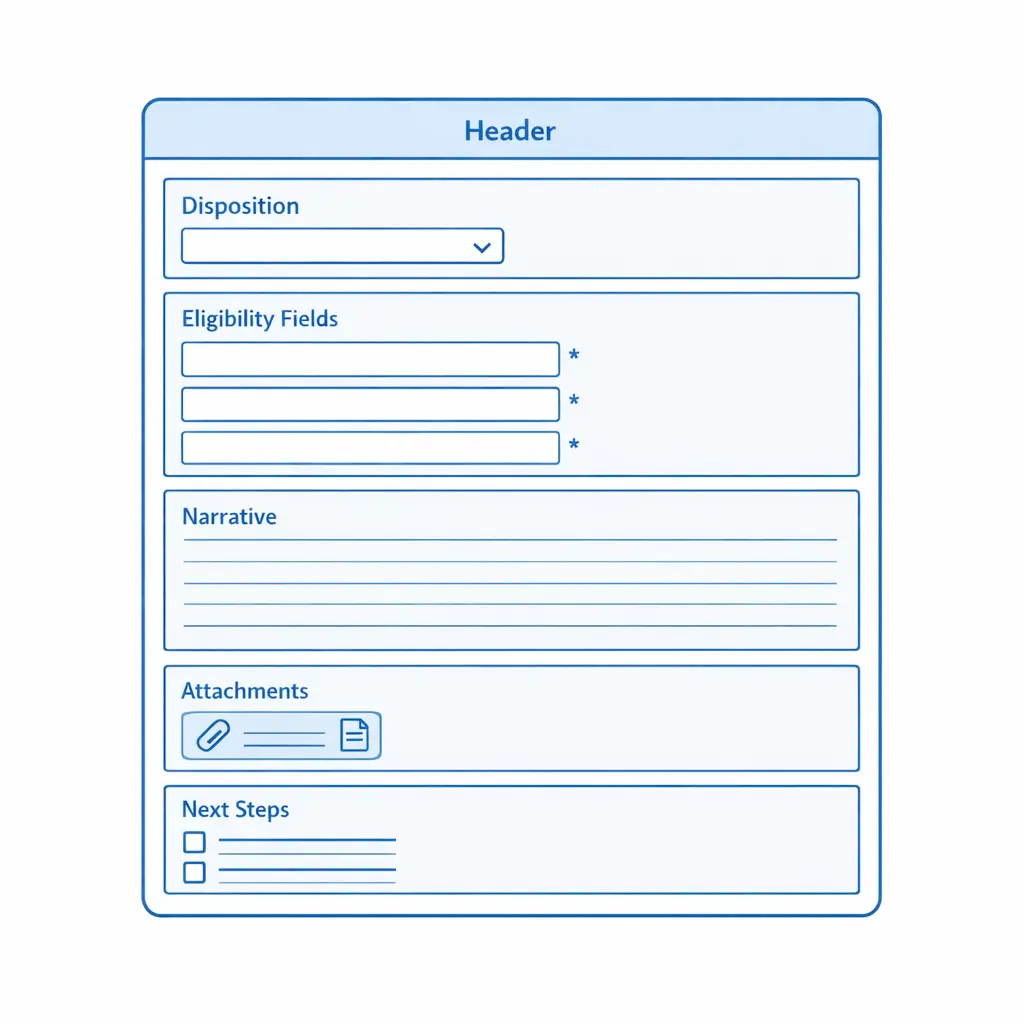
Narrative notes should read like a clear, neutral memo. Use direct quotes for critical statements and label uncertainties (“caller unsure of exact month”) rather than “cleaning up” the story. A helpful pattern is: context, exposure, injury, timeline, evidence, and disposition.
Capture consent (yes/no), permitted channels, timestamp, capture method (verbal/web), opt-out flag, and opt-out timestamp as structured fields aligned with consumer guidance like the FCC’s overview of robocalls and texting expectations. When in doubt, pause outbound and escalate for review.
When intake touches PHI, build workflows consistent with the HIPAA Privacy Rule and implement safeguards aligned with the HIPAA Security Rule: collect only what you need for screening, restrict access by role, and ensure secure transmission and storage.
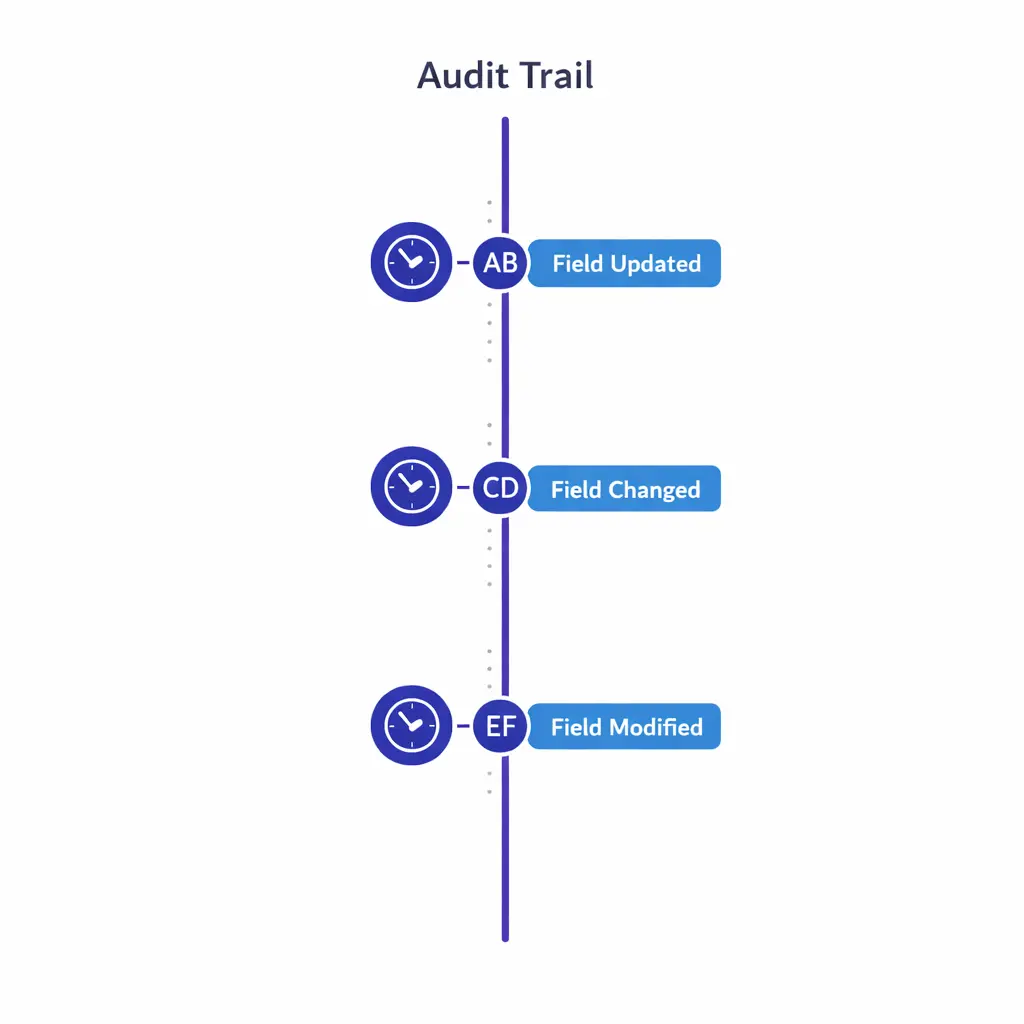
Maintain timestamps and authorship for changes to disposition, eligibility criteria, consent, and escalation outcomes. An audit trail is what makes “the screening was applied correctly” a verifiable claim instead of a recollection.
“Audit-ready” does not mean perfect. It means you can show your work: consistent screening, controlled changes, accountable handoffs, and verifiable QA. Think of audit readiness as three systems running together: process control, data control, and oversight control.
Agents should not need heroics to do good intake. Build guardrails into the workflow so the path of least resistance is also the compliant, complete path.
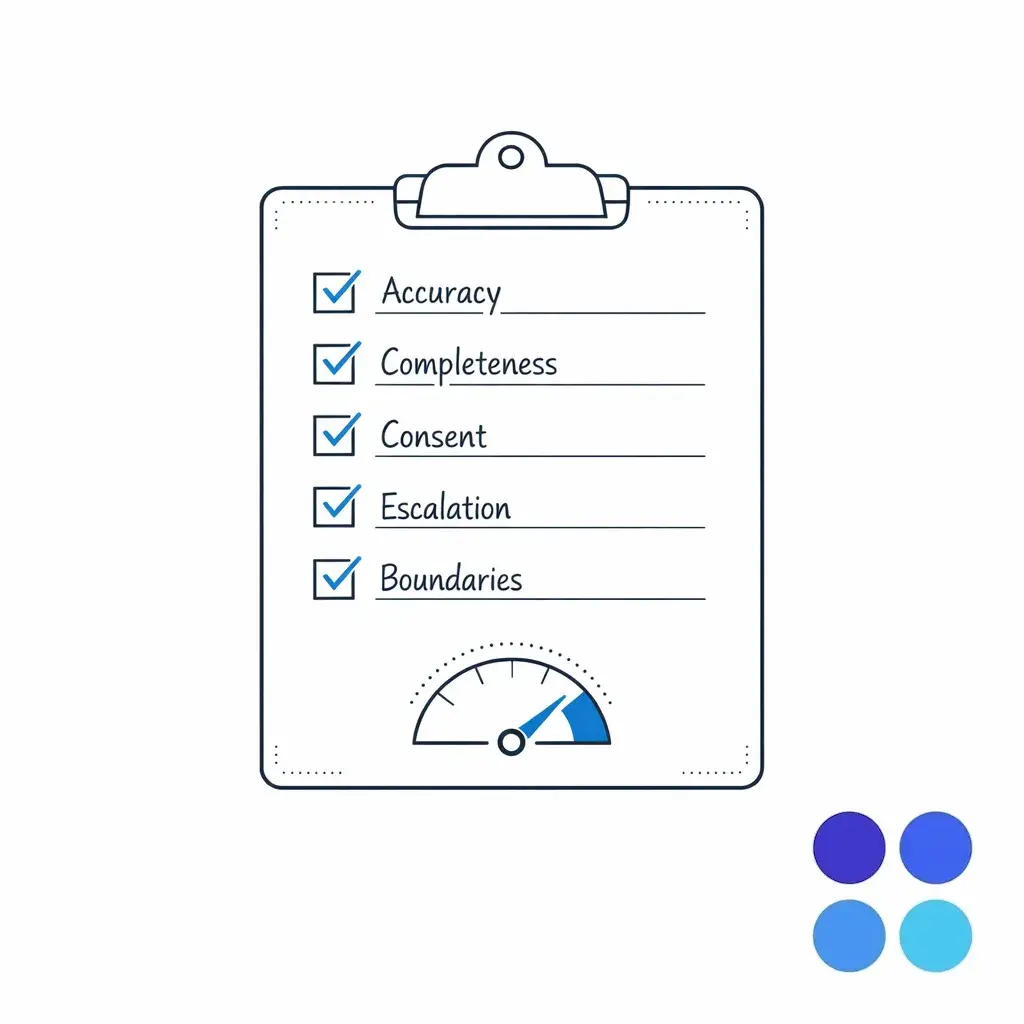
Good audits are mostly good records. Maintain clear timestamps, authorship, and change history for key fields (disposition, eligibility criteria, consent, and escalation outcome). Security and access controls become especially important with after-hours, overflow, or distributed teams. If your workflow involves PHI, align administrative, physical, and technical safeguards with the HIPAA Security Rule guidance.
A legal intake QA checklist should measure both compliance and effectiveness — politeness and speed alone do not make a record decision-ready or a screening defensible.
Calibrate QA weekly with real examples: one clean eligible, one tricky “needs review,” and one ineligible with a strong reason code.
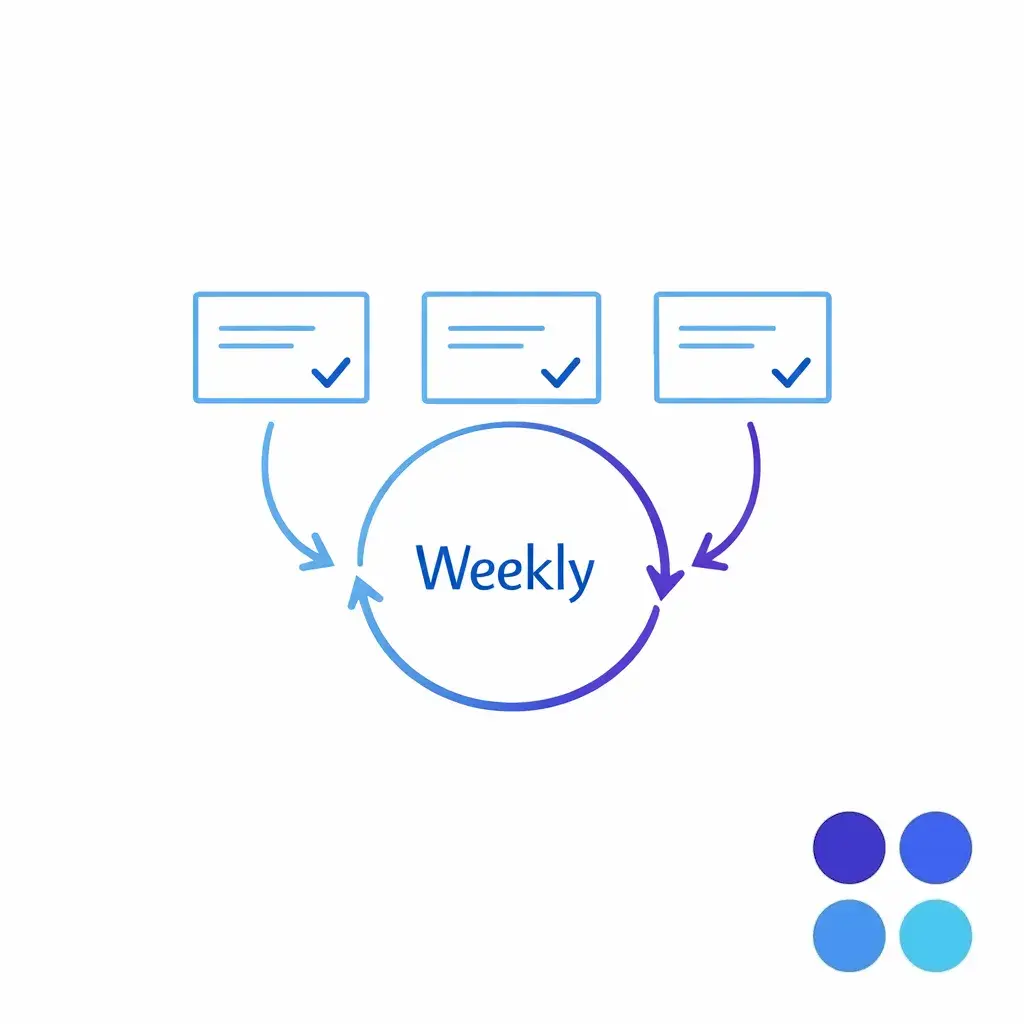
Run weekly calibration with three real records — one eligible, one needs-review, one ineligible. Consistent calibration is how you prevent drift when volume spikes or criteria changes hit.
An intake escalation matrix is a promise: “If X happens, we will do Y every time.” It reduces risk, improves claimant experience, and protects attorney time by routing only what truly needs escalation. Build the matrix around four dimensions — urgency, complexity, compliance risk, and business value — and map each path to an owner and a response-time target your operation can actually meet.
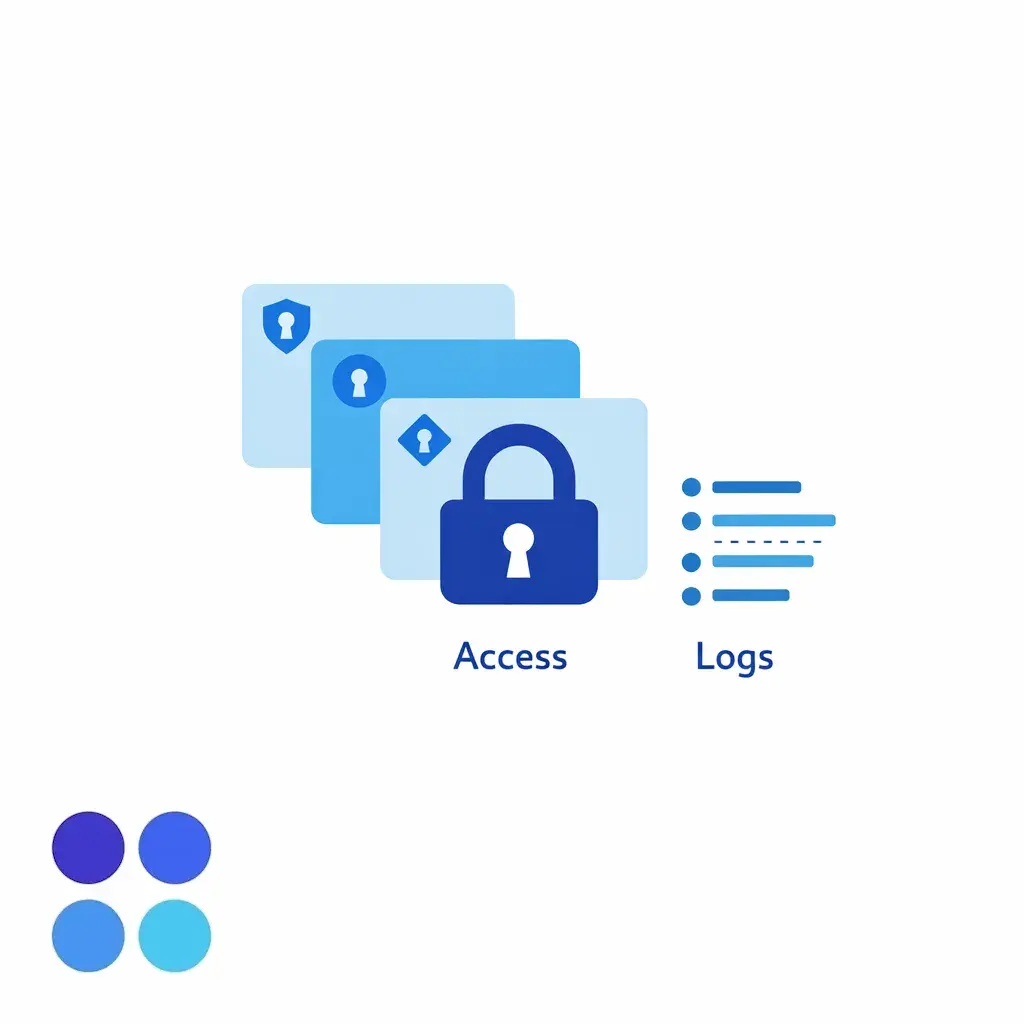
Layer access by role for distributed and after-hours teams: scheduling and contact data broadly available, sensitive medical and legal fields visible only to users who need them for the task at hand.
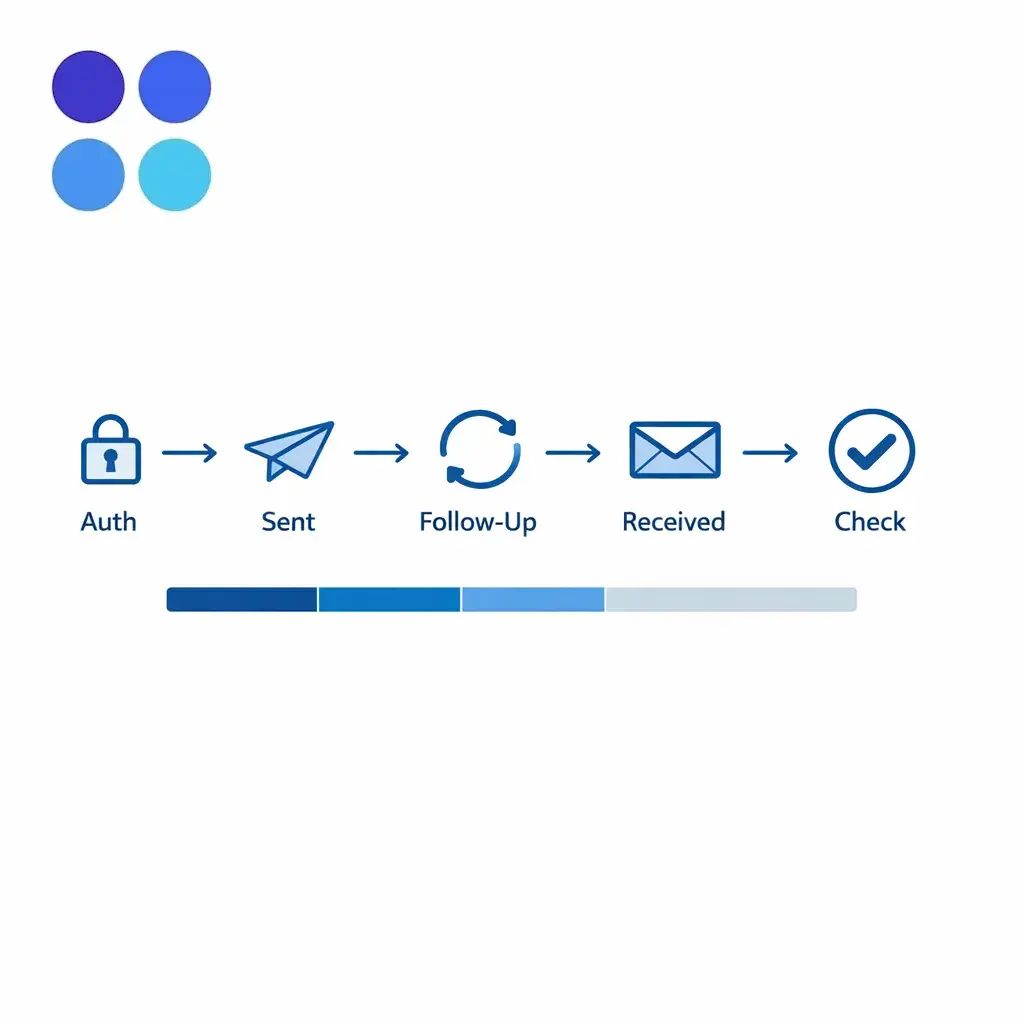
For many matters, records are the bottleneck. A medical record request workflow should be designed like a production system: standardized intake, clear authorization handling, predictable follow-up, and measurable cycle time.
Even when your team is not the one directly requesting records, your intake should set the downstream process up for success — capture the exact providers, locations, approximate treatment dates, and the claimant’s willingness to sign authorizations. Separating “record-request readiness” from “case eligibility” is a common operational win: a lead can be eligible but not ready because provider data is missing, and that is a workflow state, not a failure.
Intake reporting and KPIs should answer three questions: Are we responding quickly and consistently? Are we screening accurately? Are we creating case-ready files that move forward? Start with a small set of KPIs that are hard to game; expand once you trust your data and your definitions.
For multi-location organizations, segment KPI views by location, queue, and vendor — one site often shows excellent speed but lower screening accuracy because scripts drifted or training was rushed.
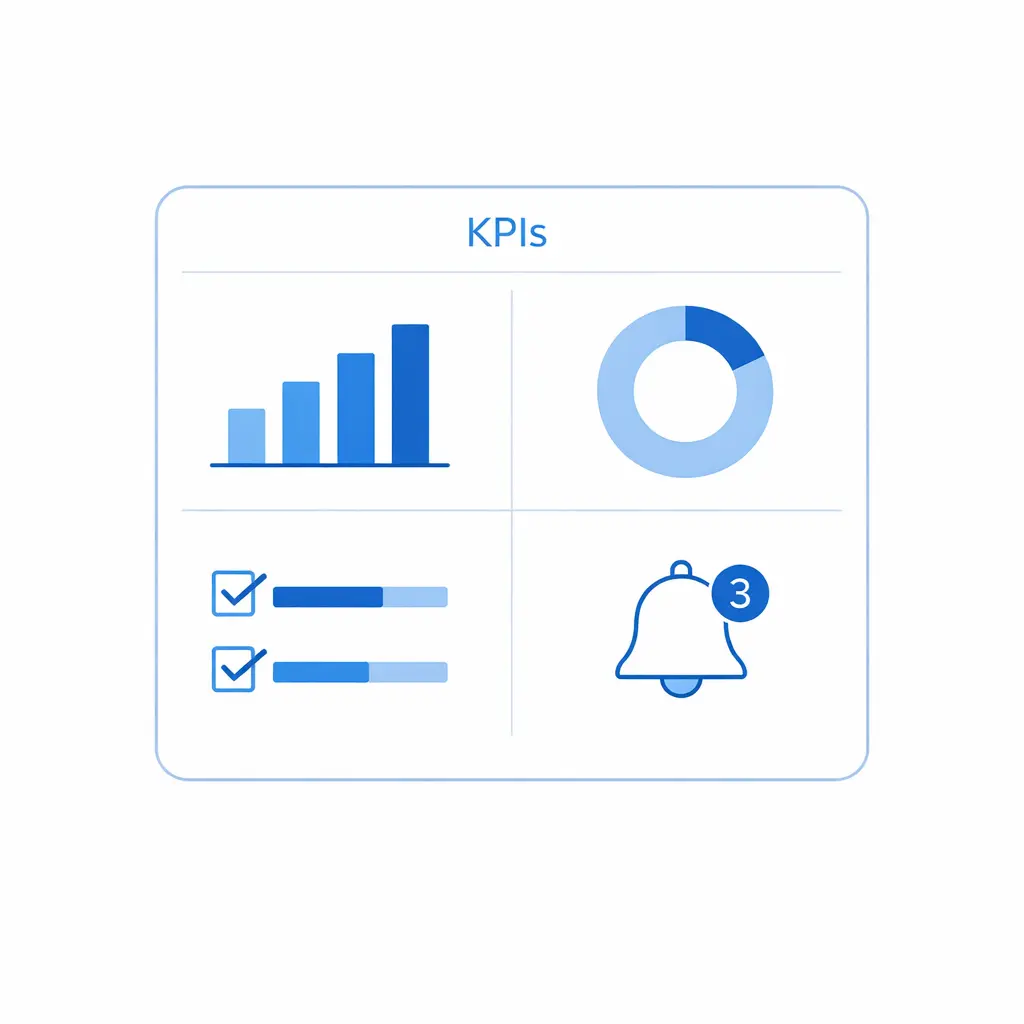
A single dashboard view should surface speed, completion, eligibility yield, completeness, escalations, and QA pass rate — segmented by queue, location, and vendor — so leadership can see where intake design is hurting revenue or compliance.
Most intake failures are predictable. They come from trying to do too much in the first contact, or from leaving “quality” as an informal expectation instead of a system.
Train agents to use consistent language: “I can collect your information and explain the next steps,” not “You definitely have a case.” Oversight expectations for nonlawyer workflows are reflected in models like ABA Model Rule 5.3.
Collect what you need for disposition; gather deeper history later with proper authorization. If PHI is involved, design with the HIPAA Privacy Rule and HIPAA Security Rule in mind.
Fix script drift with version control, mandatory training attestations on changes, and QA that tests criteria application — not just call etiquette.
Make consent capture a required field set, aligned with the FCC’s information on robocalls and texts, then have compliance validate the policy for your specific use case.
Pair speed metrics with completeness and QA accuracy. When you see a tradeoff, fix the workflow and training rather than pushing agents to go faster.
If your team is scaling a mass tort intake workflow, rebuilding screening after criteria changes, or tightening intake compliance and auditing, it helps to pressure-test the workflow with an operator who has seen high-volume intake patterns. Go Answer is often used as overflow and after-hours coverage to keep intake moving while maintaining consistent scripts, QA, and escalation discipline.
Next step options: Request Pricing, Book a Discovery Call, or Talk to a Specialist to explore enterprise BPO options, see how the workflow operates across shifts, and review use cases similar to your matter mix and call volume.

Learn why thousands of companies rely on Go Answer.
Try us risk-free for 14 days!
Enjoy our risk-free trial for 14 days or 200 minutes, whichever comes first.
Have more questions? Call us at 888-462-6793
Learn why thousands of companies rely on Go Answer.
Have more questions? Call us at 888-462-6793
If you would like to get in contact with a Go Answer representative please give us a call, chat or email.

Thanks for your interest!
A representative will be reaching out to you shortly.
Have more questions? call us on 888-462-6793
