
LPO Intake Operations: Building a High-Converting Legal Intake + Case Qualification Workflow
By Adom FrancisLast modified: March 31, 2026
Voted Top Call Center for 2024 by Forbes
Virtual Receptionists
Save time and money with our virtual receptionists.
AI Receptionist
AI-powered receptionist that answers, routes, and qualifies calls 24/7.
Enterprise Solutions
Solutions designed to scale with your organization’s needs.
Legal Services
Our virtual legal receptionists are experts in legal intake.
Last modified: March 31, 2026
High-volume legal practices win or lose cases before an attorney ever speaks to a prospect. If your phones roll to voicemail, your screening questions are inconsistent, or your conflict check process is slow, you will quietly bleed qualified matters and invite downstream risk.
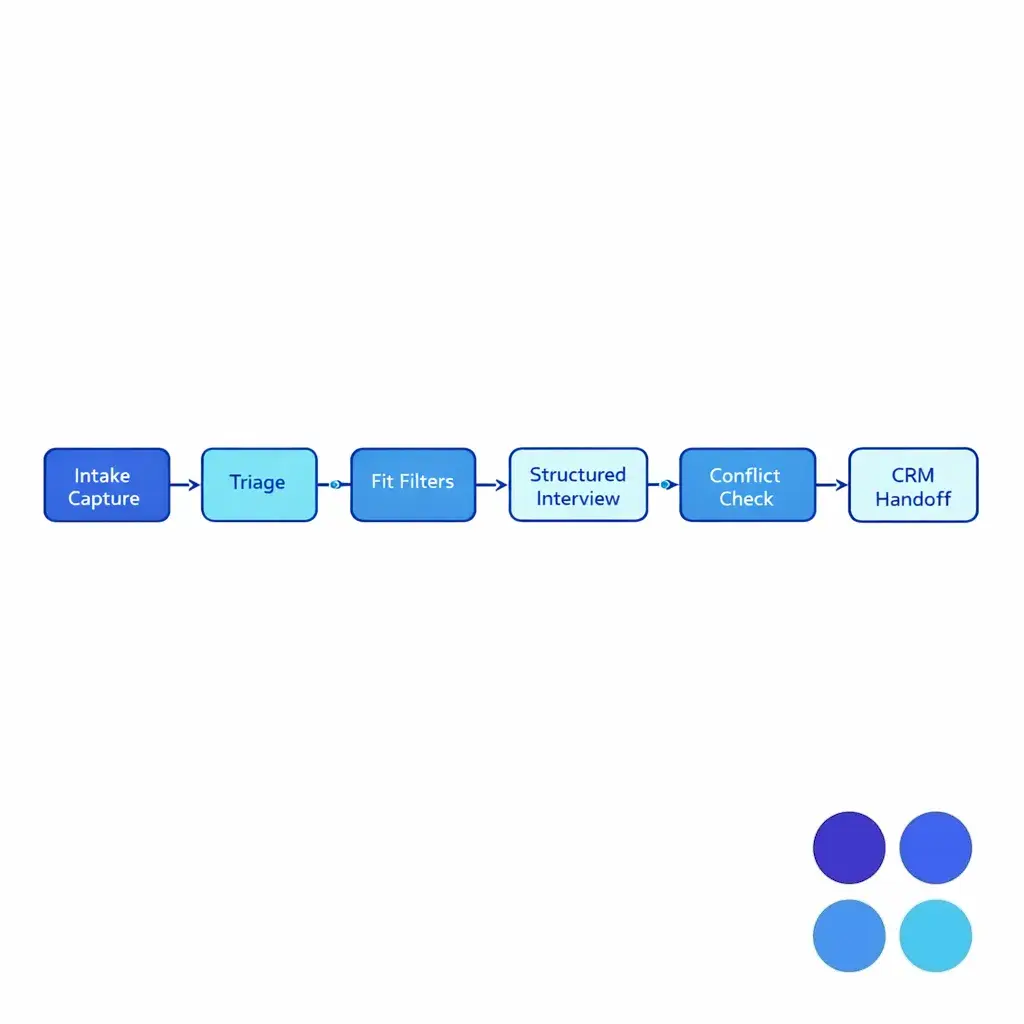
This guide is for enterprise and multi-location firms that need reliable legal intake outsourcing, case qualification, and after-hours legal intake without compromising quality, confidentiality, or oversight. You will learn a practical law firm intake workflow, a case qualification playbook, and an implementation approach for CRM intake integration that scales.
Legal intake is both revenue-critical and risk-sensitive. Your intake team must move fast, collect clean facts, and route to the right next step, while staying within your firm’s ethical boundaries and supervision model.
When you use LPO services (or a blended BPO/LPO operating model), you are not just buying coverage. You are building an intake production line with measurable outcomes: qualified case volume, signed retainer velocity, consistent documentation, and fewer avoidable ethics issues.
“Intake” is the structured capture of identifying information, incident basics, and contact preferences. “Case qualification” is the decisioning layer that evaluates whether the matter matches your acceptance criteria and should be scheduled, escalated, or declined.
The handoff is where most systems break. A high-converting law firm intake workflow ensures every qualified lead is reachable, conflict-cleared (to the extent possible at intake), and placed into a tracked next step inside your CRM or case management system.
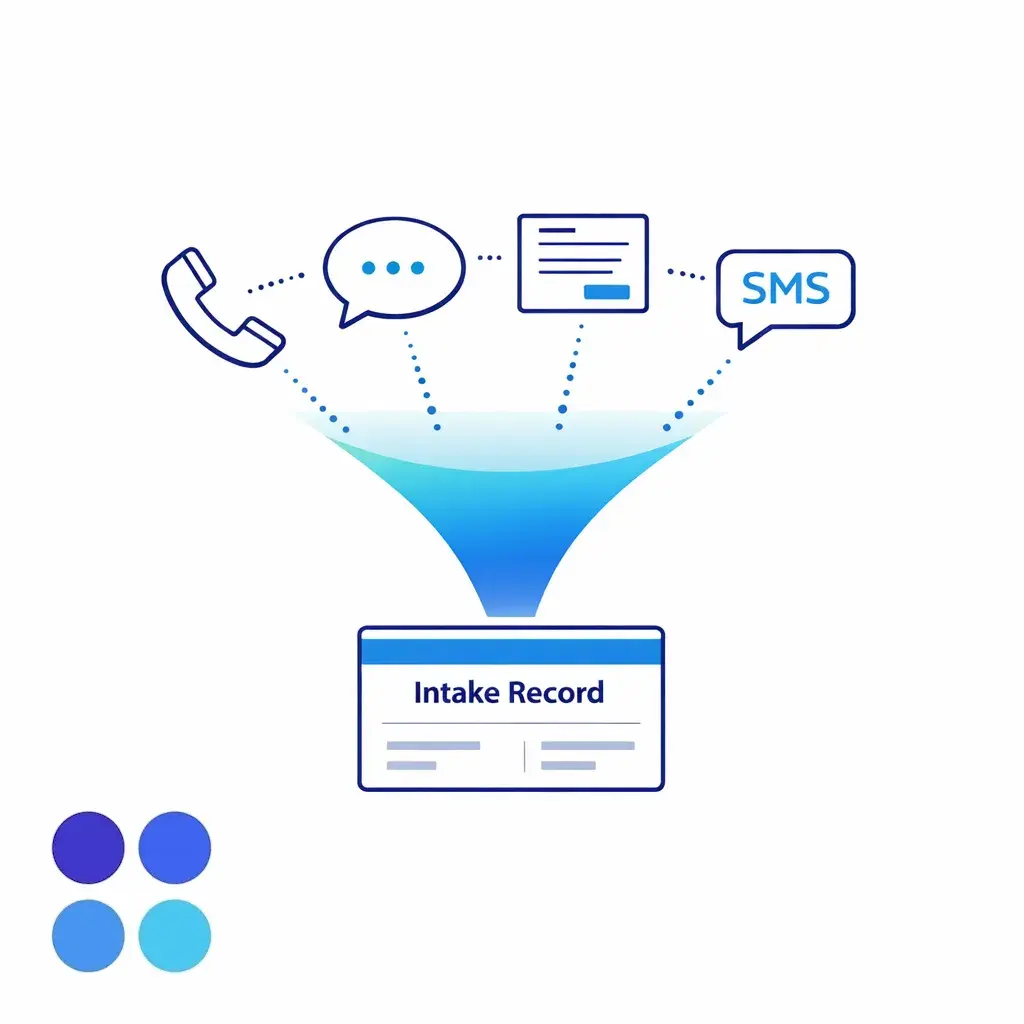
Start by treating every inbound path as one queue: phone, web forms, chat, and SMS. Normalize the record immediately so your team does not create duplicates or lose follow-up context.
Operationally, this is where many firms decide whether to centralize intake in a single enterprise team or allow each location to handle first-touch with overflow support.
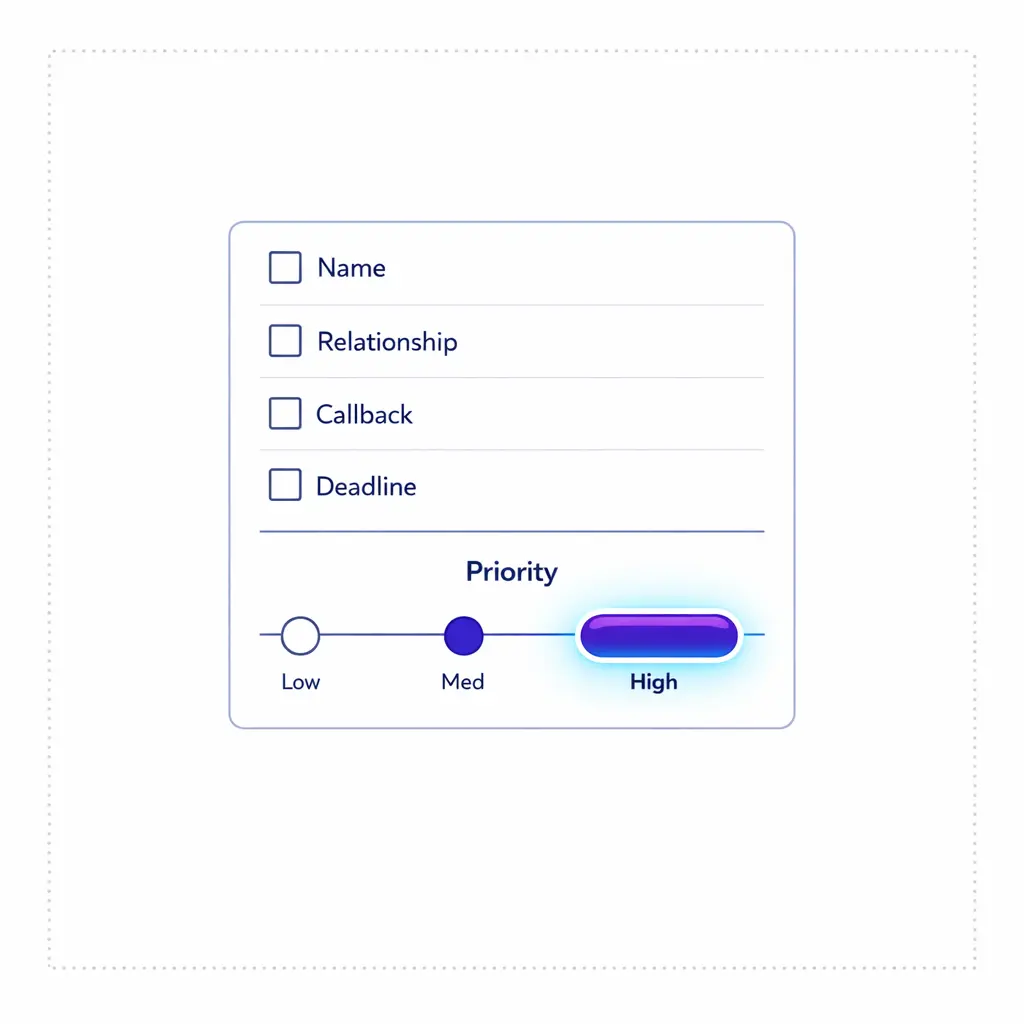
Collect full legal name, best callback number, email, and preferred contact times. Ask whether the caller is the potential client, a family member, or a referring party, and record that relationship clearly.
Establish urgency using plain-language triage (for example, “Is anyone in immediate danger?” “Is there a court date or deadline coming up?”) without giving legal advice.
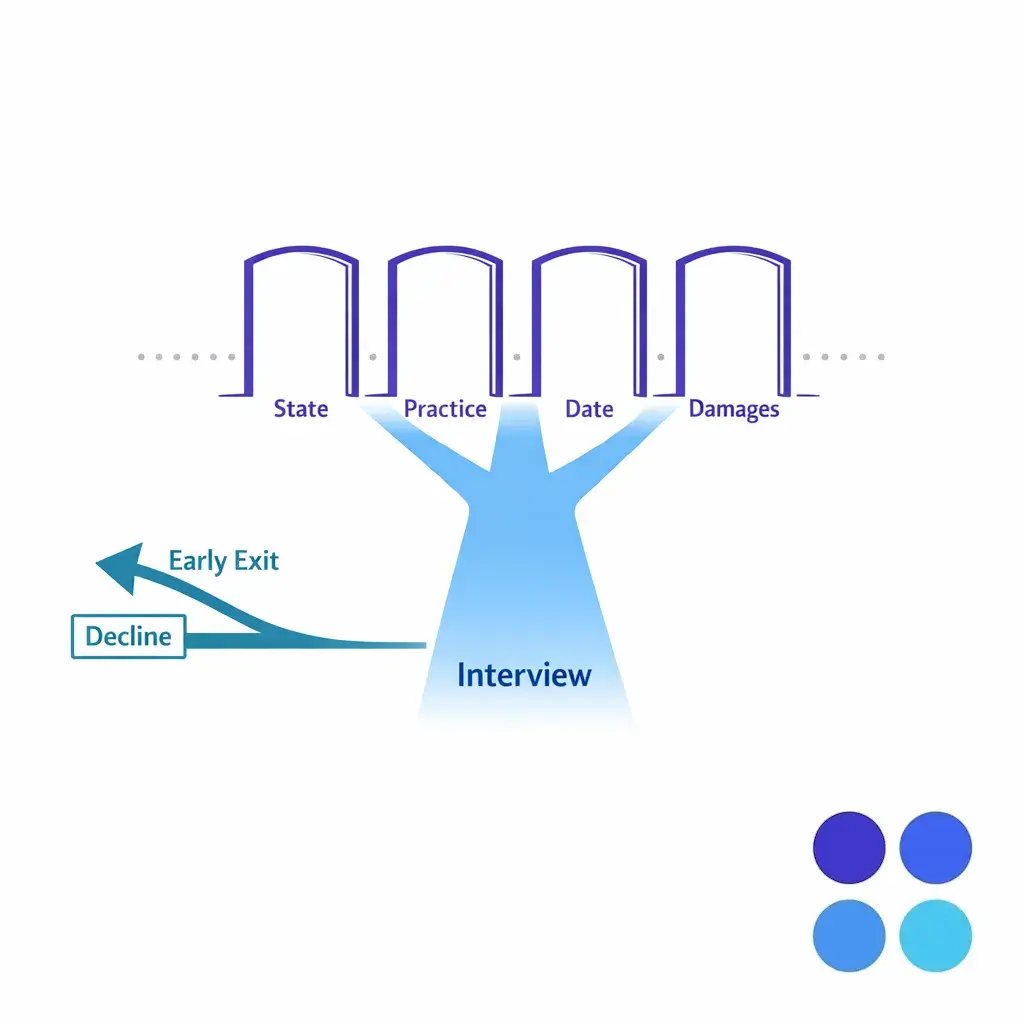
Before spending ten minutes on details, run quick filters: jurisdiction, practice area, incident date, and basic damages threshold. If the matter is obviously out of scope, decline quickly and courteously, and capture a clean disposition code for reporting.
This is a core case qualification tactic: short-circuit early when the matter does not meet your firm’s acceptance criteria.
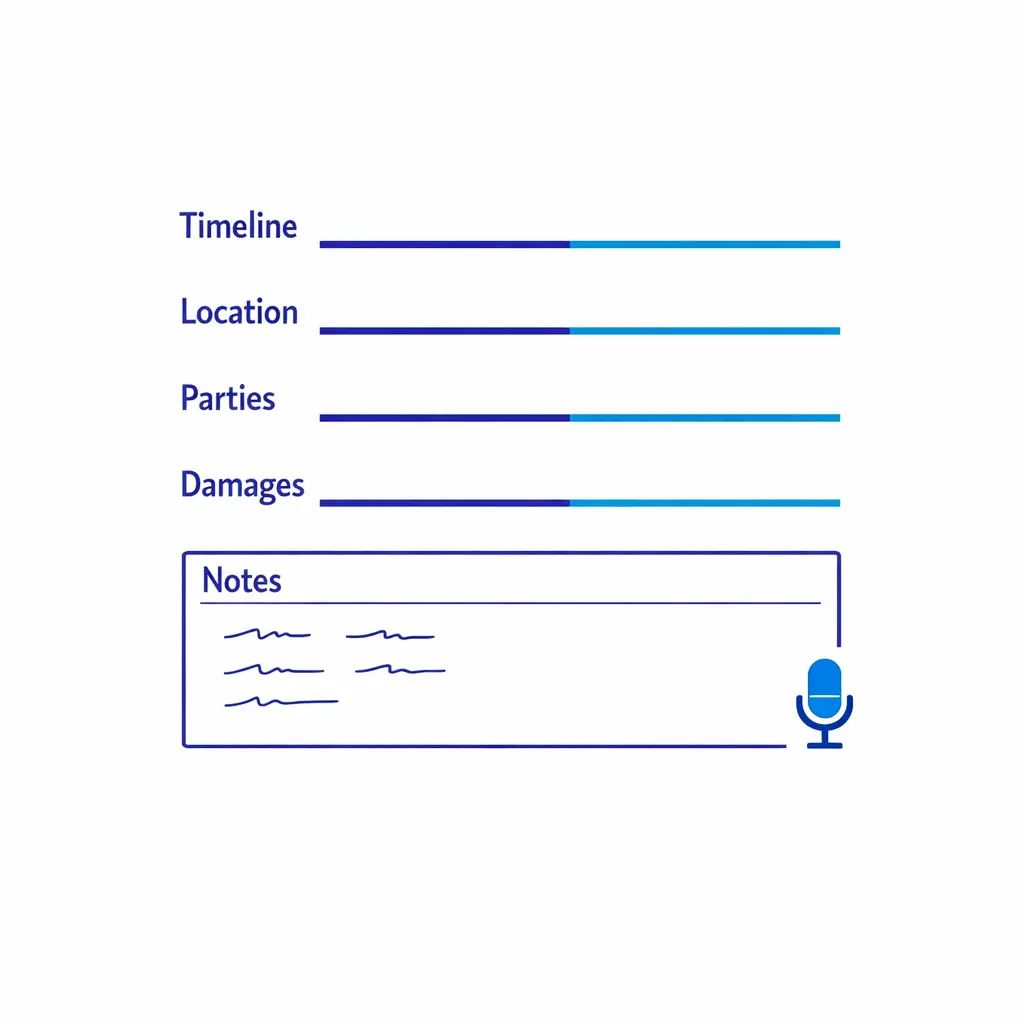
Once the matter is plausibly in scope, use a consistent script that captures incident narrative, parties involved, location, timeline, injuries/damages, insurance information (if relevant), and any prior representation. Keep free-text notes concise and factual, and avoid interpretive language.
Build your scripts so they are repeatable across intake agents, locations, and practice areas. Consistency is what allows reliable QA and reporting later.
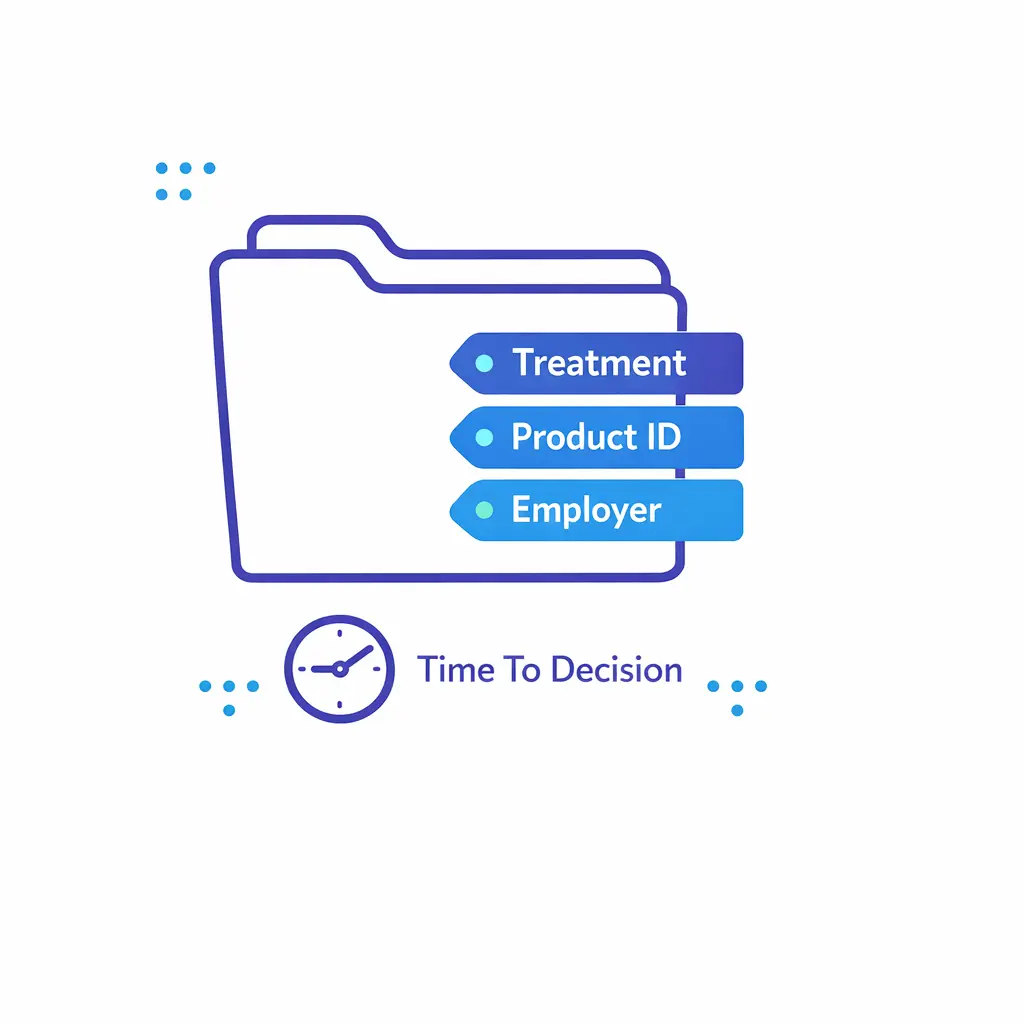
High-converting intake operations collect details that shorten attorney time-to-decision. Examples include: medical treatment status in PI, product identification in mass tort, employer details in employment matters, or prior claims activity.
Use controlled fields wherever possible so you can filter and prioritize cases (for example, injury type, incident date, state, and “represented already: yes/no”).
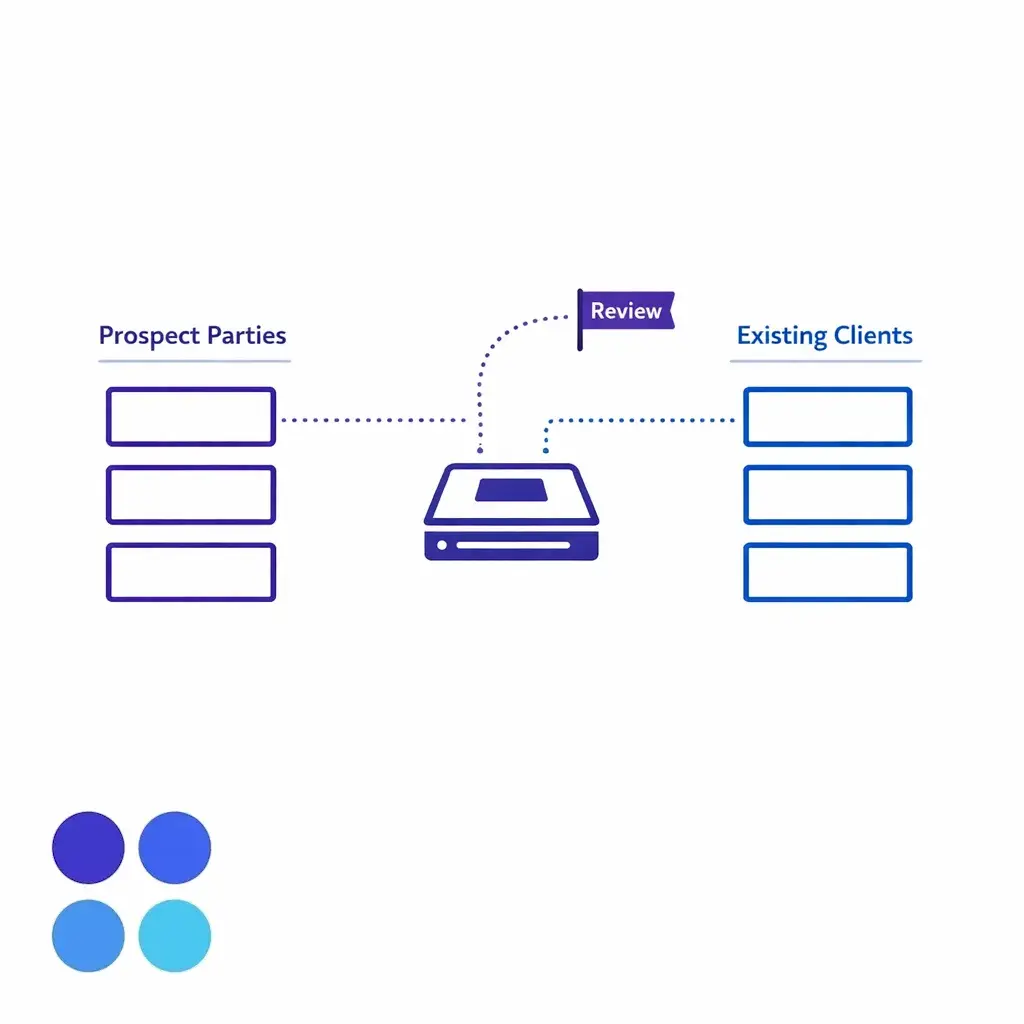
At intake, you typically need a fast, preliminary conflict check process that flags obvious conflicts and triggers an attorney review when needed. Under the ABA Model Rule 1.7 on conflicts of interest, firms have duties to identify and manage conflicts with current clients, and intake should support (not undermine) that duty.
The intake team’s role is to capture accurate names (including companies, insurers, and related parties) and follow your escalation rules. Do not let “speed” turn into “guessing” about conflicts.
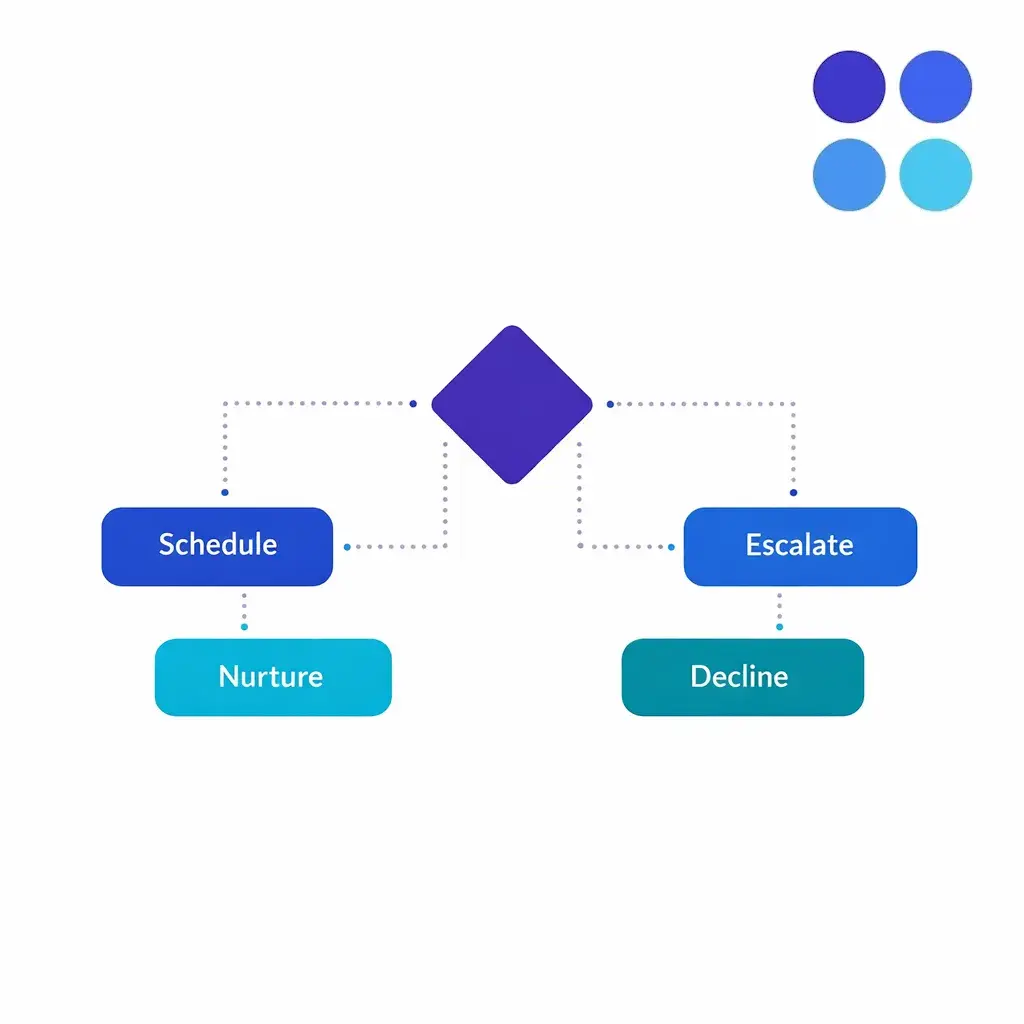
Every matter should end with one of four outcomes: (1) scheduled consult, (2) immediate escalation (hot transfer or urgent callback), (3) nurture (follow-up sequence), or (4) declined with reason code. This creates accountability and makes conversion measurable.
Make decline reasons specific (jurisdiction, SOL risk, no damages, out of practice area, represented, conflict concern) so your marketing and case teams can act on the data.
If you text prospects for follow-up, handle consent carefully. The FCC’s consumer guidance on unwanted robocalls and texts is a useful baseline reference for building an internal policy on when and how you send automated or promotional messages.
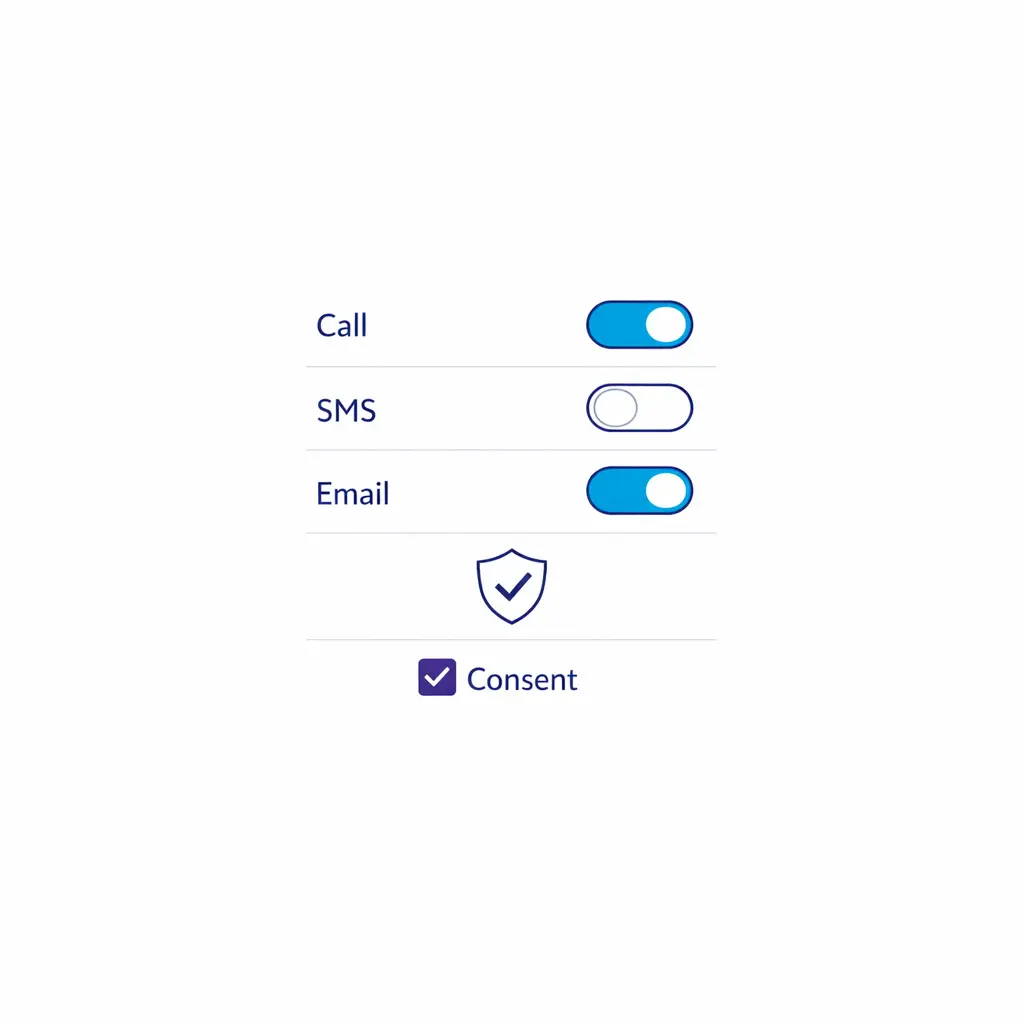
Operationally, record whether the prospect prefers phone, SMS, or email, and whether messages can be left at the number provided.
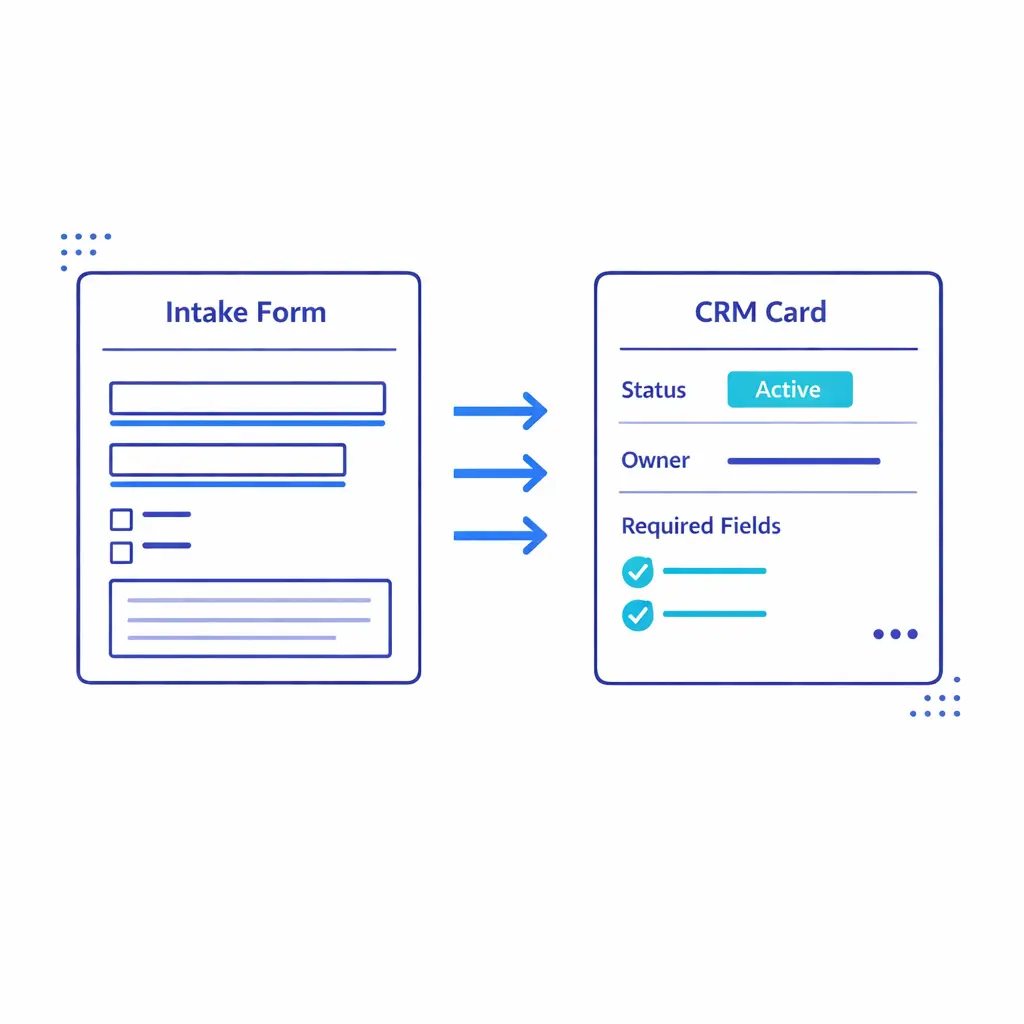
Whether you use a legal CRM, practice management platform, or a custom intake database, the record must be complete enough that the next person can pick up without re-asking basics. This is the heart of CRM intake integration: field mapping, consistent statuses, and audit-friendly notes.
Attach documents when available (photos, incident reports, demand letters, prior pleadings) and tag the record with source and campaign information.

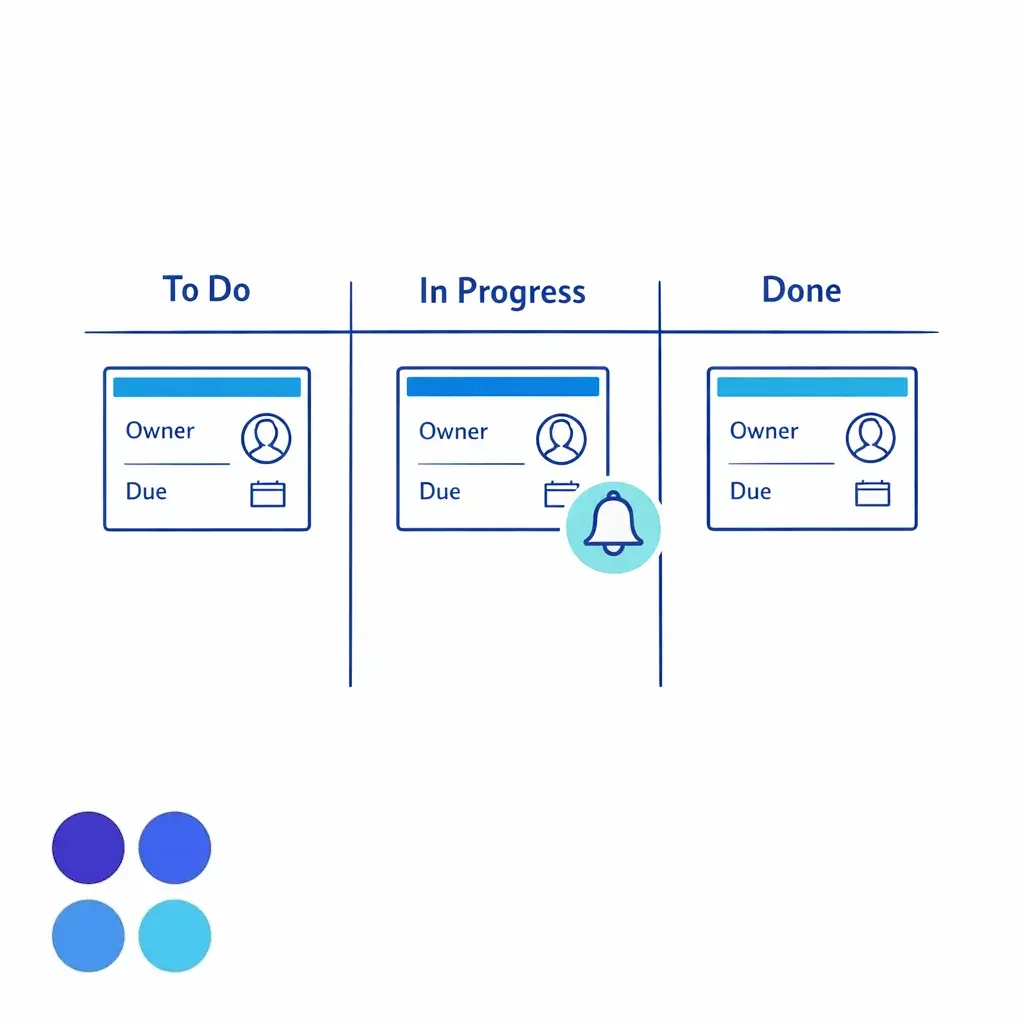
High-performing teams never end the call without a next action. If the caller is scheduled, send a confirmation and create reminders. If the caller needs documents, create a task with due date and owner.
In enterprise environments, assign ownership explicitly (intake team, location team, attorney, or nurse/clinical reviewer) so leads do not fall between departments.
Most intake quality problems are not about friendliness. They are about inconsistent questioning and “helpful” improvisation that creates risk and bad data.
Use a question bank that is structured, practice-specific, and designed to capture facts. Under the ABA Model Rule 5.5 on unauthorized practice of law, firms need to be mindful of how nonlawyers participate in client-facing work, which makes disciplined scripting and escalation rules especially important.
Identity and relationship: “Who is the potential client?” “Are you calling for yourself or someone else?” “What is the best way to reach you?”
Jurisdiction and location: “Where did this happen?” “Where do you live now?” “In what state is the other party located?”
Timeline: “What date did the incident occur?” “Was there an earlier related event?” “Are there upcoming court dates or deadlines?”
Parties: “Who was involved?” “Do you know the full legal name of the business/driver/doctor/employer?”
Damages and impact: “What treatment have you received?” “Were you out of work?” “What costs have you had so far?”
Prior actions: “Have you spoken to another attorney?” “Have you signed anything?” “Has a claim been filed?”
Evidence and documentation: “Do you have photos, reports, letters, policies, or claim numbers?”
Train your team on what not to do: predicting outcomes, estimating settlement values, advising whether to talk to an insurer, or interpreting legal deadlines. The goal is accurate intake, not legal analysis.
Conflict checking is often treated as a back-office step, but intake is where your firm either captures the right data or creates future cleanup. A practical law firm conflict check procedure starts with what intake can realistically do: identify key parties and flag potential issues.
Under the ABA Model Rule 1.7, you need a process that does not rely on memory or informal side conversations. Build a workflow where intake collects names, aliases, businesses, adjusters, and affiliates, then routes the matter for the appropriate level of review.
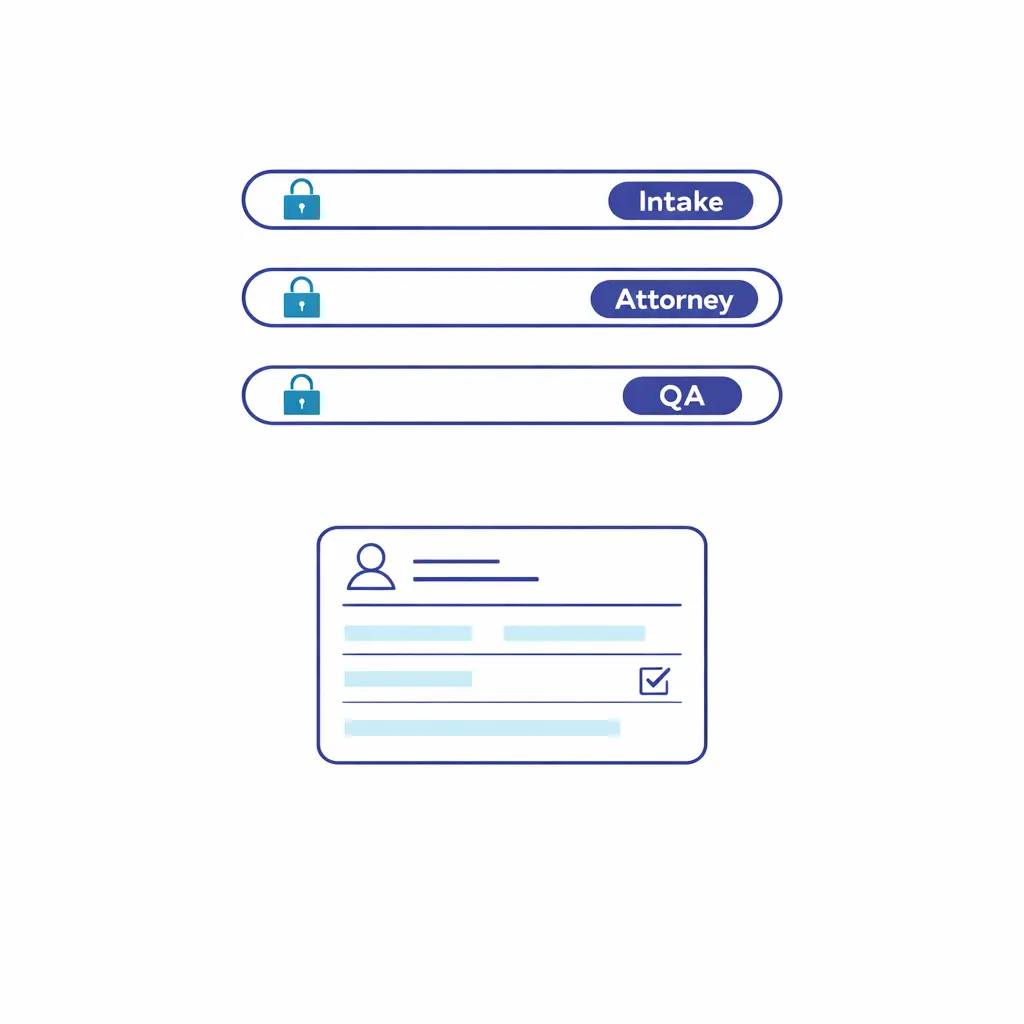
Minimum data set: full names, company names, prior employers (when relevant), insurers/TPAs, and any known related entities.
Red-flag triggers: caller mentions your firm has represented the other side, the matter involves a current major client, or the prospect is a referral with complicated party relationships.
Escalation rule: intake flags and holds scheduling if your policy requires clearance first, or schedules with a “pending conflict review” tag if attorneys prefer to review before engagement.
Make the conflict check output visible in the record (for example: “prelim check: no matches found,” “match found: attorney review required,” “declined: conflict concern”) so downstream staff do not repeat steps or override safeguards.
“Integration” is not just pushing data into a system. CRM intake integration is the discipline of designing fields, statuses, and handoffs so that reporting is trustworthy and follow-up is automatic.
In enterprise environments, the biggest wins typically come from standardization: one disposition taxonomy, one set of required fields, and one definition of “qualified.” This also makes it easier to use multiple LPO providers or multiple internal teams without fragmenting performance.
Field mapping: ensure intake scripts map directly to CRM fields (not only a notes blob).
Status design: define clear states like “new,” “attempting contact,” “qualified,” “scheduled,” “pending docs,” “retained,” and “declined,” with ownership.
Data validation: require key fields (incident date, state, case type) before allowing a record to move to “qualified.”
Audit trail: keep timestamps for first contact, first follow-up attempt, scheduling, and attorney touch.
If you operate multiple locations, treat location routing as a first-class requirement. The intake team should know exactly when to send to a specific office, a specific practice group, or a centralized case review team.
After-hours legal intake is not a “nice to have” for high-volume practices. It is the difference between capturing motivated prospects and losing them to the first firm that answers live.
The operational key is parity: after-hours scripts, case qualification criteria, and routing must match business hours. Otherwise, you will see apparent lead volume increase while qualified conversions decline due to inconsistent screening.
Escalation windows: define what counts as urgent and who can receive a hot transfer after hours.
Appointment rules: enable scheduling that respects time zones, attorney availability, and consult type (phone, video, in-office).
Follow-up promises: never promise “an attorney will call in 10 minutes” unless you have an on-call rotation that can deliver.
Messaging policy: align SMS and outbound follow-up to your consent approach, informed by the FCC’s guidance on texts and robocalls.
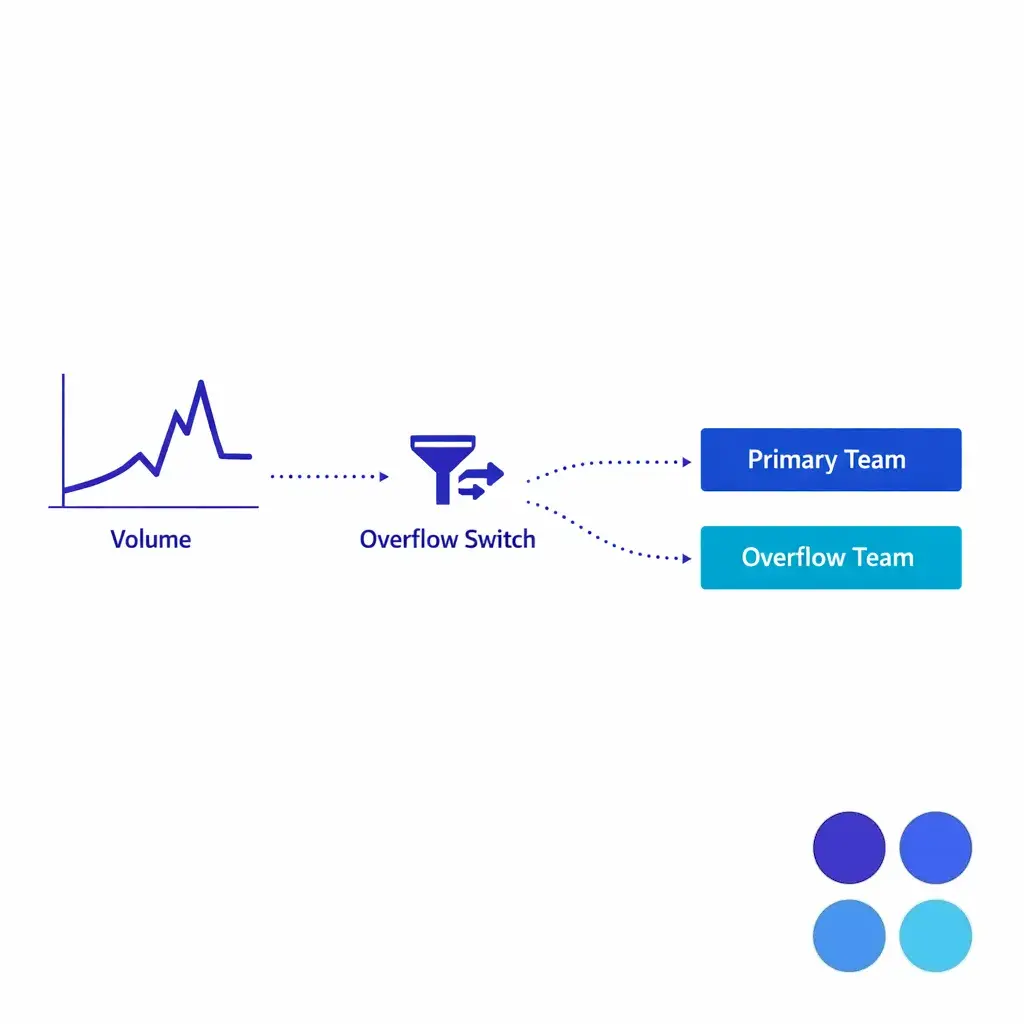
When overflow is your primary use case, be explicit about activation rules (queue depth, time of day, missed call count) so overflow does not become the default and hide staffing issues.
Intake operations improve fastest when quality is measurable and coaching is systematic. QA should cover both accuracy (did we capture what we needed?) and effectiveness (did we move the case to the right next step?).
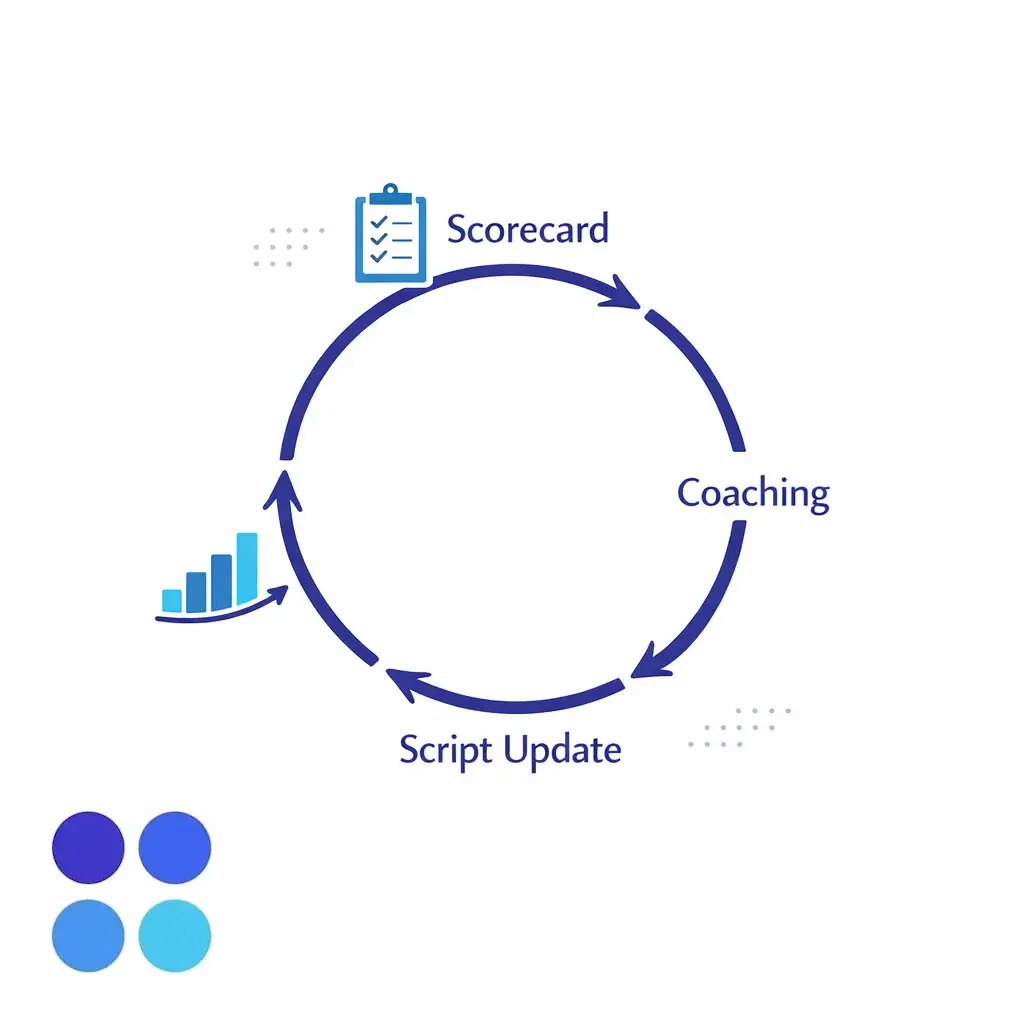
Build a calibration loop: reviewers score calls, team leads coach to the rubric, scripts are updated based on attorney feedback, and the rubric evolves as acceptance criteria change.
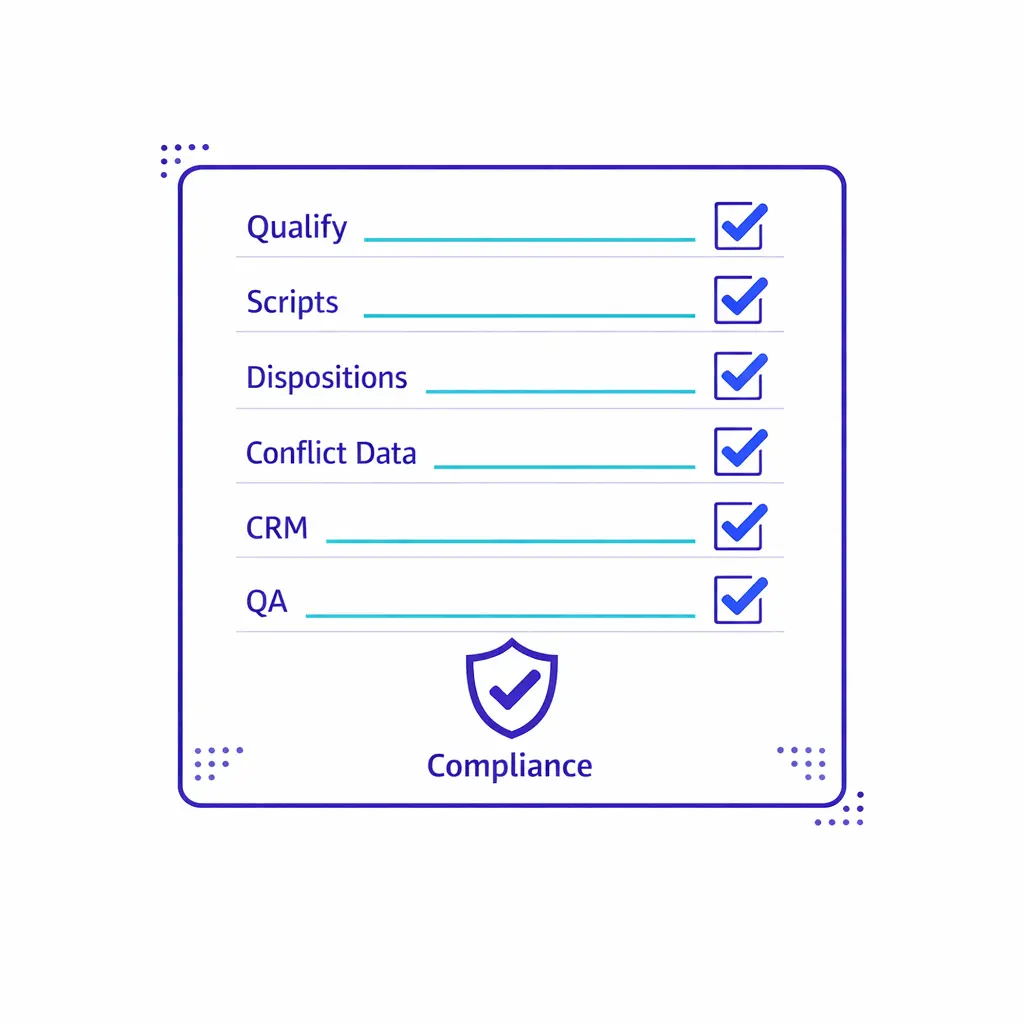
QA rubric categories: empathy and control, required fields captured, correct qualification outcome, correct escalation, proper documentation, and compliance adherence.
Sampling strategy: review a mix of new agents, high-value case types, and edge cases (borderline qualification).
Closed-loop feedback: require attorney or case manager feedback on “good qualify / bad qualify” examples.
Over time, your best conversion gains often come from small operational fixes: fewer re-asks, clearer question order, better disposition definitions, and faster follow-up ownership.
Enterprise intake operations must be built for confidentiality by default. Under the ABA Model Rule 1.6 on confidentiality of information, firms have a duty to protect information relating to representation, and intake scripts, systems, and vendor controls should reflect that obligation.
When intake is handled by nonlawyers (internal or outsourced), supervision is not optional. The ABA Model Rule 5.3 on responsibilities regarding nonlawyer assistance is a helpful framework for building practical oversight: written procedures, training, QA, and escalation paths to attorneys.
If your organization spans healthcare and legal workflows (for example, clinics that coordinate legal referrals, or firms that intake medical records-heavy matters), determine whether HIPAA applies to any part of your intake. The HHS overview of the HIPAA Privacy Rule is a starting point for aligning your intake handling, access controls, and disclosures with healthcare privacy expectations.
Access controls: restrict intake systems by role, location, and case type.
Data minimization: capture what you need to qualify and route, not everything that might be “interesting.”
Recording and storage: define retention rules and who can access recordings and transcripts.
Vendor governance: confirm background checks, training completion, QA rates, and incident response expectations.
Many firms are now formalizing policies for AI-assisted intake, call analytics, and automated summarization to increase speed without losing control. The American Bar Association’s reporting on adopting Resolution 604 on AI is a useful reference point for why legal organizations are increasingly expected to address ethics, oversight, and risk in their technology choices.
At the same time, prospects expect fast, multi-channel communication, and firms are tightening governance around outbound messaging, follow-up sequences, and consent capture. Intake leaders should treat these as operational design requirements, not “marketing preferences.”
Most intake failures come from unclear definitions and weak governance, not from individual agent effort. When firms say “the LPO provider isn’t converting,” the real issue is often that the acceptance criteria and scripts were never operationalized.
Mistake: confusing friendliness with qualification. A warm conversation that ends without a next step is not a successful intake.
Mistake: letting agents improvise screening. Without a script and a rubric, you will get inconsistent data and inconsistent escalations.
Mistake: no clear conflict data requirements. If you do not define required party fields, your conflict check process will be unreliable under pressure.
Mistake: pushing everything to attorneys. Without tiered case qualification, attorneys become the bottleneck and response times slip.
Mistake: treating after-hours differently. If after-hours intake is “lightweight,” you will see lower quality leads and more no-shows.
Mistake: no ownership on follow-up. Leads die in the gap between “we’ll call you” and an assigned task with a due time.
A healthier mindset is to treat intake like an operational system: define outcomes, define decision rules, train to the rules, and measure what matters.
Define qualification: write a one-page “qualified case” definition per practice area with pass/fail criteria and escalation triggers.
Standardize scripts: build scripts and question banks that capture facts consistently and avoid legal advice.
Specify dispositions: create a closed set of outcomes (schedule, escalate, nurture, decline) with reason codes.
Design your conflict capture: define required party fields and what happens when a potential match appears.
Lock in handoffs: document who owns the next action after each disposition, including after-hours.
Implement CRM intake integration: map fields, enforce required fields, and make statuses meaningful for reporting.
Stand up QA: build a rubric, a sampling plan, and a weekly calibration meeting with attorney feedback.
Operationalize compliance: align confidentiality, supervision, and nonlawyer boundaries to ABA Model Rule 1.6, ABA Model Rule 5.3, and ABA Model Rule 5.5 as internal guardrails.
Pressure-test after-hours: run test calls, test scheduling, and verify escalations actually reach the right on-call resource.
If you are building or reworking LPO intake operations, it helps to pressure-test your workflow with a team that has seen high-volume edge cases: overflow, multi-location routing, after-hours coverage, and rigorous QA. Go Answer supports enterprises that need consistent legal intake outsourcing and case qualification with operational discipline.
To evaluate fit, bring your current script, your acceptance criteria, and a sample of real intake records. You will get the most value by reviewing where your workflow leaks qualified matters and where your compliance and supervision controls need tightening.
Ready to get started? Book a free consultation..

Learn why thousands of companies rely on Go Answer.
Try us risk-free for 14 days!
Enjoy our risk-free trial for 14 days or 200 minutes, whichever comes first.
Have more questions? Call us at 888-462-6793
Learn why thousands of companies rely on Go Answer.
Have more questions? Call us at 888-462-6793
If you would like to get in contact with a Go Answer representative please give us a call, chat or email.

Thanks for your interest!
A representative will be reaching out to you shortly.
Have more questions? call us on 888-462-6793
