
BPO Transition Checklist: Migrating Phone Support with Minimal Downtime
By Matt O'HaverLast modified: May 26, 2026
Voted Top Call Center for 2024 by Forbes
Virtual Receptionists
Save time and money with our virtual receptionists.
AI Receptionist
AI-powered receptionist that answers, routes, and qualifies calls 24/7.
Enterprise Solutions
Solutions designed to scale with your organization’s needs.
Legal Services
Our virtual legal receptionists are experts in legal intake.
Last modified: May 26, 2026
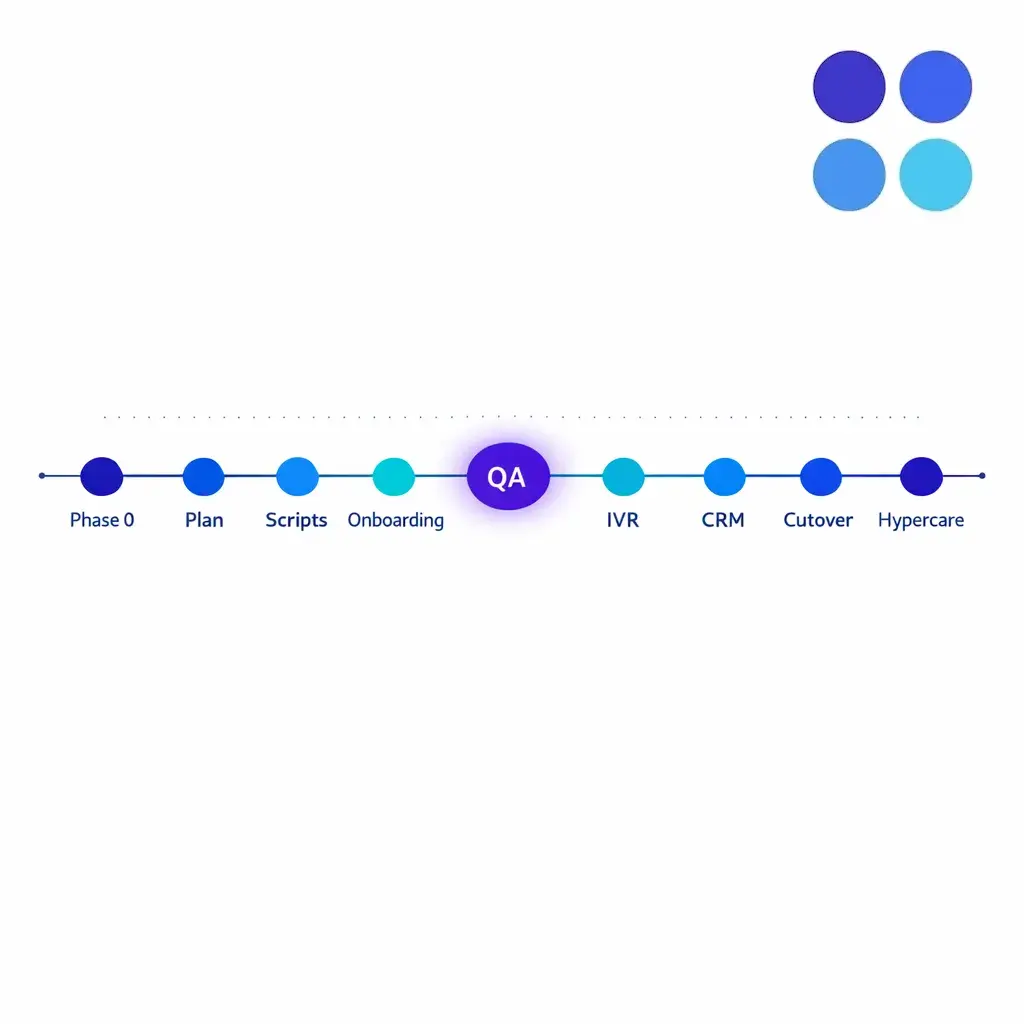
Moving phone support to a BPO can improve coverage, consistency, and scalability, but only if the transition is engineered like an operational cutover, not a vendor handoff. For enterprise and multi-location service businesses, the biggest risk is not “going live,” it is creating gaps in routing, intake quality, or escalation that quietly degrade revenue and customer trust.
This guide is for operations, CX, IT, and compliance leaders who need a practical call center migration plan that keeps phones answered, preserves context in your CRM, and holds quality steady from day one. You will get a phased BPO transition checklist, an IVR update checklist, a CRM integration launch plan, and a QA calibration process you can run on a schedule.
Caller trust and deliverability are now shaped by caller-ID authentication. Plan and monitor any change to numbers, carriers, or outbound presentation against FCC guidance on call authentication rather than improvising.
Many enterprises have standardized vendor onboarding around measurable cybersecurity practices. Even if you do not adopt a single framework end-to-end, mapping your transition controls to common language like the NIST Cybersecurity Framework helps stakeholders agree on access control, incident handling, and third-party risk.
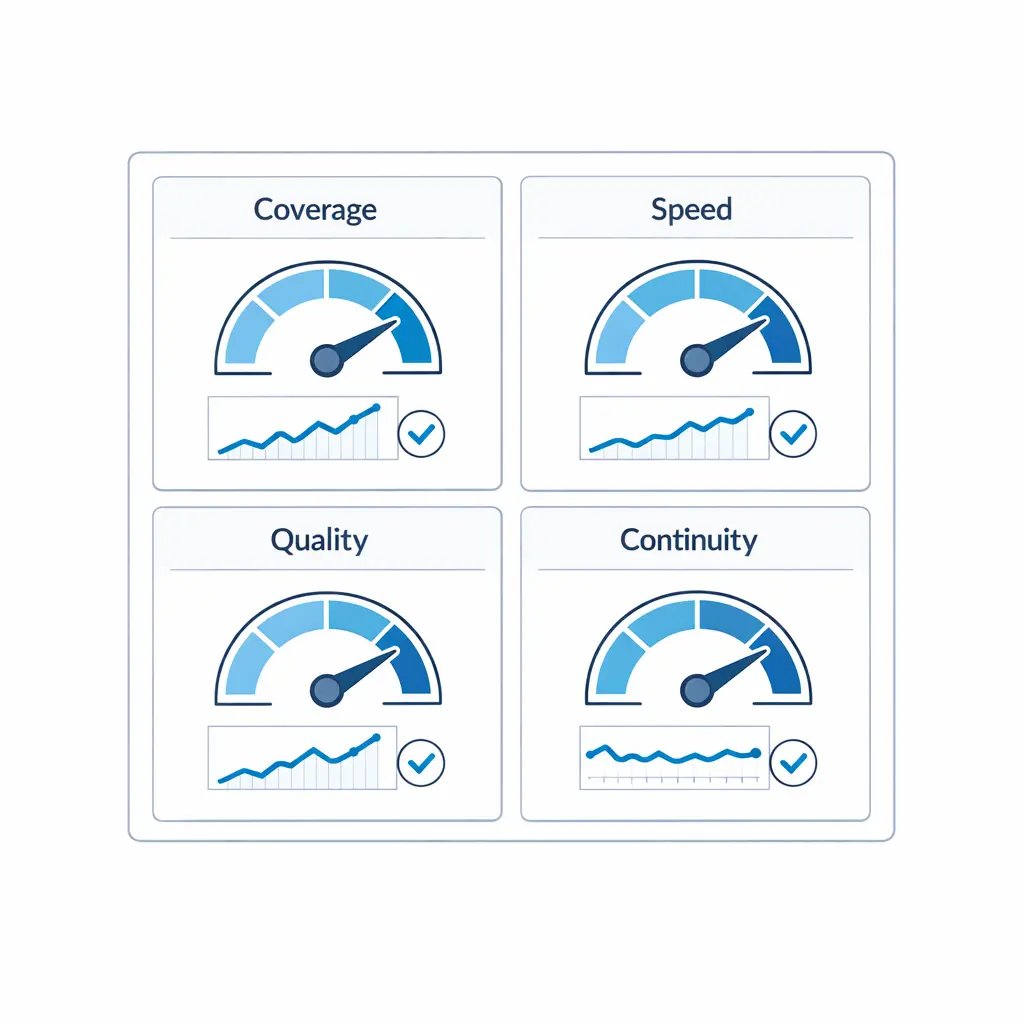
Build a single migration dashboard that surfaces coverage, speed, quality, and continuity together. If those four trend lines are stable through cutover, “minimal downtime” is real and not just narrative.
Minimal downtime does not mean “no minutes of disruption.” It means callers can still reach a human (or an acceptable fallback) while you change routing, training, and tooling behind the scenes. Before you touch IVRs or integrations, agree on success metrics for your outsourcing implementation. Keep them few, observable, and tied to business outcomes.
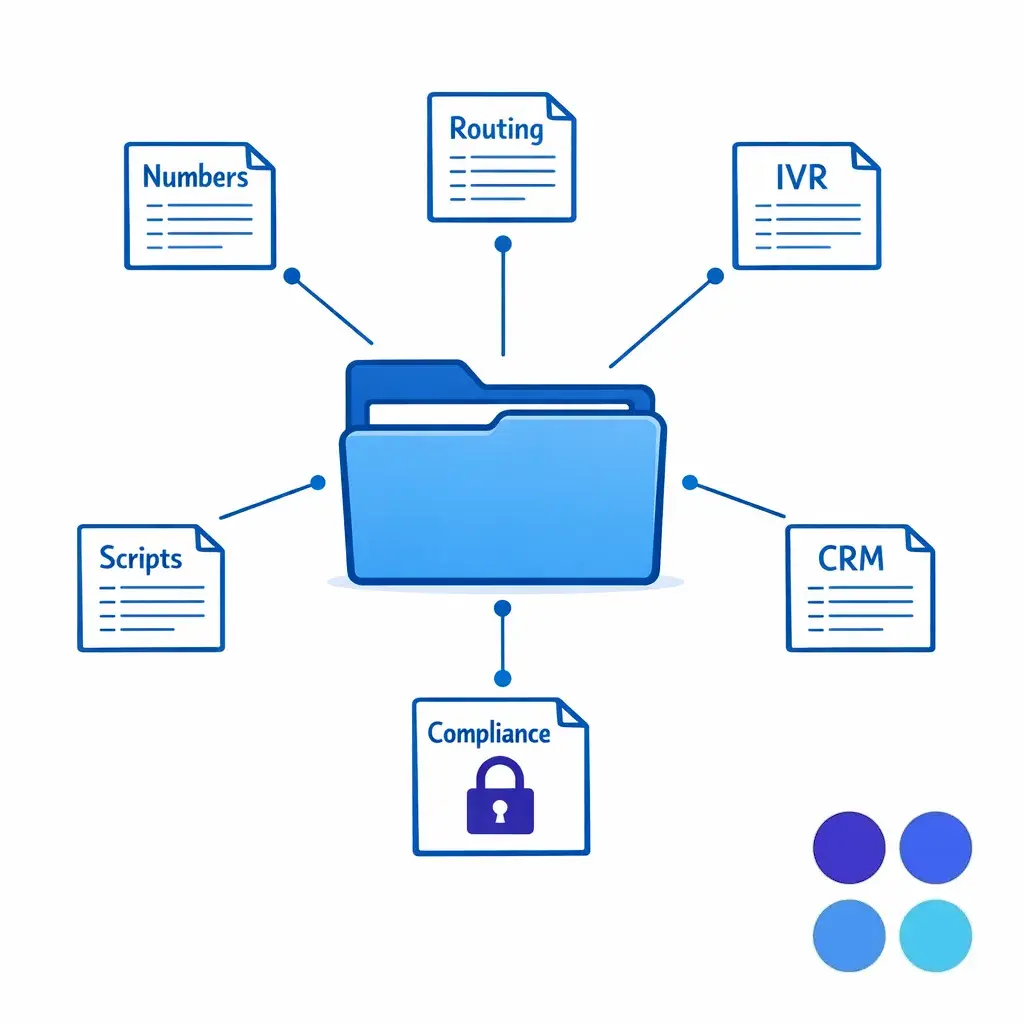
Treat discovery like an artifact collection. Without a complete map of numbers, IVR paths, scripts, CRM fields, and compliance rules, the “go-live” date is a guess and the rollback plan is a hope.
This phase prevents the most common service desk transition failure: launching with an incomplete map of what “phone support” actually includes. In enterprise environments, calls are rarely just calls; they are scheduling, intake, payments, dispatch, triage, and escalation.
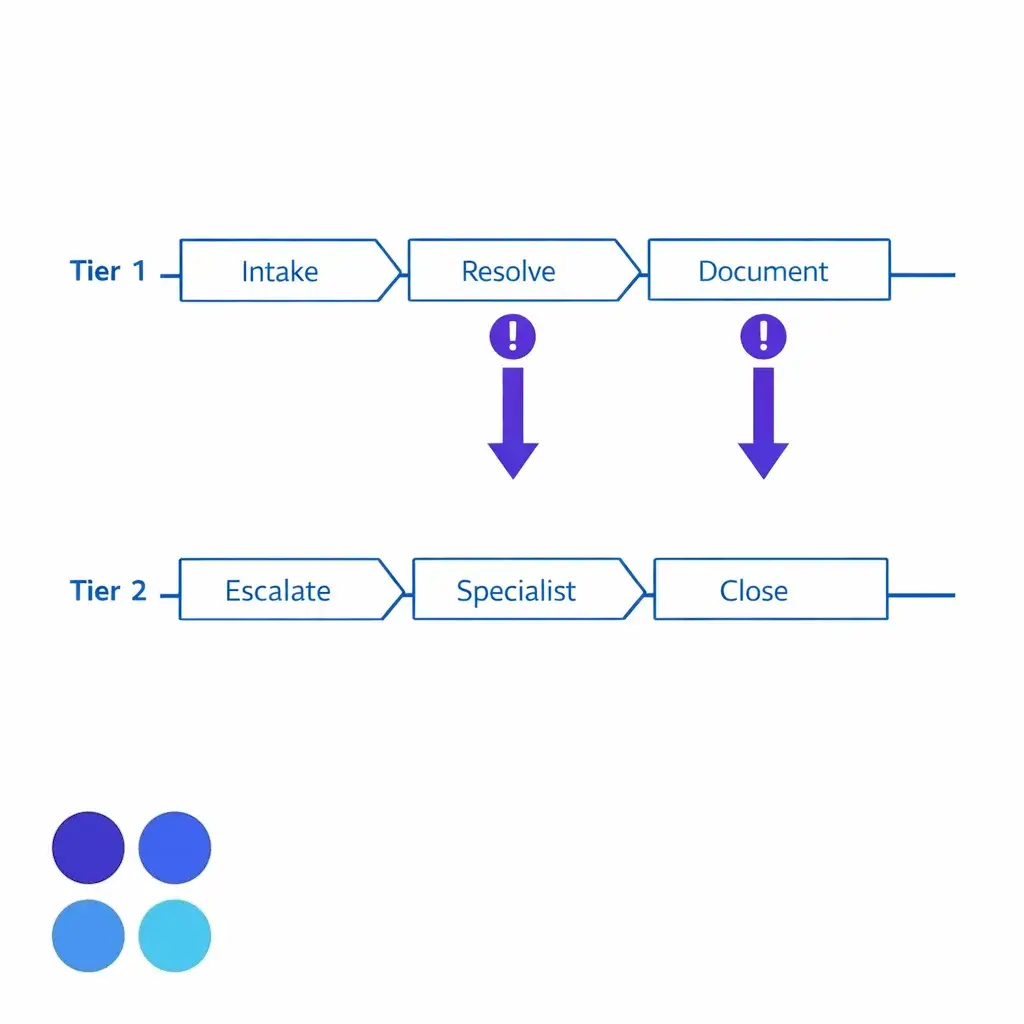
Decide what the BPO owns end-to-end as Tier 1 and what must escalate to Tier 2 internal teams. The line between them is the single biggest predictor of whether handoffs feel clean or chaotic on day one.
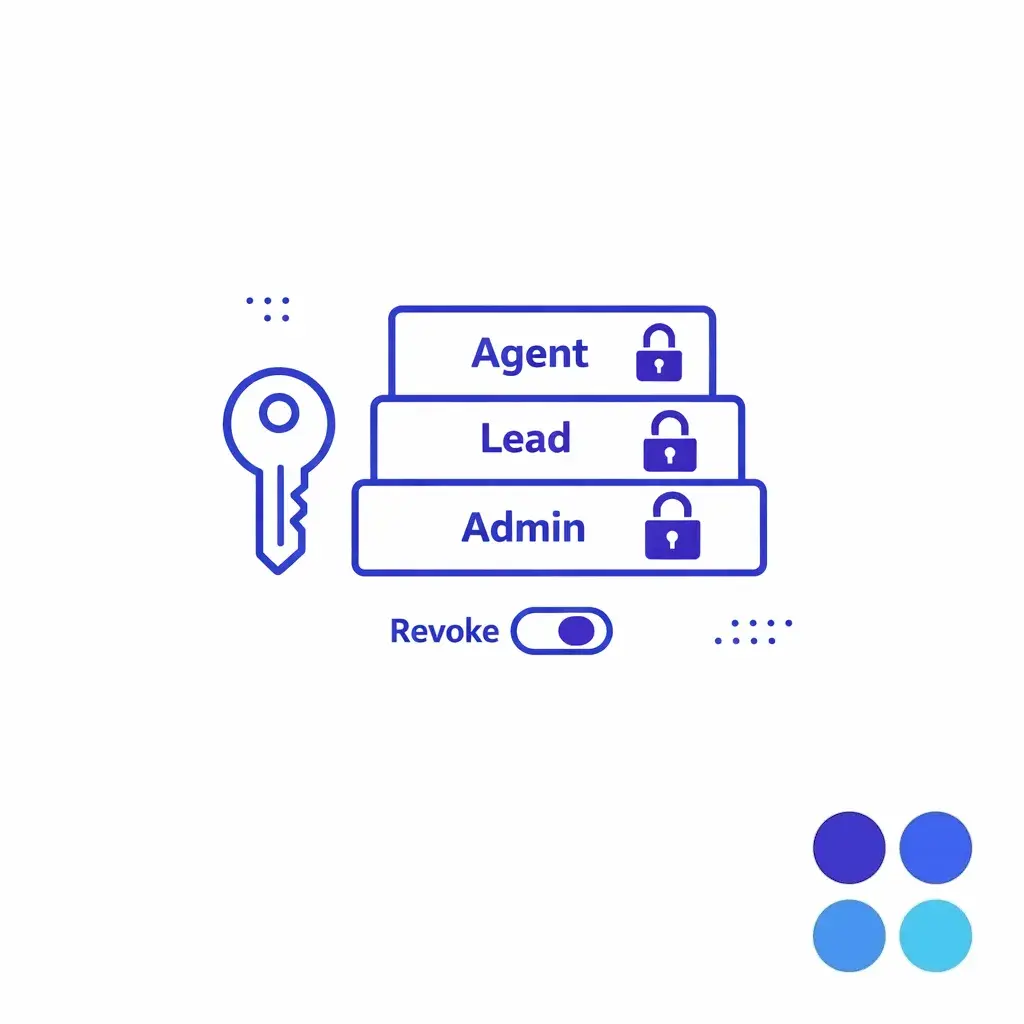
Stand up least-privilege access early — SSO, role-scoped permissions, and a tested revocation path. Identity is the cheapest control to fix before launch and the most expensive one to retrofit after.
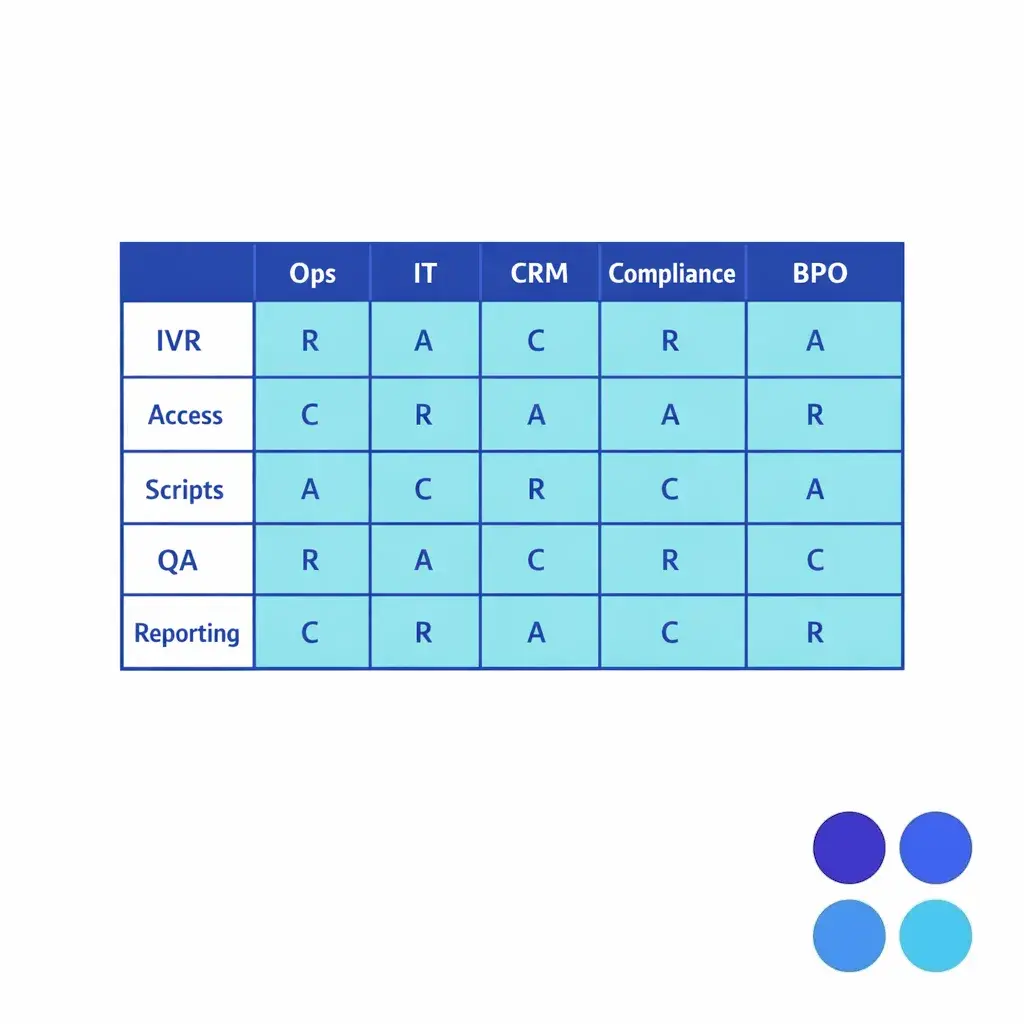
Most contact center onboarding delays happen because “go-live” is scheduled before ownership is clear. Write a single-page migration plan that lists who approves each dependency, especially IVR changes, CRM changes, and number changes.
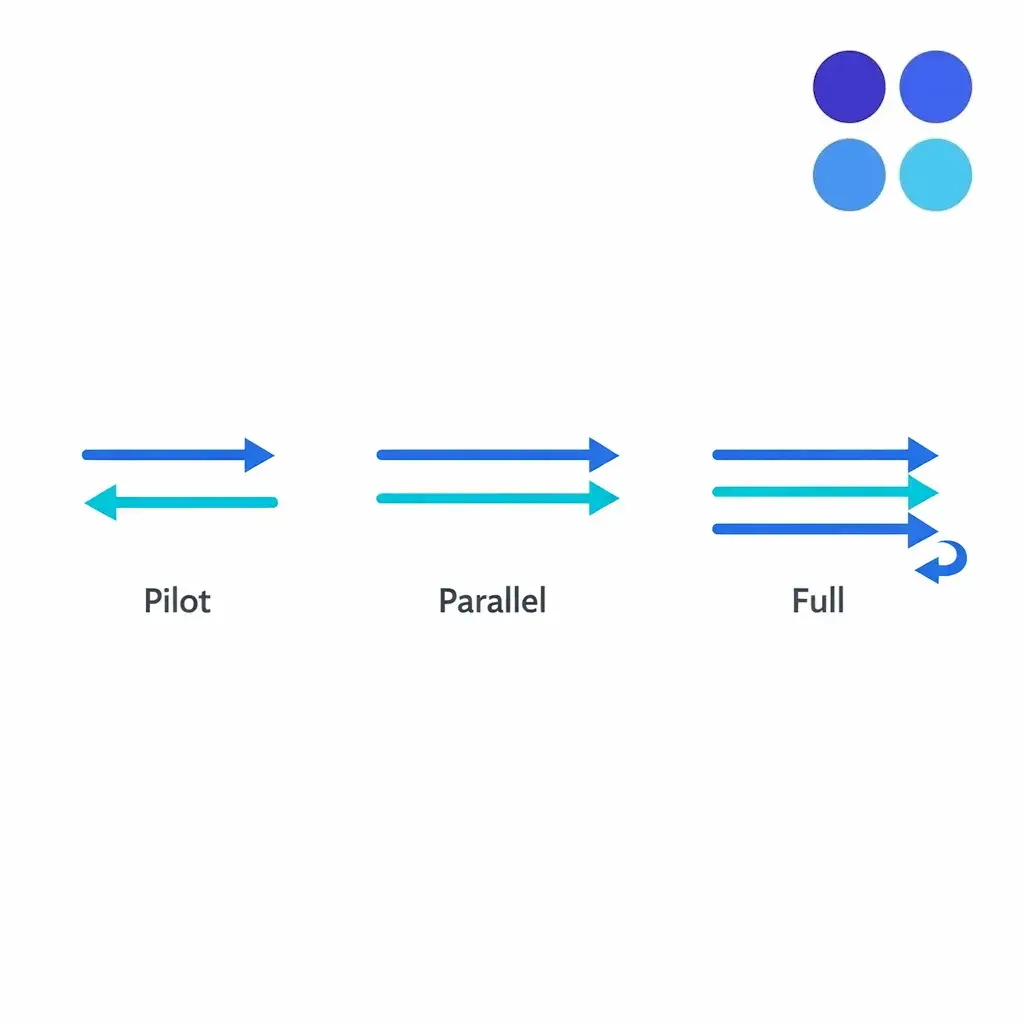
Choose your cutover strategy early. For minimal downtime, many enterprises use a staged approach: a small pilot queue, then a parallel run, then full cutover once QA and routing metrics stabilize. The strategy you pick should match your risk appetite and the size of the in-house team that can absorb spillover during transition.
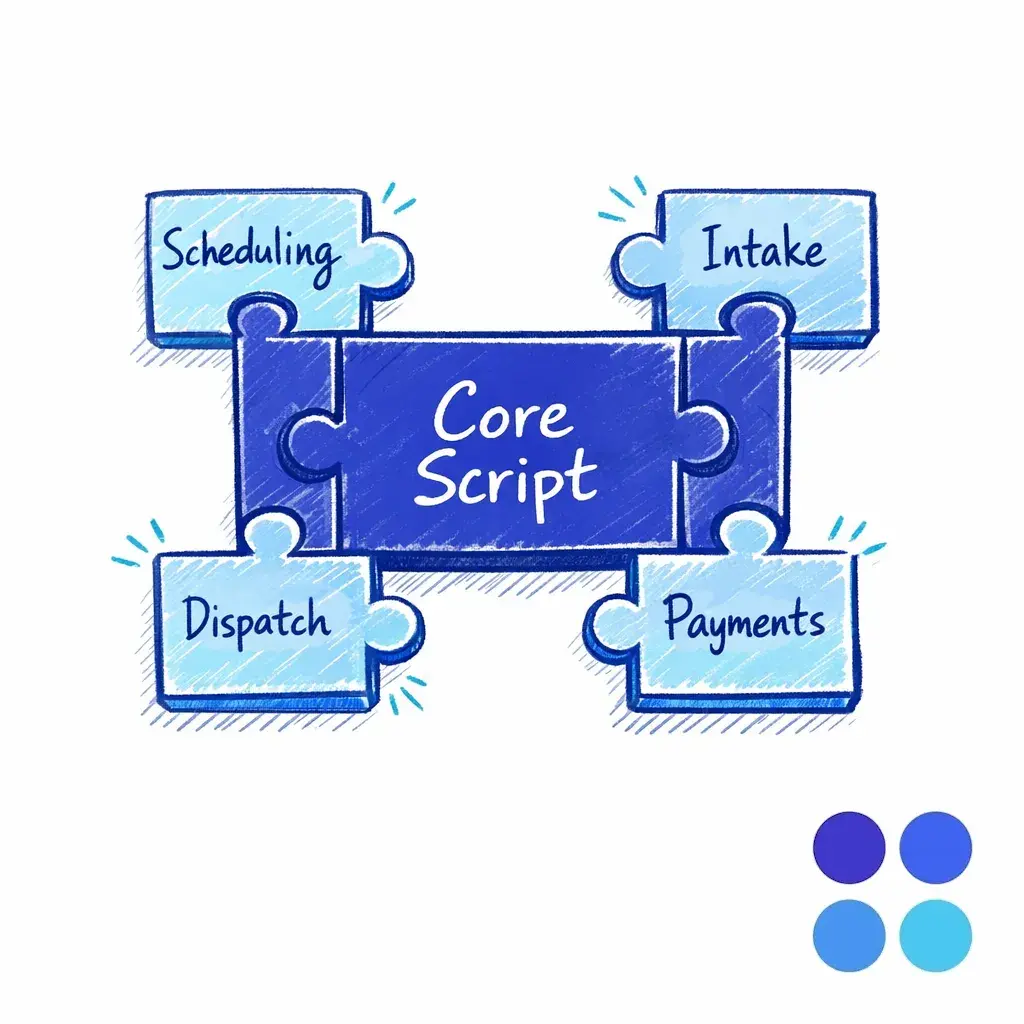
Write scripts as modular blocks: a short core script for greeting, intake, and escalation, plus add-on modules for scheduling, payments, dispatch, or case intake details. Modular scripts are faster to update and easier to QA than one long monolithic flow.
A call scripts rollout is not just writing a “greeting.” It is codifying decision-making so a new agent can produce consistent outcomes under pressure. For legal intake, this includes conflict checks, urgency screening, and clean handoffs. For healthcare, it includes careful wording, verification steps, and escalation for urgent symptoms (within your clinical policy).
A short readiness gate — a written assessment plus a supervised call set — is what turns “trained” into “ready.” Agents who pass enter the main queue; those who do not get targeted coaching before they affect live customers.
Contact center agent onboarding should be treated like launching a new operational site. Your goal is not to “train once,” but to set up a system where agents can get coached, corrected, and re-certified as scripts and policies change.
Decide now how you will handle updates. A weekly release cycle for scripts, knowledge articles, and disposition codes is easier to manage than ad hoc edits that create inconsistency across shifts.
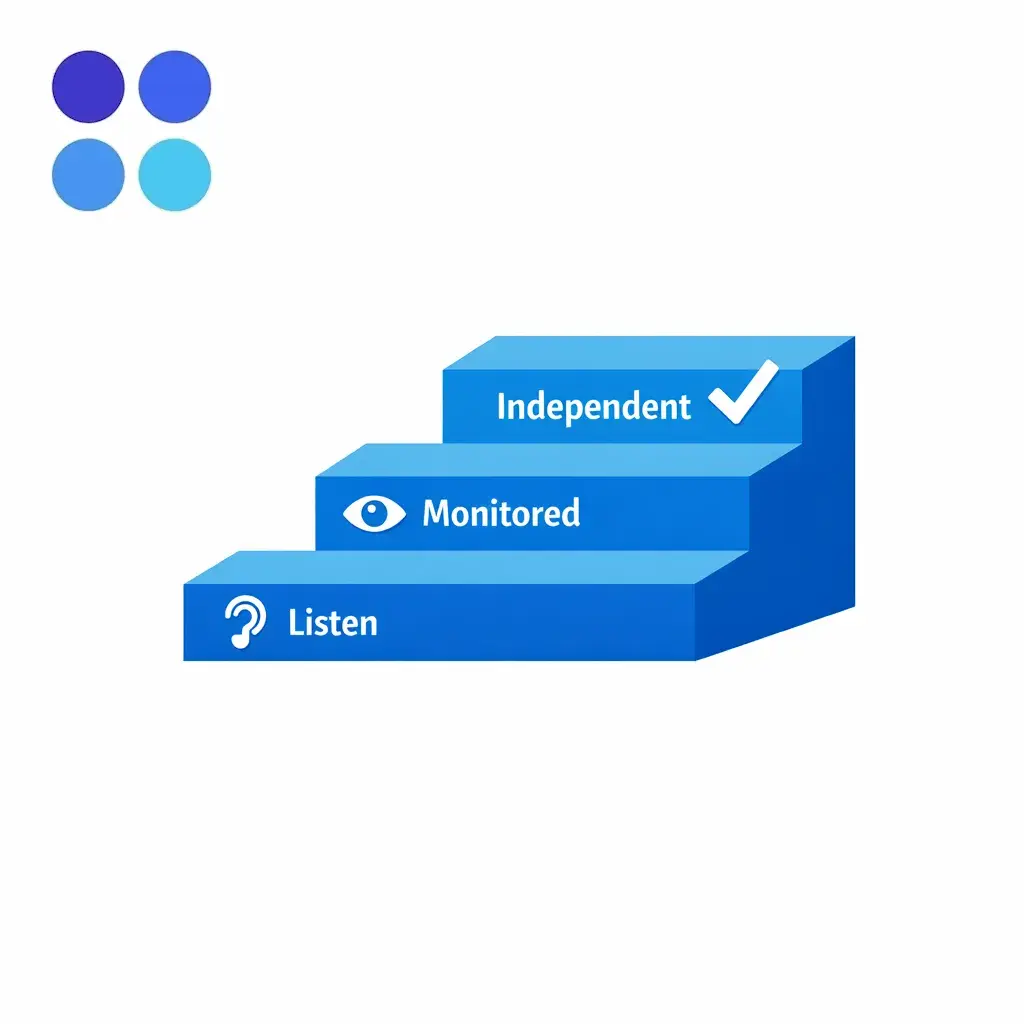
Establish a fixed update cadence — typically weekly — for scripts, knowledge articles, and disposition codes. A predictable release rhythm beats ad hoc edits because every shift, every site, and every vendor sees the same content on the same day.
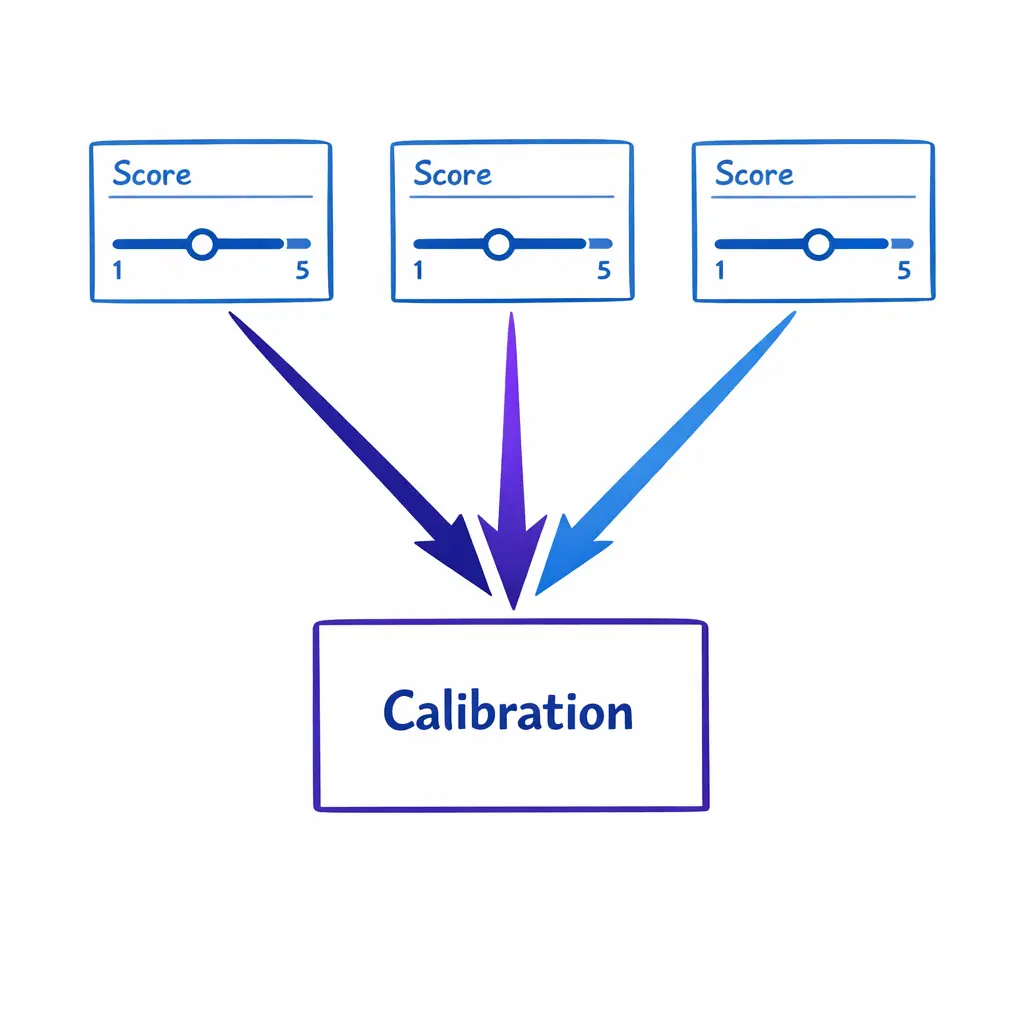
QA calibration is the practice of having multiple reviewers grade the same calls and converge on a single consistent score. Without it, your scorecard is just opinions and coaching becomes noise.
QA calibration is the process of aligning graders and stakeholders on what “good” looks like, so scores are consistent and coaching is fair. Without calibration QA, you will see score volatility, agent frustration, and endless debate about whether the rubric is “too strict” or “too easy.” Run QA calibration before go-live using test calls or early pilot calls, then keep calibrations on a fixed cadence during hypercare. Treat QA as an operational control, not a report.
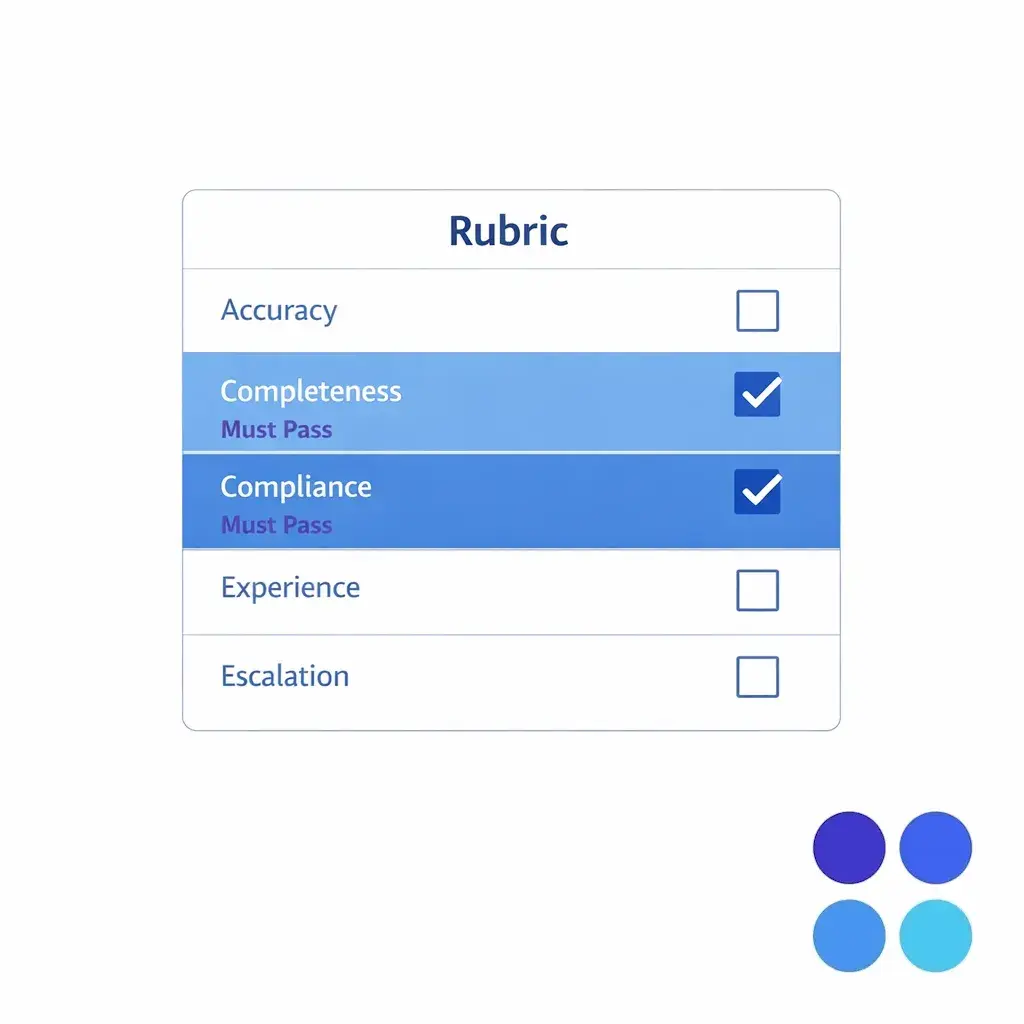
Make critical items “must pass” and keep the list short. A bloated rubric invites subjectivity and slows improvement; a tight one with 4–6 must-pass items keeps coaching focused and metrics moving in the right direction.
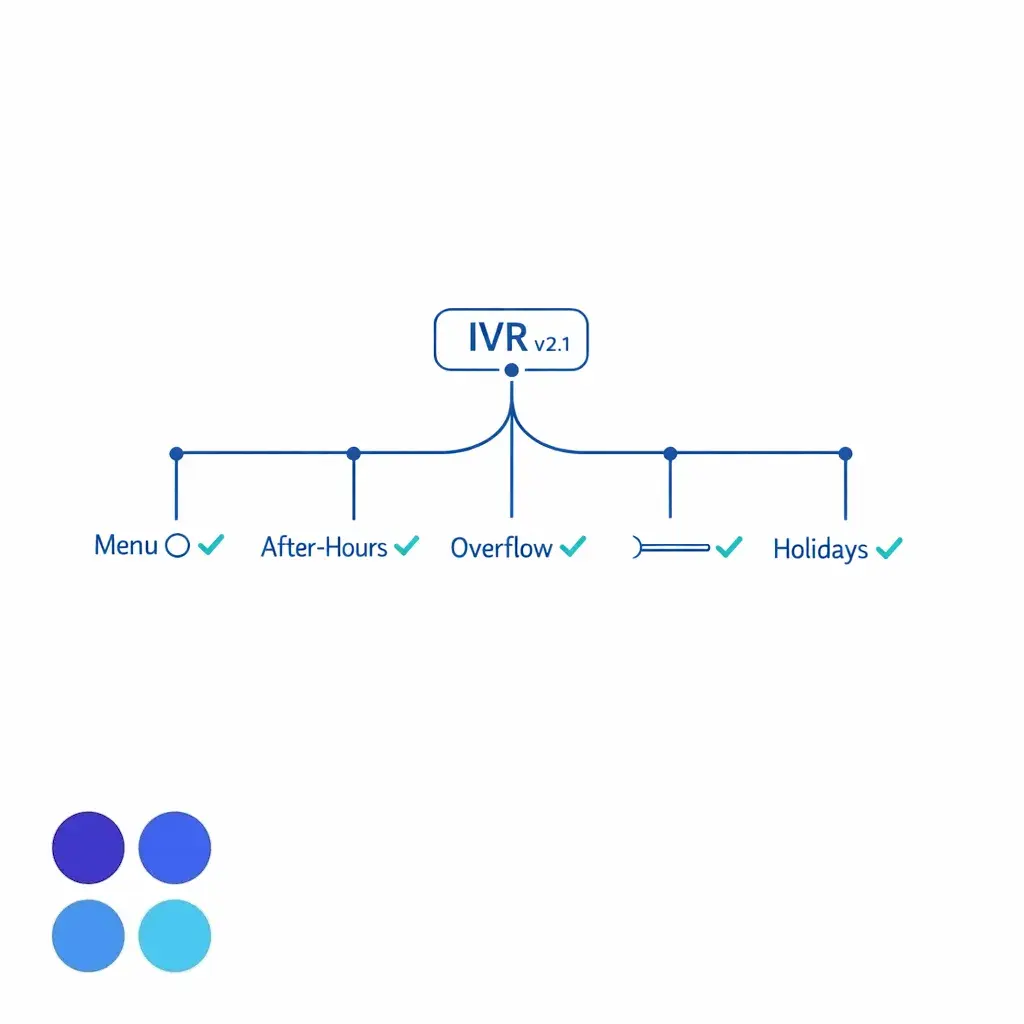
Treat IVR updates like code: version them, test them, and roll them out with a documented rollback plan. A single misconfigured schedule can create silent downtime that no dashboard catches until the next day.
Your IVR and routing are the highest-risk parts of a contact center migration plan because a single misconfigured schedule can create silent downtime. If you are changing outbound caller-ID presentation or implementing new dialing patterns, monitor deliverability and customer recognition; programs like FCC call authentication guidance have raised attention on caller identity and verification.
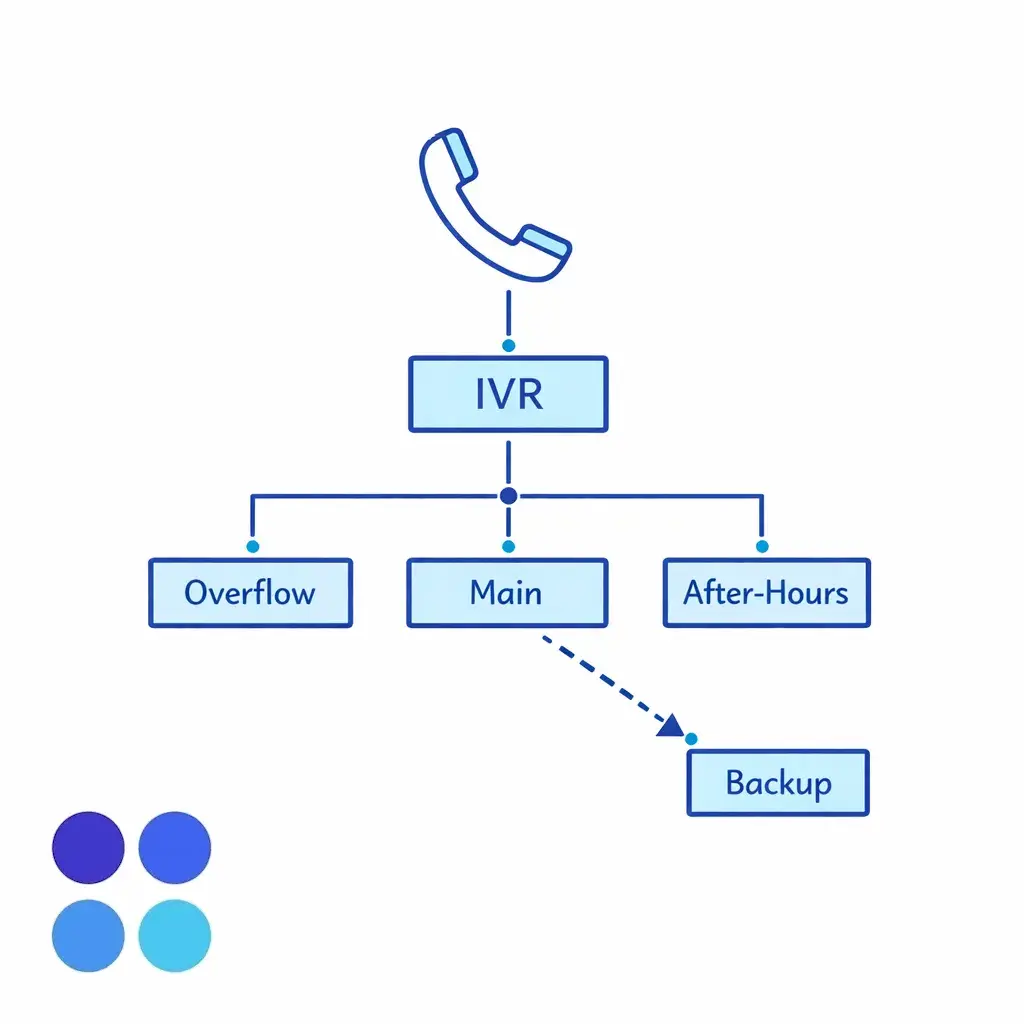
Validate location inference for multi-location businesses. If you route by area code, ZIP, or caller input, document how exceptions are handled — travelers, roaming mobiles, and VoIP numbers — before the first day of routing actually depends on it.
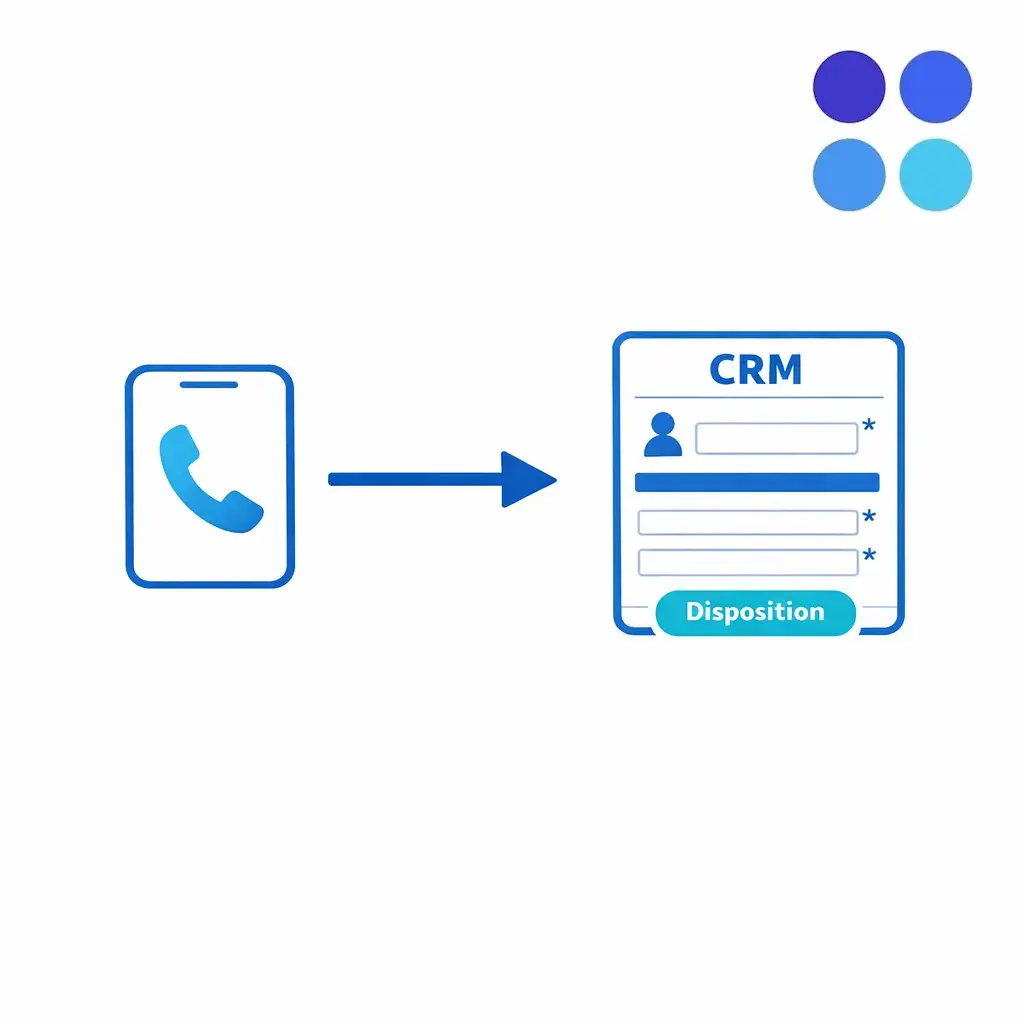
CRM integration launch is where many outsourcing implementation plans become fragile. If agents cannot create the right record quickly, they will default to free-text notes, which reduces reporting, follow-up reliability, and downstream automation.
Start with a minimum viable integration on day one, then iterate. Also decide what data should never be collected, stored, or repeated back to callers.
If you operate in healthcare, map PHI handling to your vendor management and contract posture. HHS explains how service providers can be treated as business associates in HIPAA business associate guidance, which is a useful baseline for defining permitted uses, disclosures, and safeguards in operational terms.
If you accept payments by phone, do not “wing it” with card data. Align your intake flow and storage rules to the PCI DSS standard maintained by the PCI Security Standards Council, and design scripts so agents never capture more data than necessary.
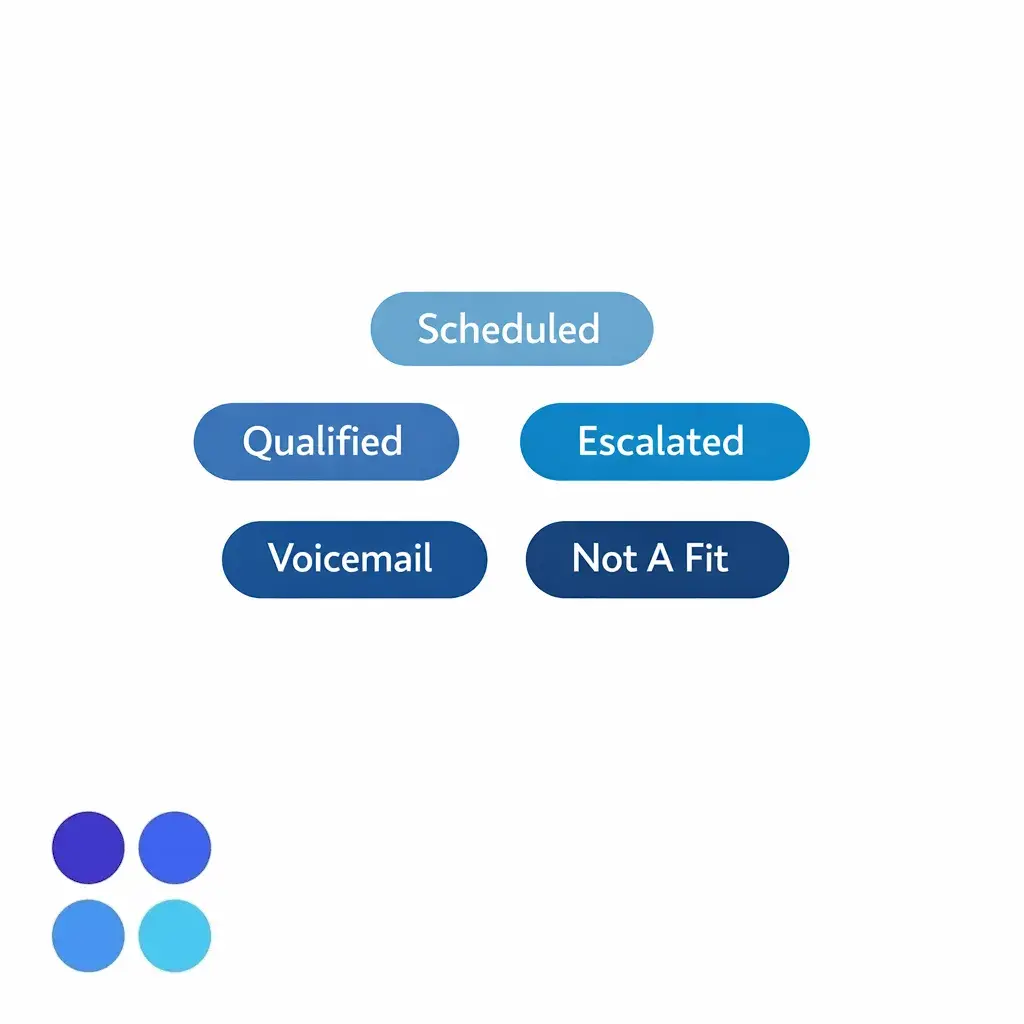
Start with a small, mutually exclusive disposition code set — overly granular codes reduce accuracy. Expand only after agents are consistent and you have a real reporting need that the existing list cannot answer.
A good go-live is boring. The goal is a controlled transition where you can detect issues fast, correct them without drama, and keep customers supported throughout.
If you have strict security expectations, align operational checks to a known control vocabulary (identity, logging, incident response). Even a lightweight mapping to the NIST Cybersecurity Framework helps stakeholders agree on what “secure enough to launch” means.
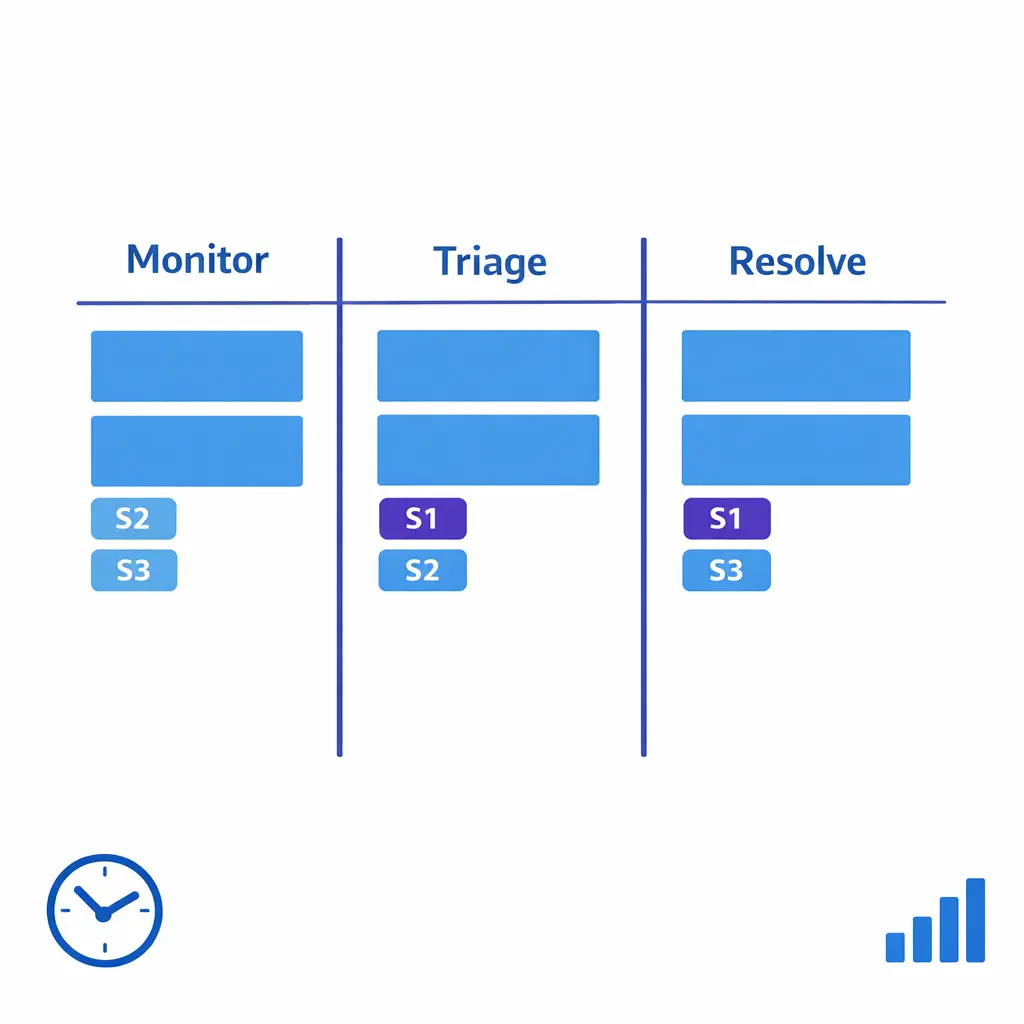
Designate one war-room channel for decisions, one for status updates, and one for issue tracking. Severity definitions and clear approval owners keep the room calm when something does drift.
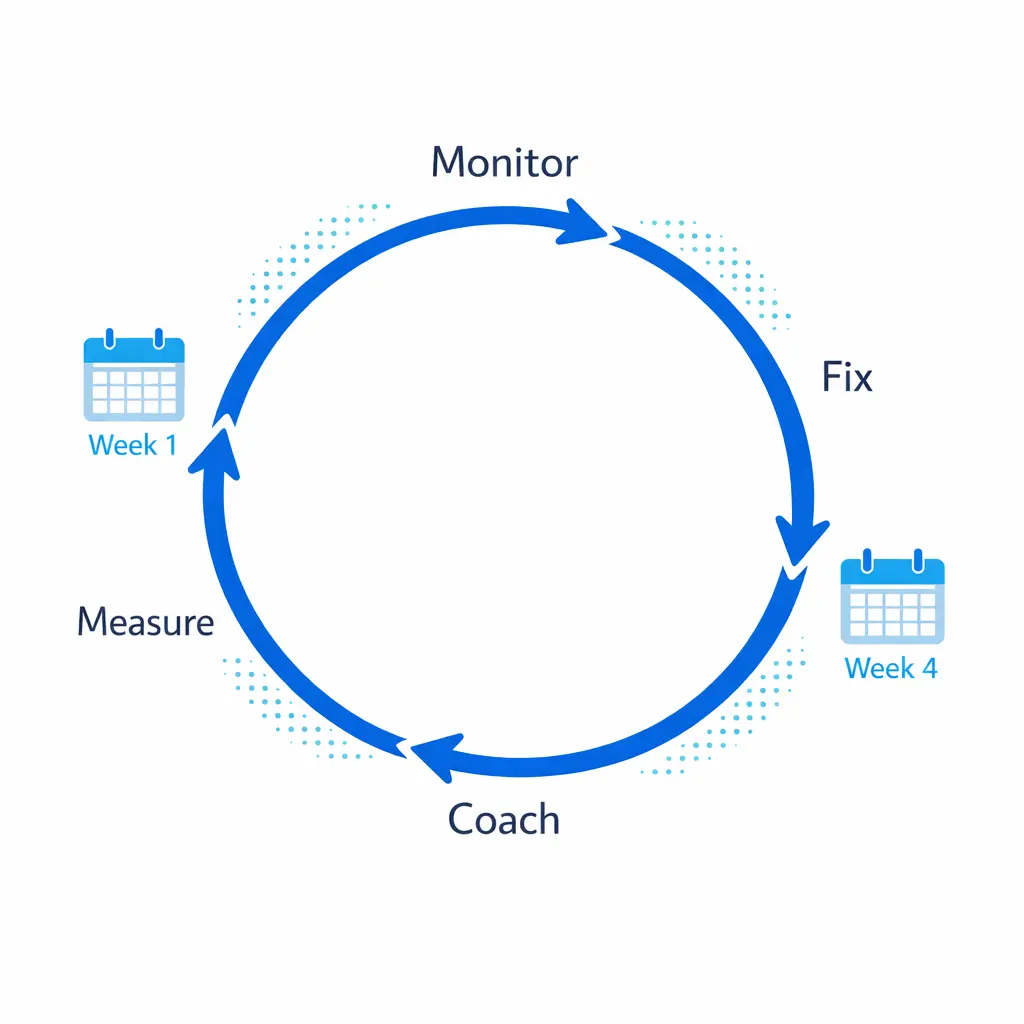
Hypercare is where minimal downtime becomes sustained performance. Plan for daily review in week one, then move to twice-weekly once your metrics stabilize.
Lock in a cadence for QA calibration and operational reviews. The best long-term transitions turn “vendor management” into a shared operating rhythm: clear expectations, measurable outcomes, and fast iteration.
These are the patterns that create downtime or quality loss even when the BPO partner is strong.
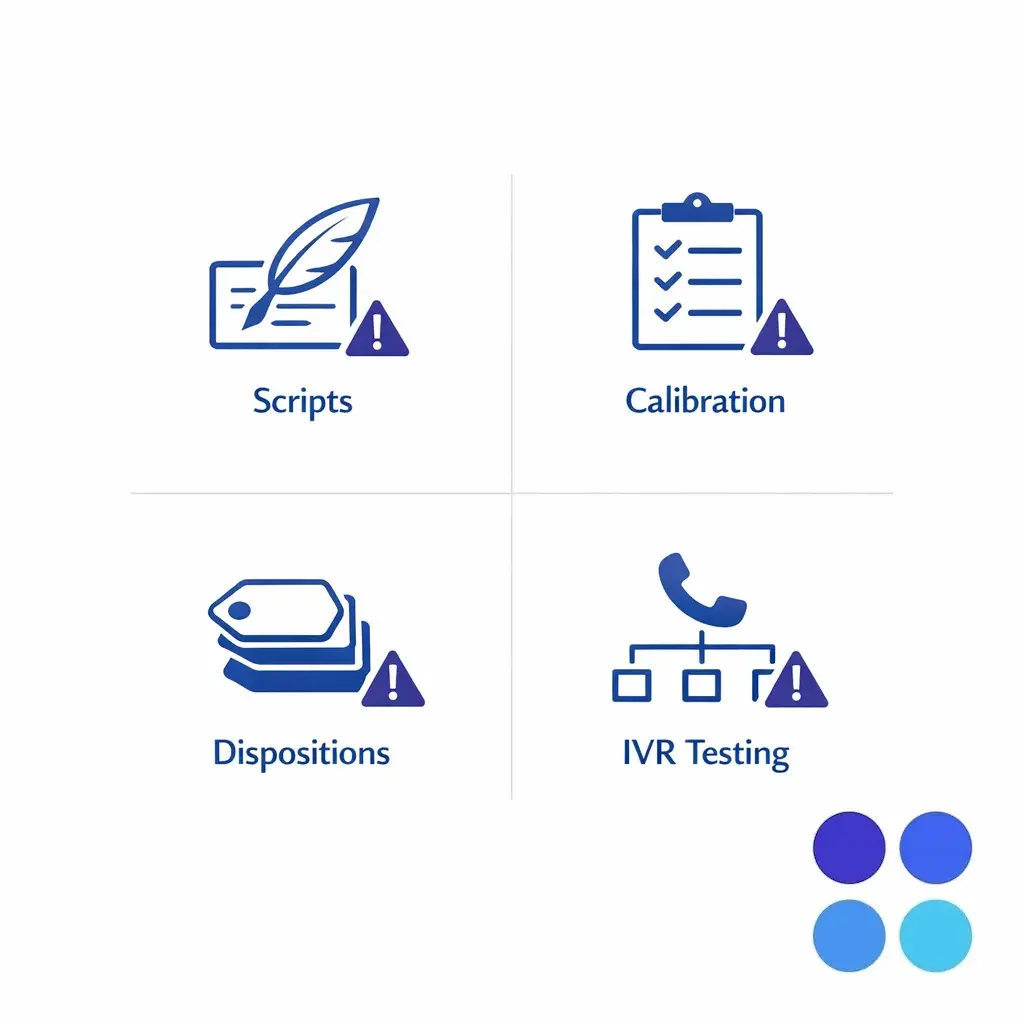
The four mistakes that quietly create downtime even when the BPO is strong: scripts treated as copy, no QA calibration, too many dispositions, and IVR changes that were never end-to-end tested.
Use this as your outsourcing implementation plan tracker. If you can check every item, you are positioned for a low-drama, minimal-downtime cutover.
If you are planning a service desk transition or a full call center migration plan, it helps to walk through your routing map, scripts, QA calibration meaning in practice, and CRM integration launch requirements with a team that has done enterprise cutovers before. Go Answer can help you pressure-test your plan for coverage, intake quality, and operational control so you can migrate phone support with minimal downtime.
Request Pricing or Book a Discovery Call to talk to a specialist. If you are early in evaluation, ask for an enterprise BPO overview, a walkthrough of how it works, and relevant use cases for your industry and call types.

Learn why thousands of companies rely on Go Answer.
Try us risk-free for 14 days!
Enjoy our risk-free trial for 14 days or 200 minutes, whichever comes first.
Have more questions? Call us at 888-462-6793
Learn why thousands of companies rely on Go Answer.
Have more questions? Call us at 888-462-6793
If you would like to get in contact with a Go Answer representative please give us a call, chat or email.

Thanks for your interest!
A representative will be reaching out to you shortly.
Have more questions? call us on 888-462-6793
