
Intake-to-CRM Data Hygiene: How Enterprise BPO Teams Prevent Duplicate Leads, Bad Records, and Missed Follow-Ups
By Matt O'HaverLast modified: May 12, 2026
Voted Top Call Center for 2024 by Forbes
Virtual Receptionists
Save time and money with our virtual receptionists.
AI Receptionist
AI-powered receptionist that answers, routes, and qualifies calls 24/7.
Enterprise Solutions
Solutions designed to scale with your organization’s needs.
Legal Services
Our virtual legal receptionists are experts in legal intake.
Last modified: May 12, 2026
In high-volume intake environments, the biggest revenue leaks rarely come from “not enough leads.” They come from leads that get duplicated, misrouted, or never followed up because the intake-to-CRM handoff created bad data.
This article is for enterprise and multi-location service businesses, intake-heavy legal teams, and healthcare practices that rely on contact center coverage (including overflow and after-hours) and need reliable CRM outcomes. You will learn the practical controls BPO teams use to standardize intake data, prevent duplicate records, enforce validation rules, and turn disposition codes into consistent next steps.
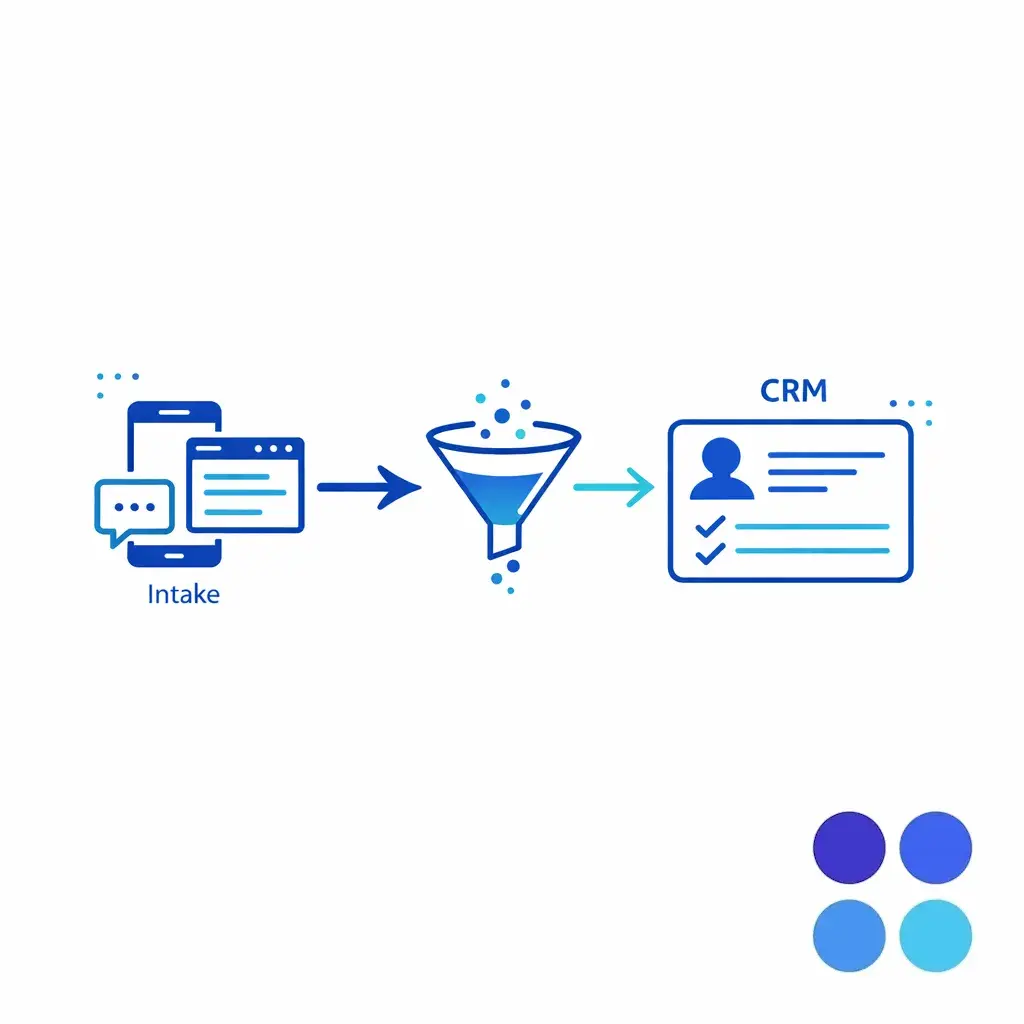
Most orgs do not “have a data problem.” They have a workflow problem: intake is fast, customer-provided info is messy, and CRM structures were designed for clean, internal entry.
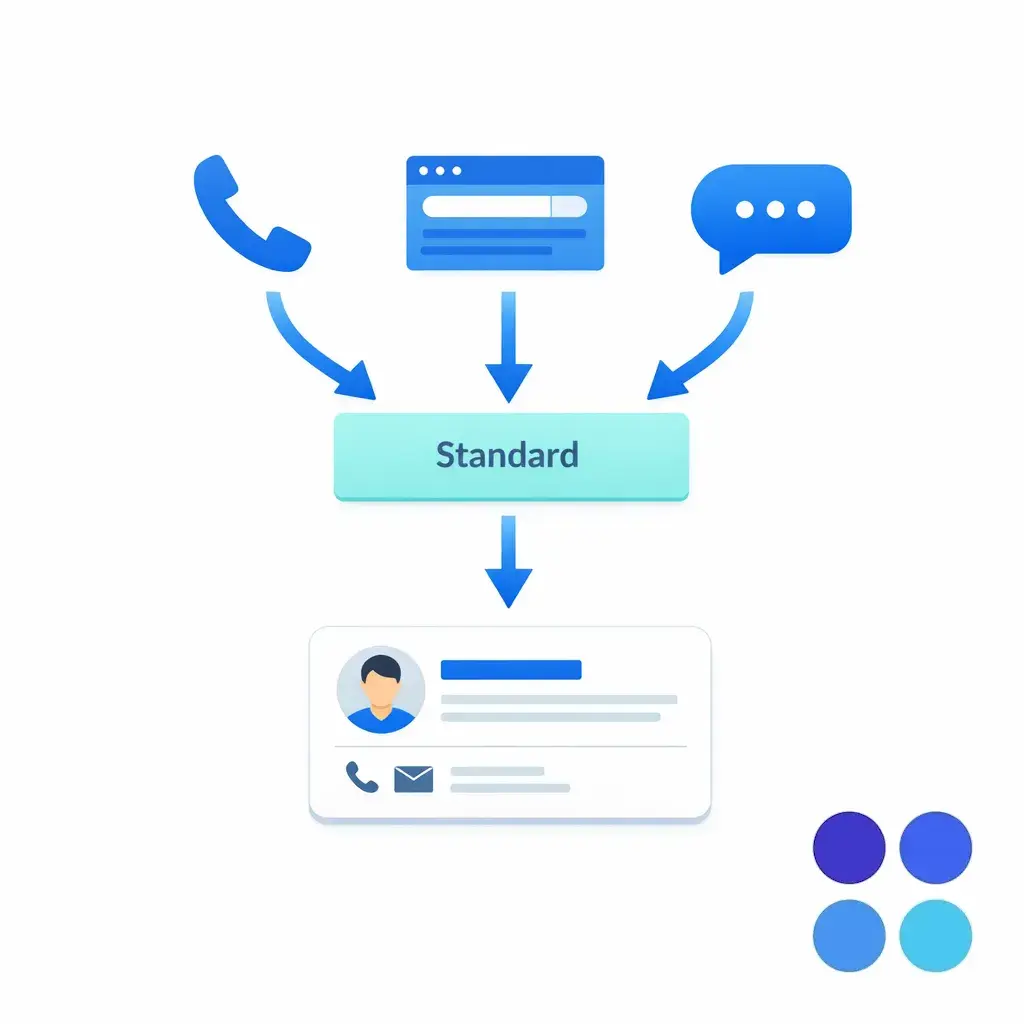
Data hygiene typically breaks at predictable seams: when multiple channels create leads (phone, web forms, chat), when multiple locations share the same CRM, and when multiple teams touch the same record without a single set of intake data standards.
The same hygiene seams produce three predictable failures that all undermine downstream follow-up reliability.
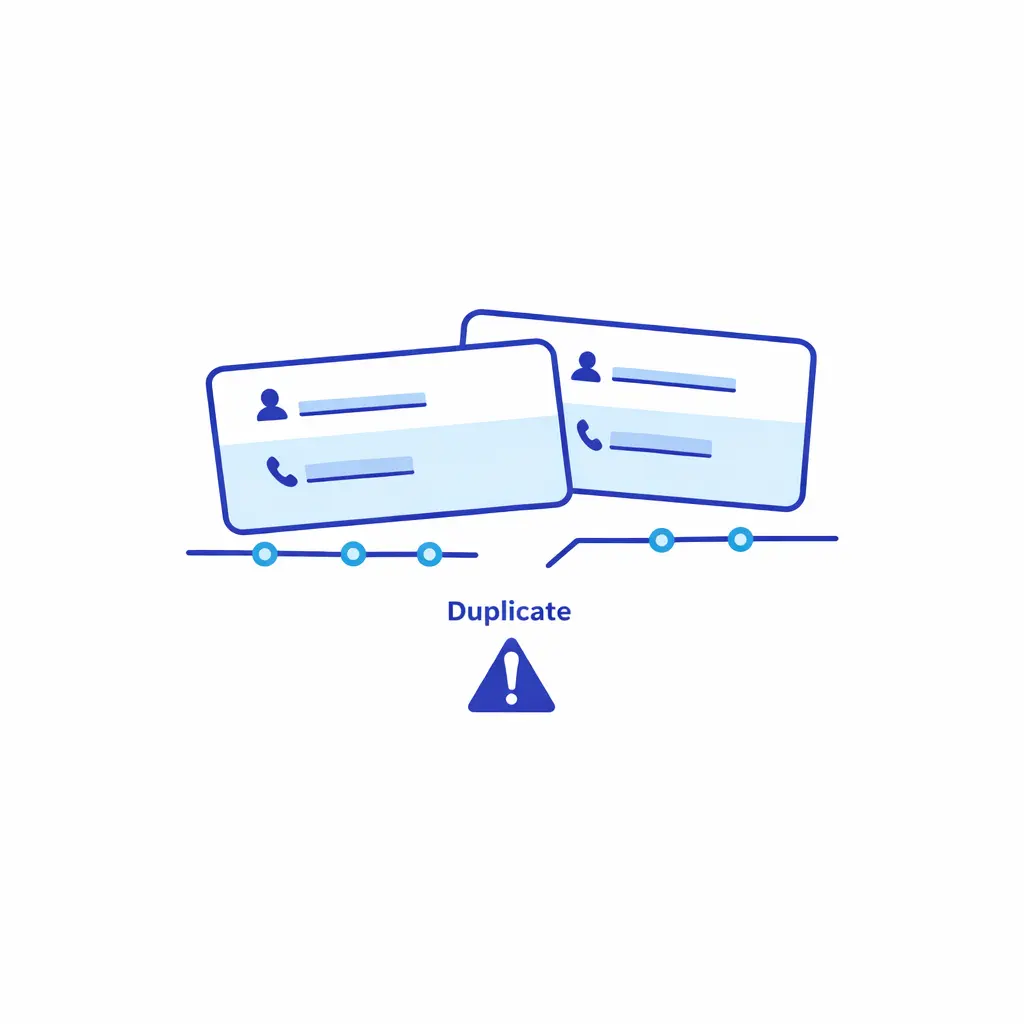
CRM hygiene for call centers is not a weekly dedupe project. It is a set of intake controls that make it hard to create incorrect records in the first place, and easy to resolve edge cases consistently.
At enterprise scale, the goal is operational: every inbound interaction produces a record that (1) is identifiable, (2) is routable, (3) has a clear disposition, and (4) has an enforceable follow-up plan.
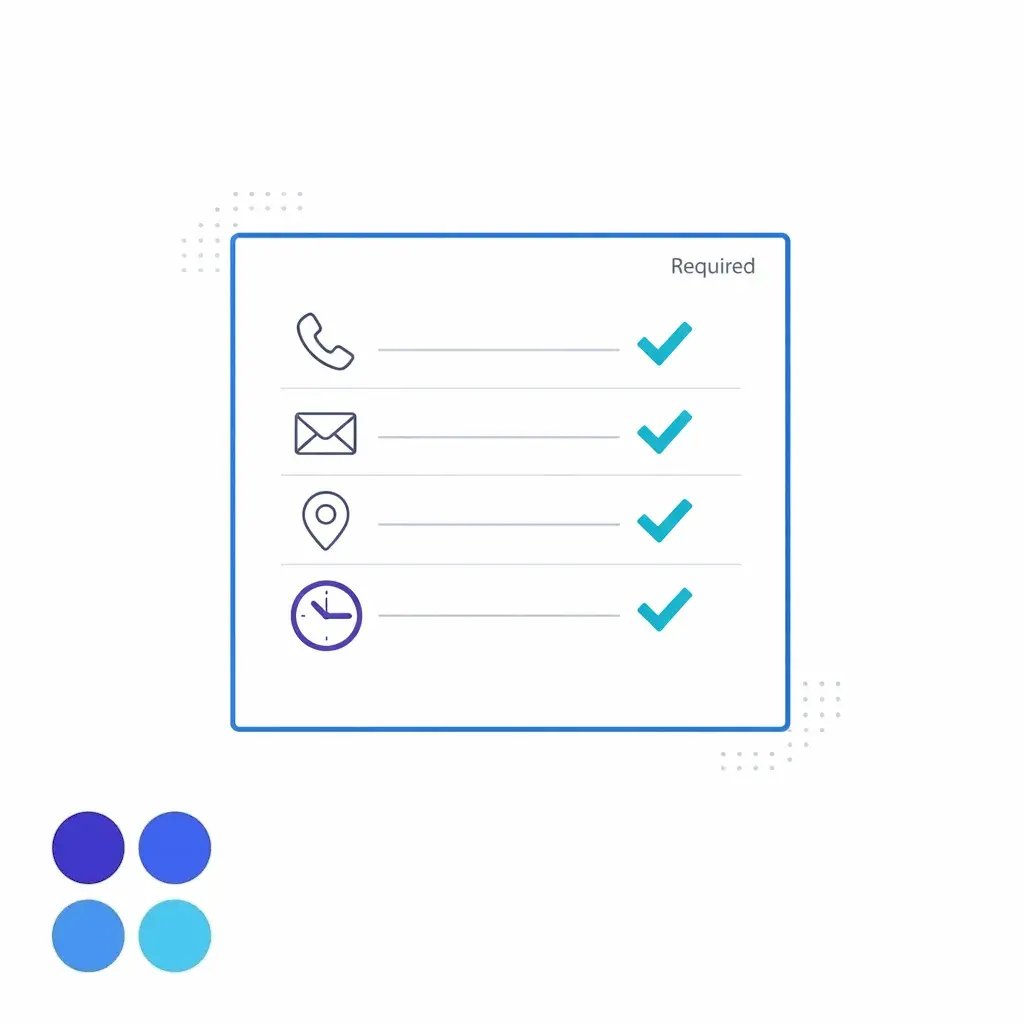
Intake data standards are the field-level rules that define what gets captured, how it is formatted, and where it belongs in your CRM. They must be designed for real conversations, not for perfect forms.
Start by defining a small set of “must not be blank” fields for each intake type (new lead, existing customer, referral, urgent escalation). Then define canonical formatting rules for phone, email, address, and names so de-duplication has something consistent to match on.
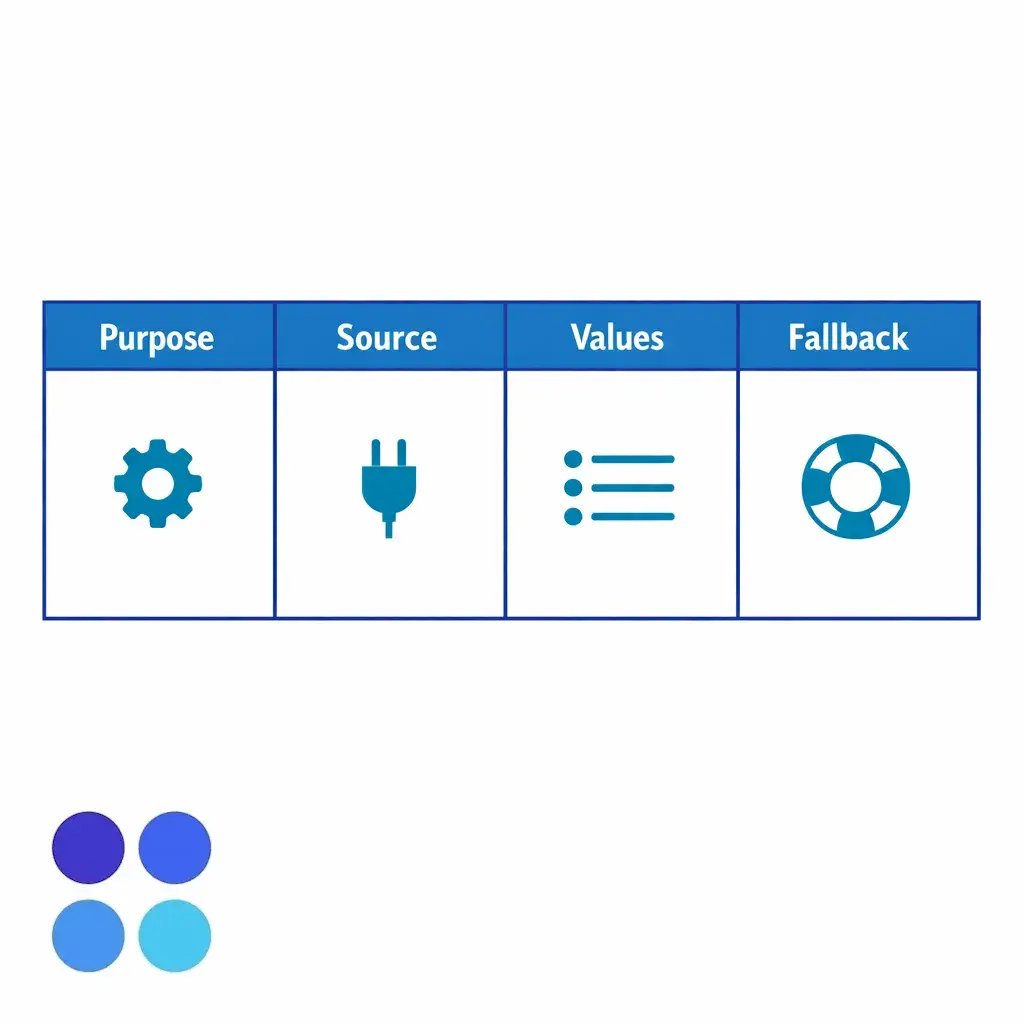
When teams say “we need better training,” they are often compensating for missing guardrails. Validation rules make the CRM enforce the standard so QA is not trying to fix issues after the fact.
In Salesforce, validation rules can prevent a record from being saved unless required conditions are met, such as a minimum phone length, a required service line for certain lead types, or a required disposition when a call is closed. The key design principle is to validate only what the agent can reasonably know during intake, and defer the rest to follow-up workflows.
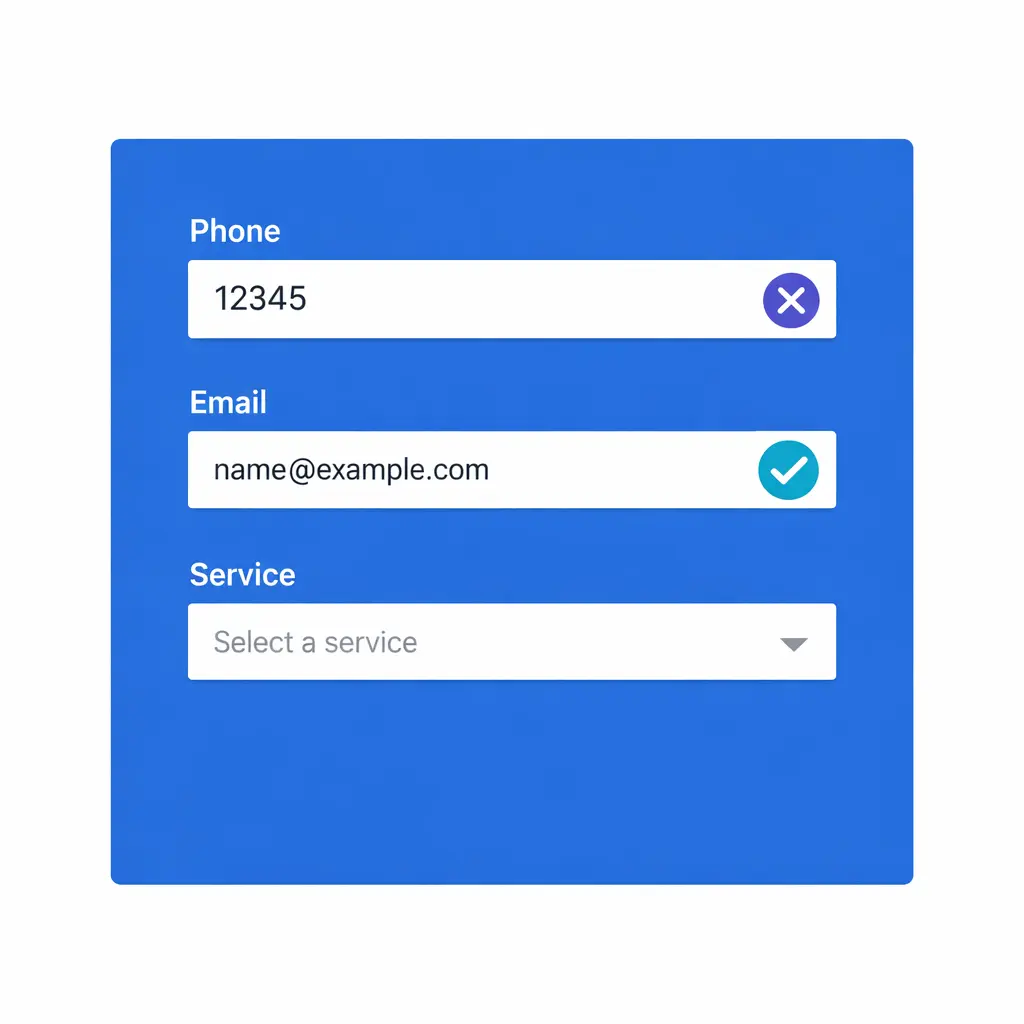
If you use Excel or Sheets as a staging layer (common in transitions, audits, or bulk updates), mirror the same constraints in your spreadsheets. Microsoft supports enforcing controlled inputs through Excel data validation, which can reduce “free-text drift” before data ever hits your CRM.
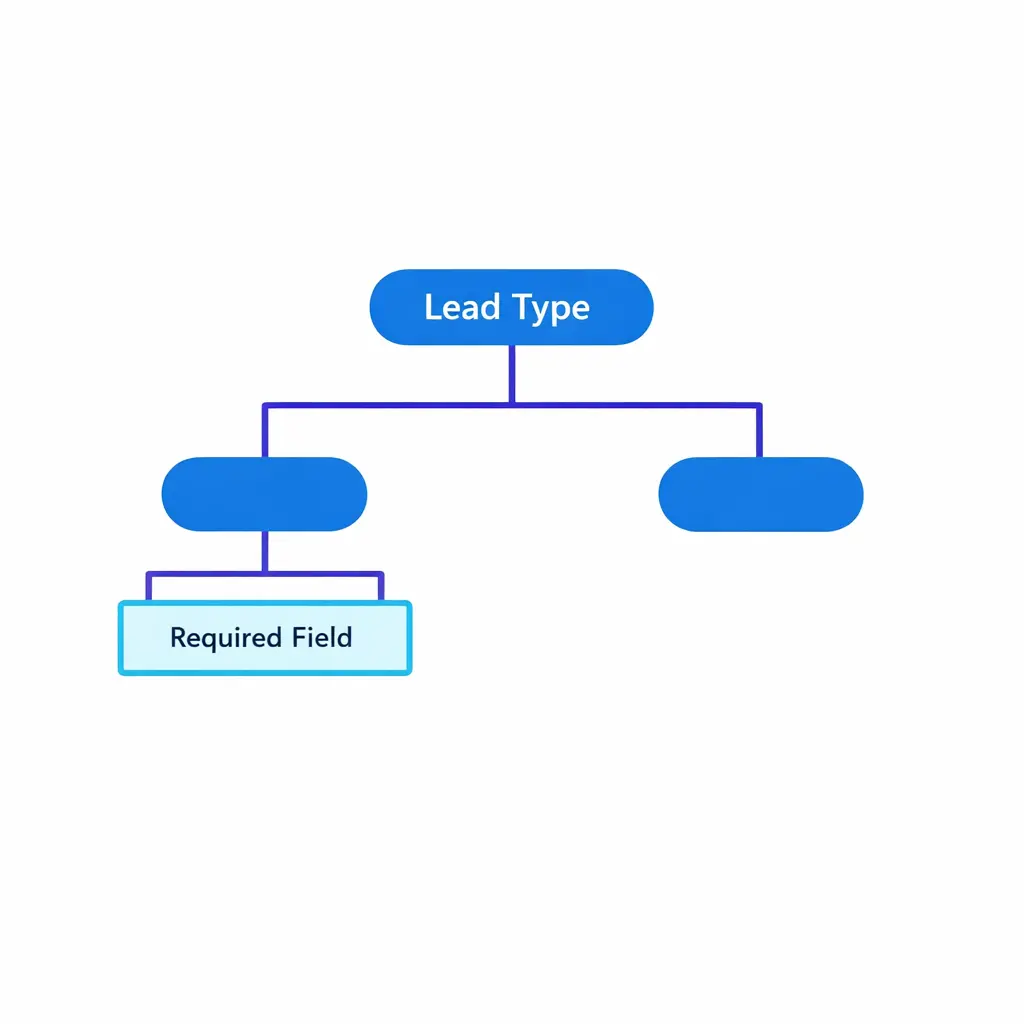
Conditional required fields keep intake forms short by default but pull in extra fields the moment they are actually needed — like requiring a location only when a multi-location service is selected, or a reason code only when “not qualified” is chosen.
Lead de-duplication is not just “merge everything with the same email.” In intake-heavy businesses, prospects call from shared phones, use multiple emails, mistype details, and re-engage months later.
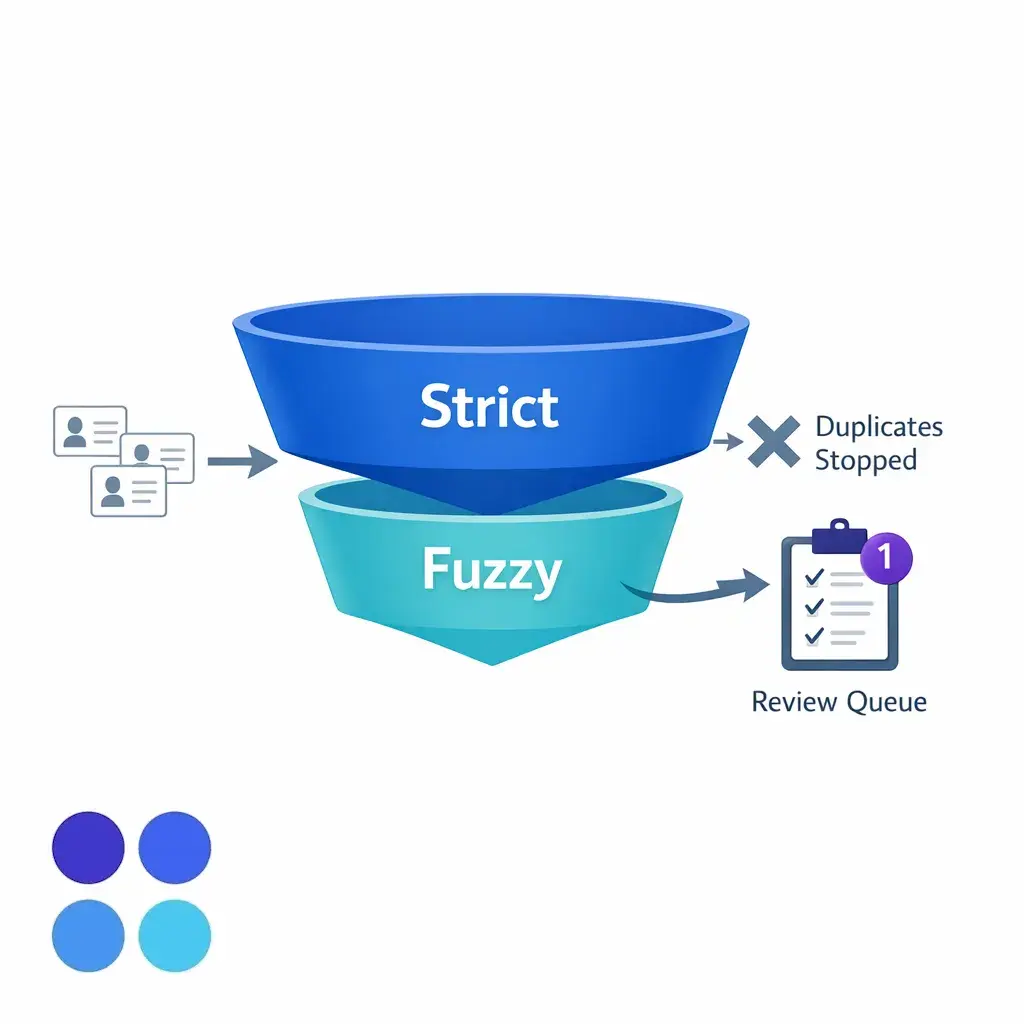
In Salesforce, matching rules allow you to define how potential duplicates are identified (for example, exact match on phone, or fuzzy match on name plus email). The best enterprise approach is to use a layered match strategy: strict matches that auto-block duplicates, and looser matches that create an “agent confirm” step.
For HubSpot users, the platform supports record cleanup and merging through deduplicate records workflows and tools. The operational takeaway is the same regardless of CRM: decide which team can merge, what evidence is required, and what gets logged for auditing.
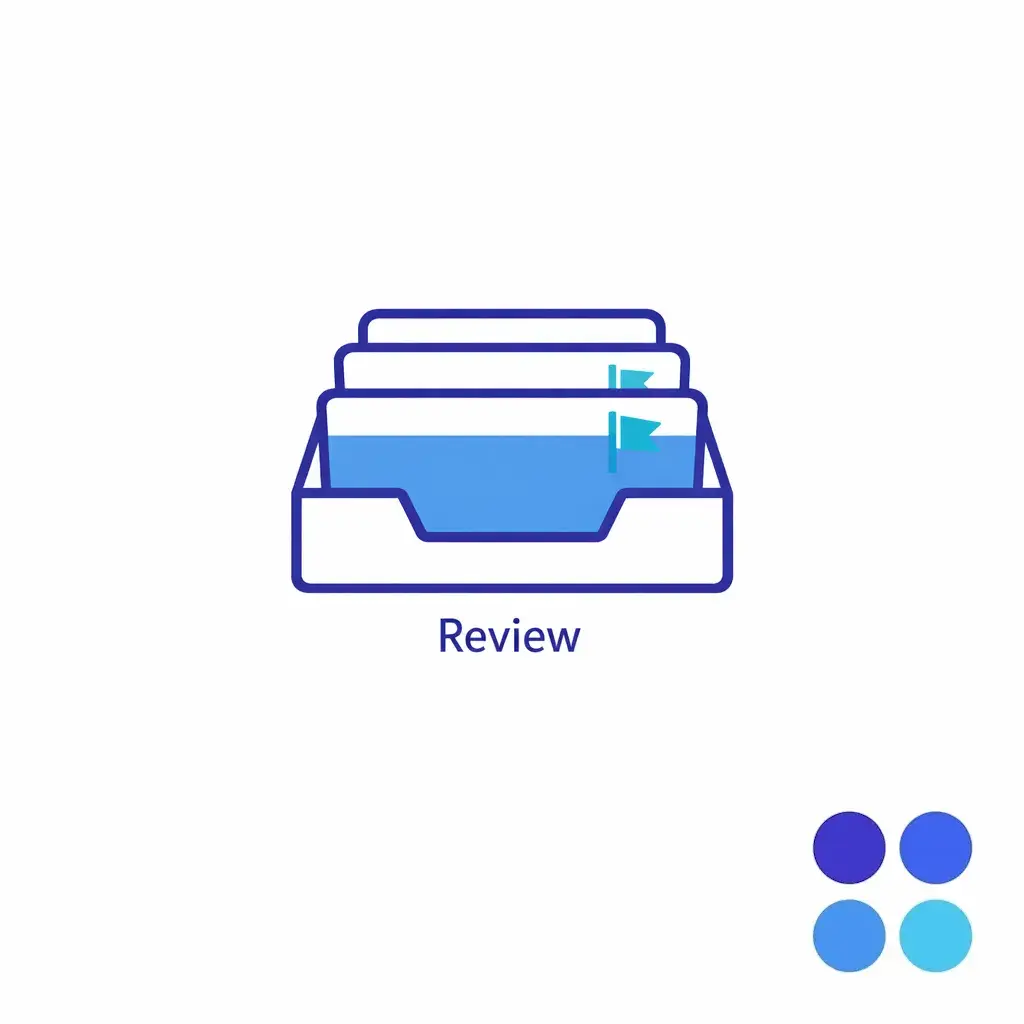
Spin up a daily “possible duplicates” review queue so flagged records get resolved before downstream sales or service teams ever work the lead. Same-day resolution prevents follow-up activity from splitting across the duplicate pair.
A safe merge policy preserves the activity timeline, owner, pipeline stage, and source attribution from the surviving record while collapsing the duplicate. Without an explicit policy, merges silently drop reminders, owner assignments, and revenue attribution.
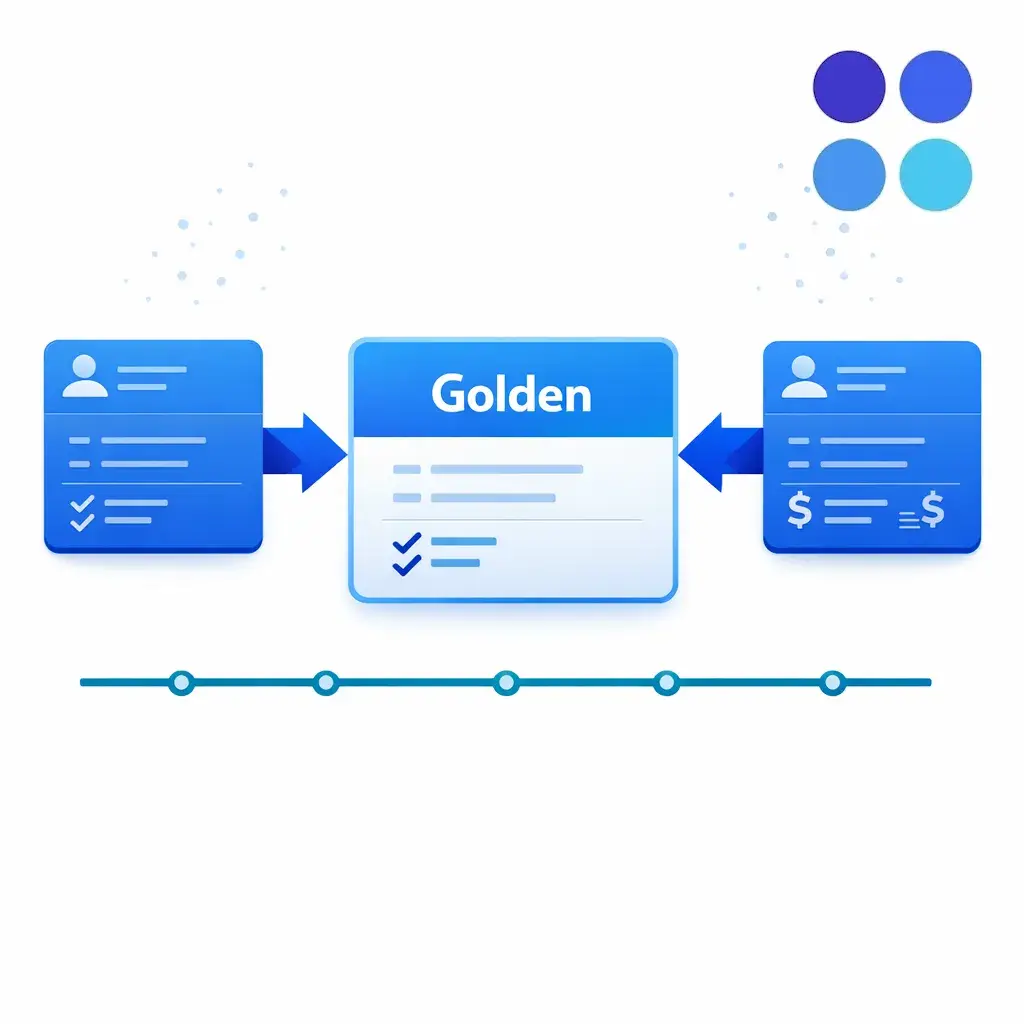
Build a merge checklist so the “surviving” golden record retains the right owner, stage, attribution, and activity history — and so reps can audit why a merge happened weeks later.
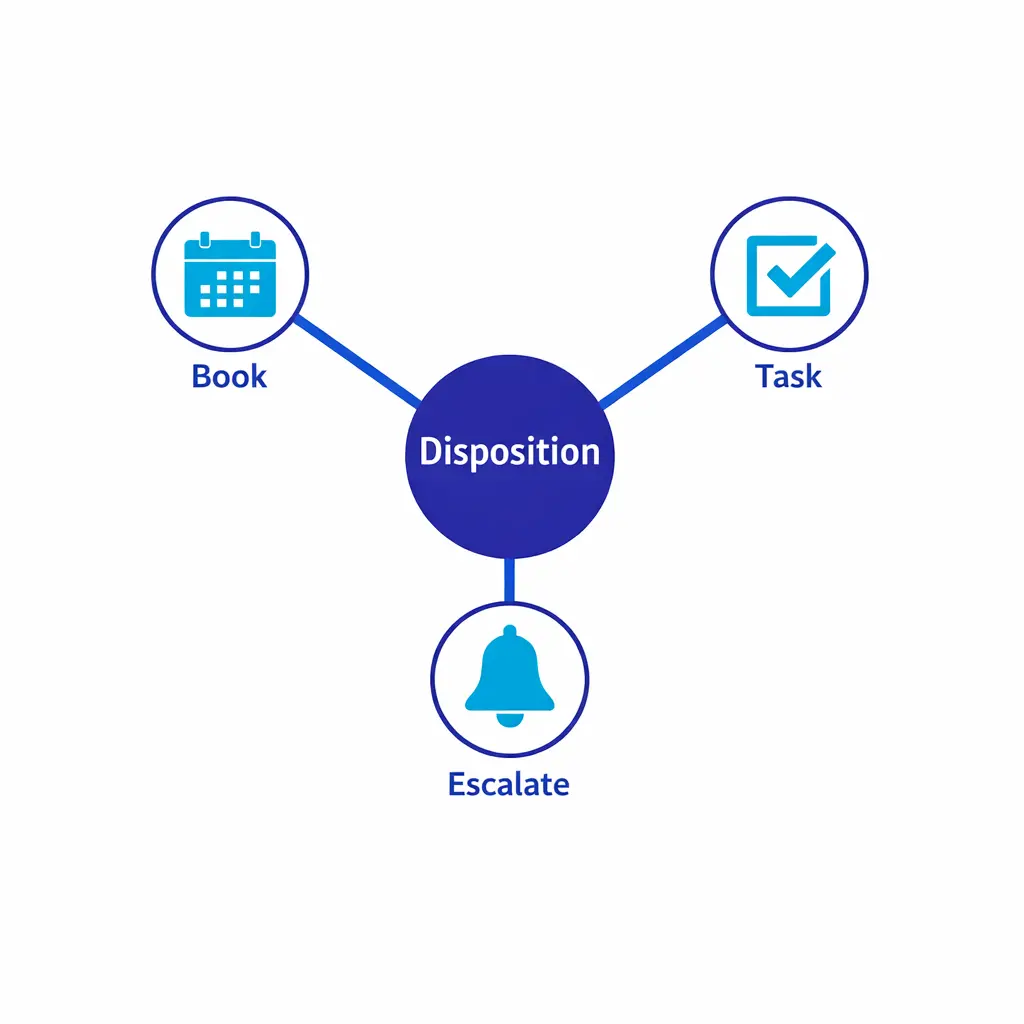
Disposition codes are where intake quality becomes revenue protection. A disposition is not just a reporting label; it is a control point that should trigger routing, tasks, SLAs, and messaging.
Enterprises often fail here by using either (1) too few dispositions (everything becomes “left voicemail”), or (2) too many (agents pick whatever sounds closest). The best practice is a compact, mutually exclusive disposition list, each mapped to exactly one next-step path.
To keep dispositions operational, require one additional structured field alongside the disposition: “next action date/time.” This is the simplest way to prevent the most expensive failure mode — a good call with no scheduled follow-up.
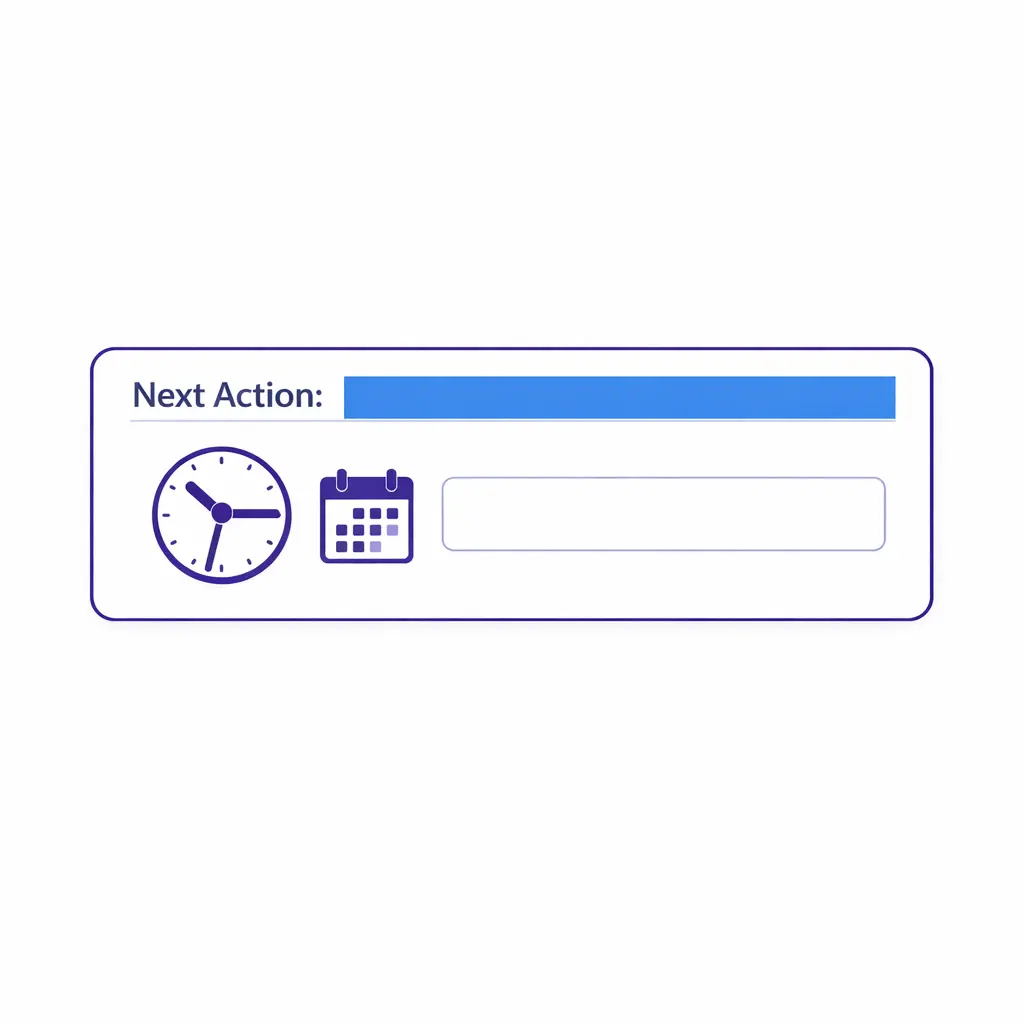
Make next-action date/time a required field for every non-final disposition. If the value is missing, the record cannot be saved — and “good call, no follow-up” stops being a recurring failure mode.
Traditional contact center QA often emphasizes tone, talk tracks, and compliance statements. In intake-to-CRM environments, QA must also grade whether the record is usable.
Build a “record completeness” score that includes required fields, correct formatting, correct disposition, and correct owner/queue. Then sample by channel and by agent, because after-hours and overflow patterns often differ from daytime staffing.
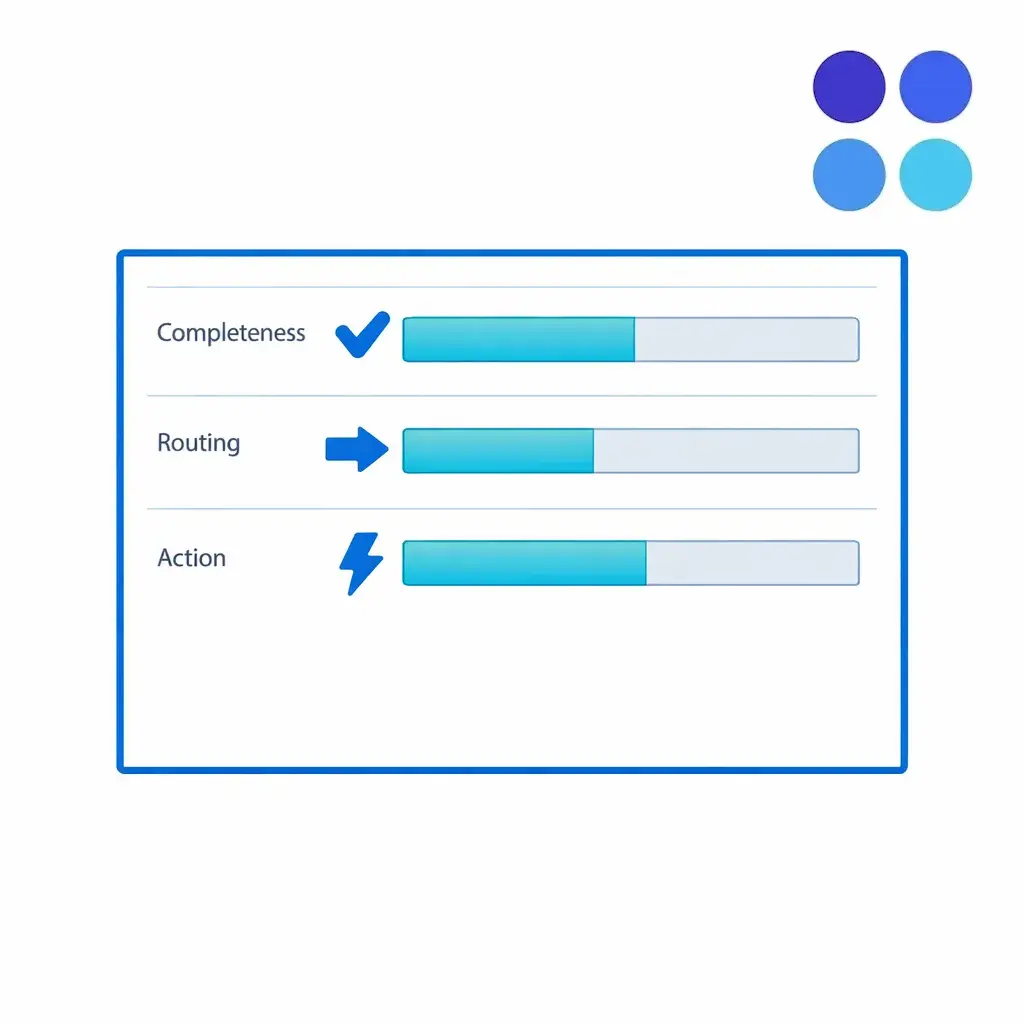
Once completeness scoring is in place, layer on a small set of operational KPIs that surface systemic issues — not individual coaching gaps — so leadership can see where intake design itself is hurting revenue or compliance.
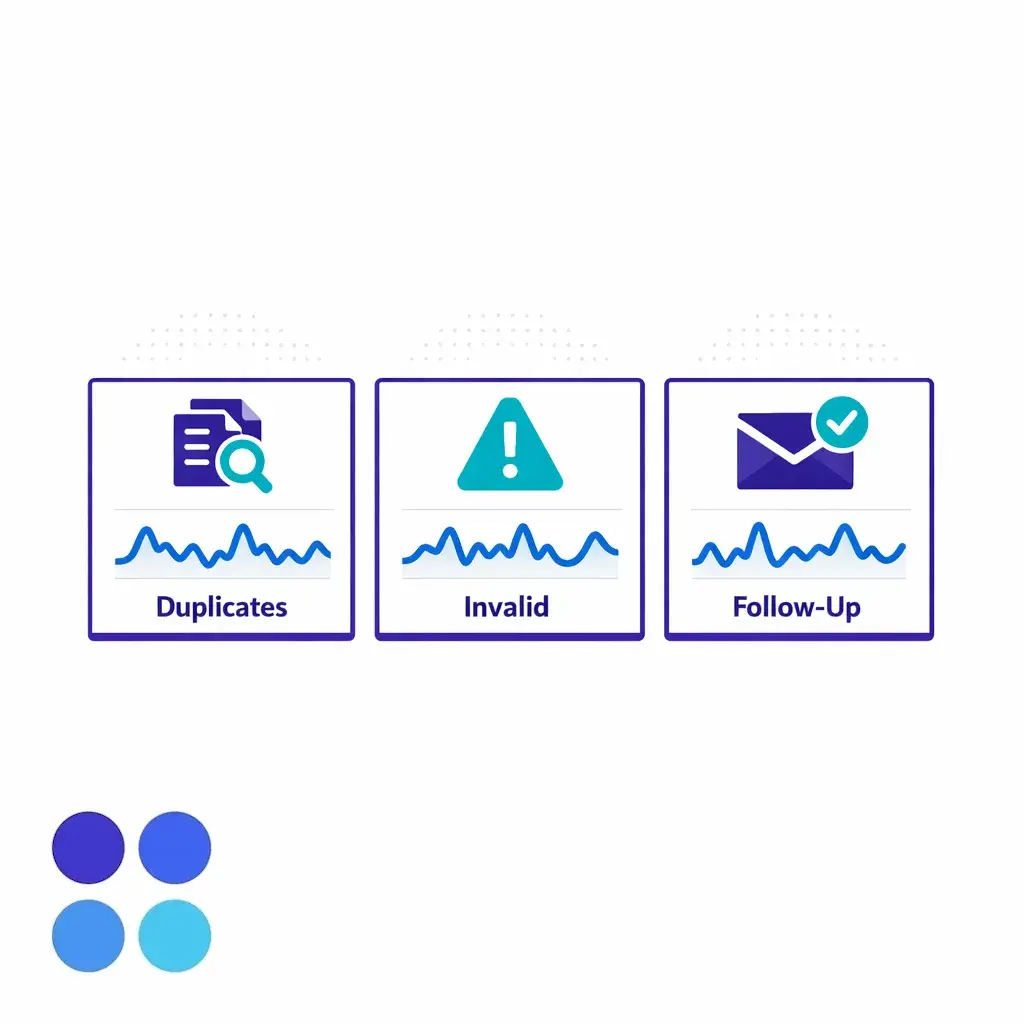
Sample QA across channels and shifts. Daytime staffing patterns rarely predict after-hours and overflow behavior, and intake quality from those windows often differs enough to need its own scorecard view.
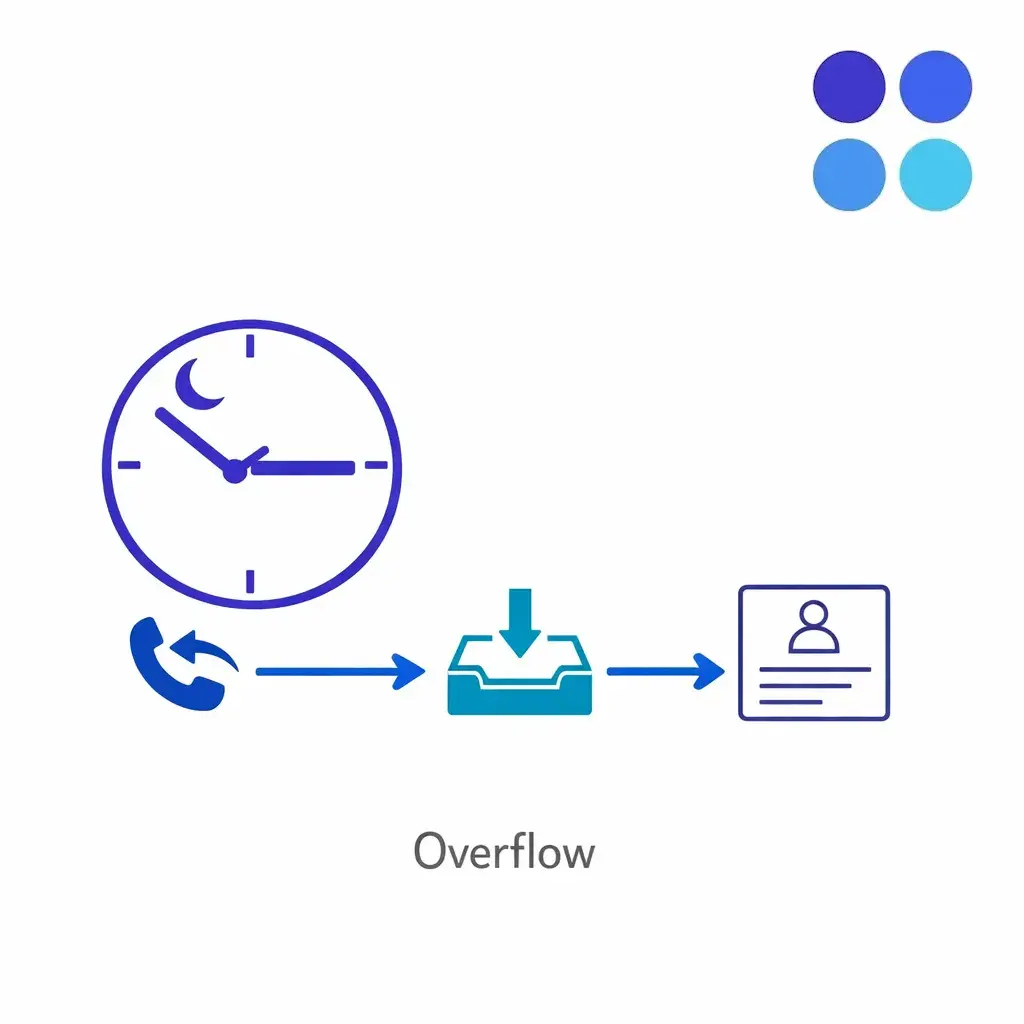
After-hours and overflow coverage should produce records that look identical to daytime intake — same required fields, same disposition discipline, same routing accuracy. If they don’t, the gap is in the workflow, not the time of day.
Healthcare and clinic intake can involve sensitive information, and your CRM and contact center workflows should be designed to limit exposure to what is needed for the job. Under the HIPAA Privacy Rule, covered entities and business associates must protect protected health information and apply appropriate privacy practices, which makes role-based access and careful scripting especially important.
Practically, this means: do not capture clinical details in free-text fields that are broadly visible, separate “scheduling and contact” from “clinical notes” where possible, and restrict which users and vendors can access sensitive data. Even outside healthcare, the same discipline helps reduce risk and improves data consistency.
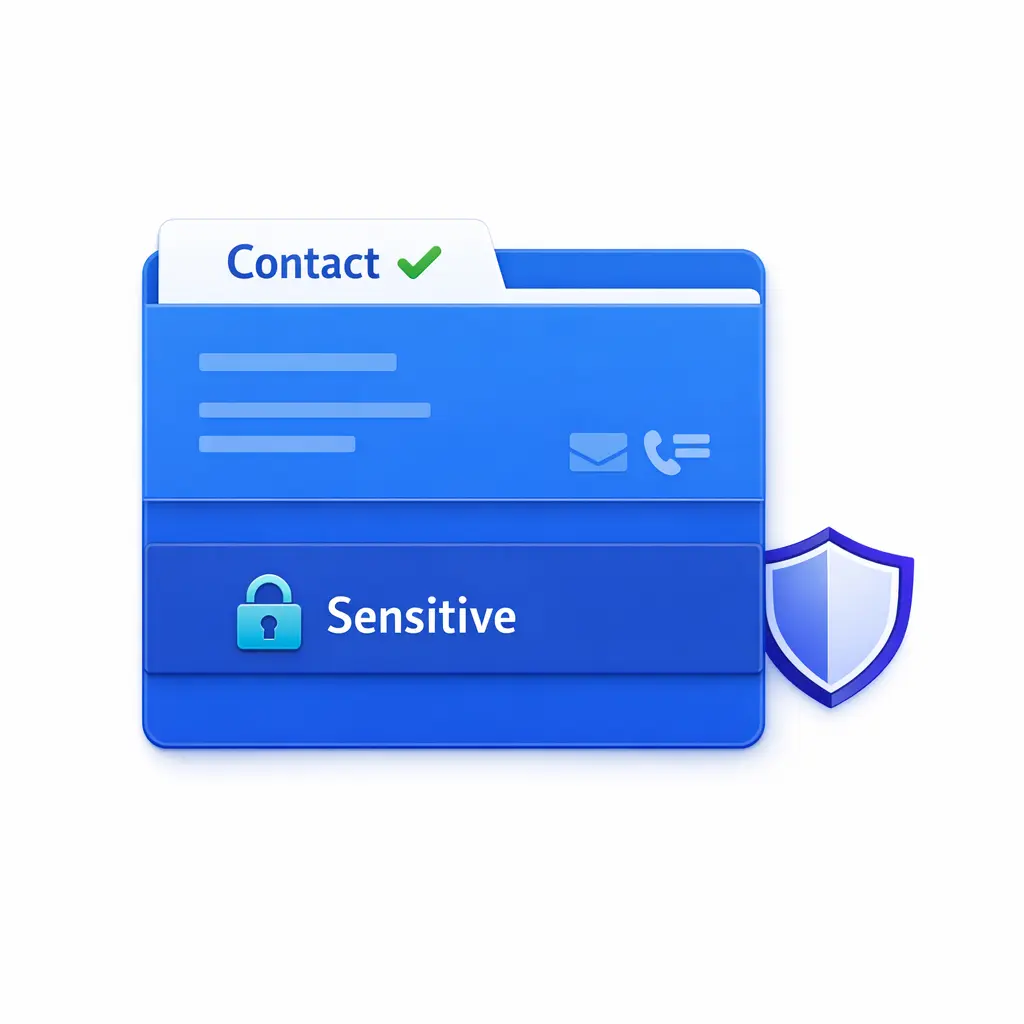
Layer access by role so scheduling and contact data is broadly available while clinical notes, financial details, and other sensitive fields are visible only to users who need them for the task at hand.
Intake teams are now expected to be system-aware, not just conversationally competent. More inbound volume arrives through multiple channels, more businesses operate across locations, and more revenue attribution depends on clean lead source and activity history.
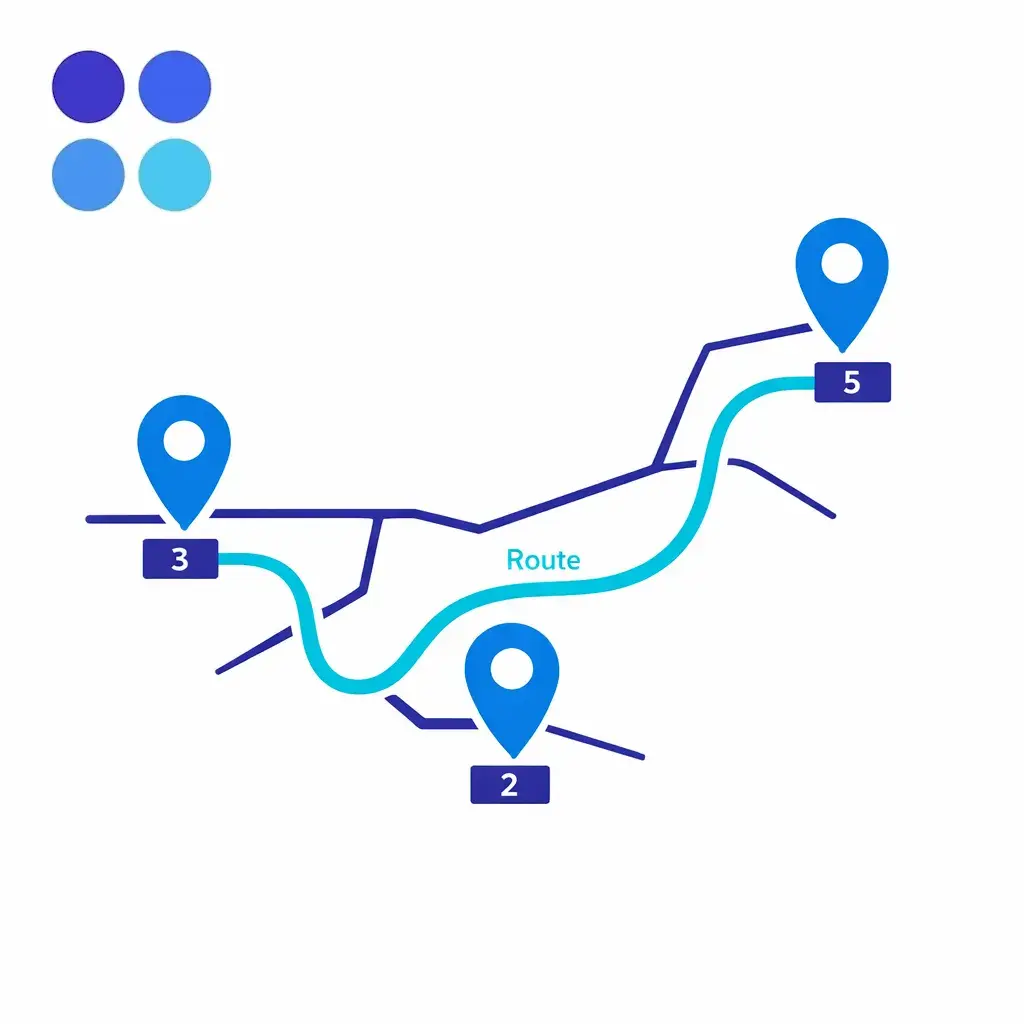
Multi-location routing accuracy is now part of intake hygiene: a clean record routed to the wrong queue is just as expensive as a duplicate record. Standardize how location is captured, normalized, and mapped to the correct fulfillment team.
At the same time, major CRMs have made it easier to enforce hygiene directly in the platform through built-in validation and matching controls, such as Salesforce validation rules and Salesforce matching rules. The operational bar has risen: leadership expects fewer “mystery leads” and more provable follow-up, especially when outsourcing or blending internal teams with enterprise BPO coverage.
If you only dedupe after the month closes, your routing and follow-up logic has already been undermined for weeks. Use real-time duplicate detection where possible, and create a daily queue for “possible duplicates” that must be resolved before downstream teams work the lead.
If validation rules require details callers often do not know, agents will either abandon the record or invent data to pass the checks. Validate what is essential for the next step, then use tasks and follow-up workflows to complete enrichment later.
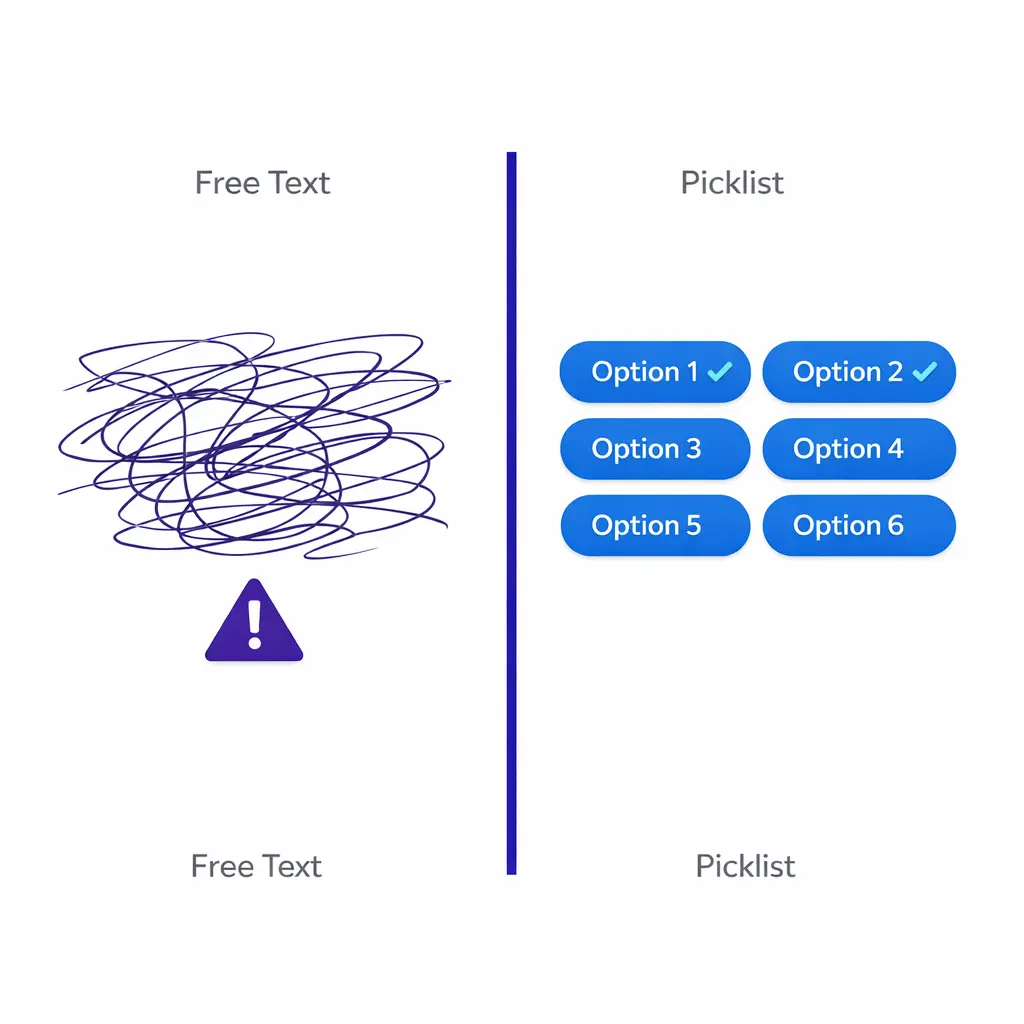
Free-text feels faster, but it breaks reporting and automation. Replace free text with picklists for lead type, service line, and disposition codes; reserve notes for truly unique narrative details.
Many high-intent callers do not want to provide email, mistype it, or use multiple emails. Start with phone normalization and use layered matching so “same phone, different person” can still be handled safely.
If “Left voicemail” does not automatically create a retry task, it is not a disposition. Every disposition should produce a measurable next step, or it will become a dead end.
The goal is to make clean data the default output of intake, regardless of channel, location, or staffing model. The steps below work whether your agents are in-house, outsourced, or blended.
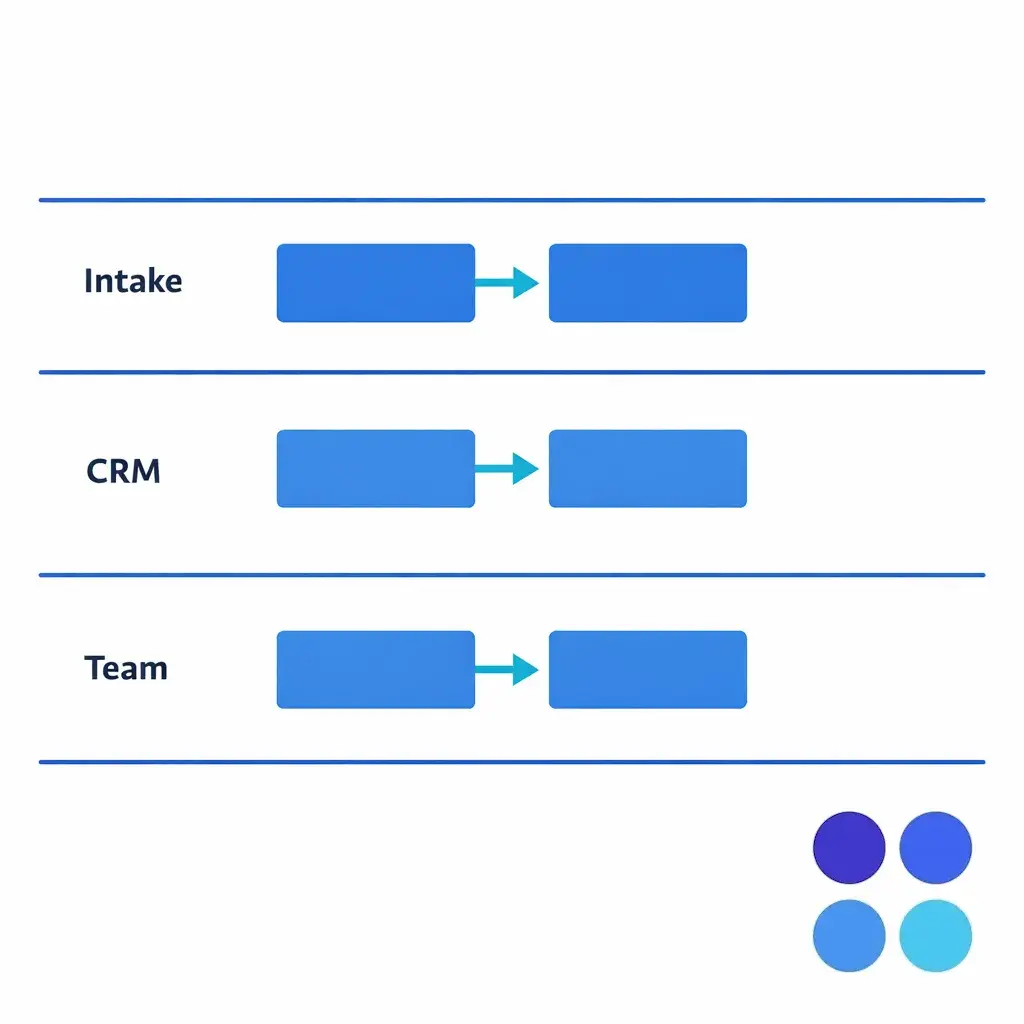
Document every handoff: where the call starts, where it gets logged, what objects are created (lead, contact, case), and which downstream teams rely on the record.
Define required fields by intake type, standardize allowed values, and document what “good” looks like. Keep the minimum dataset small enough that agents can consistently capture it in under a minute when needed.
Implement platform validation where possible so bad records cannot be saved. Align your scripts and UI layout to these rules so agents are not fighting the system during live calls.
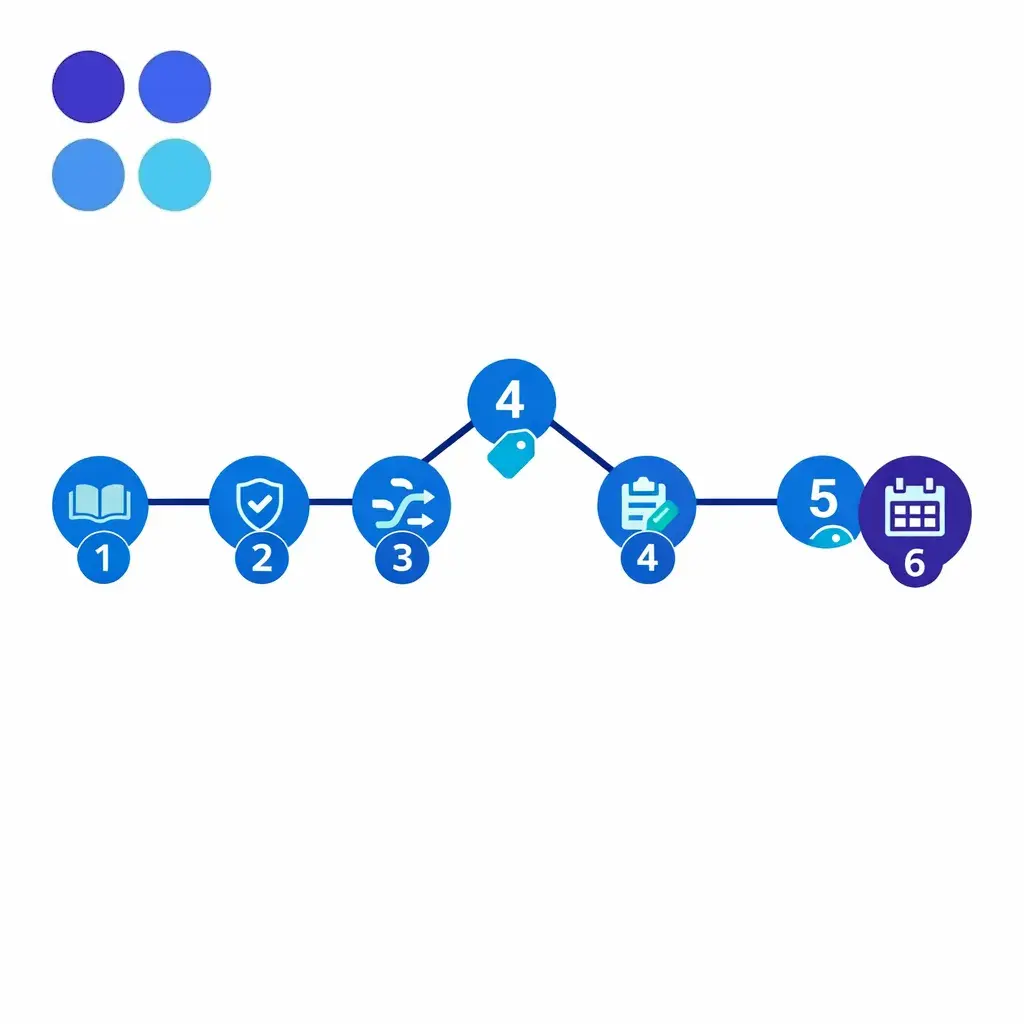
Decide what is auto-blocked, what is flagged, and who resolves each category. Create a merge checklist so the “surviving” record retains the right owner, stage, attribution, and timeline.
For every disposition code, define exactly one next-step workflow: create task, book appointment, transfer, close reason, or escalation. Require “next action date/time” for all dispositions that are not final.
Update QA scorecards to include record completeness, correct routing, and disposition-to-action compliance. Report results weekly, and treat recurring issues as workflow design problems, not only coaching gaps.
If your team is losing revenue to duplicate leads, inconsistent dispositions, or missed follow-ups, the fastest improvement usually comes from tightening the intake-to-CRM system, not just retraining agents. Go Answer can support enterprise coverage and intake workflows designed to produce clean, actionable CRM records across locations and after-hours operations.
Next step options: Request Pricing or Book a Discovery Call to talk through your current intake workflow, CRM constraints, and the controls needed to reduce duplicates and improve follow-up reliability. You can also explore how Go Answer works.

Learn why thousands of companies rely on Go Answer.
Try us risk-free for 14 days!
Enjoy our risk-free trial for 14 days or 200 minutes, whichever comes first.
Have more questions? Call us at 888-462-6793
Learn why thousands of companies rely on Go Answer.
Have more questions? Call us at 888-462-6793
If you would like to get in contact with a Go Answer representative please give us a call, chat or email.

Thanks for your interest!
A representative will be reaching out to you shortly.
Have more questions? call us on 888-462-6793
