
The SMB Website Chat Playbook: Live, Bot, or Hybrid — Setup, Staffing & Handoff Tips
By Eddie FieldsLast modified: November 4, 2025
Voted Top Call Center for 2024 by Forbes
Virtual Receptionists
Save time and money with our virtual receptionists.
AI Receptionist
AI-powered receptionist that answers, routes, and qualifies calls 24/7.
Enterprise Solutions
Solutions designed to scale with your organization’s needs.
Legal Services
Our virtual legal receptionists are experts in legal intake.
Last modified: November 4, 2025
Turn “should we add chat?” into a practical guide: when to use live vs. bot, accessibility must-haves, HIPAA-sensitive workflows, and smooth handoffs to phone.
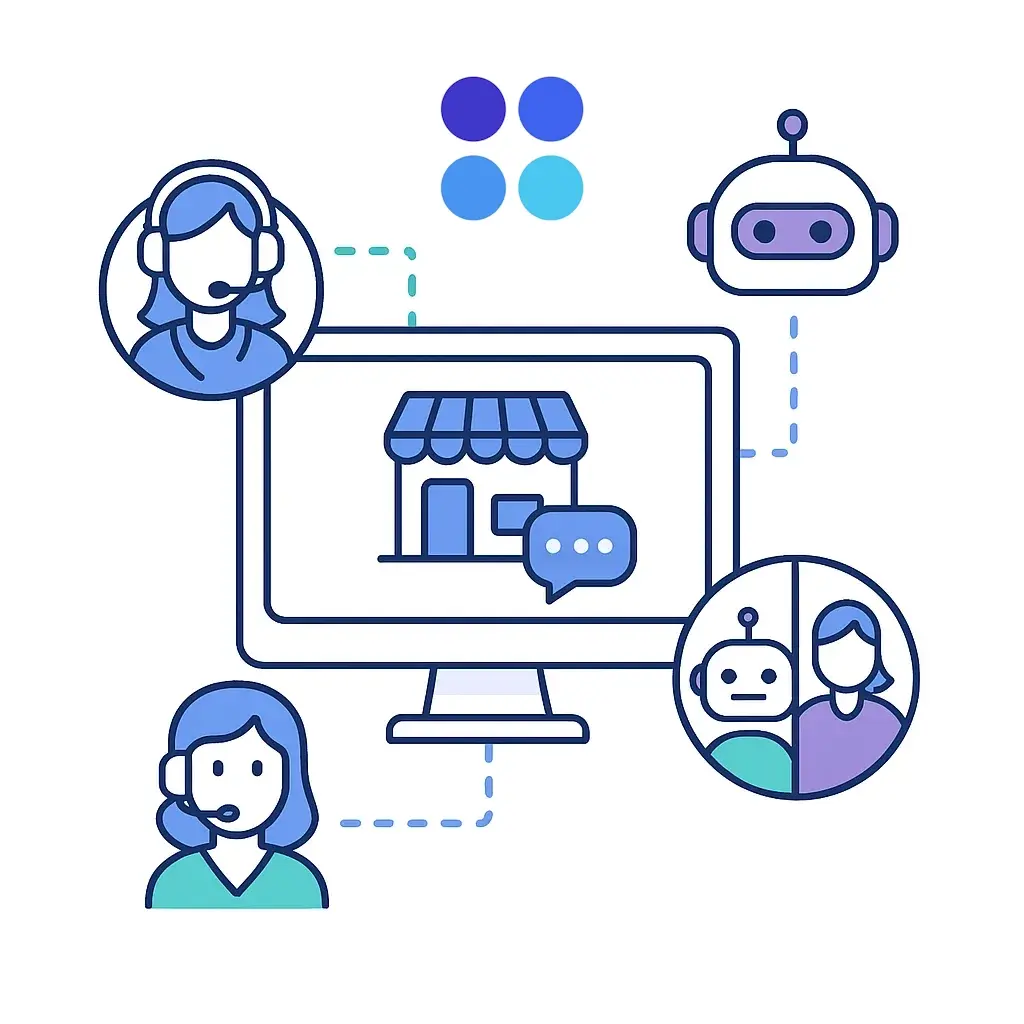
For most SMBs, a hybrid chat (bot for FAQs + human for sales, nuance, and anything sensitive) delivers the best mix of speed, empathy, and conversion.
Launch in a week with a slim knowledge base, a short pre-chat form, clear escalation rules, and basic accessibility checks.
When intent or risk is high, warm-transfer to phone and pass full context so the caller never repeats themselves.
Track first response time, qualified leads, chat-to-call conversion, show rate, and close rate.
If you lead marketing, CX, or operations for a service-driven SMB — home services, healthcare practices, professional services, or support-heavy e-commerce — this playbook gives you a straightforward decision framework, a launch checklist, copy you can paste into your scripts, and a one-week rollout plan. You’ll also see exactly where Go Answer plugs in for staffing, hybrid setup, and phone handoffs.

Use a simple rule of thumb: live for high-value or complex conversations, bot-first for repetitive FAQs, and hybrid when you want 24/7 coverage with human judgment on tap.
Model | Setup Time | Operating Cost | Conversion Potential | Compliance Risk | Best For |
Live | Medium (staffing, training) | Higher | ★★★★☆ | Lower (with training) | High-value/low-volume, urgent requests |
Bot | Fast (intent + KB) | Lowest | ★★☆☆☆ | Medium (guardrails needed) | Repetitive FAQs, hours, basic eligibility |
Hybrid | Fast | Low | ★★★★★ | Lower (human fallback) | Most SMBs: 24/7 coverage + empathy |

Start with the experience, not the tool.
The chat launcher should be visible (bottom-right works well), mobile-friendly, and branded with sufficient contrast.
Keep the pre-chat form short — name, email, phone, plus consent — and reveal extra qualifying fields only when needed (progressive disclosure).
Build a starter knowledge base of your top 25 answers: services, service areas and zip codes, price ranges or packages, operating hours, warranty/return policies, appointment rules, and “what to expect.” Wire up integrations so every conversation becomes a record: push transcript and fields to your CRM, attach outcomes/tags, surface calendar links for quick scheduling, and enable CTI/dialer hooks for warm transfers. Track UTM/source, page URL, device, and outcome reasons to understand which campaigns drive real conversations. Finally, define hours & routing (e.g., business hours → live; after-hours → bot with human fallback and callback capture) and apply least-privilege access to transcripts and dashboards.
Everyone should be able to use your chat. That means keyboard navigability, visible focus states, descriptive ARIA labels, readable color contrast and font sizes, and screen reader announcements for new messages. Respect reduced-motion preferences and offer language options if you serve bilingual audiences. Before launch, do a quick sweep: keyboard-only navigation, a screen reader smoke test, checking contrast, ensuring no focus traps, and verifying the chat doesn’t cover essential mobile content.

Accessibility quick-check (10 items): keyboard-only use, focus visible, meaningful labels, status messages announced, contrast validated, scalable text (200%), reduced motion honored, clear link purpose, touch target sizes, and downloadable transcripts.
Treat chat as non-PHI by default unless your platform and partners are contracted and configured for HIPAA (e.g., BAA, encryption, access controls, audit logs). A safe pattern for SMB clinics is: display a PHI notice in the widget, triage without collecting medical details, and move to a secure phone line or patient portal for anything sensitive. Only retain what’s necessary for follow-up (e.g., name, contact, general intent), set purge timelines, and train agents on clear do/don’t examples.

Copy-paste script:
“I’m happy to help. To protect your privacy, let’s finish this over our secure line. What’s the best number? I’ll connect you now.”
(General guidance, not legal advice.)

Most teams end up either outsourcing to cover 24/7 (predictable cost, trained agents, bilingual support), running in-house during core hours (strong product knowledge), or using a blend (you by day, Go Answer after-hours/overflow).
Whatever you choose, define SLAs and measure them weekly.
Calibrate tone and scripts monthly, score transcripts for quality, and coach on probing questions and compliant redirects.
Metric | What It Tells You | Starter Target |
First Response Time (FRT) | Speed to “hello” | < 20s |
Qualified Lead Rate | Sales quality | Calibrate by vertical |
Containment (Support) | % resolved in chat | Improve monthly |
AHT | Efficiency to outcome | Tune to complexity |
Abandon Rate | UX friction | Trend down over 30–90 days |
Chat → Call Conversion | Handoff success | Improve with warm transfers |
CSAT/NPS | Experience quality | CSAT > 85% |

The four-question qualifier (human or bot) keeps things efficient: What do you need? Where are you located/are you eligible? When do you need it? What’s the best contact if we get disconnected?
Escalate when intent is high, value is significant, or the conversation gets complex. The smoothest pattern is a warm transfer: the chat agent bridges a live call now, collects a best number for an instant callback queue, or books a scheduled call via calendar link. Whatever the path, push full context — name, number, intent, qualifying answers, and transcript — into your CRM/dialer so the caller never repeats themselves.

Micro-script for the pass:
“I’m looping in our phone specialist now. You won’t need to repeat anything — I’m sending your details and our chat notes over.”
If you plan to text or auto-dial leads captured in chat, get appropriate consent and honor revocation promptly.

For privacy, give visitors transparency and a way to exercise rights where required (e.g., know/delete/opt-out).
Never accept payment card data in chat; use secure payment links handled by a PCI-compliant processor.
Build simple internal SOPs so agents know how to respond to data-rights requests and what not to collect.
Day | What You’ll Do |
1–2 | Define goals/KPIs, choose your platform, draft 10 FAQs + sales/service scripts, add a PHI notice if relevant. |
3–4 | Connect CRM/calendar/CTI, configure routing and notifications, set SLAs, run accessibility and mobile checks. |
5 | Finalize staffing schedule, rehearse agent/bot flows, test failovers (what if no one answers?). |
6 | Soft-launch on high-intent pages; review transcripts and tweak prompts, buttons, and qualifiers. |
7 | Site-wide launch; run a daily standup for week one to inspect transcripts, response times, and handoff quality. |

Think in small loops. A/B test proactive invite copy and pre-chat fields. Expand coverage into evenings and weekends as volume warrants. Feed misunderstood phrases and synonyms back into the bot and tighten confidence thresholds. Report weekly for operations (speed/quality) and monthly for executives (trends, sample transcripts, ROI highlights).

Burying the widget or overwhelming with pop-ups → Place visibly and cap proactive invites.
Over-collecting data upfront → Ask only what’s needed to route/qualify; use progressive fields.
No after-hours plan → Hybrid routing with callback capture.
Bot with no escape hatch → Always offer “Talk to a person.”
Sensitive info leakage → Post a PHI notice, redirect to secure channels, and train agents.
No context on transfers → Push transcript + fields to the CRM/dialer and script the bridge.
Set-and-forget KB → Review top transcripts weekly and update intents/answers.
Pre-chat (lead focus)
“How can we help today?” [Buttons: Pricing, Availability, Schedule a Call, Something Else]
“What’s the best phone/email if we get disconnected?”
Consent: “By submitting, you agree we may contact you about your request. Text/call consent is optional and not a condition of purchase.”
Greeting (live or bot)
“Hi! Want a price range, next-day availability, or a quick call? I can set that up now.”
PHI notice (if applicable)
“For your privacy, please don’t share medical details here. We’ll move to our secure line if needed.”
Warm transfer (agent-bridged)
“If you’re free, I’ll connect you now. You won’t need to repeat anything.”
Callback capture
“Best number and a 10-minute window that works today?”
Go Answer provides 24/7 live chat staffing with sub-20-second first responses, bilingual agents, and a hybrid bot+human setup tuned from your transcripts.

We handle warm phone transfers and scheduling with full context into your CRM/dialer, and we operate within your compliant stack when workflows are HIPAA-sensitive.
You get shared dashboards, weekly insights, and continuous script/KB improvement — so chat becomes a consistent source of qualified conversations.
Next step: Book a quick consult and we’ll map your decision tree and launch plan so you can go live in a week.

Learn why thousands of companies rely on Go Answer.
Try us risk-free for 14 days!
Enjoy our risk-free trial for 14 days or 200 minutes, whichever comes first.
Have more questions? Call us at 888-462-6793
Learn why thousands of companies rely on Go Answer.
Have more questions? Call us at 888-462-6793
If you would like to get in contact with a Go Answer representative please give us a call, chat or email.

Thanks for your interest!
A representative will be reaching out to you shortly.
Have more questions? call us on 888-462-6793
