
RCS Messaging in 2026: What It Is, Why It Matters, and When to Use It
By Eddie FieldsLast modified: February 24, 2026
Voted Top Call Center for 2024 by Forbes
Virtual Receptionists
Save time and money with our virtual receptionists.
AI Receptionist
AI-powered receptionist that answers, routes, and qualifies calls 24/7.
Enterprise Solutions
Solutions designed to scale with your organization’s needs.
Legal Services
Our virtual legal receptionists are experts in legal intake.
Last modified: February 24, 2026
SMS still “works,” but it also still feels like 2005: tiny media, limited context, and a user experience that’s basically text in a box. Meanwhile, your customers live in rich, interactive messaging environments every day — sharing photos, tapping buttons, confirming details, and expecting fast back-and-forth.
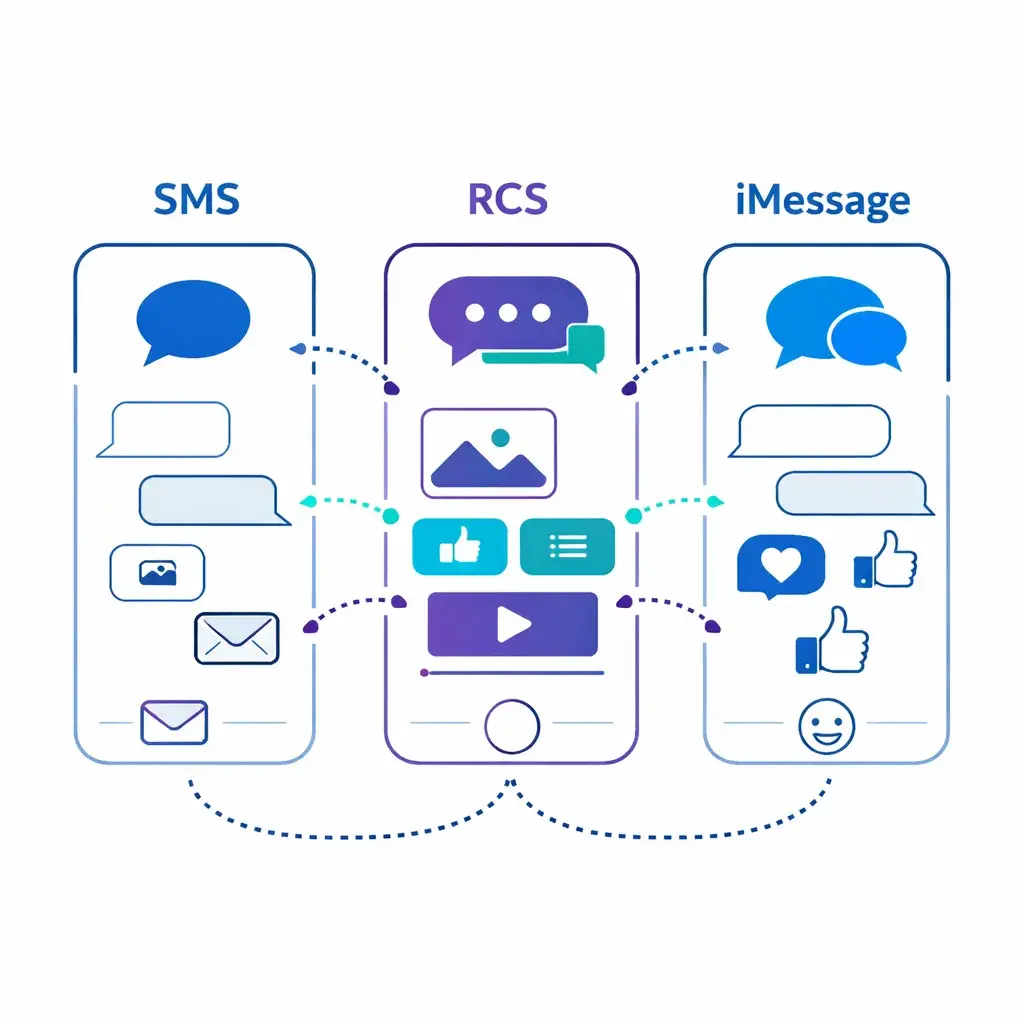
That’s why RCS (Rich Communication Services) is a big deal in 2026. It upgrades basic texting into a more app-like experience — without asking customers to download anything new. And with iPhone support now in the mix, the “RCS is just an Android thing” era is over.
Below is what RCS is, why it matters for customer communication, and how to decide when to use it (and when not to).
RCS is a modern messaging standard that “levels up” carrier texting with features people expect from chat apps: high-resolution media, read receipts, typing indicators, and richer conversations.
On iPhone, Apple describes RCS as a carrier-provided service that you can send over Wi-Fi or cellular data when you aren’t using iMessage. With RCS, you can send texts, high-res photos/videos, links, and you can get delivery/read receipts and typing indicators.
A simple way to explain it to a non-technical teammate:
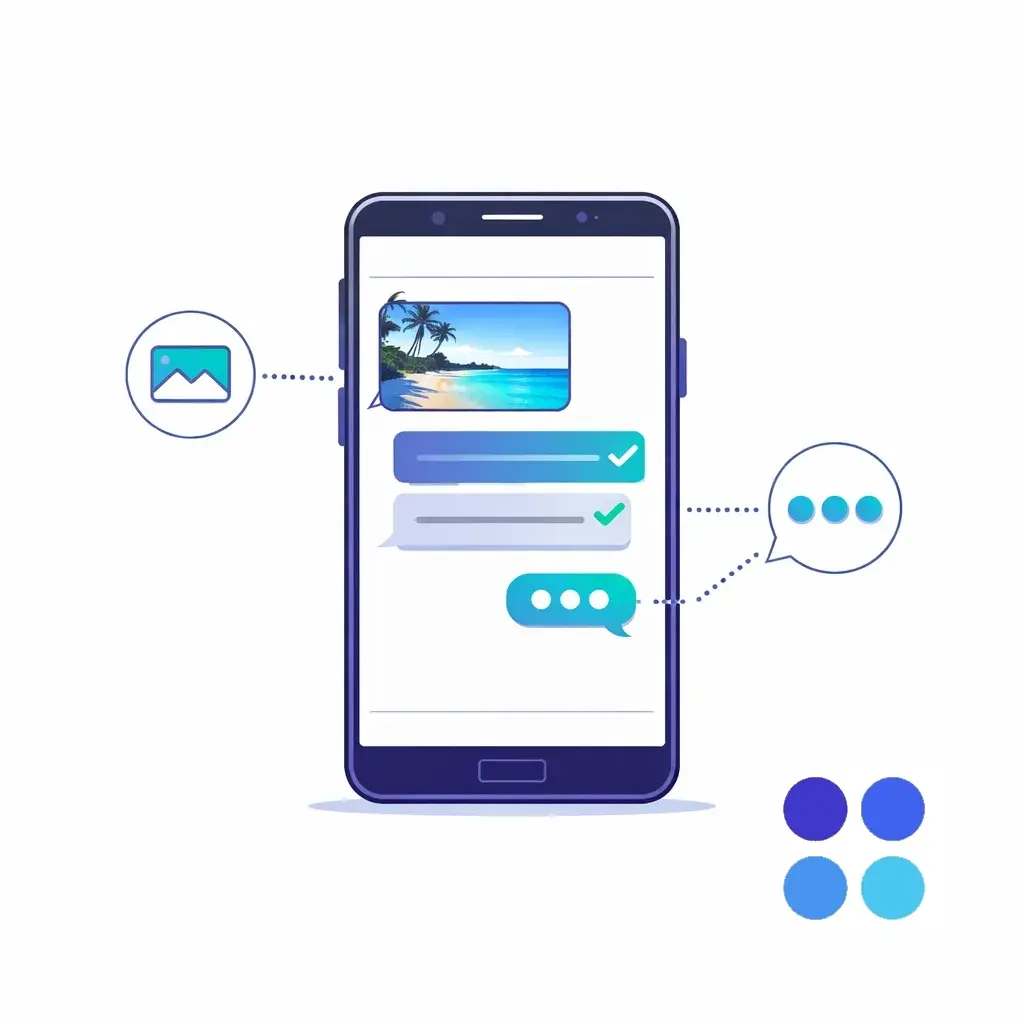
SMS/MMS = basic texting, limited features
RCS = modern texting (richer, more interactive)
iMessage = Apple-to-Apple messaging with Apple’s feature set
RCS feels less like “a text” and more like “a conversation with tools.” Instead of sending a block of text like:
“Reply 1 for this, 2 for that…”
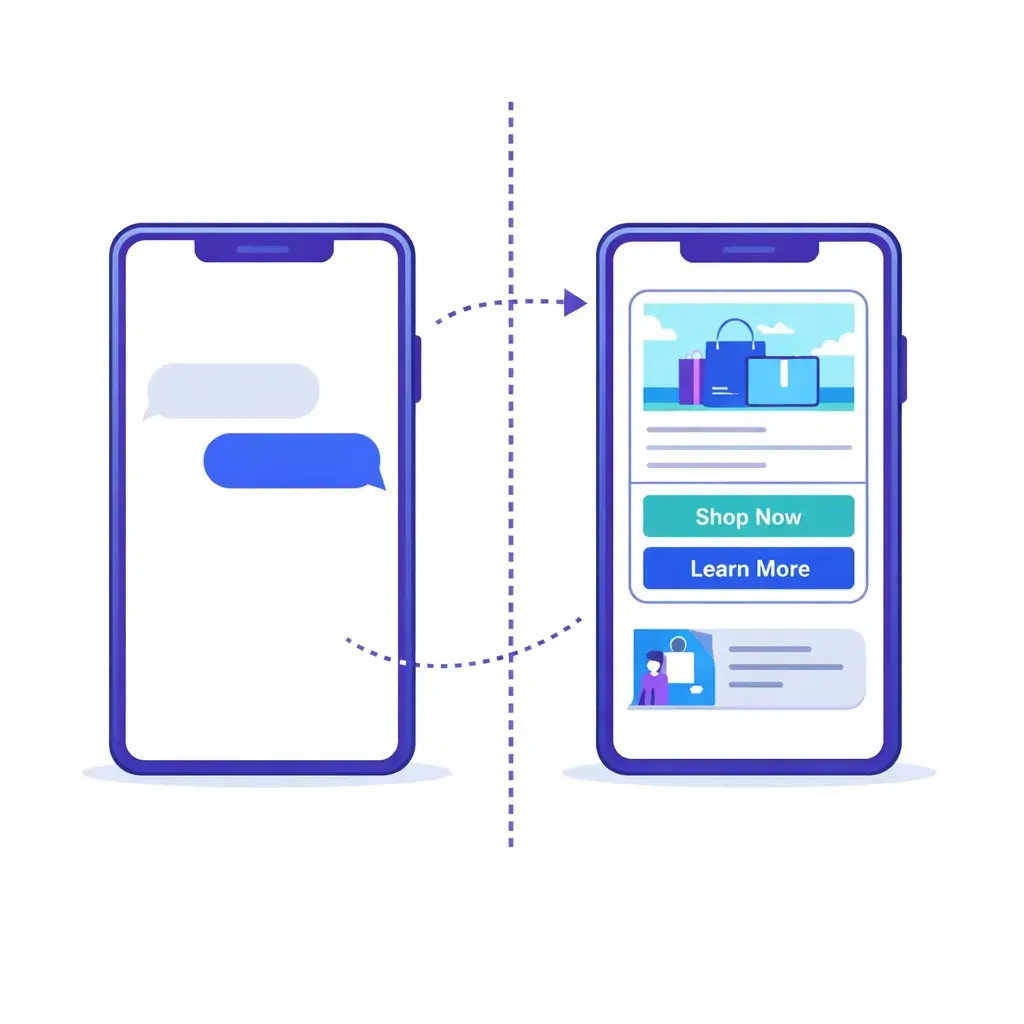
RCS can present tappable actions and structured content (buttons, rich cards, previews, etc.) when supported.
Apple explicitly calls out high-resolution photos and videos for RCS. That matters if you’re a contractor sharing before/after photos, a property manager sending lease docs, or a medical office sending prep instructions.
Read receipts and typing indicators aren’t just “nice” — they reduce operational friction. If a customer clearly saw the message, your team can stop guessing and start timing follow-ups better.
Apple states that RCS messages aren’t end-to-end encrypted in its implementation (while iMessage is end-to-end encrypted). That doesn’t make RCS “bad,” but it does change what you should send over it (more on that below).
Apple’s own support docs now include steps to enable RCS, explain how it works, and note that it depends on your carrier plan and support. (Apple Support)
That’s a major shift — because in most markets, iPhone reach is the difference between “pilot channel” and “serious channel.”
One of the biggest problems in SMS today is trust. Customers are trained to treat unknown texts as suspicious.
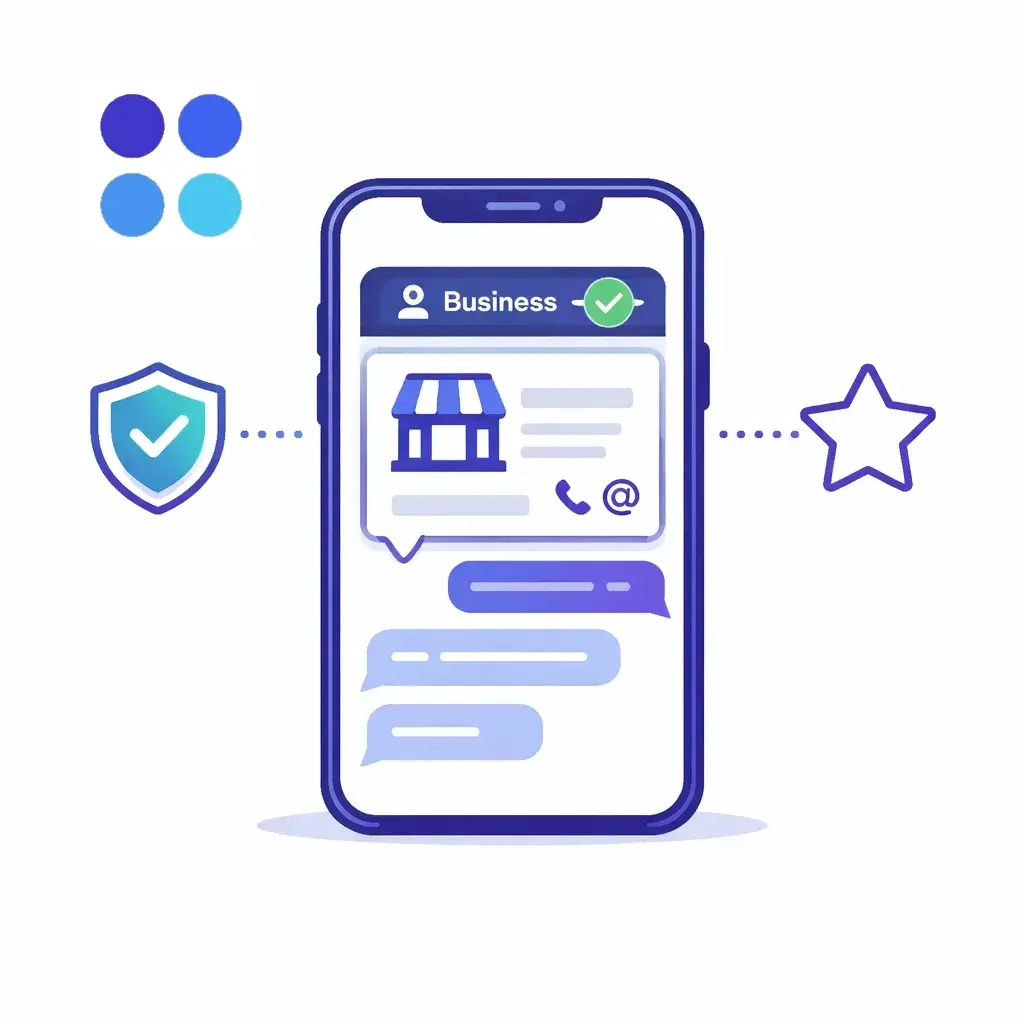
In Google Messages, when a business registers for RCS chats, its identity is verified and the chat can display a Verified badge. (Google Help)
On the business side, Google’s RCS for Business documentation describes brand verification as a prerequisite to launching an agent, confirming that an authorized brand representative verifies the agent info and the right to manage it. (Google for Developers)
Net effect: customers can feel more confident they’re interacting with the real business — not a spoofed number.
RCS supports richer interactions that cut down on “back-and-forth fatigue.” Google’s RCS for Business docs describe sending a single message that can include text, rich cards, media/PDF files, suggested replies, and suggested actions. (Google for Developers)
That matters because conversions often die in the gap between:
“Interested” → “I’ll do it later”
“I have a question” → “This is too annoying”
RCS is built to make the next step obvious — and one tap away.
With read receipts and structured interactions, you get better signals than SMS. And on the business messaging side, platforms often provide more metadata, better delivery feedback, and clearer failure reasons.
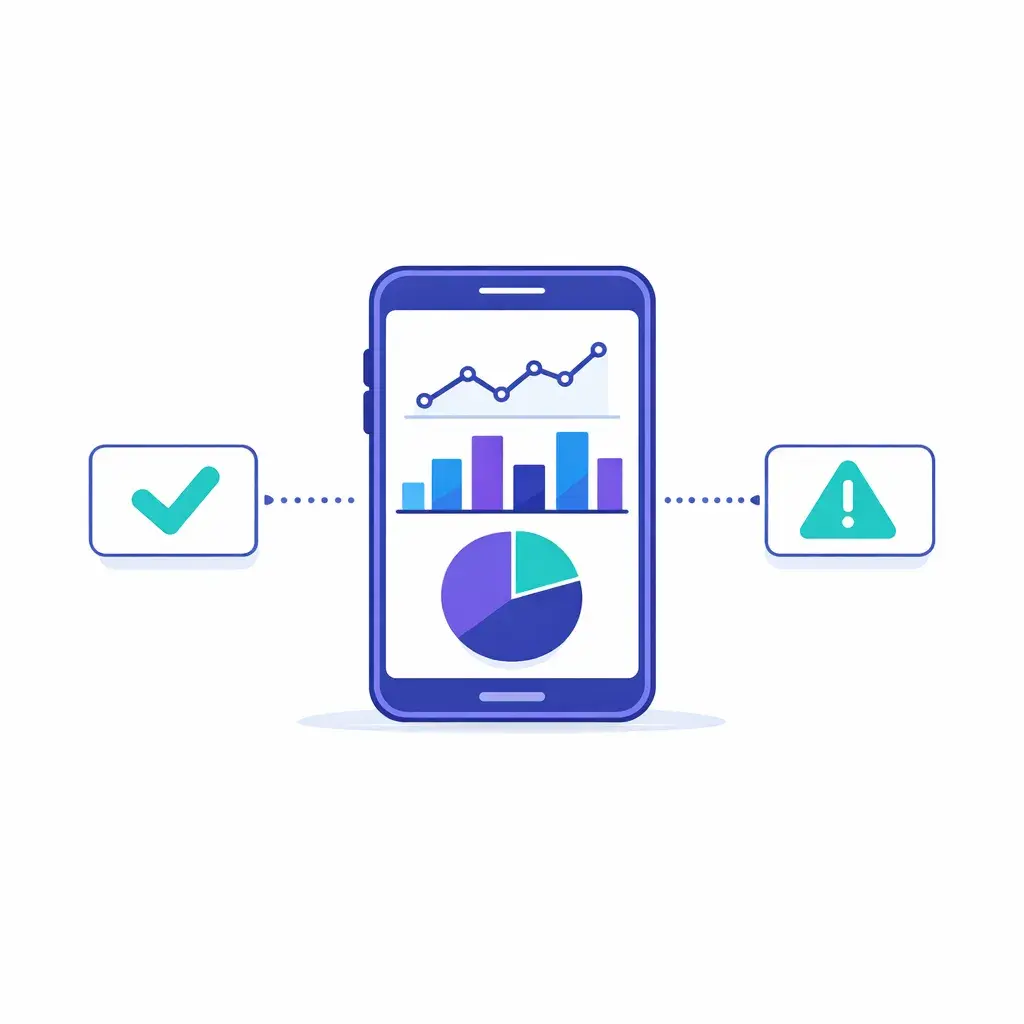
For example, Google’s RCS for Business documentation notes that if a user’s device doesn’t support RCS or doesn’t have it enabled, the platform can return a “not found” type error — and you should use fallback methods in your infrastructure. (Google for Developers)
That’s miles better than “the text probably sent?”
When people say “RCS for business,” they’re usually talking about RBM (RCS Business Messaging) — the business-focused way to communicate over RCS.
Google’s documentation frames an RBM “agent” as the entity that messages users on behalf of a brand — and notes that RCS-enabled messaging apps can display the agent’s branding and profile info (name, logo, description, contact info, URLs). (Google for Developers)
From a capabilities standpoint, RBM can support:
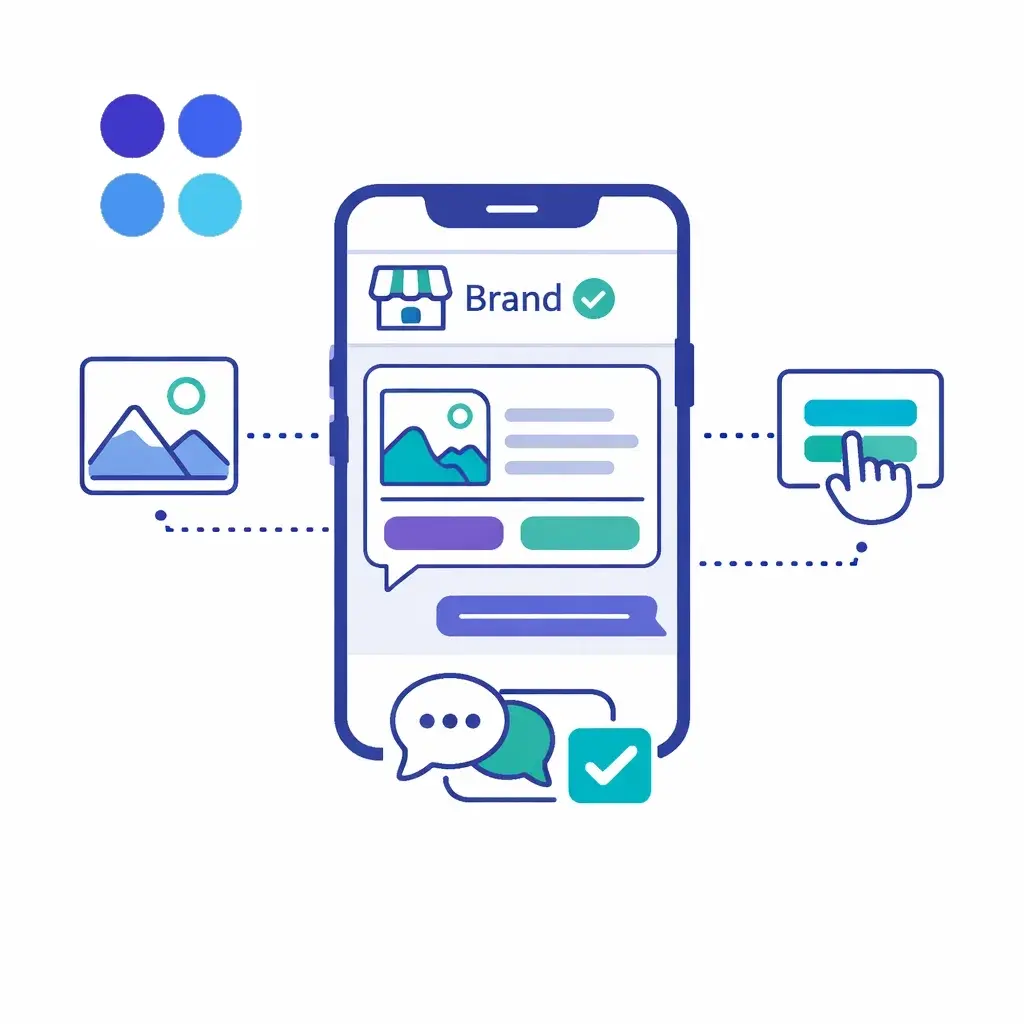
Rich content: cards, media, PDFs, previews (Google for Developers)
Interactive UX: suggested replies and actions/buttons (Google for Developers)
Resilience: if the recipient is offline, messages can be held and retried; Google notes redelivery attempts for up to 30 days for undelivered messages. (Google for Developers)
Time sensitivity controls: message expiration so outdated messages don’t deliver late (Google for Developers)
This is why brands like RCS for things like confirmations, reminders, and guided support flows — where structure and clarity beat long text threads.
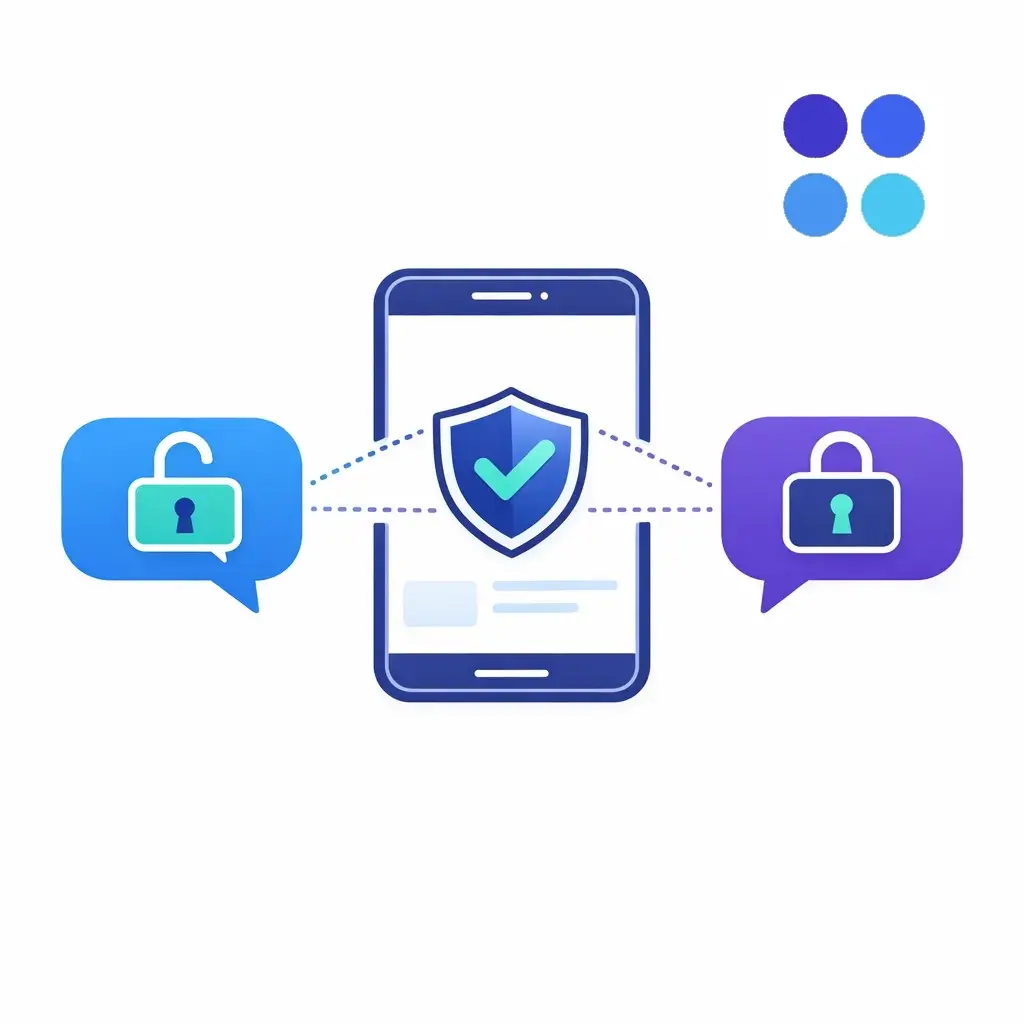
Apple says RCS messages aren’t end-to-end encrypted in its Messages implementation. (Apple Support)
Google says RCS chats between Google Messages users can be automatically upgraded to end-to-end encryption when all participants use Google Messages with RCS enabled. (Google Help)
Industry-wise, the GSMA has announced work toward interoperable end-to-end encryption for RCS (via Universal Profile updates), and reporting has described the use of Messaging Layer Security (MLS) to enable cross-platform encryption. (GSMA)
But here’s the practical business takeaway for 2026:
Treat RCS like a “better SMS,” not like Signal. Don’t put highly sensitive data in it unless you’re certain your exact implementation supports the protections you need.
Google’s help documentation states that verified RCS chats between businesses and users aren’t end-to-end encrypted, and that businesses, messaging solution providers, and carriers may access message content for delivery and other purposes (with additional notes about how Google accesses content to protect against spam/abuse). (Google Help)
So, for businesses, RCS is best for:
updates, confirmations, reminders
links to secure portals
guided Q&A that avoids sensitive data
If customers feel spammed, carriers and platforms will make your life miserable — fast.
Google Messages includes an Unsubscribe flow for business senders and notes that “Unsubscribe” can send a “STOP” message from the user’s number to the business; it’s the business’s responsibility to honor it. (Google Help)
And industry best practices emphasize consumer consent and honoring opt-outs (CTIA principles). (CTIA API)
If you’re already doing SMS marketing “the right way,” you’re on the right track. RCS doesn’t remove compliance — if anything, it raises the bar on what customers expect.
RCS shines when the message needs to be seen, understood quickly, and acted on.
Here are high-performing patterns:
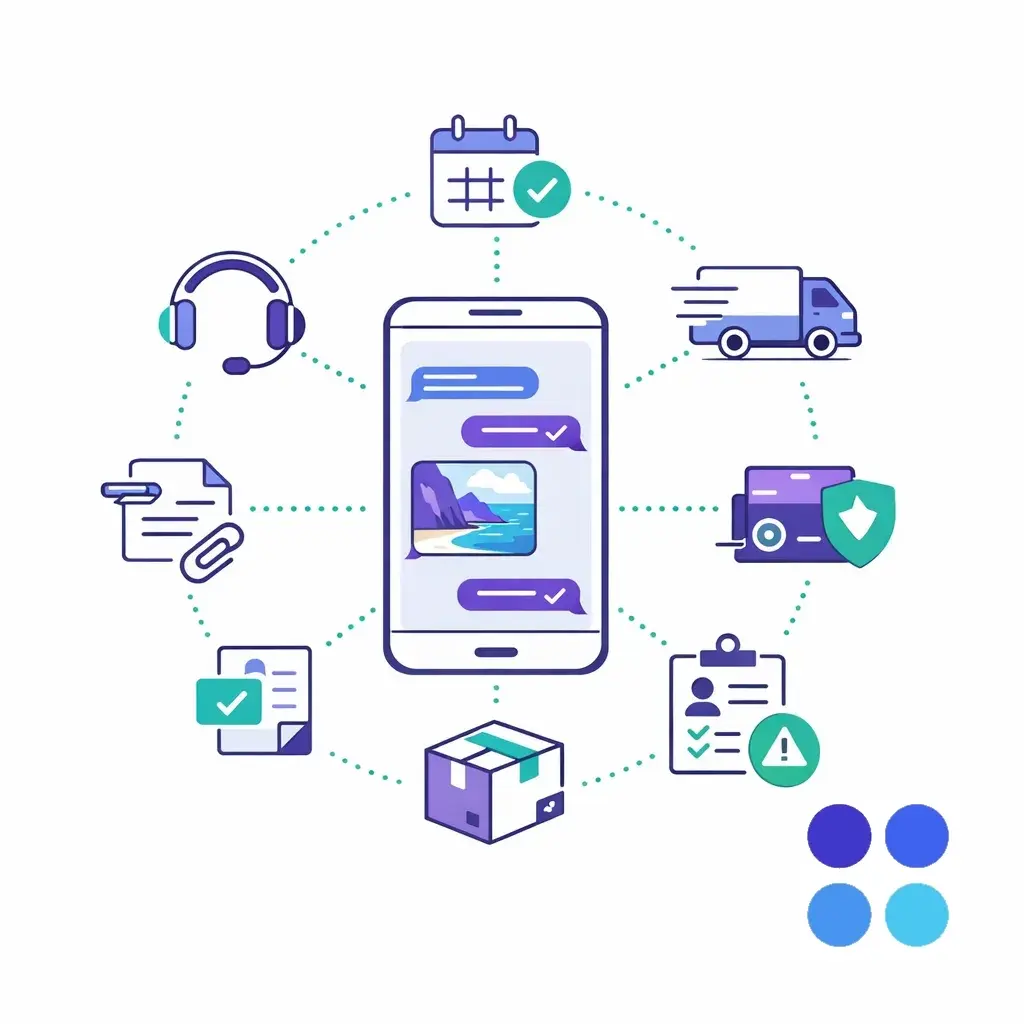
Appointment scheduling and reminders
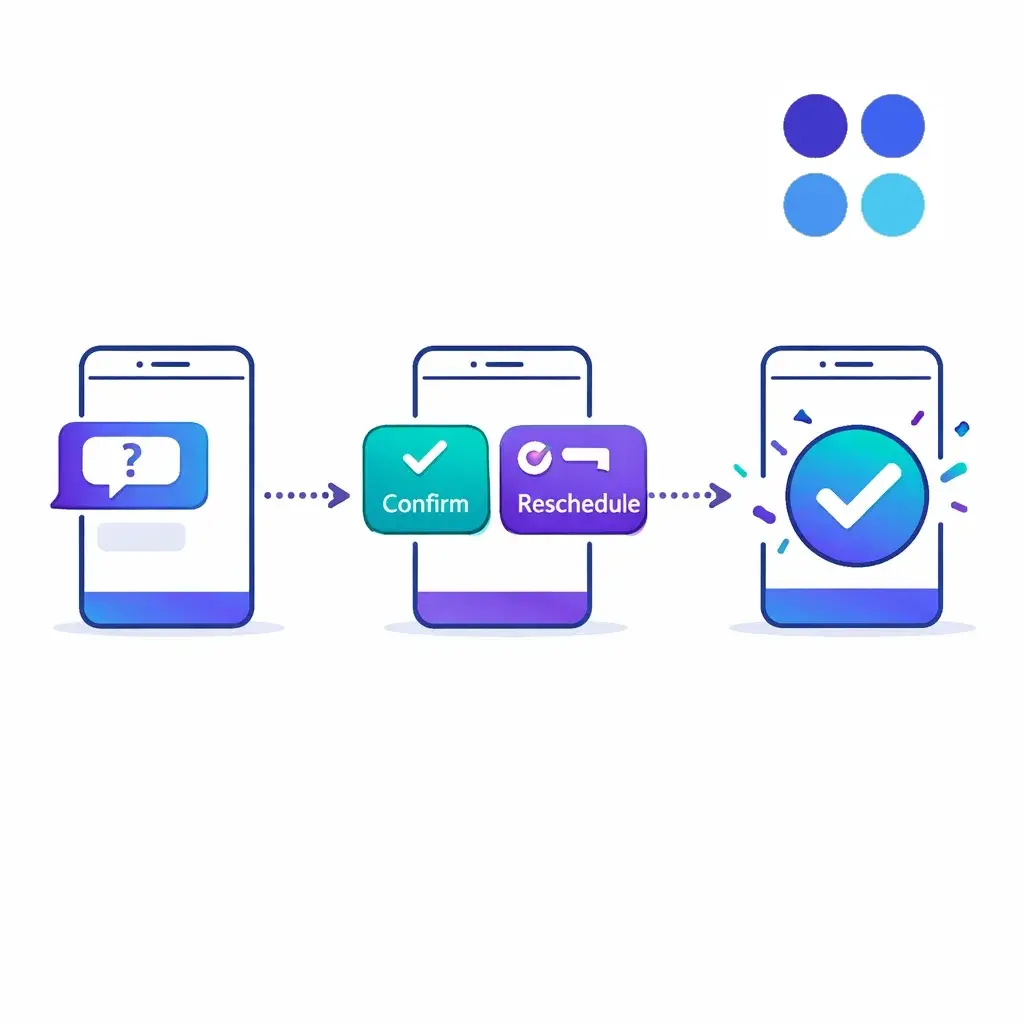
“Confirm / Reschedule” buttons beat “Reply YES.”
Service dispatch + ETA updates
Perfect for home services, property maintenance, roadside help, etc.
Order and delivery updates
Rich previews, links, and clean threads reduce “Where is my order?” calls.
Lead capture and qualification
Ask 2–4 structured questions with quick replies before a call.
Document sharing
Sending a form or PDF can be smoother via RCS-supported flows. (Google for Developers)
Customer support triage
Offer options like “Billing,” “Tech support,” “Cancel,” “Talk to a person.”
RCS is powerful, but it’s not a universal hammer.
Avoid using it for:

Credit card data, SSNs, medical details (use a secure portal or a controlled, compliant intake process)
Emergency communications where you must guarantee reach (RCS availability depends on device/app/carrier settings) (Apple Support)
High-volume blasting without explicit opt-in (expect higher complaints, opt-outs, and deliverability pain) (CTIA API)
RCS is great at getting a customer to the right next step — but many businesses still win or lose the deal when the customer says:
“Can someone call me?”
“I have questions.”
“This is complicated.”
That’s where a 24/7 answering partner matters.
Even if your RCS program is run through your marketing platform or messaging provider, you can design flows where:
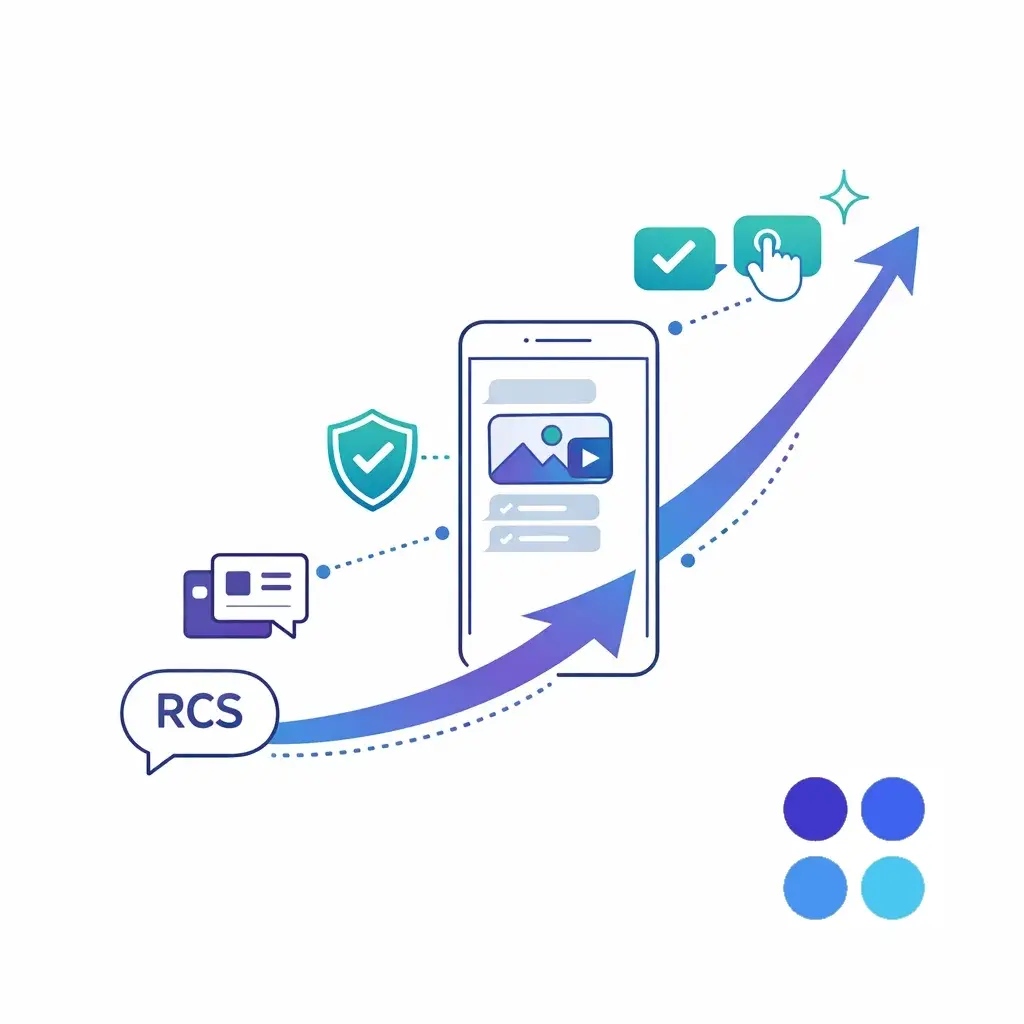
RCS handles quick confirmations, reminders, and routing
and Go Answer ensures a real person is available when the conversation needs a human (especially after-hours, weekends, and peak demand)
In other words: let RCS do what it’s best at — fast, clear, interactive messaging — and make sure the “human handoff” is always covered.
In 2026, RCS is no longer a niche upgrade — it’s becoming the default expectation for business messaging: richer experiences, more trust signals, better action paths, and fewer dead-end threads.
Start with transactional messages and customer service flows (where clarity matters most), build strong consent/opt-out processes, and always plan your fallback paths. When your customer wants a real conversation, make sure someone answers — every time.

Learn why thousands of companies rely on Go Answer.
Try us risk-free for 14 days!
Enjoy our risk-free trial for 14 days or 200 minutes, whichever comes first.
Have more questions? Call us at 888-462-6793
Learn why thousands of companies rely on Go Answer.
Have more questions? Call us at 888-462-6793
If you would like to get in contact with a Go Answer representative please give us a call, chat or email.

Thanks for your interest!
A representative will be reaching out to you shortly.
Have more questions? call us on 888-462-6793
