
Phone Attribution 101: How to Tie Calls Back to Ads (Google LSA, PPC, Meta)
By Rick AlovisLast modified: February 10, 2026
Voted Top Call Center for 2024 by Forbes
Virtual Receptionists
Save time and money with our virtual receptionists.
AI Receptionist
AI-powered receptionist that answers, routes, and qualifies calls 24/7.
Enterprise Solutions
Solutions designed to scale with your organization’s needs.
Legal Services
Our virtual legal receptionists are experts in legal intake.
Last modified: February 10, 2026
If you run a service business, phone calls are usually your highest-intent leads. The problem? Calls are also the easiest conversions to misattribute.
A form fill comes with clean metadata (UTMs, landing page, timestamp). A phone call can come from a dozen places — Google Local Services Ads, Google Search Ads, a Facebook/Instagram ad, your Google Business Profile, your website header, a missed-call text back, a referral who “found you on Google,” or someone re-dialing a number they saved months ago.
Phone attribution is how you stop guessing and start answering the questions that actually matter:
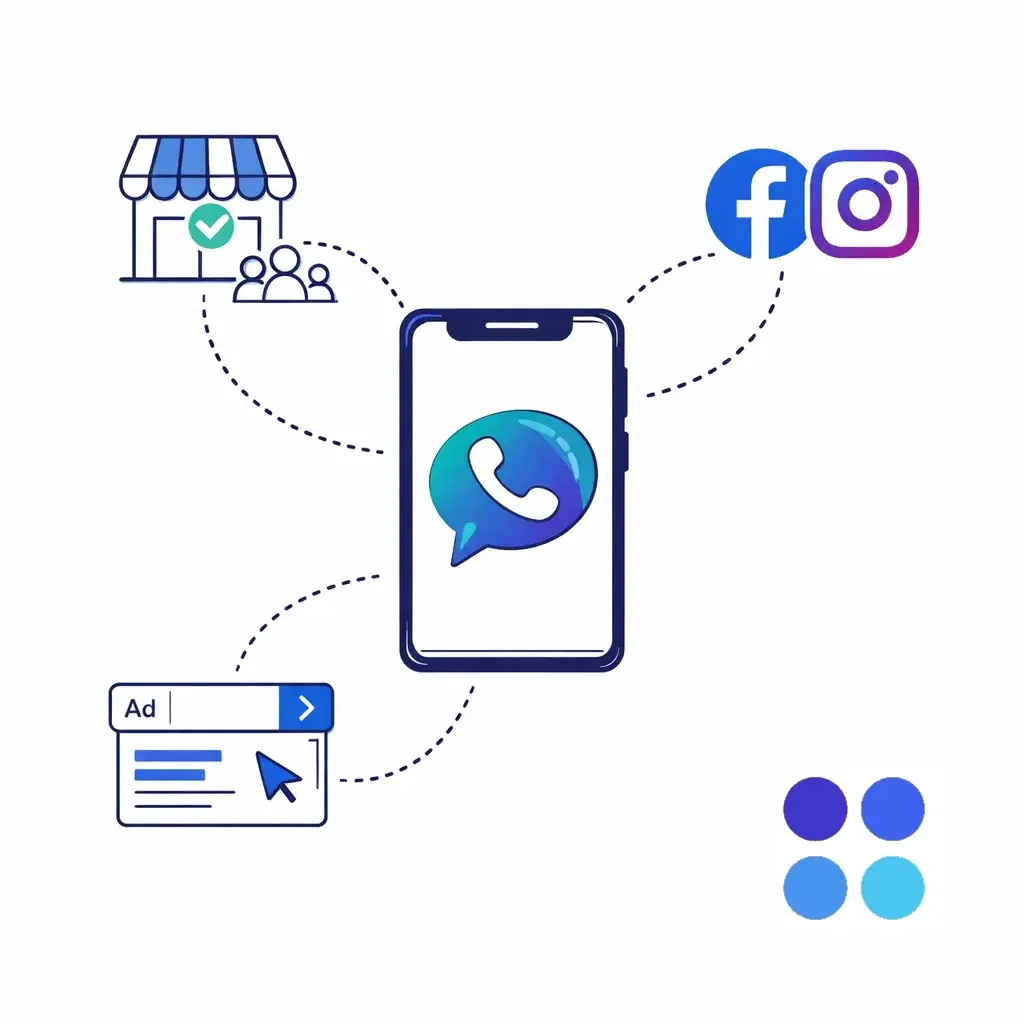
Which channel drives qualified calls?
Which campaign drives booked jobs, not just long calls?
Which ads are creating “time-wasters,” and which are producing revenue?
This guide breaks down a practical, non-overcomplicated way to tie calls back to ads across Google LSA, Google PPC, and Meta, and then turn that data into smarter marketing decisions.
Phone attribution is the process of connecting each inbound call to:
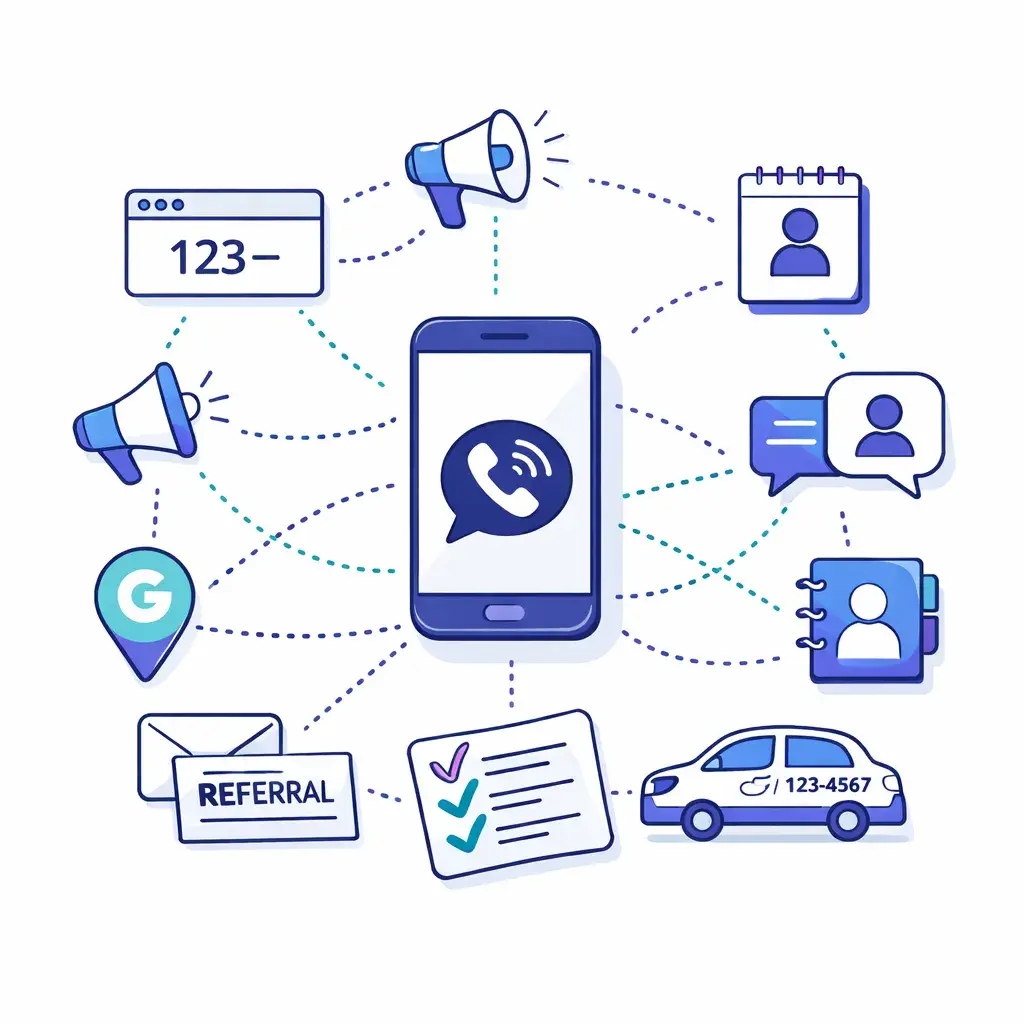
Where it came from (LSA, Google PPC, Meta, Organic, Referral, etc.)
What triggered it (campaign, ad group, keyword, creative, landing page)
What it was worth (qualified lead, booked appointment, sold job, revenue)
There are two “levels” most businesses care about:
Marketing attribution: Which ads/campaigns drove the call?
Revenue attribution: Which calls turned into customers (and how much did they spend)?
You can do the first without a CRM. You can’t do the second reliably unless you track outcomes after the call.
Most phone attribution setups are just these four parts working together:
You assign phone numbers in a way that indicates the source.
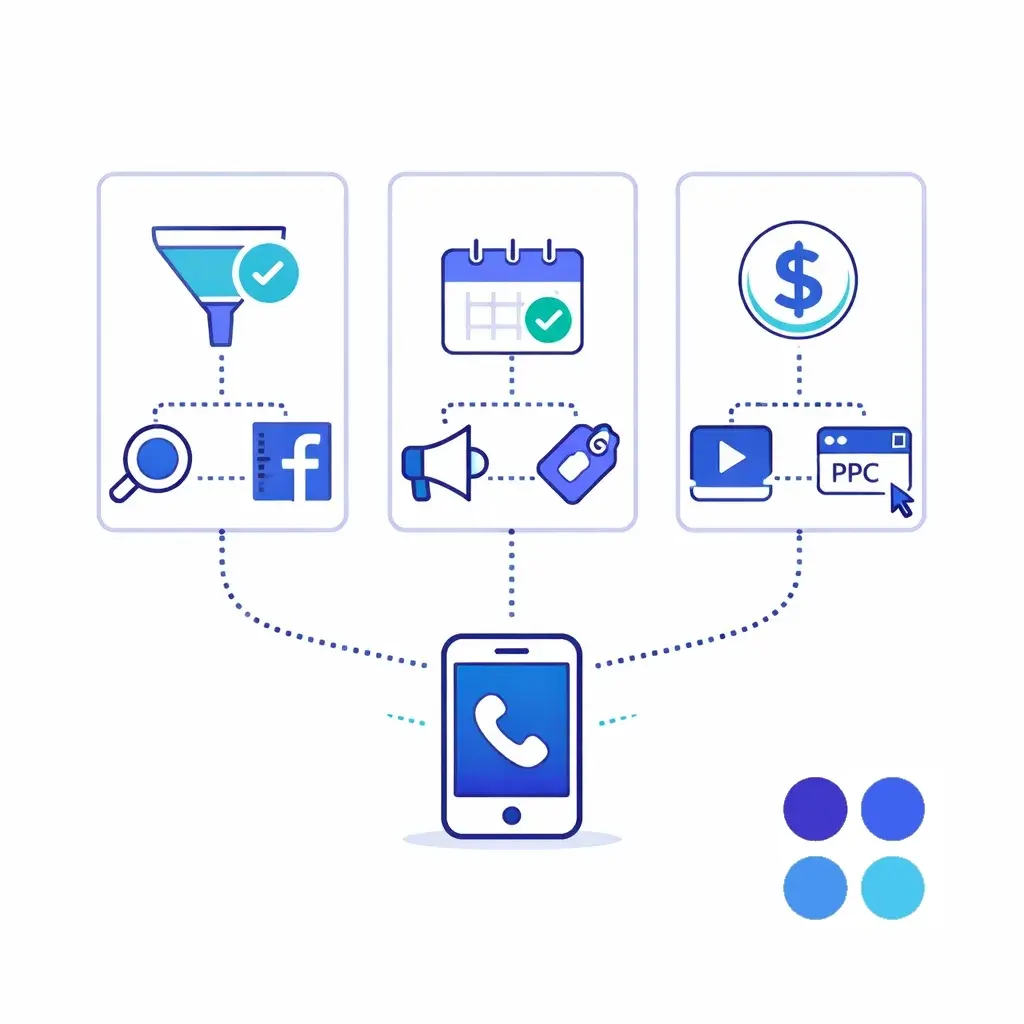
Static tracking numbers: One number per channel or campaign (easy, good starting point)
Dynamic Number Insertion (DNI): Your website swaps the number displayed based on the visitor’s source/UTMs (more precise)
Google Ads can track calls from ads and (with the right setup) calls from the website. Meta often requires more “plumbing” to connect the dots, so tracking numbers do more of the heavy lifting there.
If everything is marked “lead,” you’re still guessing. You need outcomes like:
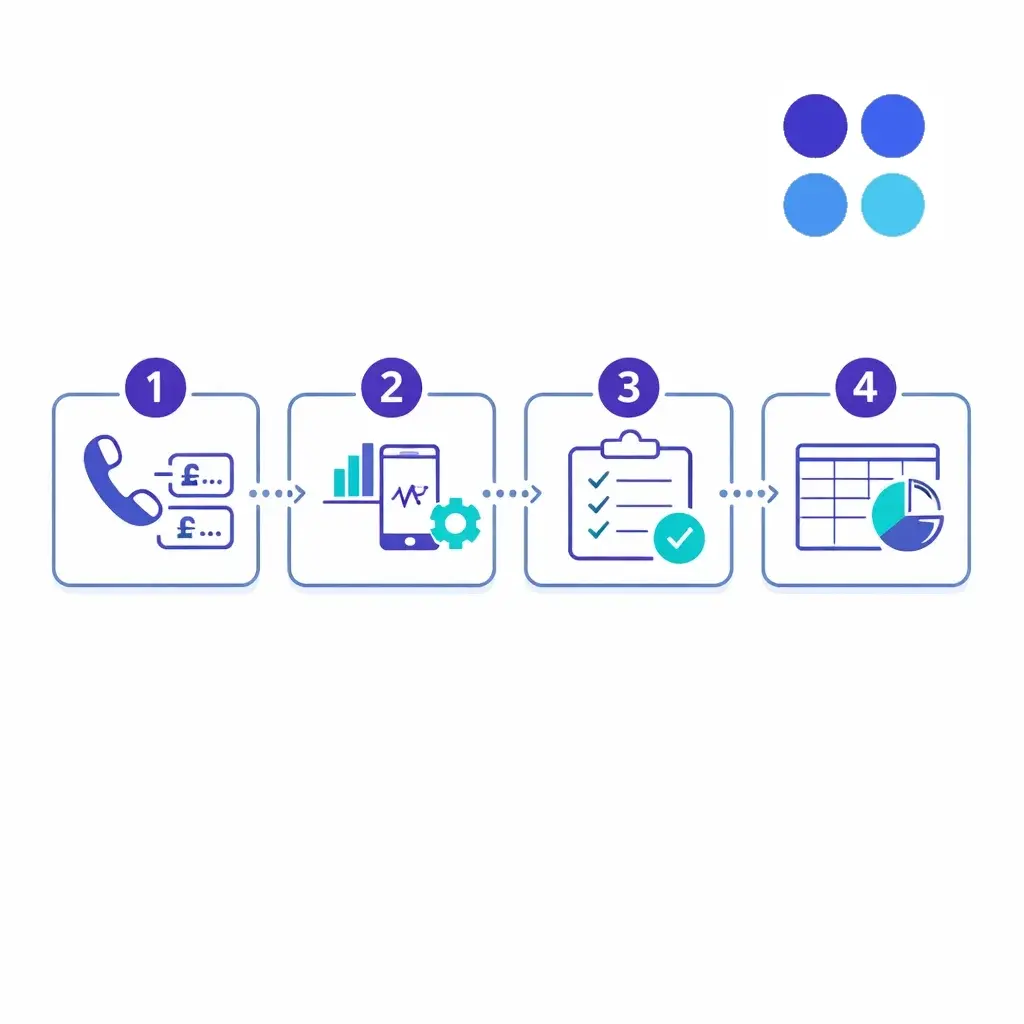
Qualified / Not qualified
Booked / Not booked
New customer / Existing customer
Revenue (optional but powerful)
Even a simple pipeline is fine — as long as it’s consistent and you can review it weekly.
Before touching anything technical, answer two questions:
A “call” is not always a conversion. Many teams set a minimum bar like:
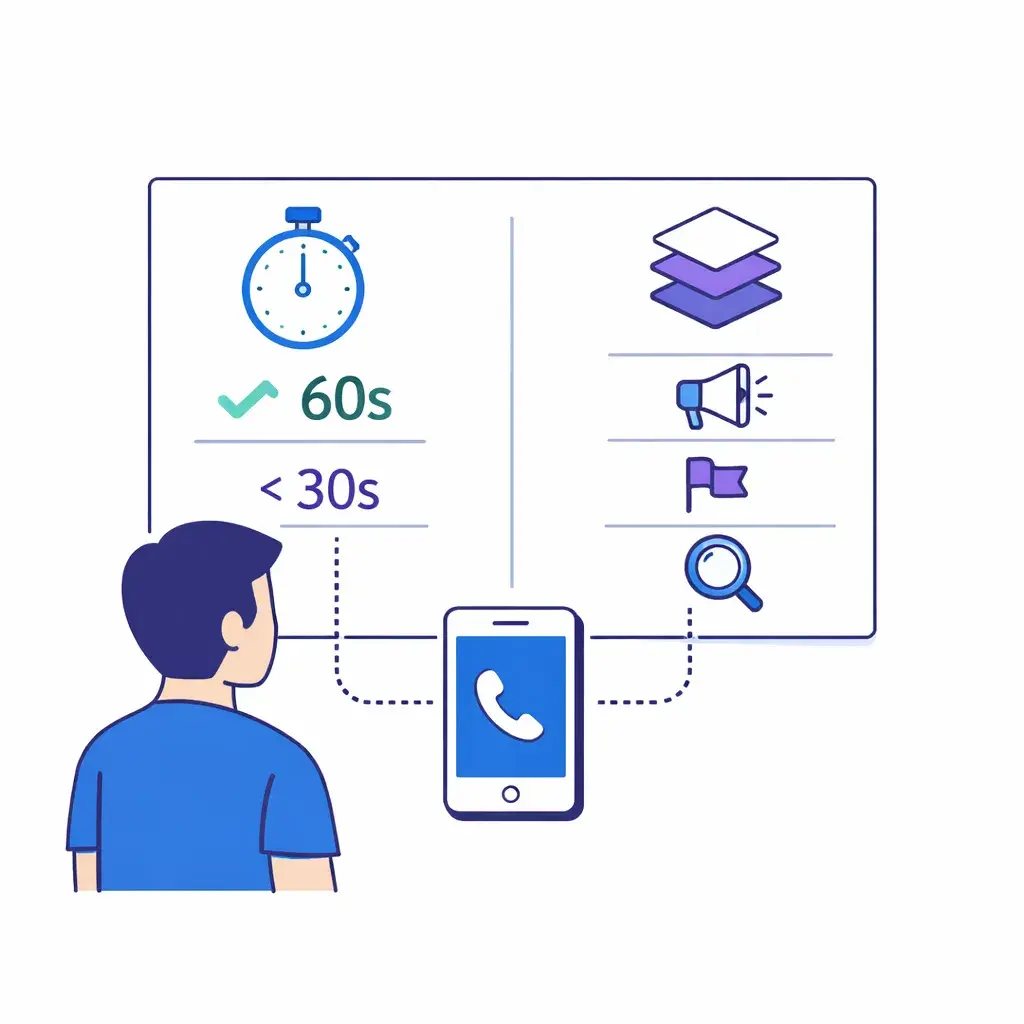
Qualified call: >60 seconds and matches target customer criteria
Booked call: appointment scheduled or job booked
Sold job: revenue won
Start with the level that matches your budget and maturity:
Channel-level: LSA vs PPC vs Meta
Campaign-level: “Spring Special” vs “Emergency Service”
Keyword/ad-level: Only worth it when spend is higher and you’re optimizing aggressively
Most businesses do best starting with channel + campaign, then going deeper once the tracking is stable.
Make a quick list of every place your phone number appears:
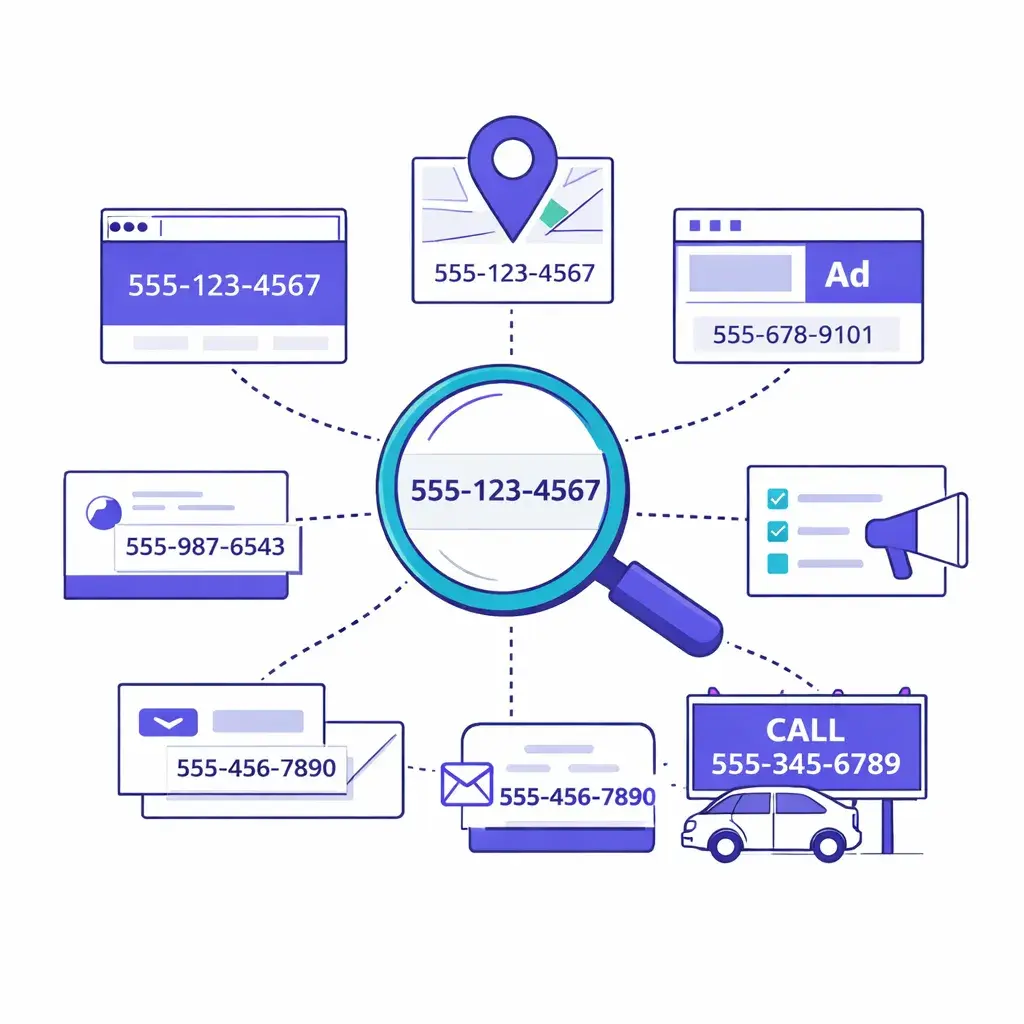
Website header/footer and contact page
Landing pages
Google Business Profile
Google LSA profile
Google Ads extensions/call ads
Meta ads and your Facebook/Instagram profile
Directories (Yelp, Angi, Thumbtack, etc.)
Email signatures
Vehicle wraps, flyers, billboards
If you don’t know where all your numbers are showing up, you’ll end up with “ghost attribution” (calls you can’t confidently assign).
Rule of thumb: the more you can control where numbers appear, the cleaner your data will be.
Here are three common approaches, from easiest to most robust.
You use:
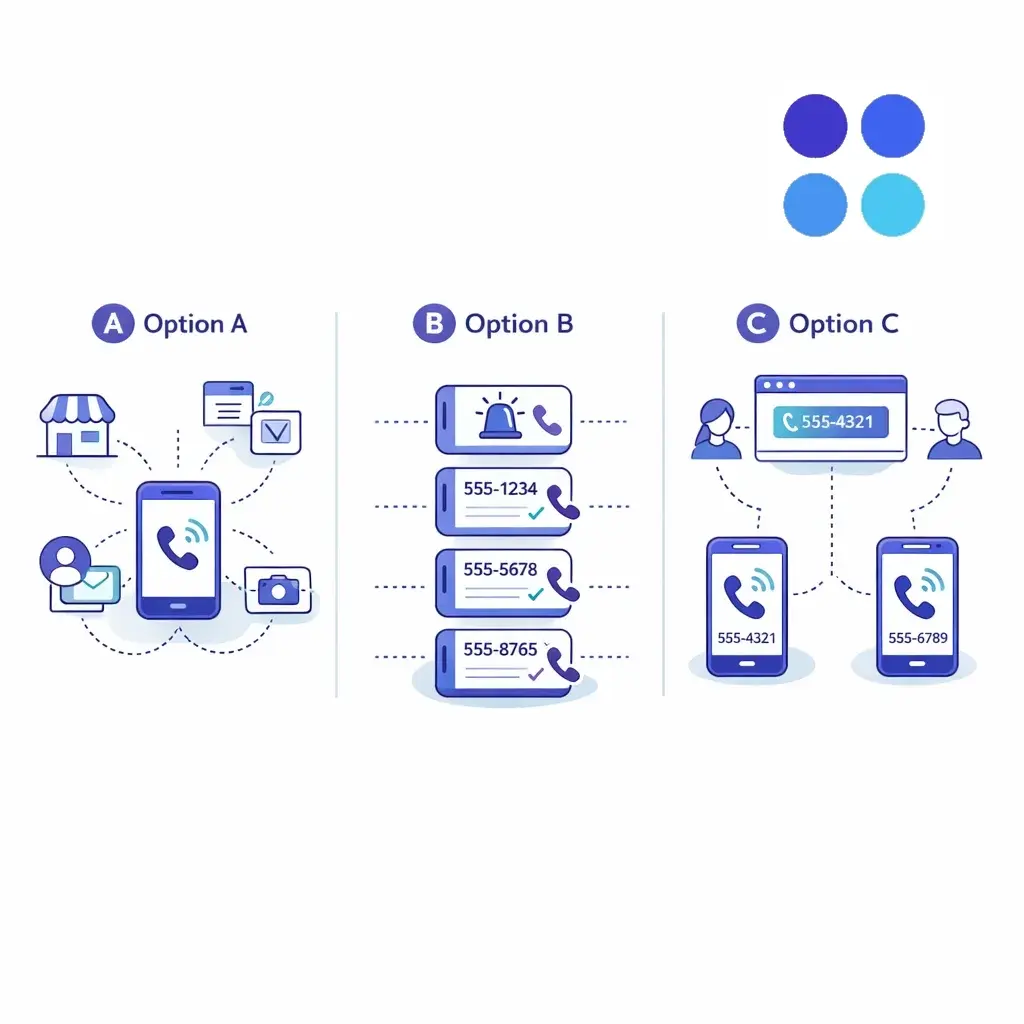
One number for LSA
One number for Google PPC
One number for Meta
One number for Organic/GBP (optional)
Great when you run multiple offers or service lines:
“Emergency HVAC” vs “New Install”
“Family Law” vs “Personal Injury”
“Residential” vs “Commercial”
DNI is what lets you say:
“This visitor came from Meta Ad Set A, hit Landing Page B, and called from the site.”
DNI is especially valuable when:
Multiple channels drive traffic to the same pages
You run SEO + ads to the same service pages
Your website is the main conversion path
LSA is its own ecosystem — calls and messages flow through the LSA experience, and you typically evaluate performance based on lead quality as much as lead volume.
Best practices for LSA attribution:
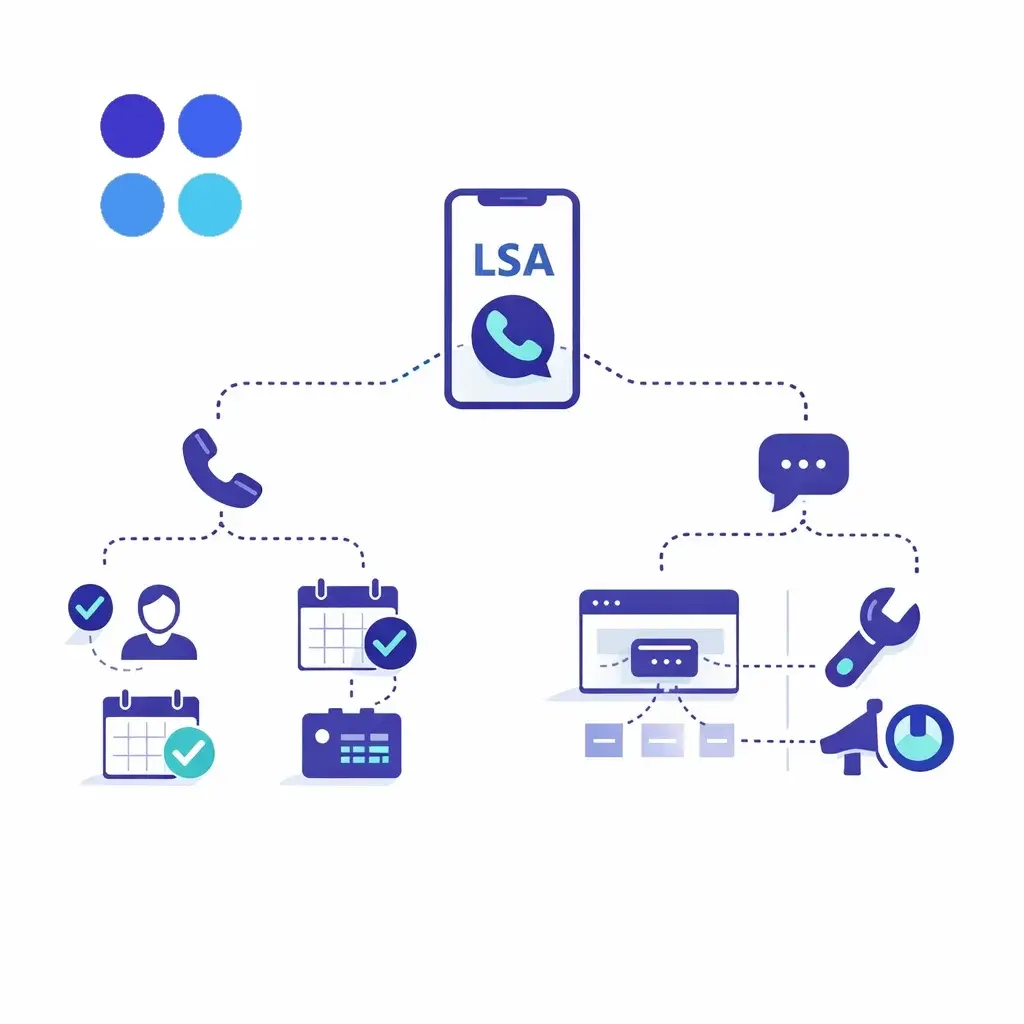
Use a dedicated LSA number (or a tracking setup that cleanly identifies LSA calls)
Track message leads separately from call leads
Add a lead outcome process:
Qualified / Not qualified
Booked / Not booked
Job type (so you don’t optimize for the wrong work)
Big mistake to avoid: lumping LSA calls into “Google” with everything else. LSA often behaves very differently from PPC and organic.
Google Ads can generate calls in two primary ways:
Examples:
Call assets (extensions)
Call-only ads (or call-forwarding behavior from certain placements)
What you want:
A call conversion that triggers when calls meet a minimum threshold (commonly 30–60 seconds)
Clear naming conventions like:
Google Ads – Calls from Ads – 60s+
This is where DNI shines. Without DNI, many “calls from the website” get misattributed as organic/direct.
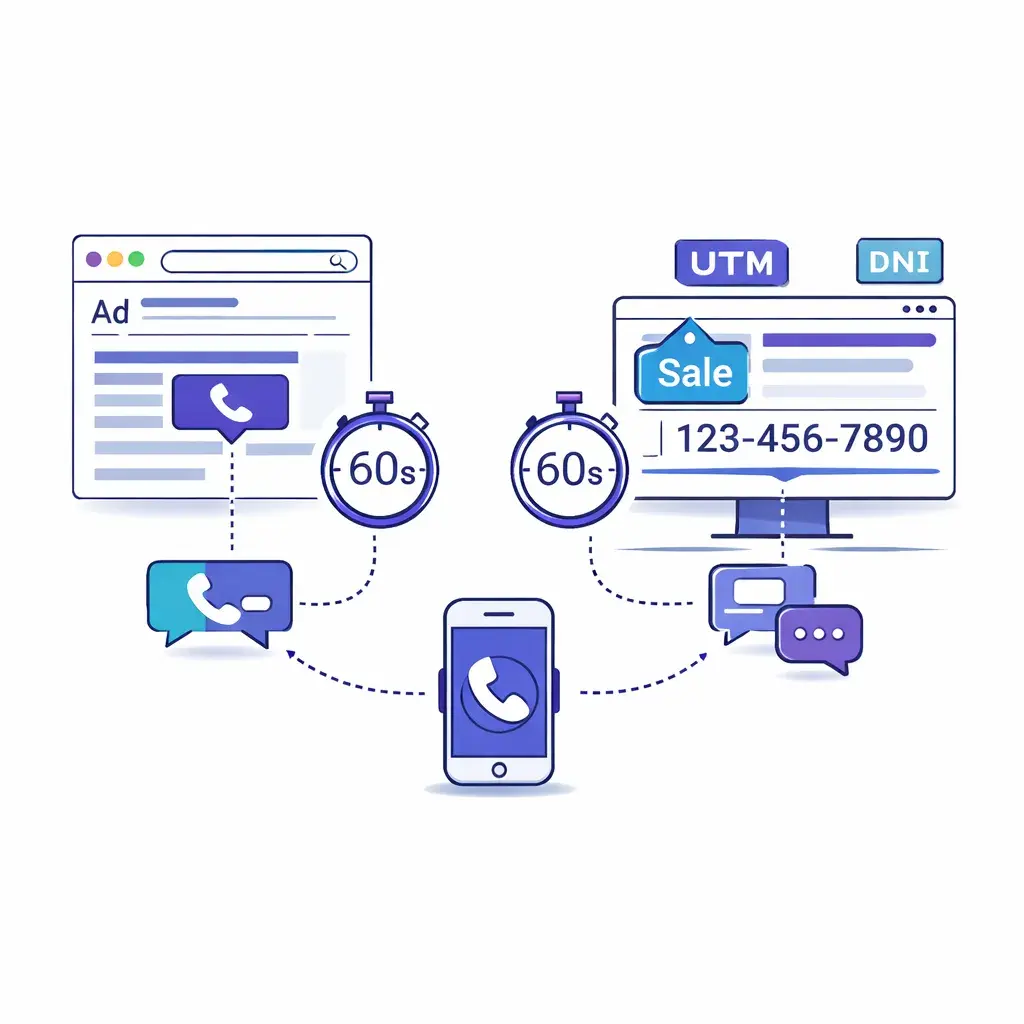
What you want:
UTMs (or auto-tagging) to identify source/campaign
DNI on key pages (home, service pages, landing pages, contact page)
A conversion action like:
Google Ads – Calls from Website – 60s+
Pro move: once you have reliable outcomes, you can optimize toward qualified or booked calls instead of raw call volume.
Meta often drives calls in two ways:
For these, a clean approach is:
Use a dedicated tracking number for Meta campaigns (or even per campaign/ad set)
Make sure the destination number is the one you’re tracking (not a random main line)
This is the classic “invisible” conversion. Without DNI, a lot of these calls show up as direct traffic or “unknown.”
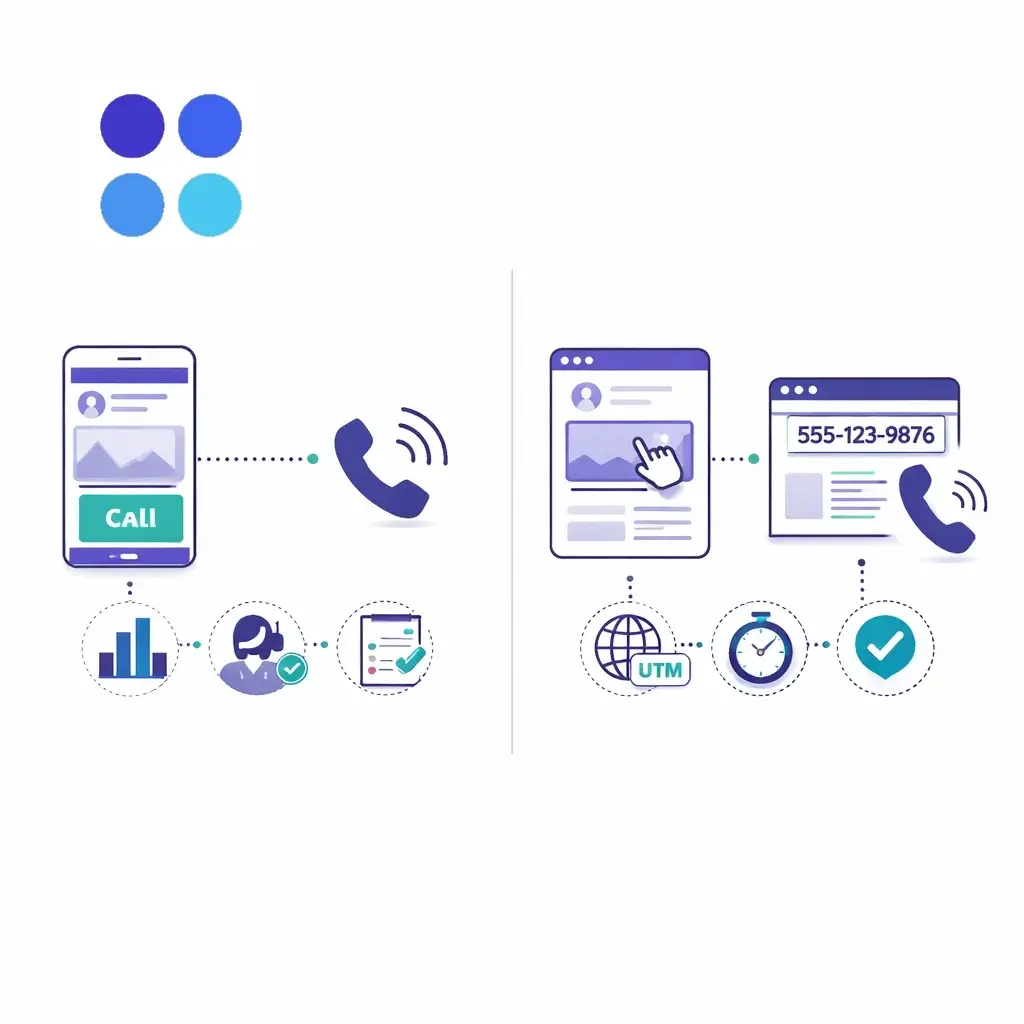
Best practices:
Use UTMs on Meta links (campaign, ad set, ad)
Use DNI on the site so the number swaps for Meta traffic
Compare:
Meta click volume
Landing page sessions
Calls attributed to Meta via DNI
Qualified/booked outcomes
Common pitfall: judging Meta by clicks or impressions alone. If Meta is working, you’ll see it in incremental qualified calls — but only if you’re tracking properly.
Attribution that ends at “call happened” is only half the job.
To actually optimize spend, you need to know what happened after the call.
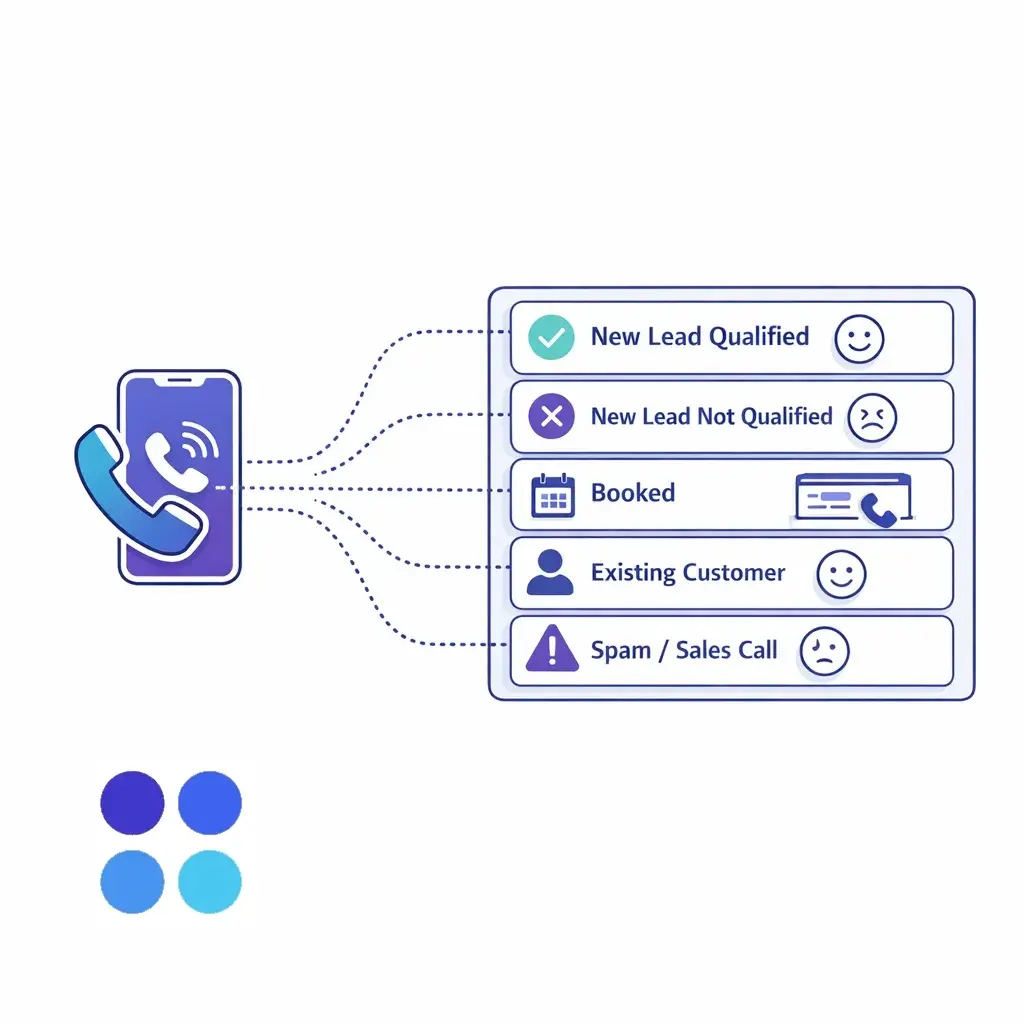
Keep it small enough that your team will actually use it:
New Lead – Qualified
New Lead – Not Qualified
Booked
Not Booked
Existing Customer
Spam/Sales Call
If you can add one more dimension, add job type/service line.
Instead of obsessing over “cost per call,” focus on:
Cost per qualified call
Cost per booked call
Close rate by channel
Average revenue by channel (if available)
Missed call rate (huge profit leak)
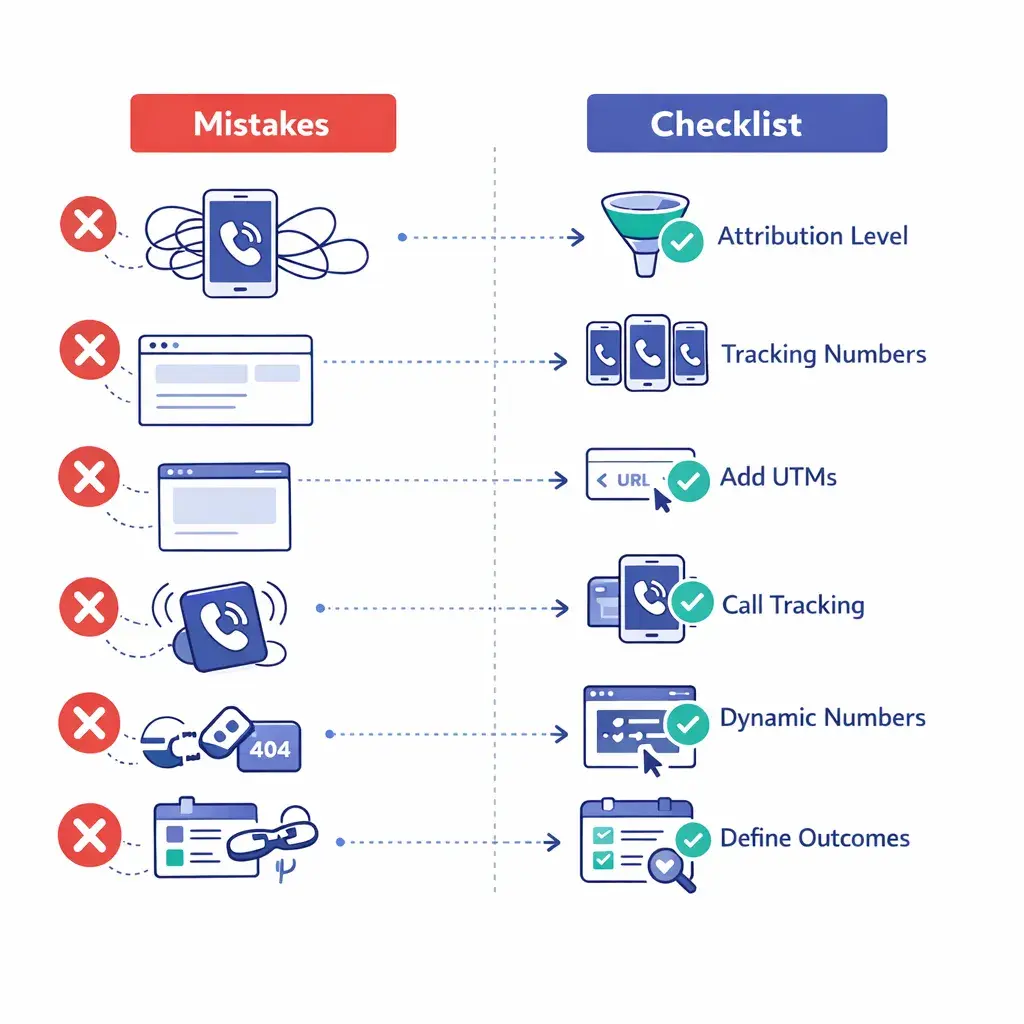
Using one phone number everywhere → everything becomes “direct/unknown”
Not tracking website calls separately → PPC and Meta get under-credited
No DNI on the site → paid traffic calls look like organic
No outcome tracking → you optimize for volume, not value
Missed calls → your best campaign looks “bad” because leads never get answered
Changing numbers without updating listings → data chaos
No backup question in intake (“What prompted you to call today?”) → you lose context when tech fails
Choose your attribution level (channel vs campaign vs DNI)
Assign tracking numbers (at least LSA/PPC/Meta)
Add UTMs to Meta and non-Google links
Enable call tracking for Google Ads calls
Add DNI to your website (if you want accurate website call attribution)
Define lead outcomes and train the team
Review weekly: qualified calls, booked calls, missed calls, CPL (qualified), CPB (booked)
Even the best attribution setup falls apart if calls aren’t answered consistently or if intake notes are incomplete.
Go Answer helps by ensuring:
24/7 coverage so your ads don’t drive calls to voicemail
Consistent intake (so outcomes and job types are captured the same way every time)
Source-friendly workflows (tracking number, campaign, and “how did you hear about us?” can be captured and passed into your CRM)
Flexible handling with live human agents using AI-assist tools, plus an AI virtual receptionist option that can hand off to humans when needed — so you can balance speed, cost, and complexity without losing leads
The result: cleaner data, fewer missed opportunities, and marketing decisions based on booked revenue, not vibes.
Sign up below to start your free trial today.

Learn why thousands of companies rely on Go Answer.
Try us risk-free for 14 days!
Enjoy our risk-free trial for 14 days or 200 minutes, whichever comes first.
Have more questions? Call us at 888-462-6793
Learn why thousands of companies rely on Go Answer.
Have more questions? Call us at 888-462-6793
If you would like to get in contact with a Go Answer representative please give us a call, chat or email.

Thanks for your interest!
A representative will be reaching out to you shortly.
Have more questions? call us on 888-462-6793
