
Go Answer + Zapier Integration: What It Is, How to Use It, and How to Get the Most Out of It
By Rob ReynoldsLast modified: January 27, 2026
Voted Top Call Center for 2024 by Forbes
Virtual Receptionists
Save time and money with our virtual receptionists.
AI Receptionist
AI-powered receptionist that answers, routes, and qualifies calls 24/7.
Enterprise Solutions
Solutions designed to scale with your organization’s needs.
Legal Services
Our virtual legal receptionists are experts in legal intake.
Last modified: January 27, 2026
Missed calls and slow follow-ups don’t just cost you time — they cost you revenue, reviews, and repeat business. Go Answer was built to keep you responsive with 24/7 live, bilingual virtual receptionists and web chat, plus an AI Virtual Receptionist (AI VR) option for routine interactions with seamless handoff to a live agent when needed.
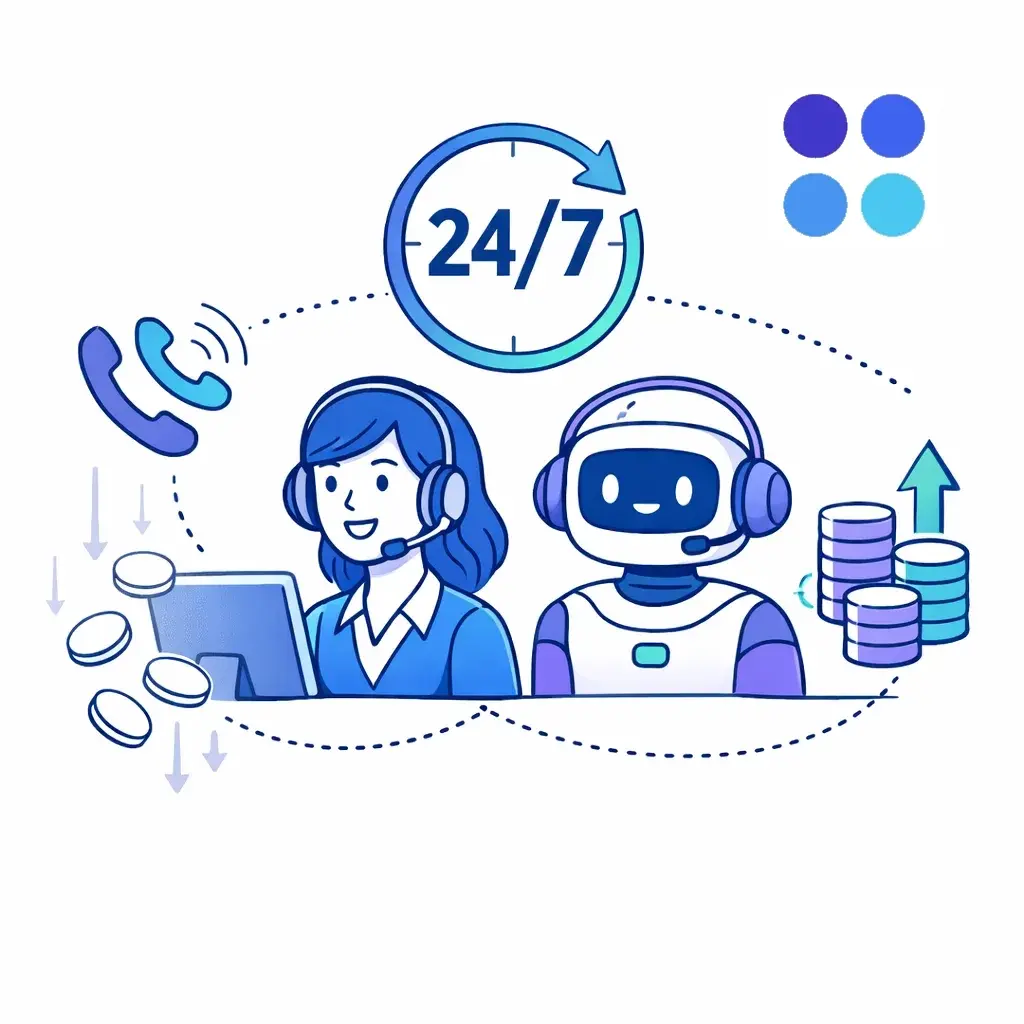
But responsiveness is only half the battle. The other half is what happens after the call or chat: logging the lead, creating the ticket, scheduling the appointment, notifying the right person, and kicking off the next step — without manual copy/paste.
That’s where Zapier comes in.
Zapier is the “glue” that connects apps and automates workflows across thousands of tools. When you pair Go Answer with Zapier, you can turn every qualified call, chat, or intake into a clean, trackable workflow inside the software you already rely on — CRMs, help desks, project boards, spreadsheets, calendars, and more.
At a high level, Go Answer is your front line (answering, qualifying, routing, scheduling, capturing details). Zapier is your automation layer (moving the information where it needs to go and triggering the next steps).
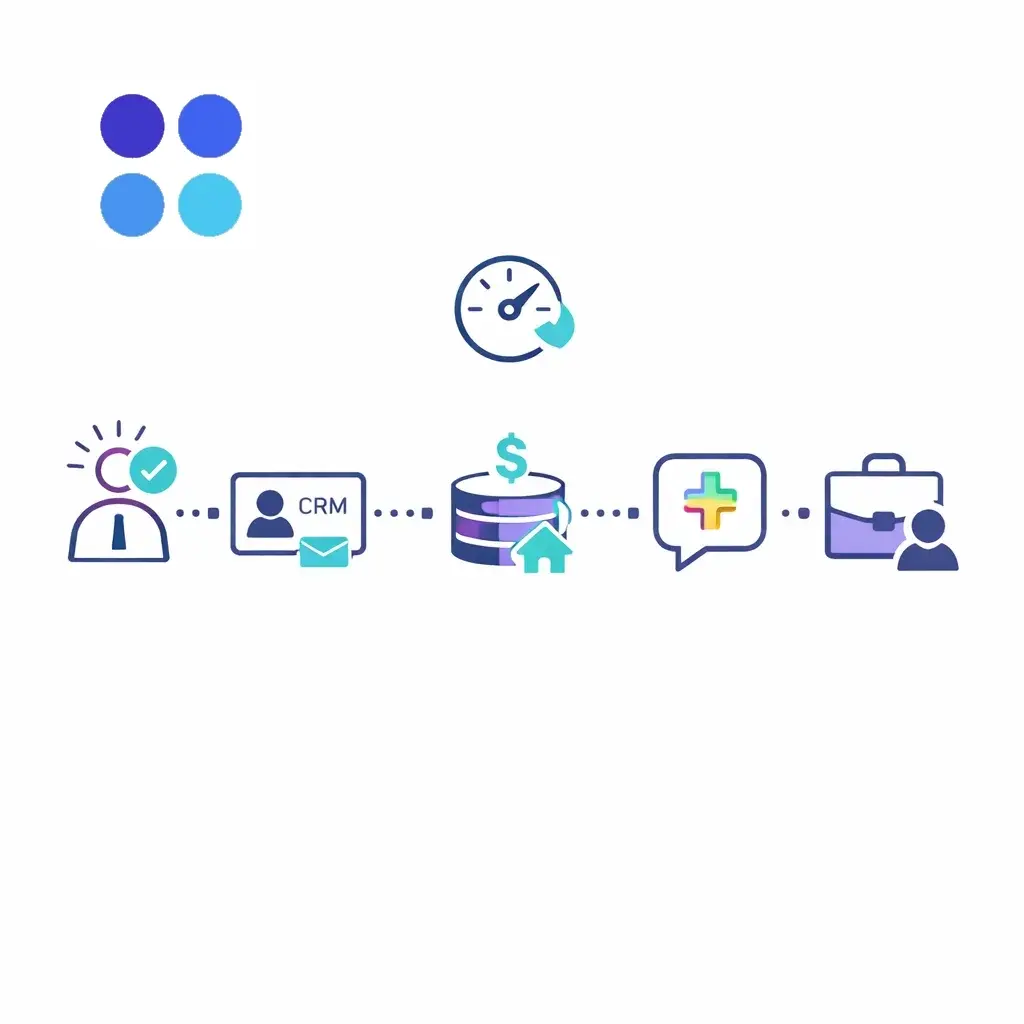
Go Answer is designed to plug into your workflow — its site calls out CRM integrations and specifically notes that “API and Zapier simplify workflows.” In practice, that means you can use Zapier as the no-code connector to:
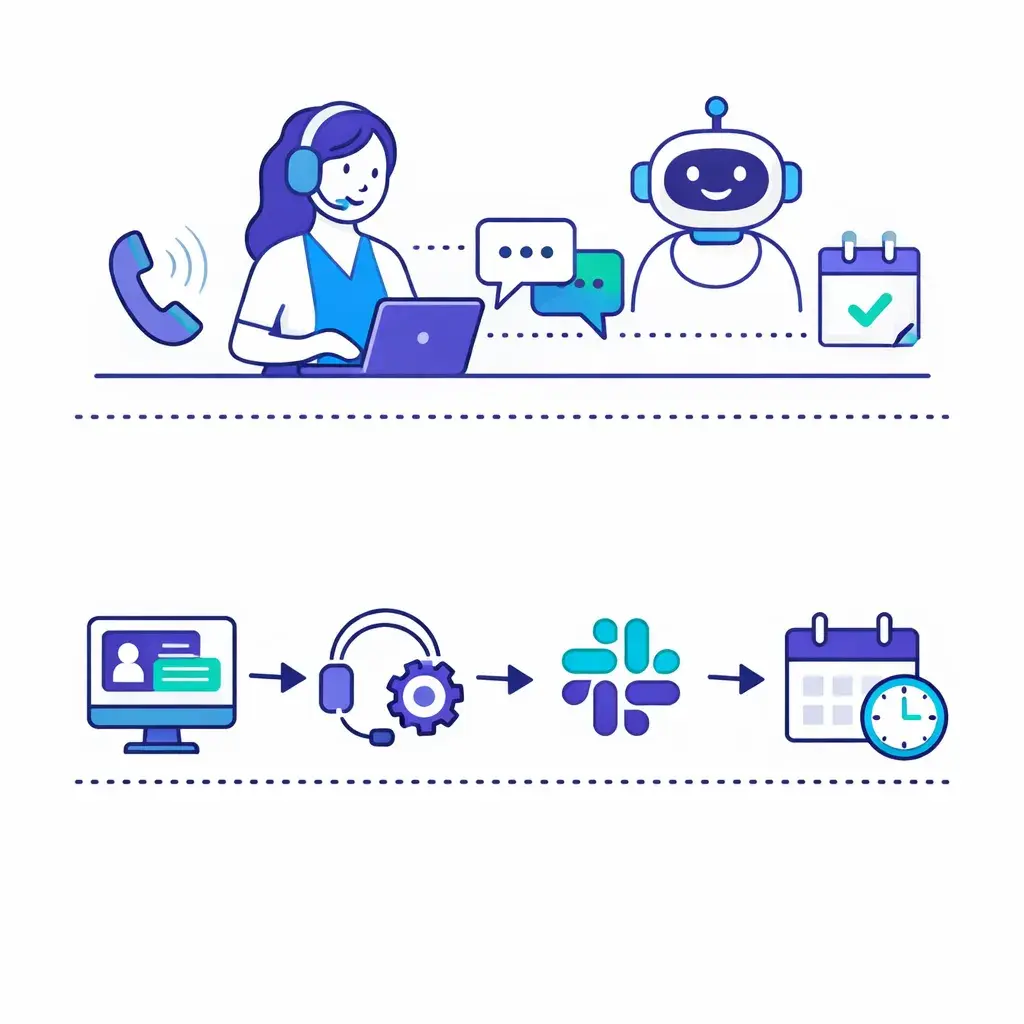
Create or update records in your CRM when a new lead is captured
Open a ticket when support is needed
Alert your team in Slack/Teams when an urgent call comes in
Schedule follow-ups automatically (tasks, reminders, drip sequences)
Send clean data into reporting (Sheets/Airtable/BI tools)
Go Answer also emphasizes that it routinely connects into client tech stacks via API, secure webhooks, and no-code connectors, which is exactly the kind of environment Zapier was made for.
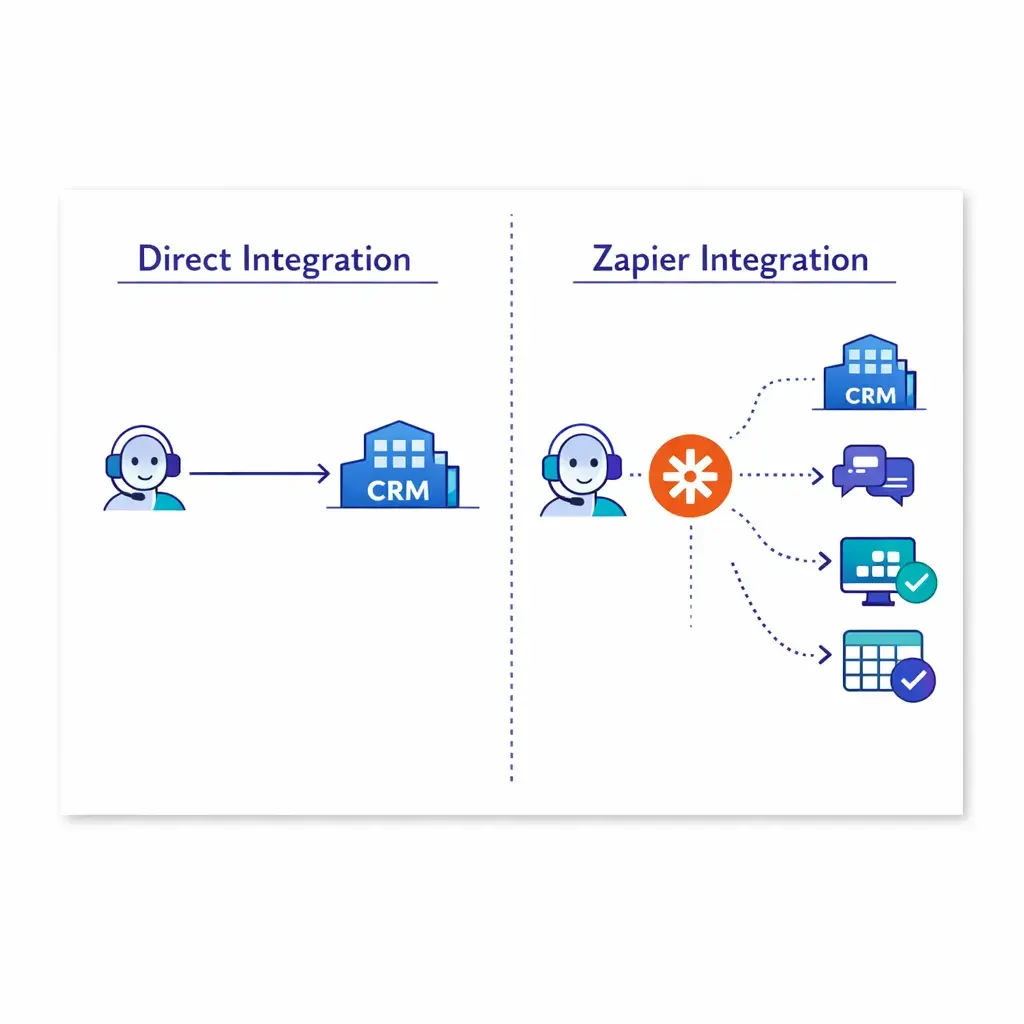
If you already have a direct/native integration for your “core system” (like a primary CRM or case management tool), that can be the cleanest path.
Zapier shines when you want to:
Connect Go Answer data into a tool that doesn’t have a native connector
Build a custom workflow (routing, dedupe, conditional logic, notifications)
Push data to multiple destinations at once (CRM + Slack + spreadsheet)
Prototype quickly and improve over time without developer resources
In other words: direct integrations keep your foundation solid; Zapier helps you tailor the house to how you actually live in it.
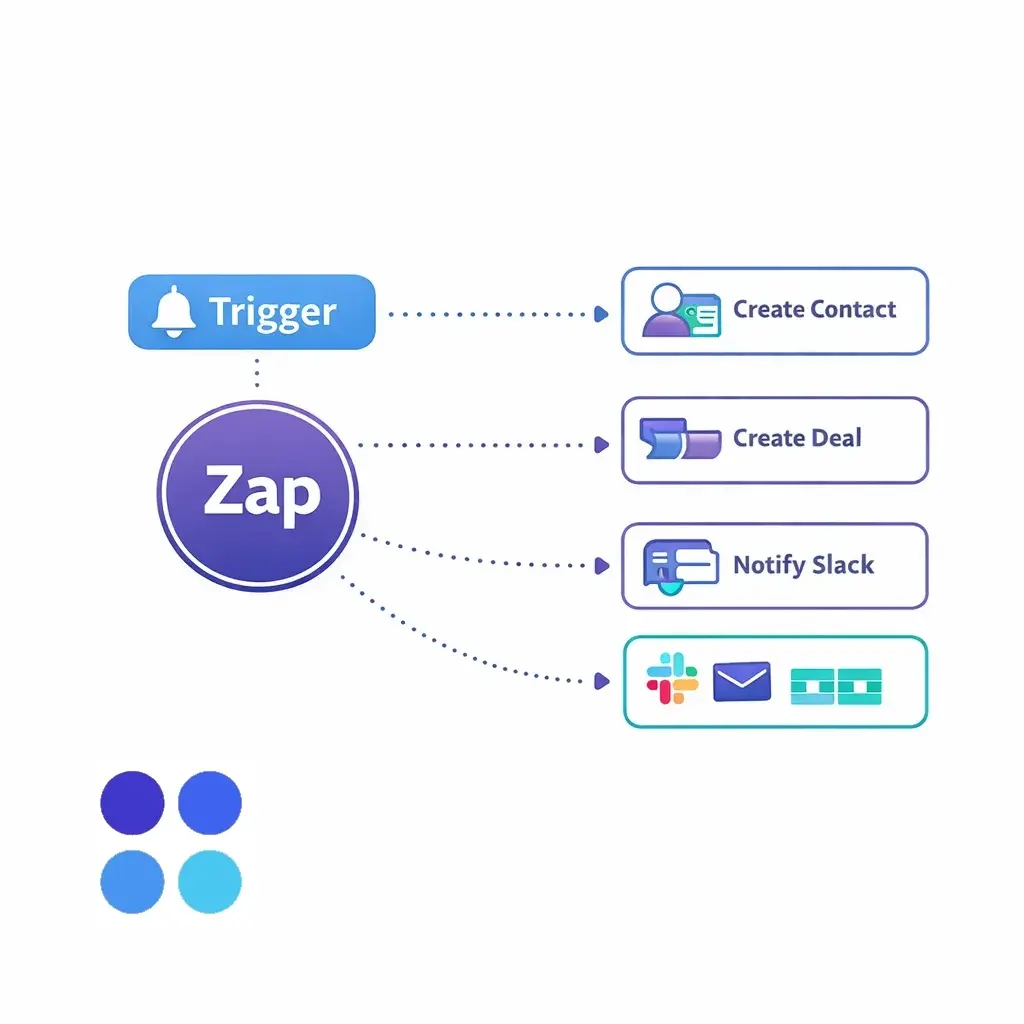
Zapier automations are called Zaps. A Zap is basically:
Trigger: “When X happens…”
Action(s): “…do Y (and maybe Z, and maybe A).”
Example:
Trigger: New lead captured → Actions: Create contact in HubSpot, create deal, notify Slack.
Zapier also supports webhooks, which are like real-time notifications between systems. When an event happens, it can send a payload of data to another tool instantly.
Because every business uses different tools, the exact setup can vary. But the build process is consistent.
Before you open Zapier, write down:
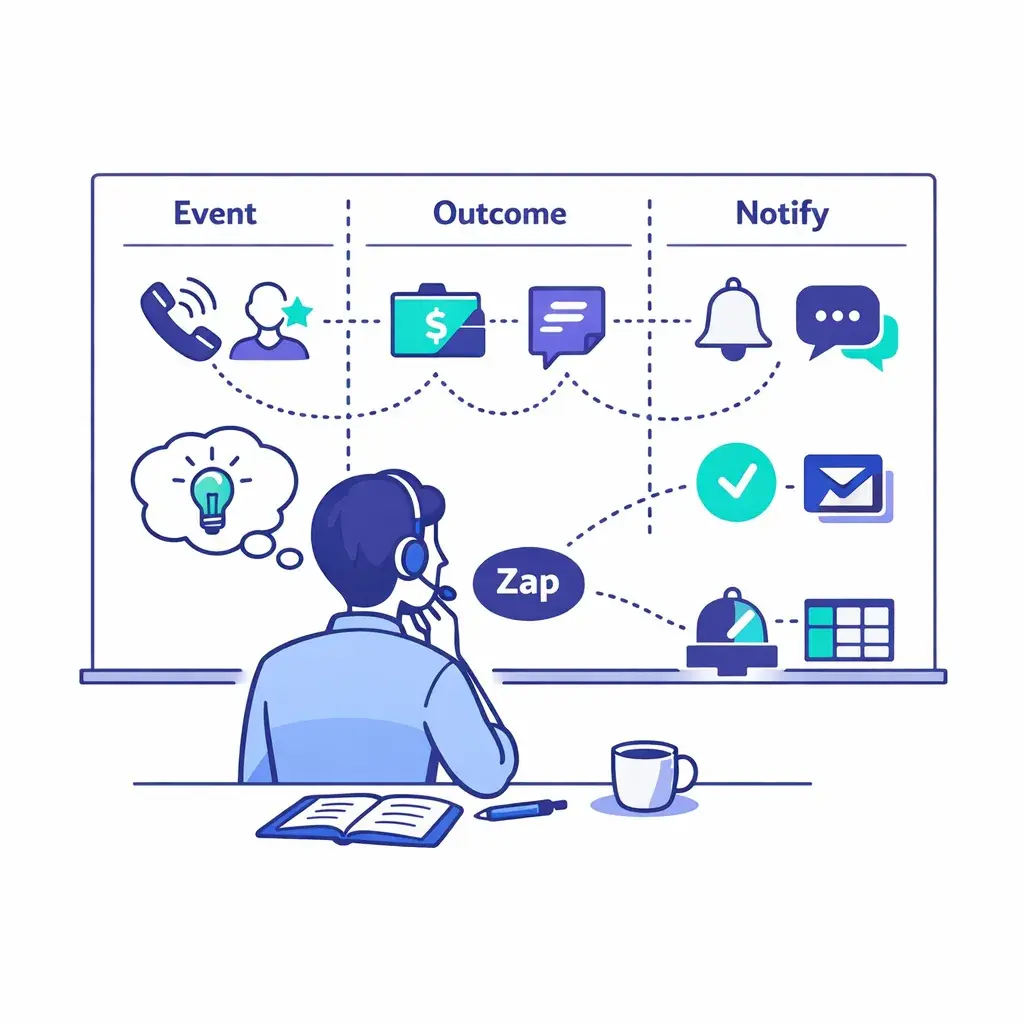
What event starts this workflow? (New lead? Missed call? Appointment request?)
What outcome do you want? (Create a deal? Open a ticket? Page someone on-call?)
Who needs to be notified — and how fast?
You’re designing for speed-to-lead, service quality, and no manual re-entry.
Pick the one system that should own the record long-term:
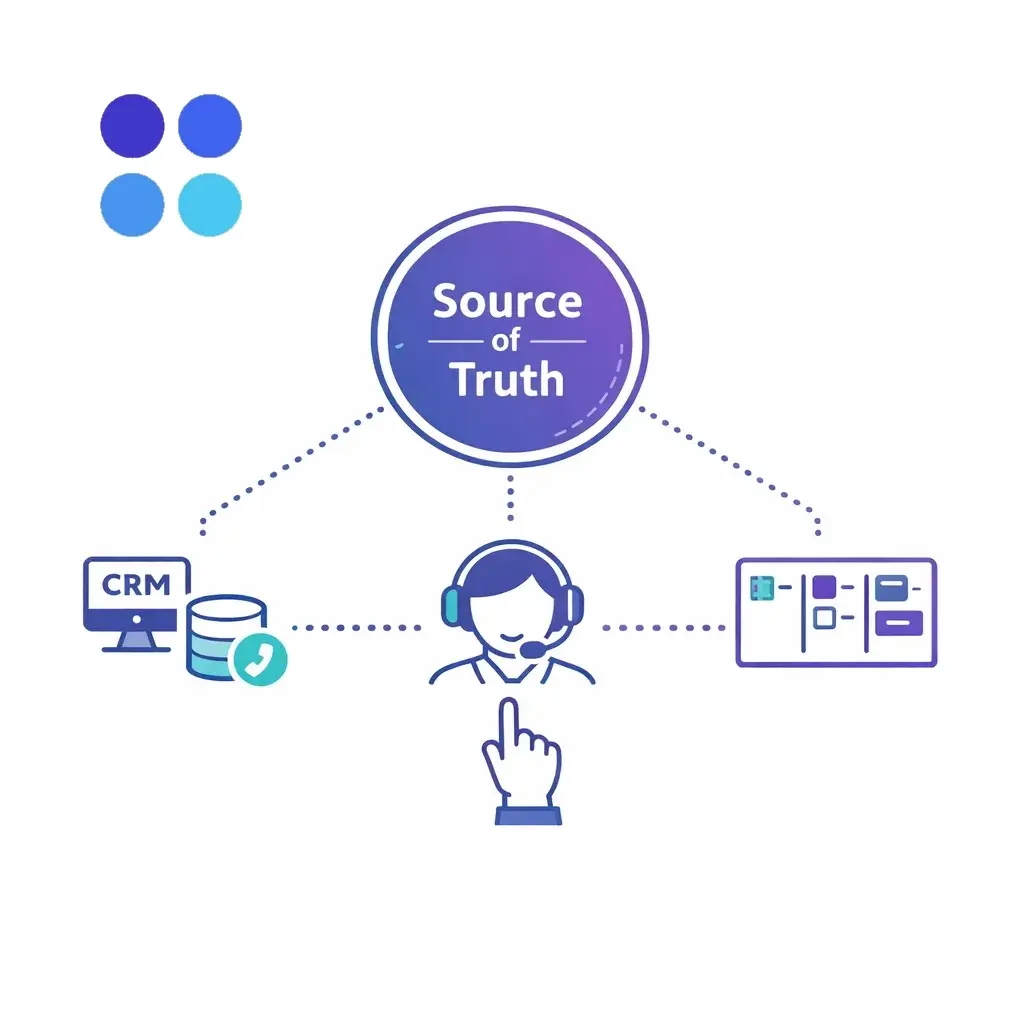
Sales teams usually choose a CRM (HubSpot/Salesforce/Zoho, etc.)
Support teams usually choose a help desk (Zendesk/Freshdesk/Intercom, etc.)
Ops teams might choose a board/database (Monday, Sheets, Airtable, etc.)
Then define the minimum fields you need every time (name, phone, reason, urgency, outcome, notes, assigned rep).
There are a few common approaches:
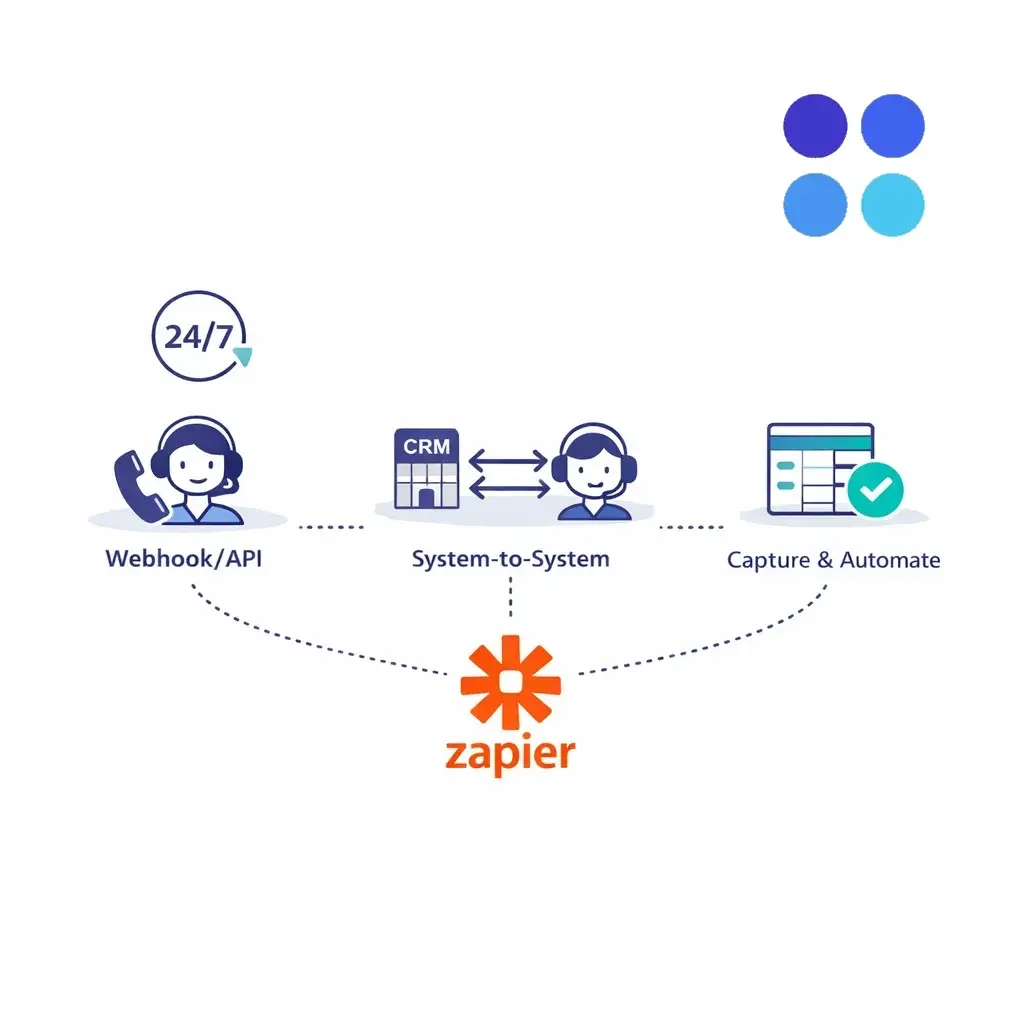
Webhook/API style: Go Answer can connect via API/secure webhooks and no-code connectors.
System-to-system handoff: If your workflow is centered in a CRM/help desk, you may build the Zap starting from that tool.
“Capture then automate” model: If you prefer, you can log interactions to a structured place (like a sheet/database) and automate downstream from there.
If you’re not sure what’s best for your stack, this is exactly the kind of thing to align on during onboarding or an integration planning call.
In Zapier:
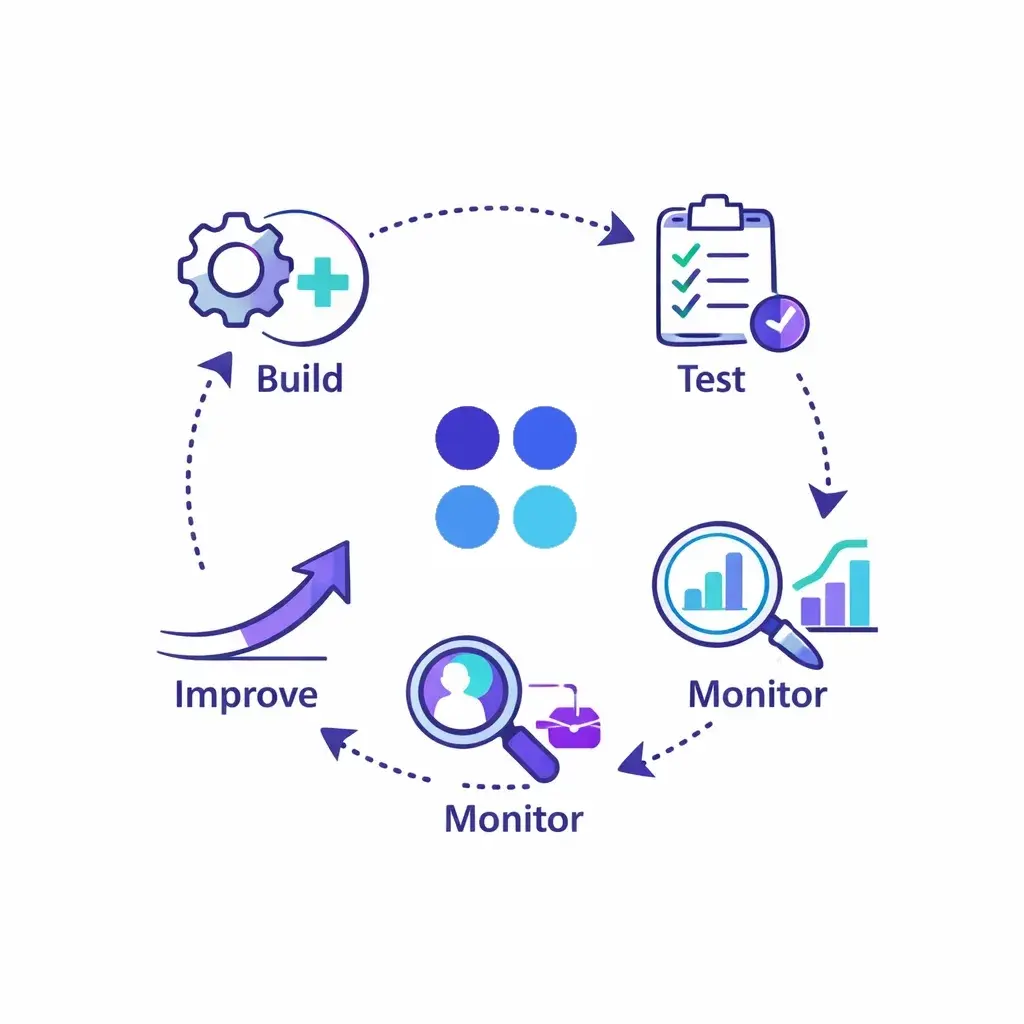
Pick your trigger (the event that indicates “new item to process”)
Add a filter (“Only continue if qualified = yes” or “Only if urgent = true”)
Add formatter/cleanup steps (normalize phone numbers, split names, standardize categories)
Add actions (create/update CRM record, create ticket, notify team)
Test at least:
A perfect “happy path” lead
A spammy/unqualified call
An existing customer (dedupe behavior matters)
An urgent scenario (make sure alerts hit the right person)
Zapier gives you task history and run logs — use them. Your best workflows evolve:
Tighten filters to reduce noise
Add missing fields as patterns emerge
Improve routing rules as your team grows
Below are examples that tend to deliver ROI fast. Swap in your exact tools.
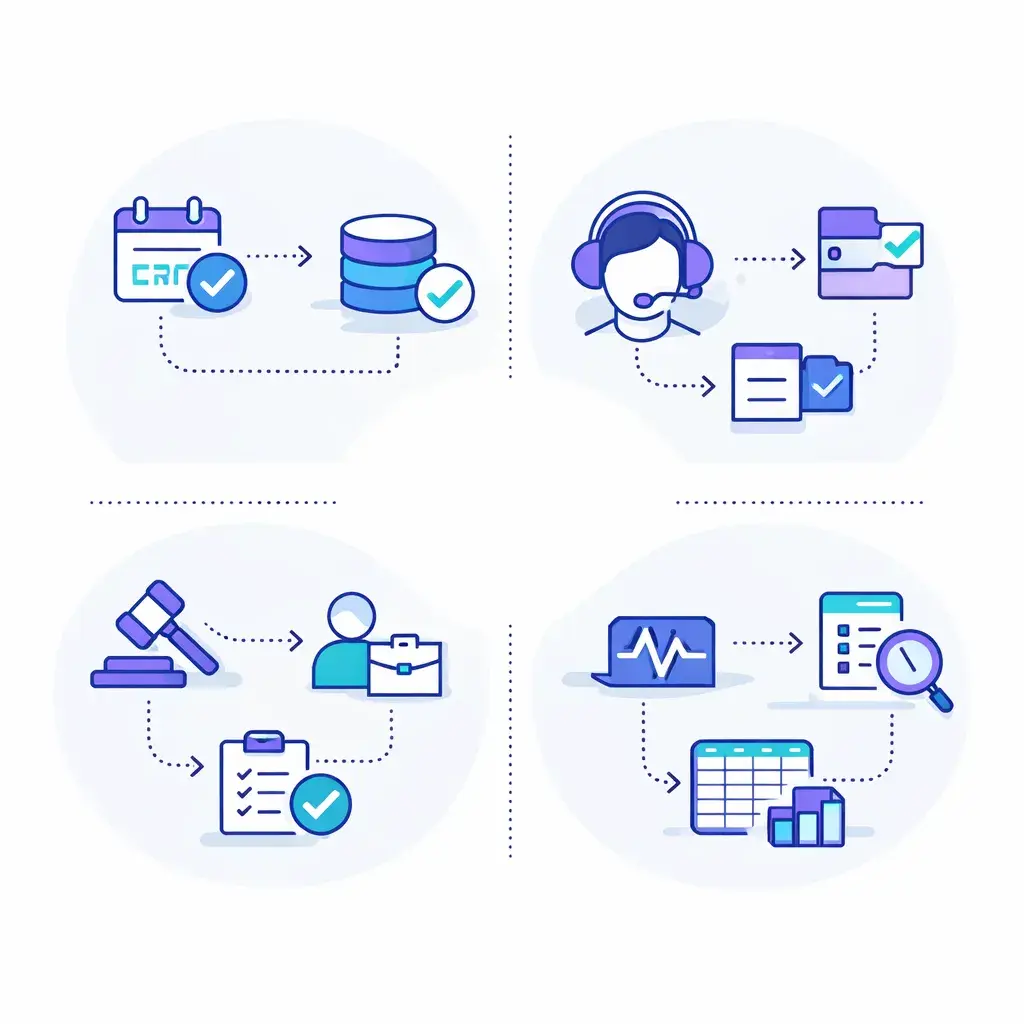
Trigger: New qualified lead captured
Actions: Create/update contact → create deal/opportunity → notify Slack/Teams → assign owner
Pro tip: Add a “response SLA” task so the lead always gets contacted quickly.
Go Answer supports 24/7 coverage, which is perfect for urgent calls.
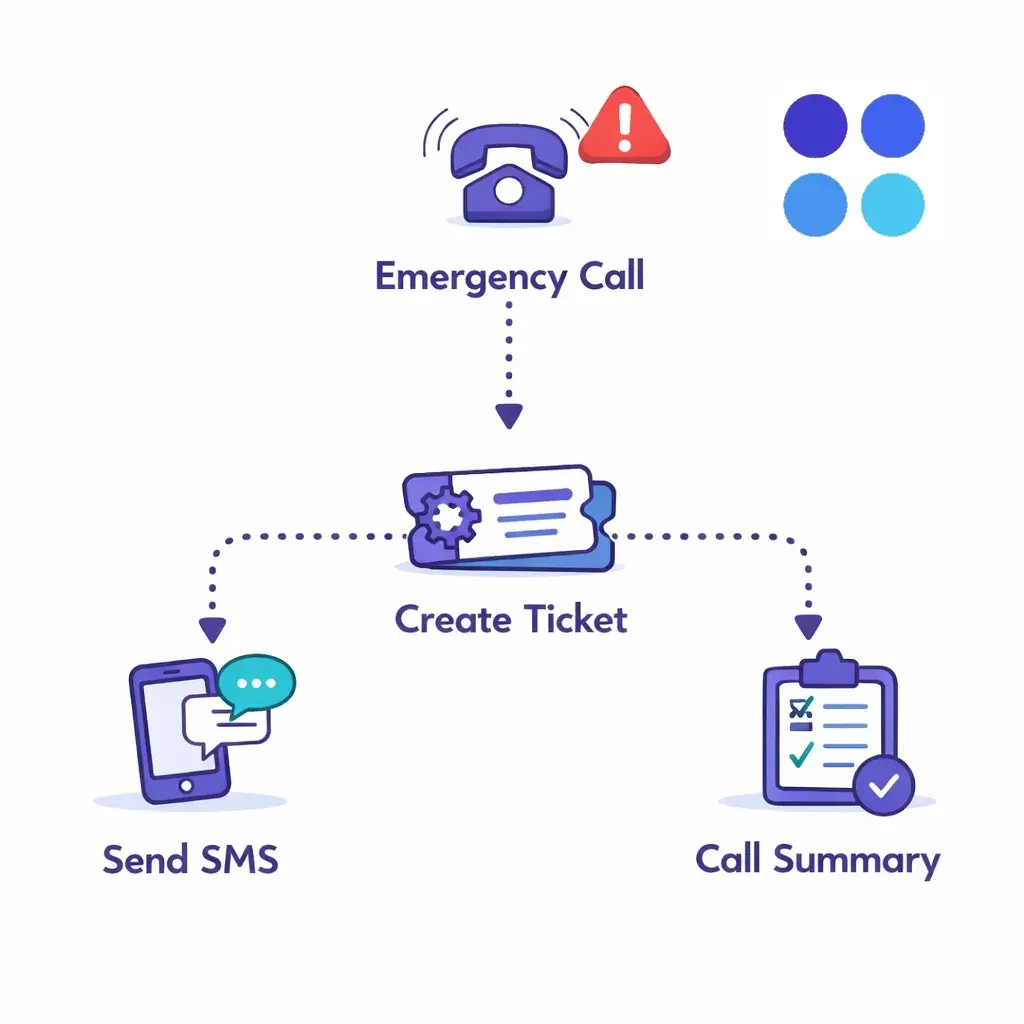
Trigger: Call tagged “Emergency”
Actions: Send SMS to on-call → create ticket → add call summary/notes
Pro tip: Use “Paths” (if/then routing) so only true emergencies page the on-call person.
Go Answer can help capture info and schedule appointments, then log details into your systems.
Trigger: Appointment requested/booked
Actions: Create calendar event → update CRM lifecycle stage → send confirmation email/SMS
Pro tip: Auto-create a pre-appointment checklist task for internal prep.
Go Answer’s CXaaS stack commonly integrates with help desks like Zendesk and Freshdesk.
Trigger: Support interaction captured
Actions: Create ticket → categorize issue → notify assigned queue
Pro tip: Route by category (refunds vs. shipping vs. technical) to cut resolution time.
Go Answer highlights legal intake and CRM/case workflow alignment.
Trigger: New intake meets criteria
Actions: Create lead/contact in your legal intake system → create follow-up task → notify intake manager
Pro tip: Use structured fields (case type, incident date, location, urgency) so your pipeline reporting is reliable.
Trigger: Any completed call/chat with notes\
Actions: Append row to Google Sheets/Airtable → tag channel/outcome → store timestamps
Pro tip: This becomes your lightweight analytics layer for conversion, reasons for contact, peak times, and staffing.
Automation only works when the input is consistent. Pick a short list of statuses and tags, such as:
Qualified lead / Unqualified / Existing customer
Emergency / Same-day / Routine
Billing / Scheduling / Support / Sales
When every interaction lands with a consistent “shape,” Zapier can route it perfectly.
Most teams get burned by duplicates before anything else.
Best practice:
Search for an existing contact by phone/email
If found → update
If not found → create
A Slack message is nice. A Slack message + a created task + an owner assignment is a process.
Design automations that create accountability:
Who owns this?
What’s the next step?
When is it due?
If you want “every lead called back in 5 minutes,” bake it in:
Immediate alert
Auto-created follow-up task
Escalation if no update after X minutes
Go Answer supports security and compliance practices for regulated industries, including HIPAA-ready workflows (with BAAs where applicable), PCI-aware processes, and TCPA-safe messaging practices.
Zapier can be powerful — but you should still be intentional about what data you send where:
Don’t push unnecessary sensitive details into tools that don’t need them
Limit access to Zapier accounts and logs
Treat automation logs as operational records
“We get too many alerts.”
Add filters so only qualified/urgent items notify humans.
“Data is messy in the CRM.”
Add formatter steps and required fields. Standardize outcomes.
“We’re not sure where the workflow should live.”
Pick a source of truth (CRM/help desk) and let everything else support it.
“It worked in testing, then broke.”
Monitor Zap history, set failure notifications, and keep one owner responsible for maintaining automations.
Go Answer makes sure calls and chats get answered — by real people when it matters, and AI when it makes sense, with handoff to humans when needed. Zapier makes sure the results of those conversations move instantly into the systems that run your business.
If you want fewer missed opportunities, faster follow-ups, cleaner reporting, and less admin work, Go Answer + Zapier is one of the highest-leverage combos you can implement. And once the first Zap is live, it’s hard to go back to manual entry.

Learn why thousands of companies rely on Go Answer.
Try us risk-free for 14 days!
Enjoy our risk-free trial for 14 days or 200 minutes, whichever comes first.
Have more questions? Call us at 888-462-6793
Learn why thousands of companies rely on Go Answer.
Have more questions? Call us at 888-462-6793
If you would like to get in contact with a Go Answer representative please give us a call, chat or email.

Thanks for your interest!
A representative will be reaching out to you shortly.
Have more questions? call us on 888-462-6793
