
How to Build a Living Knowledge Base From Real Calls (Without Writing a Novel)
By Adom FrancisLast modified: January 20, 2026
Voted Top Call Center for 2024 by Forbes
Virtual Receptionists
Save time and money with our virtual receptionists.
AI Receptionist
AI-powered receptionist that answers, routes, and qualifies calls 24/7.
Enterprise Solutions
Solutions designed to scale with your organization’s needs.
Legal Services
Our virtual legal receptionists are experts in legal intake.
Last modified: January 20, 2026
If you’ve ever trained a new team member by saying, “Just listen to a few calls and you’ll get it,” you’re not alone. Most businesses run on tribal knowledge — the stuff your best people know, but can’t quite put into a neat document.
The problem shows up fast:
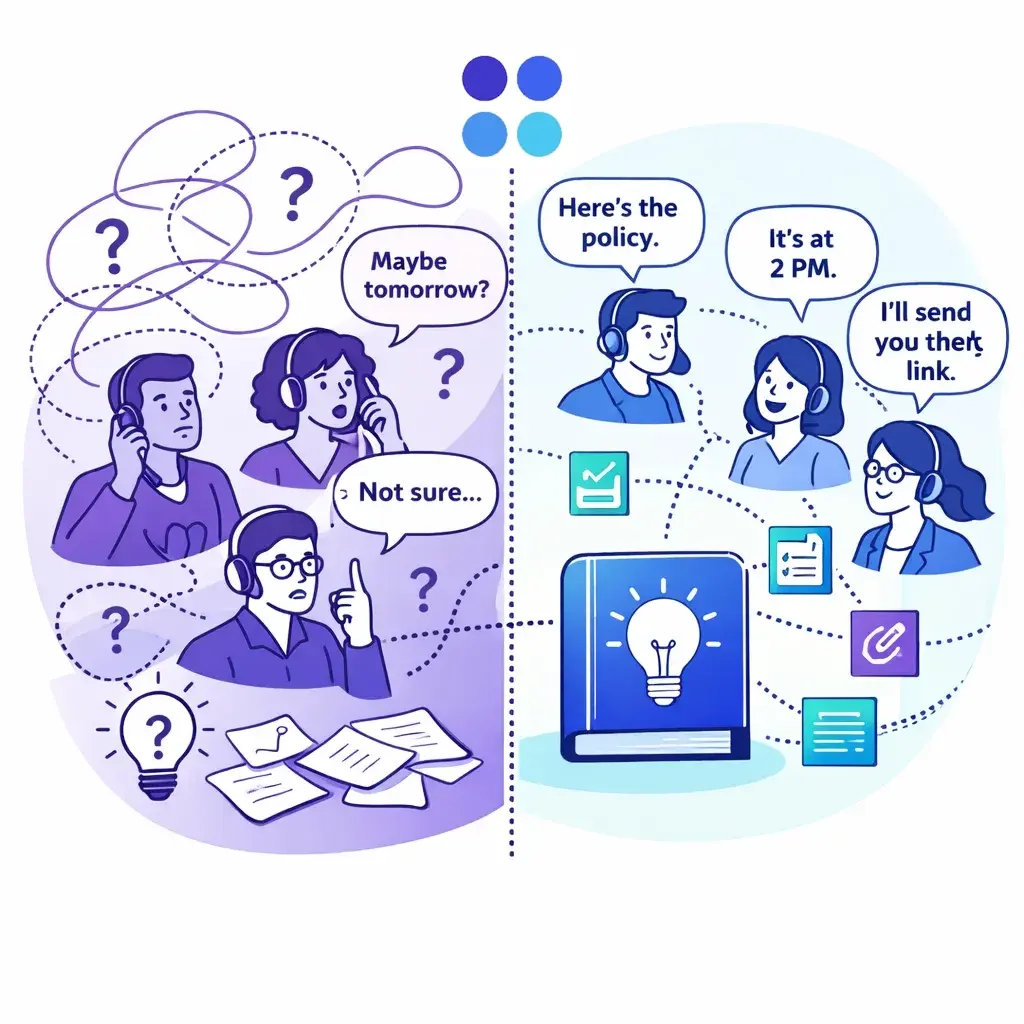
Customers get different answers depending on who picks up
New hires take weeks to ramp up
The same “quick question” interrupts your day 20 times
Small mistakes turn into refunds, bad reviews, or churn
The fix isn’t writing a 90-page “operations bible” nobody reads.
A better approach is building a living knowledge base — a simple, searchable set of short, practical entries that gets better every week because it’s fueled by the thing you already have: real calls.
Below is a call-driven way to build and maintain a knowledge base without turning it into a writing project.
A living knowledge base is not a “company wiki” full of long pages. It’s more like a field guide:
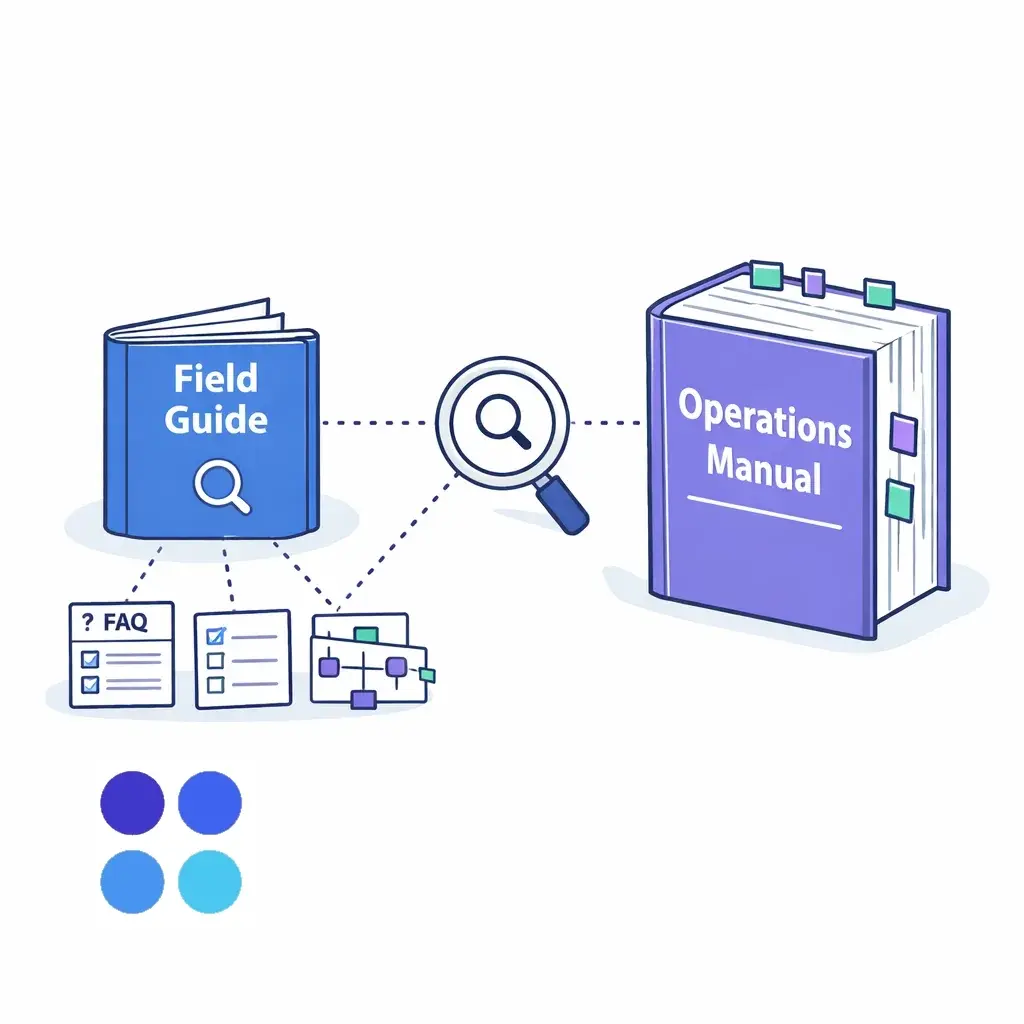
Short entries that answer one question or explain one process
Easy to update (5 minutes, not 50)
Linked to reality (what customers asked this week, what changed, what broke)
Used during calls (not just during onboarding)
Think: FAQ cards, checklists, decision trees, and escalation rules — not essays.
Your best knowledge base topics aren’t invented in a meeting. They’re hiding in plain sight:
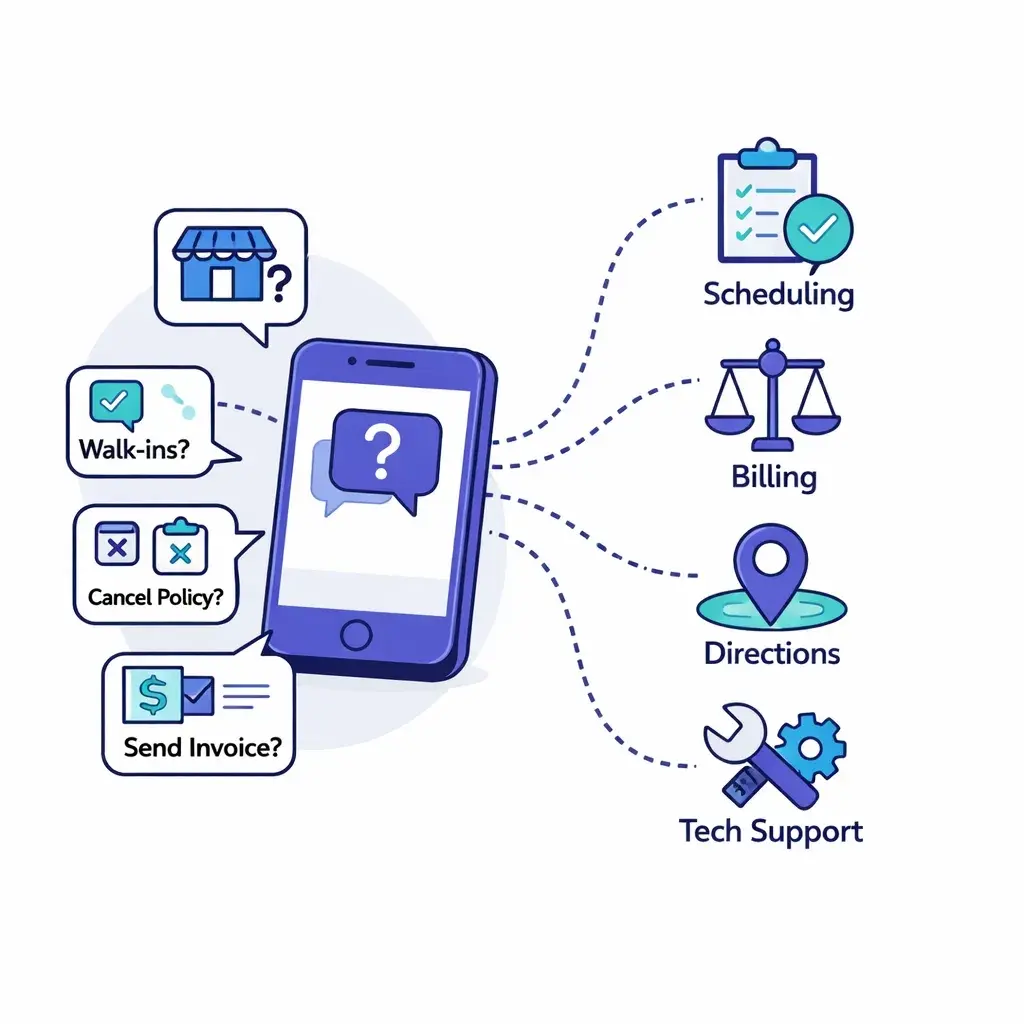
“Do you accept walk-ins?”
“What’s your cancellation policy?”
“Can you send an invoice?”
“Where should I park?”
“Is this covered by insurance?”
“How long does it take?”
“Can I talk to a manager?”
If you track and summarize calls consistently, the knowledge base practically writes itself — because customers tell you what they need to know.
Your first milestone should not be “a complete knowledge base.”
Aim for this instead:
A usable v1 in 2 weeks:
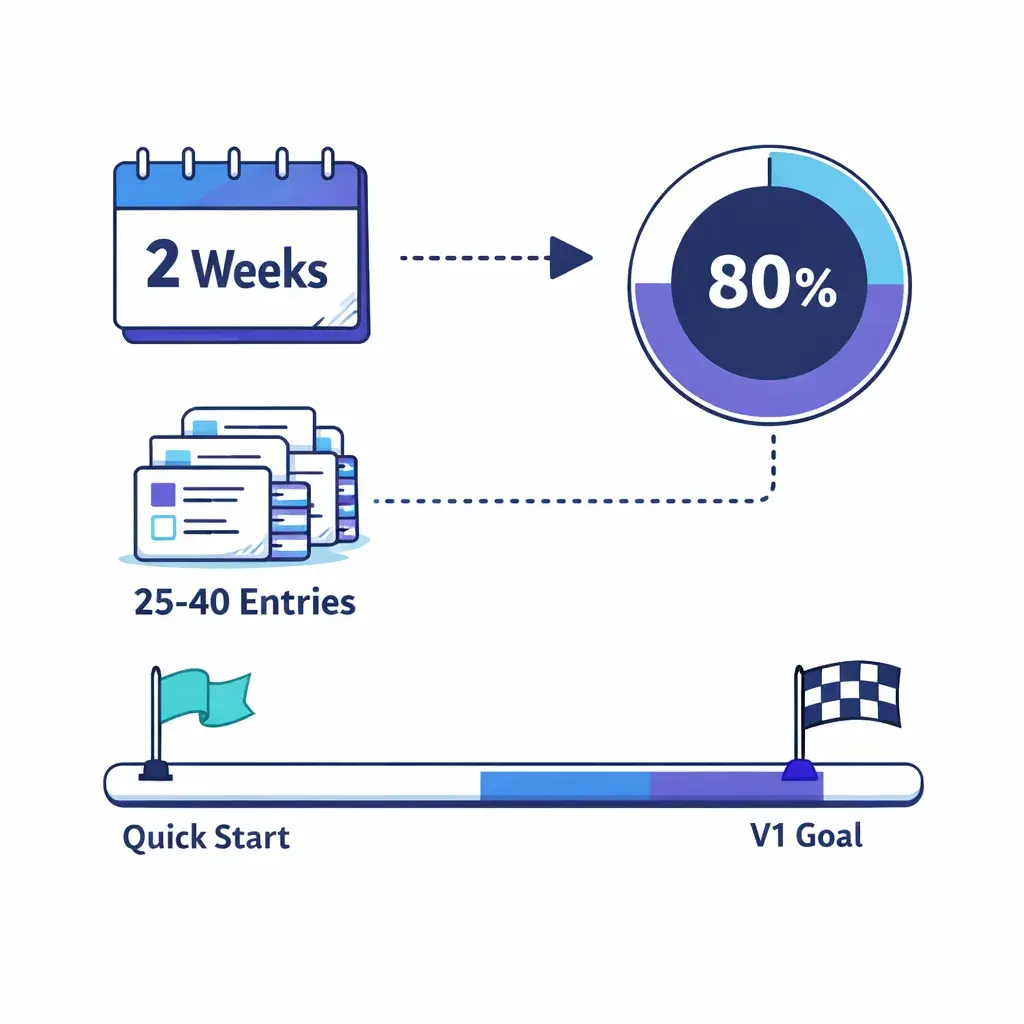
25–40 entries
Covers 80% of your call volume
Every entry fits on one screen
That’s enough to reduce confusion, improve consistency, and speed up training — fast.
Here’s the simple pipeline you’re building:
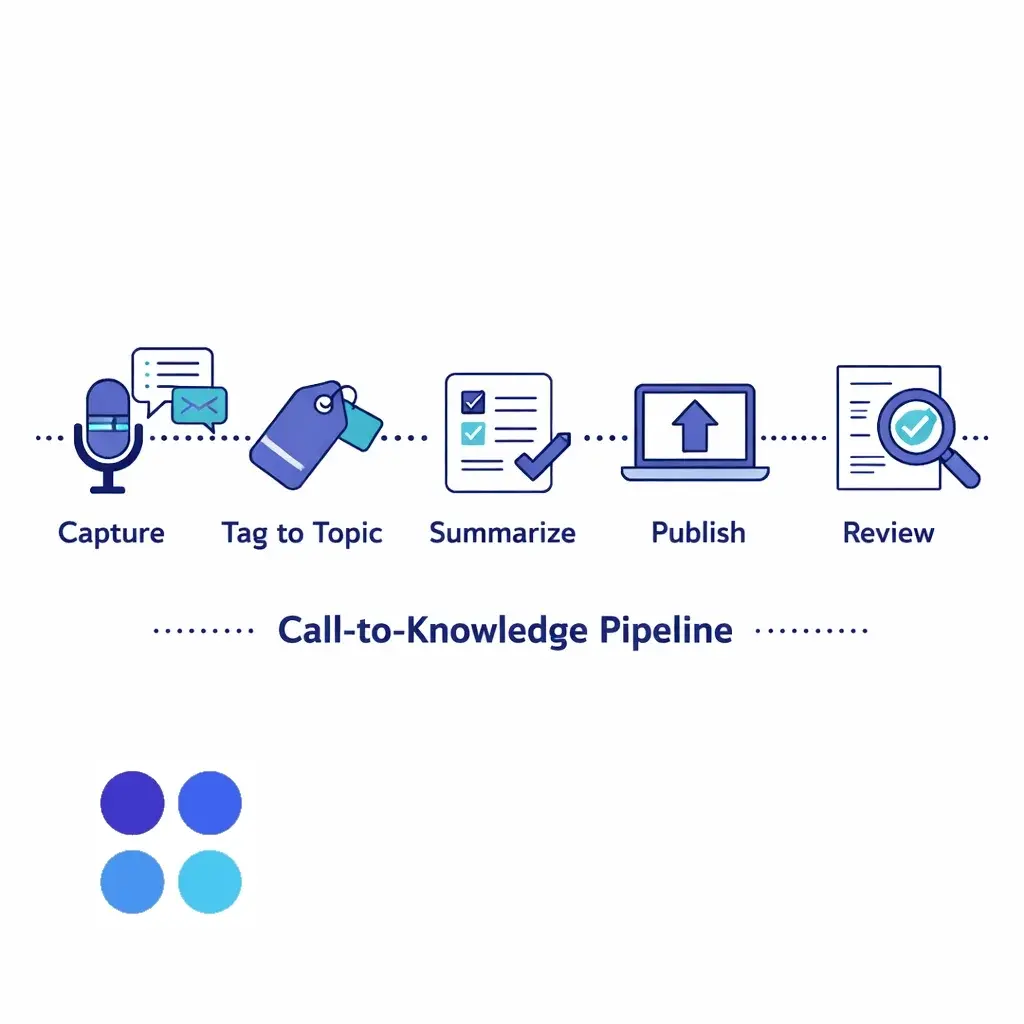
Capture the call outcome (what was asked + what answer worked)
Tag it to a topic (billing, scheduling, product, policy, etc.)
Summarize it into a reusable entry
Publish it in one searchable place
Review it weekly so it stays current
If you partner with a virtual receptionist/answering service like Go Answer, you can accelerate this because calls can be consistently handled, documented, and categorized — then routed into your knowledge workflow.
Your taxonomy is just the set of buckets you’ll tag calls into. Keep it human-simple:
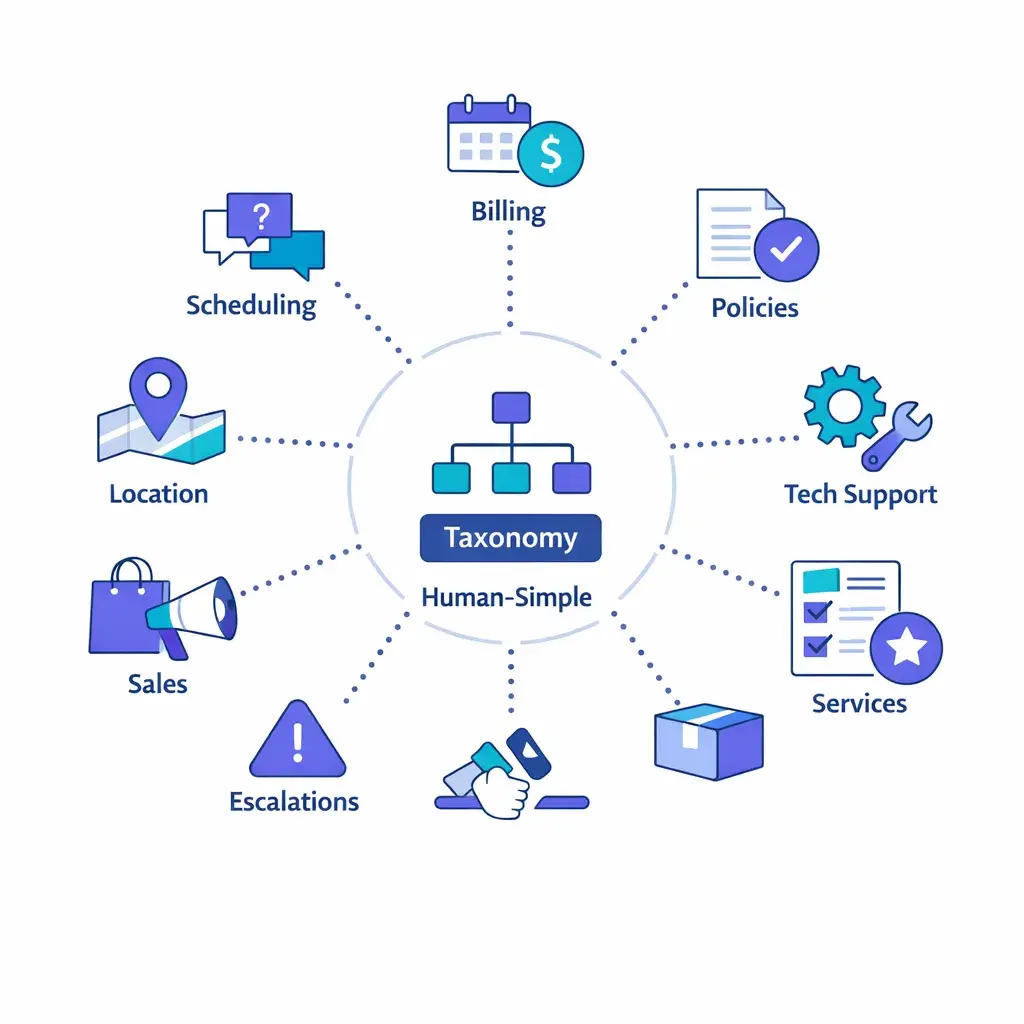
Scheduling & availability
Pricing & billing
Policies (cancellations, refunds, returns)
Location & directions
Services / products
Tech support / troubleshooting
Sales / lead qualification
Escalations (manager requests, complaints)
That’s plenty.
Rule: If you can’t tag a call in 3 seconds, the taxonomy is too complicated.
The fastest knowledge bases aren’t written — they’re filled out.
Use templates that force brevity:
Question:
Best answer (2–4 sentences):
If they ask X, say Y:
Escalate when:
Goal:
Steps:
Common mistakes:
Required tools/links:
If A → do B
If not A → ask C
If C is yes → do D
If C is no → escalate
Escalate when:
Who owns it:
What to collect first:
Expected response time:
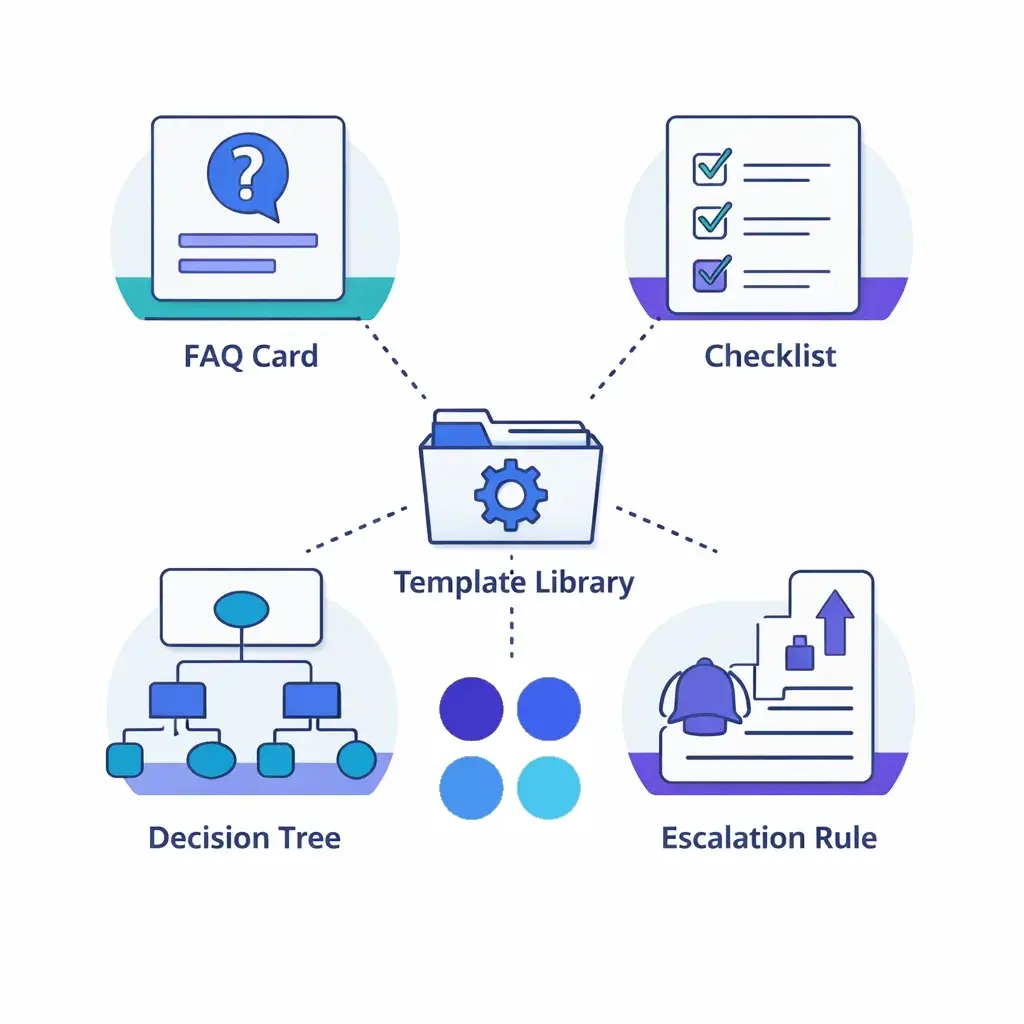
Once these exist, your team isn’t “writing documentation.” They’re completing a form.
To avoid writing a novel, you need ruthless prioritization.
Start with:
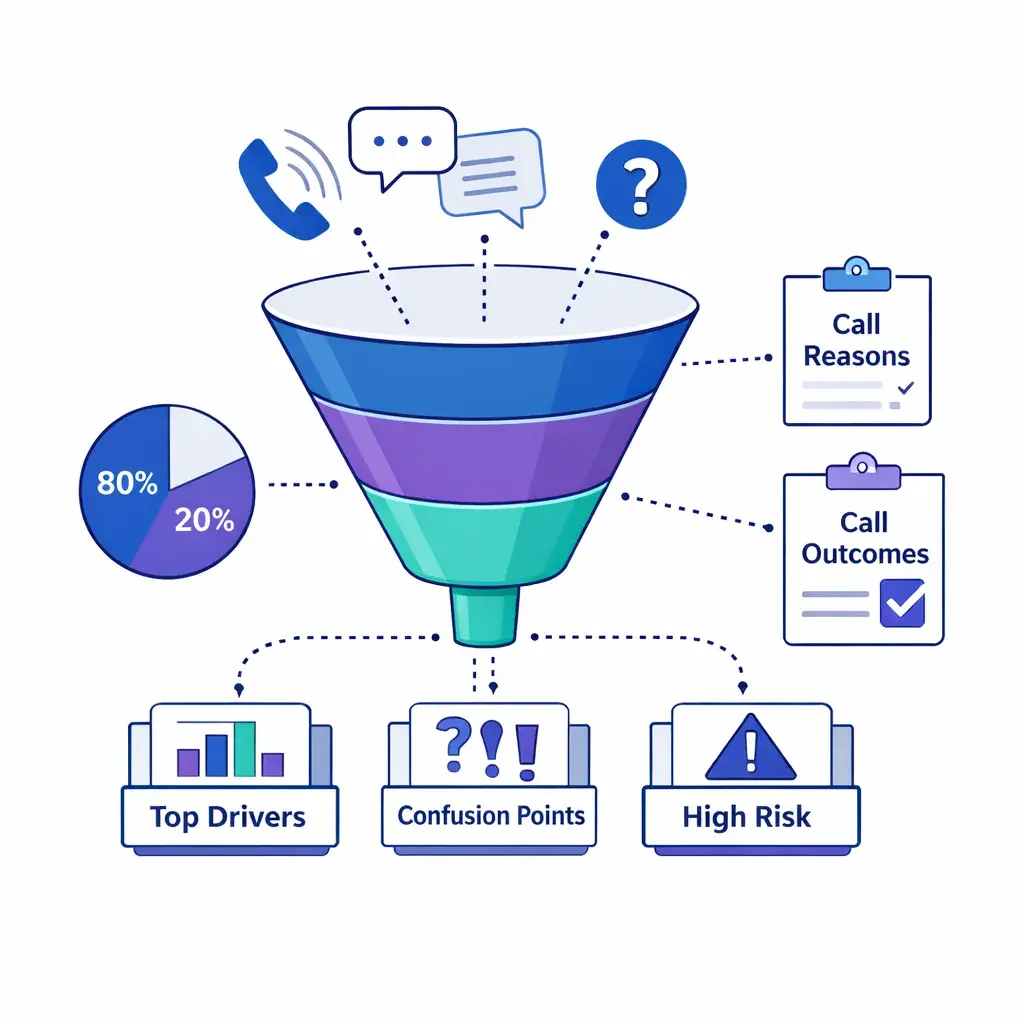
Your top 10 call drivers (most common reasons people call)
Your top 10 confusion points (where staff answers vary)
Your top 5 high-risk topics (refunds, compliance, pricing disputes)
That’s your initial backlog.
If you don’t know your call drivers yet, begin with a one-week sprint:
For every call, capture: Reason + Outcome + Any Friction
You’ll see patterns within days
Here’s the mindset shift:
Don’t document the entire conversation.
Document the reusable part.
A great knowledge entry usually contains:
The customer’s underlying question
The correct answer in plain language
One follow-up question your team should ask
One boundary condition (“we can’t do that if…”)
That’s it.
If an entry takes longer than 7 minutes to create, it’s too big.
Break it into:
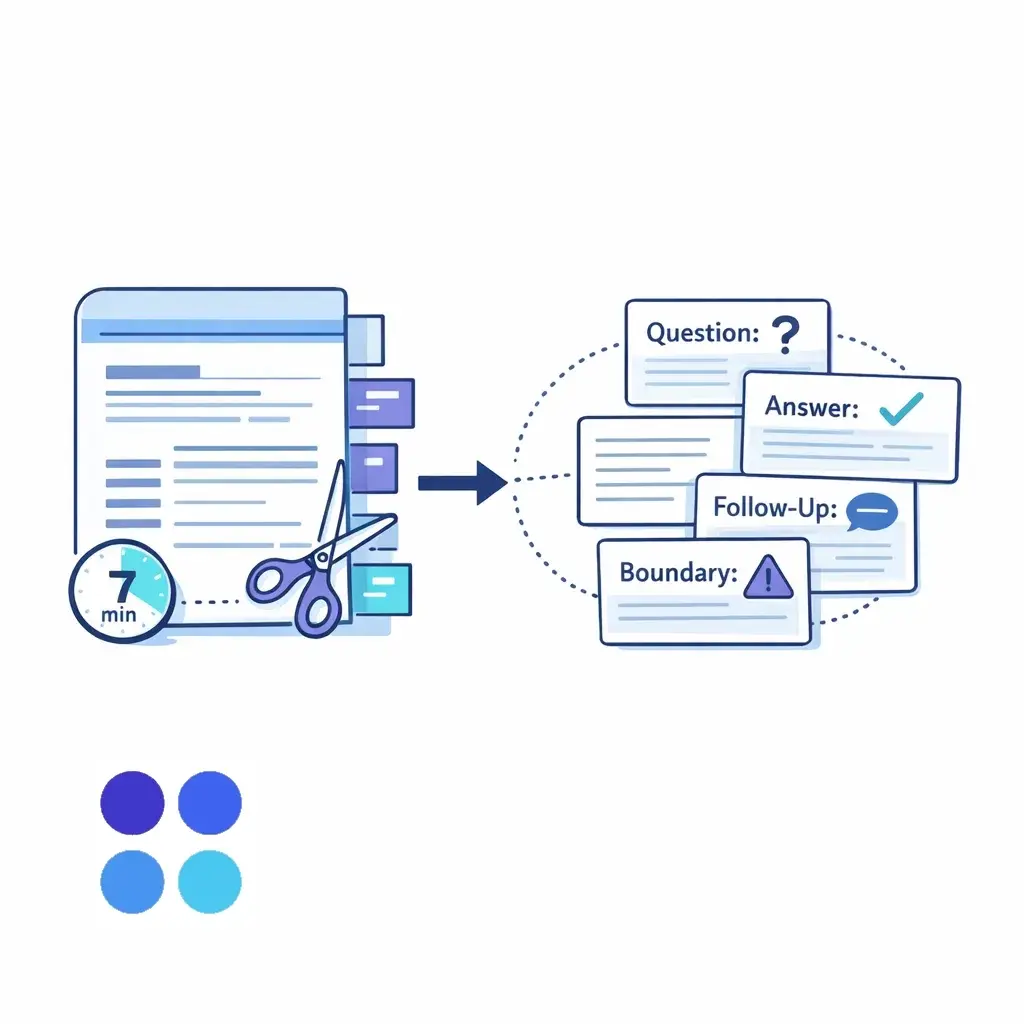
One FAQ card for the main question
One checklist for the process
One escalation note for exceptions
A knowledge base dies when nobody owns it.
Use a weekly rhythm:
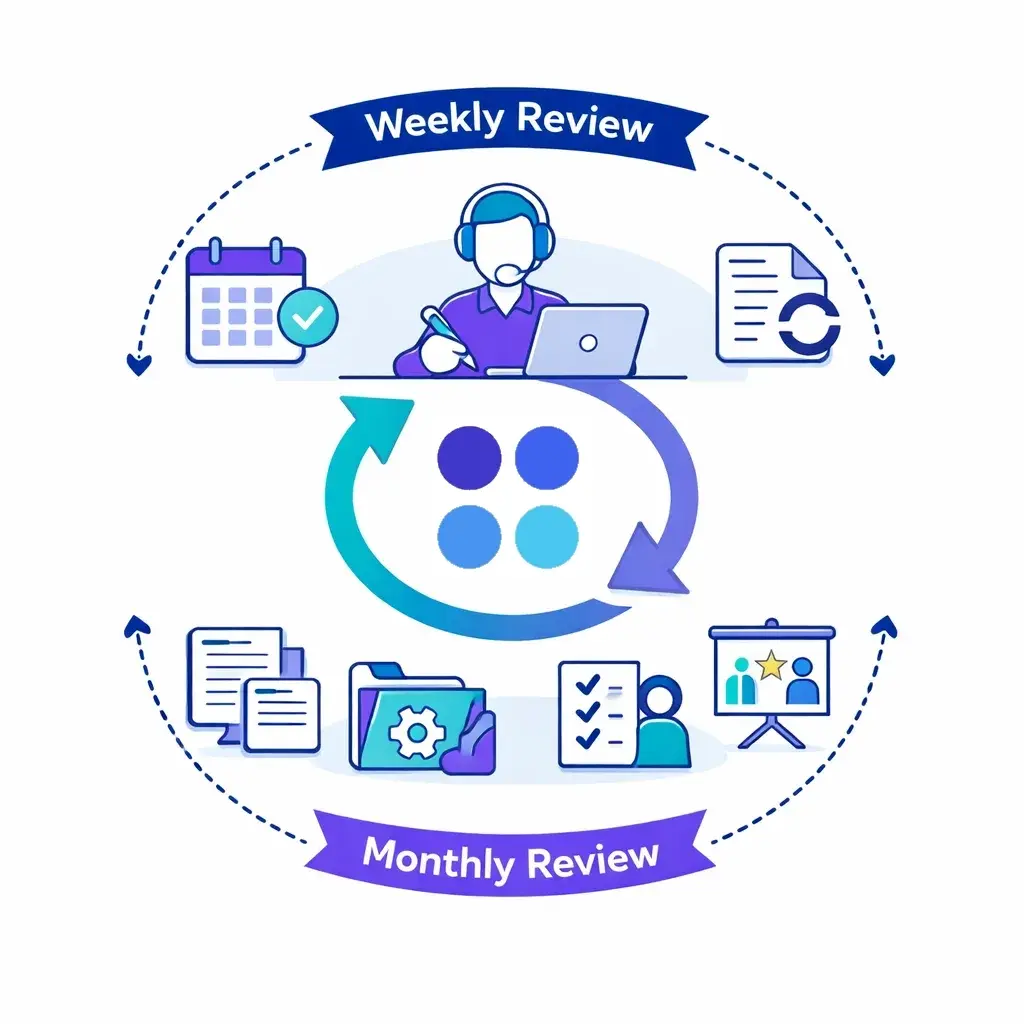
Review the top 10 tagged call topics
Update or create 5 entries
Flag anything that needs an owner decision
Remove duplicates
Merge outdated policies
Add 3 “training favorites” for new hires
Ownership tip: Give one person “editor” rights (even if everyone can suggest updates). Consistency matters.
A knowledge base isn’t for someday. It’s for right now.
To make it call-friendly:
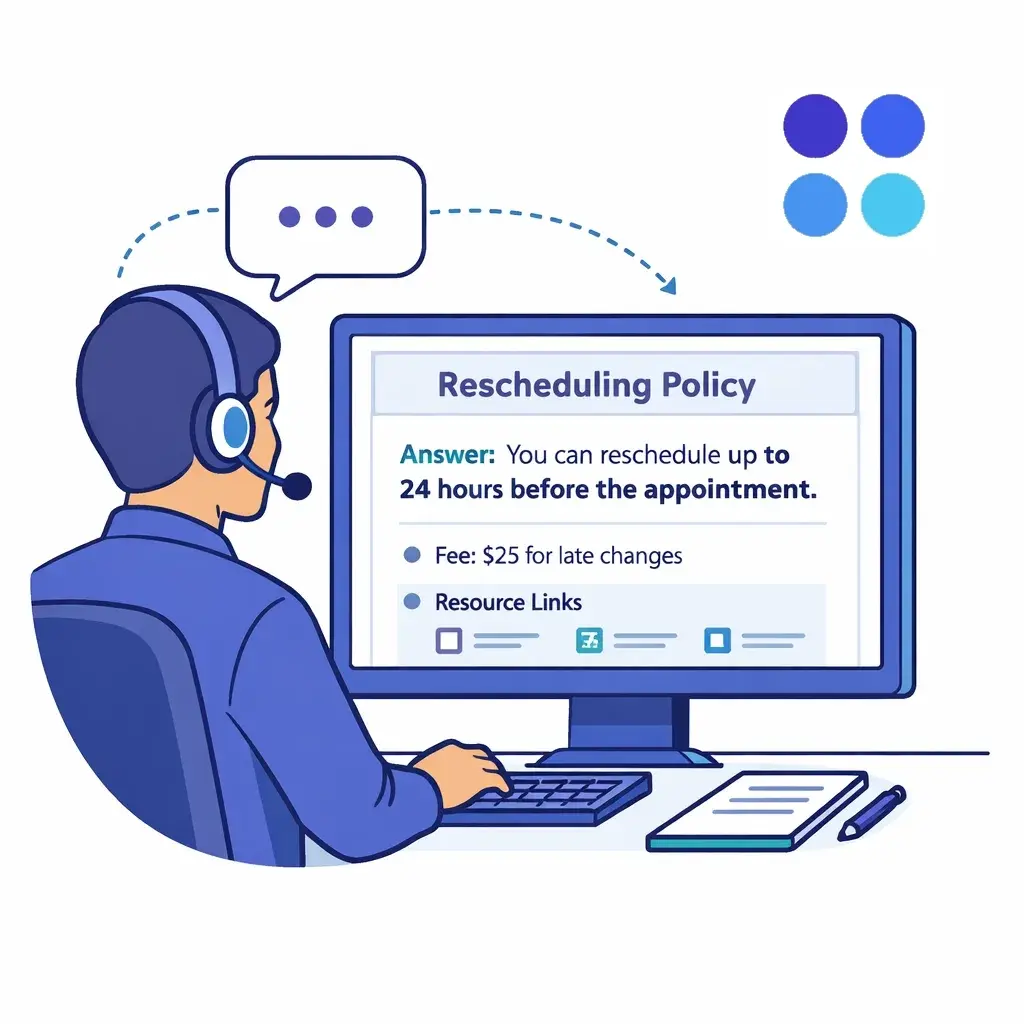
Keep titles question-based: “Do you accept walk-ins?”
Put the answer at the top (no scrolling)
Use bold for key numbers, policies, and limits
Keep links under a “Resources” line
If you’re using live answering support, this becomes even more valuable: consistent answers across every shift, every day, even after hours.
You don’t need AI to build a knowledge base — but it can help you move faster.
A smart workflow is:
Use AI to summarize call notes into a draft FAQ/checklist
Have a human quickly approve/edit before publishing
This is the “without writing a novel” accelerator: you’re editing short drafts, not starting from scratch.
At Go Answer, that same philosophy applies across services: live human agents supported by AI-assist tools, and an AI virtual receptionist option that can hand off to humans when needed — so your customer experience stays consistent while your internal documentation gets better over time.
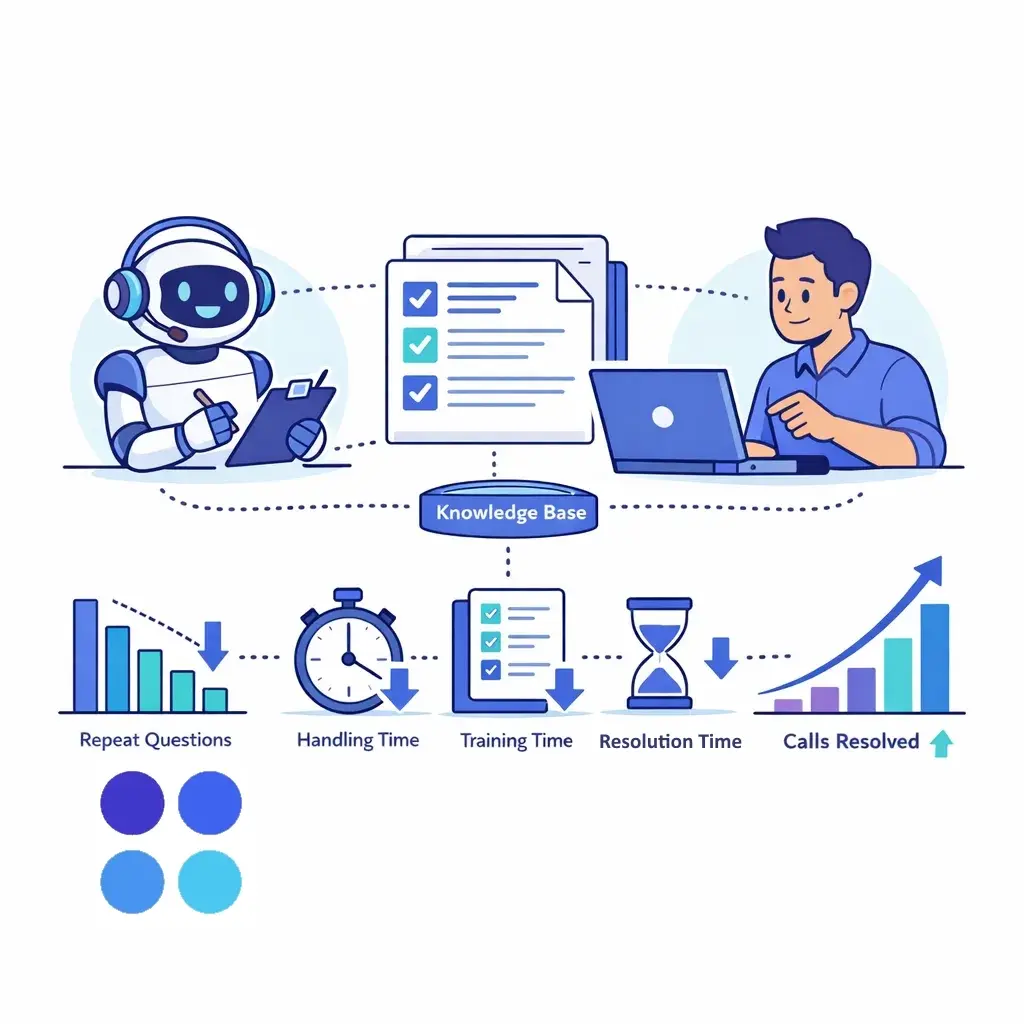
You’ll know your knowledge base is improving when:
Repeat questions go down
(fewer internal pings, fewer “wait, what do we say?” moments)
Call handling gets faster
(less searching, less hold time, fewer transfers)
Training time shrinks
(new hires get confident in days, not weeks)
If you want one “north star” metric:
% of calls resolved without escalation should rise steadily.
Call theme: “Can I reschedule my appointment?”
Knowledge base entries created:
FAQ Card: Rescheduling policy (time window, fees, how to do it)
Checklist: Steps to reschedule (verify identity, confirm availability, update calendar, send confirmation)
Escalation Rule: Exceptions (medical emergencies, VIP clients, repeat no-shows)
Now every team member answers the same way — on day one.
A living knowledge base thrives on two things: consistent calls and consistent documentation.
Go Answer supports that by helping businesses:
Capture reliable call notes and outcomes
Keep messaging consistent across all hours and team members
Handle overflow, after-hours, and peak times without losing quality
Provide human-driven customer experiences with modern tools — and optional AI virtual receptionist coverage with seamless handoff to people when situations call for it
The result is a smoother call experience and a steady stream of real-world insight you can turn into a knowledge base that actually gets used.
If you do nothing else, do this:
Create the 4 templates (FAQ, checklist, decision tree, escalation rule)
Write 10 FAQ cards based on your most common calls
Schedule 30 minutes weekly to add 5 more
In a month, you’ll have something most businesses never build: a living, practical, reality-tested knowledge base — without writing a novel.

Learn why thousands of companies rely on Go Answer.
Try us risk-free for 14 days!
Enjoy our risk-free trial for 14 days or 200 minutes, whichever comes first.
Have more questions? Call us at 888-462-6793
Learn why thousands of companies rely on Go Answer.
Have more questions? Call us at 888-462-6793
If you would like to get in contact with a Go Answer representative please give us a call, chat or email.

Thanks for your interest!
A representative will be reaching out to you shortly.
Have more questions? call us on 888-462-6793
