
PCI for Phone Payments: Safe Ways to Take Cards (and What to Never Say)
By Eddie FieldsLast modified: February 3, 2026
Voted Top Call Center for 2024 by Forbes
Virtual Receptionists
Save time and money with our virtual receptionists.
AI Receptionist
AI-powered receptionist that answers, routes, and qualifies calls 24/7.
Enterprise Solutions
Solutions designed to scale with your organization’s needs.
Legal Services
Our virtual legal receptionists are experts in legal intake.
Last modified: February 3, 2026
Taking card payments over the phone is still part of daily life for service businesses — law firms collecting retainers, clinics taking copays, contractors booking deposits, property managers processing rent, and plenty more.
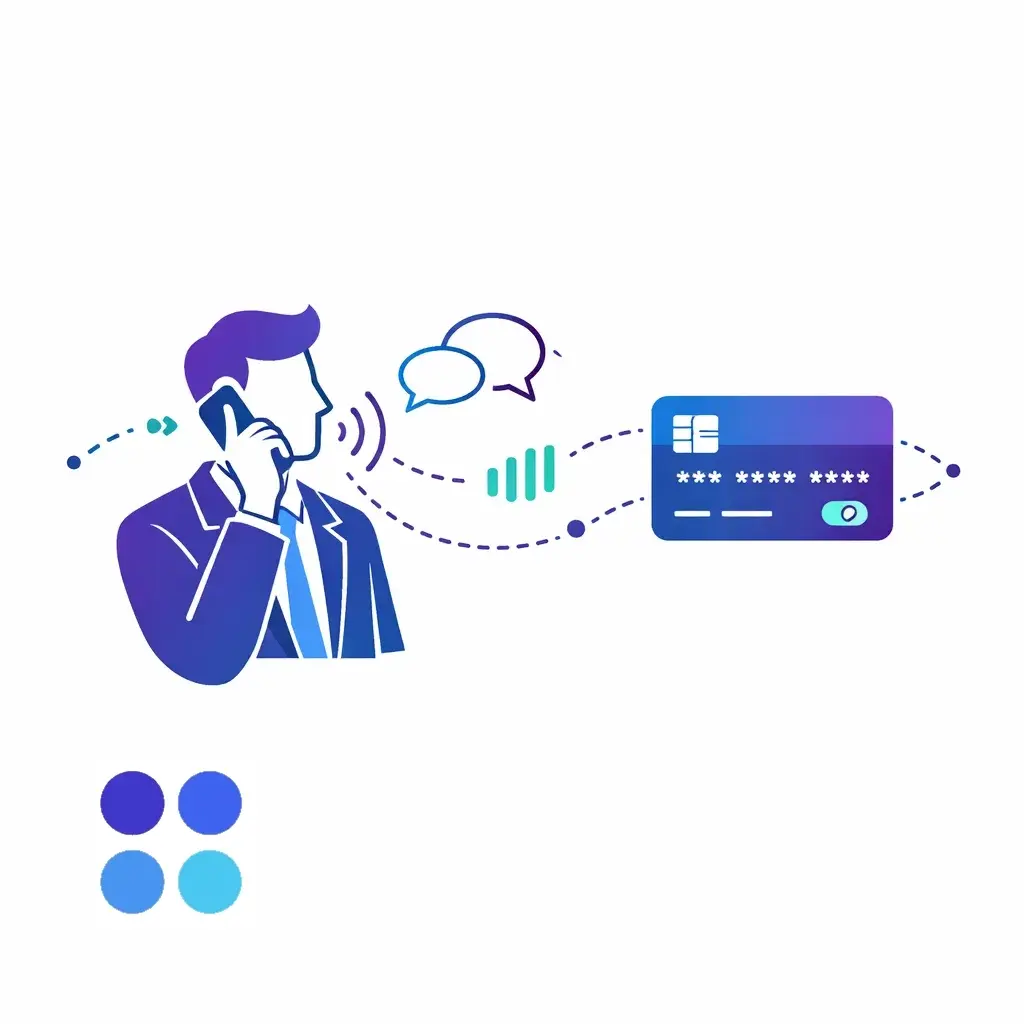
But “card-not-present” phone payments come with a unique risk: the most sensitive data is spoken out loud. If that audio is recorded, transcribed, or typed into the wrong field, you can accidentally expand your PCI scope overnight — and create a data exposure you’ll be cleaning up for a long time.
This guide breaks down practical, PCI-friendly ways to accept payments over the phone, plus the exact kinds of phrases your team should avoid (and what to say instead). This post is educational, not legal advice — always confirm requirements with your acquirer/payment provider or a qualified assessor.
PCI DSS (Payment Card Industry Data Security Standard) is the baseline security standard for organizations that store, process, or transmit cardholder data — or that can impact the security of that data. (Middlebury)
Phone payments are explicitly part of the picture. PCI’s telephony guidance notes that PCI DSS requirements apply across all payment acceptance channels, including mail order / telephone order (MOTO).
In plain English:
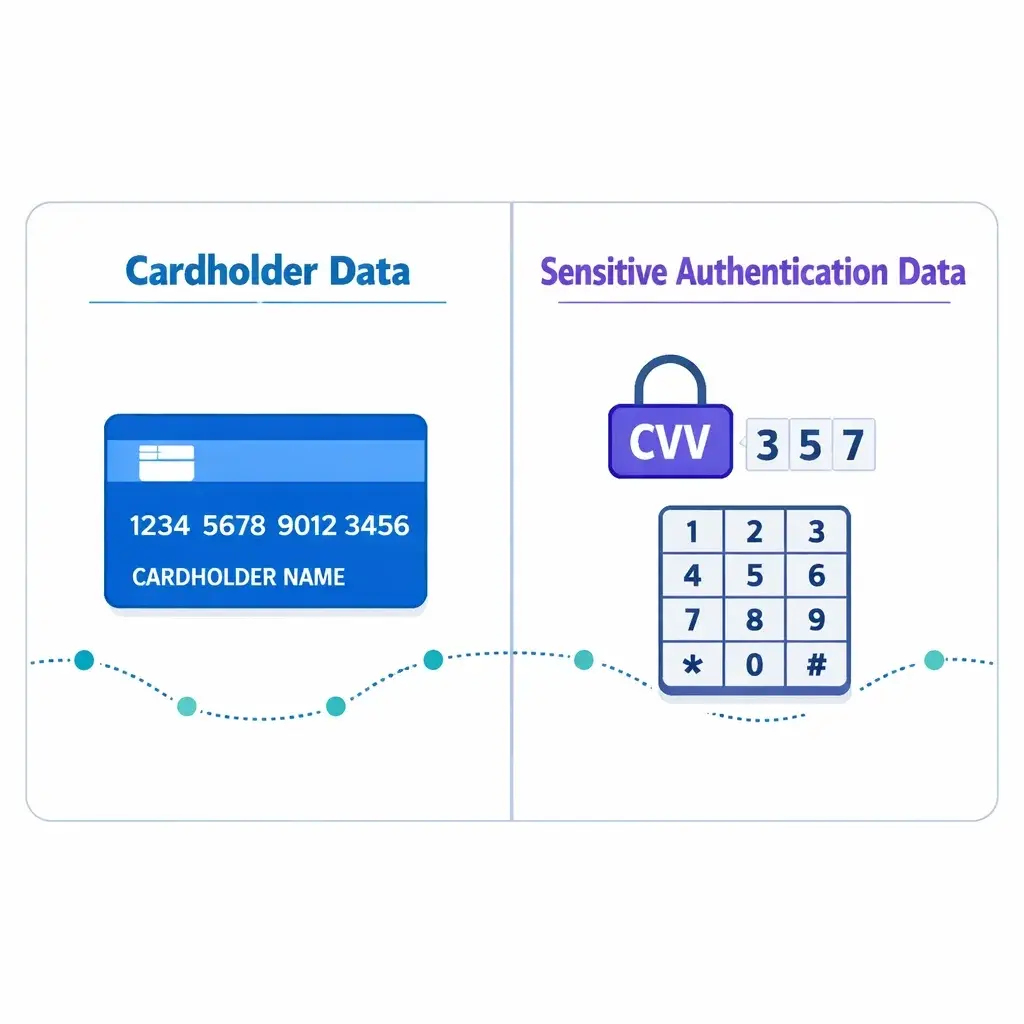
Cardholder data (CHD) includes the primary account number (PAN) (the card number) and, if present with the PAN, things like cardholder name and expiration date.
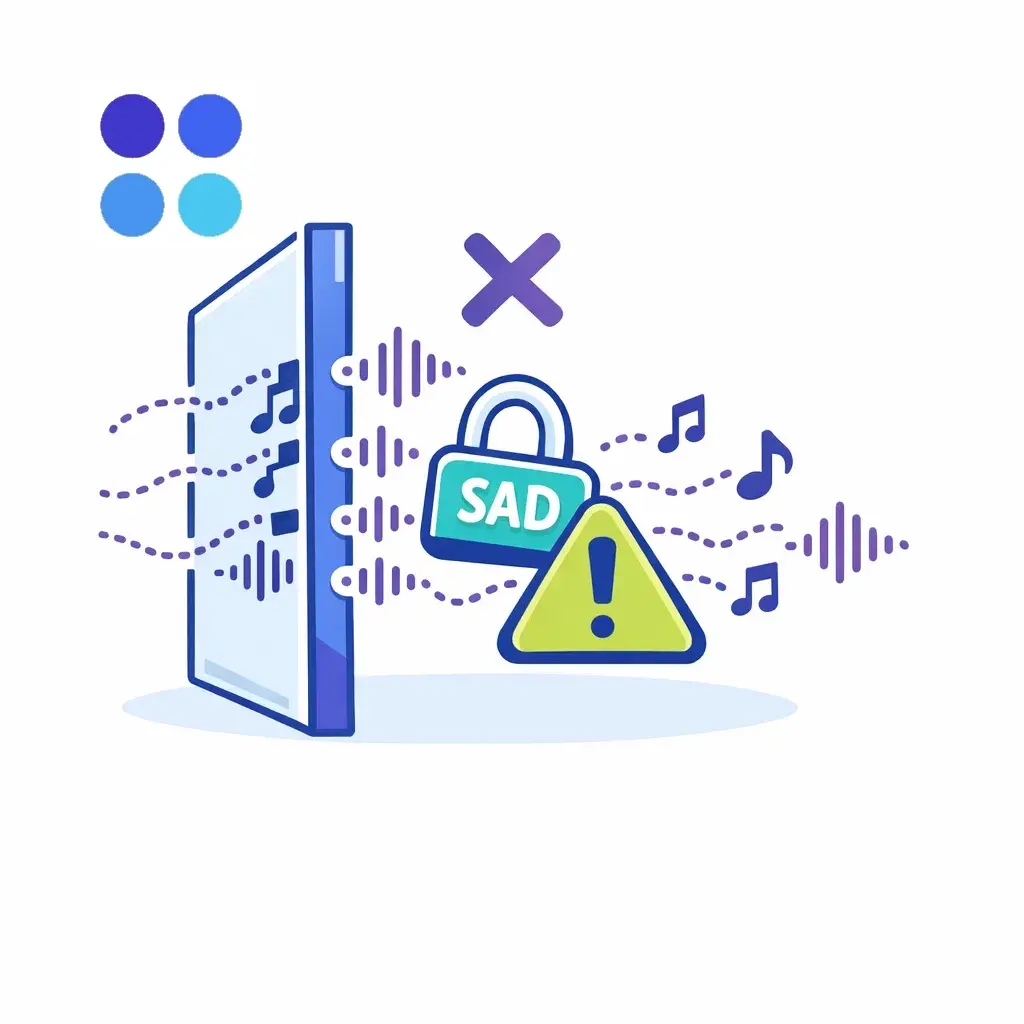
Sensitive authentication data (SAD) includes CVV/CVC, PIN/PIN blocks, and full track data.
The golden rule: SAD must not be stored after authorization — even if encrypted. PCI SSC emphasizes that this rule applies even in environments where no PAN is present, because SAD can be correlated with other stolen data. (PCI Security Standards Council)
And PCI SSC is explicit that card verification codes (CVV/CVC) cannot be retained after authorization, even for card-on-file/recurring use cases — and customer “permission” doesn’t make it allowable. (PCI Security Standards Council)
So your real operational goal for phone payments is:
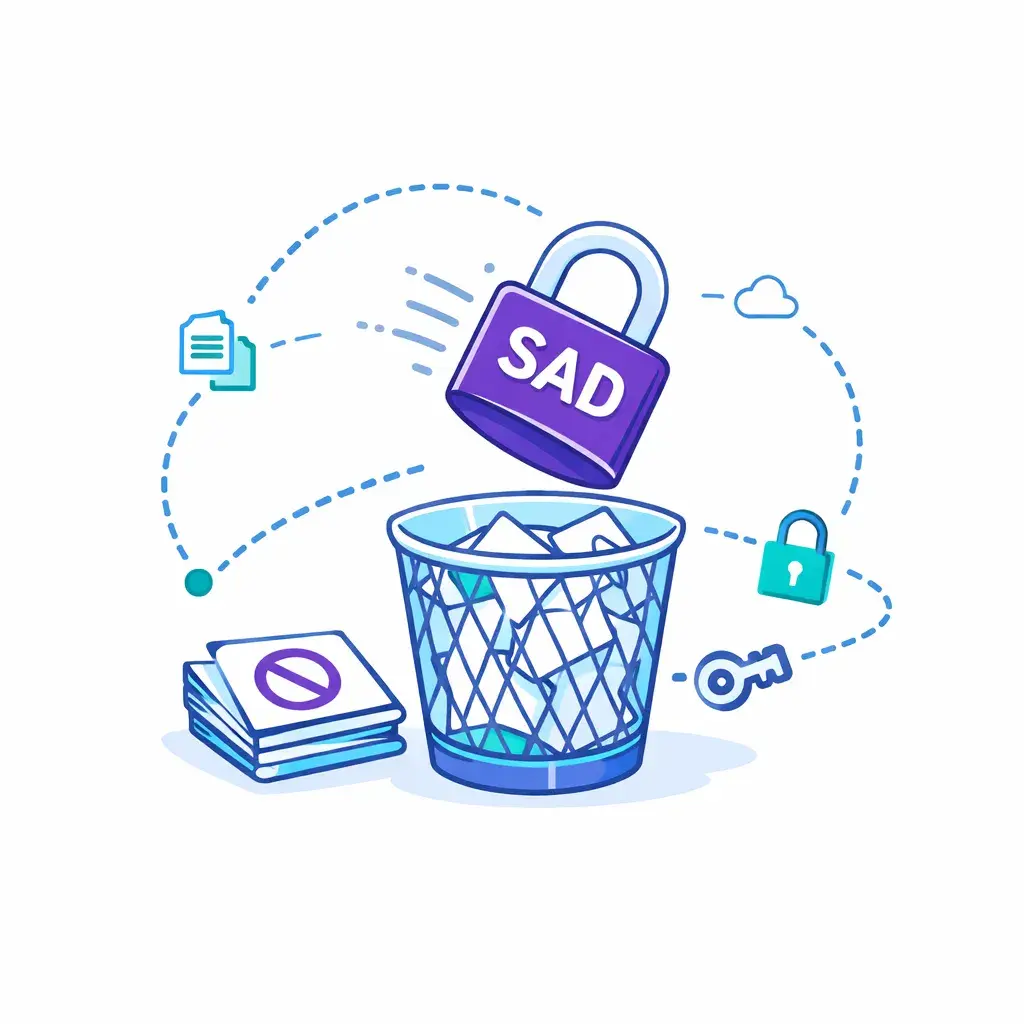
Keep the agent environment (and anything that records/transcribes calls) from ever capturing or retaining PAN/CVV in the first place.
With DTMF masking, the customer enters the card number on their phone keypad while staying on the call. PCI’s telephone guidance describes DTMF suppression as removing the tones, and DTMF masking as replacing those tones with a random/flat tone — so the tones can’t be used to recover the digits.
Why this is strong: When properly designed and deployed, a DTMF-masking solution can take not only the telephony environment but also the agent environment and CRM out of PCI scope (unless you have a business reason to keep them in scope).
What to watch for:
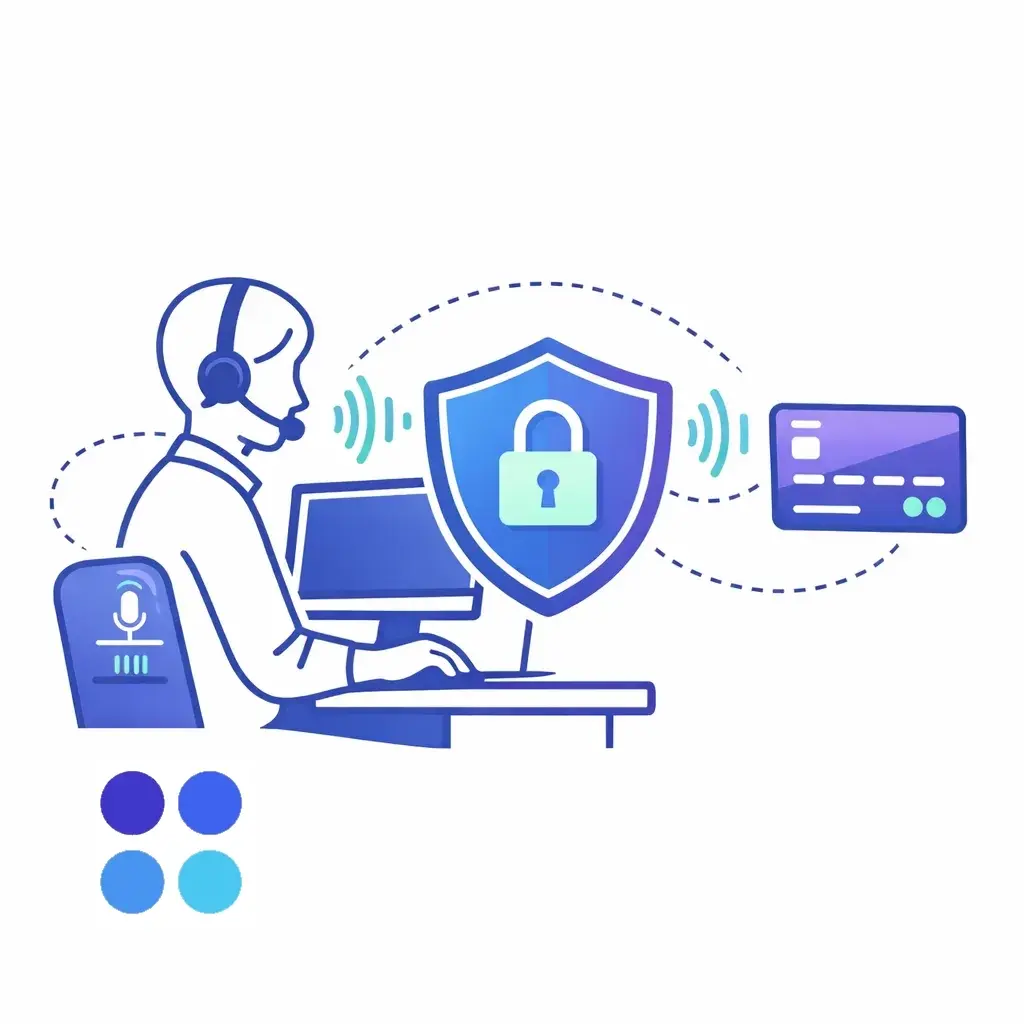
DTMF “bleed.” PCI telephony guidance warns that some masking relies on detection that can introduce a delay, letting a tiny portion of tones slip through — so you must ensure all tones (including any bleed) are not present in the environment.
Confirm your call recording/screen recording truly cannot capture the tones or the digits.
Make sure any transmission from the masking solution to the payment provider is secured.
Best for: High call volumes, businesses that must keep an agent on the line, teams that need call recording for quality — but want payment data excluded.
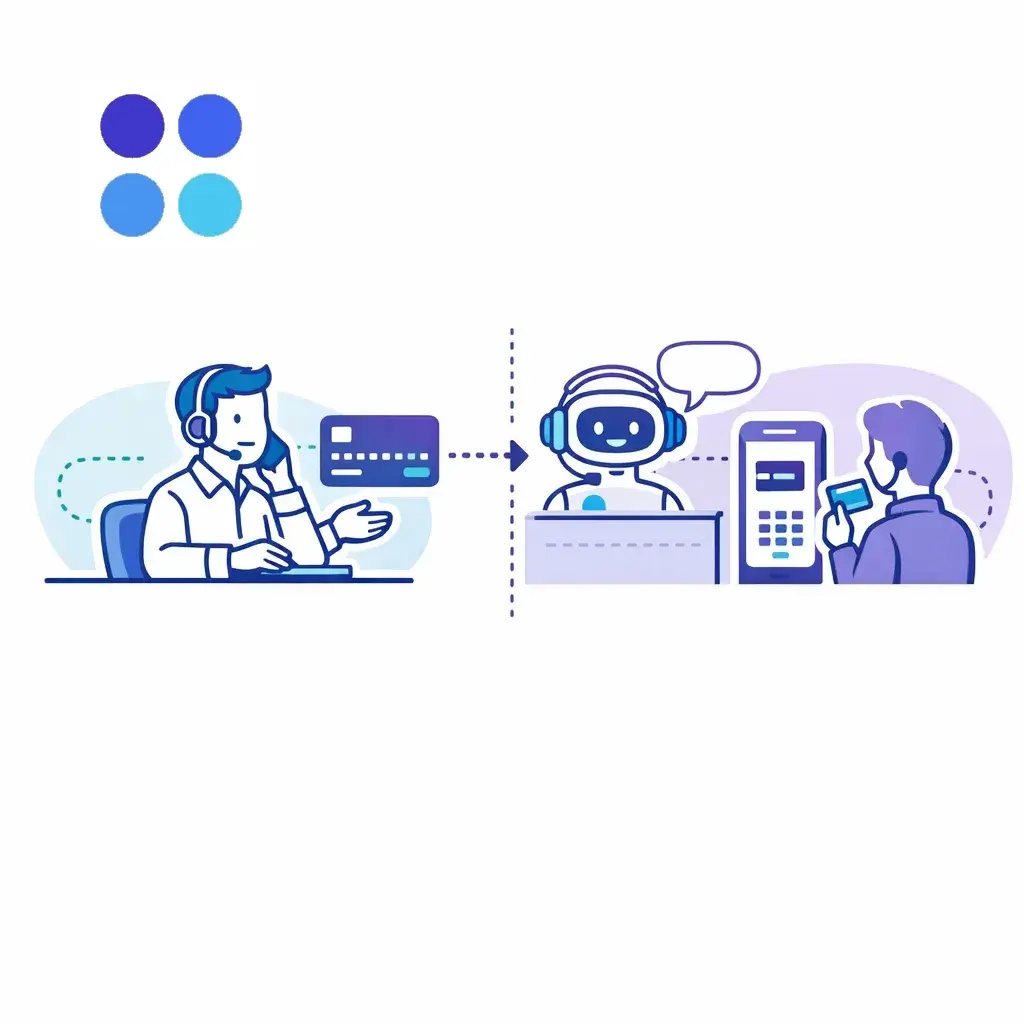
In an unattended transaction, the agent transfers the caller to an IVR or automated flow for the payment portion. PCI’s telephony guidance explains that account data transmission can be by voice (customer speaks details) or by DTMF (customer keypad entry).
The intent of these solutions is to bypass the agent when account data is transmitted, avoiding exposure to the agent.
Why this is strong: If PAN/SAD bypass the agent environment and neither the agent nor their desktop can access/retrieve account data, PCI scope can be significantly reduced.
Best for: After-hours payments, appointment deposits, recurring scenarios where the customer can self-complete quickly.
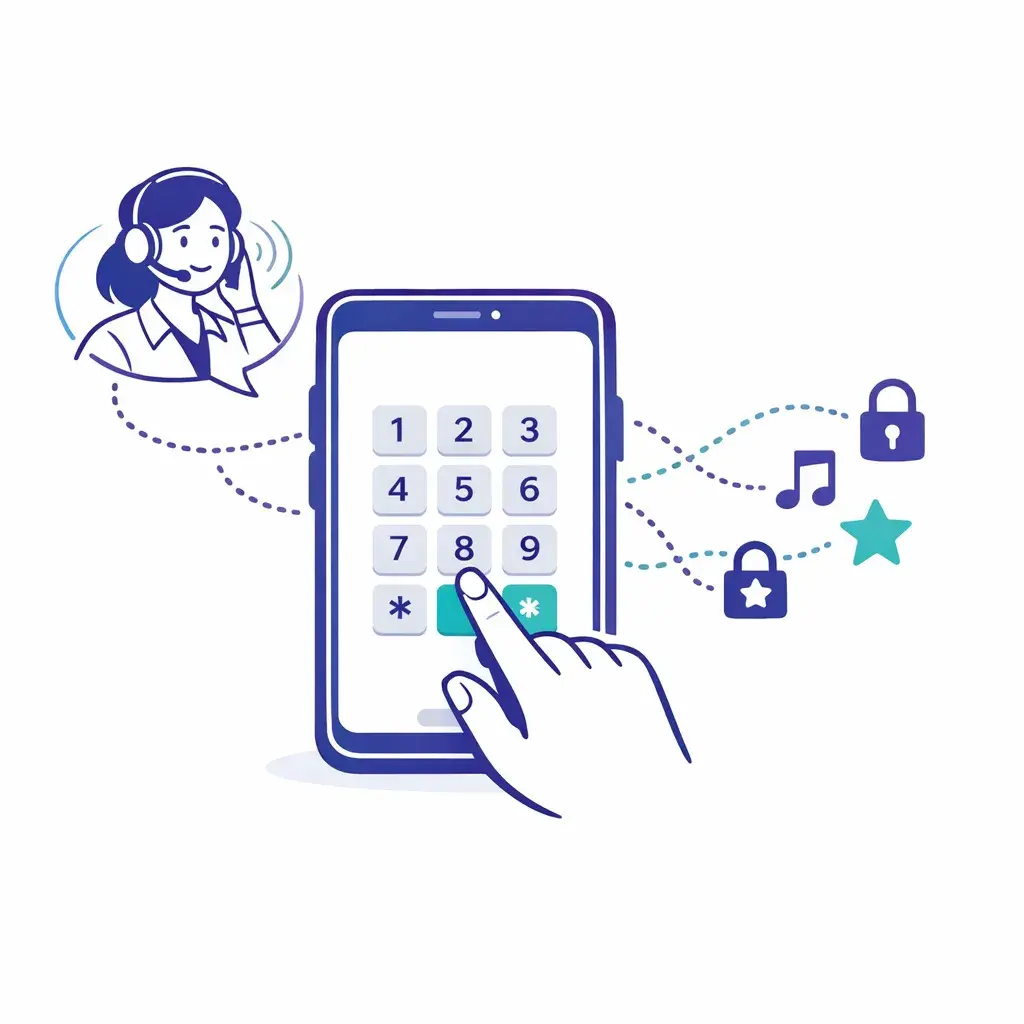
Instead of collecting numbers verbally, you send a secure hosted payment link (email/text) and stay on the call while the customer completes it.
Why this is strong: Your agents don’t touch card data at all. It’s also customer-friendly: no reading digits aloud, less chance of mistakes.
What to get right:
Use your processor’s hosted payment page or PCI-compliant link tool (not a DIY form).
Train agents to verify identity before sending the link (especially for high-value payments).
Confirm your policy for where the receipt/confirmation gets stored (your system should keep confirmations, not the full card details).
Best for: Retainers/deposits/invoices, professional services, any business already using email/SMS confirmations.
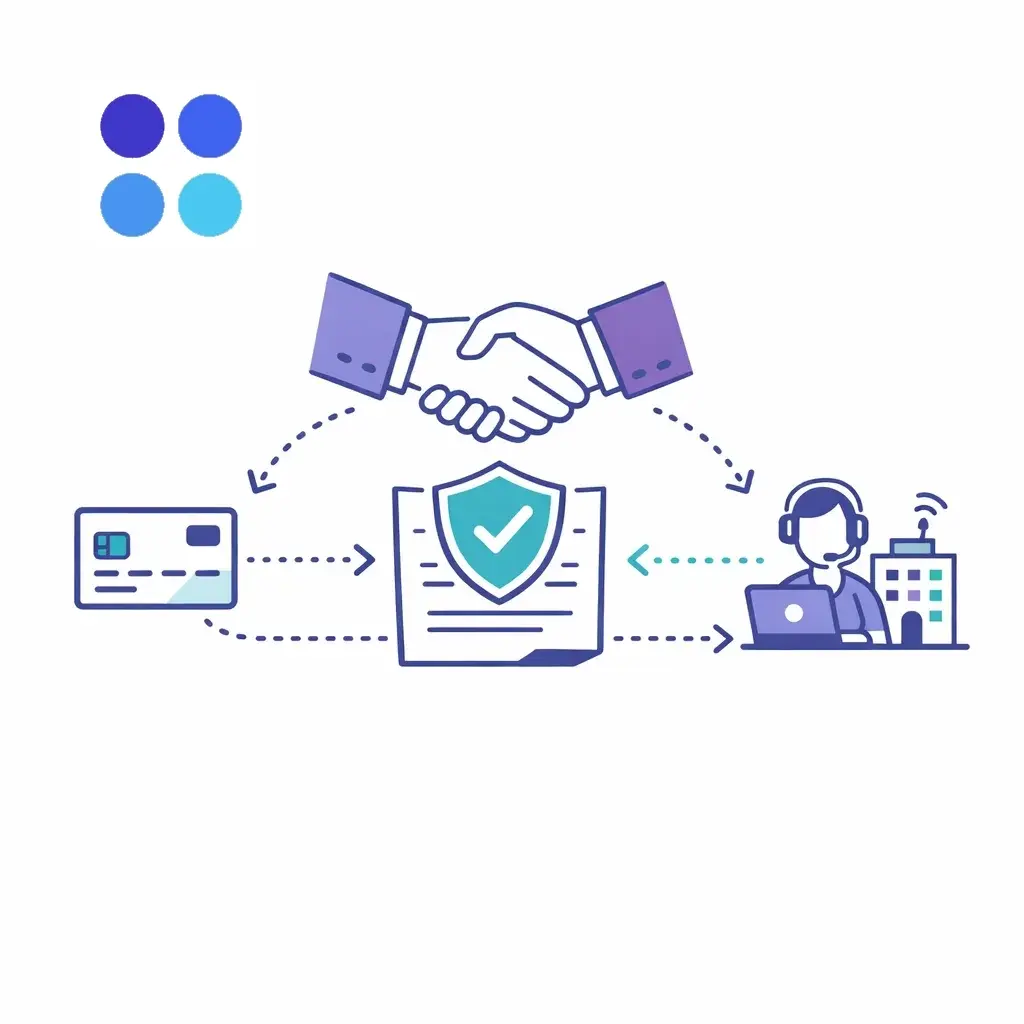
PCI’s guidance notes that outsourcing to a PCI DSS validated third-party service provider may be an option for securing telephone environments.
Why this can help: You may reduce what’s in scope for your own environment — if the vendor architecture truly prevents your systems from capturing payment data.
Reality check: Outsourcing doesn’t eliminate responsibility. You still need to understand data flows, confirm vendor compliance status, and ensure your internal processes don’t reintroduce risk (like agents typing card data into notes).
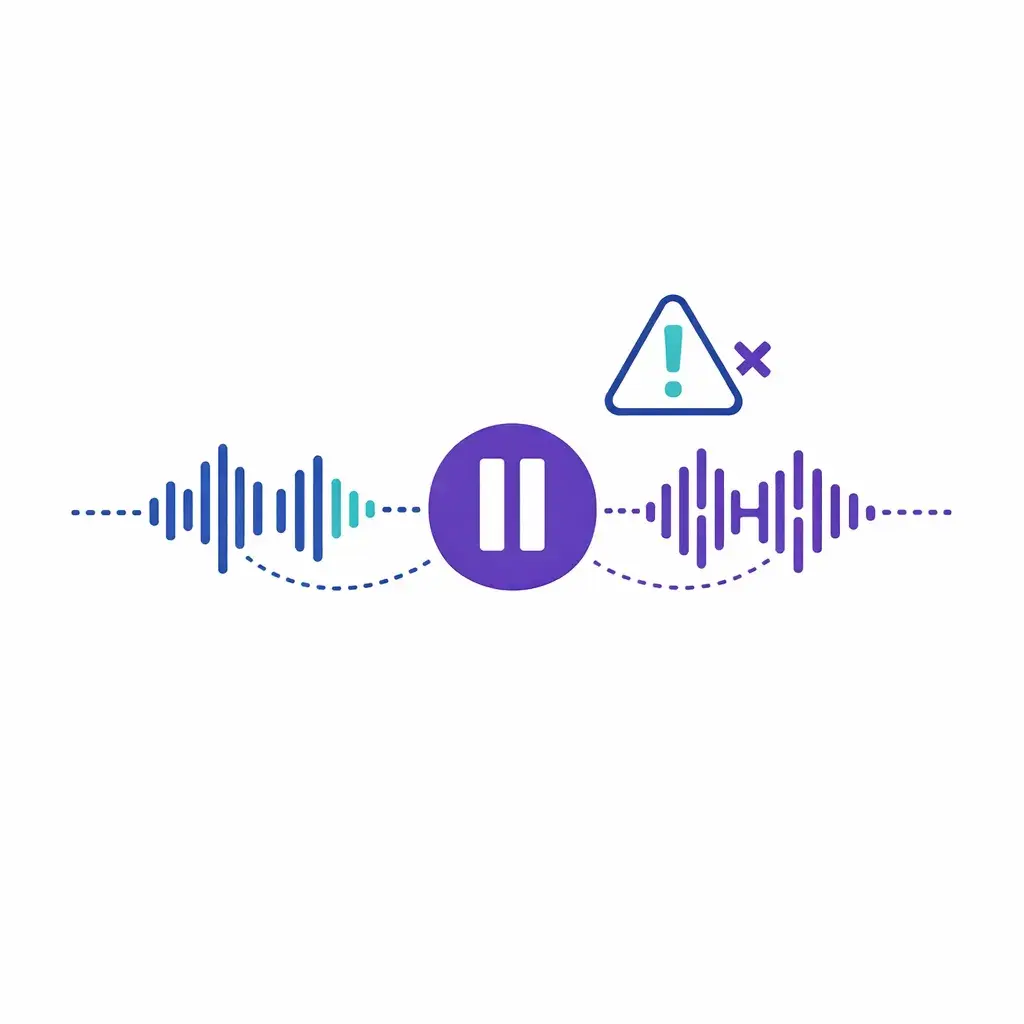
“Pause-and-resume” is common: stop recording while payment details are shared, then resume afterward. PCI’s guidance describes the goal as preventing account data from being recorded by temporarily halting recording and resuming after payment transmissions are complete.
The big catch: Even if this reduces PCI applicability for the call recording/storage system, it does not reduce PCI DSS applicability to the agent, the agent desktop environment, or other systems in the telephone environment.
PCI also calls out human-error risks with manual pause/resume (forgetting to pause or restart), and recommends regular verification that recordings do not contain CHD or SAD — preferably weekly.
Best for: Transitional setups while moving toward DTMF/IVR/link-based payments.
If payment details can end up in recordings, you need extremely tight controls. PCI telephony guidance notes that recordings can capture clear-text CHD/SAD if spoken or captured through tones, and in order to meet PCI DSS, controls should ensure SAD is either not recorded or, if recorded, securely deleted immediately upon authorization.
This matters even more now that many phone systems create:

automatic call transcripts
voice analytics
searchable conversation intelligence
If you don’t explicitly design your payment flow to keep PAN/CVV out of those systems, you can accidentally create stored sensitive data in places no one thinks to check.
Below are the phrases that commonly get teams into trouble — not because they’re evil, but because they encourage unnecessary exposure, recording, or retention.
Say instead: “For your security, we can’t take card details via voicemail. I can text/email a secure payment link, or we can complete payment with our secure keypad/IVR option when you’re available.”
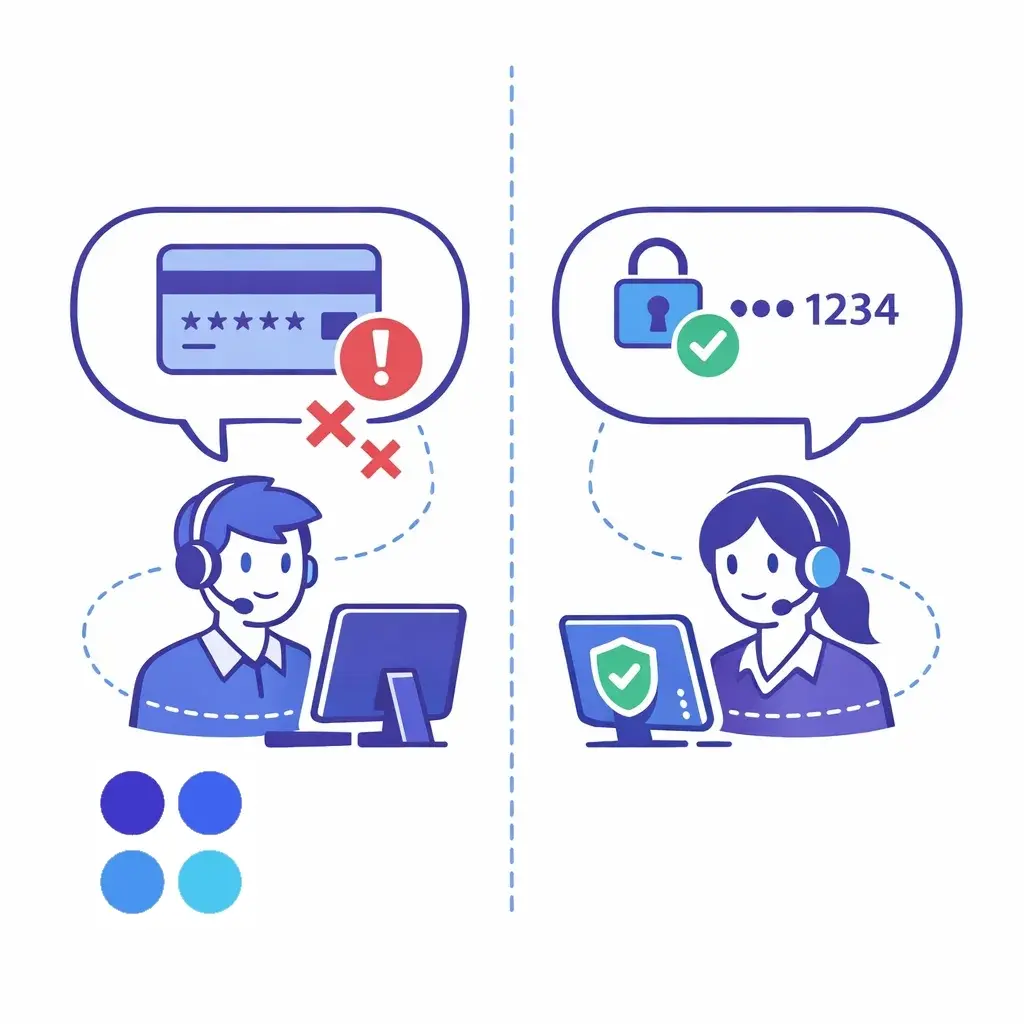
Say instead: “Thanks — I've got it. For security, I won’t repeat the full number. Can you confirm the last four digits of the card you’re using?”
Say instead: “I only need the card number, expiration date, and security code (if applicable). Please never share your PIN — no legitimate merchant should request it.” (And if you use DTMF/IVR, guide them to enter it there.)
Say instead: “We can store a tokenized payment method through our payment provider, but we don’t store security codes.”
(PCI SSC is clear that storing card verification codes after authorization is not permitted, including for card-on-file/recurring purposes. (PCI Security Standards Council))
Say instead: “For your security, please use our secure payment link or keypad/IVR option. We can’t accept card details over email or text.”
Say instead: “I’m entering this into our secure payment system now.”
And ideally, design your process so the agent never hears/sees the digits at all (DTMF/IVR/link).
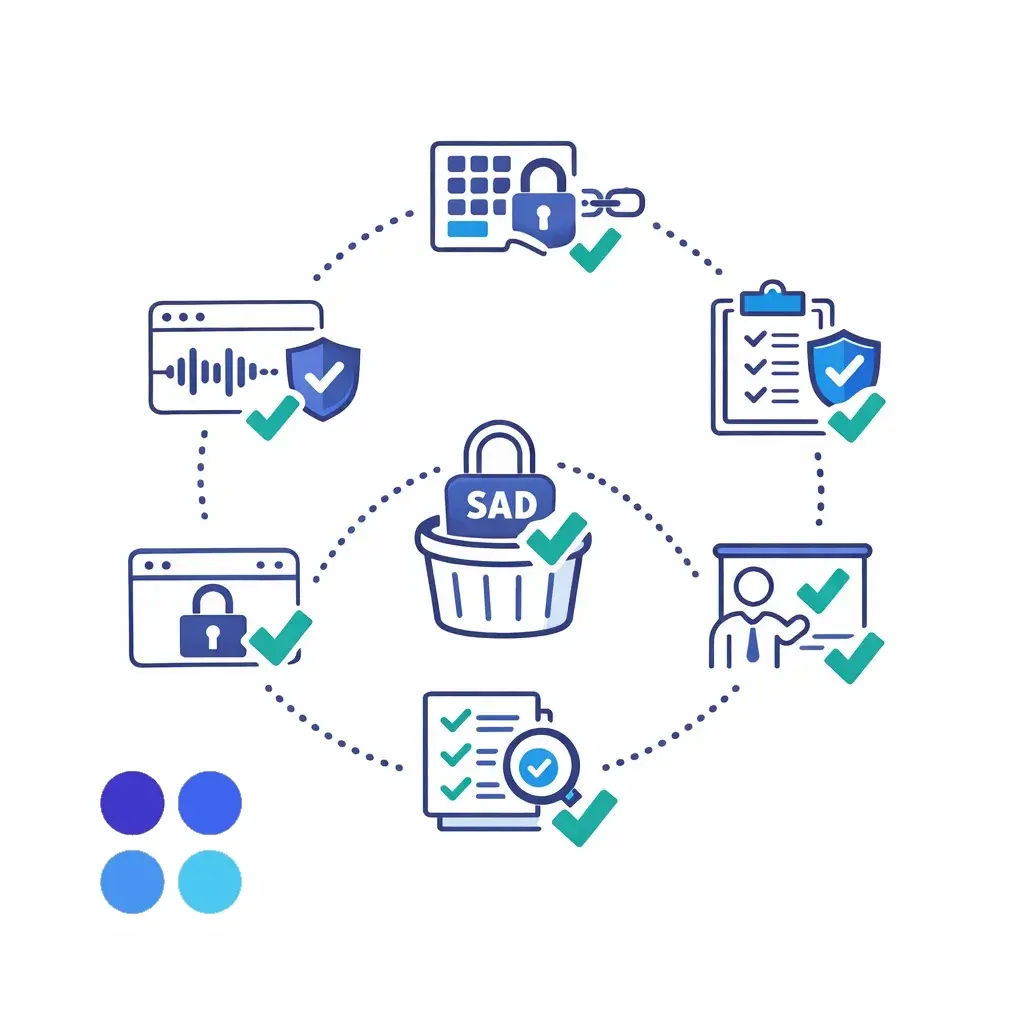
Choose a payment method that minimizes exposure
DTMF masking, IVR transfer, or secure payment link should be your default.
Make call recording/transcripts safe by design
Ensure the payment portion can’t be captured — especially by transcripts/analytics tools.
Lock down “where people type things”
Remove any temptation to put card data in CRM notes, tickets, intake forms, or chat messages.
Train for exact language
Provide a short script for collecting payment without repeating or encouraging unsafe channels.
Verify and audit
If you use pause-and-resume, PCI guidance recommends verifying recordings don’t contain CHD/SAD regularly — preferably weekly.
Confirm responsibilities with vendors
PCI DSS applicability and validation requirements are driven by payment brands/acquirers, so confirm expectations with your acquirer and vendors.
If your front desk is busy or you need after-hours coverage, a receptionist or contact center partner can be a huge help — but only if your payment flow is designed for PCI safety.
A smart approach is to use Go Answer to:
qualify the caller, confirm details, and route them into a secure payment step (DTMF/IVR or a hosted link)
avoid spoken card numbers entirely by using keypad entry or a secure link
follow a tight, pre-approved “what to say / what not to say” script for payments and deposits
Ready to get started? Sign up below and begin your free trial today!

Learn why thousands of companies rely on Go Answer.
Try us risk-free for 14 days!
Enjoy our risk-free trial for 14 days or 200 minutes, whichever comes first.
Have more questions? Call us at 888-462-6793
Learn why thousands of companies rely on Go Answer.
Have more questions? Call us at 888-462-6793
If you would like to get in contact with a Go Answer representative please give us a call, chat or email.

Thanks for your interest!
A representative will be reaching out to you shortly.
Have more questions? call us on 888-462-6793
