
BPO vs. In-House Customer Support: A Cost, Quality, and Speed Breakdown
By Eddie FieldsLast modified: February 17, 2026
Voted Top Call Center for 2024 by Forbes
Virtual Receptionists
Save time and money with our virtual receptionists.
AI Receptionist
AI-powered receptionist that answers, routes, and qualifies calls 24/7.
Enterprise Solutions
Solutions designed to scale with your organization’s needs.
Legal Services
Our virtual legal receptionists are experts in legal intake.
Last modified: February 17, 2026
Enterprise and multi-location service businesses live or die by what happens when a customer, patient, or prospective client reaches out. When volumes spike, after-hours calls roll in, or specialized intake is required, the choice between building an internal team and using BPO customer support (customer service outsourcing) becomes an operational strategy decision, not just a staffing decision.
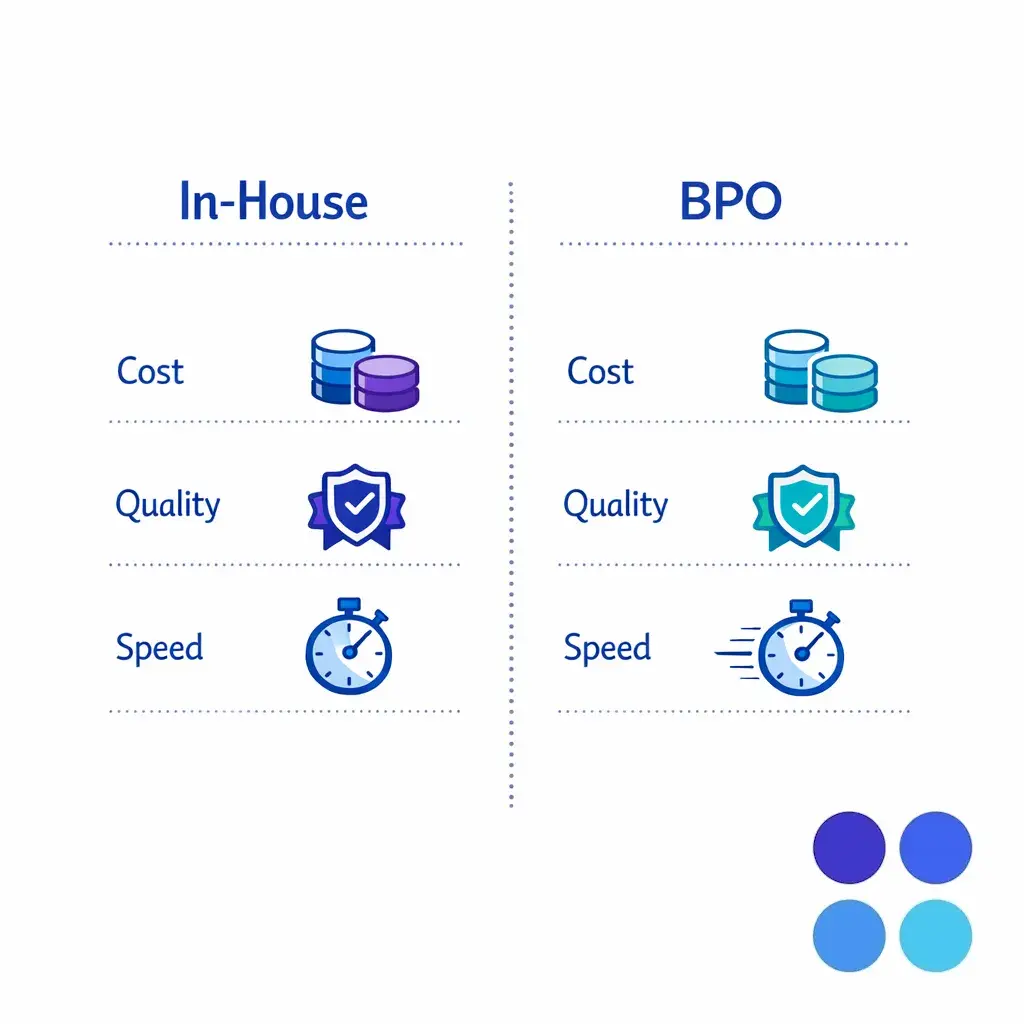
This guide is for leaders responsible for experience and outcomes: operations, customer support, revenue cycle, intake, IT/security, and compliance. You will learn how to compare in-house vs outsourcing across cost, quality, and speed, plus how to avoid common outsourcing mistakes that drive rework and risk.
In-house customer support means your organization recruits, employs, schedules, trains, and manages support staff directly, and you own the supporting systems and day-to-day performance management. You control the workflow end-to-end, including knowledge management, call scripts, QA, and escalations.
BPO customer support (often called an outsourced call center or contact center outsourcing) means you contract a provider to deliver some or all customer interactions under defined processes and service levels. Depending on the setup, the provider may operate in your tools or their tools, and you typically govern outcomes through reporting, QA, and operational reviews.
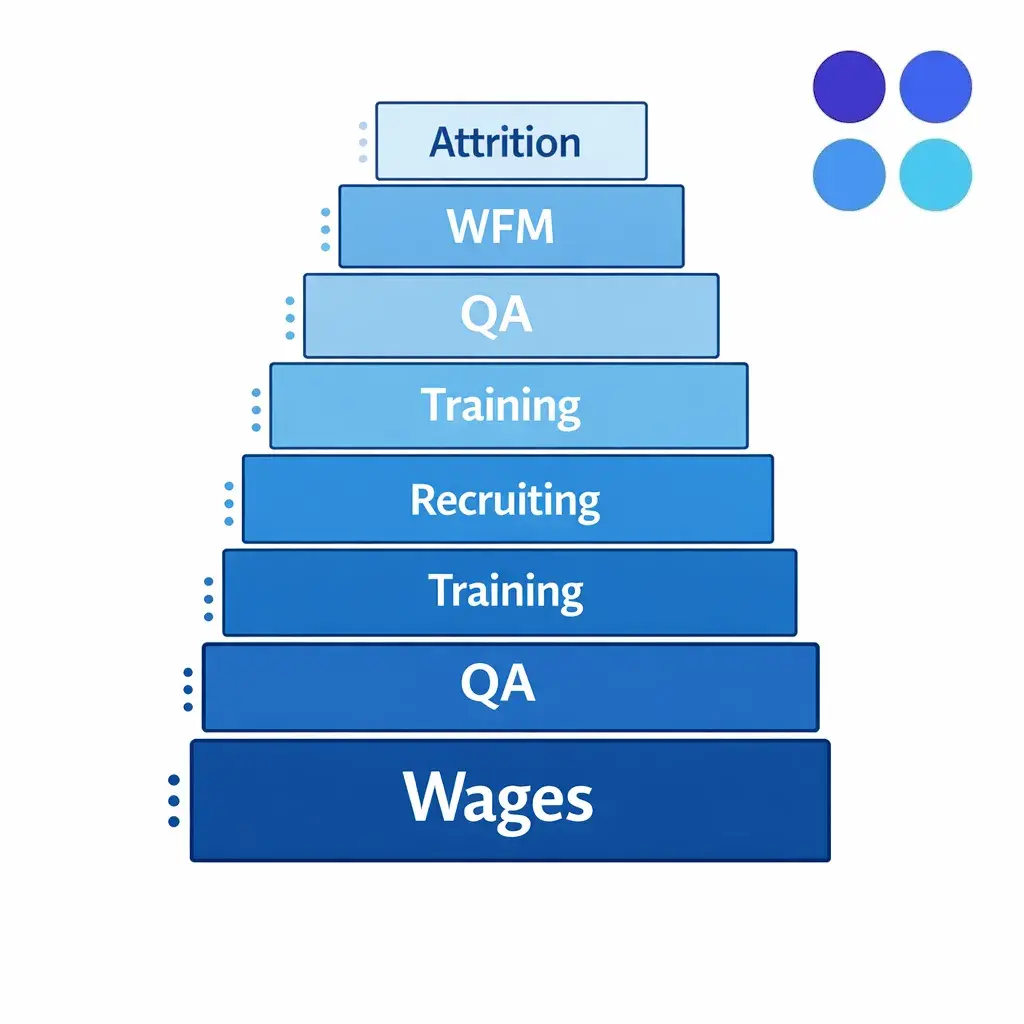
For in-house teams, base pay is the visible line item, but the true “fully loaded” cost includes payroll taxes, benefits, recruiting, training time, team leads, QA, workforce management, and attrition backfill. If you want an external benchmark for pay in your geography, the BLS occupational data for Customer Service Representatives can help you sanity-check wage assumptions.
Benefits and employer costs can materially change the unit economics of in-house support. The BLS Employer Costs for Employee Compensation breaks out wages versus benefits and provides a useful way to model the non-wage portion of compensation when you build your business case.
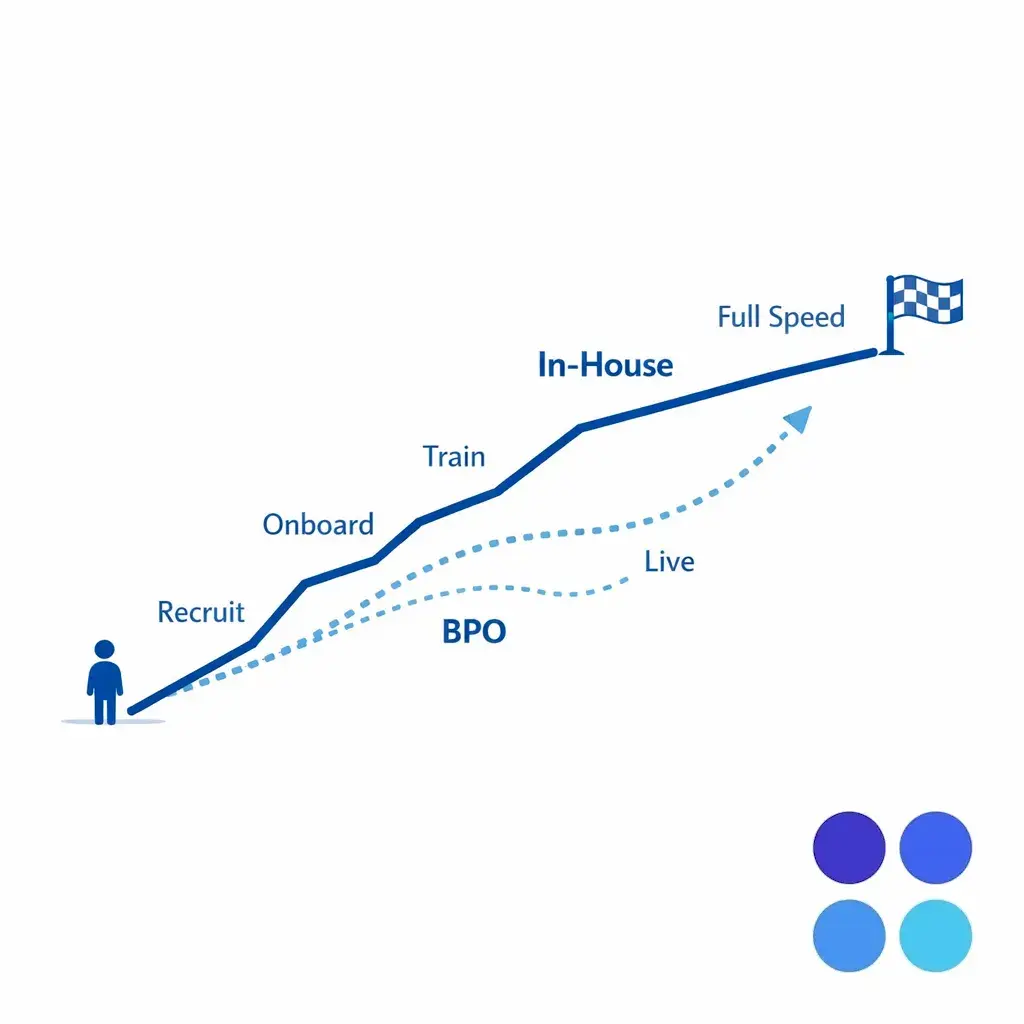
In-house hiring speed depends on your talent market, background-check requirements, and training complexity. In regulated or intake-heavy environments, it is common to have longer ramp times because teams must learn systems, documentation standards, and escalation rules before they can handle live work confidently.
With customer service outsourcing, you may shift part of that burden to the BPO provider, but you do not eliminate it. You still need to provide product/process training, define acceptable dispositions, and establish QA standards; otherwise, lower “staffing friction” can turn into higher rework later.
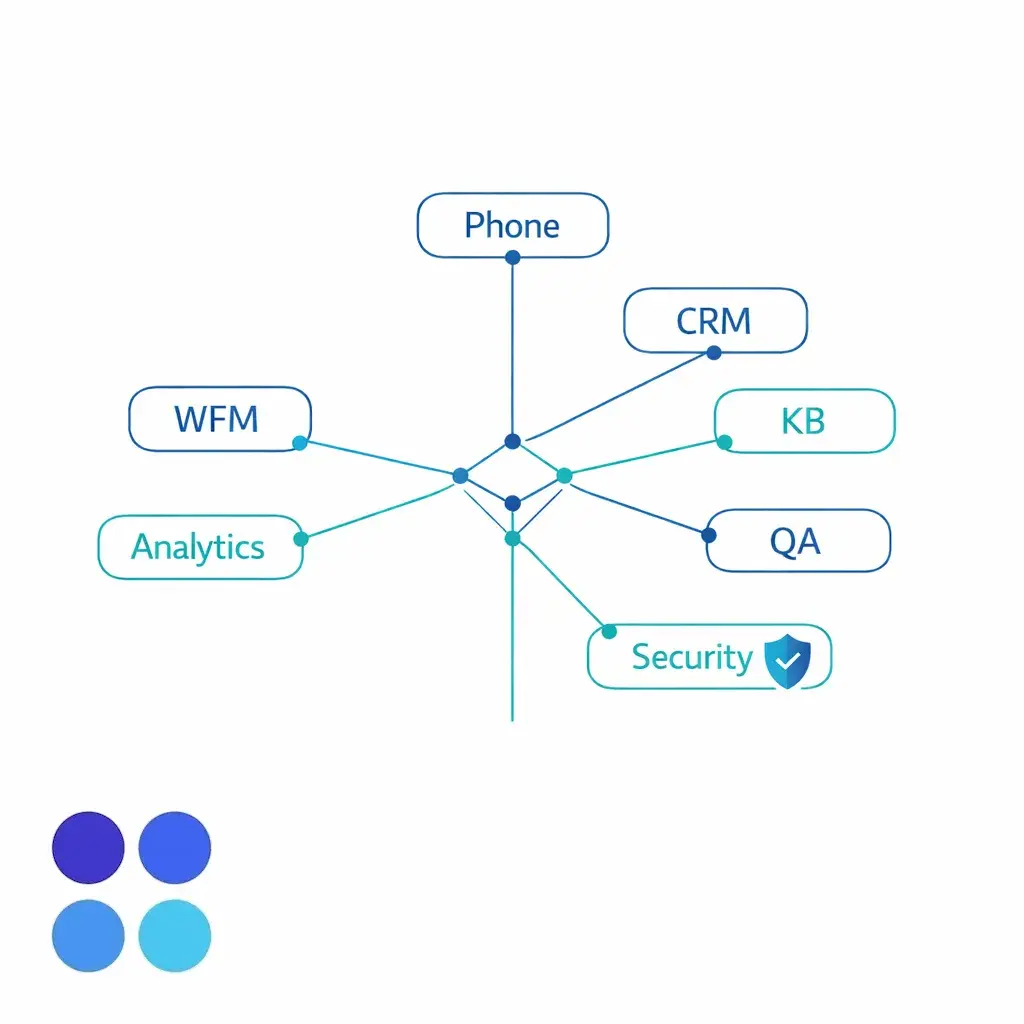
In-house customer support typically requires investments in telephony/contact center platforms, call recording, CRM ticketing, knowledge bases, QA tooling, analytics, and workforce management. Even if you use a modern cloud platform, you still carry internal administration, integration work, and ongoing change management.
Outsourced contact center models can bundle some of these costs into a per-agent or per-interaction rate, which can simplify budgeting. However, you should confirm where data lives, which systems are “systems of record,” and how the vendor aligns with a recognized security program such as the NIST Cybersecurity Framework.
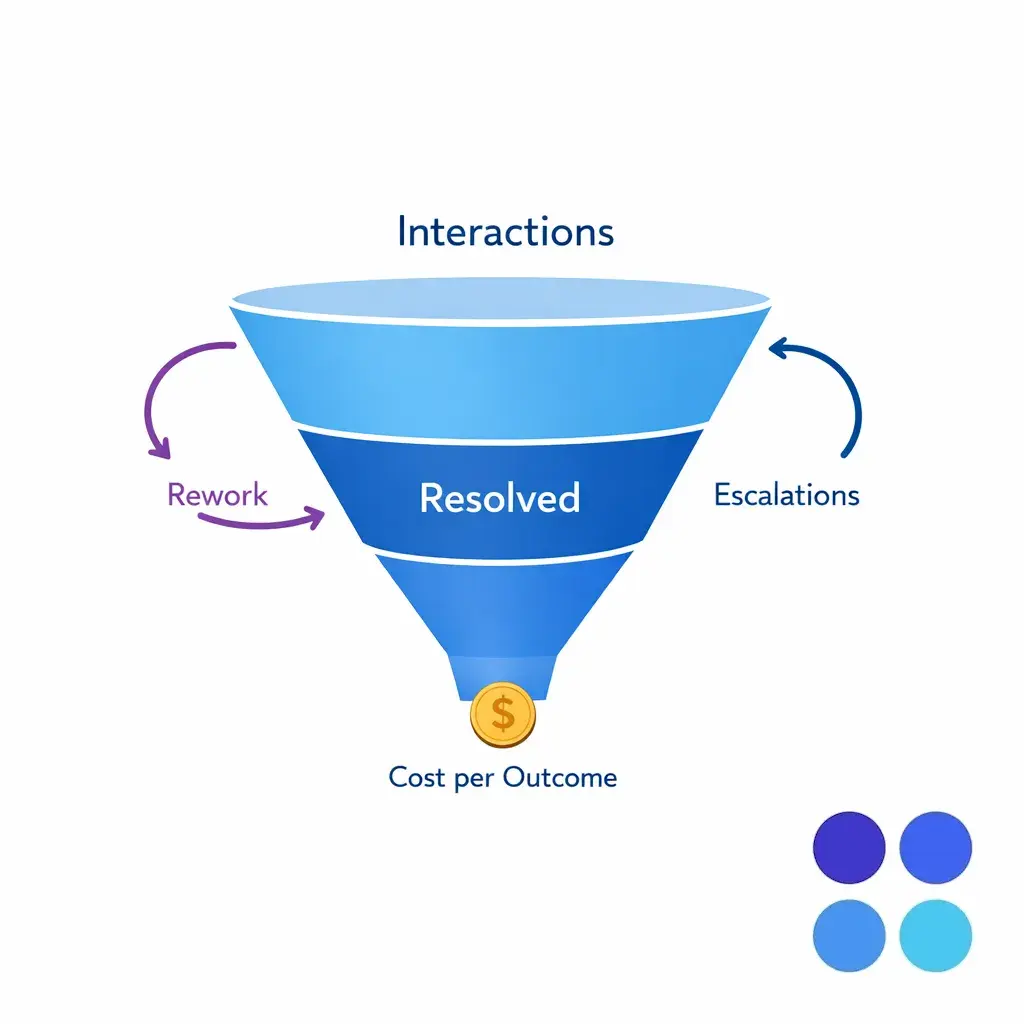
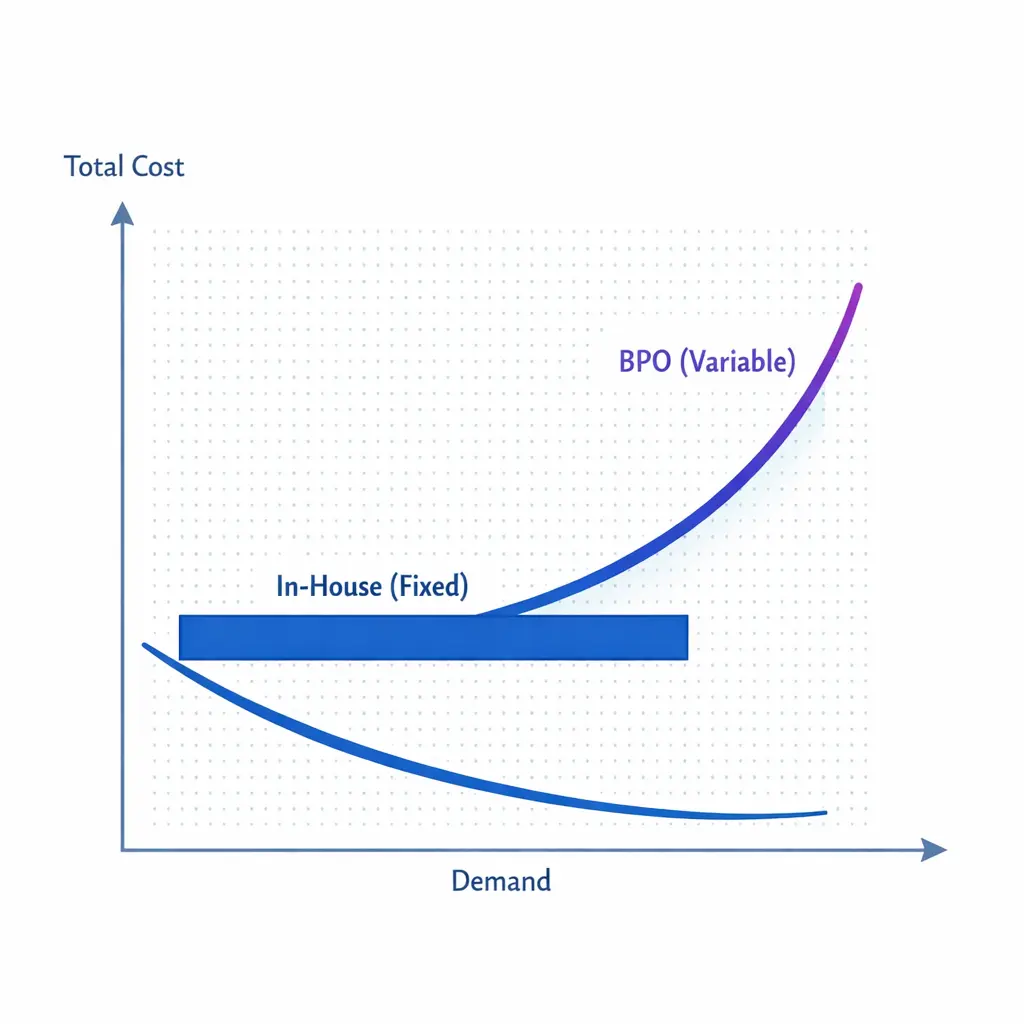
In-house models tend to be cost-efficient when volumes are stable and you can keep schedules tight with minimal idle time. If you need 24/7, weekend coverage, or high seasonal elasticity, the fixed nature of in-house staffing can push costs up quickly through overtime, differential pay, or underutilized headcount.
BPO customer support is often strongest when your demand is uneven (overflow, after-hours, acquisitions, campaigns, or multi-location surges) because it can convert a portion of your support function into a more variable cost. The tradeoff is that you must manage the vendor relationship like an operational program, not a procurement line item.
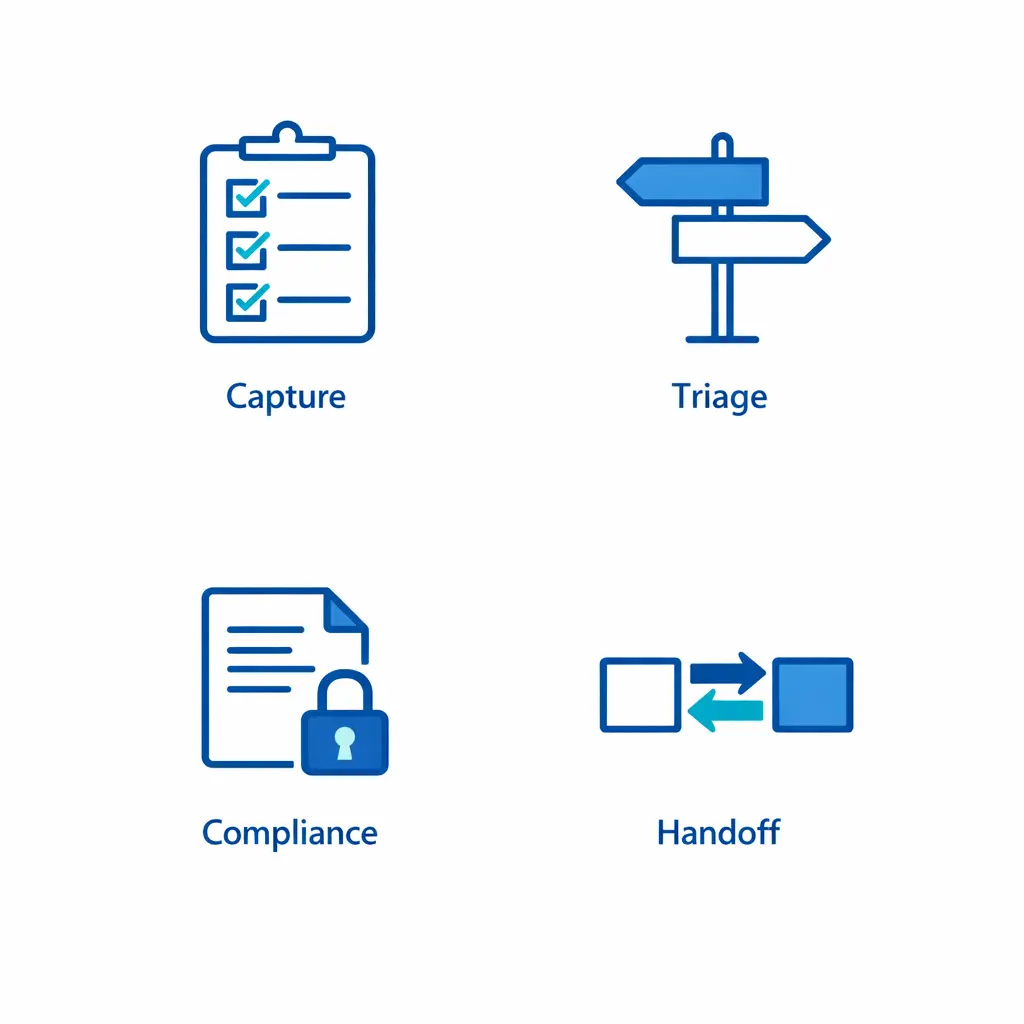
The most reliable comparison is cost per resolved outcome (or cost per qualified intake), because it includes rework, escalations, and downstream impacts. A low hourly rate can be expensive if it produces poor documentation, weak qualification, or incorrect routing.
When you model, include the cost of supervision and governance on both sides. Even a high-performing outsourced call center will require internal time for process updates, calibration, and issue management, especially if you operate in healthcare or legal intake workflows.
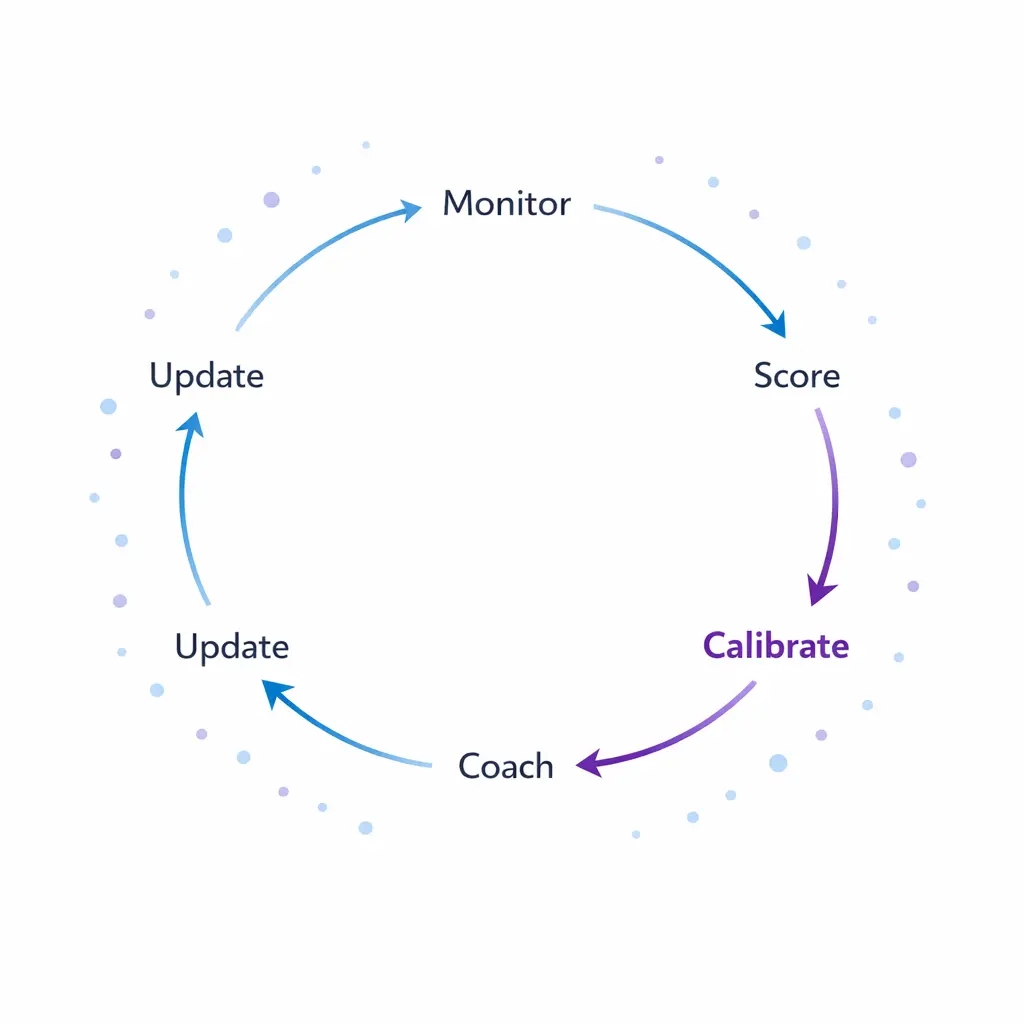
Quality is not just friendliness or short handle time. For most enterprise and intake-heavy organizations, quality is accurate data capture, correct triage, compliant disclosures, clear expectations, and clean handoffs to operations, clinicians, or case teams.
Define quality in observable behaviors and measurable artifacts: required fields, script adherence where necessary, correct tagging/dispositions, escalation correctness, and documentation completeness. This is true whether you outsource customer support or run it internally.
In-house teams can build deep institutional knowledge and align tightly with your brand voice. But many internal teams struggle to scale coaching and calibration as volume grows, especially across multiple locations and managers.
BPO providers often have formal QA operations, but you should validate how scores are calibrated, how disputes are resolved, and how coaching loops back into training. For higher-stakes work (legal intake, healthcare scheduling, billing), insist on documented rubrics and regular calibration sessions with your internal stakeholders.
If your customer support function touches protected health information, your vendor relationship must align with the HIPAA Privacy Rule and the HIPAA Security Rule. In many arrangements, an outsourced call center may be a business associate, which makes a written agreement and clear safeguards a practical requirement of doing the work correctly under HHS guidance on business associates.
For legal intake-heavy firms, confidentiality expectations are central to quality. Even if you are not handling HIPAA data, the ABA Model Rule 1.6 on confidentiality of information is a useful reference point for building intake processes, access controls, and vendor obligations.
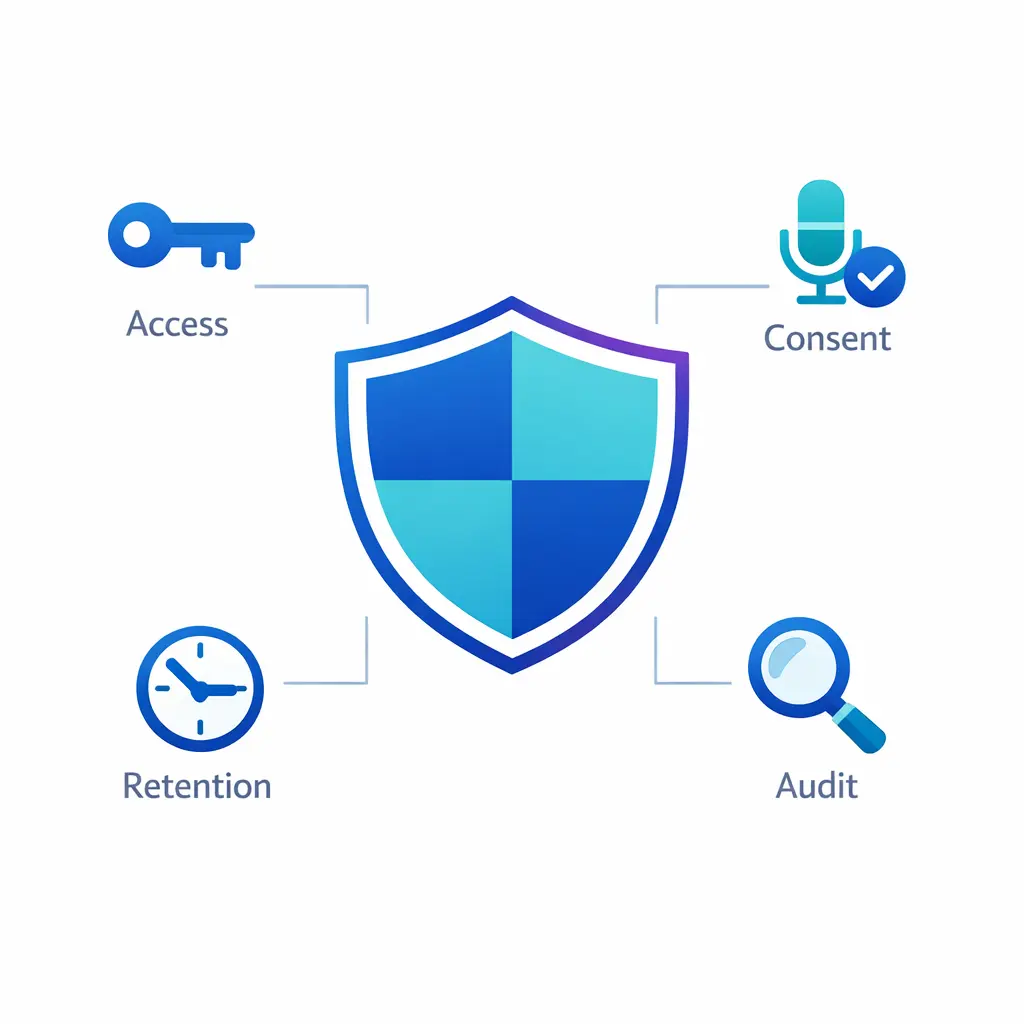
Recording and monitoring calls can improve QA, but you must align with applicable consent rules and your counsel’s guidance. At the federal level, the Wiretap Act provisions in 18 U.S.C. § 2511 are commonly cited in discussions of interception/recording, and state laws can add stricter requirements depending on where parties are located.
Even if most of your volume is inbound, support teams frequently place outbound callbacks, send confirmations, or text updates. If your workflows involve calls or texts to consumers, your policies should be consistent with the consumer protections discussed in the FCC’s TCPA-related consumer guidance on unwanted calls and texts, and if you conduct telemarketing, you should also review the FTC Telemarketing Sales Rule.
Quality, in this context, includes capturing consent correctly, using the right templates, and honoring opt-out expectations. These controls should be explicit in your scripts, CRM fields, and QA scorecards whether you use in-house vs outsourcing.
Enterprise buyers should expect vendors to map security controls to a recognized framework and to articulate how access is granted, logged, and reviewed. For many organizations, third-party assurance can include evaluations aligned to AICPA SOC reporting (SOC 1/SOC 2), depending on the nature of the service and data involved.
On the buyer side, implement least-privilege access, segmented tool permissions, secure credential management, and clear data retention rules. These requirements protect you in-house and in contact center outsourcing arrangements, especially when agents work remotely.
In-house teams can move quickly if you already have recruiters, trainers, supervisors, and the core tech stack in place. If you do not, the “real” launch includes vendor selection for tooling, integration work, training content creation, and the first QA and escalation pathways.
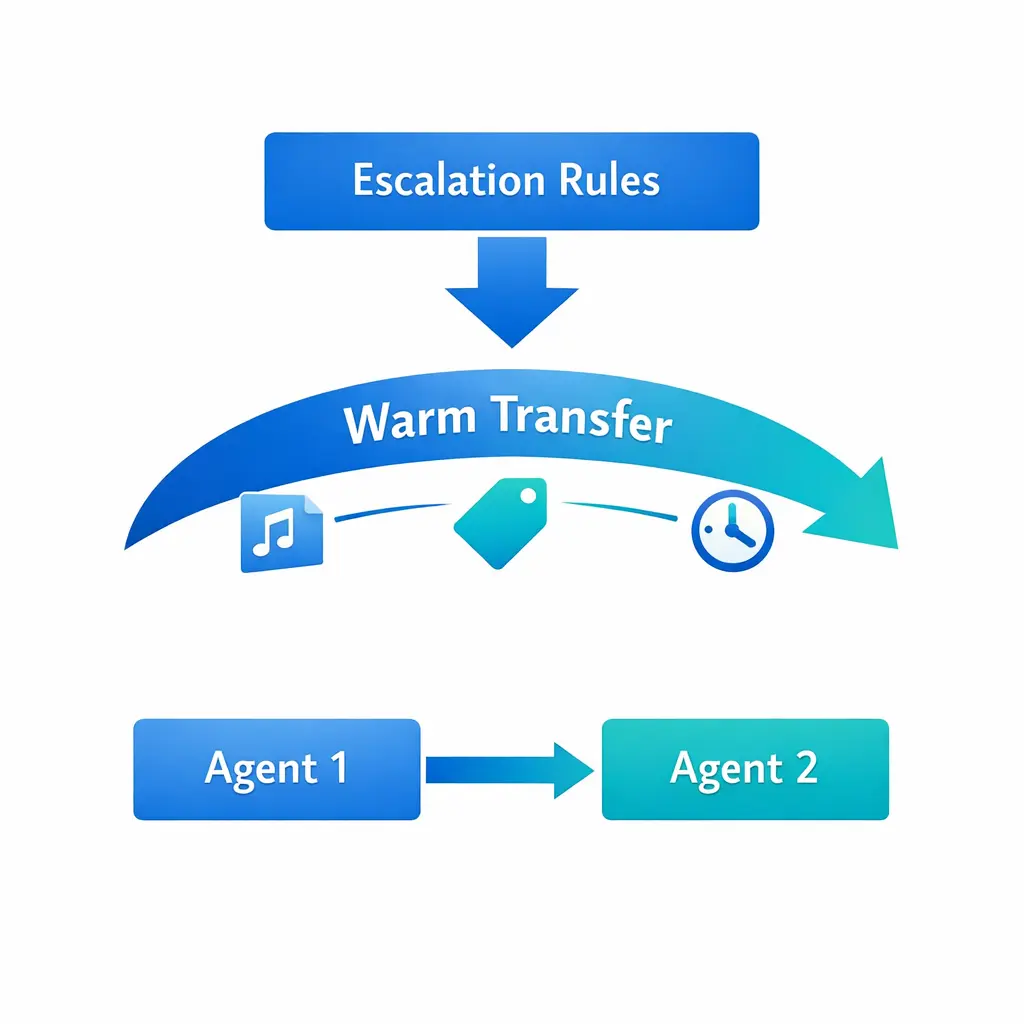
Outsourcing customer service and support can compress the timeline because the BPO provider already has staffing infrastructure, scheduling practices, and performance routines. You still need a focused implementation plan: call flows, knowledge base, data fields, escalation rules, and a go-live stabilization period with daily reporting.
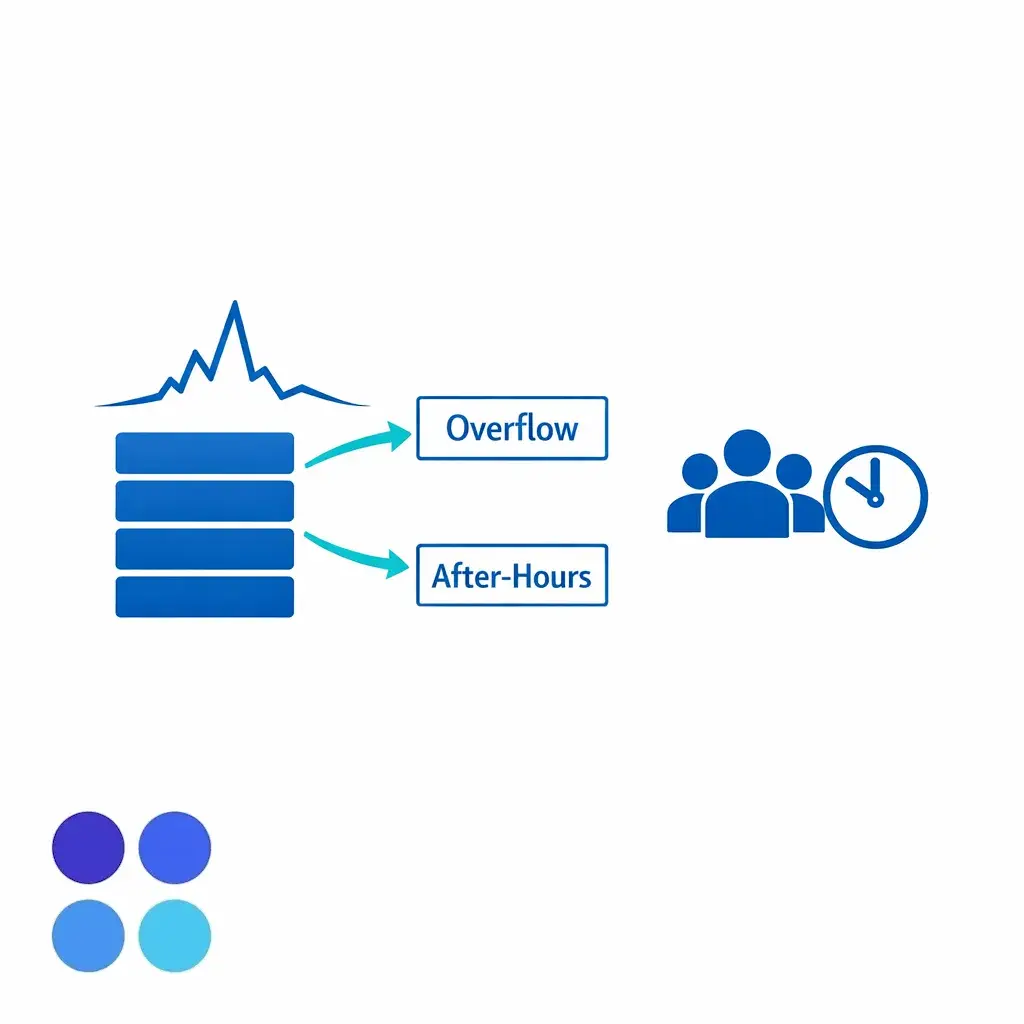
Overflow is usually about elasticity and queue protection: preventing abandoned calls, long wait times, and missed opportunities during peaks. After-hours is about coverage and consistent outcomes when your primary team is offline, including correct triage and appointment or intake scheduling rules.
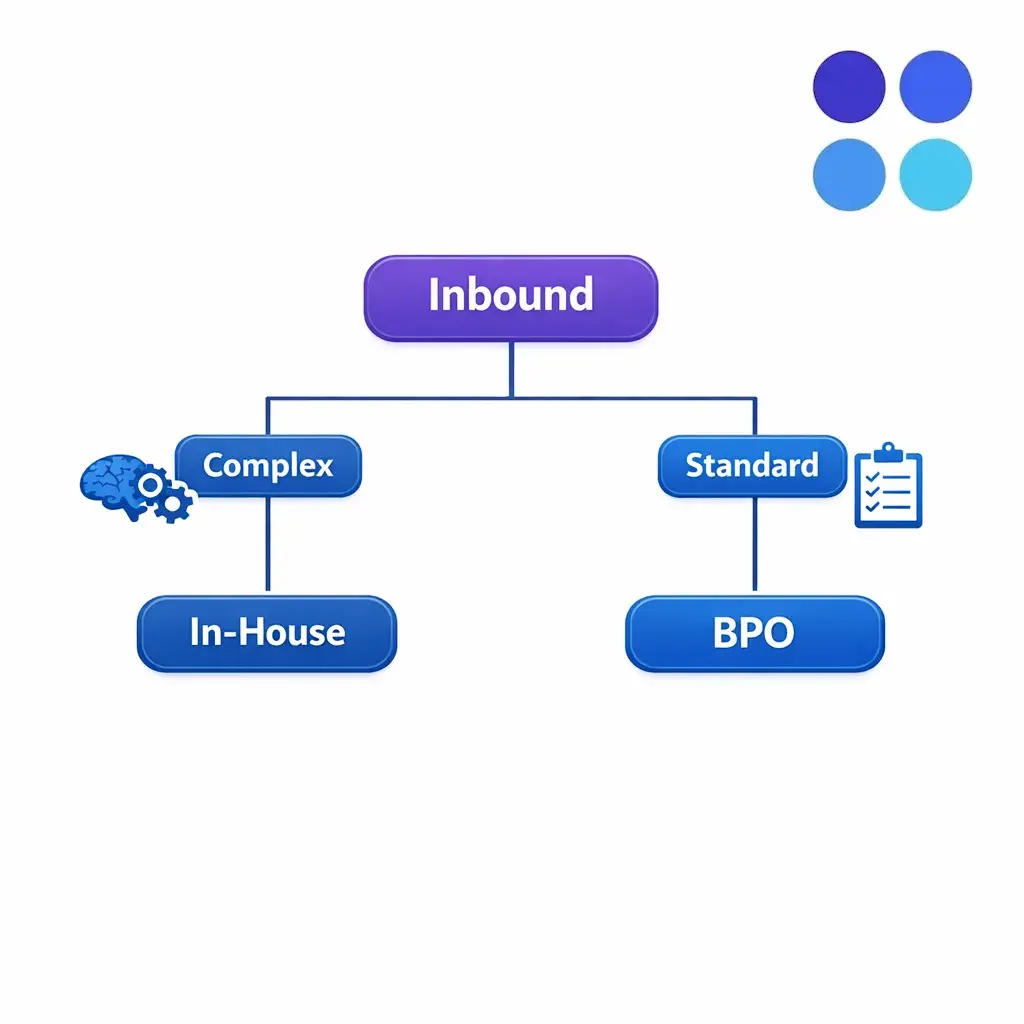
Many enterprises land on a hybrid model: keep core work in-house and use a BPO call center for overflow and after-hours coverage. This can protect your daytime team from burnout while maintaining tighter brand and process control on the most complex cases.
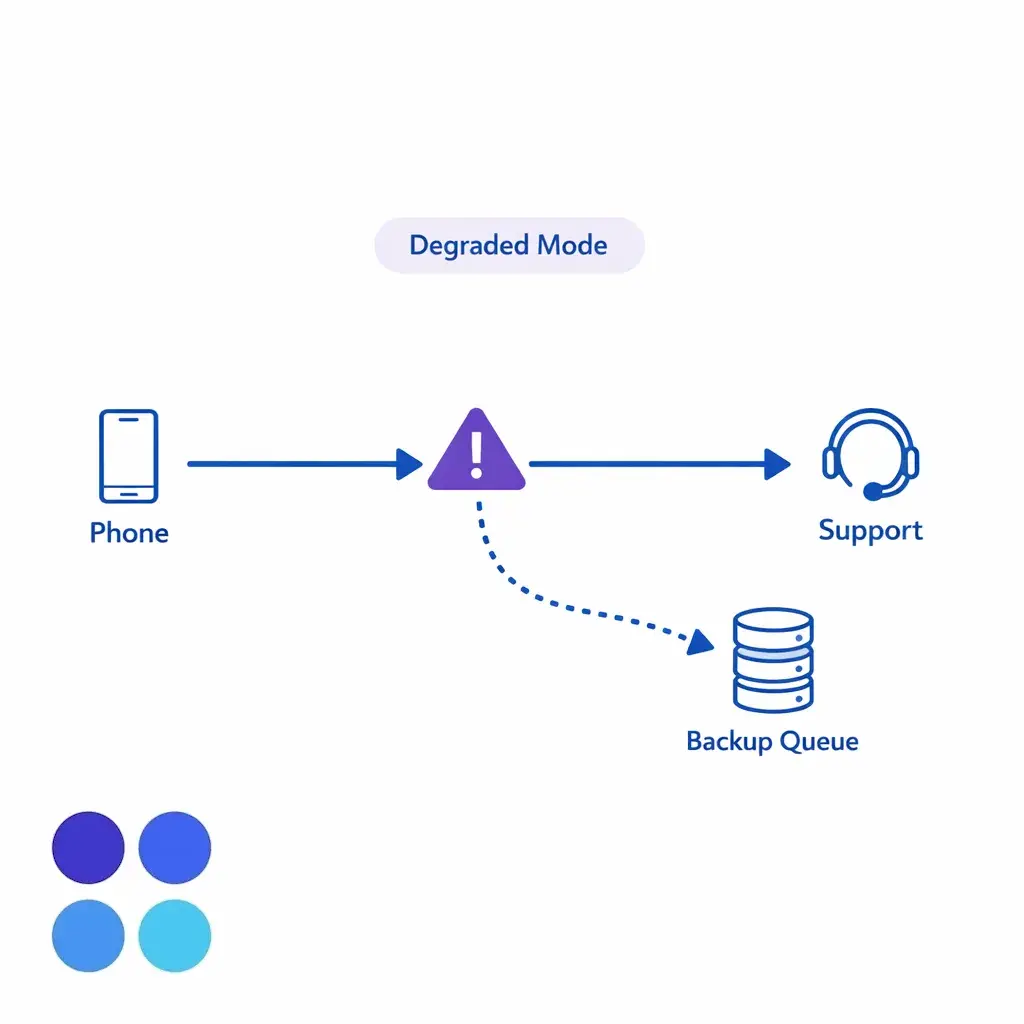
Whether you outsource or stay internal, support operations should have continuity plans for technology outages, local disruptions, and staffing gaps. If a vendor is part of your operating model, treat them as part of your continuity design, including communication trees, reroute plans, and a clear “degraded mode” process.
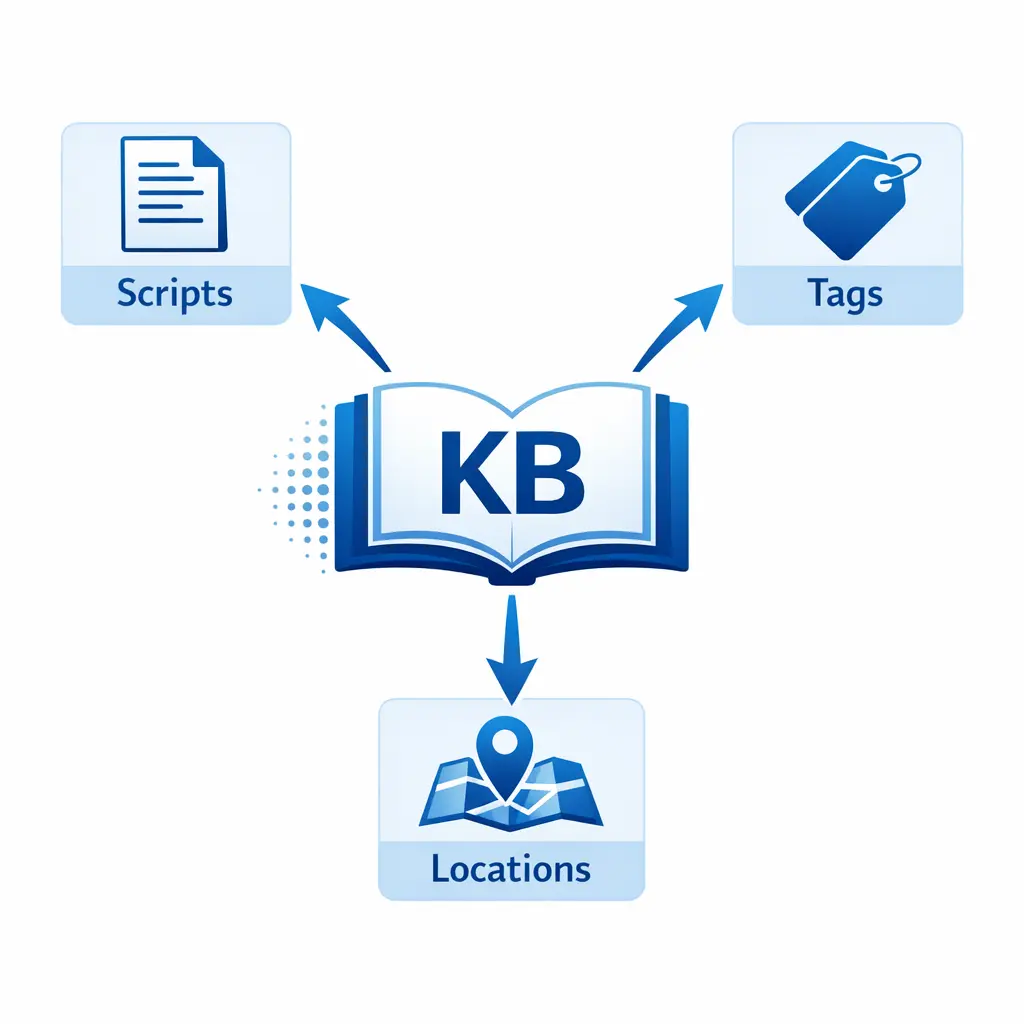
For multi-location businesses, speed also includes the ability to add new sites quickly with consistent scripts and location-specific rules. That capability depends less on where the agents sit and more on whether your knowledge base and configuration management are disciplined.
Enterprise security reviews are increasingly structured around recognizable frameworks, which has pushed both internal teams and BPO providers to formalize control mappings, incident response processes, and vendor risk management. The NIST Cybersecurity Framework remains a common reference, and organizations have been adopting it more explicitly for third-party governance and cross-functional alignment.
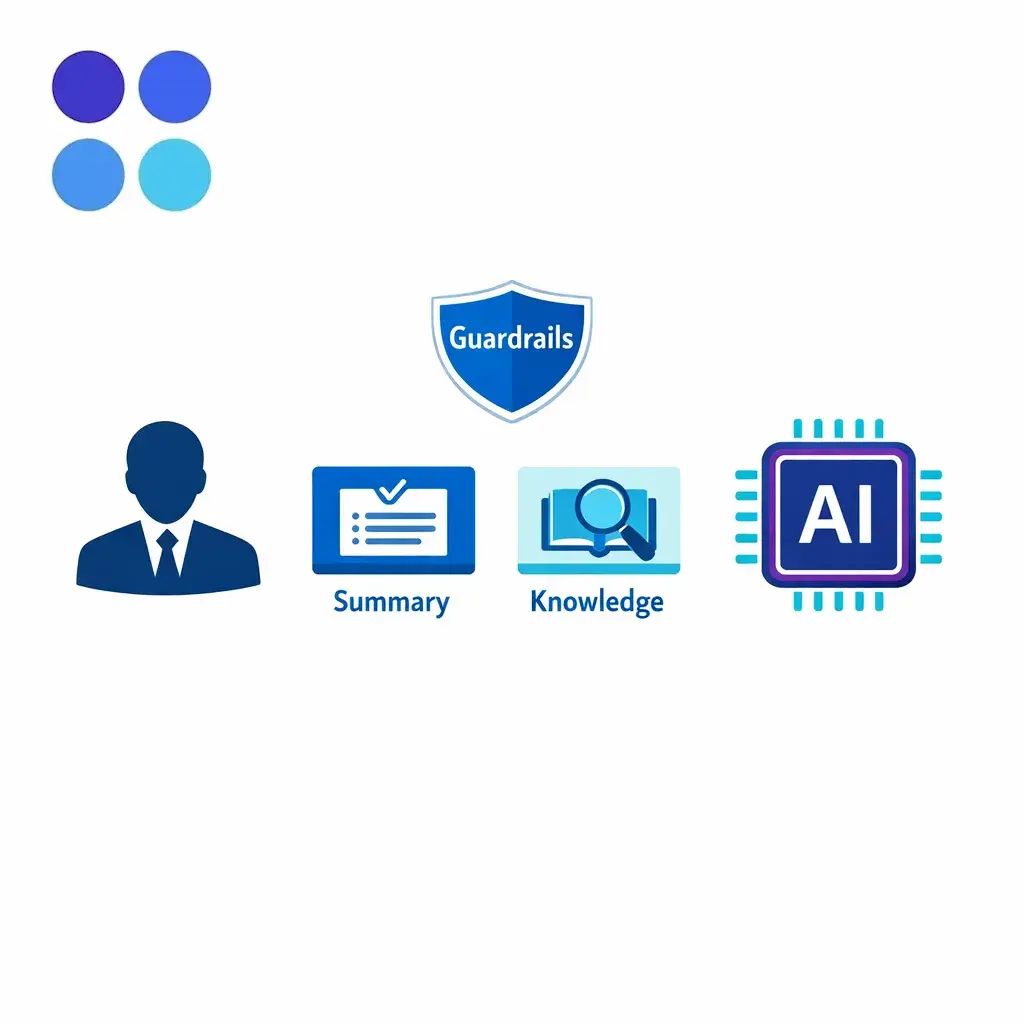
AI-assisted summarization, sentiment detection, and knowledge retrieval can accelerate training and improve consistency, but it also introduces risks around accuracy, privacy, and explainability. If your provider uses AI in workflows, it is reasonable to align governance discussions with the NIST AI Risk Management Framework, including how models are monitored and how human review is applied for high-stakes interactions.
Operationally, this shifts the comparison: speed and cost advantages increasingly come from process design and knowledge discipline, not just headcount. The best “BPO vs in-house” decision now includes how quickly you can safely deploy workflow automation and keep it correct.
Even if you are not “in healthcare,” privacy obligations affect customer support because you collect and store personal information, recordings, and interaction histories. For many US businesses, state privacy obligations are part of the operating landscape; for example, California’s consumer rights and business obligations are summarized in the California Attorney General’s CCPA resources.
This matters to outsourcing because your vendor becomes part of your data ecosystem. Contract terms, data retention, and access controls should be designed so you can honor applicable rights requests and internal retention policies consistently.
Complexity is high and interactions require deep product or clinical/case context that changes daily.
Brand and policy nuance are core differentiators and you want tighter control of voice, tone, and exception handling.
Volumes are stable enough that you can keep occupancy healthy without overtime spikes.
Data sensitivity is extreme and you prefer to keep access tightly contained inside your organization’s security perimeter.
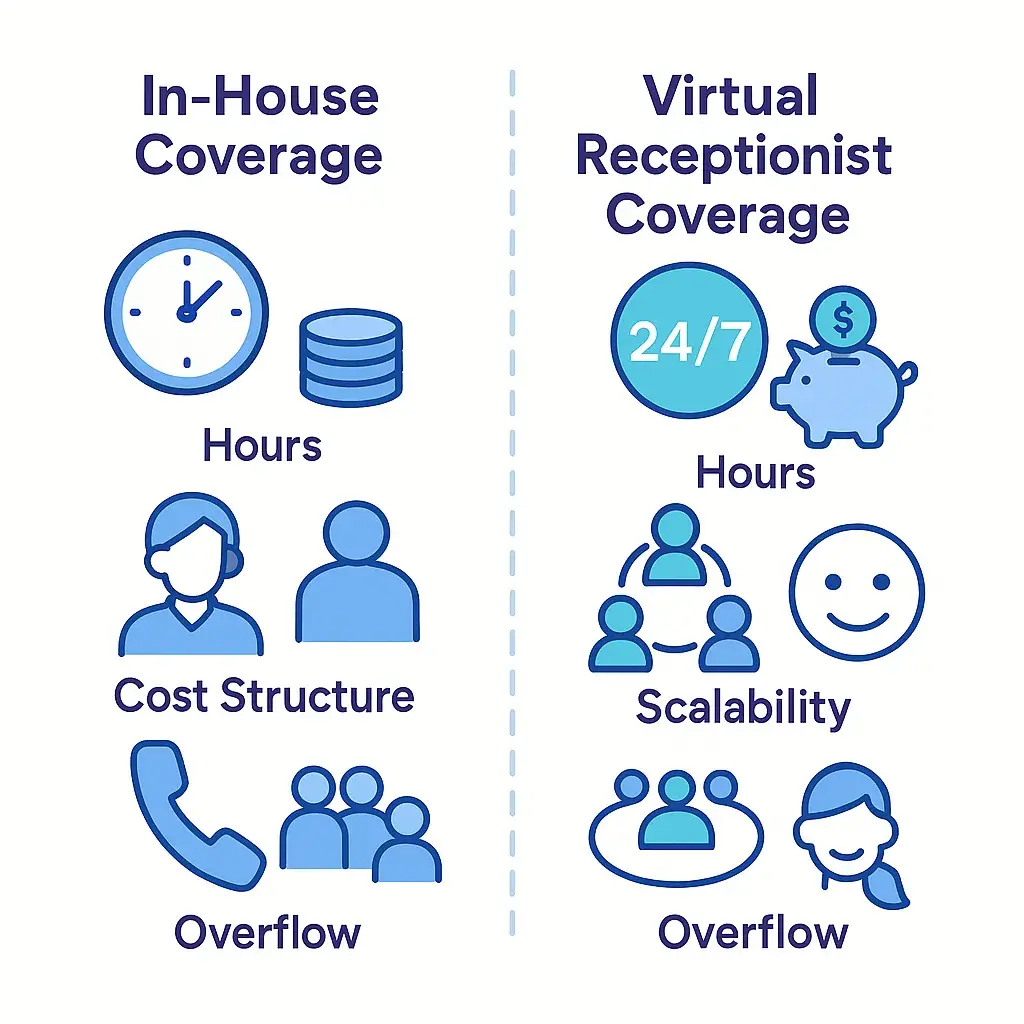
Coverage needs are broad (after-hours, weekends, holidays) and you want predictable service without staffing strain.
Demand is variable (overflow, seasonal surges, campaigns, acquisitions, multi-location variability).
You need speed to stand up new queues, new locations, or new programs without long hiring cycles.
You want operational maturity in QA, workforce management, and staffing flexibility that would take time to build internally.
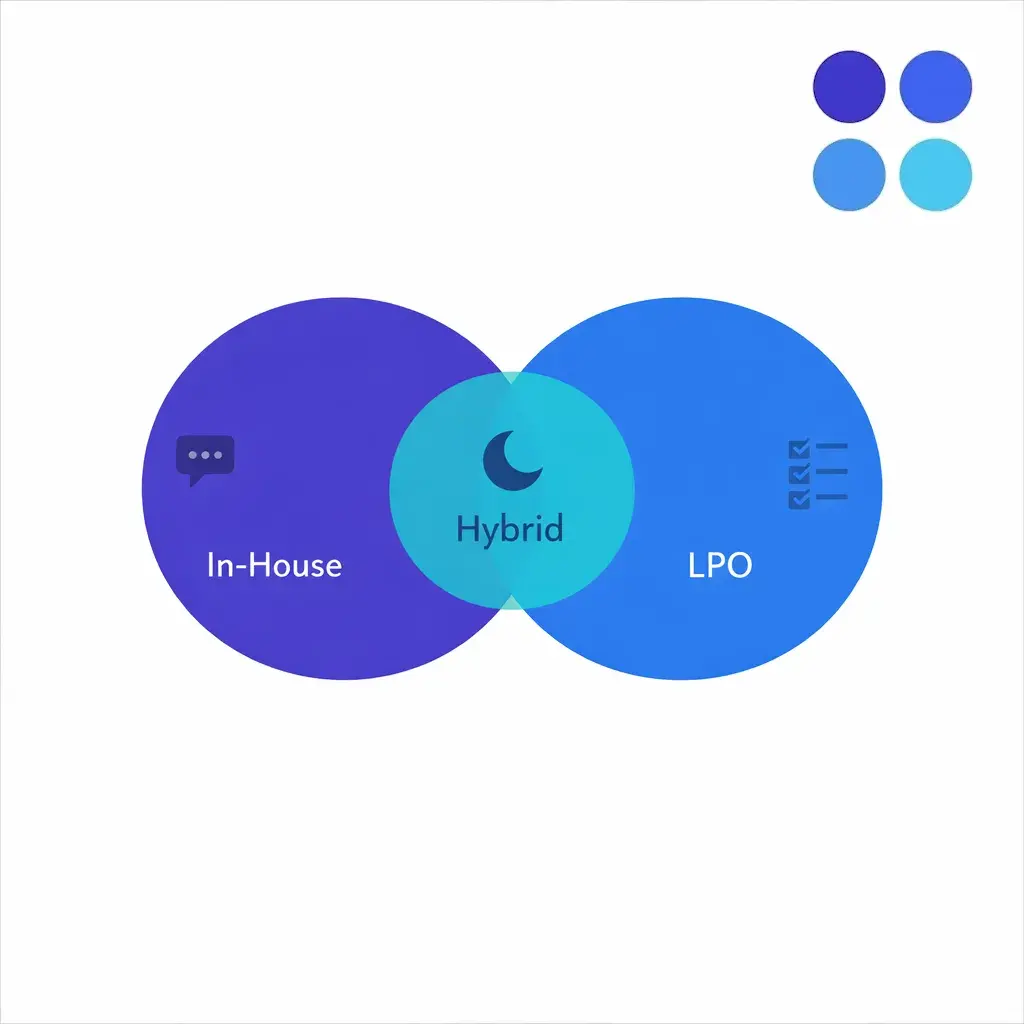
You need an “A team” and a “coverage team”, with complex work handled internally and standardized work handled externally.
You want to protect specialists by routing only qualified, well-documented cases to them.
You are modernizing and need continuity while you change systems, processes, or organizational structure.
Quality depends on governance, training, QA calibration, and whether the work is appropriately scoped. An outsourced contact center can outperform internal teams on standardized workflows, especially when the buyer defines quality clearly and reviews performance weekly during ramp.
If the vendor’s job is merely to “answer calls,” you will get answered calls, not necessarily resolved issues or qualified intakes. Define success as outcomes: qualified appointments, complete intake records, accurate routing, and correct escalations.
Your knowledge base is the real operating system of support. If policies are scattered across emails and tribal knowledge, both in-house agents and a BPO call center will struggle, and QA will turn into subjective arguments instead of objective coaching.
In regulated settings, compliance is implemented through scripts, system fields, access controls, training, and monitoring. If you are in healthcare, make sure your vendor relationship and processes align with HIPAA business associate expectations as part of daily operations, not just legal paperwork.
Most customer support failures happen in exceptions: angry customers, urgent clinical questions, potential conflicts, billing disputes, or safety issues. Define escalation categories, handoff methods, and response time expectations before go-live, and test them during training.
Inventory your interaction types: separate routine requests from high-stakes, high-complexity cases.
Map your demand profile: normal volumes, peak hours, seasonal surges, and after-hours needs.
Define quality in measurable terms: required fields, triage accuracy, script adherence, escalation correctness, documentation standards.
Build a cost model around outcomes: include management time, QA, technology, training, and rework, not just hourly rates.
Document compliance requirements: privacy, consent, recording policies, retention rules, and role-based access expectations.
Validate security posture: ask how the provider aligns to the NIST Cybersecurity Framework and what third-party assurance is available (for example, SOC reporting where applicable).
Design escalations and handoffs: define who owns urgent cases, what “warm transfer” means, and how you avoid dropped context.
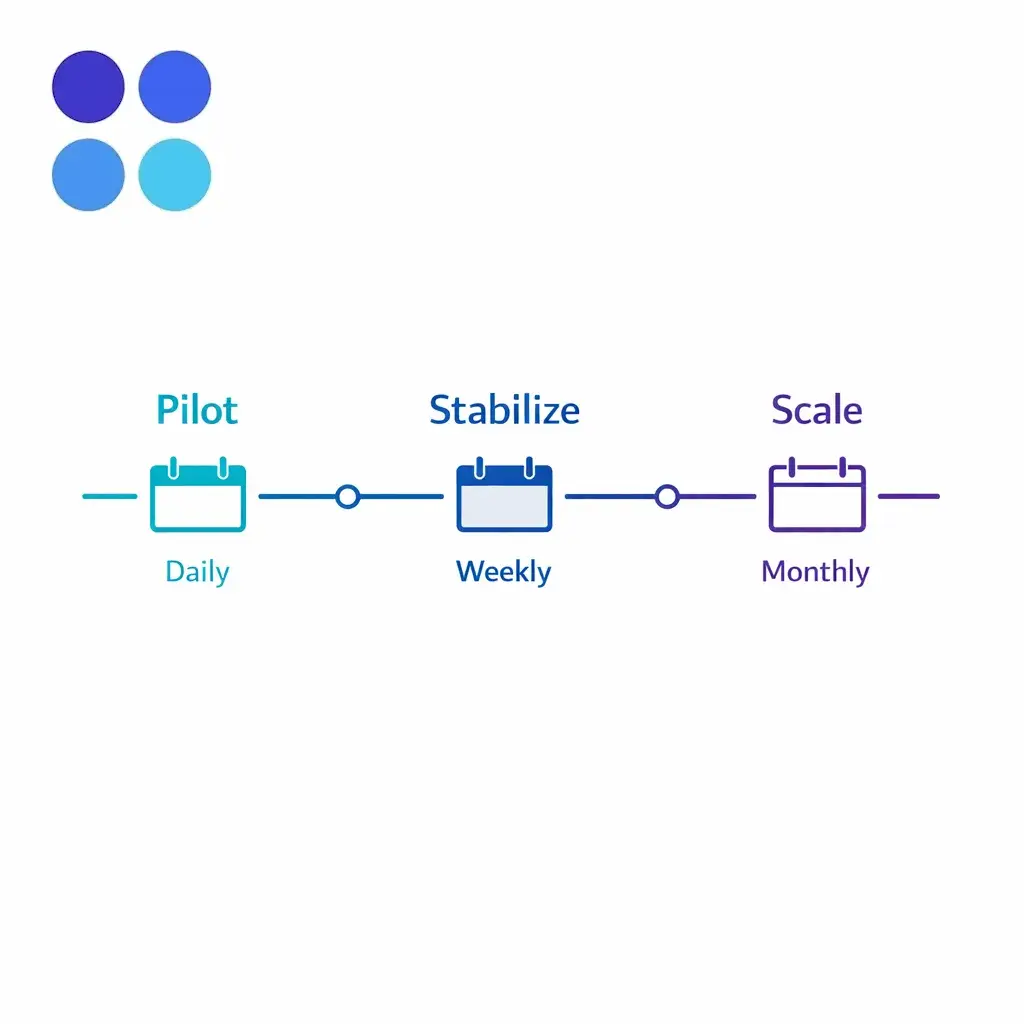
Pilot before you scale: start with one queue (overflow or after-hours), calibrate QA weekly, then expand scope.
Set governance rhythms: daily during launch, weekly in stabilization, monthly for strategic improvements.
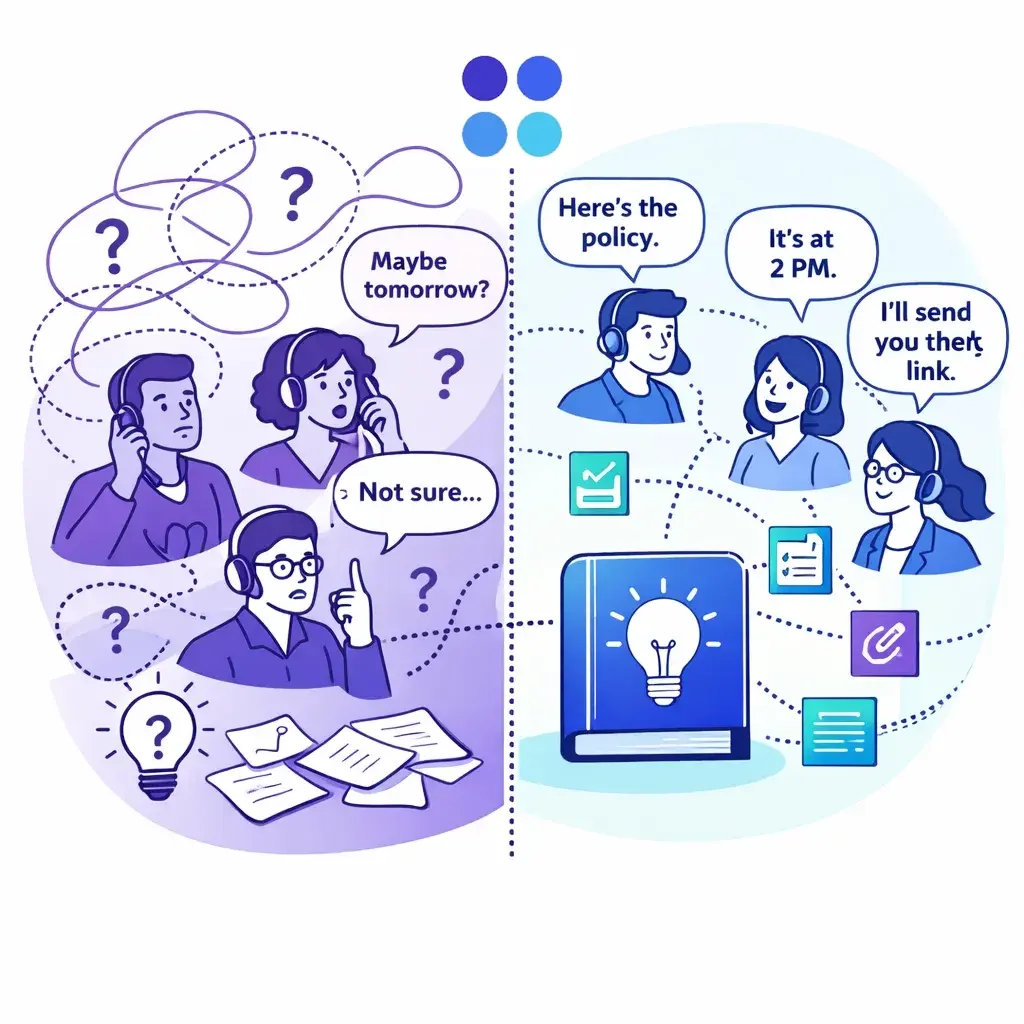
If you are deciding between in-house vs outsourcing, the fastest path to clarity is to scope the work precisely: which queues you want covered, what “qualified” means, what systems must be used, and which compliance constraints apply. With that scope, you can compare true cost per resolved outcome and set quality expectations that are enforceable.
If you want help designing an enterprise-grade approach to overflow, after-hours coverage, or intake-heavy workflows, you can talk to a specialist at Go Answer to pressure-test your assumptions and implementation plan. When you are ready, you can also request pricing or book a discovery call to review coverage models, QA governance, and what a hybrid enterprise BPO setup could look like for your organization.

Learn why thousands of companies rely on Go Answer.
Try us risk-free for 14 days!
Enjoy our risk-free trial for 14 days or 200 minutes, whichever comes first.
Have more questions? Call us at 888-462-6793
Learn why thousands of companies rely on Go Answer.
Have more questions? Call us at 888-462-6793
If you would like to get in contact with a Go Answer representative please give us a call, chat or email.

Thanks for your interest!
A representative will be reaching out to you shortly.
Have more questions? call us on 888-462-6793
