
Outsourcing Customer Support for Enterprise Teams: When to Use BPO, What to Measure, and How to Protect CX
By Matt O'HaverLast modified: May 5, 2026
Voted Top Call Center for 2024 by Forbes
Virtual Receptionists
Save time and money with our virtual receptionists.
AI Receptionist
AI-powered receptionist that answers, routes, and qualifies calls 24/7.
Enterprise Solutions
Solutions designed to scale with your organization’s needs.
Legal Services
Our virtual legal receptionists are experts in legal intake.
Last modified: May 5, 2026
Enterprise leaders rarely debate outsourcing customer support as an abstract idea. The real question is whether an external team can extend coverage, absorb volume, and protect intake quality without weakening brand trust, escalation discipline, or compliance. That is especially true for multi-location service businesses, legal intake-heavy firms, healthcare groups, and high-volume inbound operations that cannot afford dropped calls or inconsistent after-hours handling.
This article is for operators, CX leaders, revenue teams, and support owners evaluating customer support outsourcing at enterprise scale. You will learn when a customer support BPO makes sense, which coverage models protect the customer experience, what to measure after launch, and how to design governance, QA, and integrations so outsourced customer service feels like a controlled extension of your team.
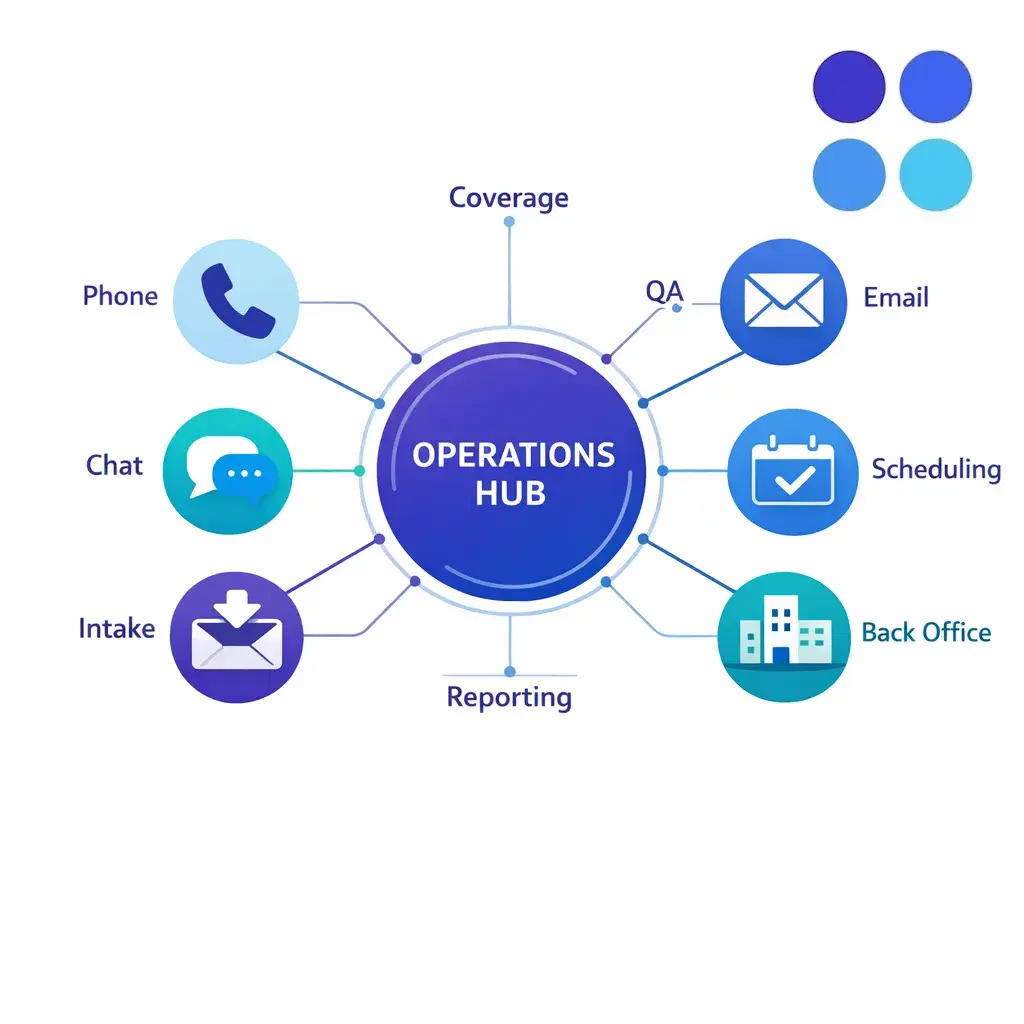
Customer support outsourcing is the practice of assigning some or all customer-facing service work to an external partner. In enterprise settings, that usually means a business process outsourcing provider or specialized outsourced support team handling phone, chat, email, intake, and selected back-office tasks under your workflows, systems, quality rules, and service levels.
The biggest shift is not that companies outsource. It is that enterprise buyers now expect external teams to operate inside the same systems, guardrails, and reporting structure as internal teams. Coverage is still important, but governance has become part of the buying decision.
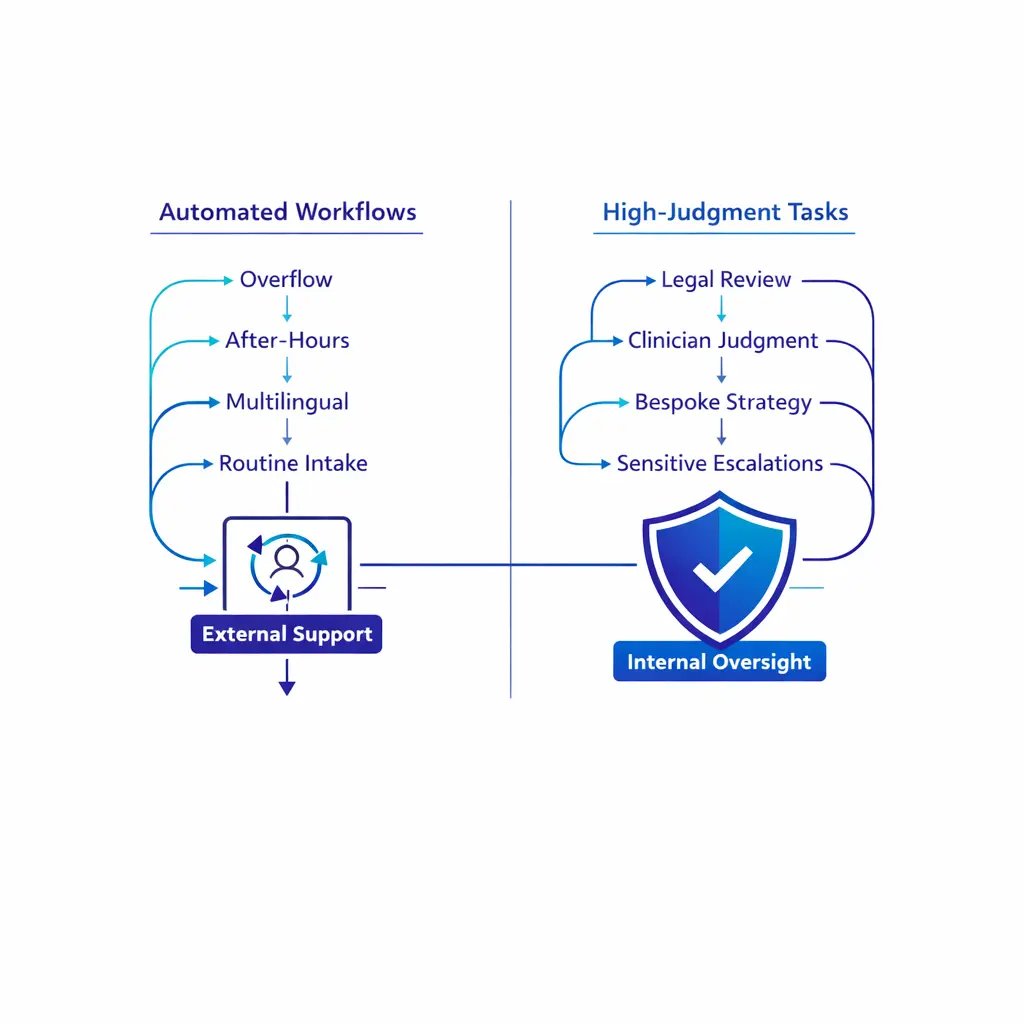
Customer support outsourcing services are being judged less on seat count and more on operating fit. Buyers want visibility into QA, escalation handling, knowledge management, system access, and whether the partner can protect a consistent experience across phone, chat, email, and intake workflows.
These terms are often used interchangeably, but enterprise teams should separate them before buying. A customer support BPO usually refers to a structured external operation that runs defined processes at scale. Outsourced customer service can describe anything from overflow phone coverage to a broader contact center outsourcing program.
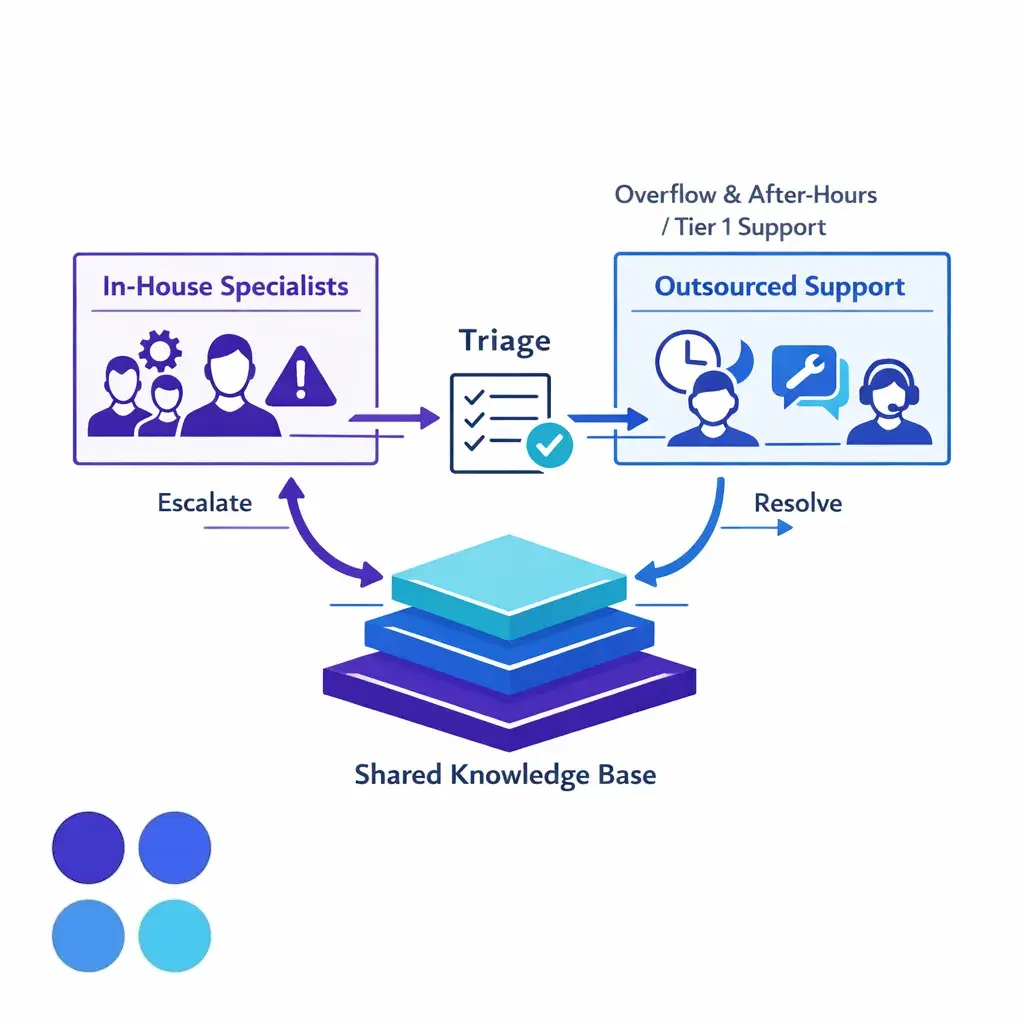
A hybrid model is different. It keeps high-judgment work, sensitive escalations, or relationship-critical accounts in-house while moving selected volume to an outsourced support team. For many enterprise teams, that is the safest design because it expands availability without surrendering control of the moments that most affect trust, retention, or compliance.
Enterprise customer support outsourcing works best when the main constraint is coverage, staffing flexibility, or queue management rather than deep domain judgment. If your in-house team is strong but overloaded, customer support outsourcing can protect response times and preserve specialist capacity.

The key distinction in outsourcing vs in-house customer support is not internal good, external bad. It is whether the work can be operationalized.
The right time to use BPO is usually before service pressure becomes visible to customers. Once queues are unstable, leaders tend to rush vendor selection, skip knowledge transfer, and treat onboarding as a staffing project instead of an operating model project.
A better approach is to outsource around a clearly defined business need. That might be overflow during peak campaigns, after-hours customer care, weekend intake, multilingual coverage, or launch support for a new region. In each case, the external team should solve a specific coverage problem, not become a catch-all for every unresolved internal process issue.
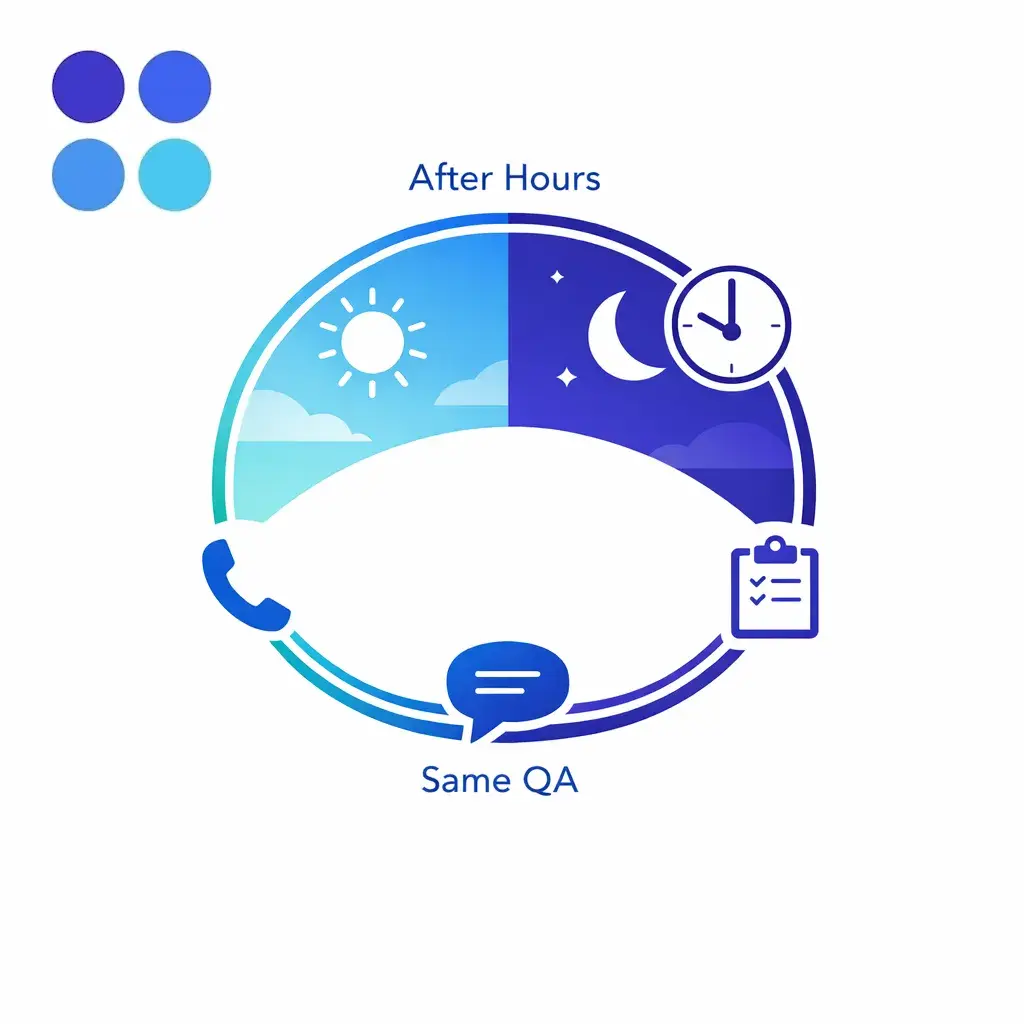
Two of the most strategically important coverage challenges sit outside core business hours: language coverage and new market launches. Both demand quick operational reach, but neither lends itself well to internal hiring.
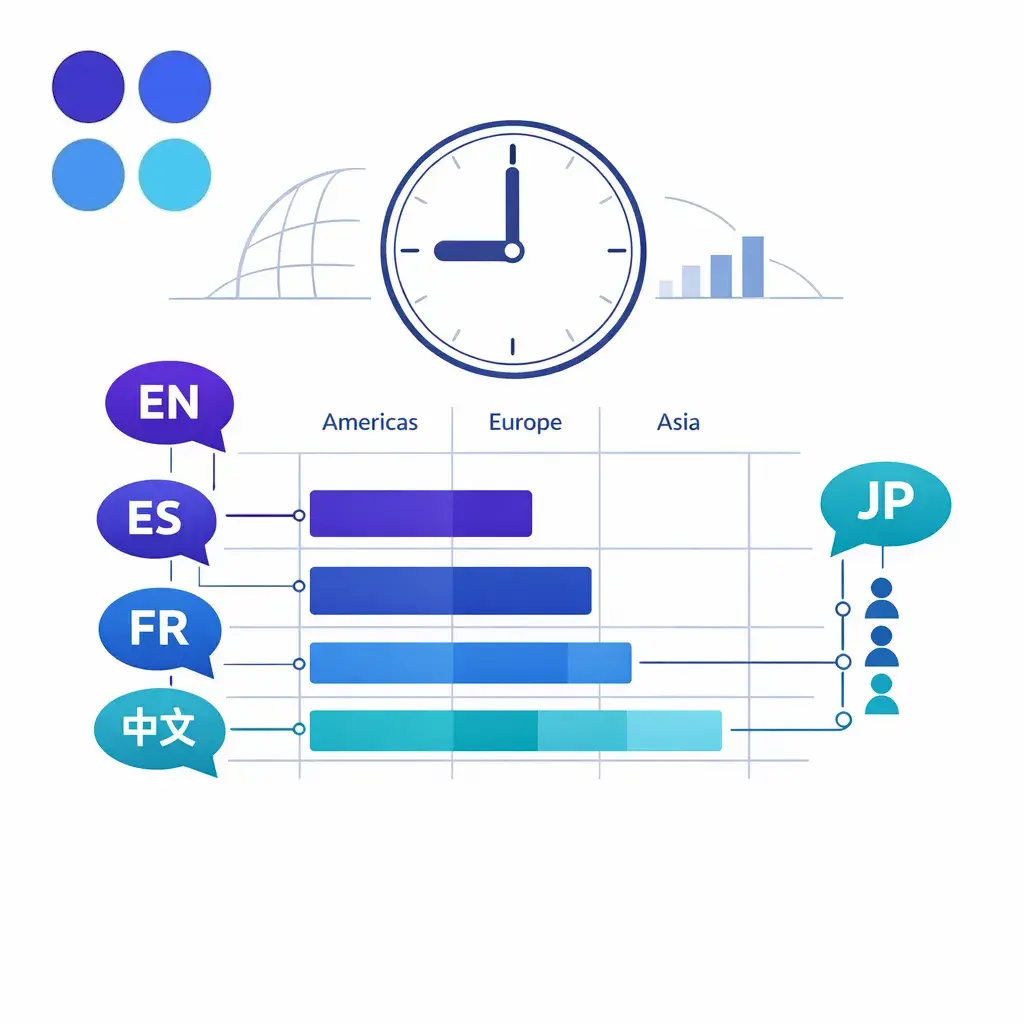
The final piece of the right-time framework is resilience. Even well-staffed teams encounter outages, weather events, illness clusters, or unexpected demand surges. Outsourced coverage can be the safety net that keeps service from breaking.
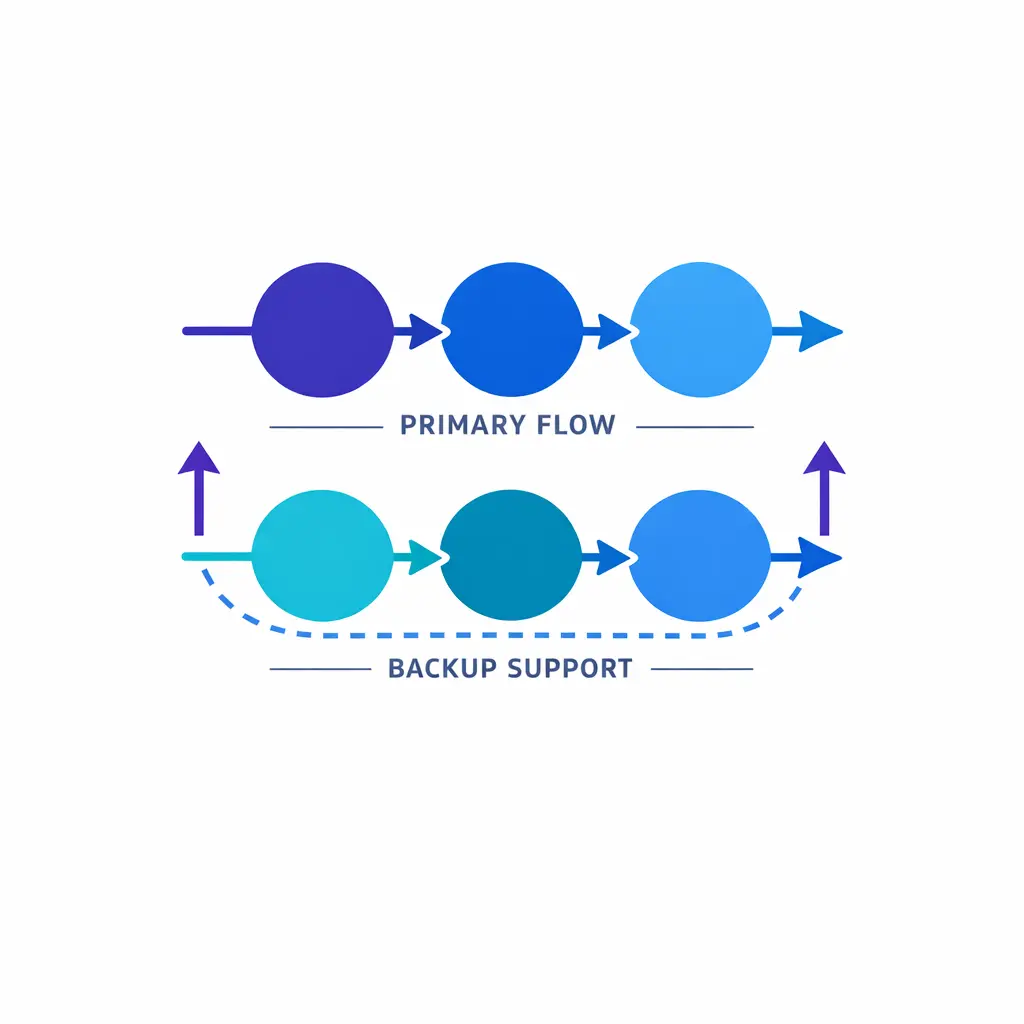
Each of these scenarios should be solved with a focused, well-scoped engagement, not a broad handoff that creates new operational risk.
Not every workflow should move outside the building. If a contact requires deep legal interpretation, clinician judgment, high-stakes negotiation, bespoke account strategy, or frequent policy exceptions, keep primary ownership in-house and use the partner for triage, documentation, scheduling, or follow-up instead.
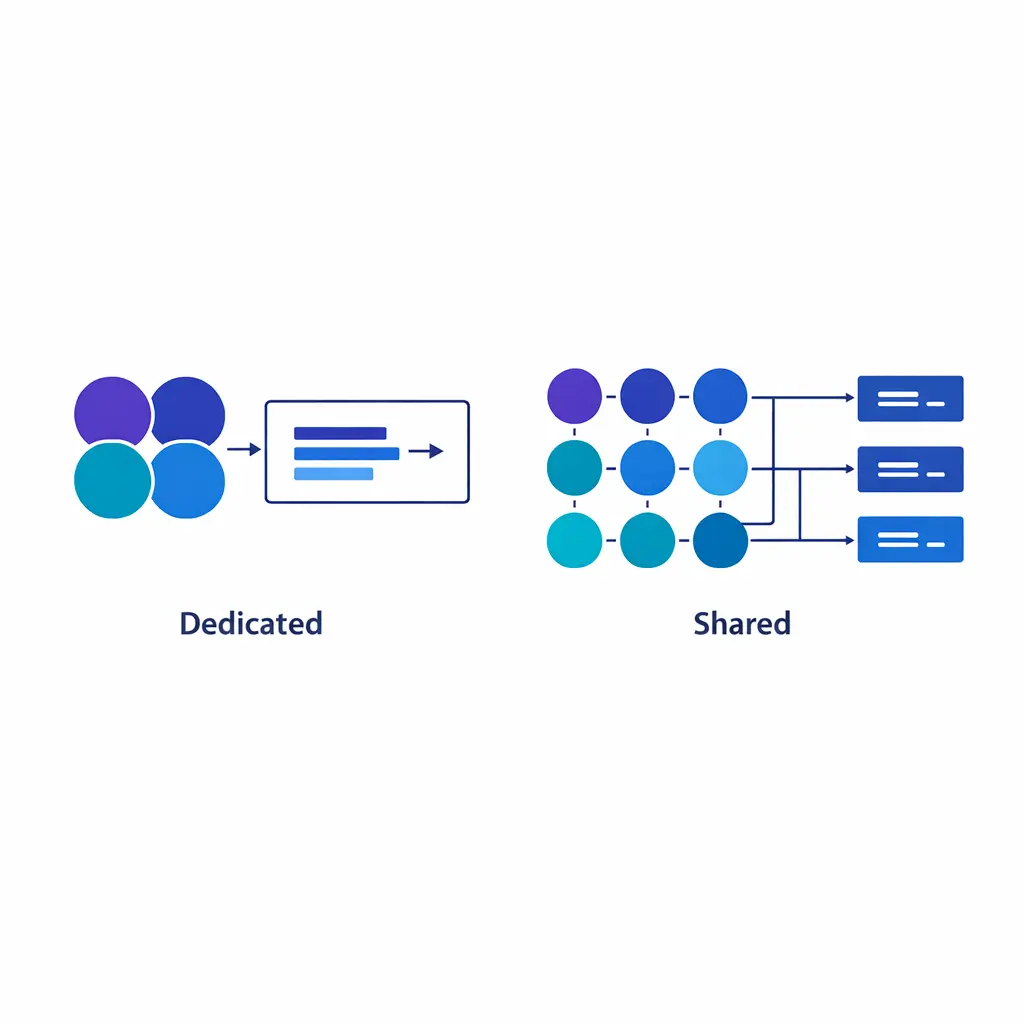
The dedicated-versus-shared decision is one of the most important choices in outsourced customer service design. Dedicated teams are usually the better fit when the work is complex, brand-sensitive, regulated, or closely tied to conversion or retention.
Many enterprise programs start shared and then add dedicated capacity around the queues that most affect customer lifetime value, lead quality, or compliance exposure. That staged approach is often more practical than trying to design a fully dedicated outsourced support team from day one.
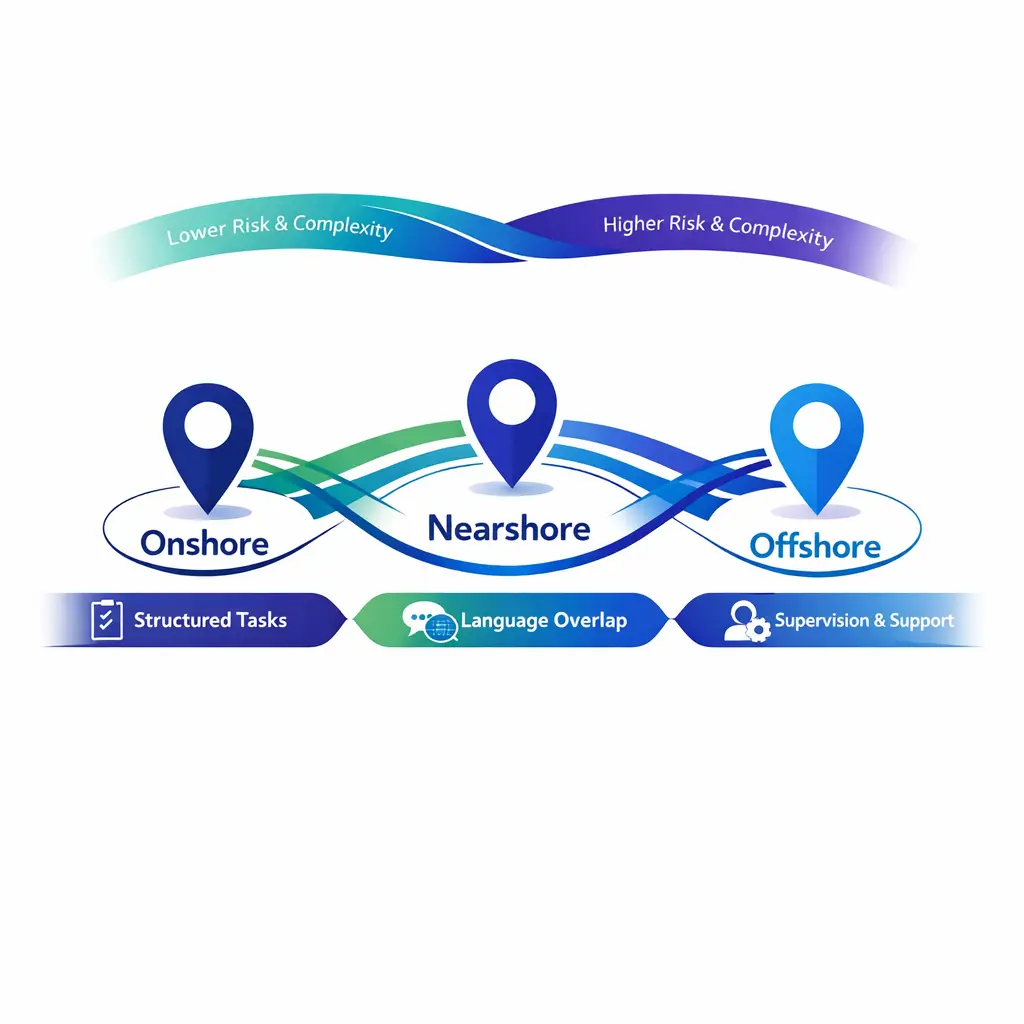
Location strategy should follow workflow risk, language needs, and customer expectations, not just hourly rate. Onshore, nearshore, and offshore models can all work if the scope, training burden, and QA controls are aligned.
Omnichannel support outsourcing only protects CX when channels share context. Customers notice immediately when the phone team cannot see chat history, the email team uses different language than the web team, or the back-office queue does not close the loop on promises made earlier.
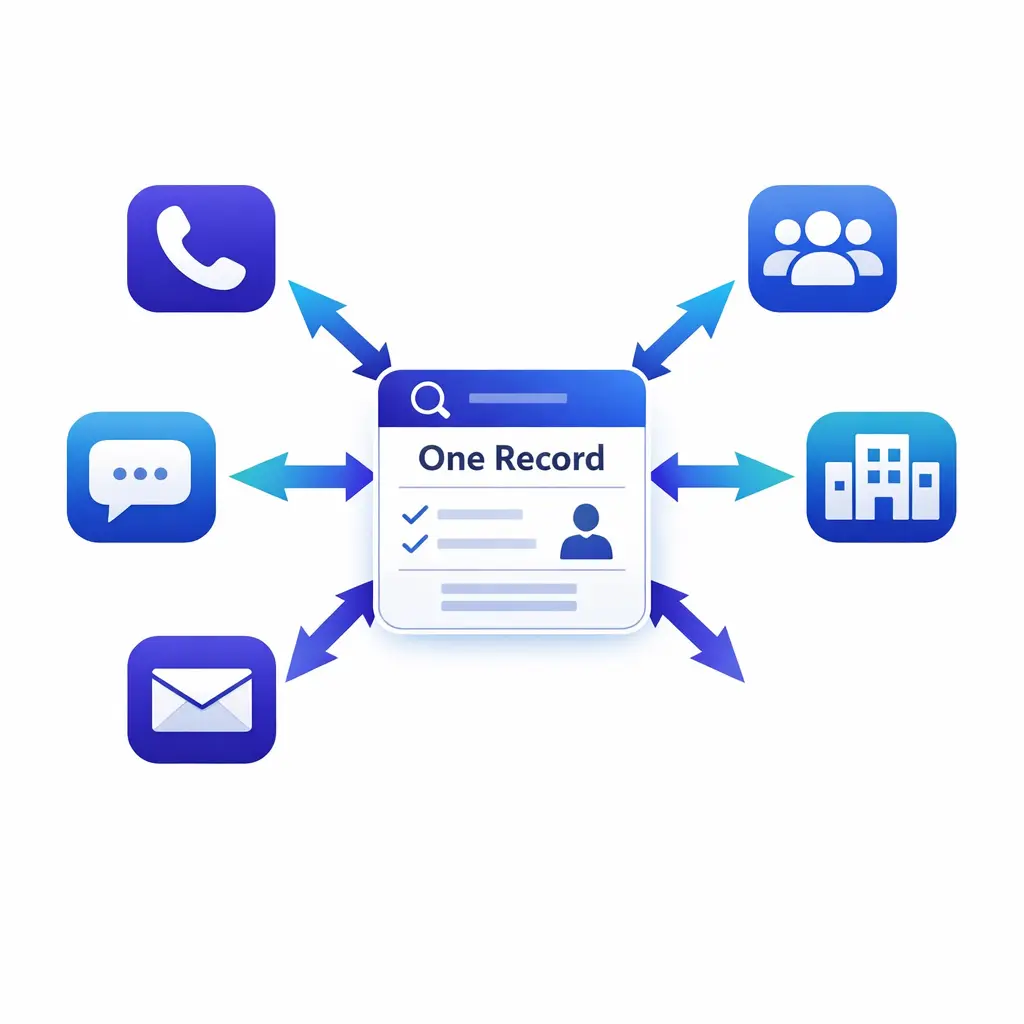
Start by mapping the journey, not the channel. Decide which contacts are synchronous, which can be worked asynchronously, and which follow-up tasks should sit behind the same case record. Then build staffing and routing around that service design. One shared customer record across phone, chat, email, and back-office tasks is the foundation for consistent CX.
Once the journey is mapped, channel choices become operational decisions rather than philosophical ones. Each channel has unique strengths and risks. Designing your channel mix around customer intent—not internal silos—is what separates omnichannel from multi-channel.
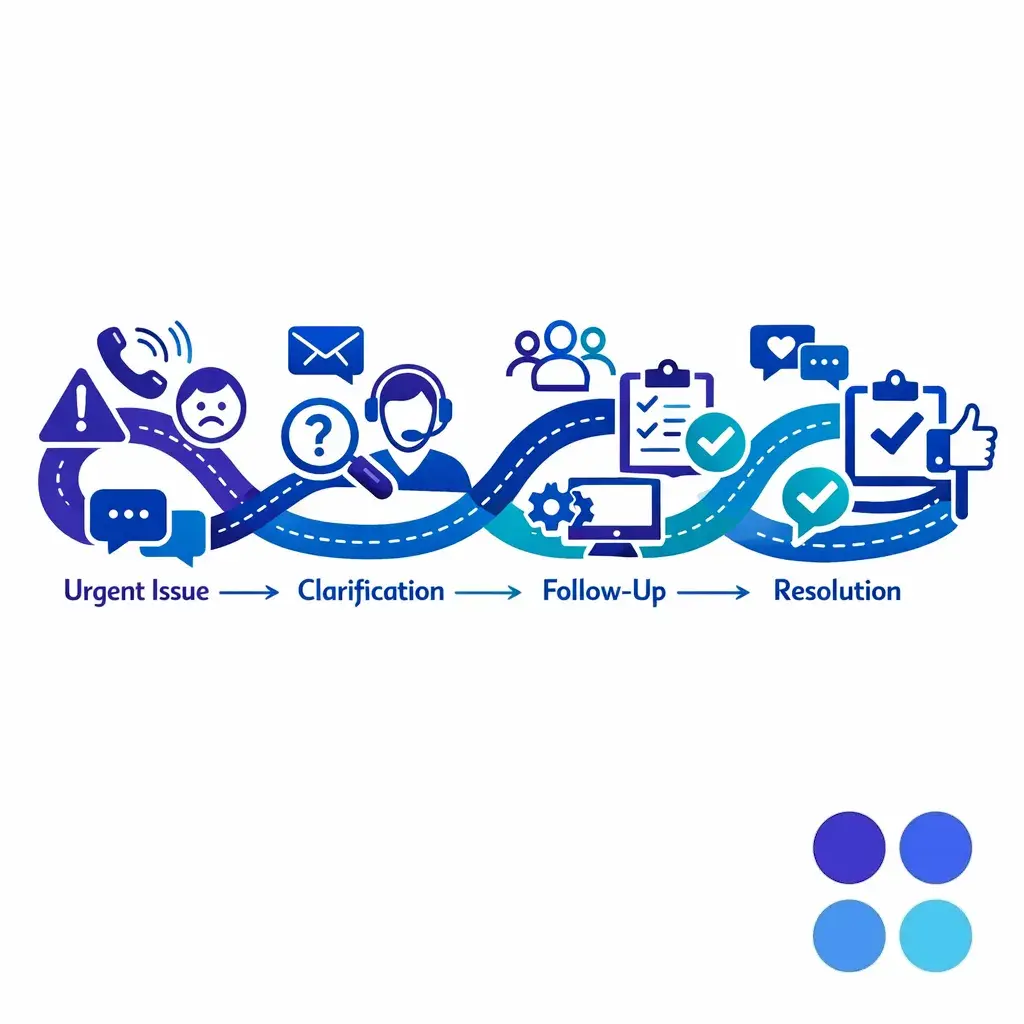
Support outsourcing metrics should be layered, not isolated. If you only measure speed, you can buy faster handling and still damage the customer experience. If you only measure quality, you can create a beautiful but slow operation that fails demand management.
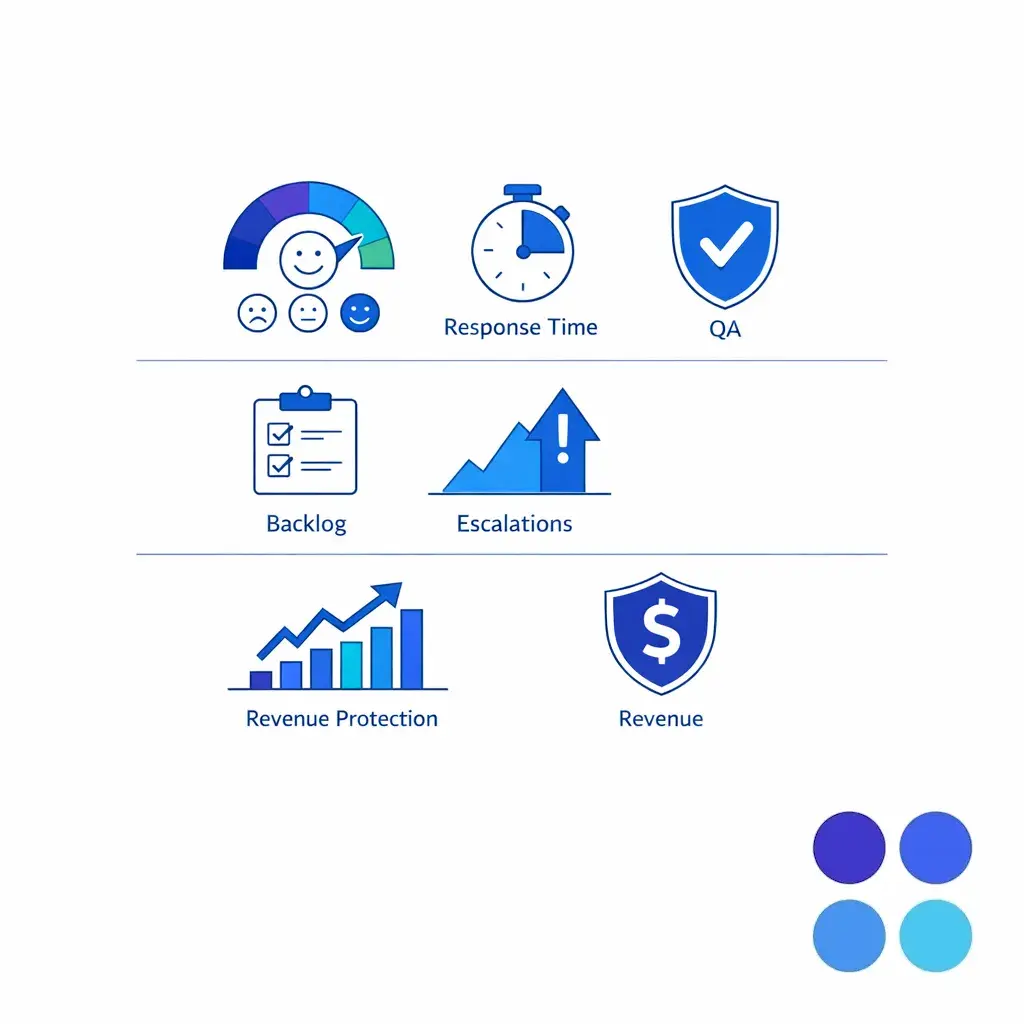
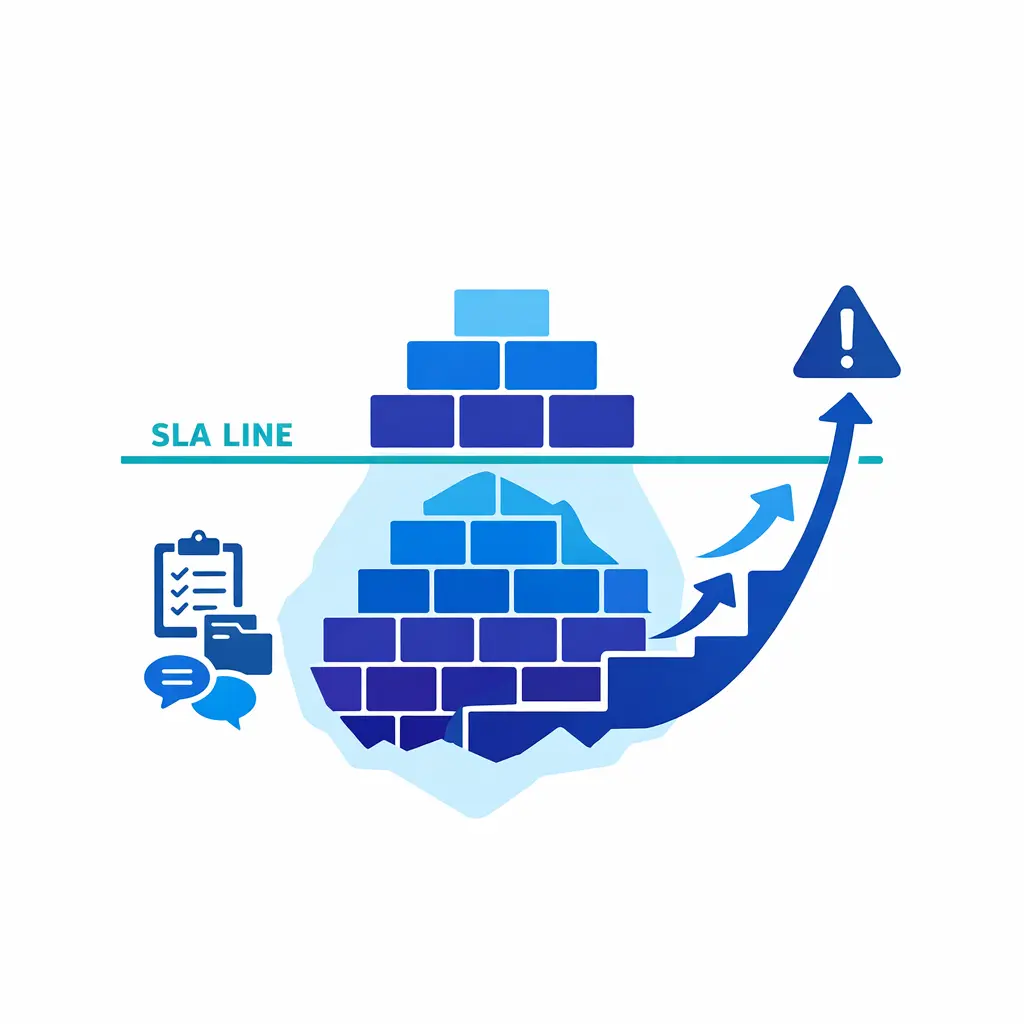
Every metric should have an owner, a threshold, and a response plan. If CSAT falls, what changes first: staffing, coaching, documentation, routing, or policy? Operational measures tell you whether the outsourced support team is stable underneath the headline numbers.
Business outcomes are what make outsourced customer service sustainable inside the enterprise budget. They also keep the discussion focused on value rather than just labor replacement.

Most outsourcing failures are design failures before they are staffing failures. The provider gets blamed, but the real issue is usually unclear scope, poor documentation, weak access planning, or a scorecard that rewards the wrong behavior.
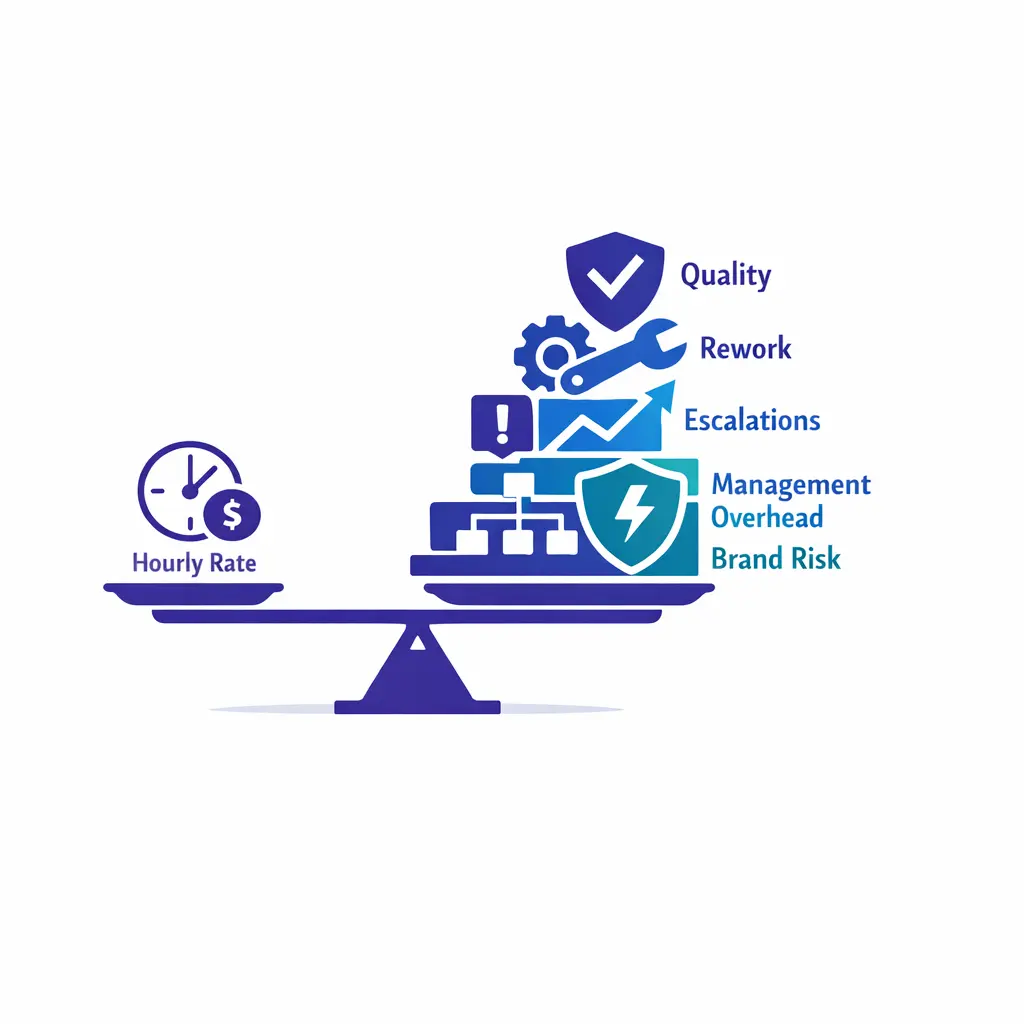
The first and most expensive mistake is buying on price alone. Lower rates do not help if escalations, rework, or poor intake quality raise total cost to serve. Process discipline must come before price negotiation. The strongest enterprise programs evaluate partners on operating fit—governance, QA rigor, integration depth—and only then on rate.
The pattern behind bad customer support outsourcing is simple: enterprises move the volume but keep the tribal knowledge. Then they are surprised when the external team sounds inconsistent. If the operating model depends on memory, informal side channels, or heroic internal rescuing, it is not ready to scale.
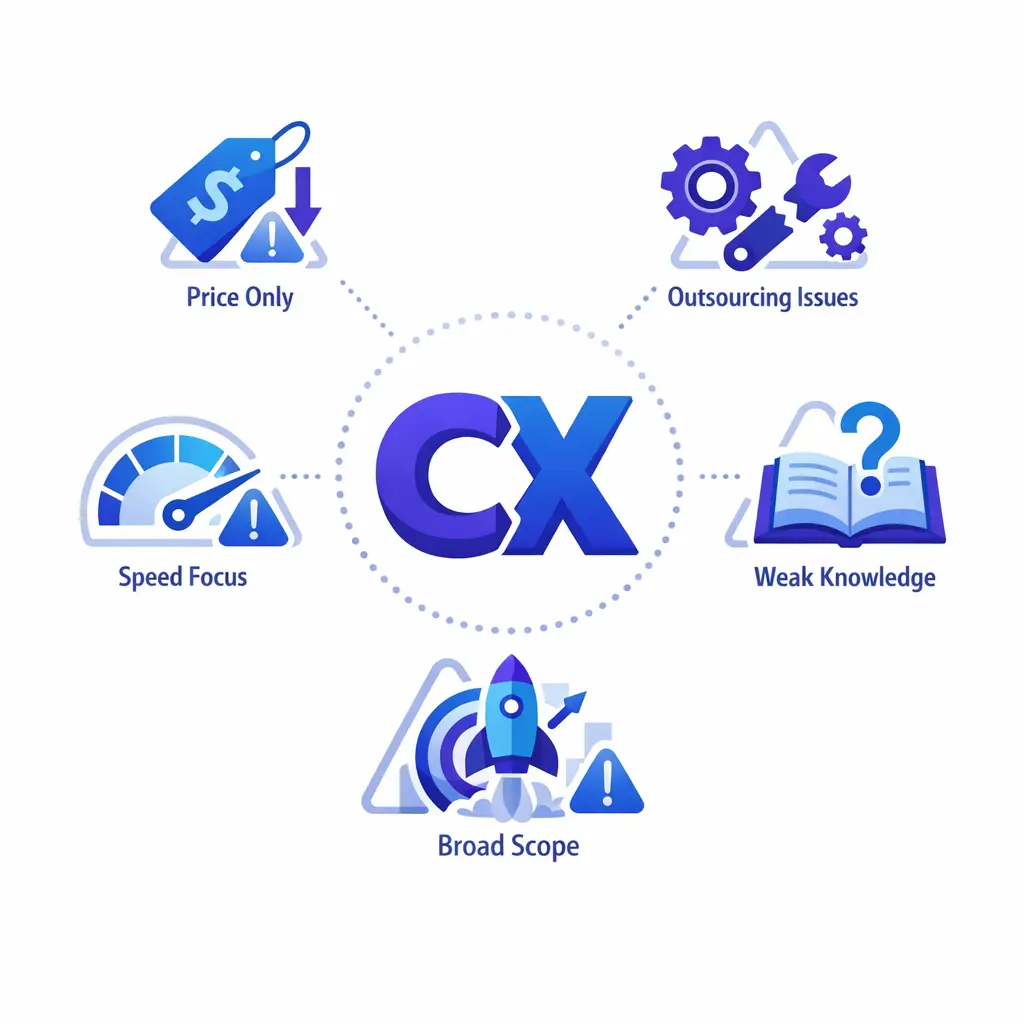
Brand protection starts with clarity, not slogans. External agents need to understand the job the customer is trying to complete, the moments that create trust, the language that is approved, and the phrases that should never be used. This is especially important for legal intake, healthcare scheduling, and other high-trust environments where tone affects conversion as much as process does.
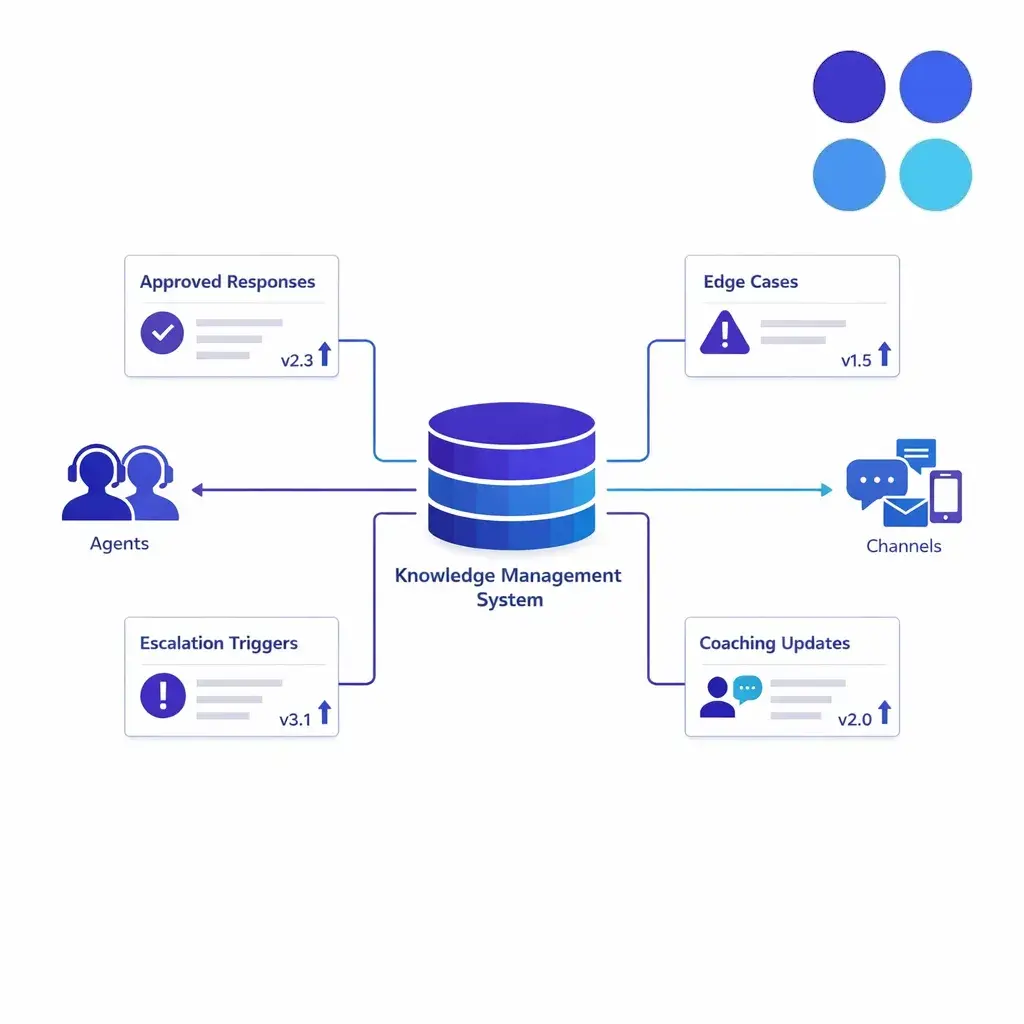
Use a living knowledge system, not a static onboarding deck. Capture approved responses, edge cases, escalation triggers, sample interactions, and daily or weekly updates. Then test understanding through call reviews, scenario drills, and change logs that show what changed and why. A central knowledge base distributes approved answers, updates, and edge-case guidance to every support team.
QA should measure what your brand actually values. That usually means a rubric that balances policy accuracy, empathy, process adherence, documentation quality, and correct next-step handling. If the rubric only measures script compliance, it will not protect the real customer experience.
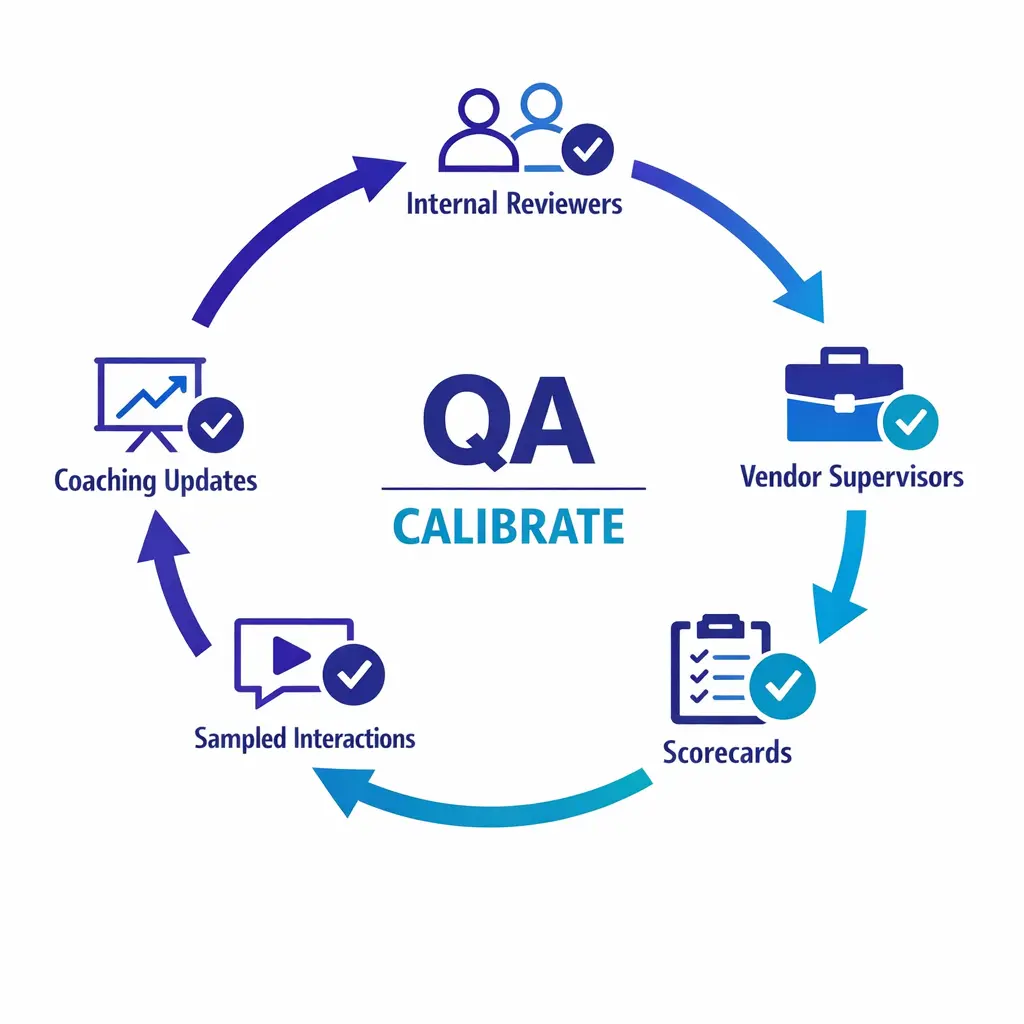
Calibration matters just as much as scoring. Internal leaders and vendor supervisors should review the same interactions regularly, compare scores, resolve disagreement, and update examples so coaching remains consistent. This is how an outsourced customer service program stays aligned as products, policies, and volume patterns change.
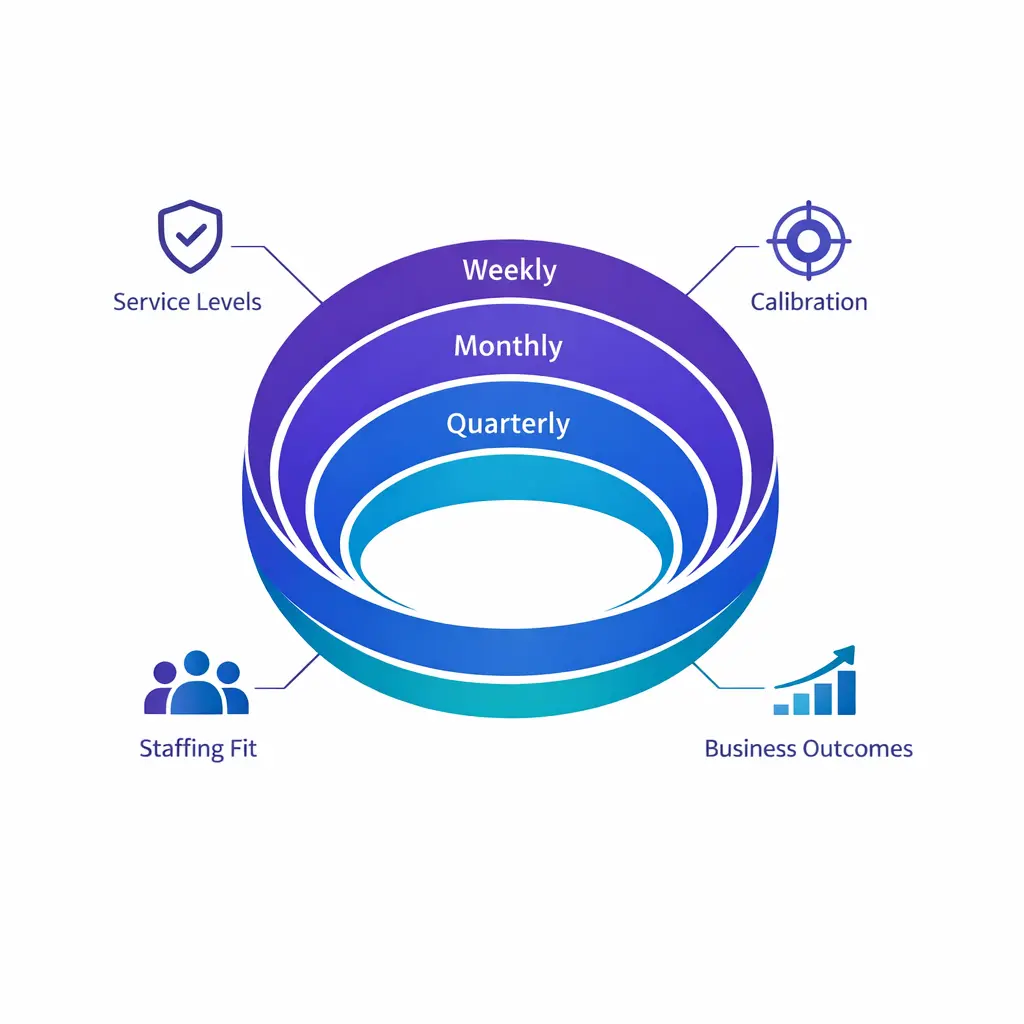
Governance cadence keeps QA, scorecards, and operational reality connected. Without a defined rhythm, even strong rubrics drift. The right cadence balances tactical adjustment with strategic review.
If your workflow touches protected health information, the HIPAA Privacy Rule and the HIPAA Security Rule should shape access design, training, monitoring, and audit readiness from the start. If a provider creates, receives, maintains, or transmits protected health information on your behalf, HHS guidance on business associates belongs in the vendor review and contracting process.
For legal intake and law-firm-adjacent workflows, confidentiality duties do not disappear because a vendor is involved. Those responsibilities still connect back to standards such as ABA Model Rule 1.6 on confidentiality of information, which is why access, scripts, data handling, and escalation design need tighter controls than a generic contact center program.
More broadly, ask prospective providers how their security practices map to a recognized framework such as the NIST Cybersecurity Framework 2.0.
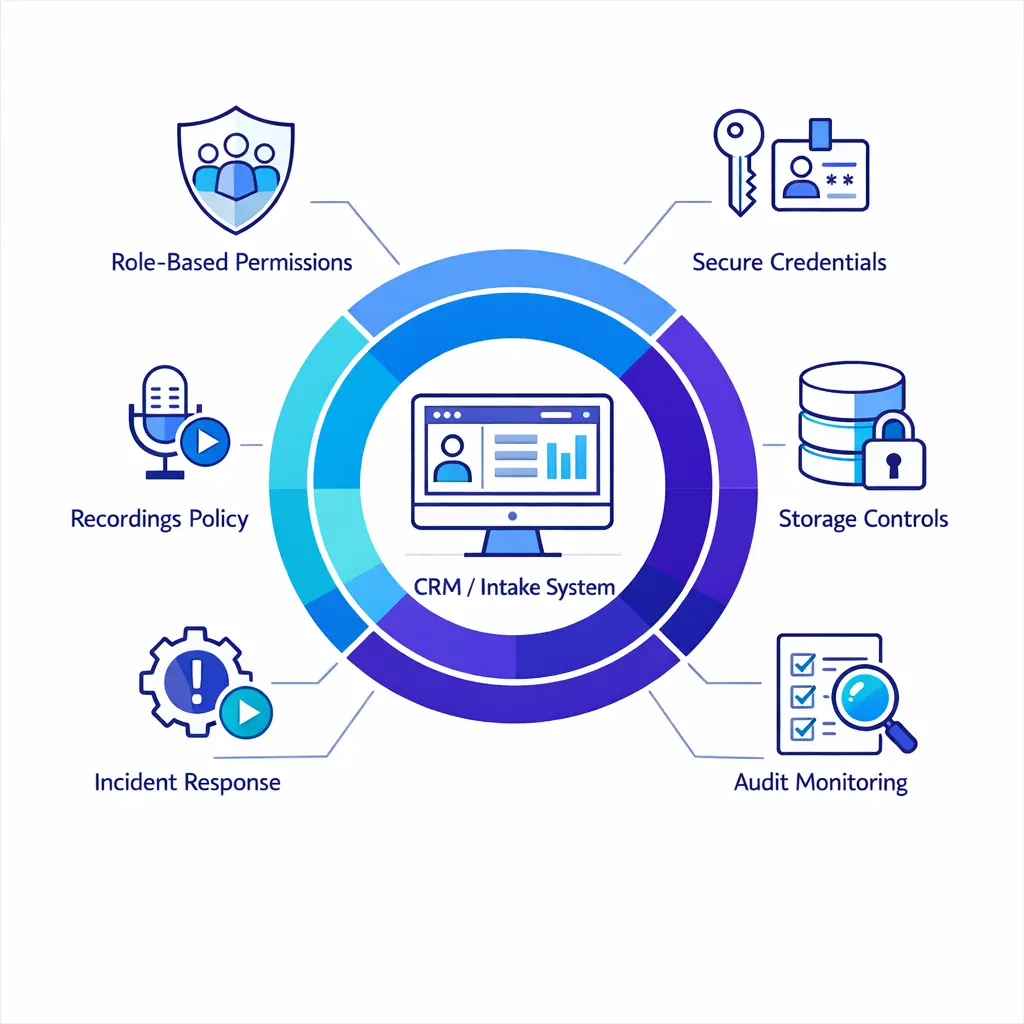
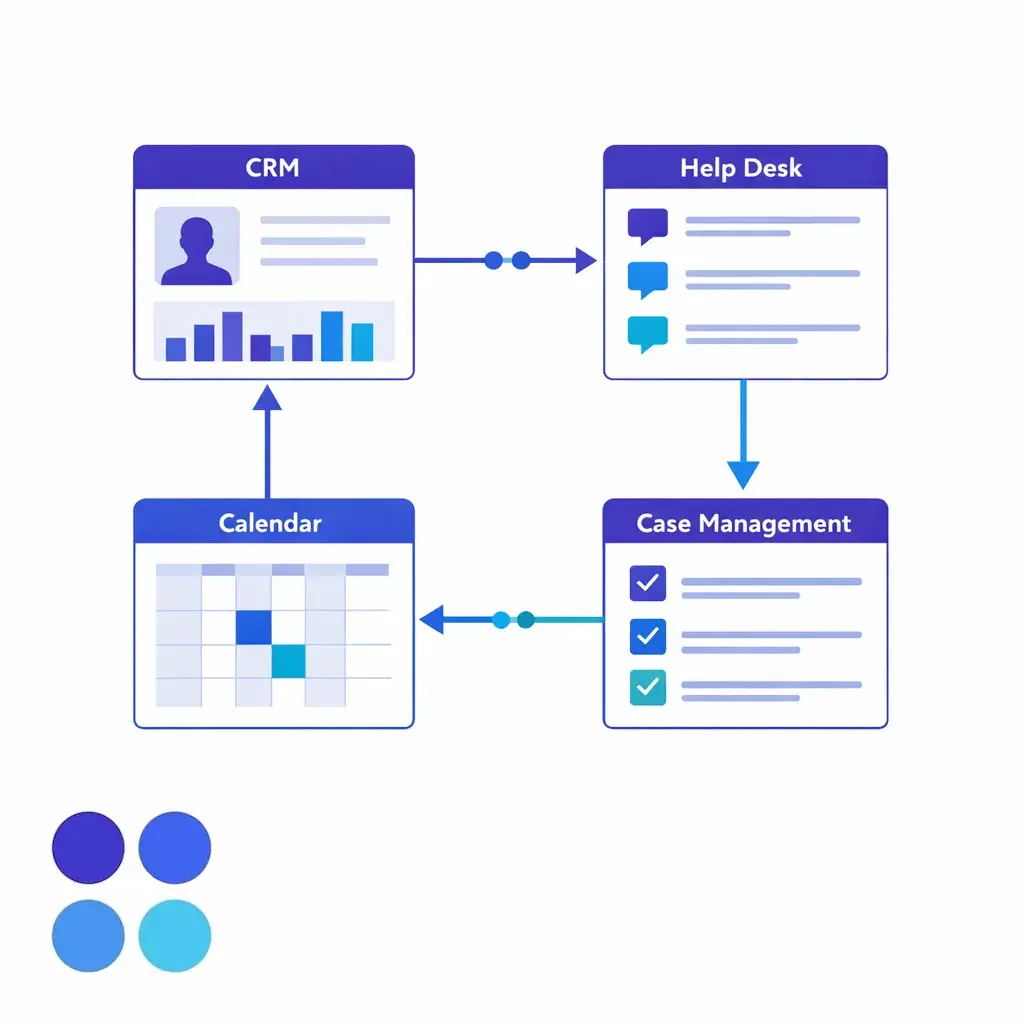
Beyond compliance, verify the operational basics: least-privilege access, credential management, recording policies, endpoint controls, retention rules, incident response, and whether the partner can work cleanly inside your CRM, help desk, scheduling, EHR, or intake stack without creating shadow workflows.
The best partner is not always the one with the biggest footprint. It is the one whose operating model fits your workload, governance expectations, and risk profile. That is why enterprise customer support outsourcing decisions should start with process fit and management discipline before buyer decks and generic case studies.
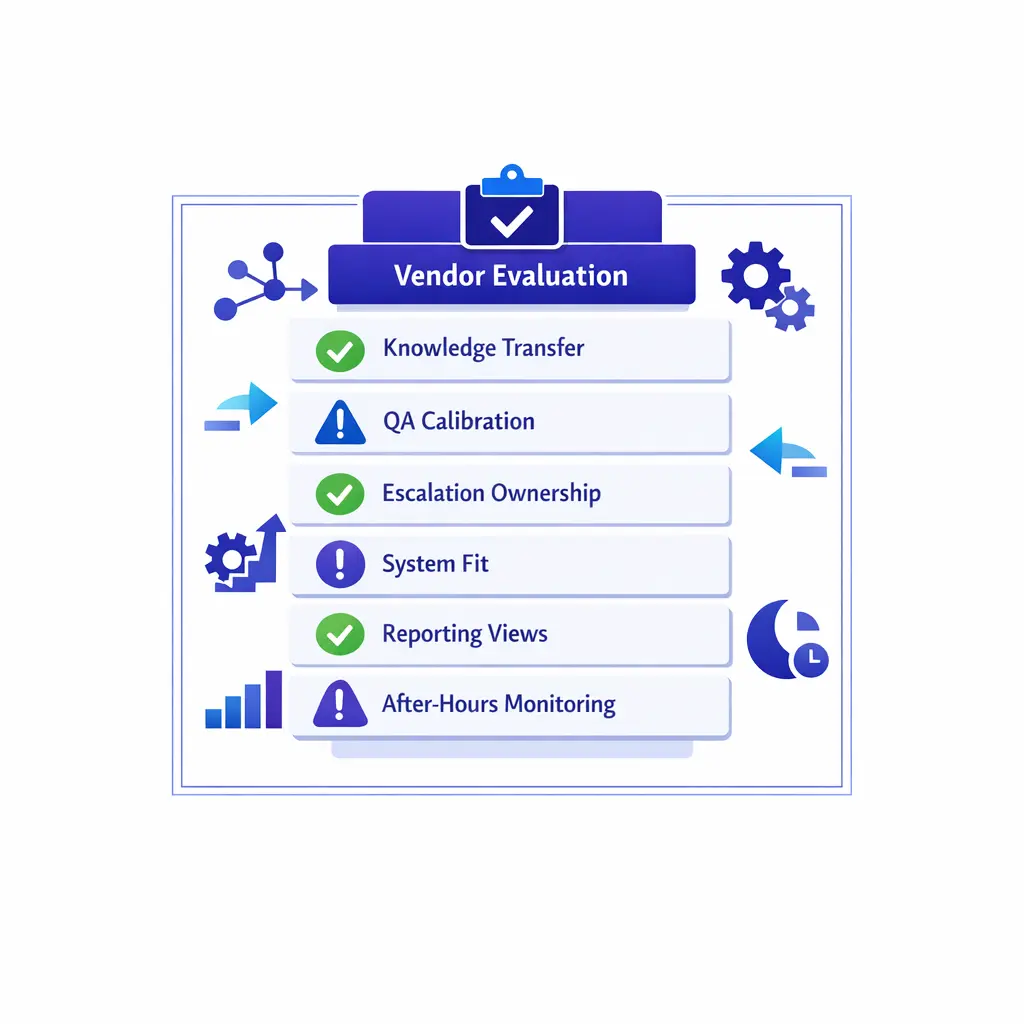
Red flags are usually operational, not cosmetic. Be careful when a provider cannot define who updates knowledge, how exceptions are documented, how after-hours quality is monitored, or what changes when volume doubles.
Pilot narrowly and measure deeply. Start with one channel, one geography, one business unit, or one queue type, then expand only after the model proves stable. This is the easiest way to compare outsourcing customer support against in-house handling without exposing the entire customer journey at once.
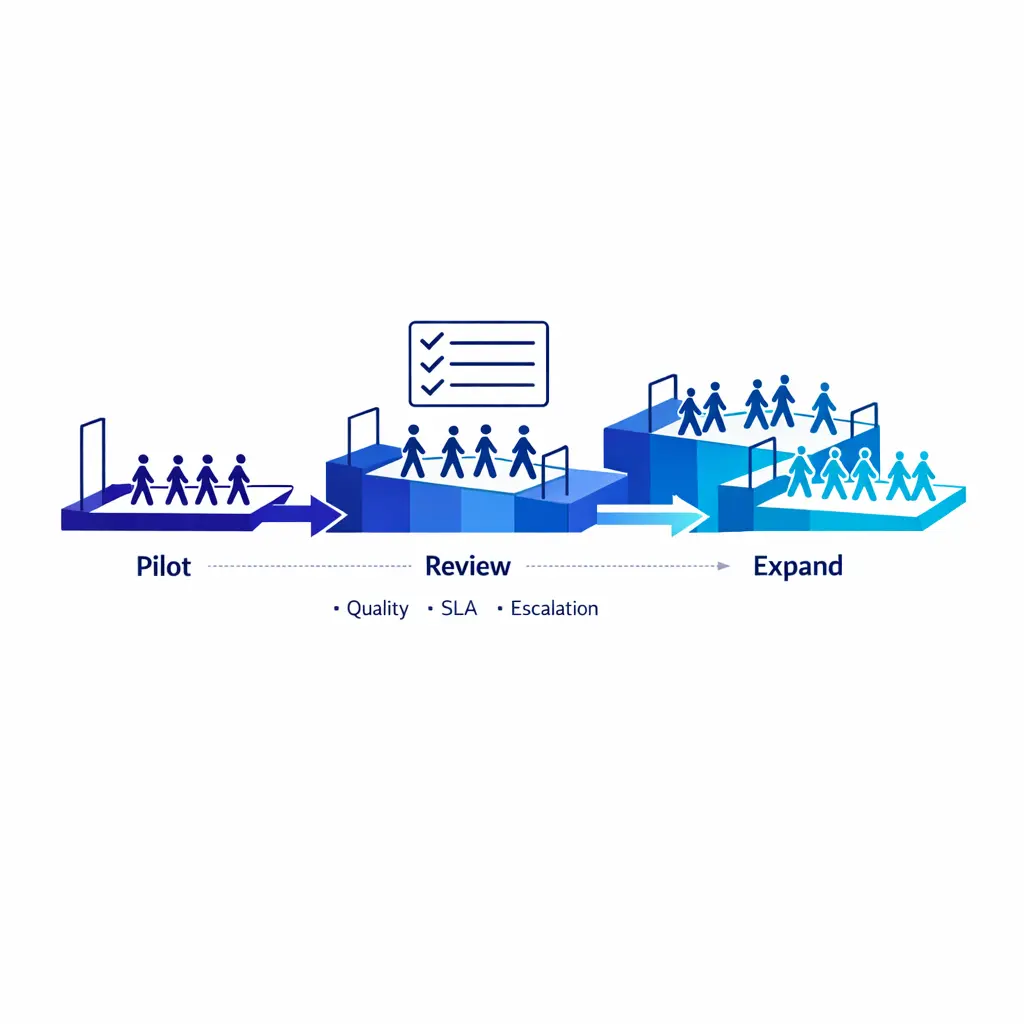
For teams comparing Go Answer with broader outsourced call center options, this is where the real difference tends to show. Reliable enterprise support is usually built on disciplined intake, QA rigor, responsive coverage design, and clear governance, not just raw staffing availability.
It is the use of an external team to handle some or all customer support work under defined processes and service levels. That can include phone, chat, email, intake, overflow, after-hours coverage, or back-office follow-up, and it can be full, partial, or hybrid.
Outsourced customer service cost depends on channel mix, hours of coverage, workflow complexity, geography, integrations, reporting needs, compliance requirements, and whether the team is dedicated or shared. The better buying comparison is total cost to serve, not hourly rate alone.
There is no single universal taxonomy that every buyer uses. In enterprise support, the most practical way to think about BPO is across four lenses: front-office work, back-office work, shared versus dedicated staffing, and location design such as onshore, nearshore, or offshore.
It can be, especially when internal coverage is hard to staff or demand swings are large. But cheaper only matters if service quality, documentation quality, and escalation quality remain strong. For enterprise teams, the right answer comes from modeling labor, tooling, management overhead, QA effort, and the revenue or retention impact of missed or mishandled contacts.
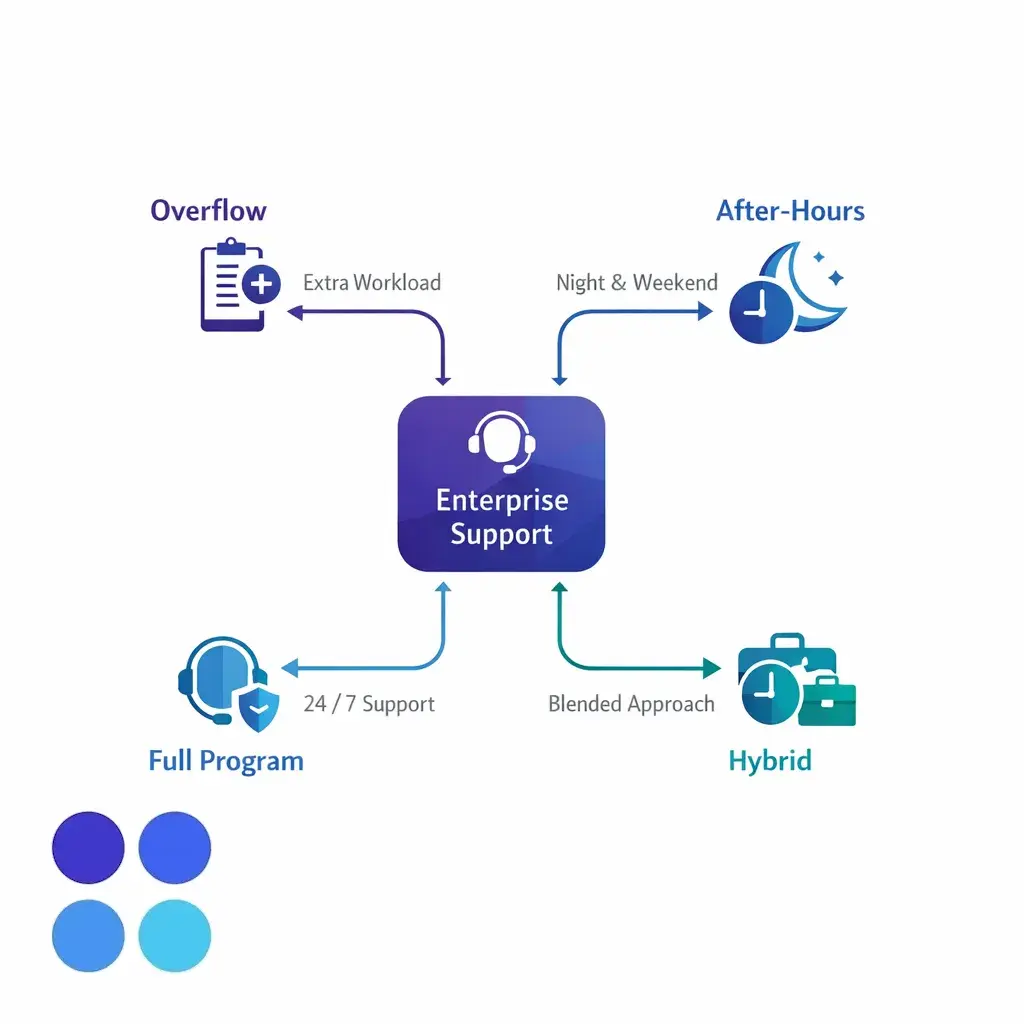
If your team is evaluating customer support outsourcing, begin with the operating model, not the vendor script. Identify which interactions drive trust, conversion, compliance risk, and retention, then decide what should stay in-house, what can move to an outsourced support team, and how performance will be governed week after week.
Go Answer supports organizations that need reliable coverage, strong intake quality, and enterprise-ready operational discipline. If you want help pressure-testing a dedicated, shared, or hybrid design, Request Pricing or Book a Discovery Call.

Learn why thousands of companies rely on Go Answer.
Try us risk-free for 14 days!
Enjoy our risk-free trial for 14 days or 200 minutes, whichever comes first.
Have more questions? Call us at 888-462-6793
Learn why thousands of companies rely on Go Answer.
Have more questions? Call us at 888-462-6793
If you would like to get in contact with a Go Answer representative please give us a call, chat or email.

Thanks for your interest!
A representative will be reaching out to you shortly.
Have more questions? call us on 888-462-6793
