
Customer Service Live Chat for Enterprise Teams: When to Use Agents, Bots, or Hybrid Coverage
By Matt O'HaverLast modified: July 28, 2026
Voted Top Call Center for 2024 by Forbes
Virtual Receptionists
Save time and money with our virtual receptionists.
AI Receptionist
AI-powered receptionist that answers, routes, and qualifies calls 24/7.
Enterprise Solutions
Solutions designed to scale with your organization’s needs.
Legal Services
Our virtual legal receptionists are experts in legal intake.
Last modified: July 28, 2026
Customer service live chat can improve response coverage, protect inbound revenue, and reduce avoidable phone volume, but only if it is designed as an operating model rather than a website add-on. Enterprise teams usually do not struggle with whether chat is useful. They struggle with where chat fits, who should handle which conversations, and how to maintain quality when volume spikes.
This guide is for enterprise and multi-location service businesses, legal intake-heavy organizations, healthcare practices, and high-volume inbound teams that need reliable support across business hours, after-hours periods, or both. You will learn when to use human agents, when bots are enough, when hybrid coverage works best, which KPIs matter most, and what staffing, workflows, and integrations are required before scaling live chat for customer support.
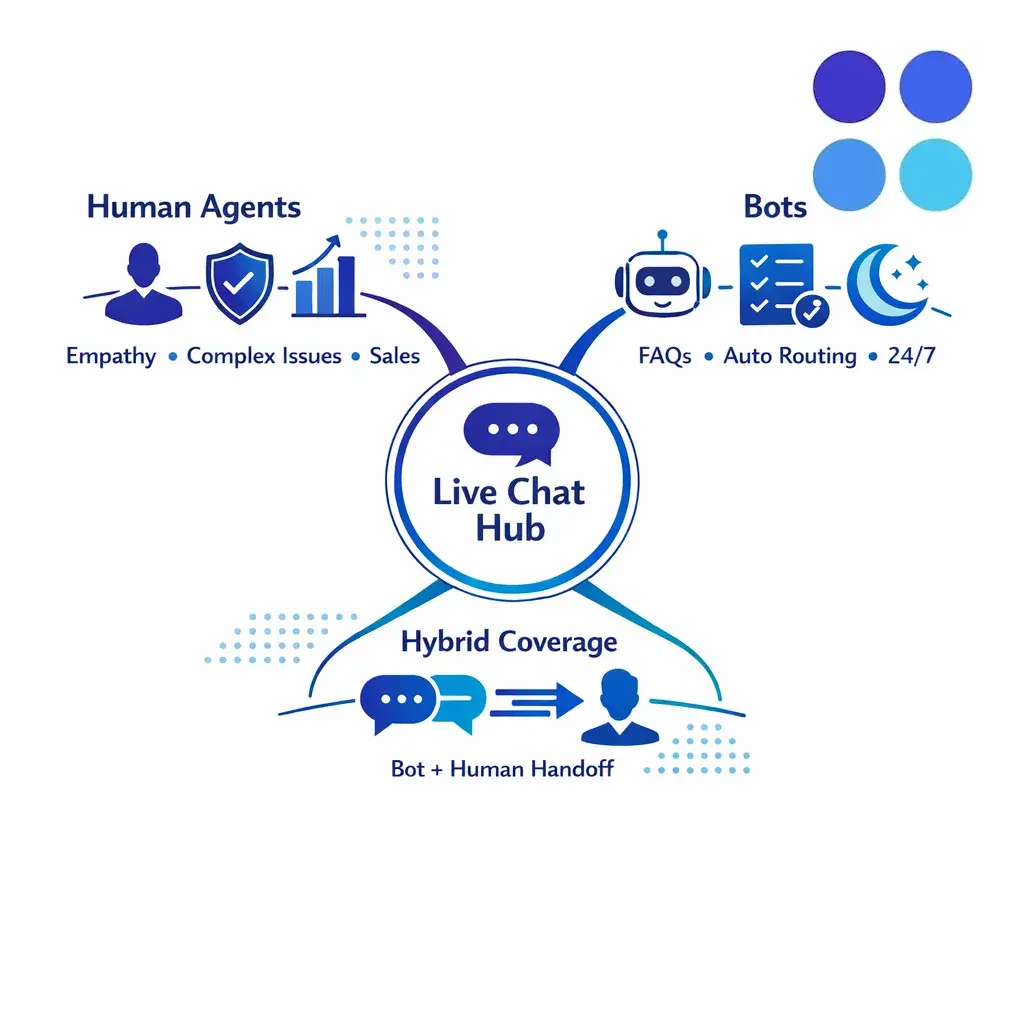
The short version: human agents for complex, emotional, or revenue-impacting chats; bots for FAQs, routing, and predictable after-hours workflows; hybrid when you need instant availability with fast human takeover.
In enterprise settings, live chat is usually the real-time text channel on a website, portal, or app where customers expect a prompt reply. It can support service, sales, scheduling, triage, intake, and escalation. The point is not just convenience. The point is to place the right work in the right channel with the right staffing model behind it.
For planning purposes, it helps to separate a few related ideas. Live chat is the channel itself. Chat support is the work performed in that channel. Messaging is often more asynchronous. Contact-center chat operations refers to the full system around the channel, including queue design, routing logic, QA, workforce management, macros, reporting, and handoffs to voice, email, or ticketing.
That distinction matters because enterprise customer support rarely lives in one tool. A chat program may start on the website, but the work often continues in a CRM, a case management system, a phone queue, a ticketing platform, or an intake workflow. For legal, healthcare, and service businesses, chat is often the front door to a larger process rather than the full process itself.
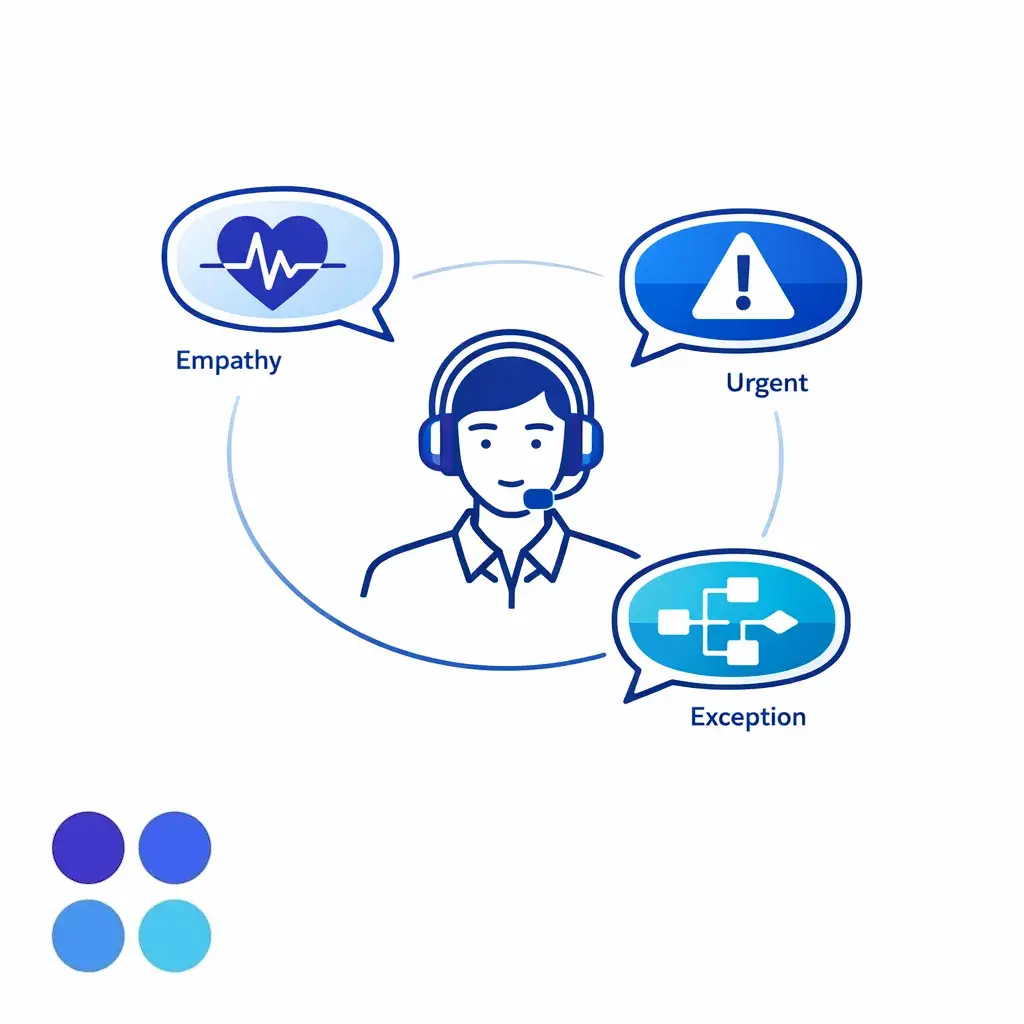
Human agents are the right choice when the interaction requires judgment, reassurance, or problem solving that does not follow a clean script. This includes complaint handling, emotionally charged service issues, unusual product failures, urgent scheduling changes, and conversations where the customer is confused or frustrated.
Enterprise chat should move to human handling when the conversation crosses into policy exceptions, sensitive disclosures, or decisions that may affect compliance exposure. For healthcare organizations, chat workflows that involve protected health information should be designed around the HIPAA Privacy Rule and the HIPAA Security Rule. If a third-party support provider creates, receives, maintains, or transmits PHI on behalf of a covered entity, it may qualify as a business associate.
Even outside healthcare, exception handling is rarely a bot-first problem. Refund exceptions, identity disputes, service failures, billing escalations, and account access concerns tend to need review, discretion, and clean documentation.
Human agents also make sense when chat directly affects conversion, retained revenue, or qualified intake. A strong live chat customer service program does not treat every inbound contact the same. It reserves human time for the conversations where quality has the highest operational or commercial value.
The more context, nuance, or trust-building a conversation requires, the more valuable a trained agent becomes. Legal intake is a clear example, where follow-up questions and issue spotting decide whether a case moves forward.
Bots are most useful when the path is predictable and the answer can be delivered consistently. That includes store hours, office locations, service areas, simple policy questions, basic order or case status, lead qualification, and routing to the right queue.
If the workflow includes customer verification or account access steps, the design should reflect the risk level of the task and the assurance you need under the NIST Digital Identity Guidelines. In practice, that means not treating simple lead capture the same way you would treat account recovery, payment changes, or access to sensitive records.
Many enterprises do not need a full specialist team online at all hours, but they still need the channel to stay responsive. Bots can acknowledge the inquiry, explain service windows, collect structured details, offer self-service options, and route urgent cases into a defined escalation path.
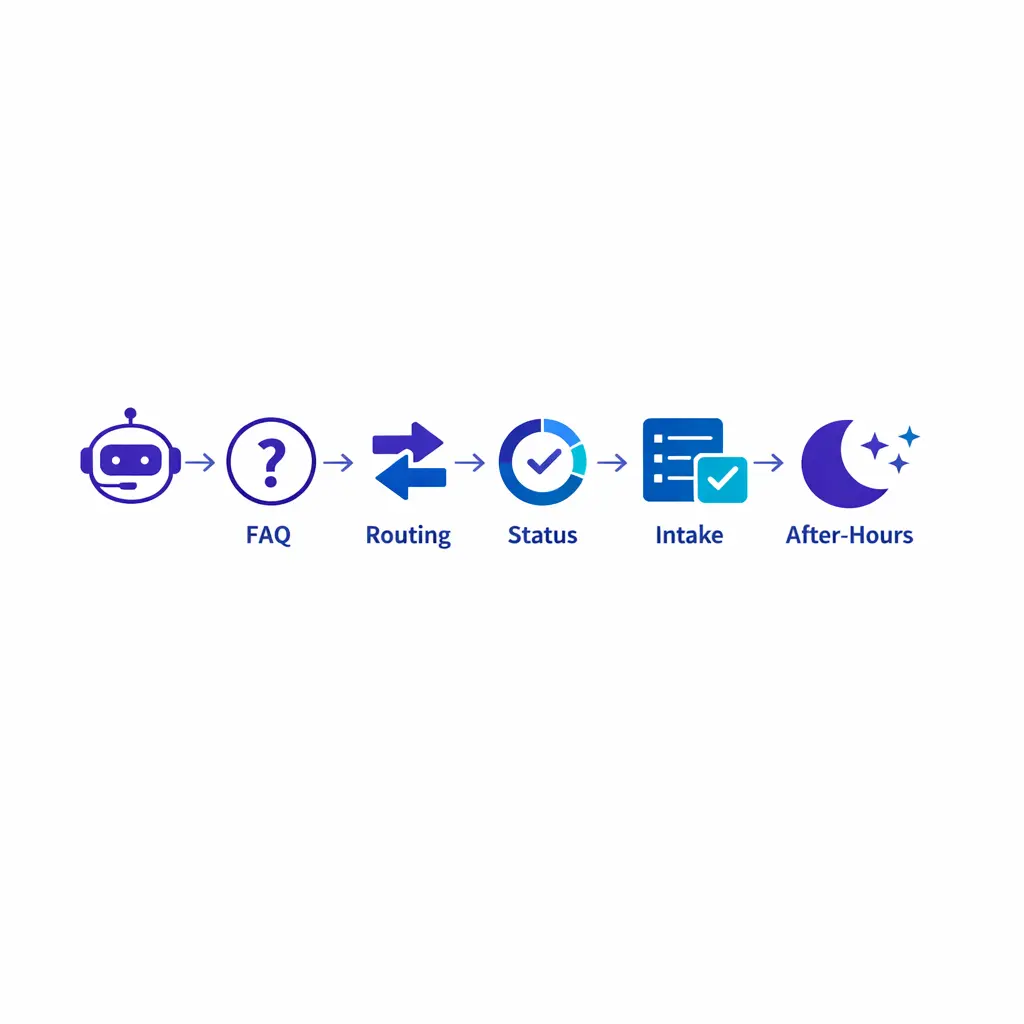
Bots are strongest on predictable paths: store hours, locations, simple policy questions, basic status, lead qualification, and structured triage that collects required information before a human steps in.
Enterprise teams should also use bots for repetitive tasks that follow fixed rules. Examples include appointment confirmations, document requests, password reset guidance, intake form collection, office routing, and knowledge-base retrieval. The biggest mistake is asking a bot to act certain when the workflow is not certain. Good bot design narrows the task, states limits clearly, and offers a fast path to a human when the conversation falls outside the defined lane.
For most enterprise teams, hybrid coverage is the strongest model because it combines immediate availability with human judgment where it counts. The bot handles greeting, intent capture, routing, and simple resolution. A human agent takes over when the inquiry becomes complex, high-emotion, high-value, or exception-based.
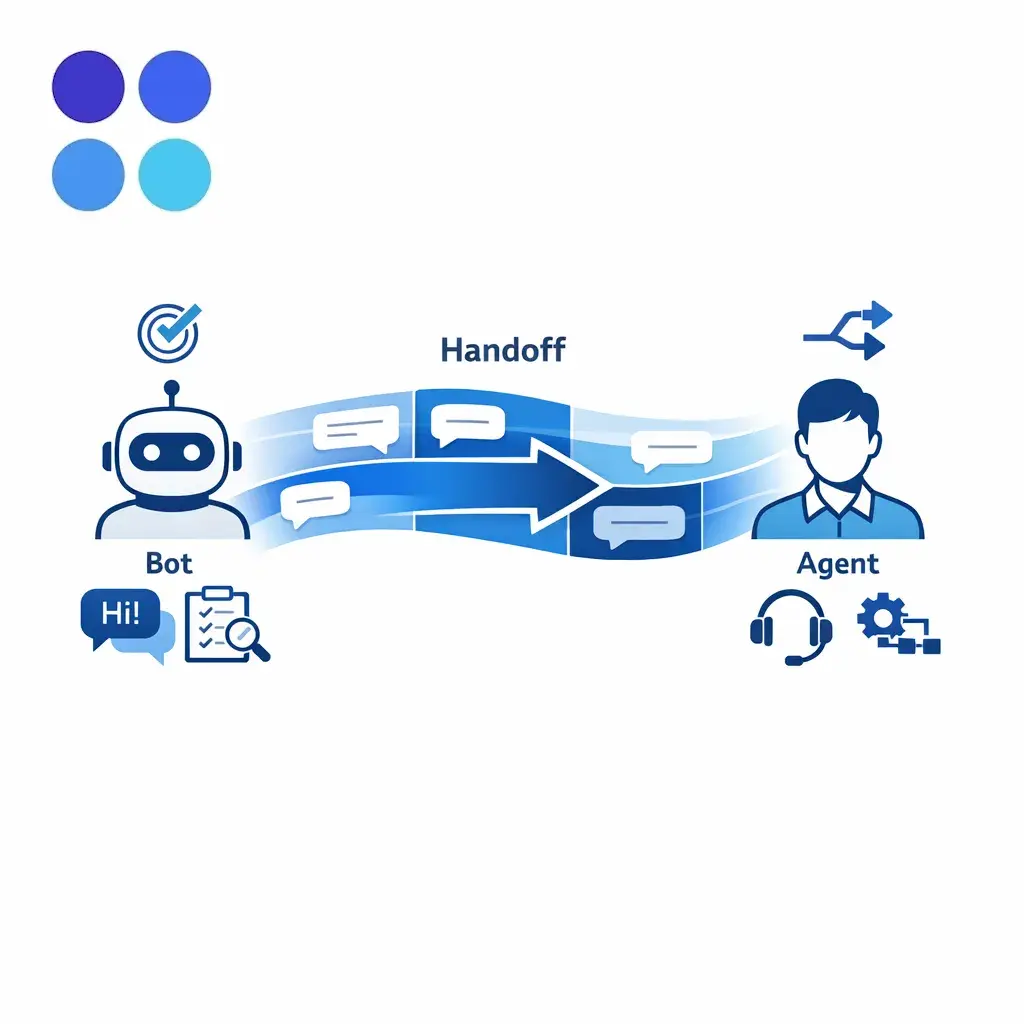
The key word is human-fast. Hybrid works when handoff rules are clear, takeover is quick, and the agent sees the full history, so the customer never has to repeat the issue.
Hybrid coverage is also a practical way to offer wider hours without staffing every queue with full specialist capacity. A bot or generalist layer can keep intake open after-hours, while defined escalation rules send urgent or high-value conversations to live agents. Standardized bot flows improve consistency at the front of the interaction, while trained agents handle the points where nuance matters most.
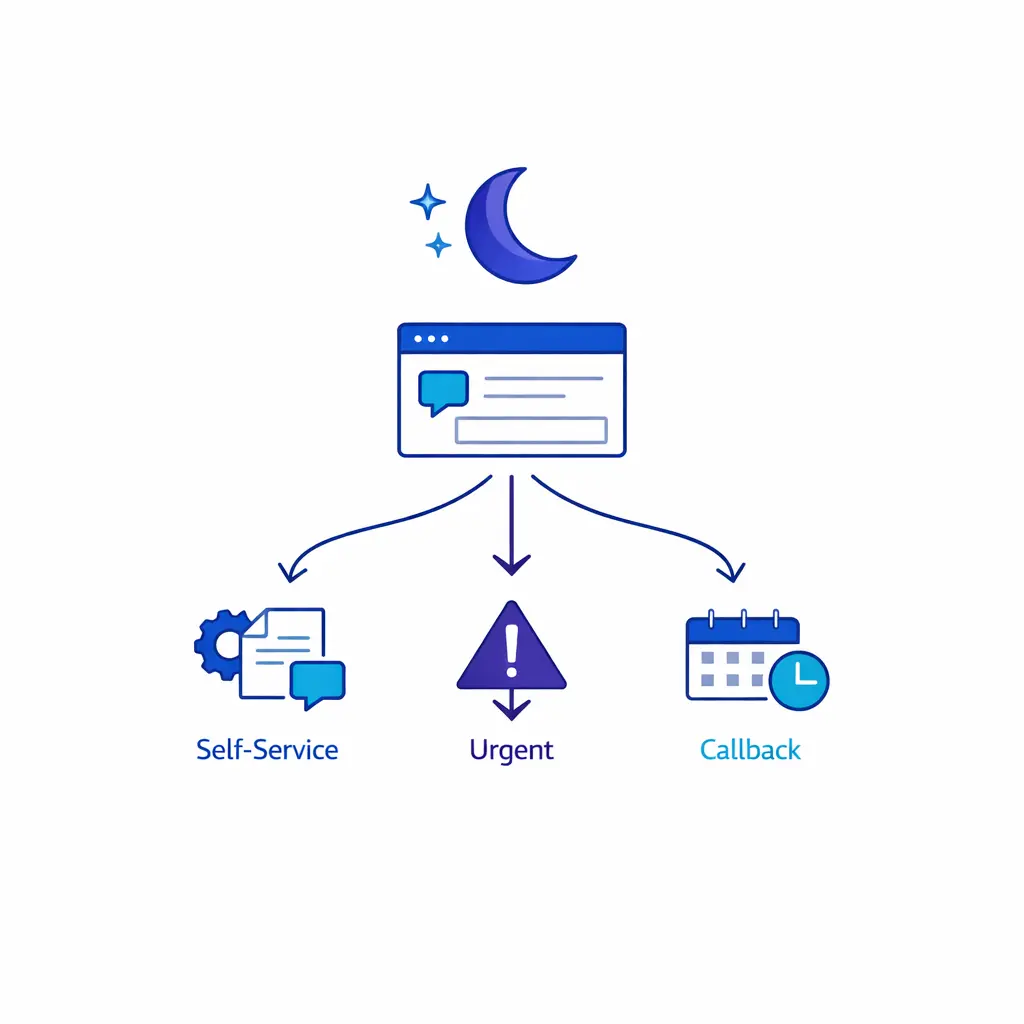
After-hours, bots can acknowledge the inquiry, explain service windows, collect structured details, offer self-service, and route urgent cases into a defined escalation path, without pretending everything resolves at 2 a.m.
There is no single staffing model that fits every enterprise chat program. In-house teams work well when the product is complex, the brand voice is highly controlled, or frequent policy judgment is required. Outsourced teams are useful when extended hours, overflow, multilingual support, or rapid scale are the main priorities. A blended model is often the most practical, and for many organizations that is where a partner like Go Answer can add value without disrupting the core service model.
Chat needs its own workforce plan. Forecasting should account for traffic source, page type, marketing campaigns, business hours by region, service lines, and the share of conversations likely to escalate to voice or ticketing. Overflow planning matters just as much as base staffing: define what happens when wait time rises, when a priority queue backs up, or when specialists are unavailable.
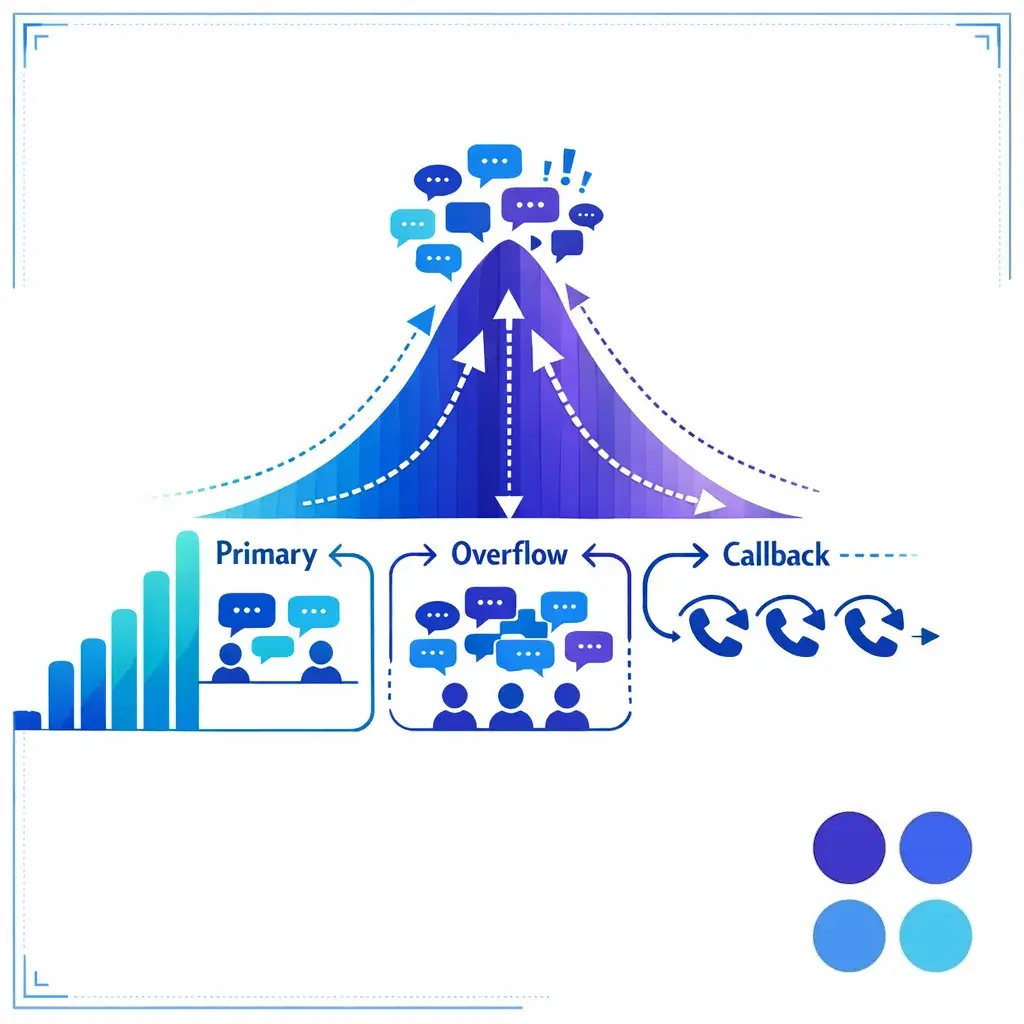
When volumes spike, bots sort, label, and route inbound demand so agent capacity is protected for conversations that actually need it. Used this way, automation is queue discipline, not replacement.
Enterprises with broad geographic coverage should decide early whether chat will be language-specific, regionally routed, or translated through separate queues. After-hours coverage should also be explicit. Decide which inquiries must be answered live, which can be converted into structured callbacks, and which can be safely held for the next business period.
First response time shows whether the chat experience feels immediate. It should be tracked separately for bot acknowledgment, first human response, and priority queues. A fast automated greeting is not a substitute for a timely human response when the inquiry needs live handling.
First contact resolution tells you whether the issue was actually handled in the first interaction or merely moved elsewhere. If the chat interaction just creates a ticket or callback, count that honestly so the operation does not confuse motion with resolution.
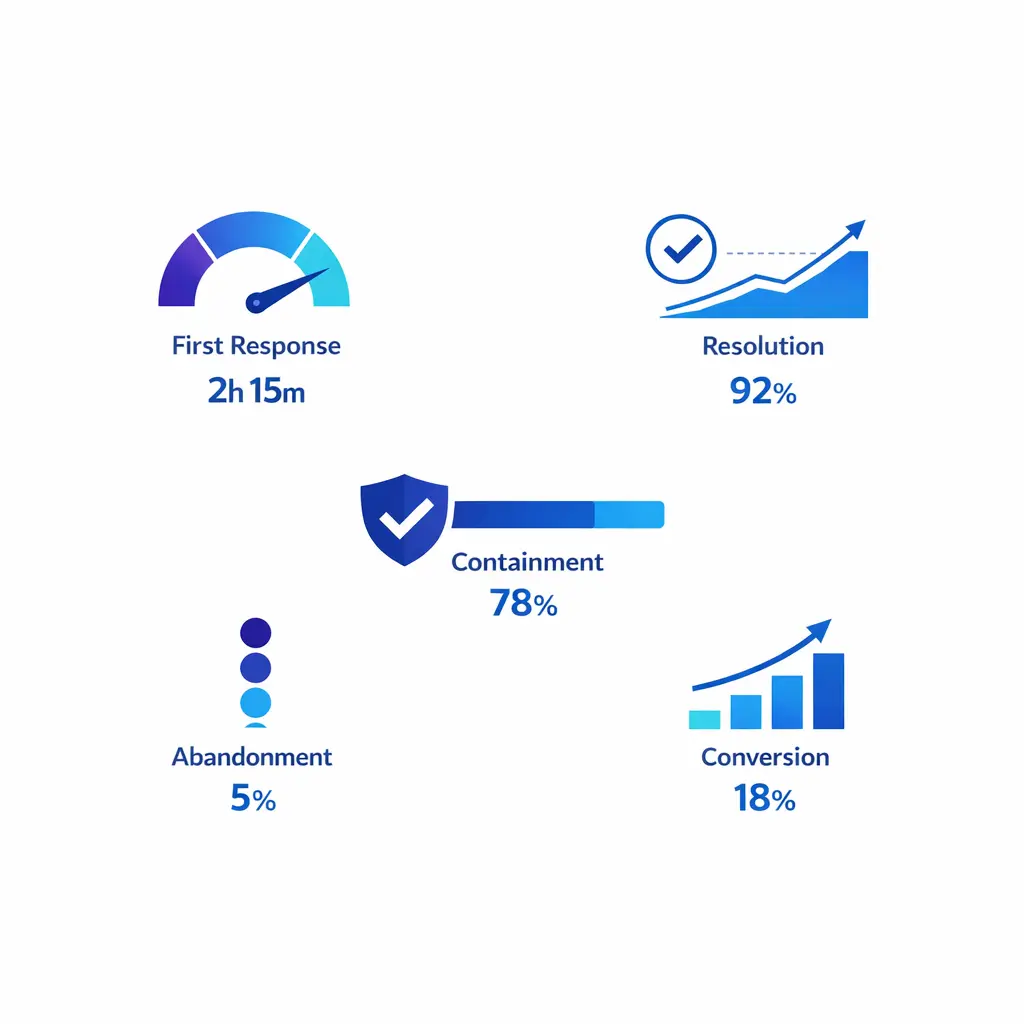
Read chat metrics together: first response, resolution, containment, escalation rate, abandonment, and conversion. A program can look efficient on paper while quietly damaging quality or missing revenue.
Resolution time matters because some chat programs are fast to greet but slow to finish. Track how long the full interaction takes, not just how quickly it starts. Review resolution time by intent, queue, staffing group, and escalation destination so you can see where process friction lives.
Customer satisfaction remains useful, but enterprise teams should not stop there. If chat supports lead generation or intake, also measure qualified conversations, booked appointments, completed intakes, consultation requests, signed opportunities, and conversion by entry page or campaign.
Concurrency shows how much work an agent handles at once, but it should always be read beside quality and resolution. Containment shows how often the interaction stays inside the chat path without escalation. Escalation rate shows whether routing logic is working, and abandonment shows how many customers leave before help arrives. Read these metrics together, not in isolation.
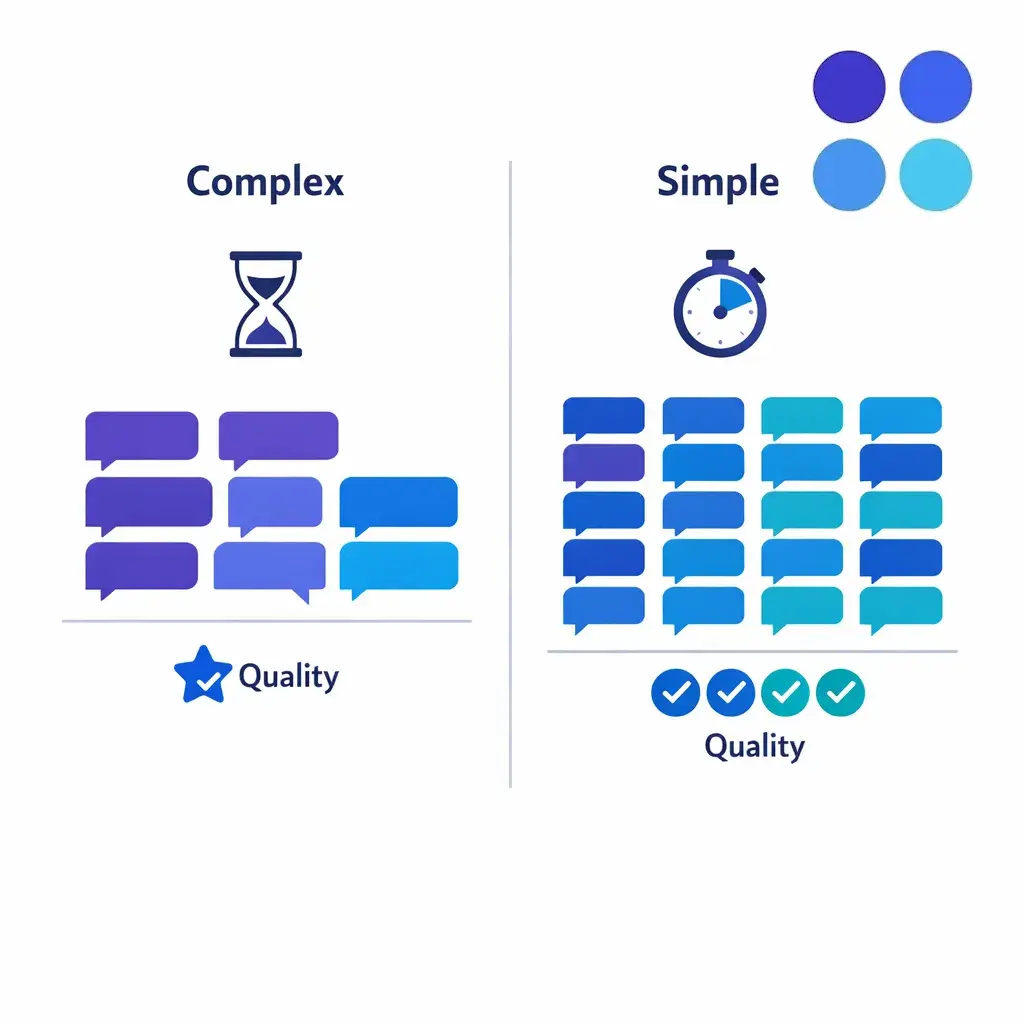
Set concurrency by queue, not by channel. Complex, regulated, and revenue-critical chats need lower concurrency; simpler transactional chat can support more, but only when QA and resolution stay stable.
Start staffing design with intent mix, not only contact volume. Ten simple routing chats do not create the same workload as ten complaints, ten legal intakes, or ten multi-step account issues. Forecast by queue type, time of day, day of week, campaign periods, and seasonality, then build the schedule around peak risk rather than average comfort.
There is no universal right concurrency number for live chat customer service. Complex support, regulated workflows, and revenue-critical conversations usually require lower concurrency. A practical rule is to set concurrency by queue, start conservatively for the most complex work, and only increase capacity where the operation proves it can absorb more without degrading the experience.
Enterprise chat quality depends on structure. Agents need approved macros, escalation rules, verification steps, disposition codes, and clear next-action standards, plus flexibility to write naturally. Review transcripts for accuracy, compliance, next-step control, issue ownership, lead qualification quality, and whether the handoff left the next team with enough context to act quickly.
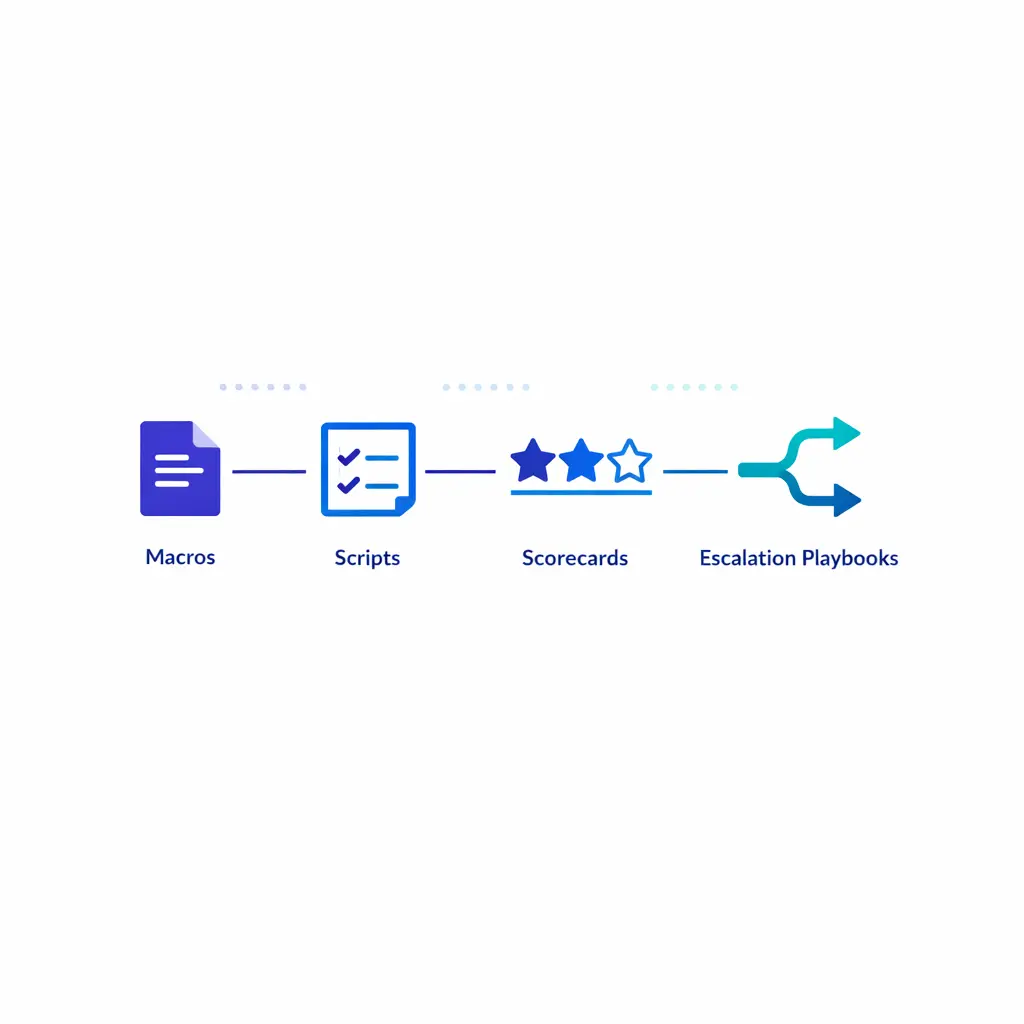
Agents need approved macros, escalation rules, verification steps, and disposition codes, plus freedom to write naturally. QA should improve workflow design, not just police wording.
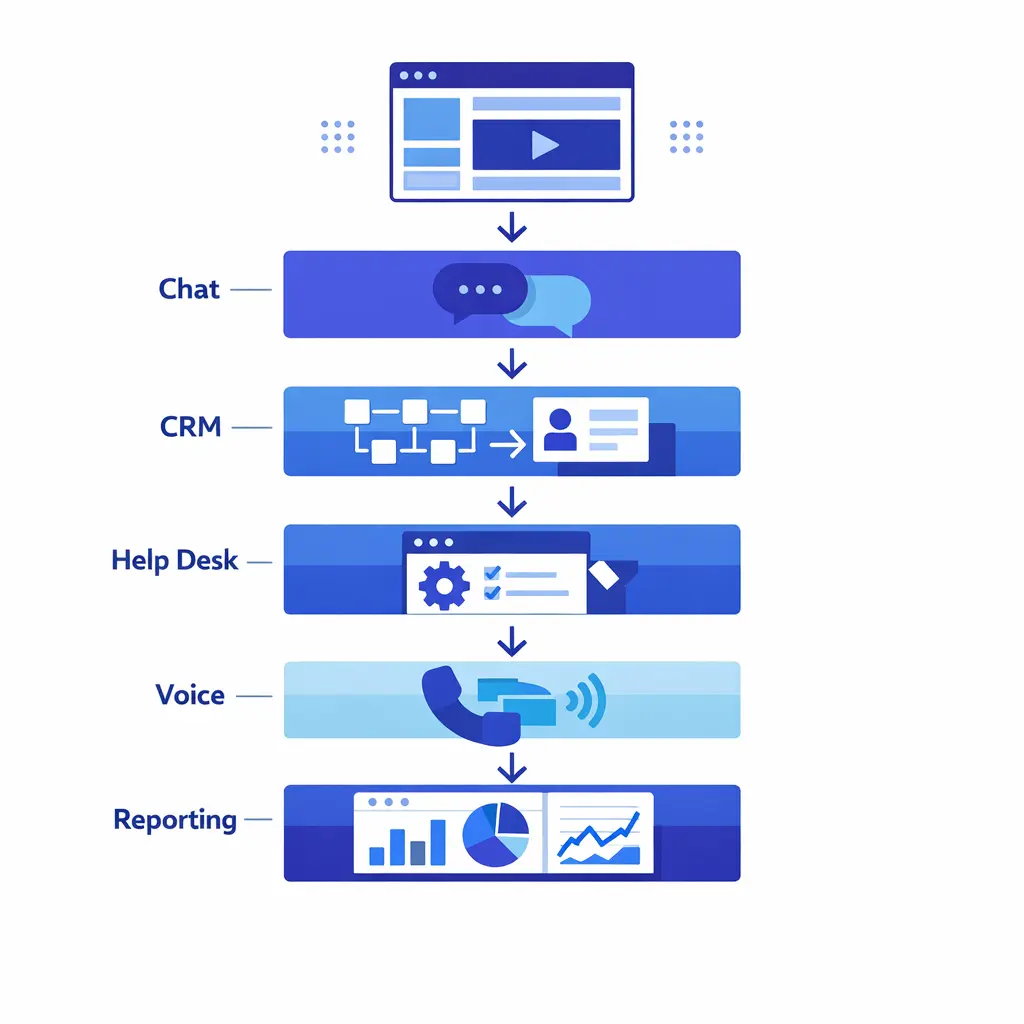
Before scaling customer service live chat, make sure the chat layer connects to the systems your team already uses to serve customers. At minimum, most enterprise programs need CRM visibility, ticketing or case creation, telephony handoff, knowledge-base access, and performance reporting. If those systems are disconnected, chat becomes an isolated inbox instead of a managed service channel.
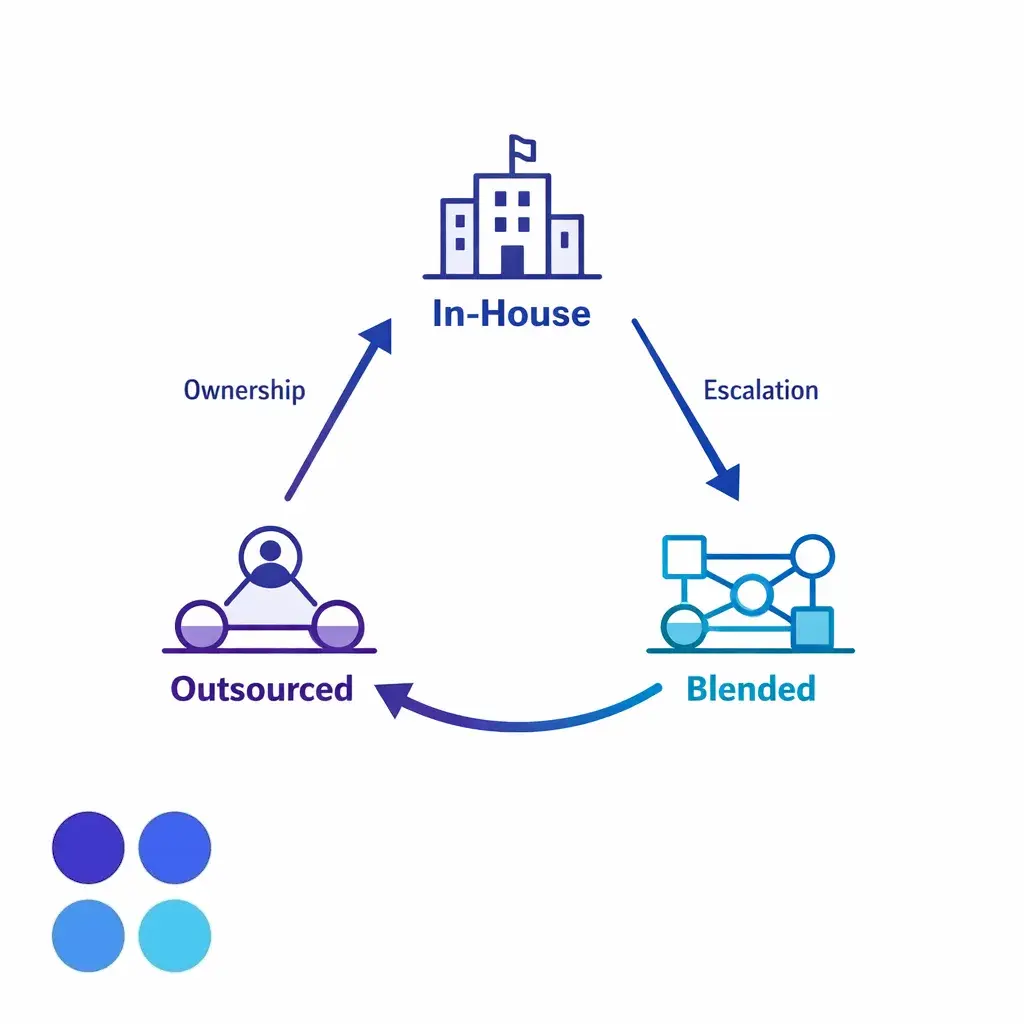
A blended model is often most practical: internal teams keep complex cases and final escalations, while a partner handles routine chat, after-hours, intake, or overflow under clear playbooks and QA rules.
Customers should not have to restart their story every time the channel changes. If chat escalates to phone, email, or a case queue, pass context, transcript history, and disposition data into the next step. The goal is not just faster transfer. It is cleaner ownership and less customer repetition.
Verification rules should also match the sensitivity of the request. A low-risk inquiry may only need contact details and routing information. A high-risk inquiry may need a more controlled process, tighter permissions, and a different handoff path altogether.
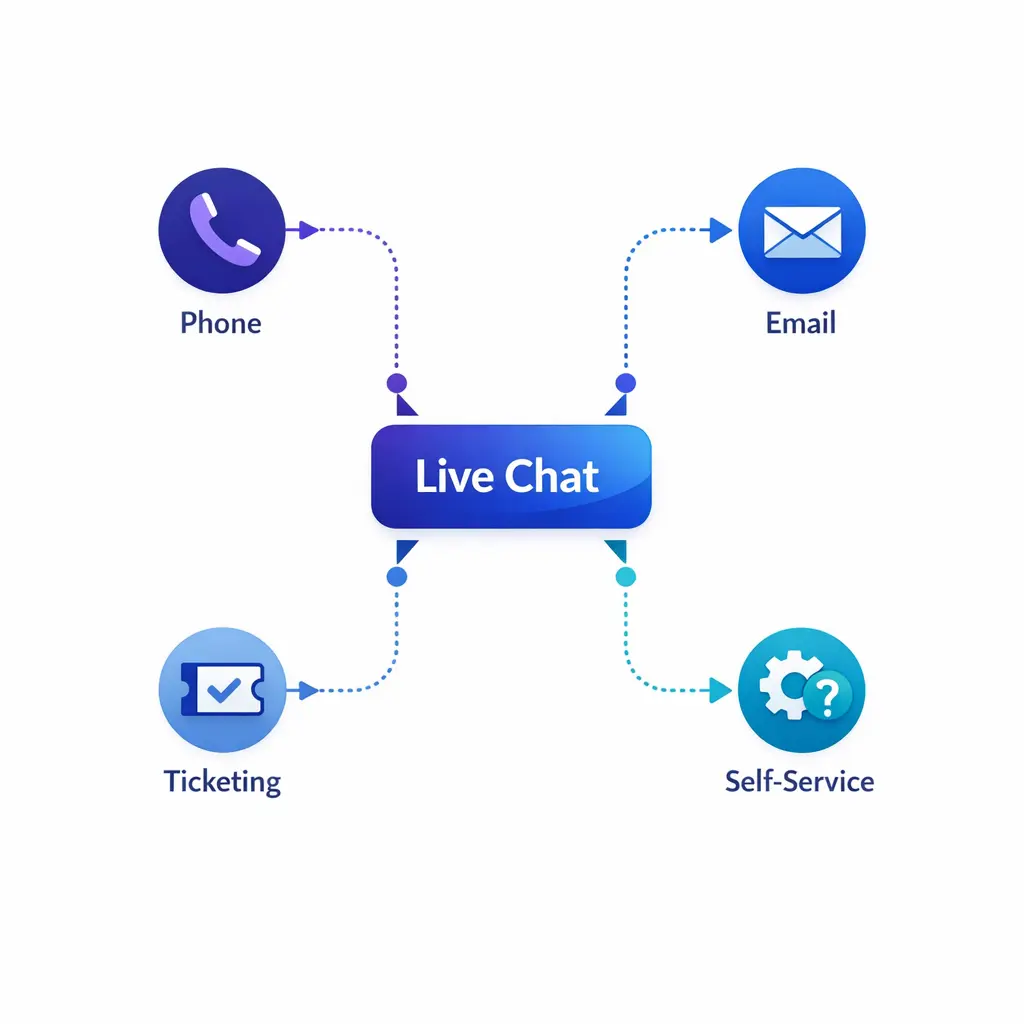
Good routing does not force one channel to do every job. Chat handles entry and triage, voice takes urgency and nuance, email or ticketing carries follow-up, and self-service covers stable answers.
Once chat volume grows, reporting and governance become part of the service design. Decide where transcripts live, who can access them, how long records are retained, how incidents are escalated, and how vendor controls are reviewed. A practical way to organize those controls is around the NIST Cybersecurity Framework 2.0.
Do not overlook accessibility. Customer-facing chat should support keyboard use, clear labels, readable state changes, and understandable error handling in line with the Web Content Accessibility Guidelines. That improves usability for everyone, not just for users with specific access needs.
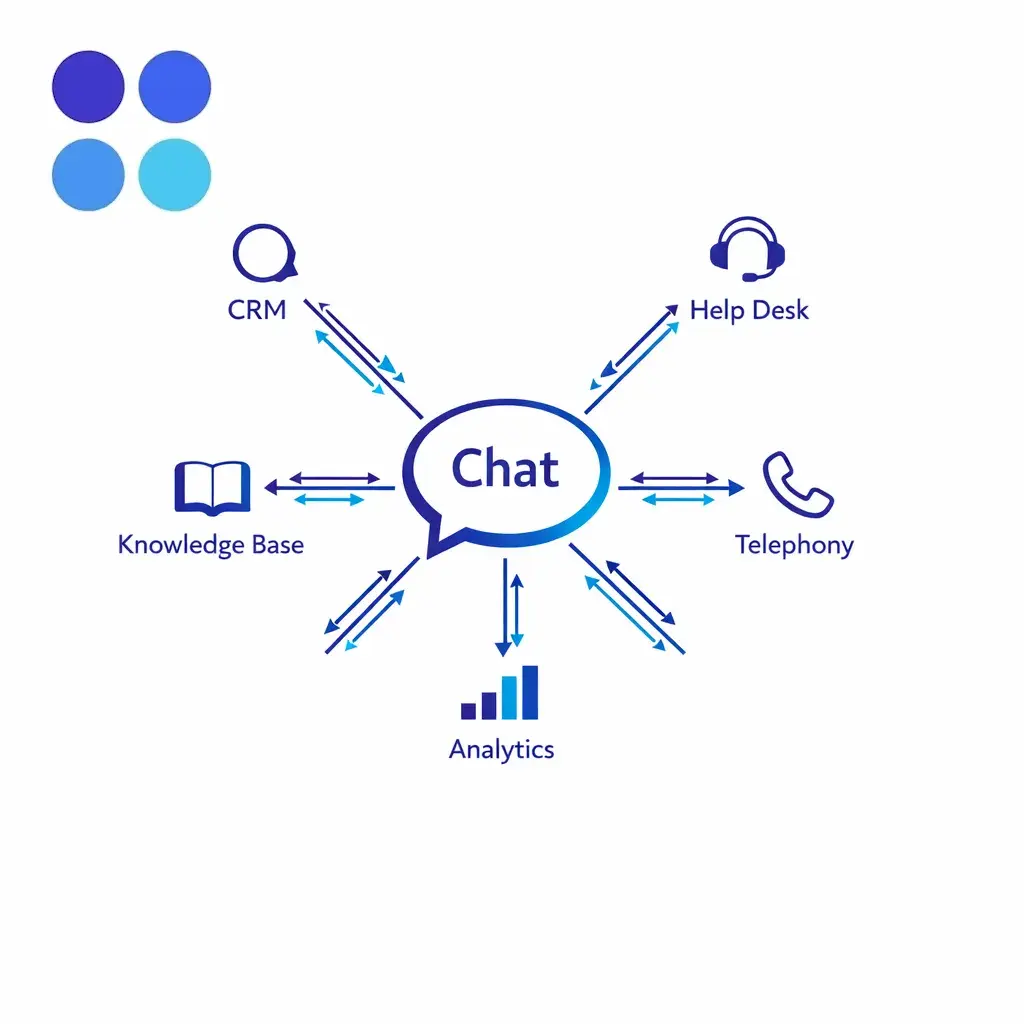
Before scaling, connect chat to CRM, ticketing, telephony, knowledge base, and reporting. Disconnected, chat becomes an isolated inbox instead of a managed service channel.
Live chat works best when the issue is structured, when the customer benefits from links or written instructions, or when the organization needs to capture information in a consistent format. Voice works better when the issue is urgent, emotionally sensitive, highly complex, or easier to solve through rapid back-and-forth discussion. Email and forms remain useful for non-urgent follow-up, documentation, and lower-priority requests.
Good routing does not force one channel to do every job. Let chat handle entry, triage, and low-friction support. Escalate to phone when nuance or urgency rises. Use email or ticketing when the issue requires later follow-up, document review, or specialist research. Use self-service when the answer is stable and easy to find.
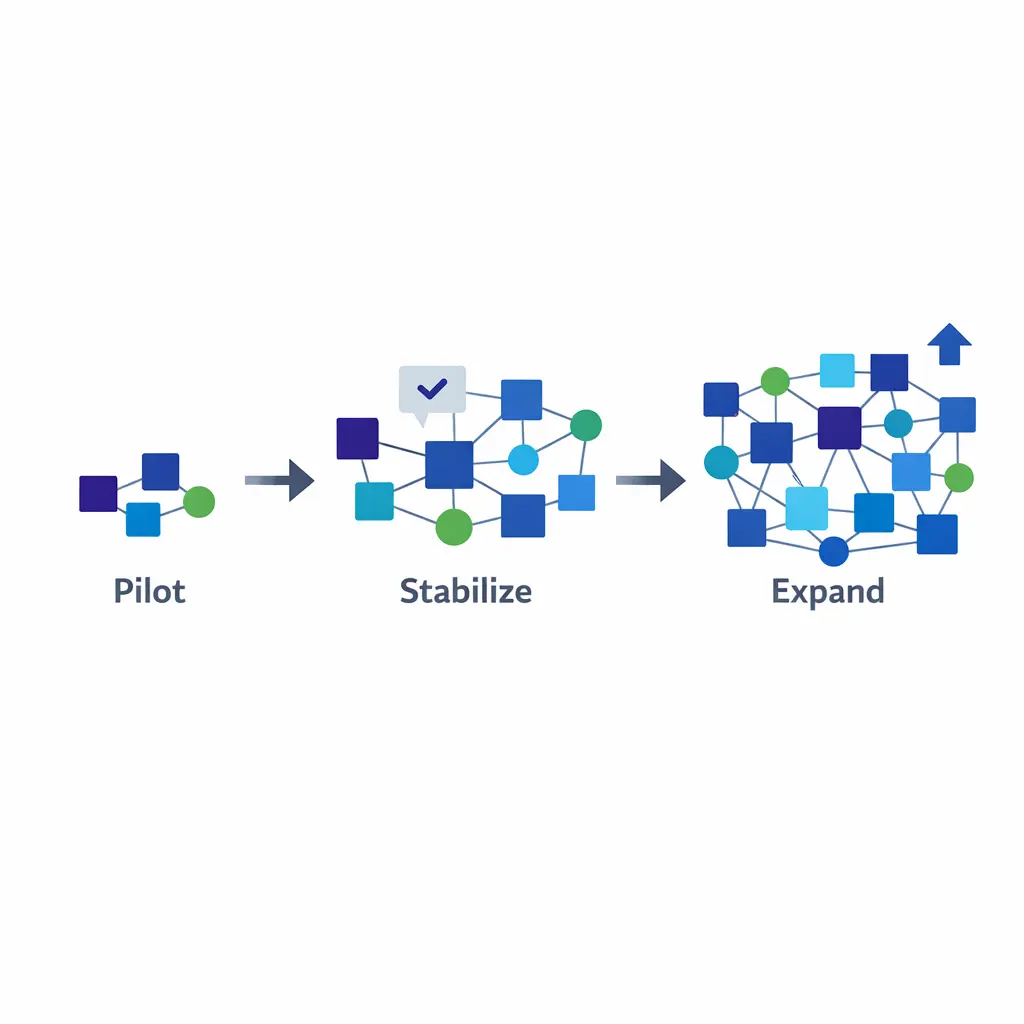
Start with one or two clear use cases, such as after-hours lead capture or FAQ containment, then expand by queue rather than by ambition, reviewing transcript quality as volume grows.
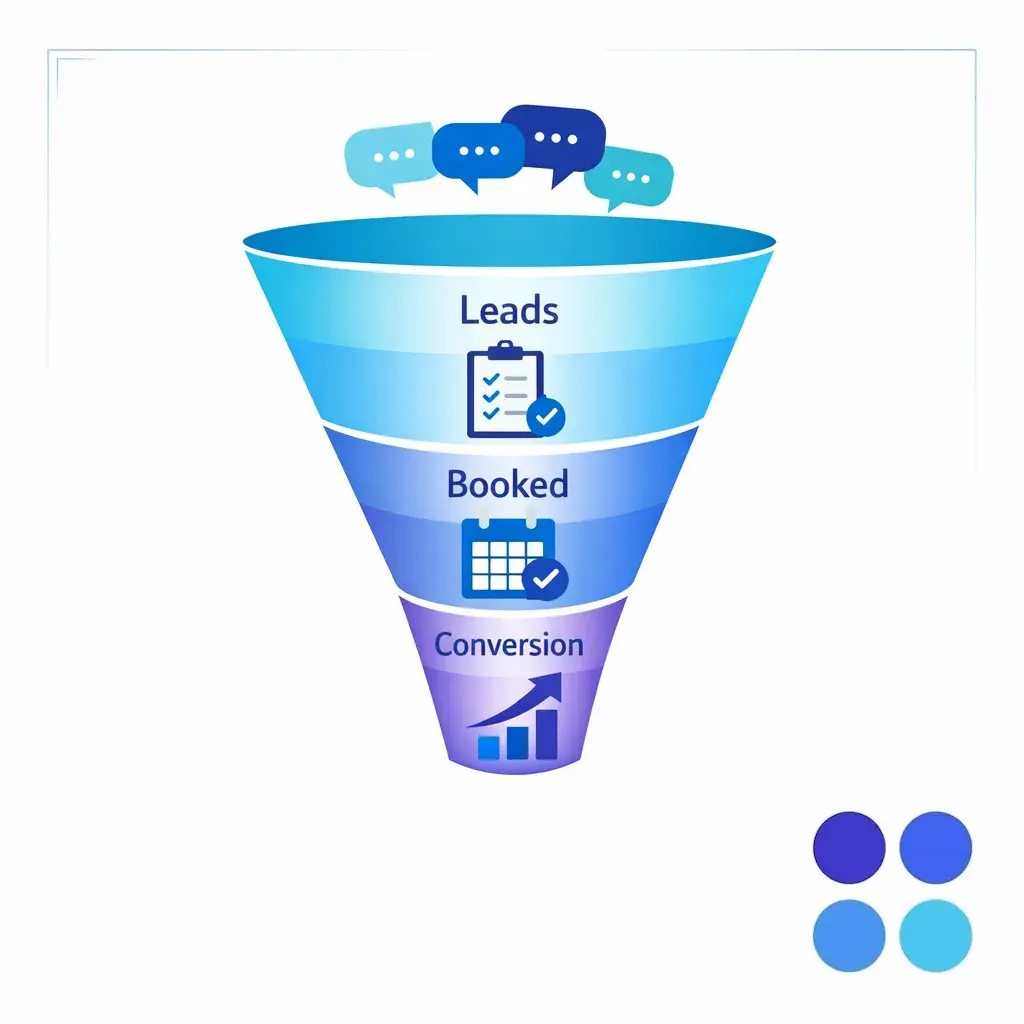
When chat supports intake, measure qualified conversations, booked appointments, completed intakes, and conversion by entry page or campaign, not just CSAT, so the KPI set reflects the real job.
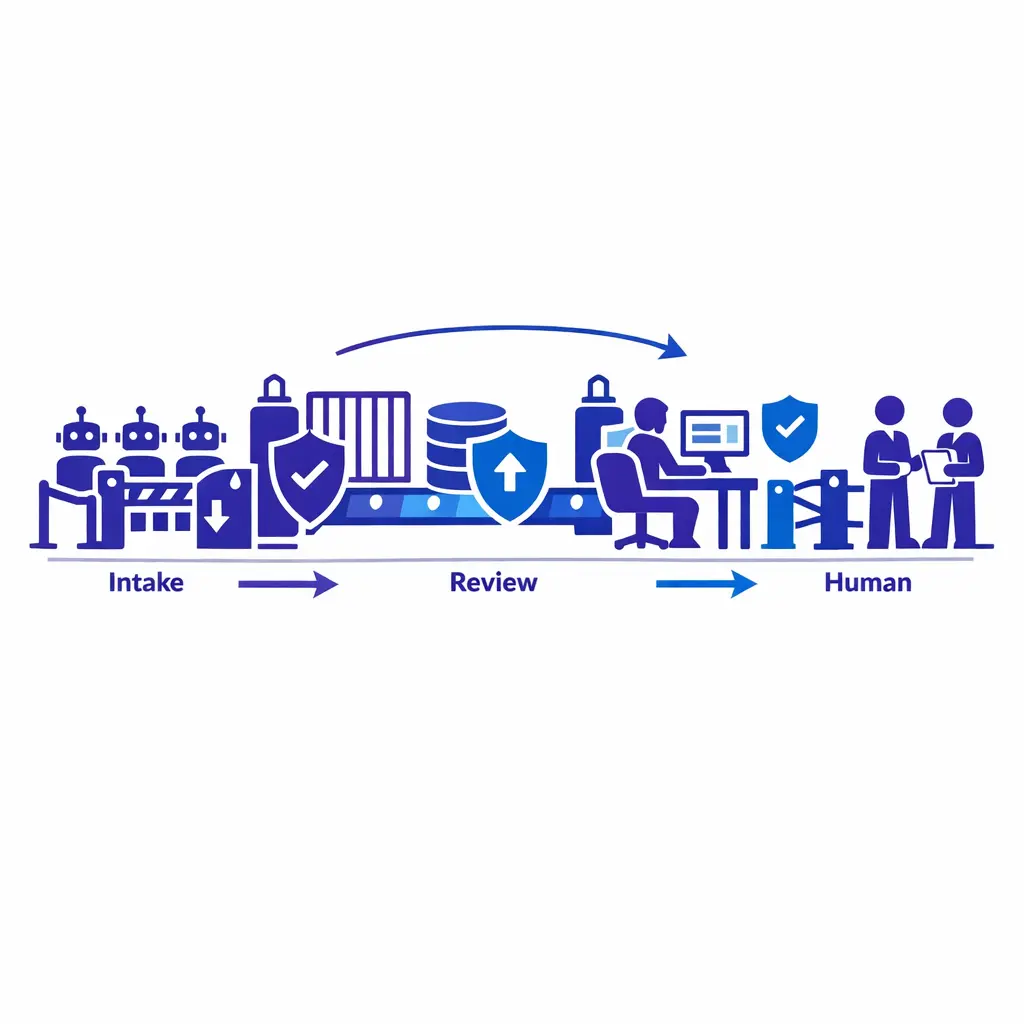
Sensitive workflows should move from limited bot intake into governed human handling, with verification matched to the risk of the request rather than treated the same as simple lead capture.
Start with one or two clear use cases instead of trying to automate the whole service organization at once. Common pilots include after-hours lead capture, FAQ containment, or a single service line with predictable intent patterns. Keep the scope narrow enough that QA and workflow fixes can happen quickly.
Once the pilot stabilizes, expand by queue rather than by ambition. Add new intents, new hours, or new routing paths one layer at a time. Review transcript quality, escalation patterns, and missed-conversion points frequently so the operating model improves as volume grows.
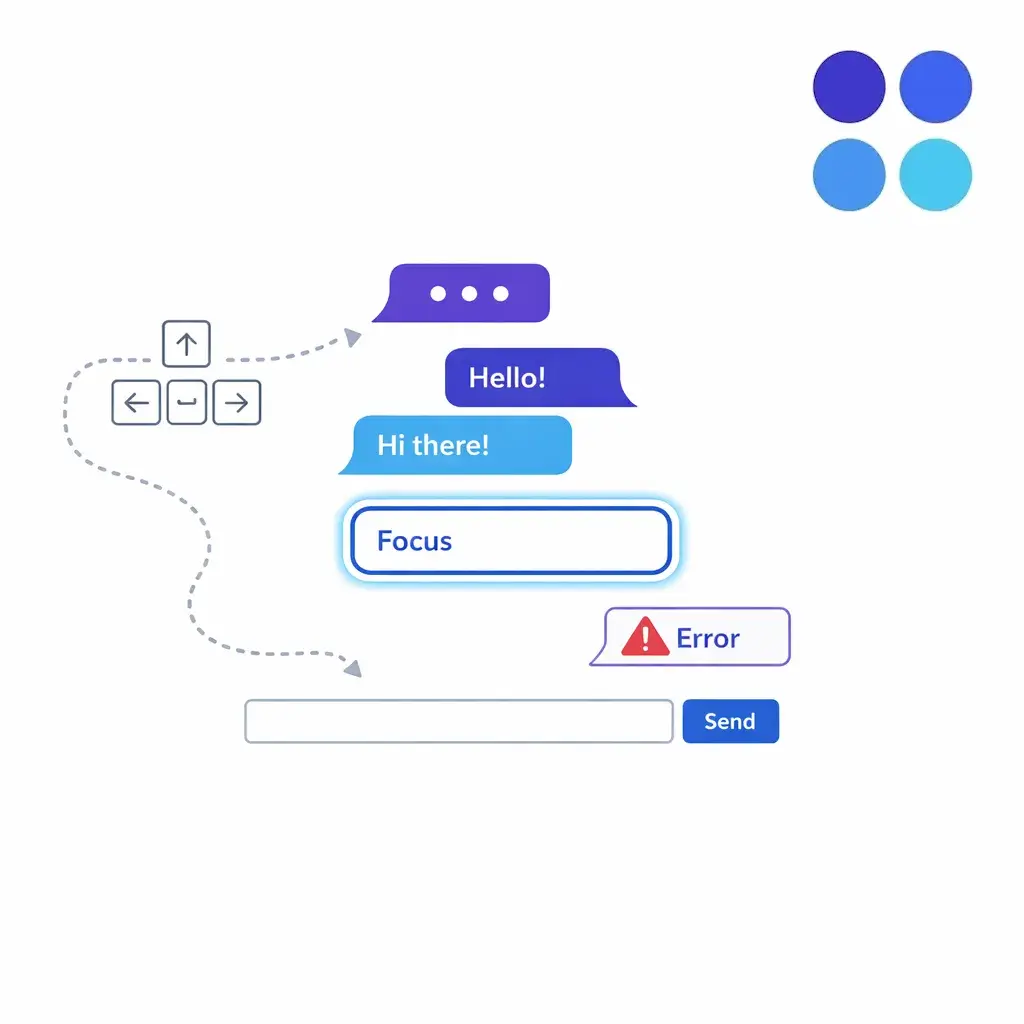
Customer-facing chat should support keyboard use, clear labels, readable state changes, and understandable error handling, which improves usability for everyone, not just users with specific access needs.
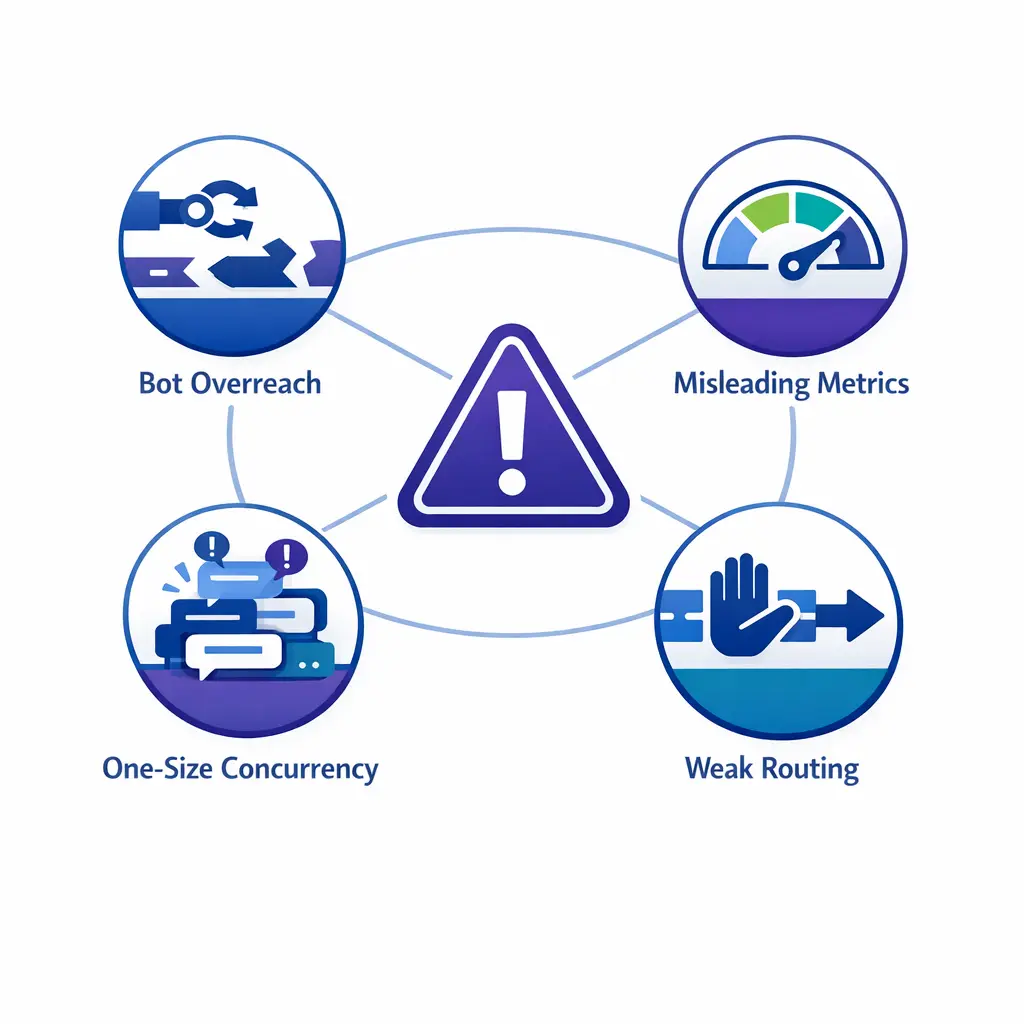
Avoid the common traps: treating chat as a widget, trusting a fast first reply, over-relying on bots, sharing one concurrency limit across queues, and capturing sensitive data in a plain transcript.
In practice, it is the use of real-time website or app chat to help customers, answer questions, route inquiries, or capture leads. In enterprise environments, it usually operates inside a broader support system with staffing rules, escalation paths, QA, and reporting.
It can be, but 24/7 coverage does not have to mean 24/7 specialists. Some teams use bots overnight, some use outsourced agents, and many use hybrid models that keep intake active while escalating only the most urgent work.
Common use cases include support questions, order or case status, appointment requests, lead qualification, intake, routing, and after-hours coverage. Enterprise teams also use chat to reduce avoidable voice volume and keep web traffic from going unserved.
Not universally. Chat is better for structured or lower-friction interactions, especially when links, written steps, or intake fields help. Phone is better when the issue is urgent, emotional, highly complex, or easier to solve through fast conversation.
There is no single right number. The safe limit depends on issue complexity, verification steps, tool switching, agent experience, and the quality standard your business needs. Start with the most demanding queue, then increase only when QA and outcomes hold.
Use bots when the workflow is predictable, the answer can be standardized, and the cost of a wrong answer is low. Move to agents when the conversation requires empathy, judgment, exception handling, sensitive data review, or strong commercial guidance.
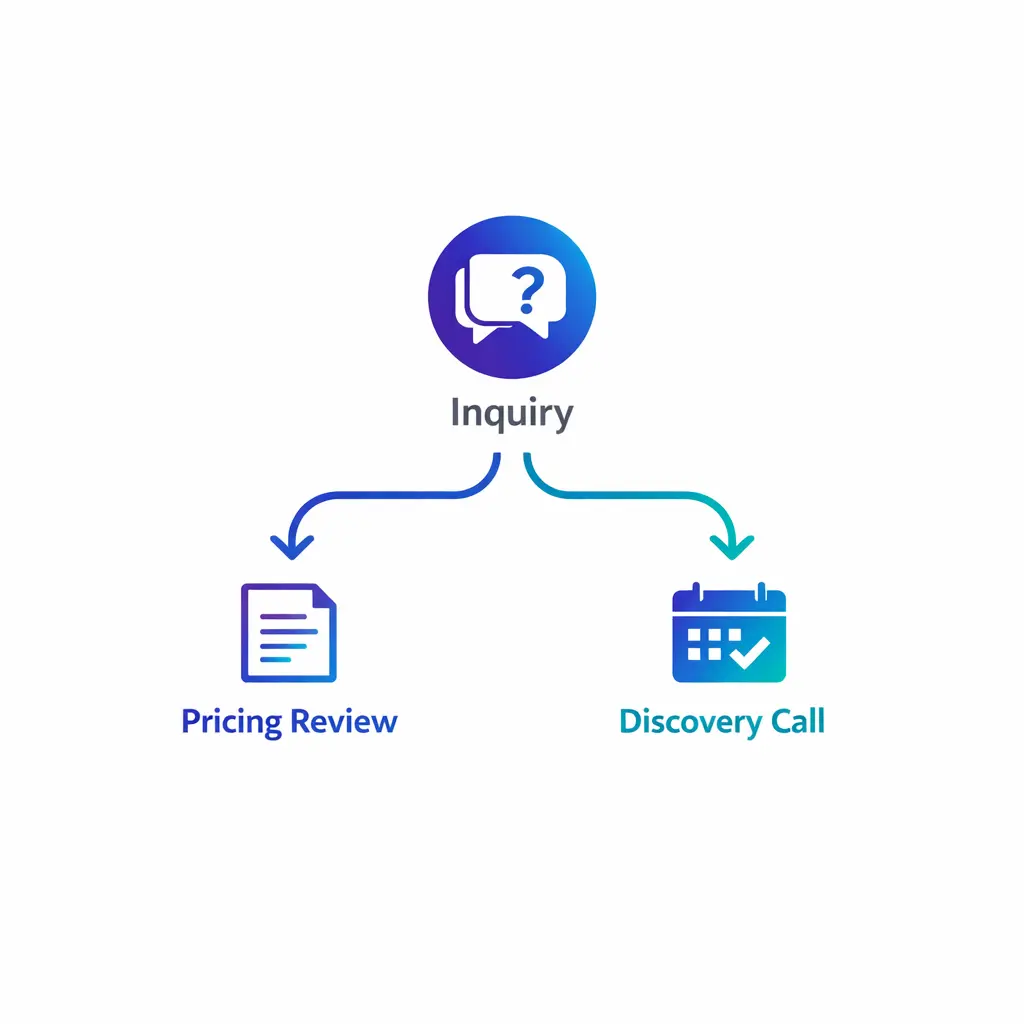
The next step is low-friction: review what chat should do, define handoff rules, set KPI ownership, and pilot narrow before expanding, with pricing and discovery as a simple starting conversation.
Across every section, the same idea holds: live chat performs when it is run as an operating model, with clear rules for what stays in chat, what escalates, who owns each metric, and how the experience stays coherent across channels.
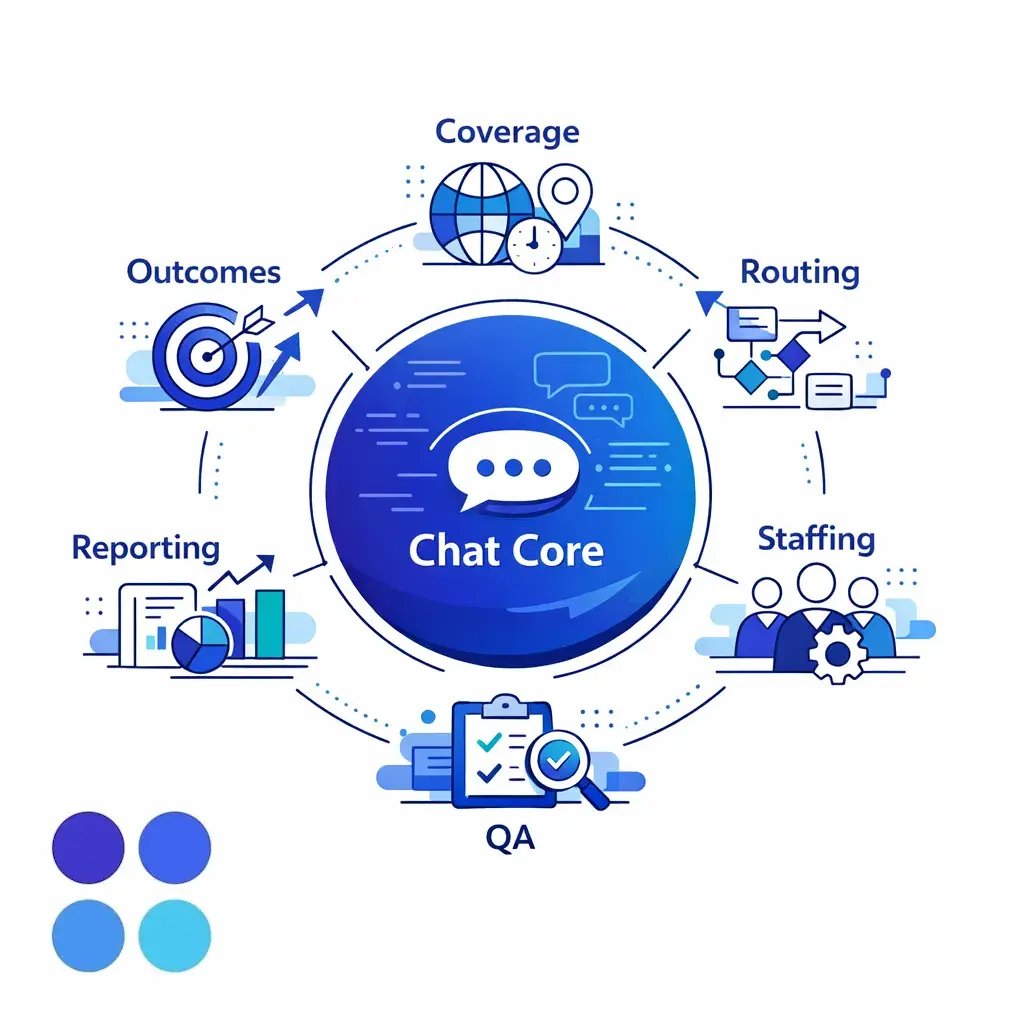
A strong program unifies coverage, QA, routing, staffing, reporting, and outcomes into one operating model, so the chat experience stays coherent from first message to final resolution.
If your team needs customer service live chat for overflow, after-hours coverage, intake quality, or a more structured enterprise customer support model, Go Answer can help you design the right mix of agents, bots, and hybrid routing. The goal is simple: better coverage, stronger QA, cleaner handoffs, and fewer missed opportunities.
Request Pricing to review options for enterprise chat coverage, or Book a Discovery Call to talk through staffing models, workflow design, and where live chat should sit inside your broader support operation.

Learn why thousands of companies rely on Go Answer.
Try us risk-free for 14 days!
Enjoy our risk-free trial for 14 days or 200 minutes, whichever comes first.
Have more questions? Call us at 888-462-6793
Learn why thousands of companies rely on Go Answer.
Have more questions? Call us at 888-462-6793
If you would like to get in contact with a Go Answer representative please give us a call, chat or email.

Thanks for your interest!
A representative will be reaching out to you shortly.
Have more questions? call us on 888-462-6793
