
Real-Time Customer Support: What It Is, When It Matters, and How Enterprise Teams Operationalize It
By Matt O'HaverLast modified: June 9, 2026
Voted Top Call Center for 2024 by Forbes
Virtual Receptionists
Save time and money with our virtual receptionists.
AI Receptionist
AI-powered receptionist that answers, routes, and qualifies calls 24/7.
Enterprise Solutions
Solutions designed to scale with your organization’s needs.
Legal Services
Our virtual legal receptionists are experts in legal intake.
Last modified: June 9, 2026
Real-time customer support sounds simple, but most enterprise teams discover that speed alone does not solve the problem. The hard part is building a support model that answers quickly, routes correctly, protects quality, and still works during spikes, after-hours periods, and specialist handoffs.
This guide is for enterprise and multi-location service businesses, legal intake teams, healthcare practices, and other high-volume inbound organizations that need dependable coverage. You will learn what real-time customer support actually means, when it matters most, which channels belong in the model, how to design staffing and support SLA rules, and how to improve response speed without losing consistency.
Definition: Real-time customer support is synchronous or near-immediate help delivered while the customer is still actively engaged. It includes voice, live chat, messaging, monitored social channels, and rapid callbacks, supported by clear routing, staffing, and escalation rules so the interaction moves forward now, not hours later.
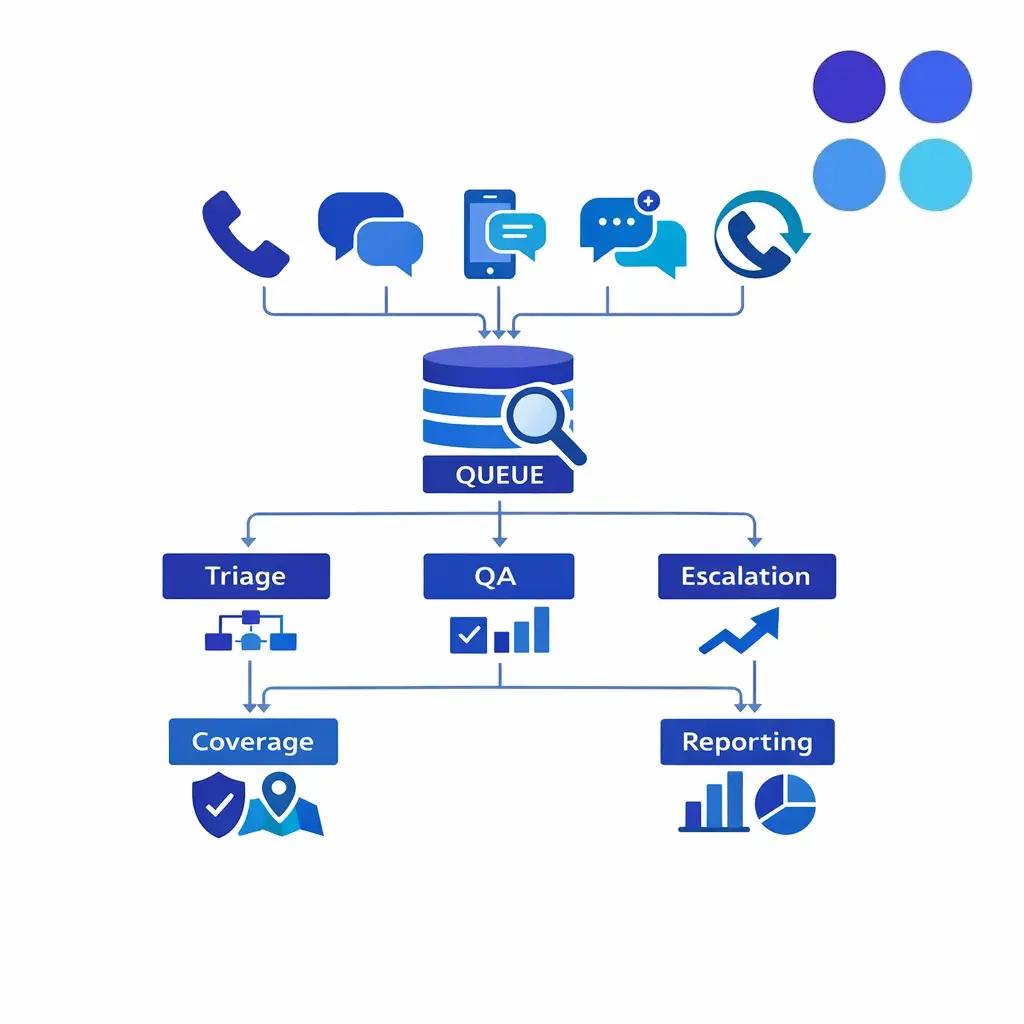
Real-time support works like a coordinated control center: live channels, routing, and escalation monitored together so a customer gets immediate engagement instead of a reply hours later.
In operational terms, real-time support is not a single tool. It is a service model built around active queue monitoring, fast first response, and the ability to triage, qualify, resolve, or hand off an issue while the customer is still present.
That is why real time support is different from “we have a chat widget” or “someone checks the inbox every few hours.” A true real-time customer support program has ownership, coverage windows, channel rules, and a documented path for what happens if the first person cannot finish the job.
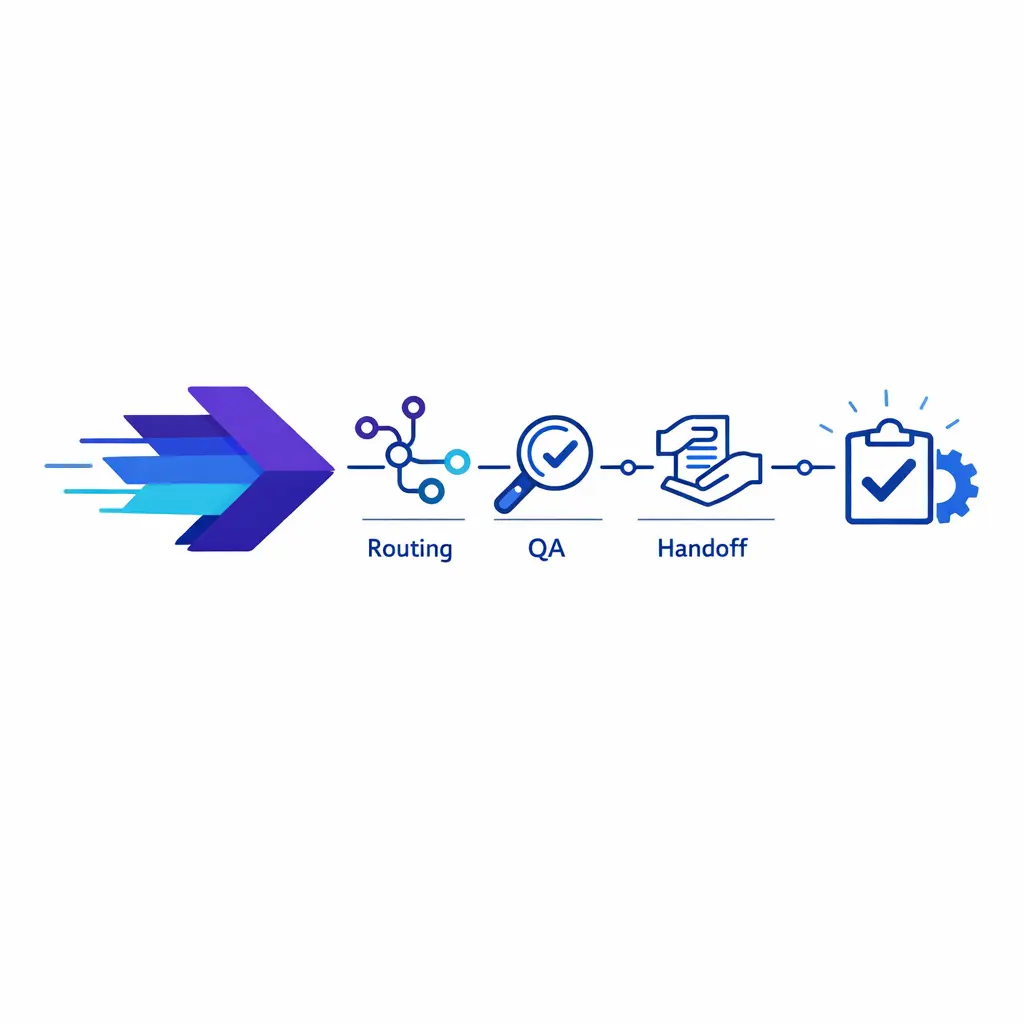
Speed alone is not the goal. A fast answer still has to pass quality, routing, and intake checkpoints before it becomes a resolved outcome — otherwise quick replies just create repeat contacts.
Real-time support means a customer can reach your team and get immediate engagement on a live or near-live channel. The answer does not have to be final in every case, but the customer should receive acknowledgment, qualification, next-step clarity, and, when needed, a warm handoff or committed callback.
It also helps to separate real-time support from asynchronous support. Email and ticket queues are still valuable, but they are usually better for lower-urgency issues, documentation-heavy cases, or workflows where a delayed response is acceptable.
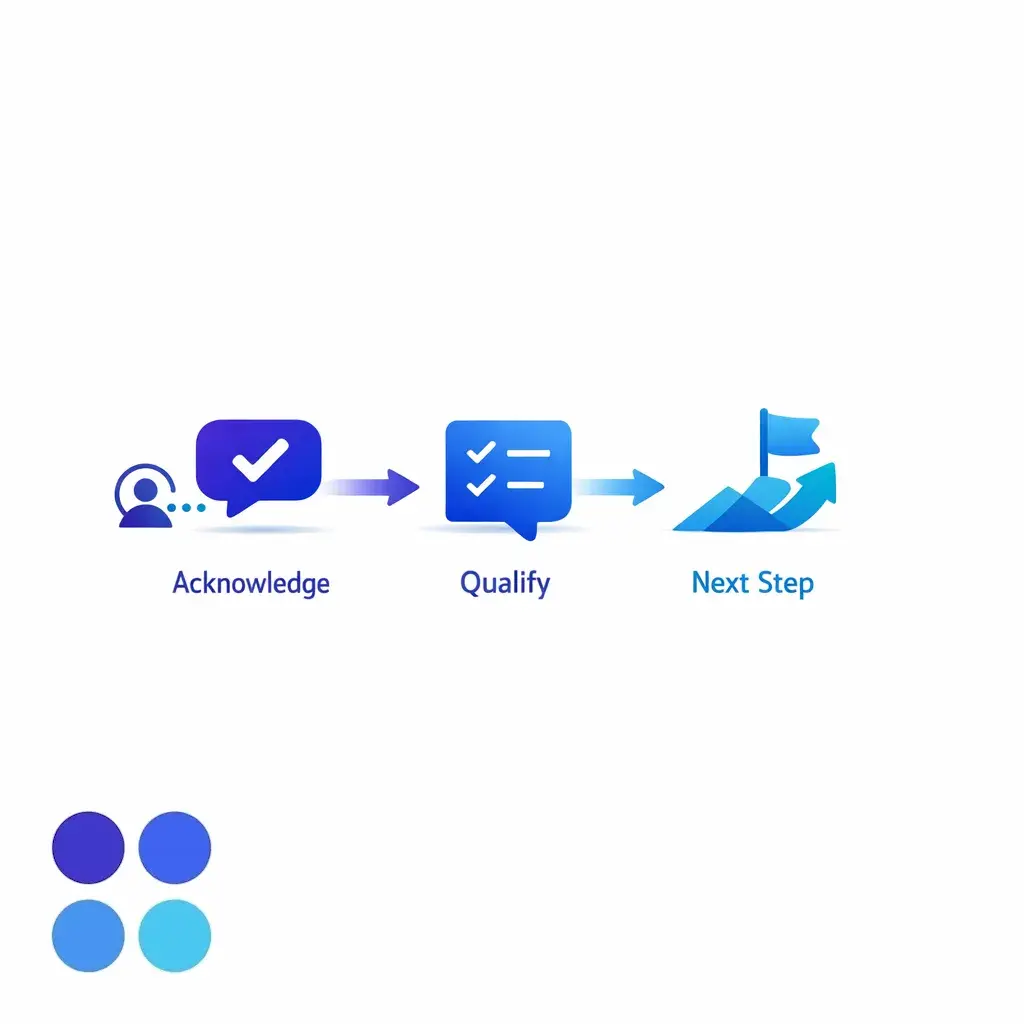
The defining trait is presence: engagement happens while the customer is still on the line or in the chat. Acknowledge immediately, qualify the issue, and make the next step clear before the conversation ends.
Real-time customer support matters most when timing changes the outcome. If a prospect is ready to buy, a patient is trying to schedule care, or a claimant wants to speak with a live person before calling the next firm, delay becomes a conversion problem, not just a service problem.
Enterprise teams also need real-time support during urgent service interruptions, billing concerns, dispatch issues, and account access problems. These are moments when customers expect visible ownership right away, even if final resolution requires a specialist or a later follow-up.
Intake-heavy workflows feel this even more. In healthcare, intake scripts and handoff rules should reflect the HIPAA Privacy Rule. In legal intake, early conversations should account for duties to prospective clients before a matter is accepted.
Real-time support is also valuable when internal teams are unavailable. Overflow, after hours customer support, holidays, weather events, staff absences, and multilingual demand are all common reasons to add live coverage beyond the core in-house schedule.
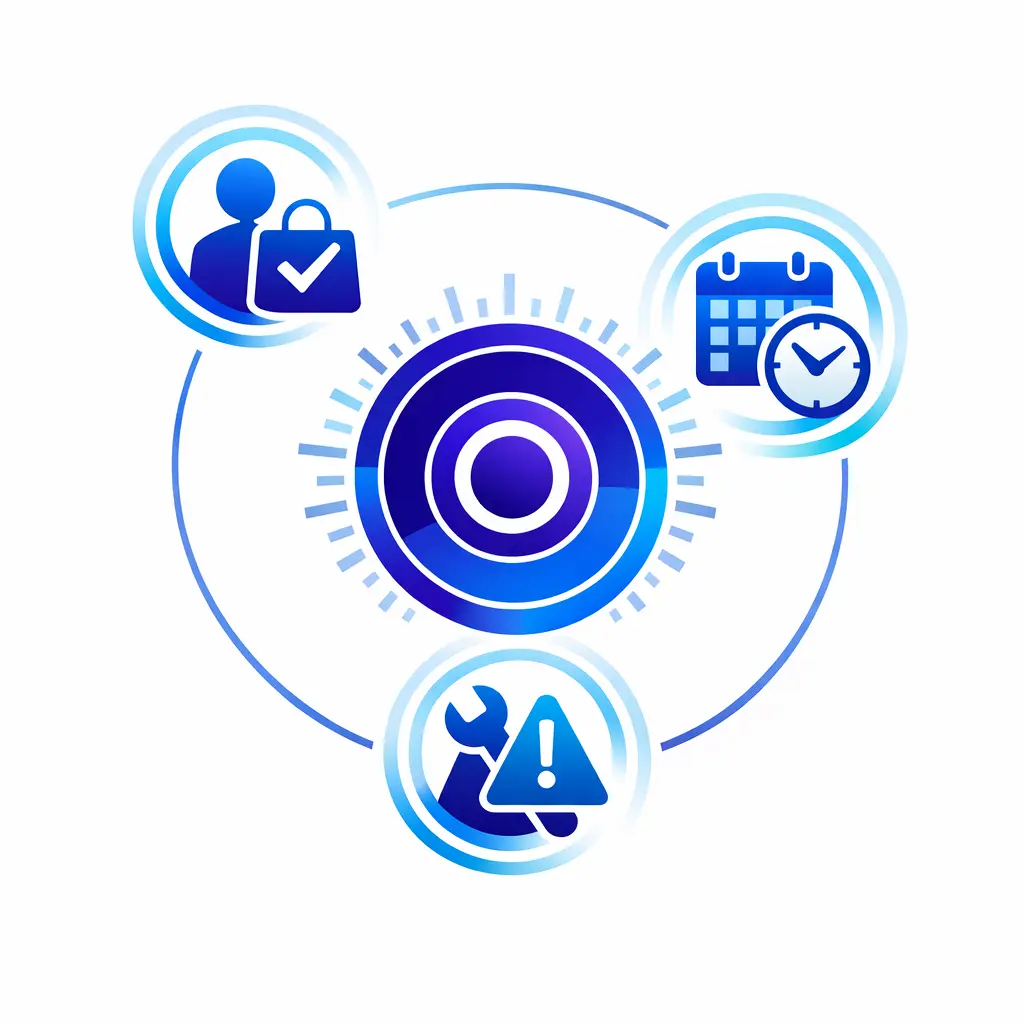
Map the moments where delay costs money: a ready-to-buy prospect, a patient scheduling care, an urgent outage, or a claimant deciding between firms. In those windows, response speed directly affects conversion and retention.
No single channel covers every real-time need. The right model combines voice, chat, messaging, and specialist handoff, then defines clear rules for when each channel owns the conversation and when to move it somewhere more secure or better staffed.
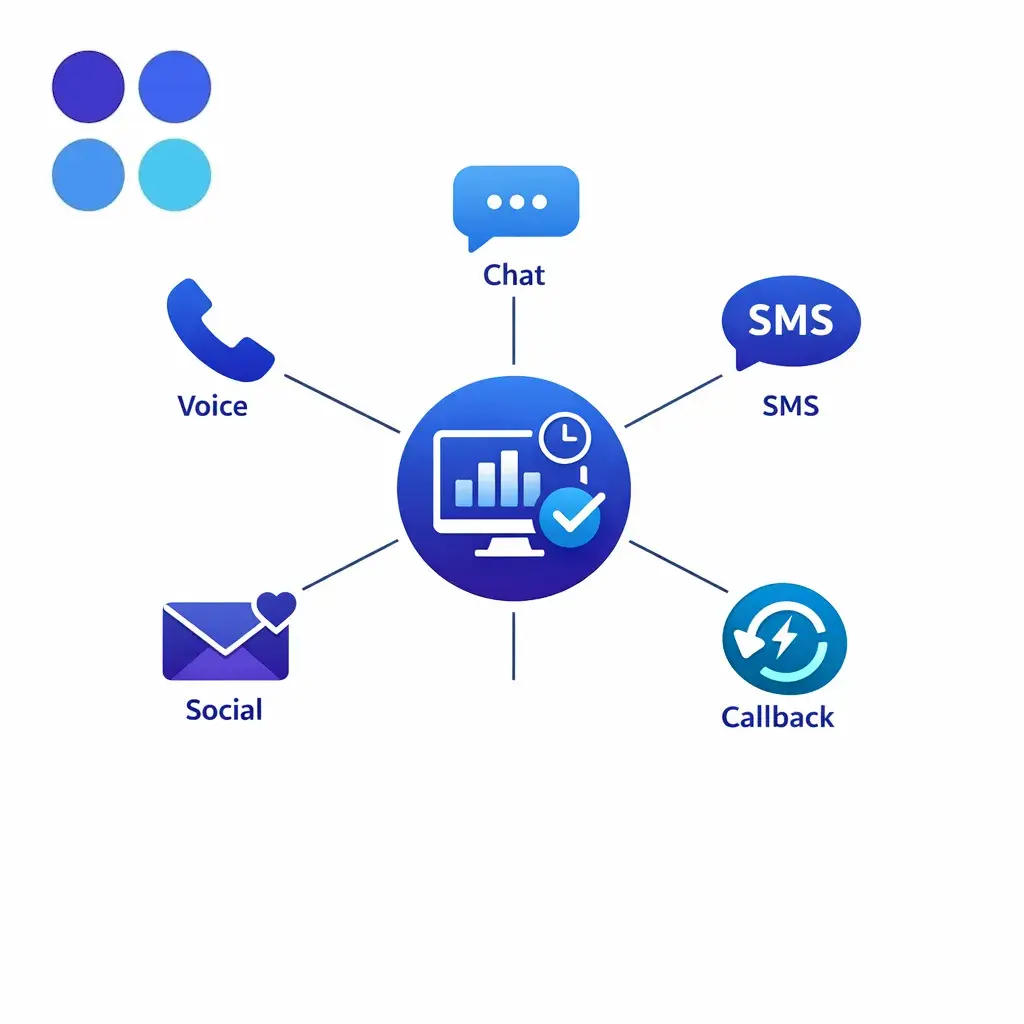
Phone, live chat, SMS, monitored social, and rapid callbacks should connect into one coordinated model — not operate as disconnected tools. The mix matters less than the rules that govern handoffs between them.
Voice remains the clearest channel for urgency, emotional context, and complex branching. It is often the best fit when the customer is distressed, the workflow requires multiple qualifying questions, or the next step depends on fast judgment.
Phone support also gives enterprise teams a practical way to protect intake quality. A live agent can capture required details, identify risk flags, set expectations, and decide whether the interaction should stay in first-line support or move immediately to a licensed, specialized, or internal team.
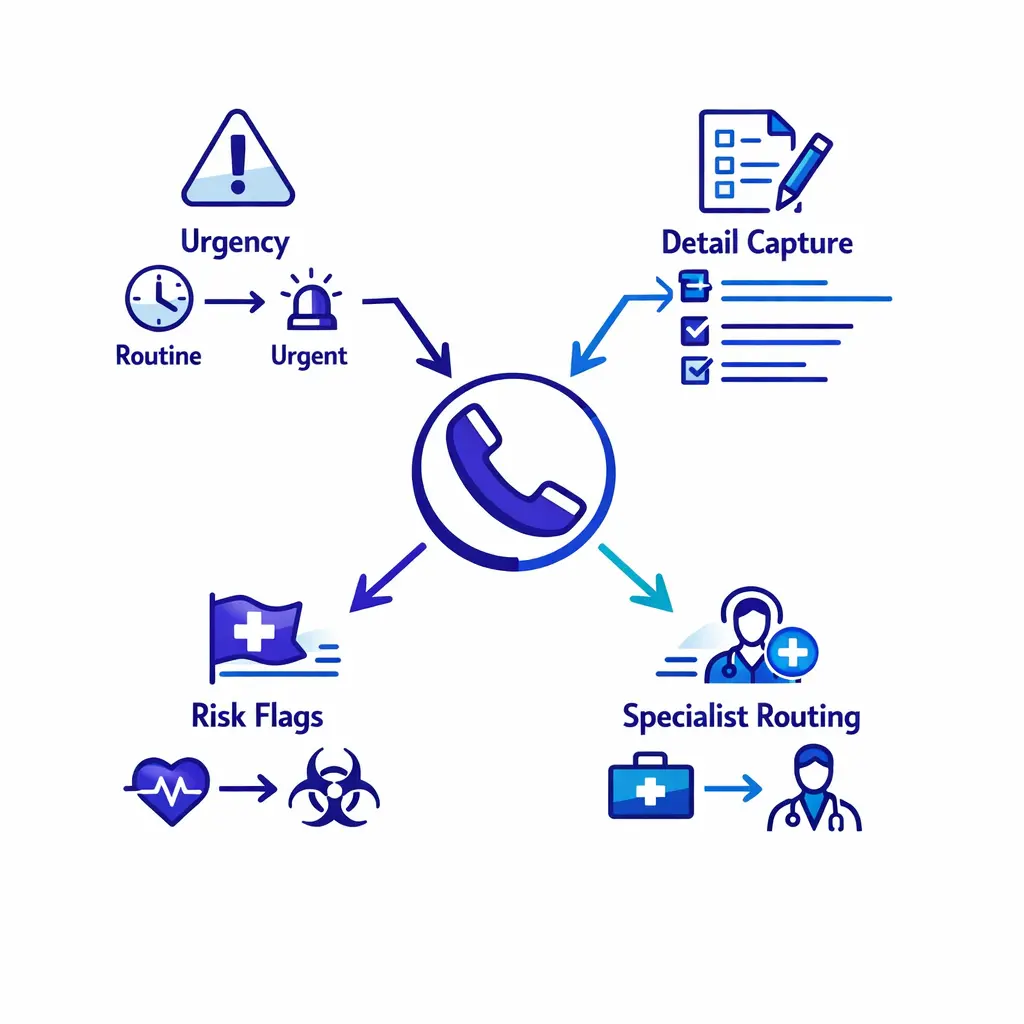
Use voice for complex, high-stakes calls. A structured triage flow branches by urgency, captures qualifying details, and routes to a specialist — protecting intake quality when judgment matters most.
Live chat works well when customers are already on your website, portal, or application and want quick clarification before taking action. It is useful for high-intent sales questions, account navigation, appointment requests, and intake assistance where friction causes drop-off.
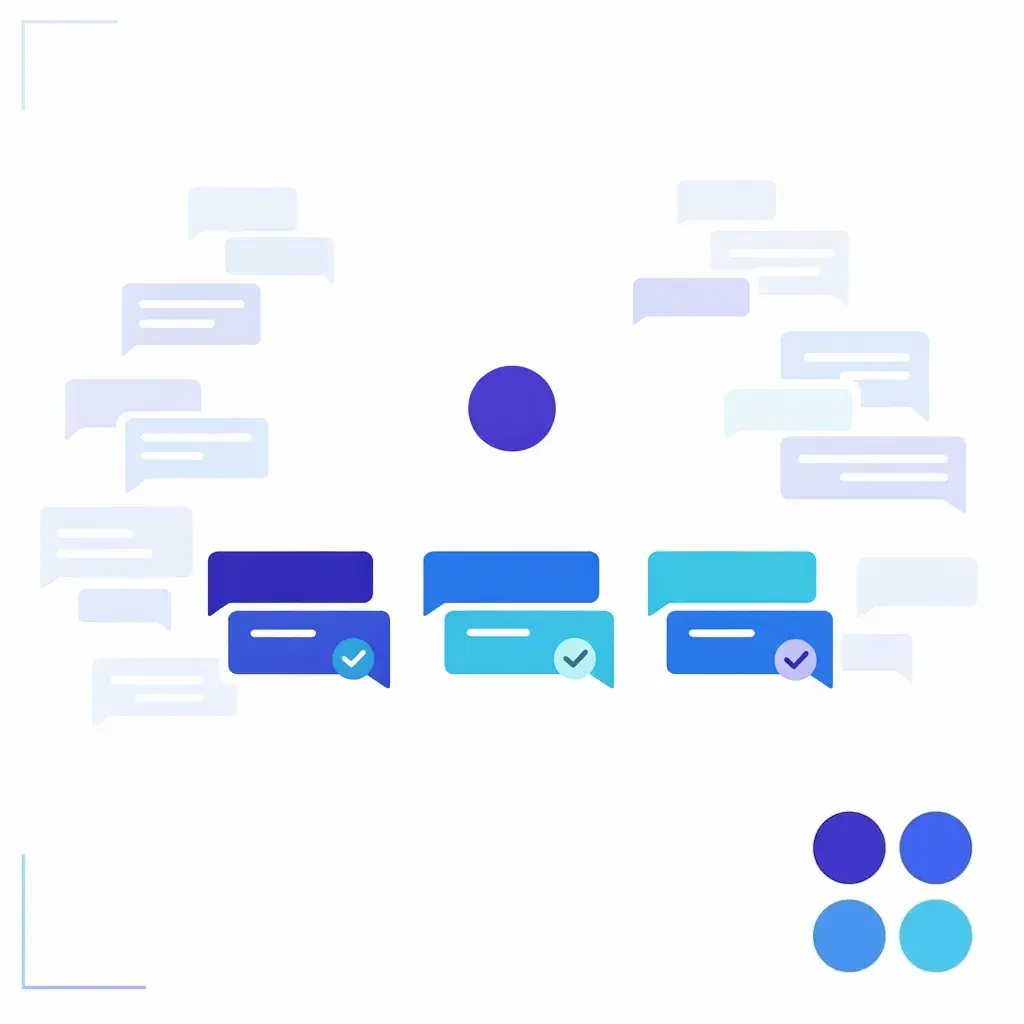
Chat stays “real-time” only when concurrency is controlled. Pile too many conversations on one agent and response time rises, context slips, and the experience stops feeling live even though the channel technically is.
SMS and social messaging are often best treated as entry points, not always full-resolution channels. They are effective for quick acknowledgment, status updates, and bringing the customer into a more secure or better-instrumented workflow.
The main operating question is not whether you offer the channel. It is whether you have rules for when to continue there, when to move to voice, and when to escalate to a secure portal, supervisor, or specialist queue.
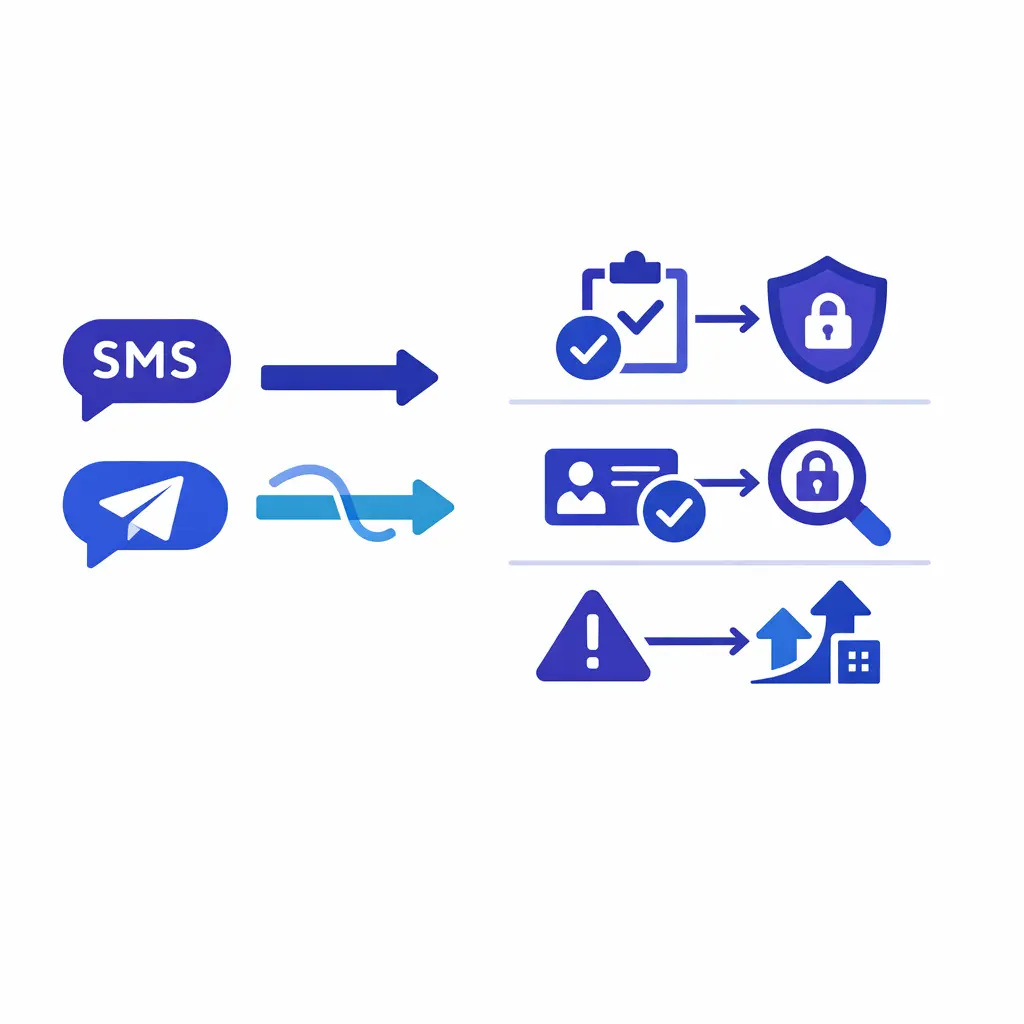
Treat SMS and social as front doors. They are great for fast acknowledgment and status updates, then for guiding the customer into a secure, structured path when the issue needs real resolution.
Some cases need more than a fast answer. They need screen sharing, document review, compliance oversight, or expert diagnosis. In those situations, real-time support should focus on controlling the transition so the customer is not left waiting without an owner.
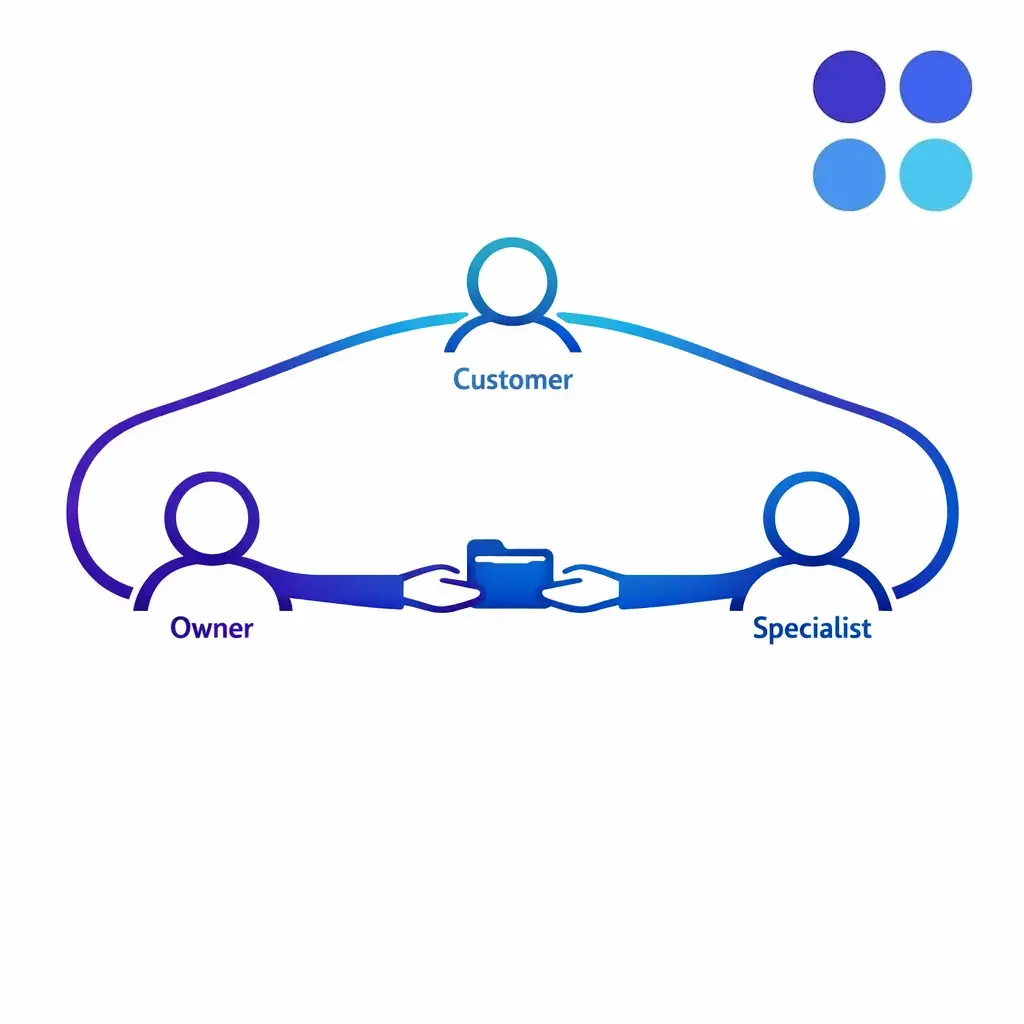
The best handoffs are explicit. The agent explains what happens next, names who owns the case, and either completes a warm transfer live or schedules a callback with a firm window and documented context.
There is no single call center support model that works for every enterprise team. The right design depends on channel mix, demand shape, issue complexity, compliance requirements, and whether your internal specialists can realistically cover every queue at every hour.
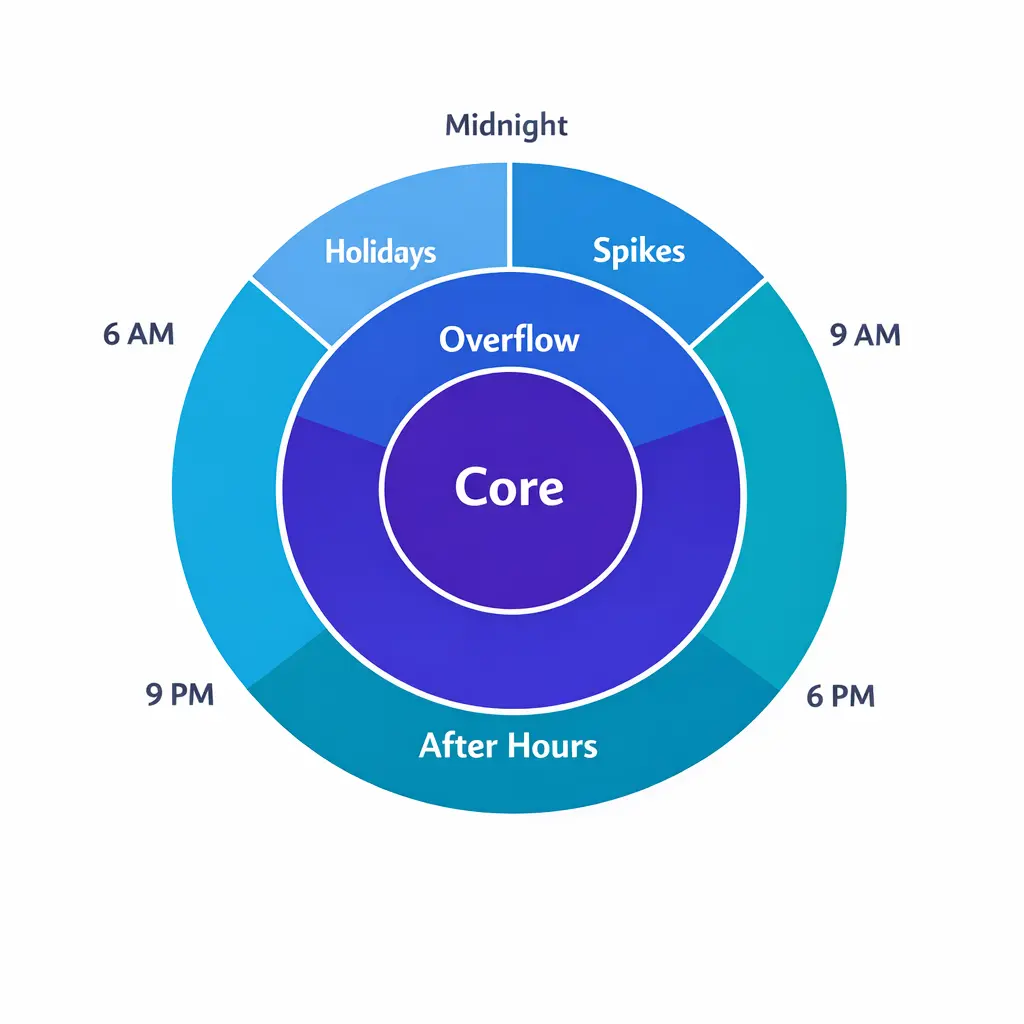
Define queue ownership by hour, not just by team. Many support failures happen because everyone assumes someone else is watching the channel during lunch gaps, evenings, and after-hours windows.
Real-time performance depends on routing just as much as staffing. If every issue lands in one general queue, fast agents still create slow outcomes because the wrong work reaches the wrong people.
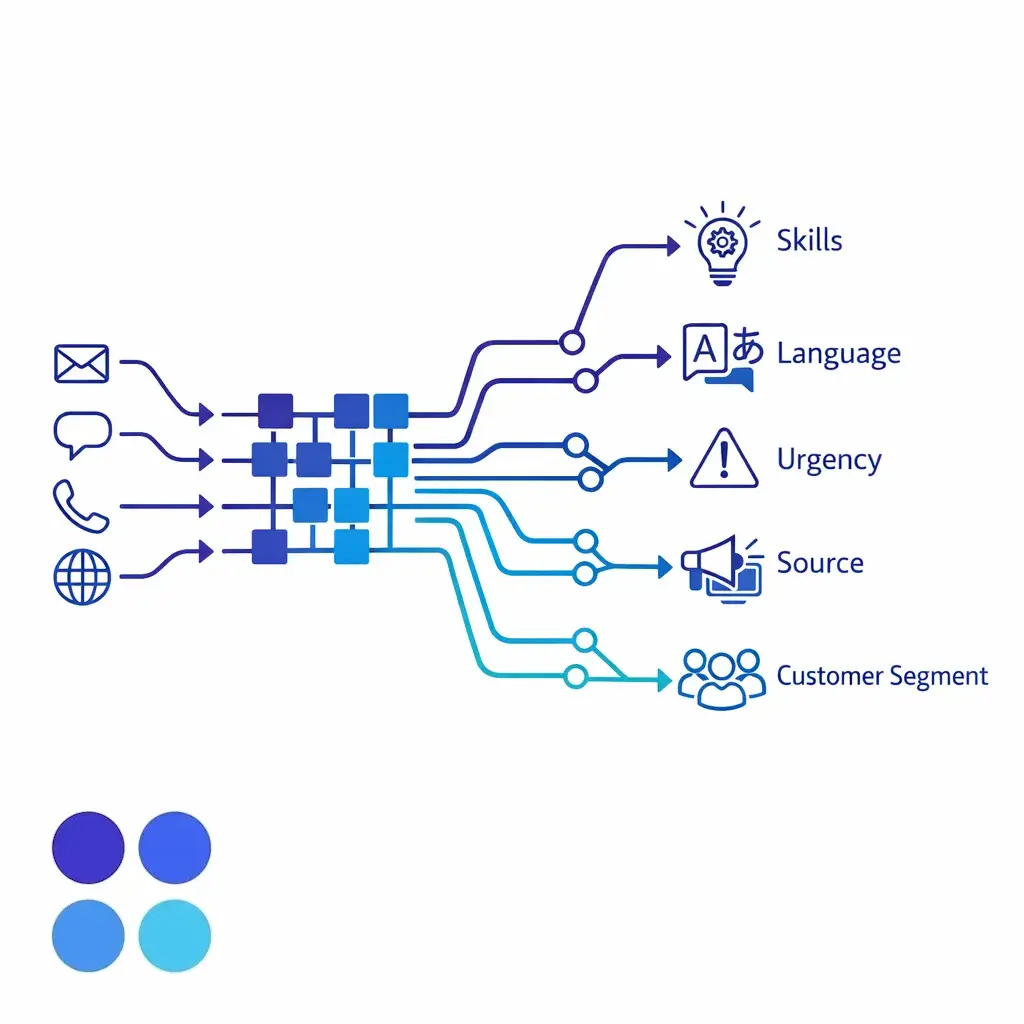
Good routing sorts by skills, language, urgency, source, and customer segment. Priority tiers, VIP logic, and specialist triggers matter most when the cost of delay is high or a conversation needs a different script or credential.
A service-level agreement gives the operation a written promise: what “fast” means, which queues are included, how response time is measured, and what happens if the target is missed. Without that definition, teams debate anecdotes instead of managing performance.
A good support SLA is channel-specific and priority-specific. It should distinguish between first response, time to resolution, and escalation ownership. It should also state whether the clock pauses during customer wait time, specialist dependency, or after-hours periods.
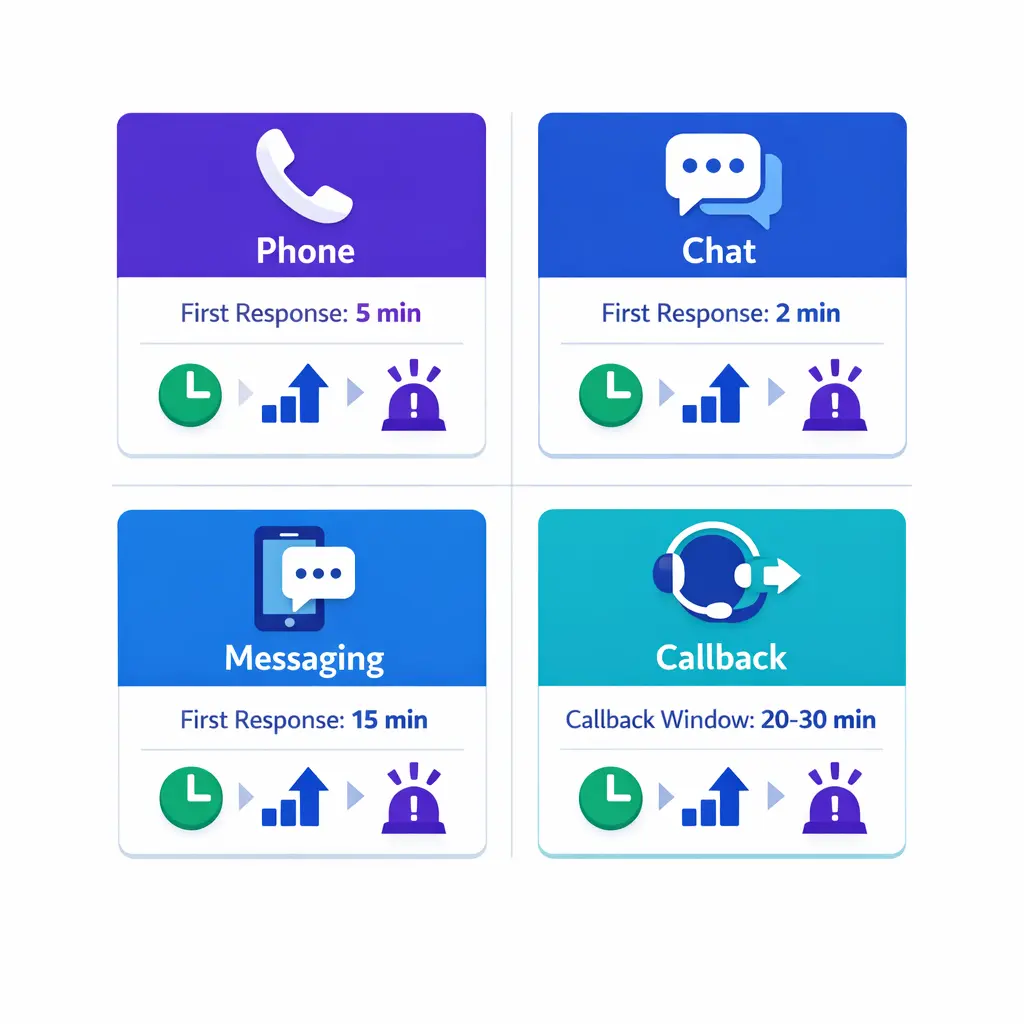
Fast first response means little if the case stalls after triage. That is why escalation paths need the same level of design as front-line queues.
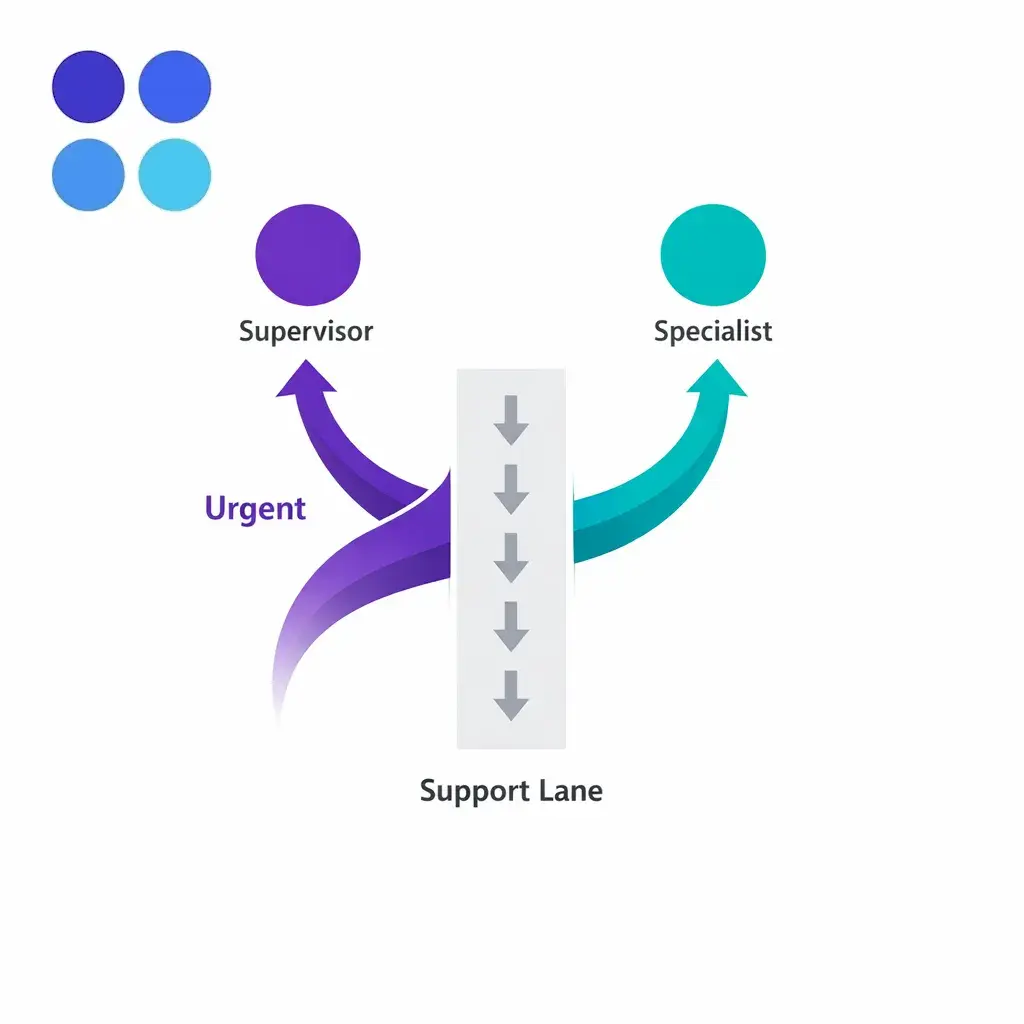
Define when agents use a warm transfer, when to assign a callback, and when supervisors step in. If a case involves revenue risk, patient sensitivity, or legal urgency, the exception path should be obvious and rehearsed.
Real-time customer support should feel fast, but it also has to feel dependable. That means quality assurance cannot live only in periodic audits. It needs to be tied to live operations, with regular review of calls, chats, dispositions, and missed escalations.
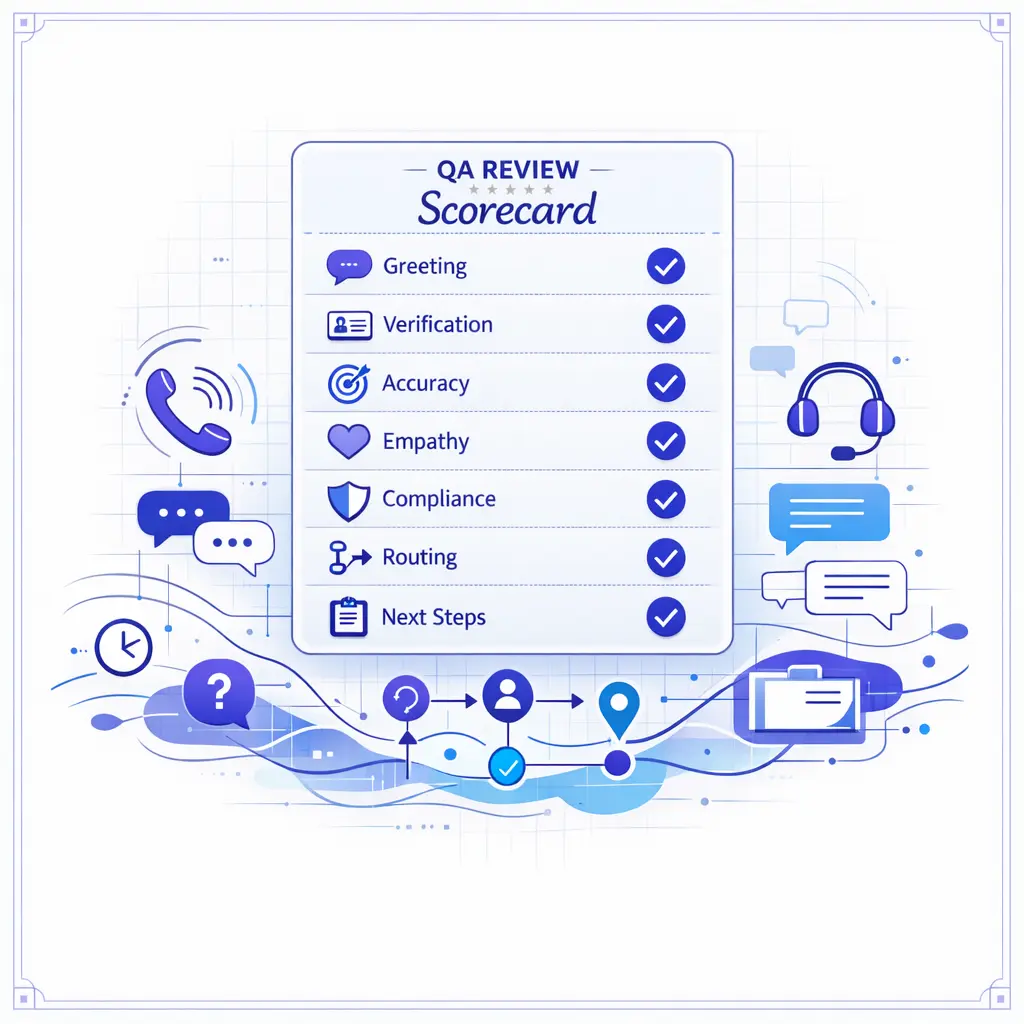
Effective QA scorecards focus on what drives outcomes: greeting and verification, intake accuracy, script adherence, empathy, compliance language, correct routing, and next-step clarity. Calibration keeps everyone scoring the same behavior the same way.
Speed rises when agents do not have to improvise. A current knowledge base, channel-specific scripts, and decision trees reduce handling time while making answers more consistent across shifts and locations.
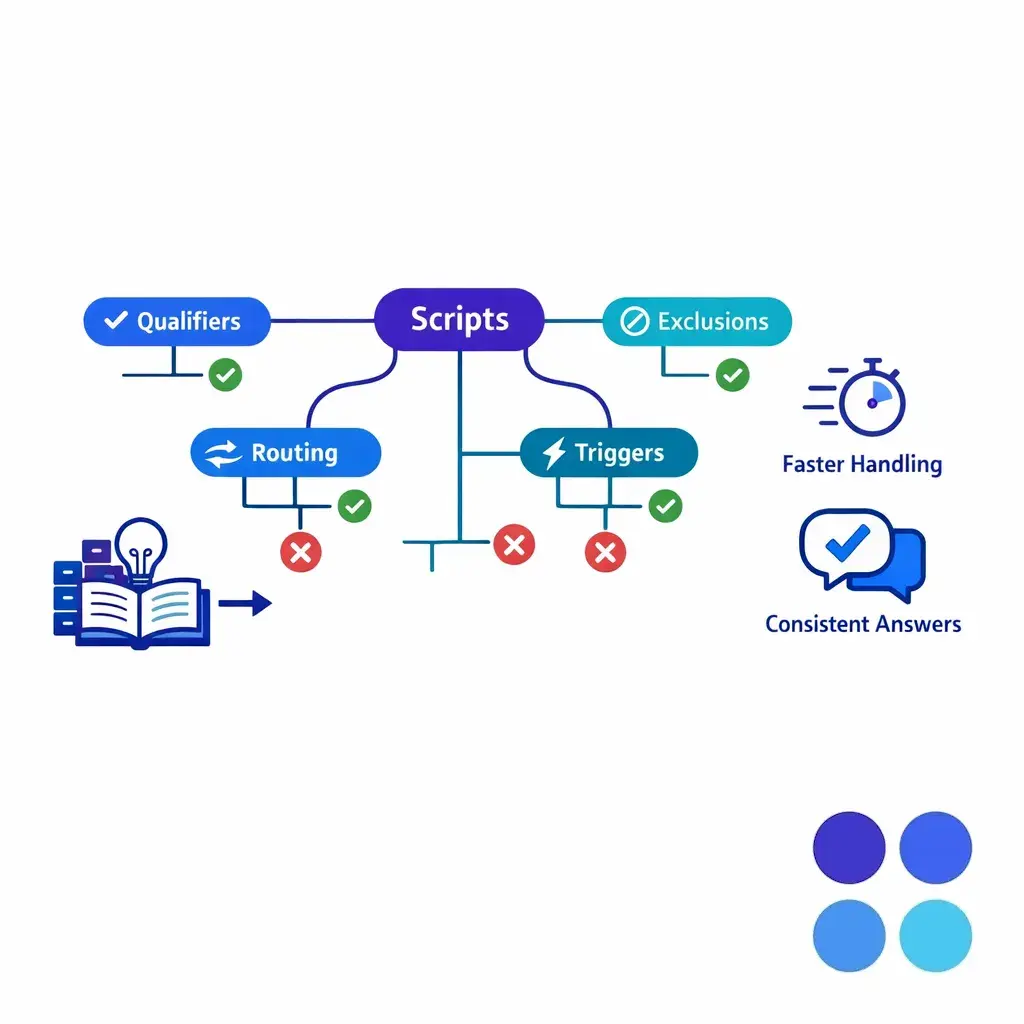
For intake-heavy teams, scripts should not be generic. A decision tree should capture the exact fields, qualifiers, exclusions, and escalation triggers that determine whether a case is accepted, routed, or deferred.
Automation can improve real-time support when it removes friction instead of replacing judgment. Good uses include suggested replies, guided intake, auto-tagging, summaries, callback creation, and knowledge prompts that help agents move faster without skipping required steps.
If you use AI agent assist, put governance around it and maintain human oversight consistent with the NIST AI Risk Management Framework. High-risk interactions still need review rules, escalation controls, and clear limits on what automation can say or decide.
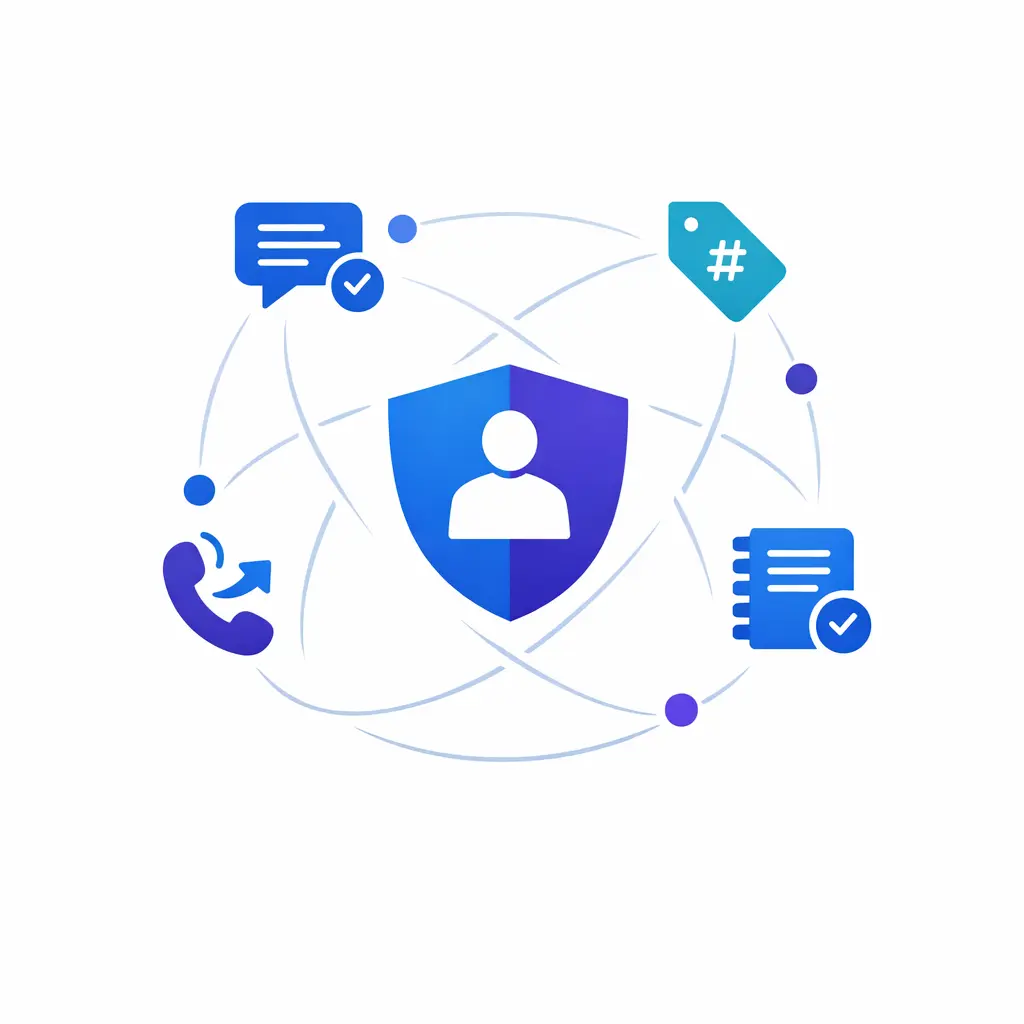
Keep automation inside guardrails. Let tools assist agents — suggested replies, summaries, auto-tagging — while a human stays clearly in control of high-risk decisions and required compliance steps.
You do not know whether real-time support is succeeding until you measure more than speed. Fast answers that create repeat contacts, bad routing, or poor intake quality are expensive.
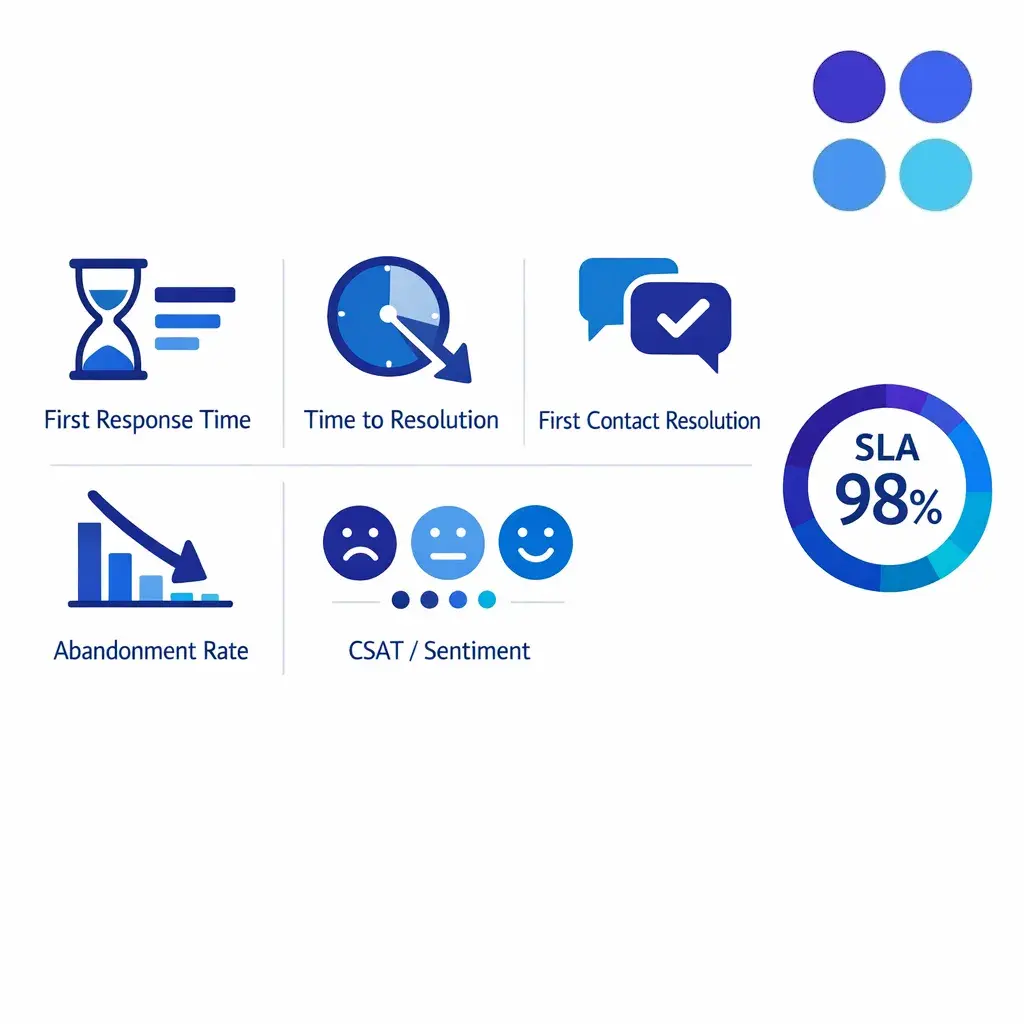
A practical KPI review also separates staffed-hours performance from after-hours performance. A queue can look healthy in the aggregate while still failing the exact windows that matter most, such as evenings, lunch gaps, Monday spikes, or campaign-driven surges.
Glossary note: 24/7 support means coverage is available around the clock. It is not automatically the same as real-time support. The operation still needs response targets, routing rules, and quality controls to turn coverage into a reliable customer experience.
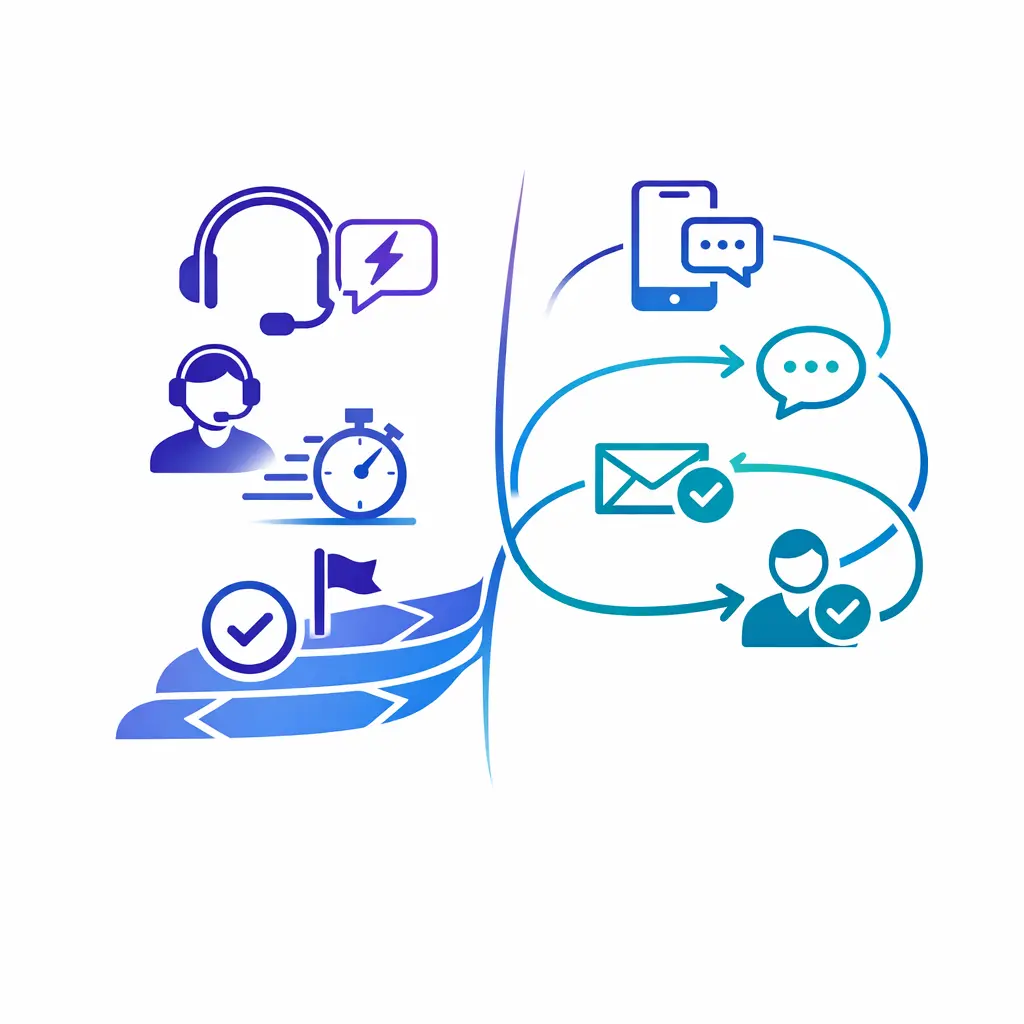
Real-time and omnichannel are related but not the same. One is about immediacy; the other is about preserving context as a customer moves across channels. Enterprise teams need both working together.
These terms overlap, but they are not identical. Real-time support is about immediacy. Omnichannel customer service is about preserving context across channels so a customer can move from chat to phone to follow-up without repeating the story each time.
In practice, enterprise teams need both. A live answer gets the conversation started, but omnichannel customer support is what keeps the interaction coherent as it moves across queues, teams, and systems. That is especially important for multi-step intake, specialist callbacks, and after-hours follow-up.
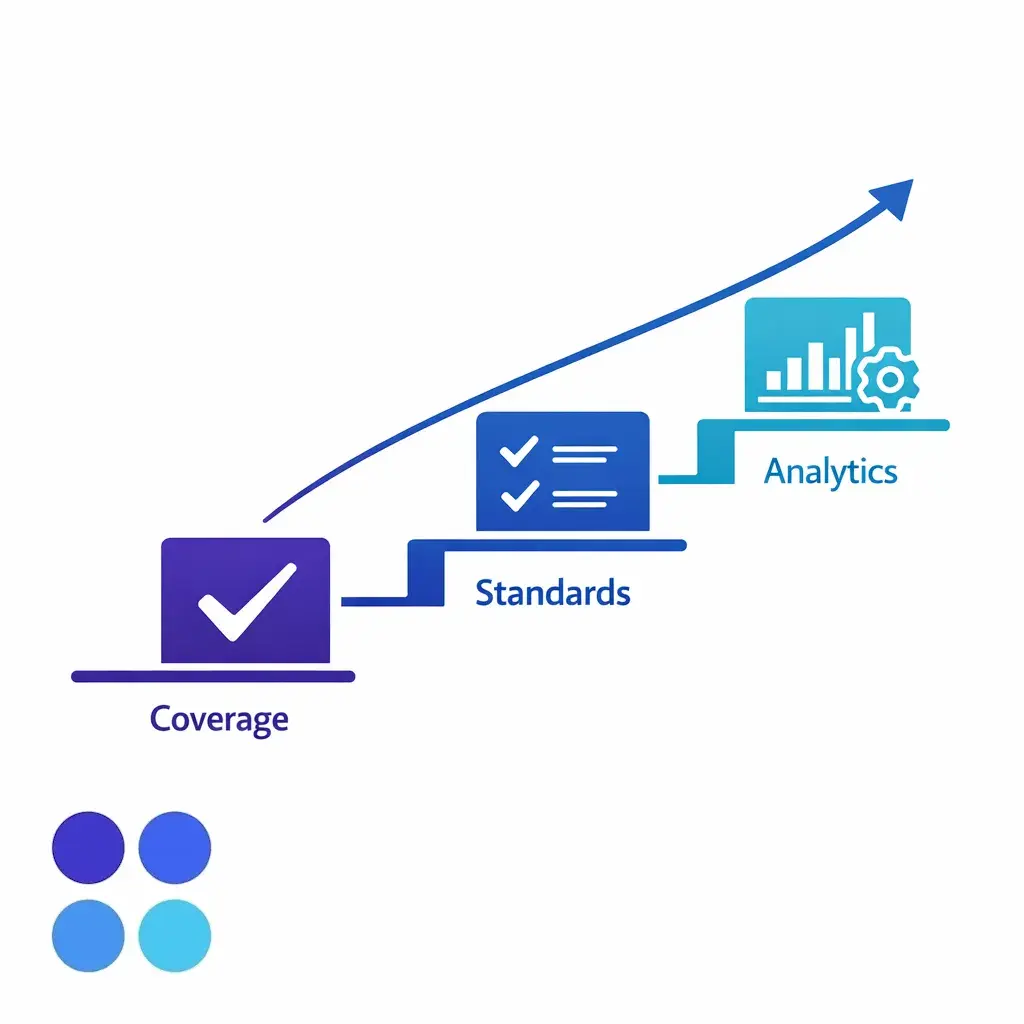
You do not need every channel, every hour, on day one. A phased rollout — critical coverage first, then standards, then advanced analytics — prevents overbuilding while you prove the core service model.
The best enterprise customer support programs usually start narrower than teams expect. You do not need to launch every channel, every hour, for every issue on day one.
This is often where a blended model helps. Teams keep high-complexity or licensed work in-house while using a partner such as Go Answer for overflow, after-hours, or first-line intake support that needs speed, consistency, and scalable coverage.
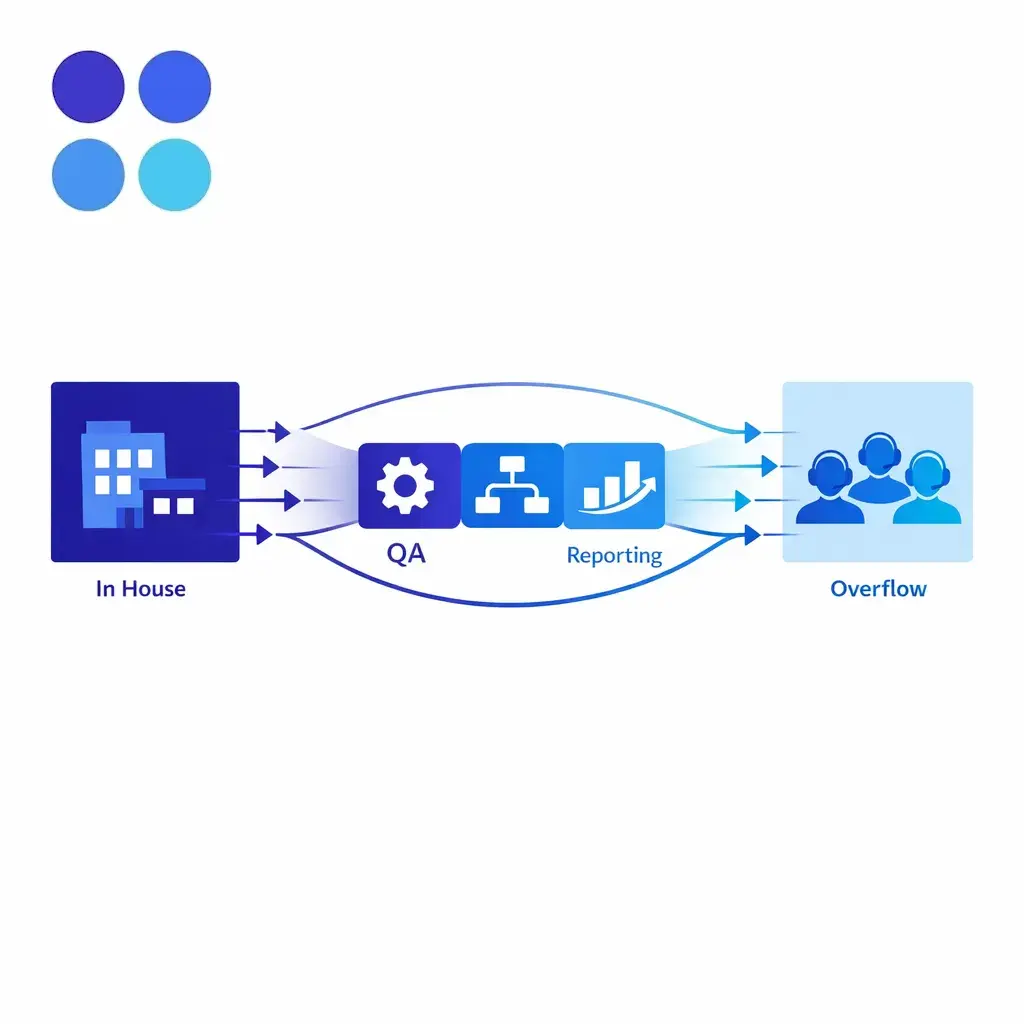
You can build dependable real-time coverage without starting from scratch. A blended model keeps internal teams on complex work while a partner adds scalable, consistent coverage for overflow, after-hours, and first-line intake.
Real-time support is live or near-live customer help delivered while the customer is still engaged. It focuses on immediate acknowledgment, triage, and next-step control, even when full resolution requires escalation.
No. Twenty-four-hour coverage only tells you when support is available. Real-time support describes how quickly the team engages, how it routes the issue, and whether the experience moves forward without delay.
A good response time is one that matches the urgency of the issue and the promise of the channel, then gets met consistently. Critical voice and high-intent chat queues usually need very fast engagement, while lower-priority messaging can allow a slightly longer window if expectations are clear.
In plain terms, a support SLA is the documented promise behind the service model. It defines response targets, scope, ownership, measurement rules, and what happens when a request needs escalation or falls outside the normal workflow.
Phone, live chat, messaging, SMS, monitored social direct messages, and rapid callback workflows can all count as real-time customer support. The deciding factor is not the channel label. It is whether the team actively monitors the queue and responds within a defined live-service expectation.
If you need real-time customer support without building every queue from scratch, Go Answer can help you design coverage around your actual workflows: intake quality, after-hours handling, overflow protection, escalation paths, and QA consistency. If you are comparing models, request pricing or book a discovery call.

Learn why thousands of companies rely on Go Answer.
Try us risk-free for 14 days!
Enjoy our risk-free trial for 14 days or 200 minutes, whichever comes first.
Have more questions? Call us at 888-462-6793
Learn why thousands of companies rely on Go Answer.
Have more questions? Call us at 888-462-6793
If you would like to get in contact with a Go Answer representative please give us a call, chat or email.

Thanks for your interest!
A representative will be reaching out to you shortly.
Have more questions? call us on 888-462-6793
